
Project Overview
ReflexX is a modern full-stack gaming platform built using the MERN Stack – MongoDB, Express.js, React, and Node.js.
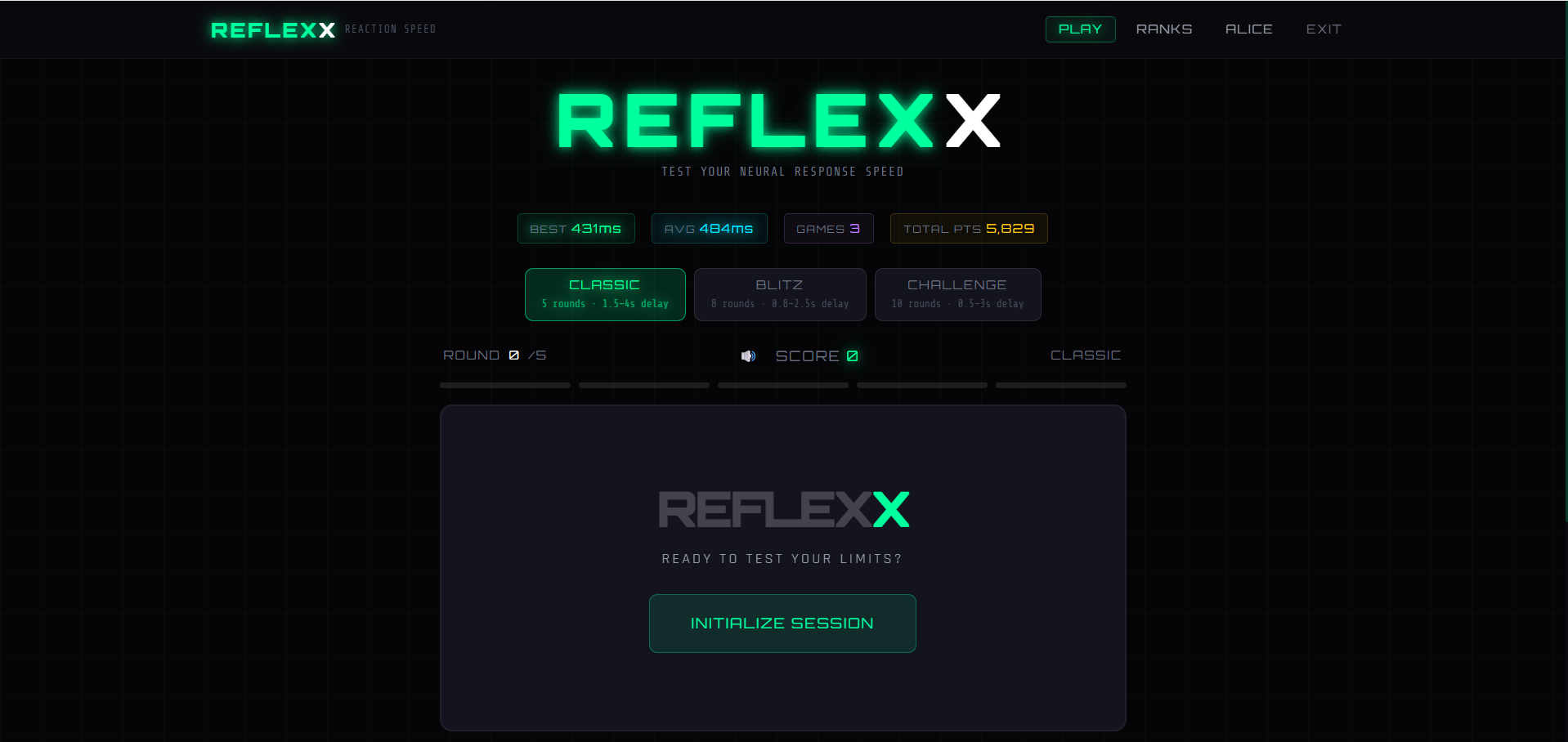
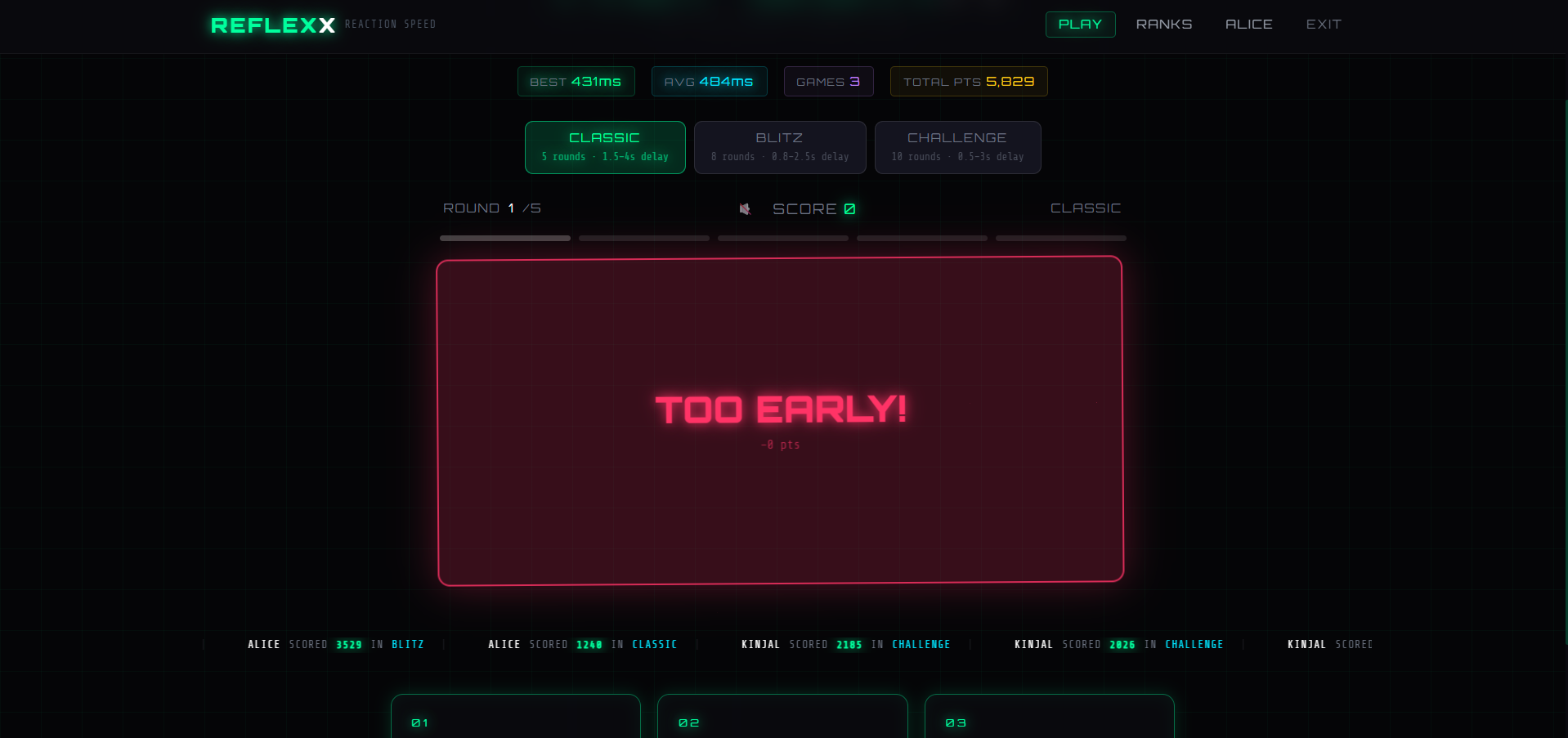
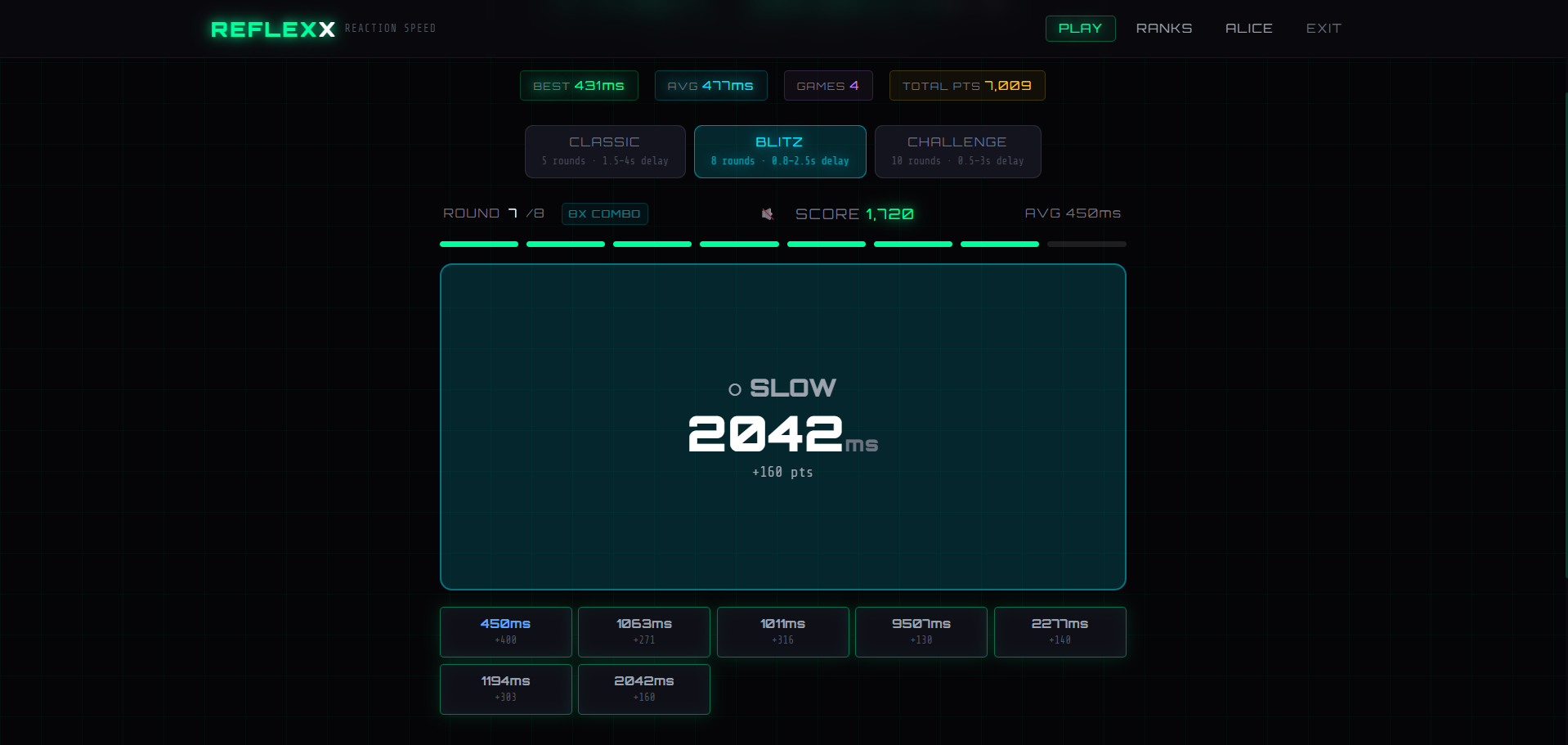
The application is designed to test and improve users’ reaction speed through interactive gameplay and real-time performance tracking. It features a high-quality cyberpunk-themed UI, advanced reaction logic, score tracking, and leaderboard systems.
Players can compete globally, analyze their performance statistics, and improve focus, reflexes, and cognitive response time.
Screenshots
Key Features
- Multiple game modes (Classic, Blitz, Challenge)
- Real-time reaction speed testing
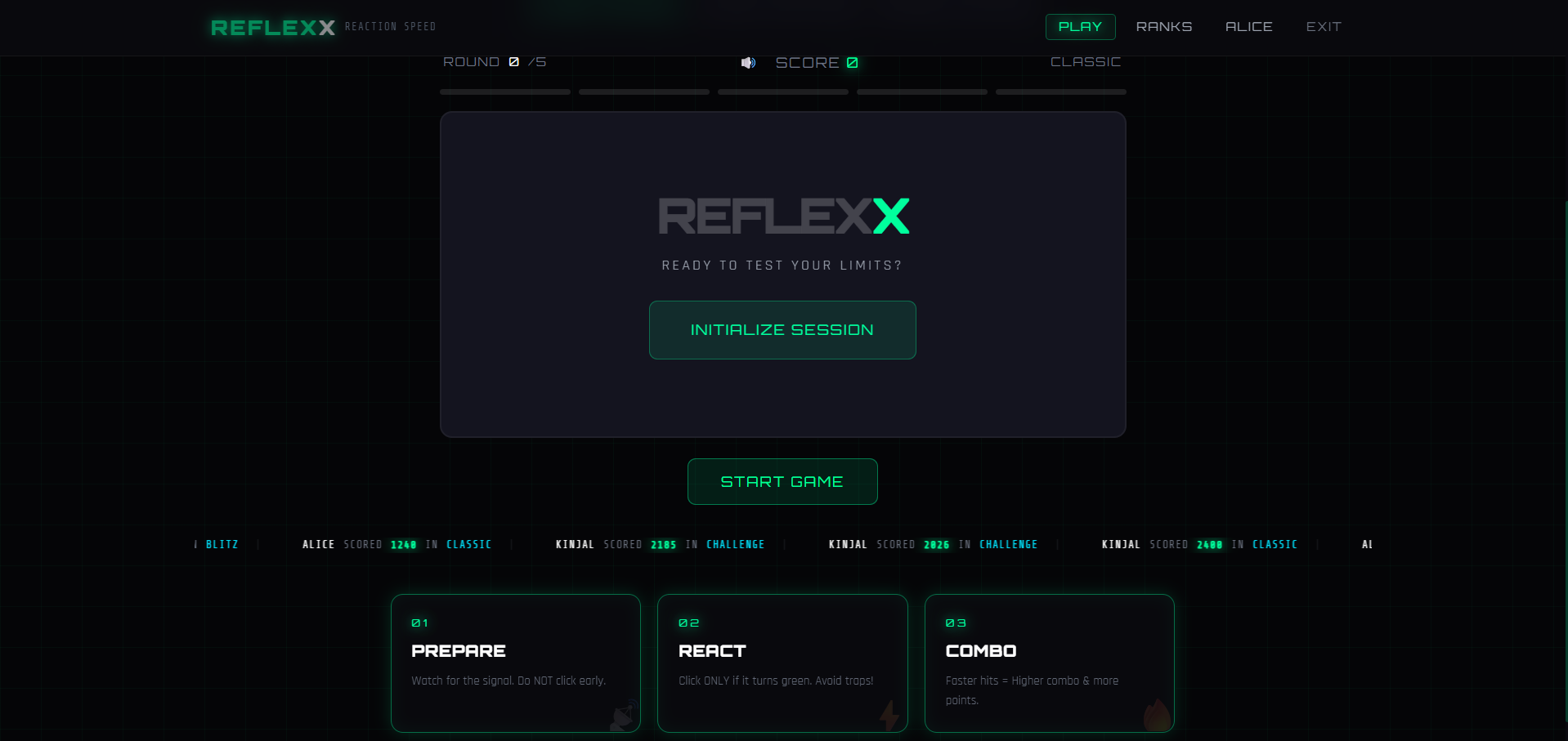
- Advanced “Trap Color” logic system
- Combo and score multiplier system
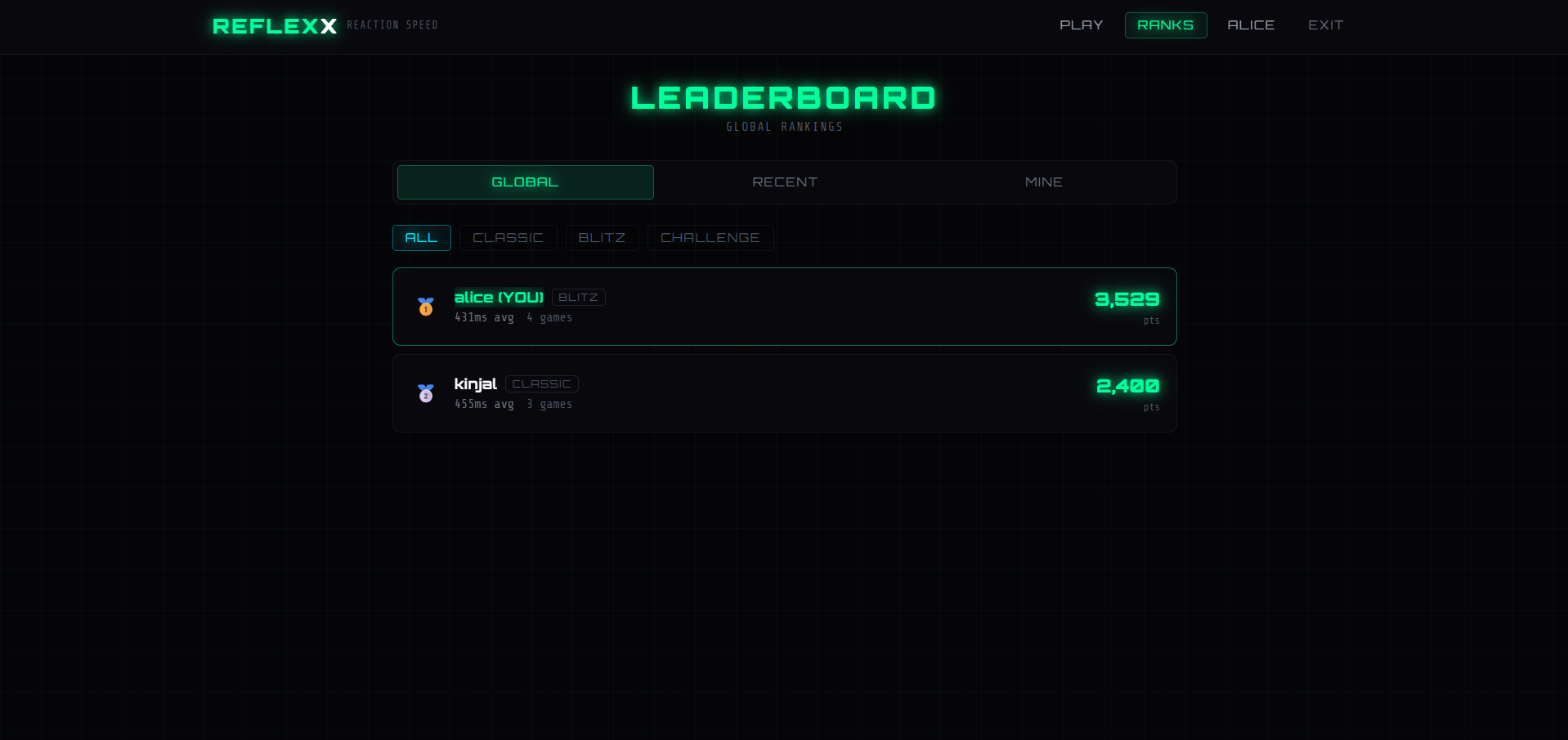
- Global leaderboard and activity feed
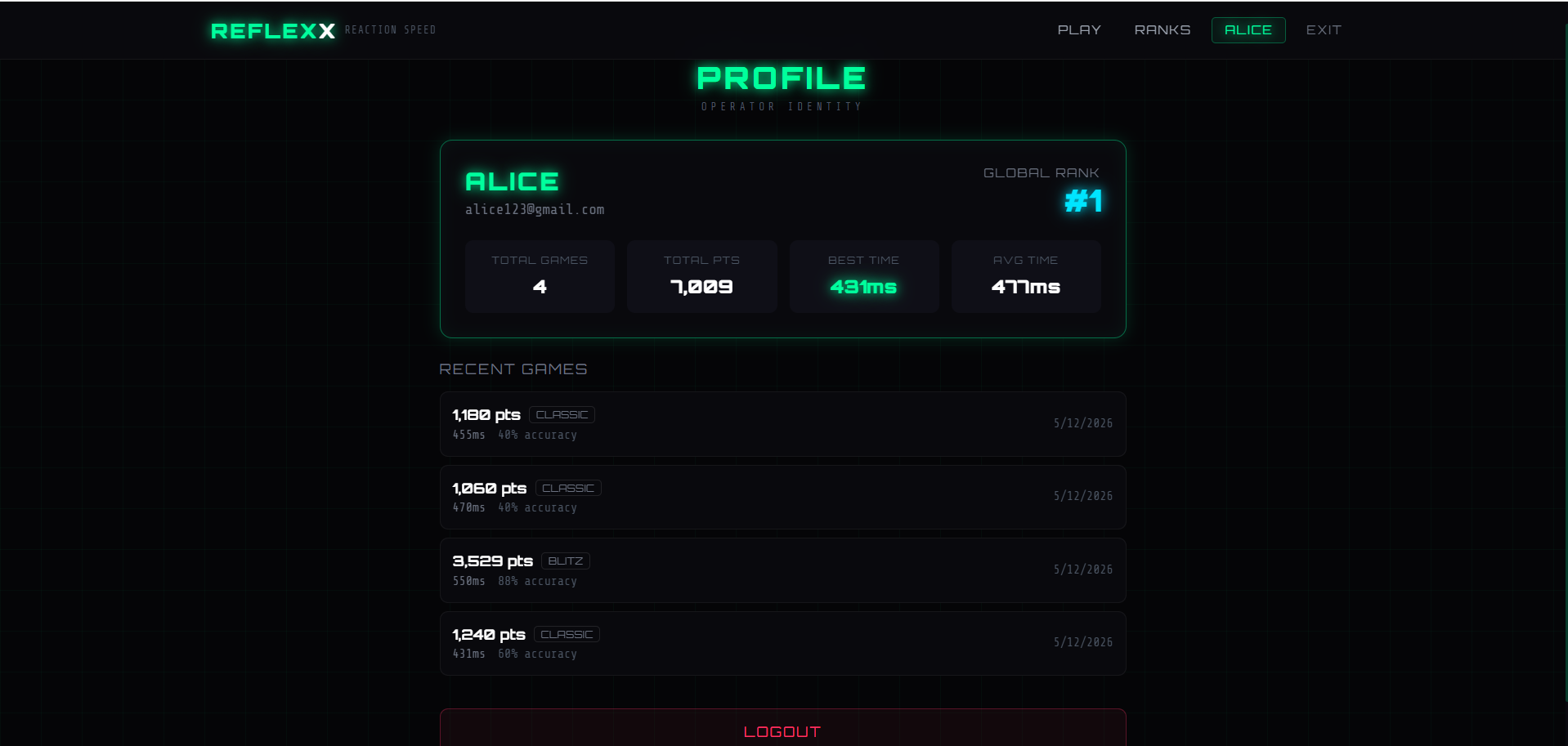
- User profile analytics and performance tracking
- Cyberpunk-inspired responsive UI
- Smart audio effects with mute/unmute support
- Fully responsive for desktop, tablet, and mobile
Functionaliy
- User Authentication
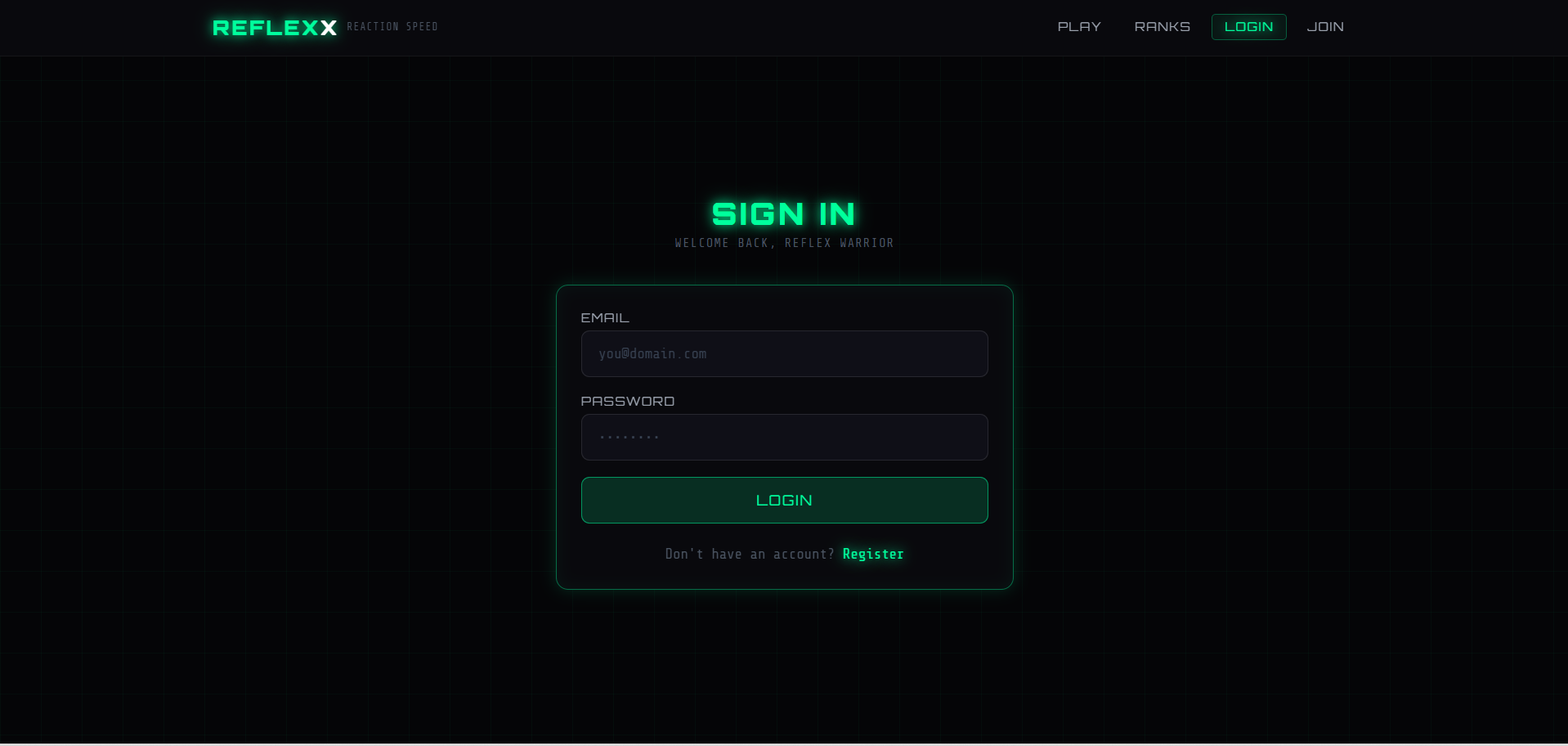
- Users can register and log in securely
- JWT authentication manages user sessions
- Passwords are encrypted using Bcrypt
- Reaction Gameplay
- Random color signals appear on screen
- Users must react only to valid target colors (Green)
- Trap colors test focus and decision-making speed
- Score System
- Faster reactions give higher scores
- Consecutive successful hits increase combo multipliers
- Different reaction levels:
- Perfect
- Great
- Good
- OK
- Slow
- Real-Time Leaderboard
- Scores are stored in MongoDB
- Leaderboard updates dynamically
- Global rankings are displayed instantly
- Profile Analytics
- Users can view:
- Best score
- Average reaction time
- Match history
- Global rank
Technology Used
- Frontend
- React
- Vite
- Tailwind CSS
- Context API & React Hooks
- Web Audio API
- LocalStorage
- Backend
- Node.js
- Express.js
- Database
- MongoDB
- Mongoose
- Authentication
- JWT Authentication
- Bcrypt Password Encryption
Why This Project Is Useful
- Helps users improve:
- Reaction speed
- Focus and concentration
- Cognitive decision-making
- Useful for:
- Competitive gamers
- Athletes
- Reflex training and performance tracking
- Good project for learning:
- Full-stack MERN development
- Real-time UI updates
- Authentication systems
- Advanced frontend animations
- Game logic implementation
- Strong portfolio project with real-world functionality
Deployment and Environment Setup
- Environment Variables Setup:
- backend/.env
- PORT: 3000
- MONGO_URI: mongodb_url_string
- JWT_SECRET: your_jwt_secret_key_here (if needed)
- frontend/.env
- VITE_API_URL: backend_url
- backend/.env
- Deployment Overview:
- Render or Railway for backend hosting
- Vercel or Netlify for frontend hosting
- MongoDB Atlas for the database
- Backend Deployment:
- Push your code to GitHub.
- Go to Render.com or Railway.app.
- Create a new Web Service and connect your GitHub repository.
- Choose “backend/” as the root directory.
- Add the following environment variables on Render:
- PORT=10000
- MONGO_URI=your MongoDB Atlas URI
- JWT_SECRET=your JWT secret
- Start command: npm start (Ensure your backend/package.json includes “start”: “node server.js”)
- After deployment, note your backend URL, e.g. https://your-backend-name.onrender.com
- Frontend Deployment:
- Go to Vercel.com or Netlify.com.
- Create a new project and connect the GitHub repo.
- Select the “frontend/” folder as root.
- In environment variables, set:
- VITE_API_URL=https://your-backend-domain.com/api (or REACT_APP_API_URL if using CRA)
- Deploy.
- MongoDB Atlas Setup:
- Go to https://cloud.mongodb.com
- Create a free cluster.
- Add your current IP address in Network Access.
- Create a database user and password.
- Copy the connection string and replace username, password, and database name in MONGO_URI in backend/.env
Download Source Code
Project Setup Instructions
Note: This project is for educational purposes only. Not for commercial sale.


