
Project Overview
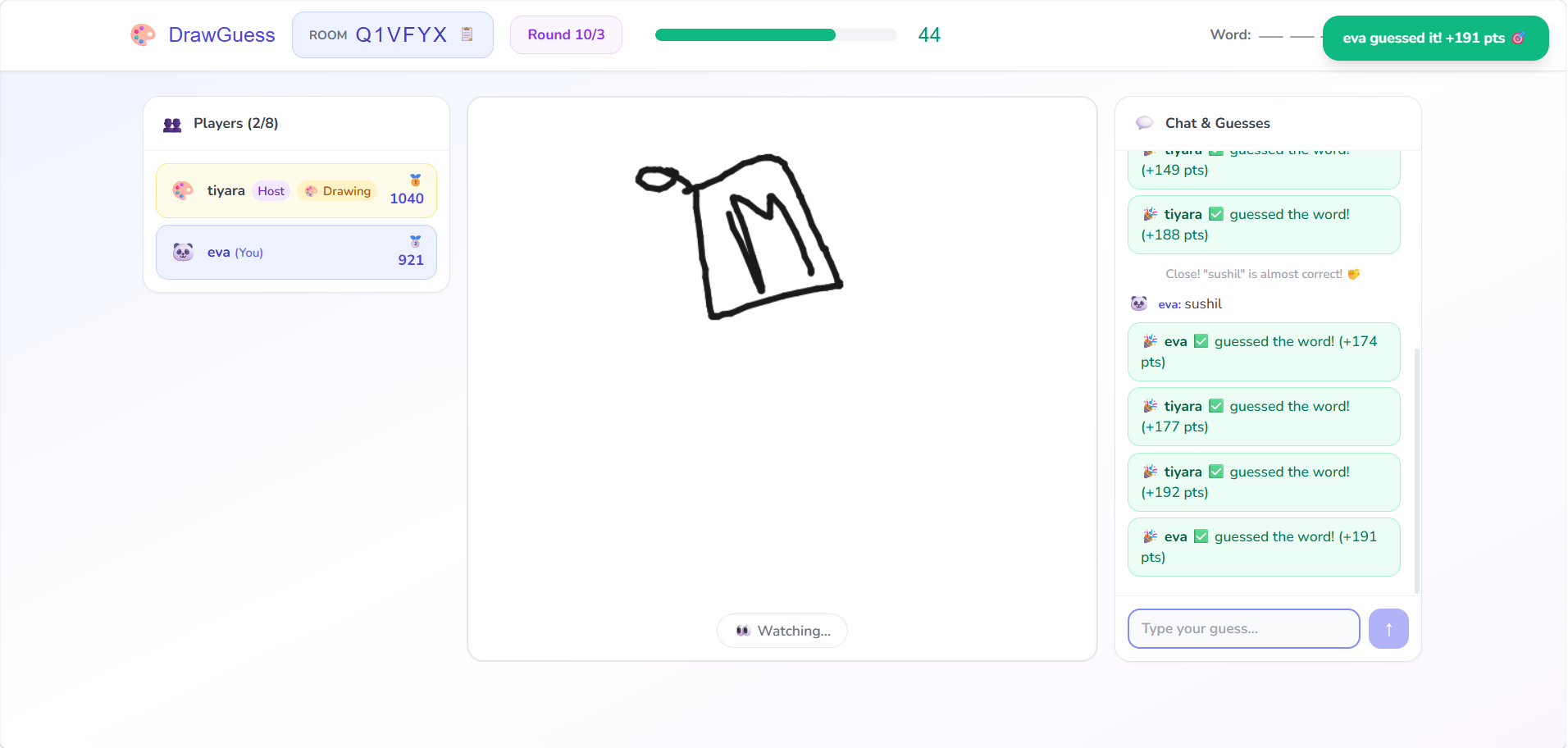
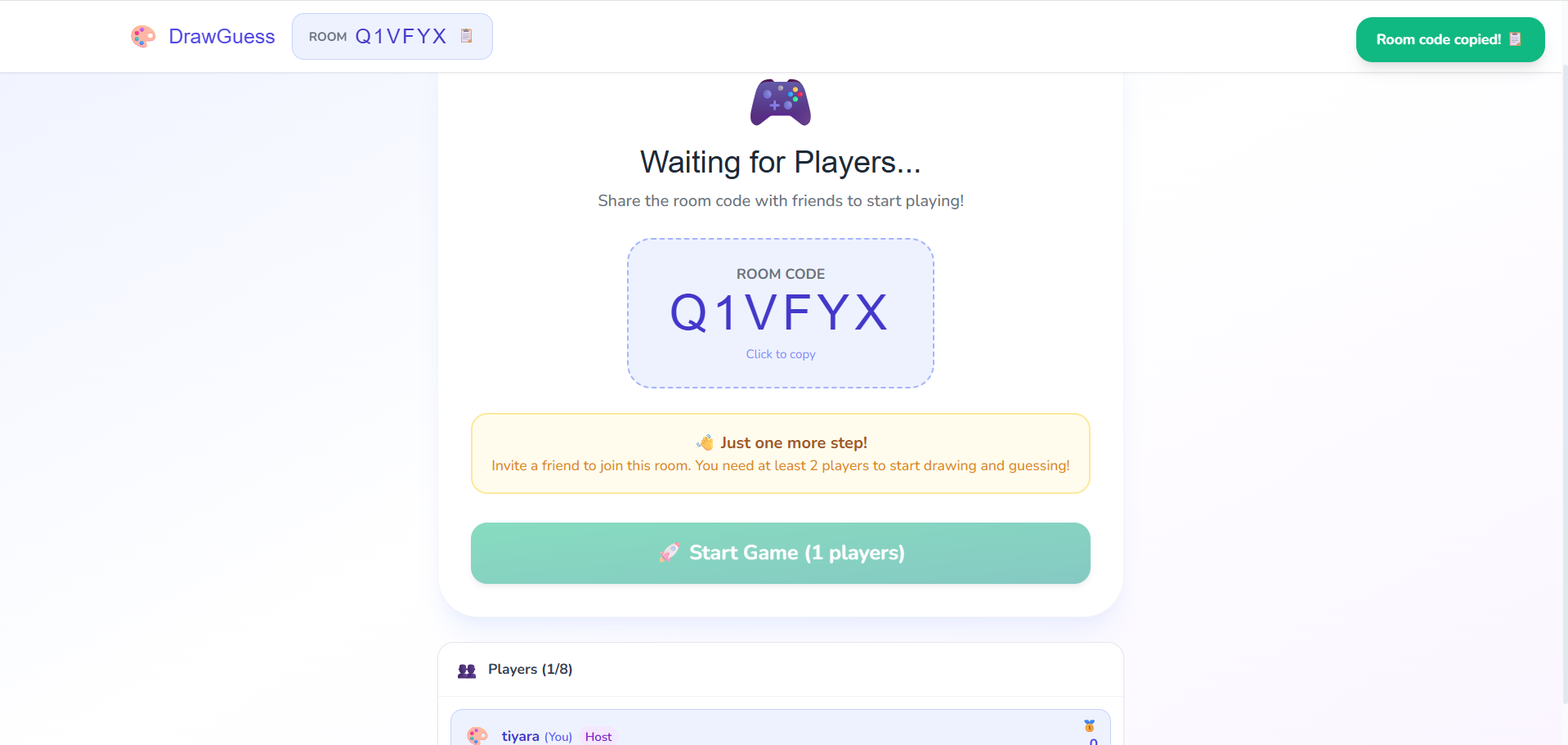
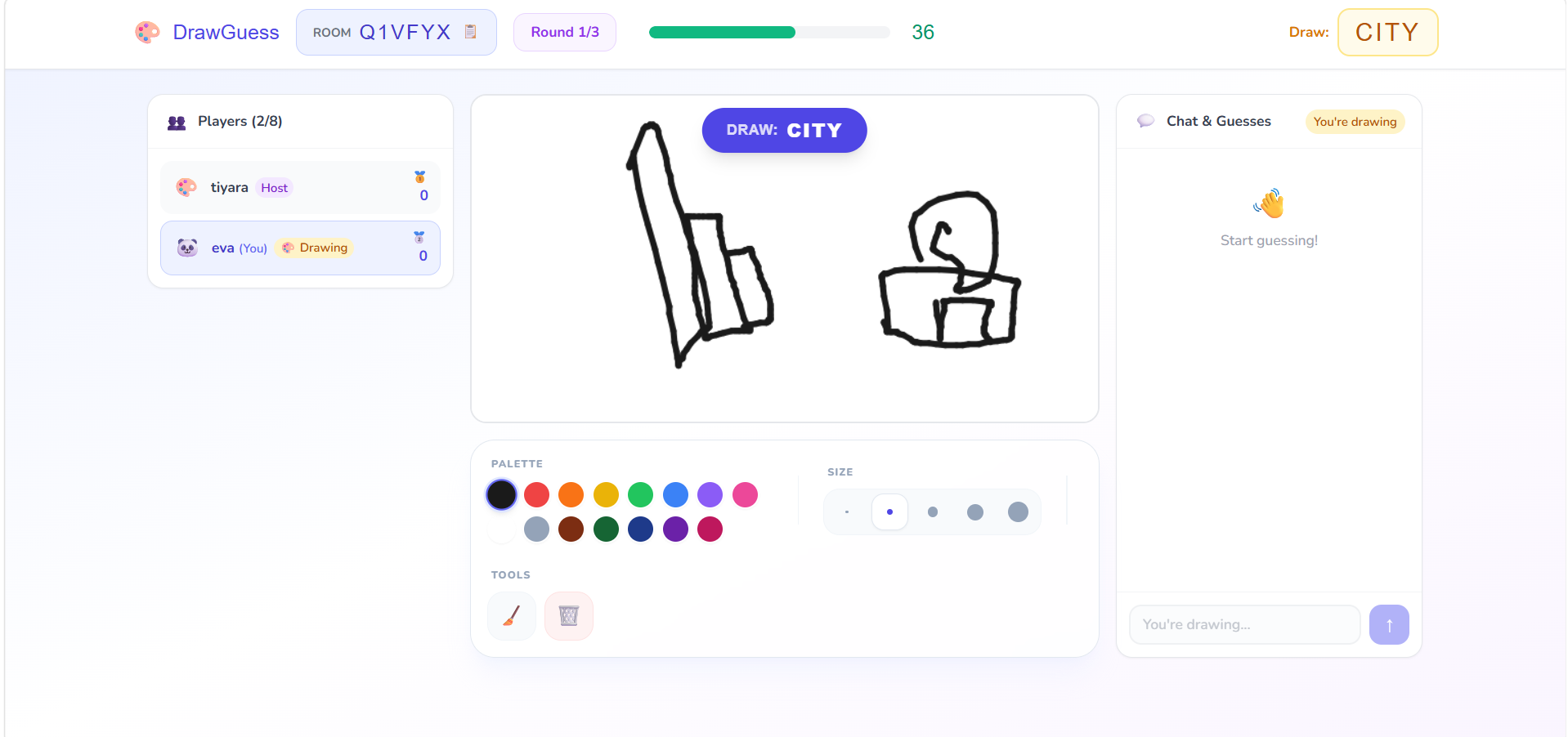
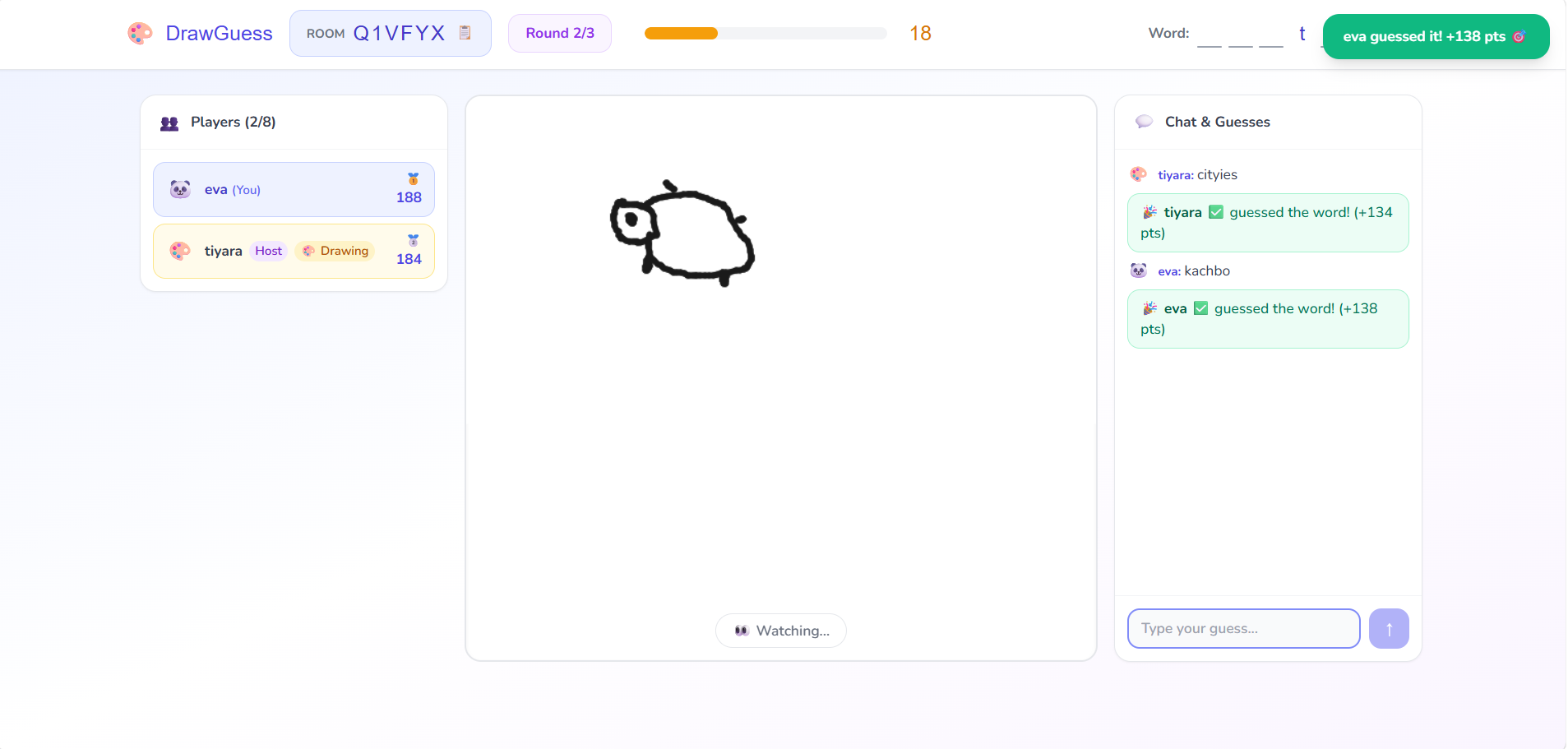
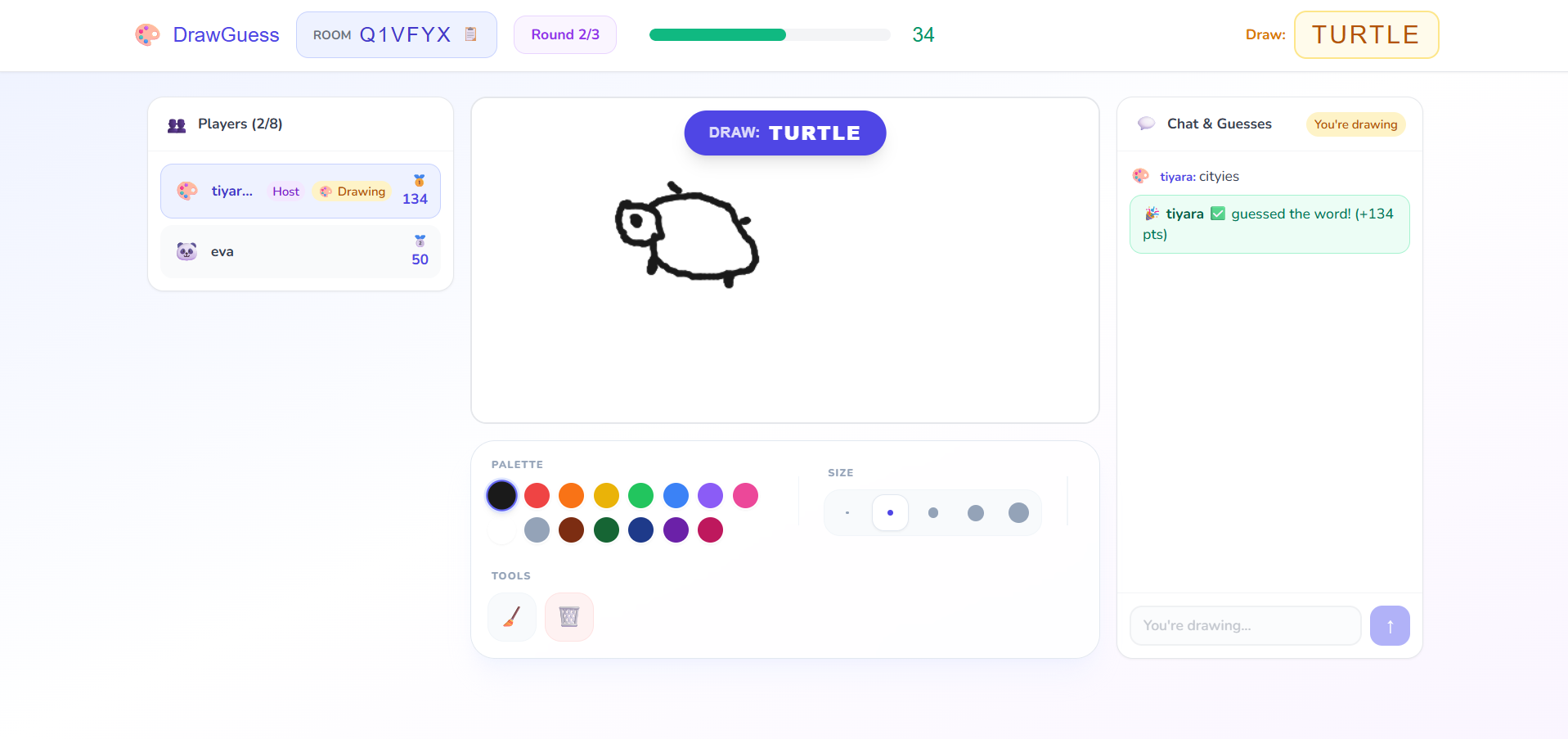
DrawGuess is a real-time, interactive multiplayer drawing and guessing game inspired by Skribbl.io. It allows players to join virtual rooms where one person draws a chosen word while others compete to guess it in the shortest time possible. The game features a dynamic turn-based system, high-end aesthetics, and synchronized real-time interactions.
Screenshots
Key Features
- Real-Time Multiplayer: Seamless interaction between players using Socket.io for instant drawing and chat updates.
- Dynamic Turn System: Automatic rotation of drawers and rounds with custom time limits.
- Smart Word Recognition: A robust guessing engine that ignores capitalization, spaces, and special characters to ensure fair play.
- Premium UI/UX: A high-end glassmorphic design with custom pencil cursors, vibrant color palettes, and smooth animations.
- Audio Feedback System: Integrated sound manager for success chimes, notifications, and interactive ticks.
- Reconnection Logic: State-aware architecture that allows players to refresh their browser and resume their turn without losing progress.
- Automatic Game Loop: Fully automated transitions from Word Selection -> Drawing -> Results -> Next Turn -> Victory.
Functionaliy
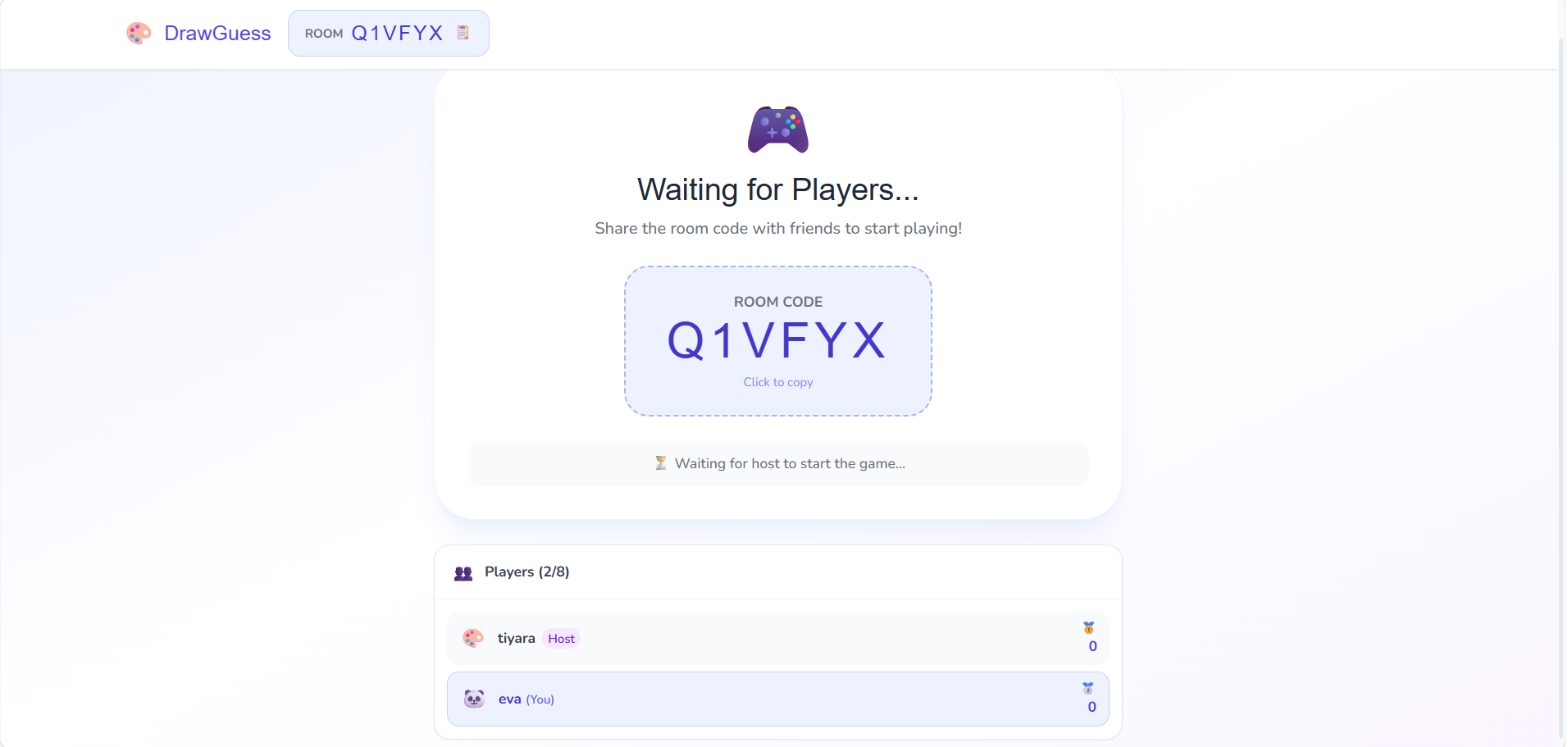
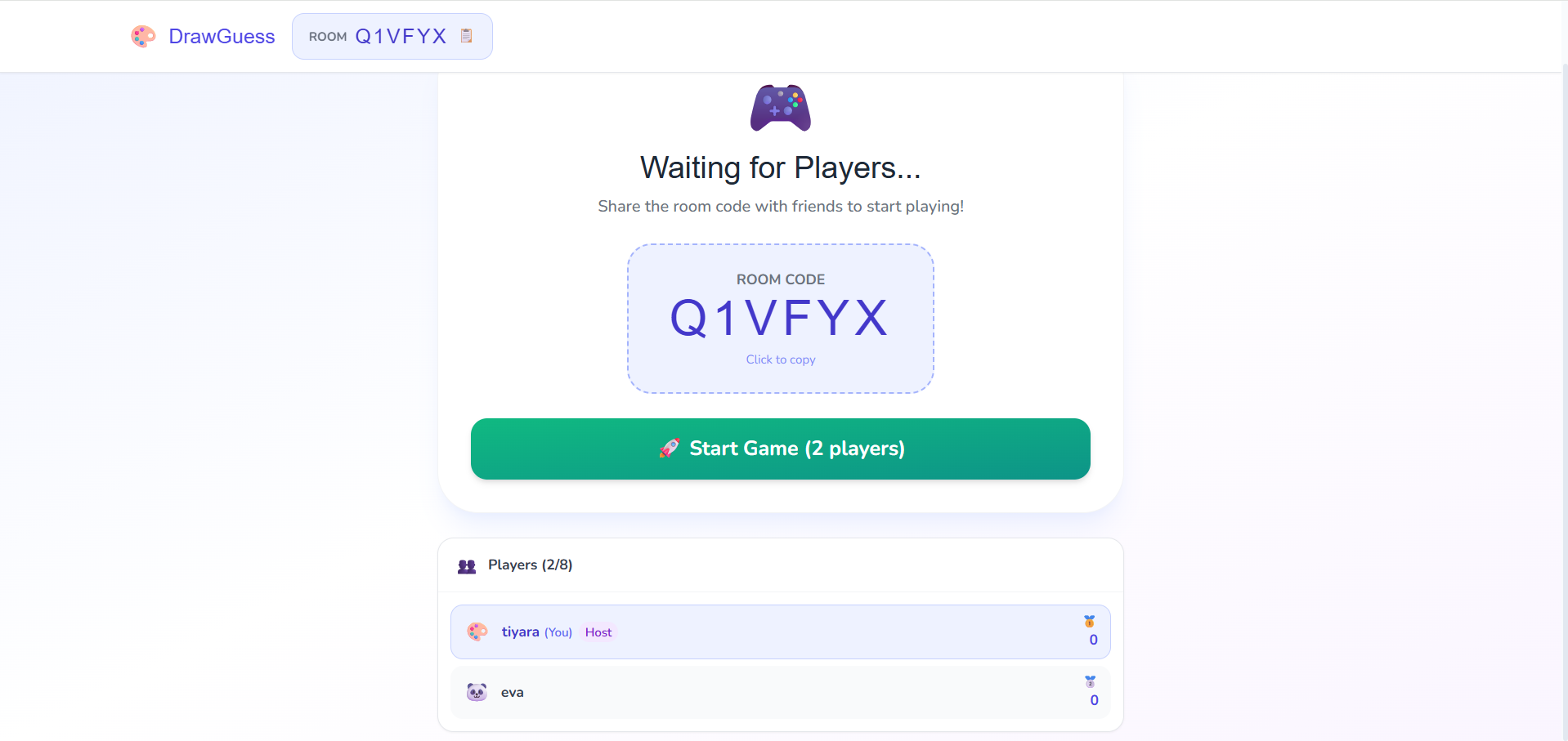
- Room Management: Users can create private arenas with custom round counts and time limits, or join existing ones using a unique 6-digit code.
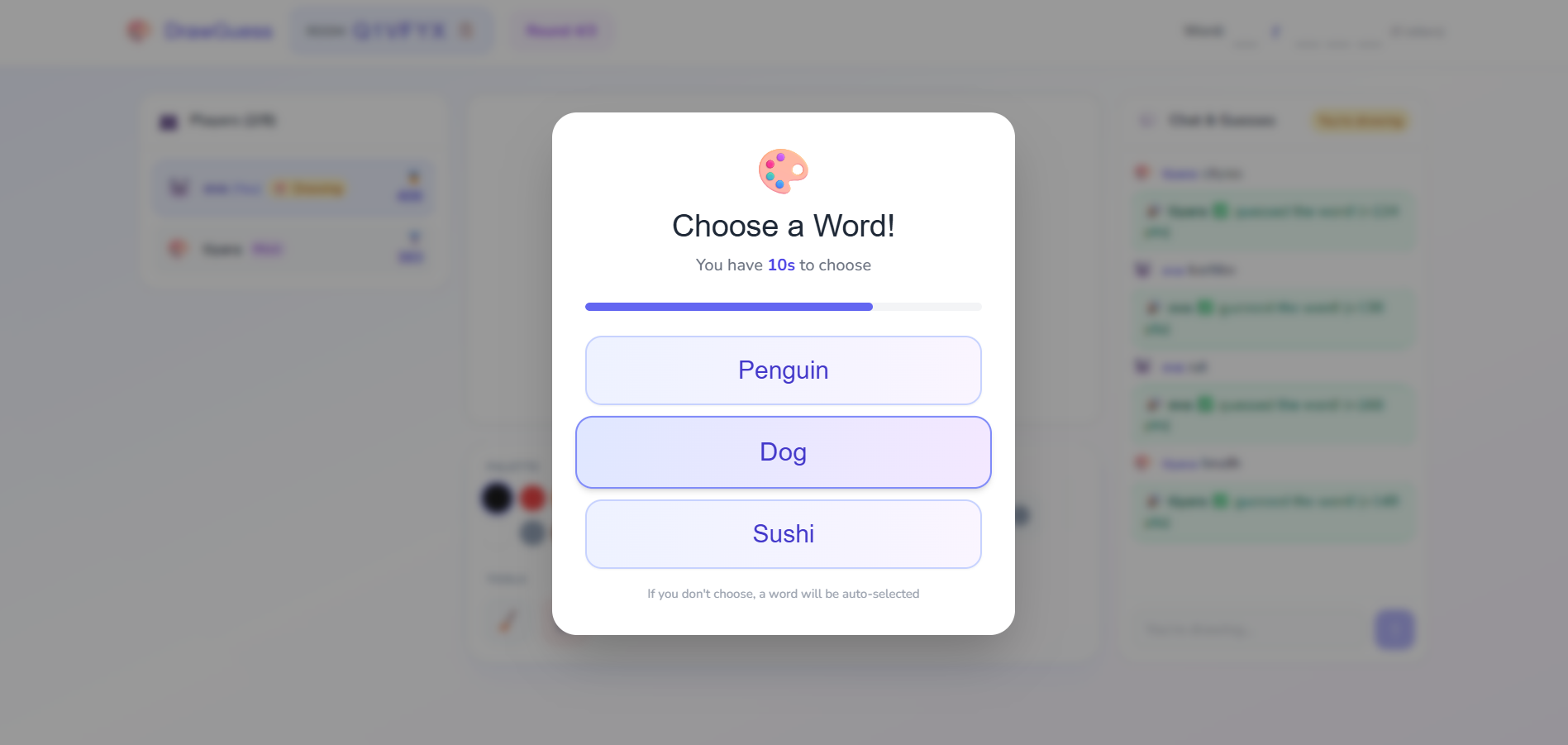
- Word Selection: Each turn, the drawer is presented with three random word choices. If they don’t pick within 10 seconds, the game auto-selects one to keep the pace fast.
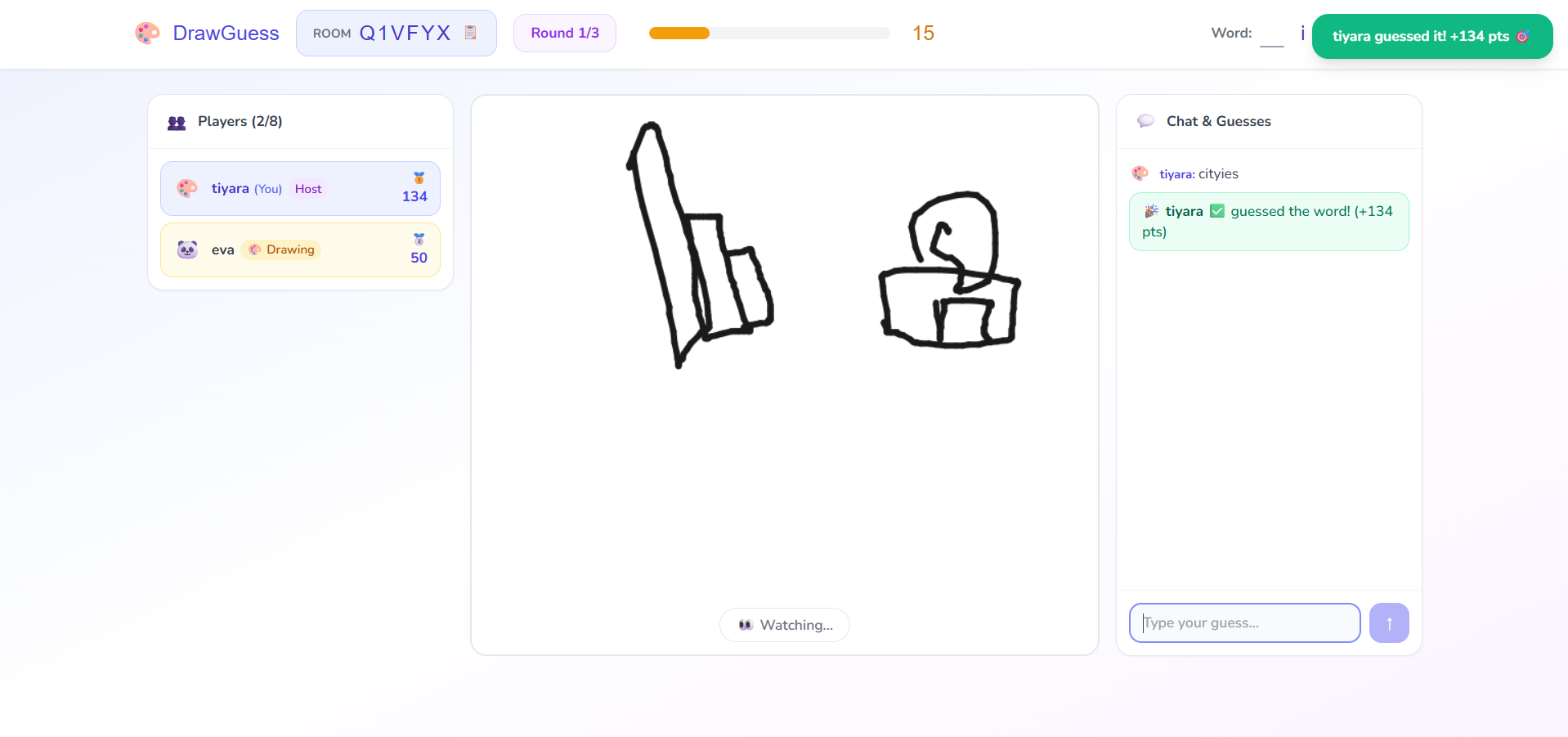
- Interactive Drawing: The drawer uses a professional toolkit (brushes, eraser, colors) to illustrate the word on a synchronized canvas.
- Competitive Guessing: Guesser participants type their answers in a real-time chat. The system calculates scores based on how quickly they identify the word.
- Hint System: As the timer runs down, the game automatically reveals letters of the secret word to help players who are struggling.
- Victory & Leaderboards: After the final round, a “Victory Screen” showcases the winners with a podium-style leaderboard before automatically resetting for the next match.
Technology Used
- Frontend: React.js (Vite), Tailwind CSS (Vanilla Styling), React Router v7.
- Backend: Node.js, Express.js.
- Real-Time Communication: Socket.io (WebSockets).
- Database: MongoDB with Mongoose (Room & Chat persistence).
- Utilities: Sound Manager (Web Audio API), Canvas API (for drawing logic).
Why This Project Is Useful
- Social Engagement: Provides a fun, interactive platform for friends and communities to connect virtually.
- Scalable Architecture: Demonstrates how to build complex, state-heavy real-time applications using the MERN stack.
- Educational Value: Serves as a perfect example of handling WebSocket events, MongoDB state persistence, and complex React state management.
Deployment and Environment Setup
- Environment Variables Setup:
- backend/.env
- PORT: 3000
- MONGO_URI: mongodb_url_string
- JWT_SECRET: your_jwt_secret_key_here (if needed)
- frontend/.env
- VITE_API_URL: backend_url
- backend/.env
- Deployment Overview:
- Render or Railway for backend hosting
- Vercel or Netlify for frontend hosting
- MongoDB Atlas for the database
- Backend Deployment:
- Push your code to GitHub.
- Go to Render.com or Railway.app.
- Create a new Web Service and connect your GitHub repository.
- Choose “backend/” as the root directory.
- Add the following environment variables on Render:
- PORT=10000
- MONGO_URI=your MongoDB Atlas URI
- JWT_SECRET=your JWT secret
- Start command: npm start (Ensure your backend/package.json includes “start”: “node server.js”)
- After deployment, note your backend URL, e.g. https://your-backend-name.onrender.com
- Frontend Deployment:
- Go to Vercel.com or Netlify.com.
- Create a new project and connect the GitHub repo.
- Select the “frontend/” folder as root.
- In environment variables, set:
- VITE_API_URL=https://your-backend-domain.com/api (or REACT_APP_API_URL if using CRA)
- Deploy.
- MongoDB Atlas Setup:
- Go to https://cloud.mongodb.com
- Create a free cluster.
- Add your current IP address in Network Access.
- Create a database user and password.
- Copy the connection string and replace username, password, and database name in MONGO_URI in backend/.env
Download Source Code
Project Setup Instructions
Note: This project is for educational purposes only. Not for commercial sale.


