
Project Overview
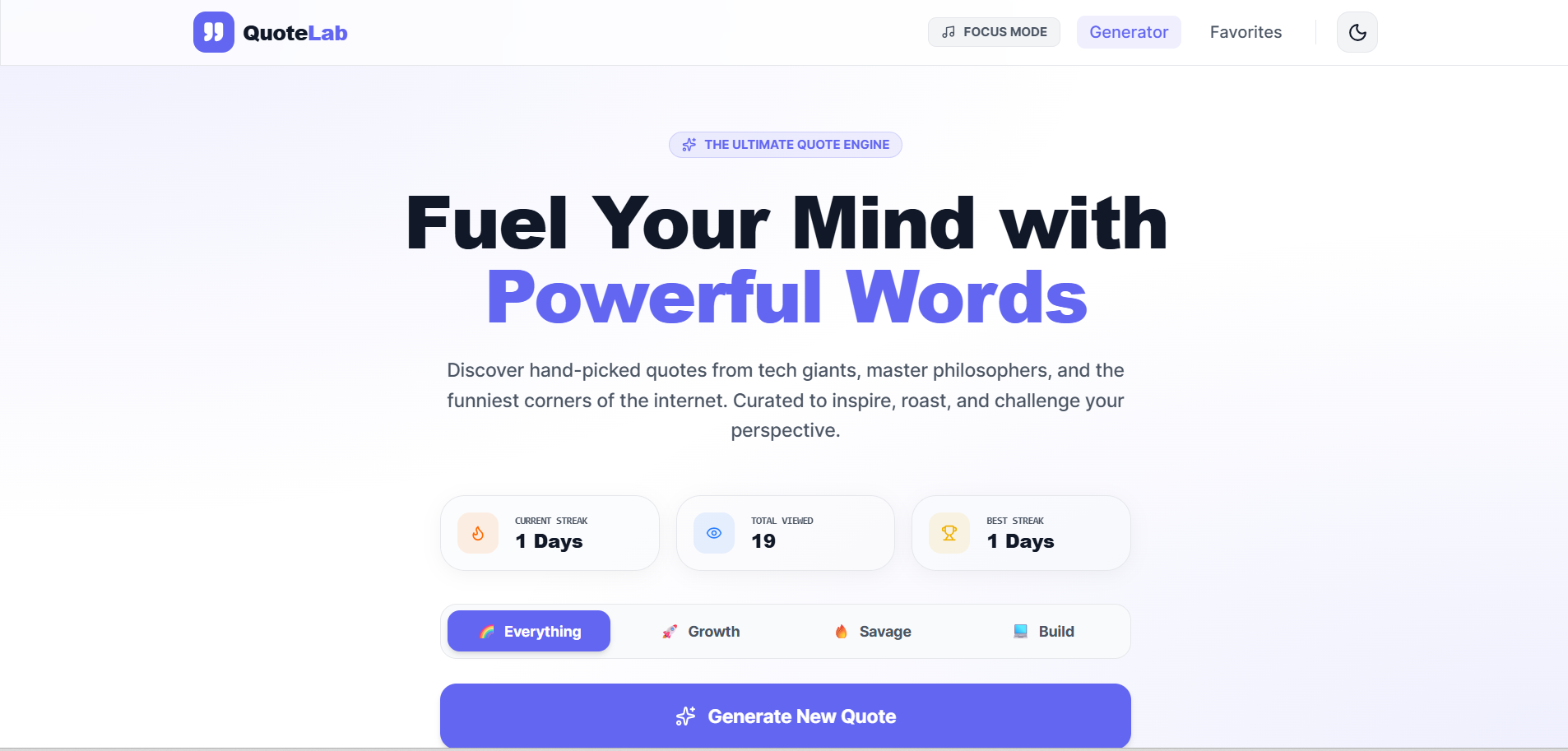
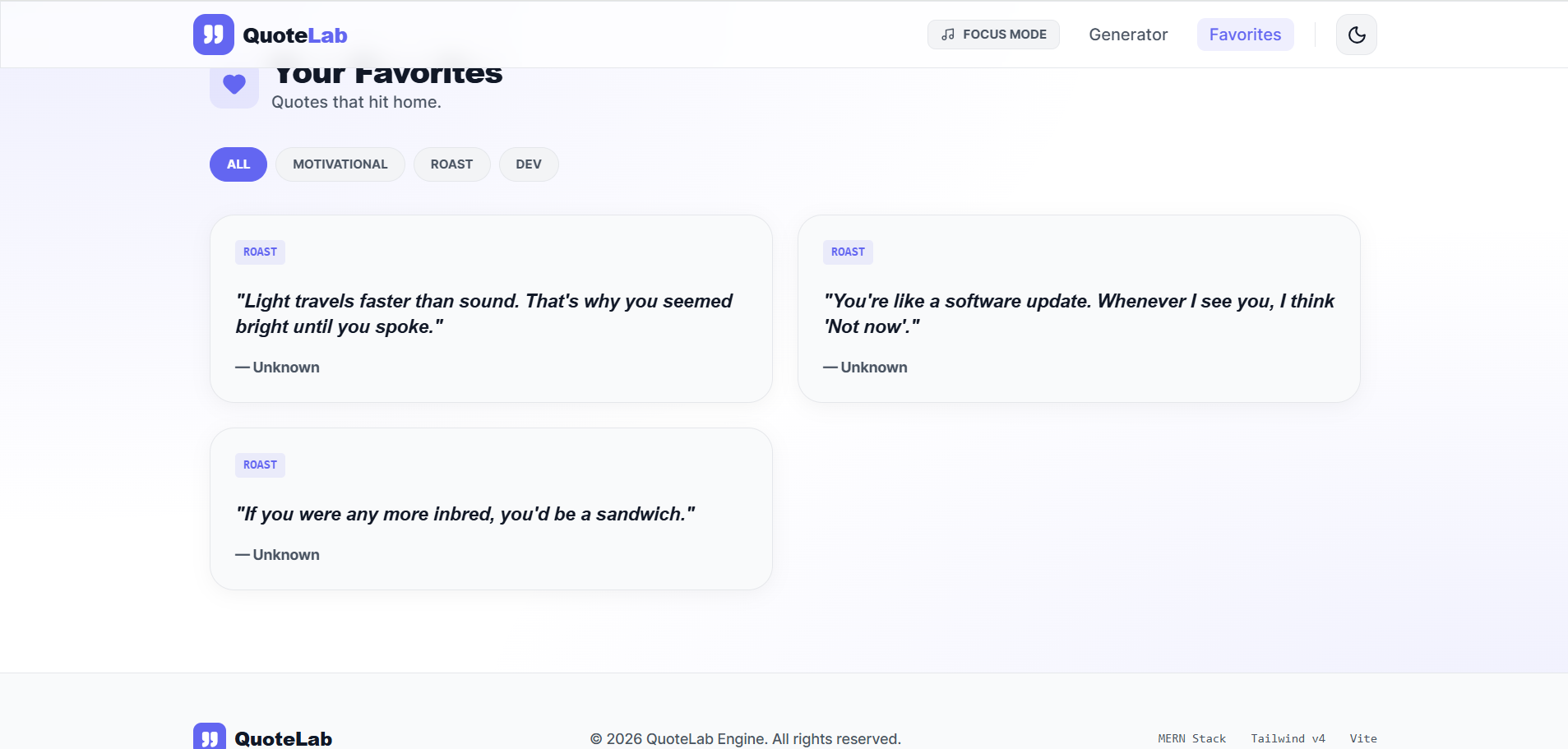
This project is a simple web-based application that generates inspirational or random quotes for users.
It allows users to view new quotes instantly with a single click, making it useful for motivation, learning, or social sharing. The application is lightweight, fast, and easy to use.
It is built using React or JavaScript and may use APIs to fetch dynamic quotes.
Screenshots
Key Features
- Generate random quotes
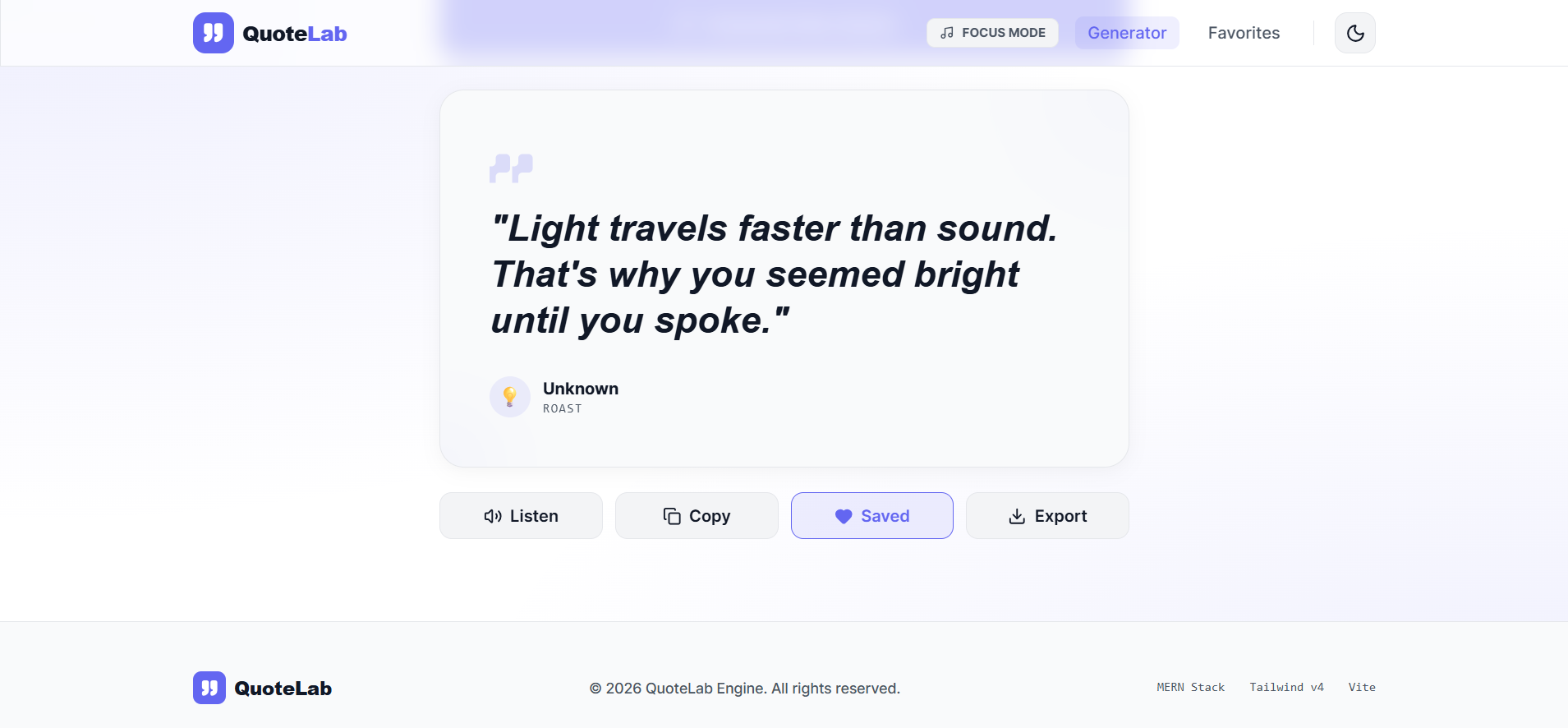
- Display author’s name with a quote
- One-click new quote generation
- Simple and clean UI
- Fast and lightweight
- Responsive design
- API integration (optional)
Functionaliy
- User opens the application
- A random quote is displayed
- User clicks “New Quote” button
- Application fetches or selects another quote
- Quote and author are updated instantly
- UI updates without page reload
Technology Used
- React or Vanilla JS
- JavaScript
- CSS / Tailwind CSS
- APIs (for dynamic quotes)
Why This Project Is Useful
- Helps users stay motivated and inspired
- Good beginner project for learning:
- API handling
- State management
- Event handling
- Useful for portfolio
- Easy to understand and extend
Deployment and Environment Setup
- Environment Variables Setup:
- backend/.env
- PORT: 3000
- MONGO_URI: mongodb_url_string
- JWT_SECRET: your_jwt_secret_key_here (if needed)
- frontend/.env
- VITE_API_URL: backend_url
- backend/.env
- Deployment Overview:
- Render or Railway for backend hosting
- Vercel or Netlify for frontend hosting
- MongoDB Atlas for the database
- Backend Deployment:
- Push your code to GitHub.
- Go to Render.com or Railway.app.
- Create a new Web Service and connect your GitHub repository.
- Choose “backend/” as the root directory.
- Add the following environment variables on Render:
- PORT=10000
- MONGO_URI=your MongoDB Atlas URI
- JWT_SECRET=your JWT secret
- Start command: npm start (Ensure your backend/package.json includes “start”: “node server.js”)
- After deployment, note your backend URL, e.g. https://your-backend-name.onrender.com
- Frontend Deployment:
- Go to Vercel.com or Netlify.com.
- Create a new project and connect the GitHub repo.
- Select the “frontend/” folder as root.
- In environment variables, set:
- VITE_API_URL=https://your-backend-domain.com/api (or REACT_APP_API_URL if using CRA)
- Deploy.
- MongoDB Atlas Setup:
- Go to https://cloud.mongodb.com
- Create a free cluster.
- Add your current IP address in Network Access.
- Create a database user and password.
- Copy the connection string and replace username, password, and database name in MONGO_URI in backend/.env
Download Source Code
Project Setup Instructions
Note: This project is for educational purposes only. Not for commercial sale.


