
Project Overview
This project is a web-based application that generates startup ideas based on user input or predefined categories.
It helps users discover creative business ideas by combining different domains, trends, or keywords. The application is simple, interactive, and useful for brainstorming.
It is typically built using React and may use Node.js for backend processing or APIs.
Screenshots
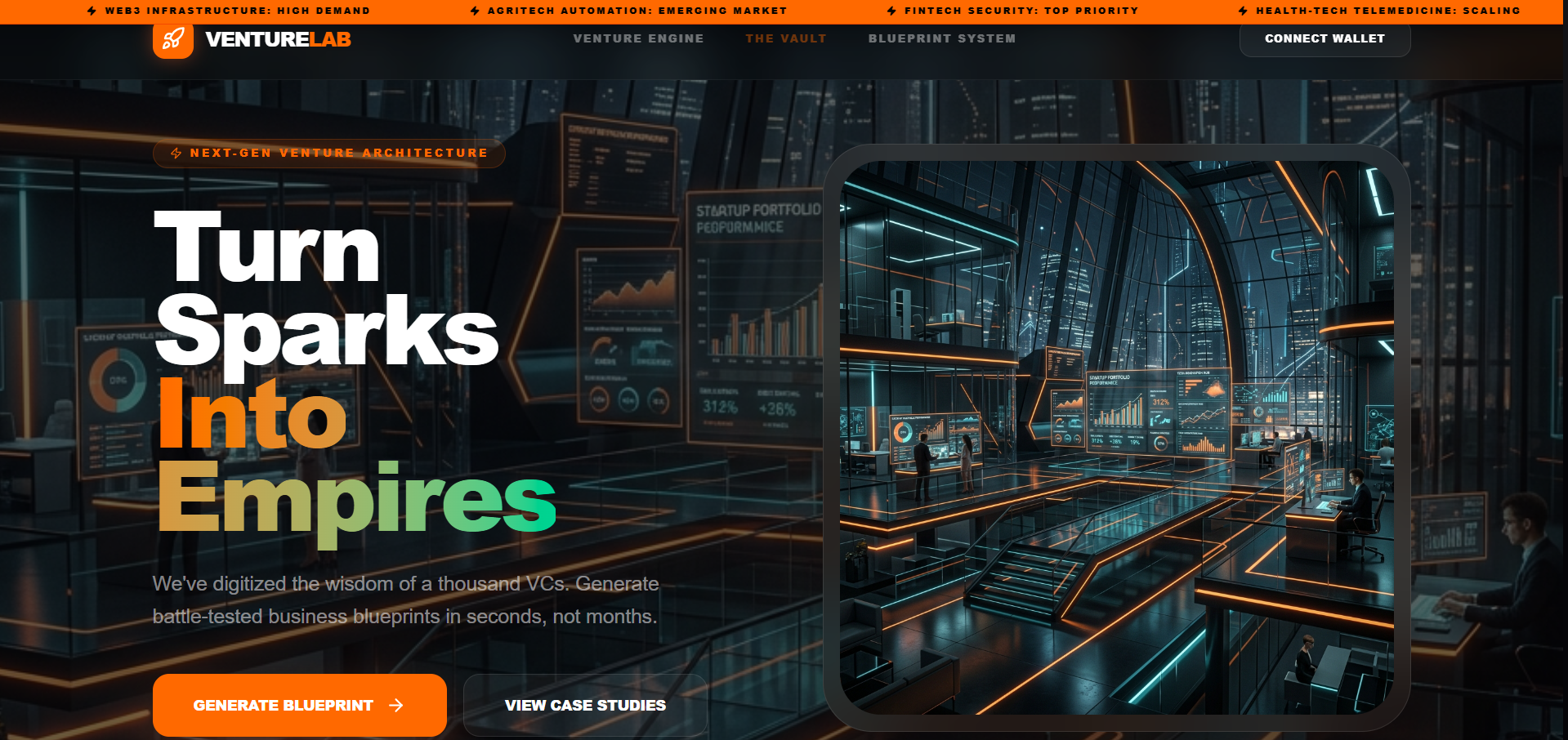
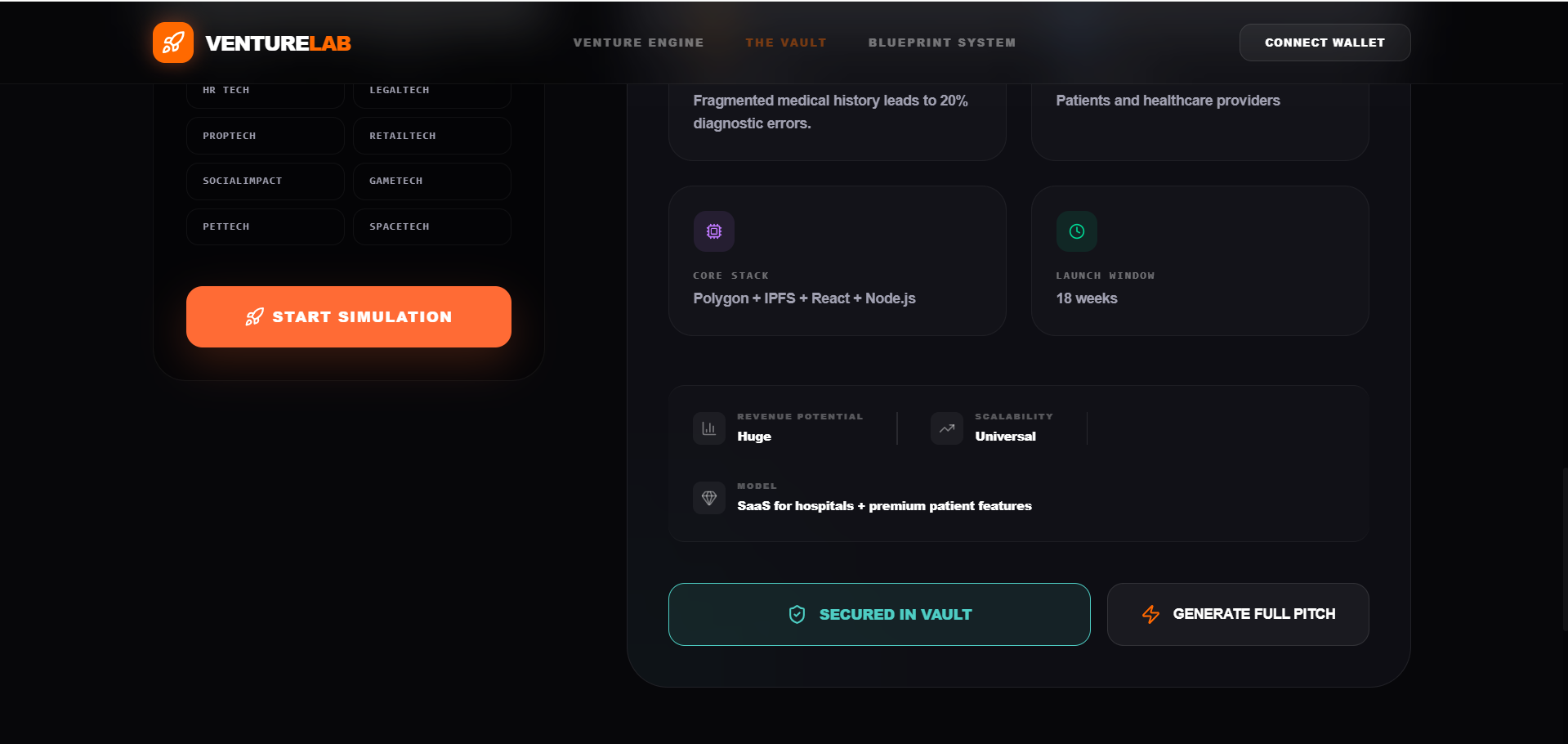
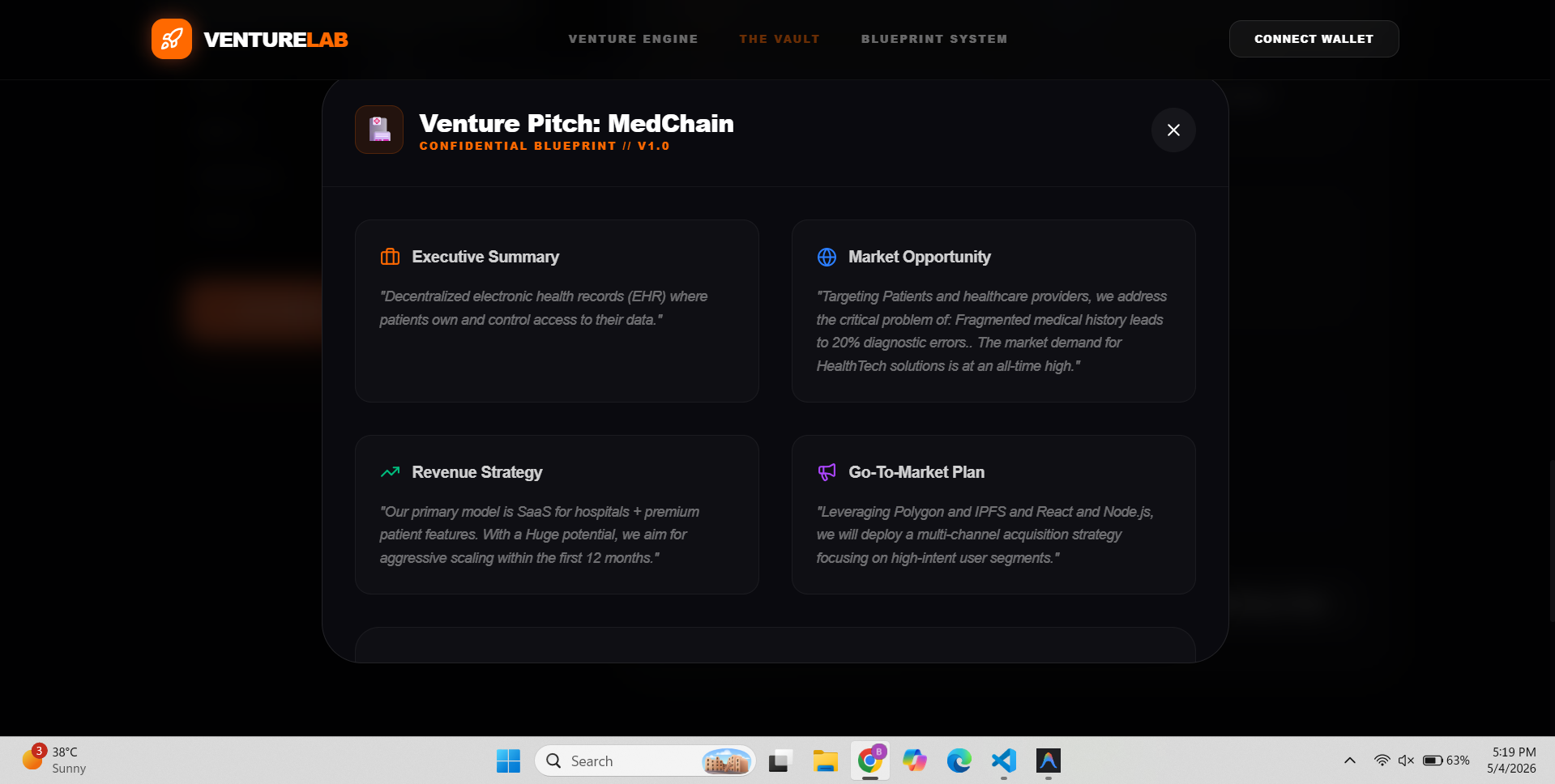
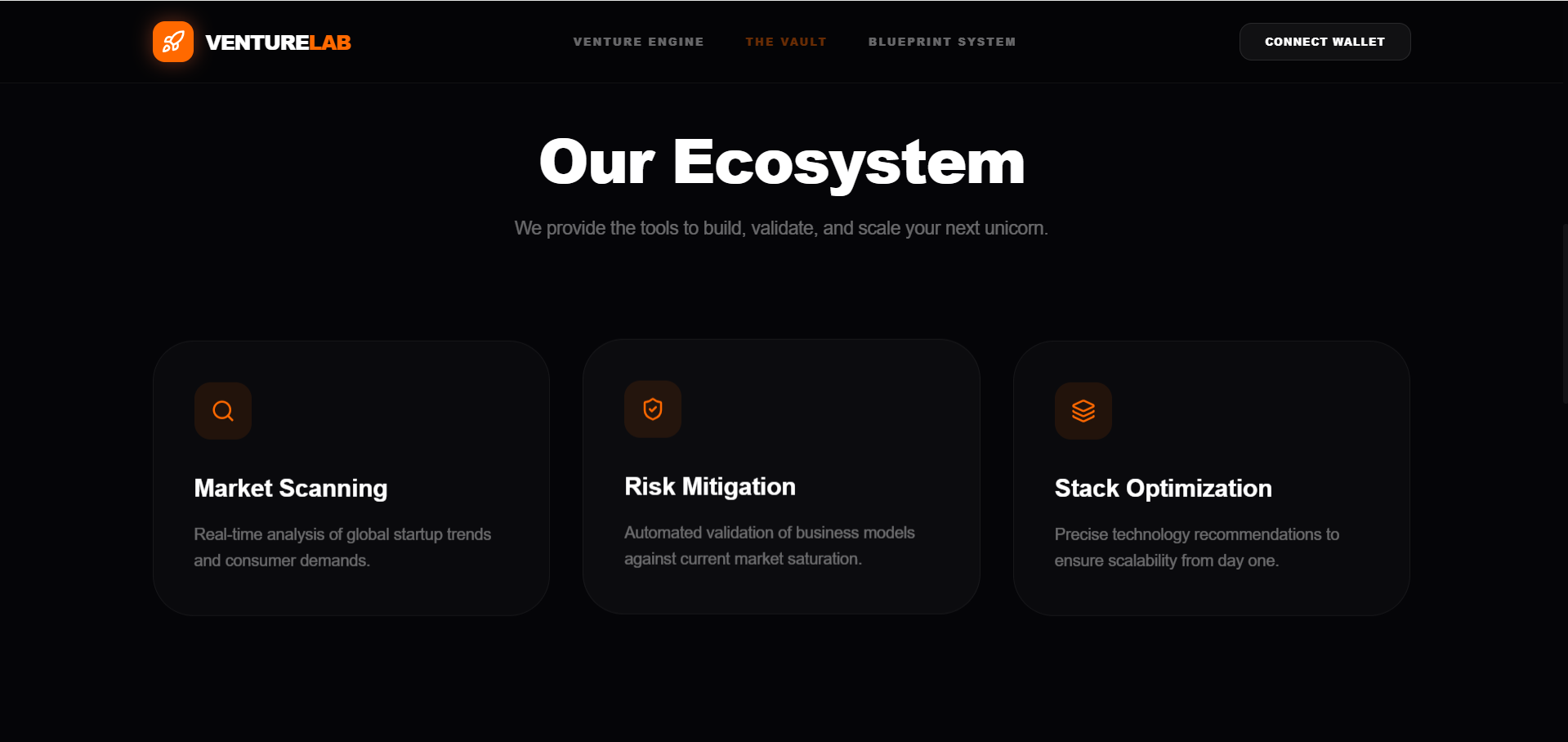
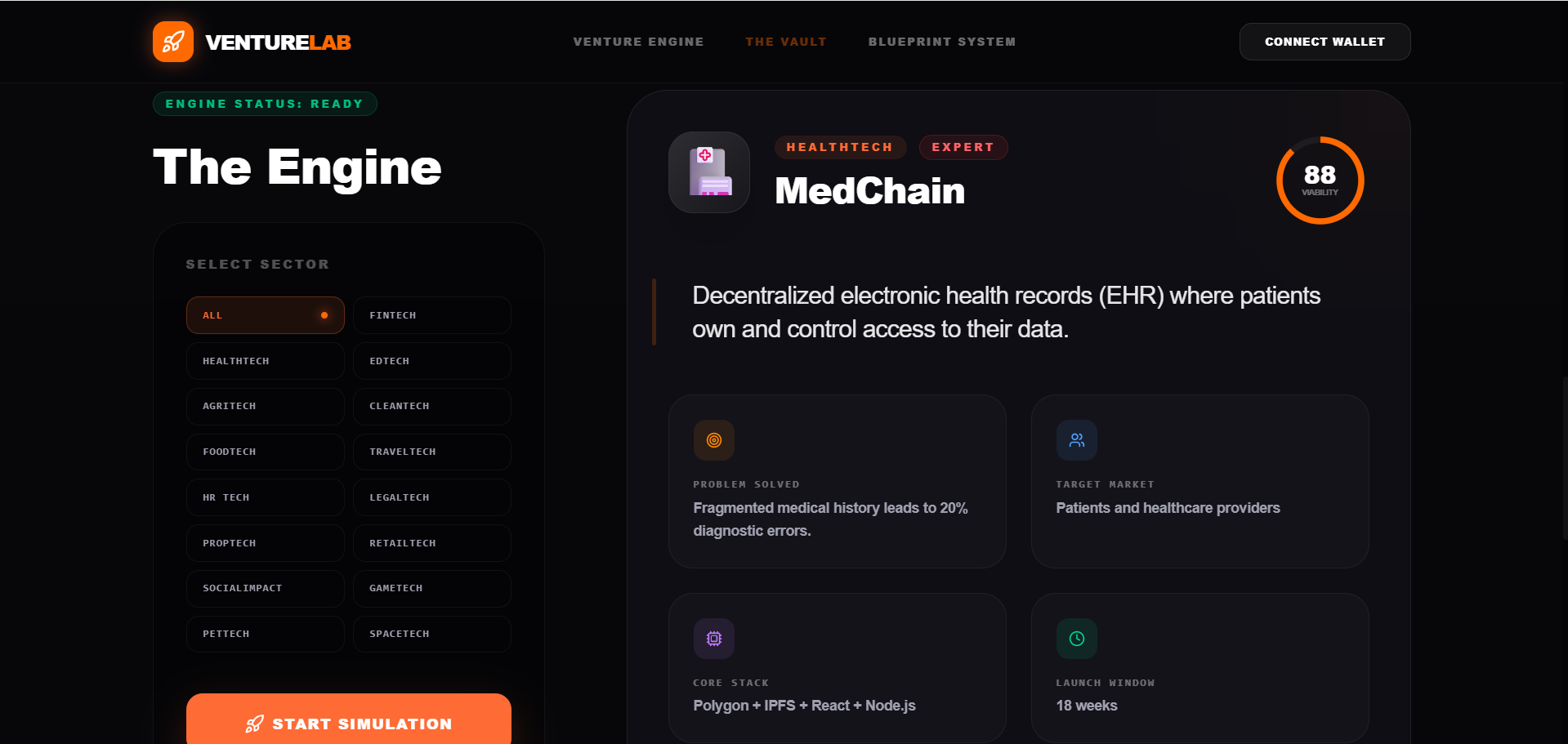
Key Features
- Generate random startup ideas
- Category-based idea generation
- User input for customized ideas
- Instant results display
- Simple and interactive UI
- Responsive design
- Lightweight and fast
Functionaliy
- User opens the application
- User selects a category or enters input
- System processes input or selects random data
- A startup idea is generated instantly
- Idea is displayed on the screen
- User can generate new ideas again
- UI updates dynamically without reload
Technology Used
- React: Frontend UI
- Node.js: Backend support, optional
- JavaScript: Logic
- CSS / Tailwind CSS: Styling
- APIs: optional for dynamic ideas
Why This Project Is Useful
- Helps in idea generation and brainstorming
- Useful for entrepreneurs and students
- Good for learning
- Logic building
- State management
- API integration (if used)
- Great for portfolio projects
- Can be extended into a startup planning tool
Deployment and Environment Setup
- Environment Variables Setup:
- backend/.env
- PORT: 3000
- MONGO_URI: mongodb_url_string
- JWT_SECRET: your_jwt_secret_key_here (if needed)
- frontend/.env
- VITE_API_URL: backend_url
- backend/.env
- Deployment Overview:
- Render or Railway for backend hosting
- Vercel or Netlify for frontend hosting
- MongoDB Atlas for the database
- Backend Deployment:
- Push your code to GitHub.
- Go to Render.com or Railway.app.
- Create a new Web Service and connect your GitHub repository.
- Choose “backend/” as the root directory.
- Add the following environment variables on Render:
- PORT=10000
- MONGO_URI=your MongoDB Atlas URI
- JWT_SECRET=your JWT secret
- Start command: npm start (Ensure your backend/package.json includes “start”: “node server.js”)
- After deployment, note your backend URL, e.g. https://your-backend-name.onrender.com
- Frontend Deployment:
- Go to Vercel.com or Netlify.com.
- Create a new project and connect the GitHub repo.
- Select the “frontend/” folder as root.
- In environment variables, set:
- VITE_API_URL=https://your-backend-domain.com/api (or REACT_APP_API_URL if using CRA)
- Deploy.
- MongoDB Atlas Setup:
- Go to https://cloud.mongodb.com
- Create a free cluster.
- Add your current IP address in Network Access.
- Create a database user and password.
- Copy the connection string and replace username, password, and database name in MONGO_URI in backend/.env
Download Source Code
Project Setup Instructions
Note: This project is for educational purposes only. Not for commercial sale.


