
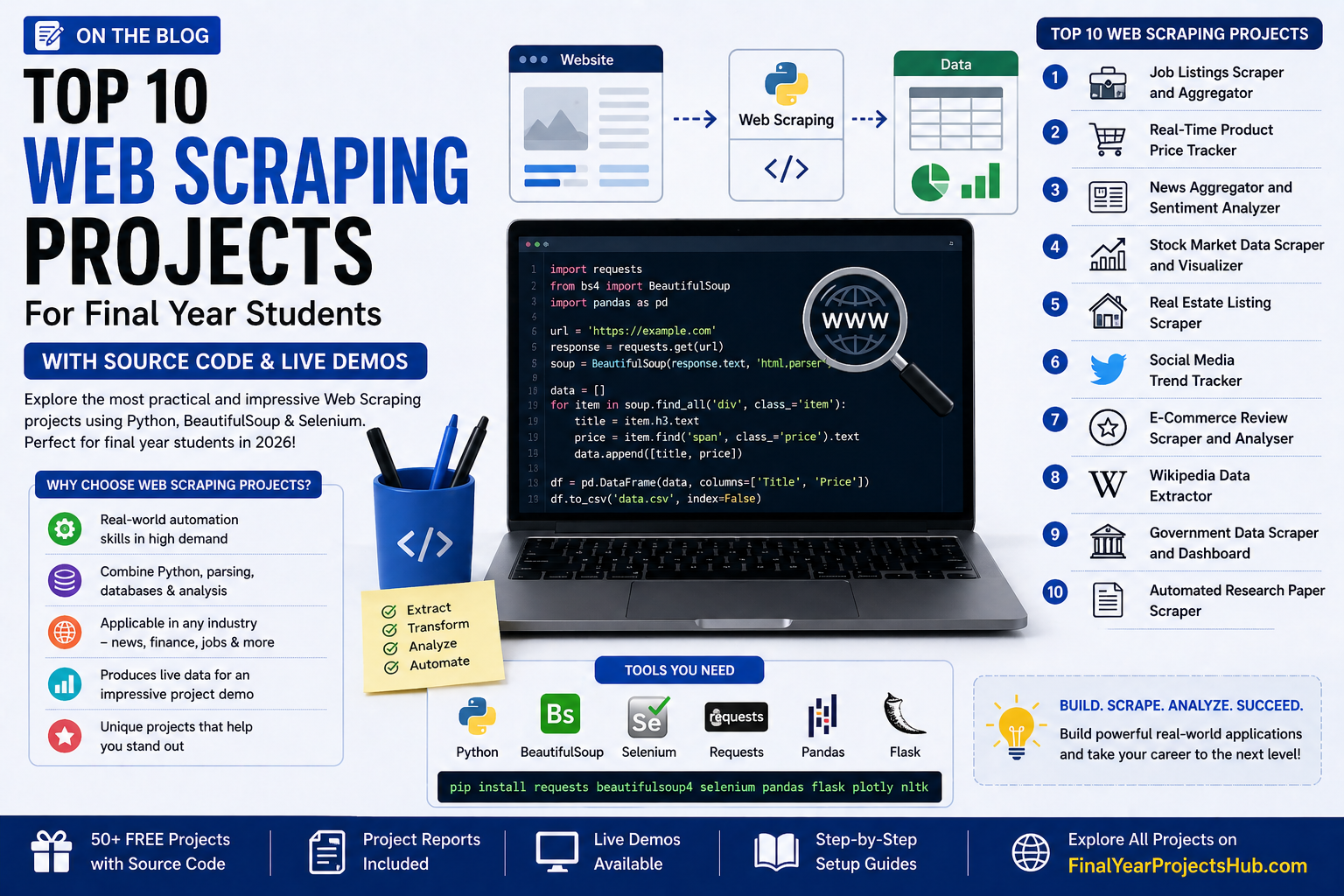
Top 10 Web Scraping Projects for Final Year Students with Source Code 2026
Web Scraping is the process of automatically extracting data from websites using code. It is one of the most practical and impressive skills a programmer can have – used by data scientists, market analysts, journalists, and software engineers worldwide.
If you are looking for unique, practical, and highly impressive final year project ideas, Web Scraping projects stand out from the crowd. All projects below are available for free on FinalYearProjectsHub.
Why Web Scraping Projects Are Perfect for Final Year Students
Web scraping projects are excellent because they:
- Demonstrate real automation skills that companies actively use
- Combine multiple skills: Python, HTML parsing, databases, and data analysis
- Can be applied to any industry – news, finance, jobs, real estate, and more
- Produce real, live data that makes your project demo impressive
- Are unique – most students don’t choose scraping projects, making you stand out
Top 10 Web Scraping Final Year Projects
1. Job Listings Scraper and Aggregator
Technologies: Python, BeautifulSoup, Requests, Flask, SQLite
Scrapes job listings from multiple job portals and displays them in a unified dashboard. Users can search, filter, and bookmark jobs without visiting multiple sites.
What You Will Learn:
- Multi-site web scraping with BeautifulSoup
- Data deduplication and cleaning
- Building a job search interface with Flask
- Database storage with SQLite
2. Real-Time Product Price Tracker
Technologies: Python, BeautifulSoup, Selenium, Flask, Email Alerts
Tracks product prices on e-commerce sites and sends email alerts when the price drops below a set threshold. Similar to tools used by millions of online shoppers.
What You Will Learn:
- Dynamic page scraping with Selenium
- Price history tracking and database storage
- Email alert system with Python smtplib
- Building a price history chart
3. News Aggregator and Sentiment Analyzer
Technologies: Python, BeautifulSoup, NLTK, Flask, Pandas
Scrapes news headlines from multiple news sites and performs sentiment analysis to classify each article as positive, negative, or neutral. Displays results in a dashboard.
What You Will Learn:
- Multi-source news scraping
- Natural Language Processing for sentiment analysis
- Combining web scraping with machine learning
- Real-time dashboard with auto-refresh
4. Stock Market Data Scraper and Visualizer
Technologies: Python, BeautifulSoup, Pandas, Matplotlib, Flask
Scrapes real-time stock prices, historical data, and company information from financial websites. Displays interactive stock charts and trend analysis.
What You Will Learn:
- Financial data scraping and parsing
- Data visualization with Matplotlib and Plotly
- Time series analysis
- Building a stock dashboard
5. Real Estate Listing Scraper
Technologies: Python, Selenium, Pandas, Flask, SQLite
Scrapes property listings from real estate websites and organises them by location, price, and type. Users can compare properties and track new listings.
What You Will Learn:
- Handling pagination and dynamic content with Selenium
- Location-based data filtering
- Property comparison dashboard
- Automated daily scraping with scheduling
6. Social Media Trend Tracker
Technologies: Python, Tweepy API, NLTK, Flask, Pandas
Collects trending topics and hashtags from Twitter/X using the API and analyses their sentiment and frequency. Displays trending topics with charts and word clouds.
What You Will Learn:
- Twitter API integration with Tweepy
- Text preprocessing and word cloud generation
- Trend analysis and visualisation
- Real-time data collection
7. E-Commerce Review Scraper and Analyser
Technologies: Python, BeautifulSoup, NLTK, Flask, Pandas
Scrapes customer reviews from e-commerce sites and analyses them using NLP to extract common themes, ratings distribution, and overall sentiment.
What You Will Learn:
- Review scraping from complex page structures
- NLP-based review summarisation
- Rating analysis and visualisation
- Extracting insights from unstructured text
8. Wikipedia Data Extractor
Technologies: Python, BeautifulSoup, Requests, Pandas, Flask
Extracts structured data from Wikipedia articles — tables, infoboxes, and sections – and converts them into clean, downloadable datasets. Useful for research and data analysis.
What You Will Learn:
- Wikipedia HTML structure parsing
- Table extraction and data cleaning
- Converting scraped data to CSV and JSON
- Building a search interface for extracted data
9. Government Data Scraper and Dashboard
Technologies: Python, Requests, Pandas, Plotly, Flask
Scrapes publicly available government data (population, employment, crime statistics) and presents it in an interactive analytics dashboard. A high-impact social good project.
What You Will Learn:
- Scraping structured government and open data portals
- Data cleaning and normalisation
- Interactive Plotly dashboard development
- Geographical data visualisation
10. Automated Research Paper Scraper
Technologies: Python, BeautifulSoup, Requests, Pandas, Flask
Scrapes research papers from Google Scholar, arXiv, or PubMed based on a keyword search and organises them by citation count, year, and relevance.
What You Will Learn:
- Academic data scraping and parsing
- Citation analysis and ranking
- Building a research paper search engine
- PDF download automation
Tools You Need for Web Scraping Projects
- Python 3.8+: Primary language for web scraping
- BeautifulSoup4: For parsing static HTML pages
- Selenium: For scraping JavaScript-heavy dynamic pages
- Requests: For making HTTP requests
- Pandas: For cleaning and organising scraped data
- Flask: For building a web interface for your project
Install all at once:
pip install requests beautifulsoup4 selenium pandas flask plotly nltk
Frequently Asked Questions
1. Is web scraping legal for final year projects?
Web scraping publicly available data for educational and non-commercial purposes is generally accepted. Always check a website’s robots.txt file and terms of service. For final year projects, scraping public data for research is widely considered acceptable.
2. Which is better for web scraping – BeautifulSoup or Selenium?
BeautifulSoup is better for static pages that load all content in the initial HTML response. Selenium is necessary for dynamic pages that load content via JavaScript. Most projects use both together.
3. Can a beginner do a web scraping final year project?
Yes! Projects like the Wikipedia Data Extractor and Job Listings Scraper are beginner-friendly with clear HTML structures. Start with BeautifulSoup on a simple site before moving to Selenium.



Leave a Reply