
Project Overview
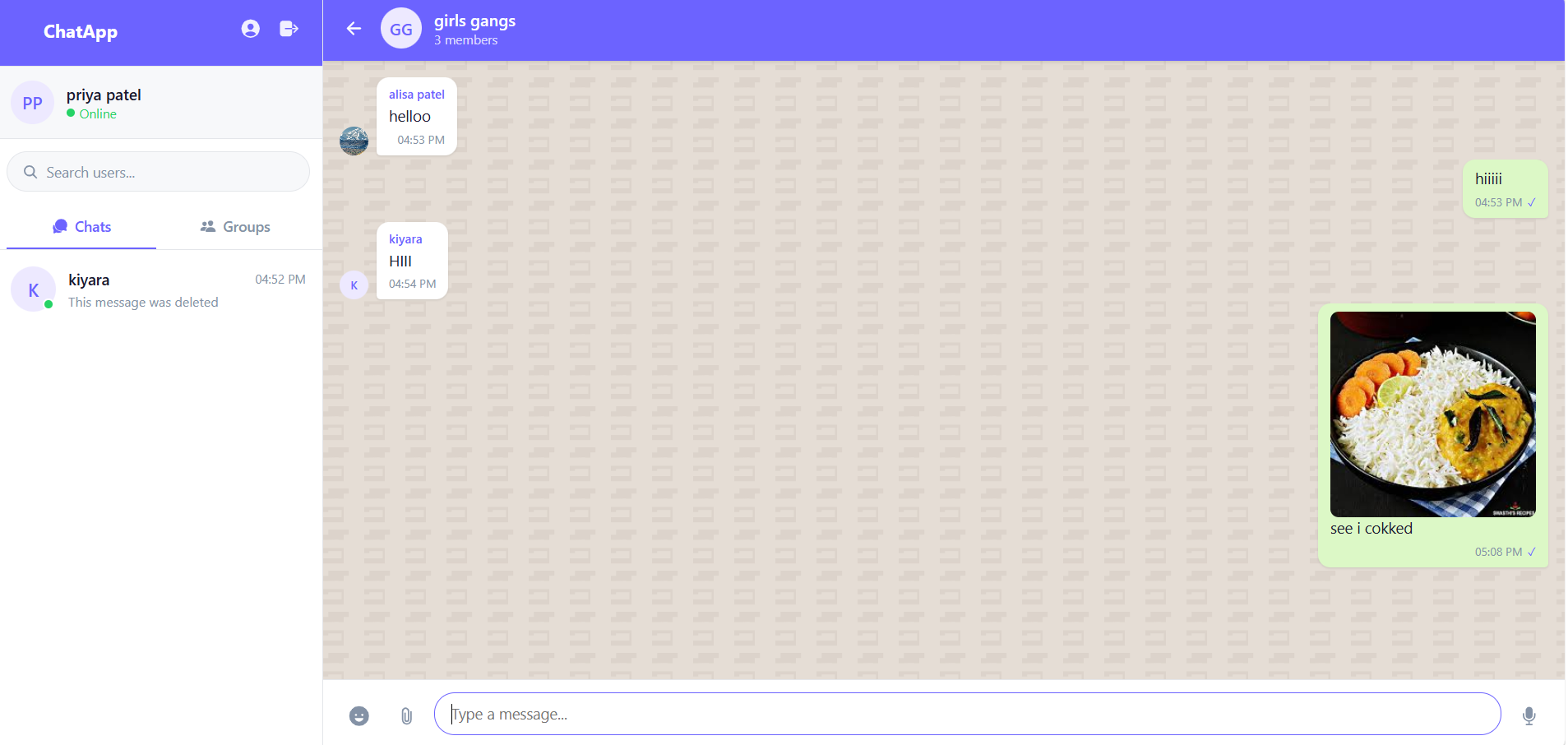
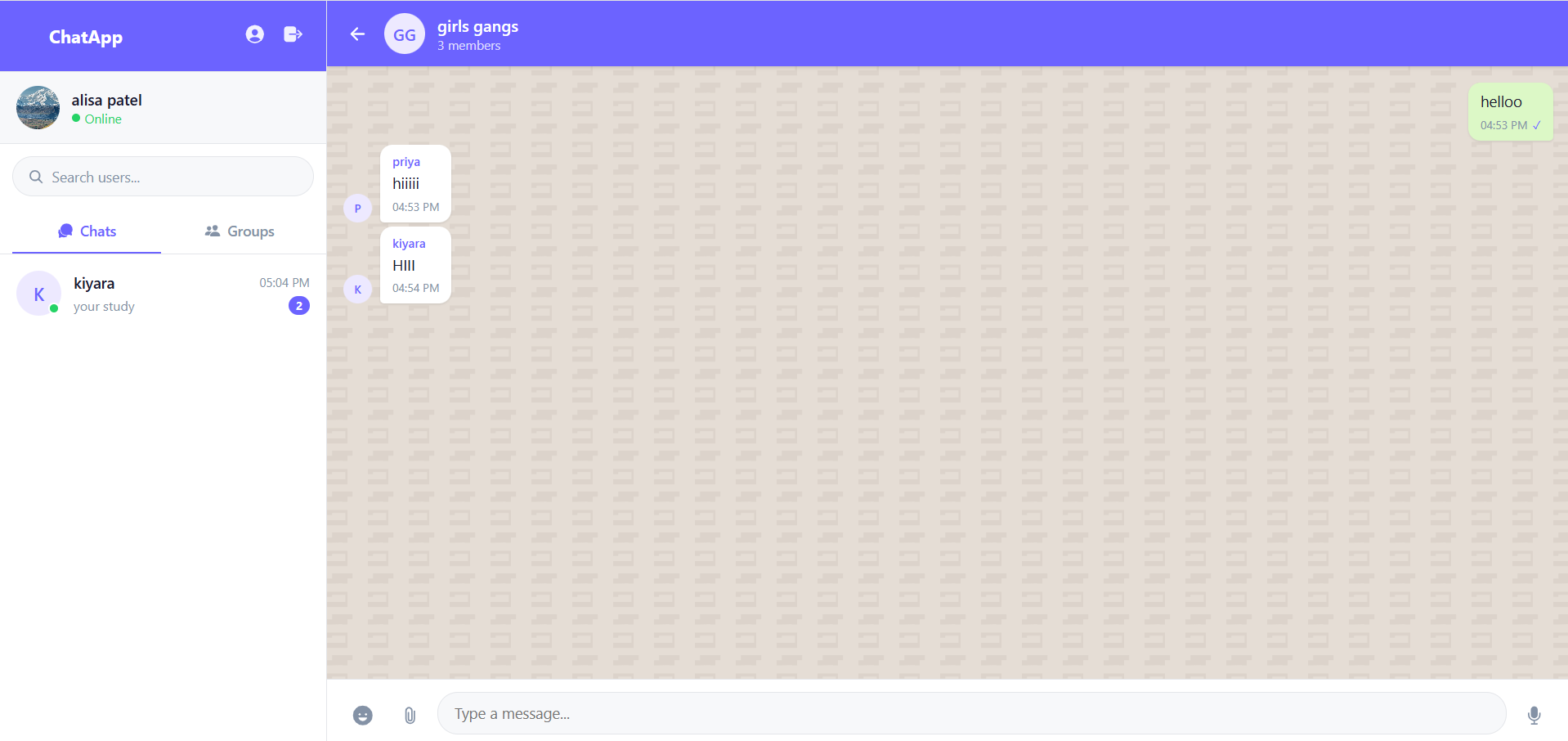
A full-stack, responsive web application that facilitates seamless real-time communication between users. Built using the MERN stack (MongoDB, Express.js, React, Node.js) and Socket.IO, this application emulates the core experience of popular messaging platforms like WhatsApp. It provides instant bi-directional messaging, comprehensive group management, real-time activity indicators, and secure media sharing.
Screenshots
Key Features
- Real-Time Messaging: Instant message delivery and reception powered by Socket.IO without requiring page refreshes.
- Authentication & Security: Secure user registration and login using JWT (JSON Web Tokens) and bcrypt for password hashing.
- One-to-One & Group Chats: Support for private personal conversations as well as multi-user group chats.
- Group Management: Group admins can add/remove members, update the group name/avatar, and delete the group.
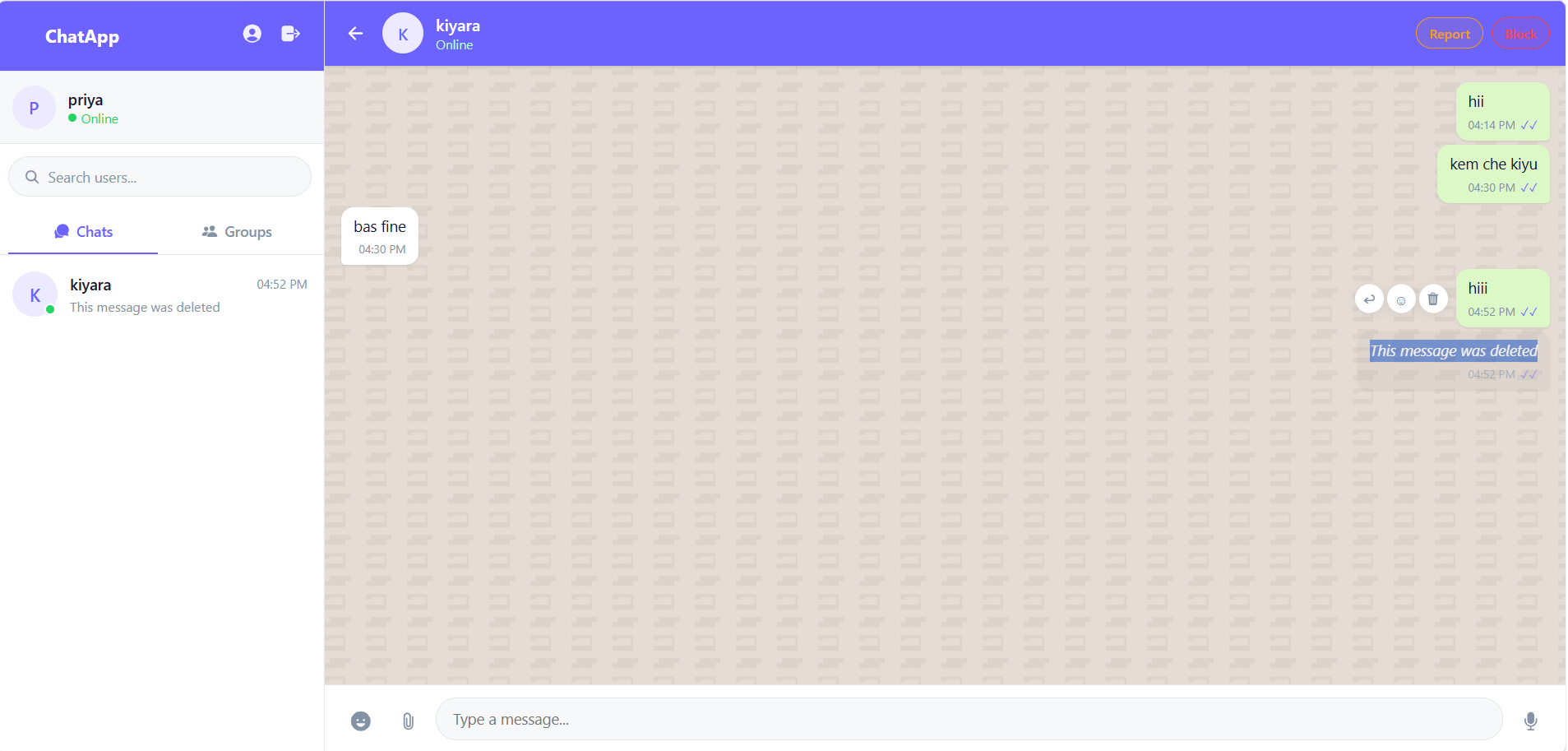
- Live Indicators: Real-time “typing…” indicators, “Online” status, and accurate “Last Seen” timestamps.
- Read Receipts: Visual cues that indicate when a message is successfully sent and when it has been read by the recipient.
- Media & File Sharing: Users can securely upload and share images, videos, audio files, and PDFs.
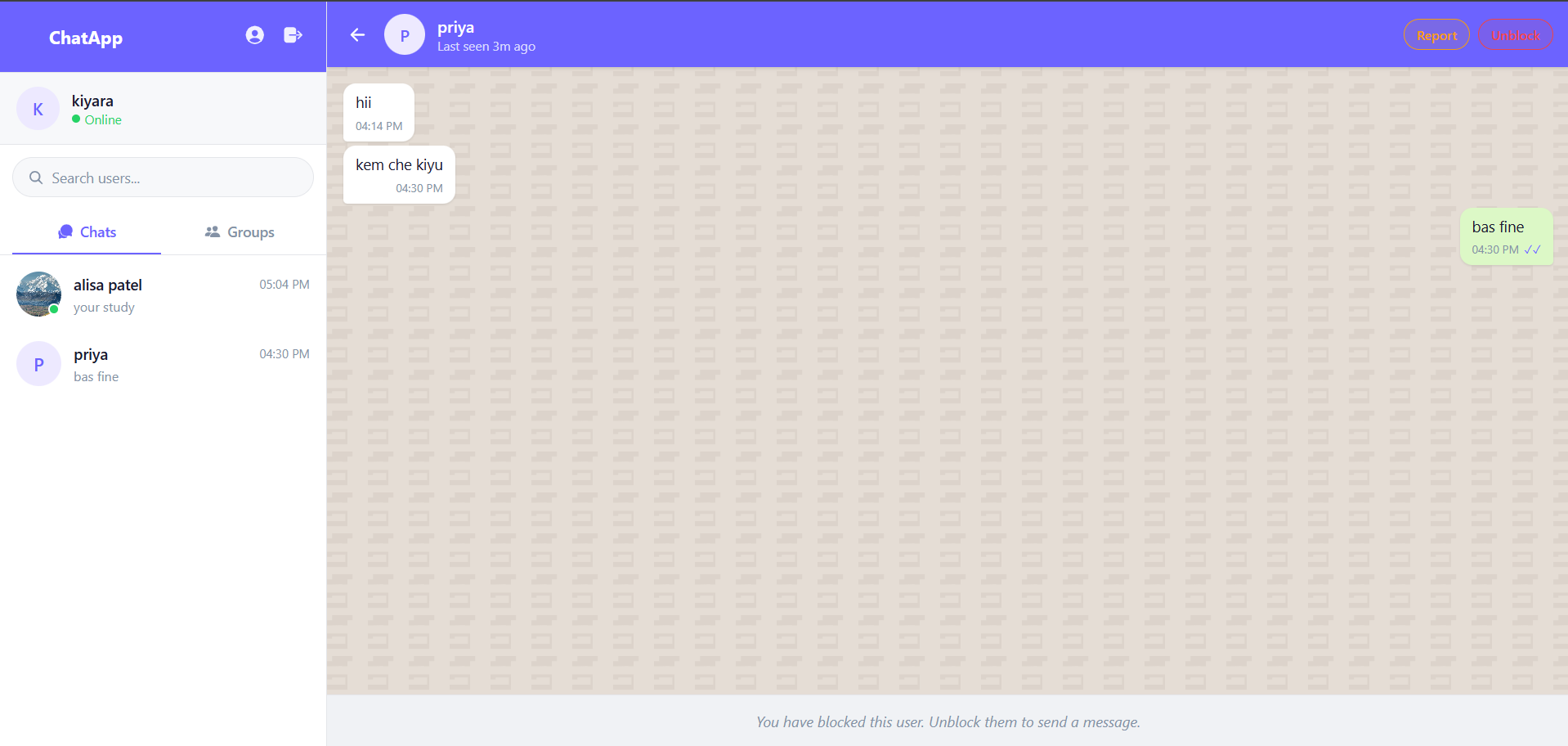
- Privacy & Moderation: Users can block individuals (silent message drops similar to WhatsApp) and submit reports against abusive users.
- Message Reactions & Deletion: Users can react to messages with emojis and delete their own messages.
Functionaliy
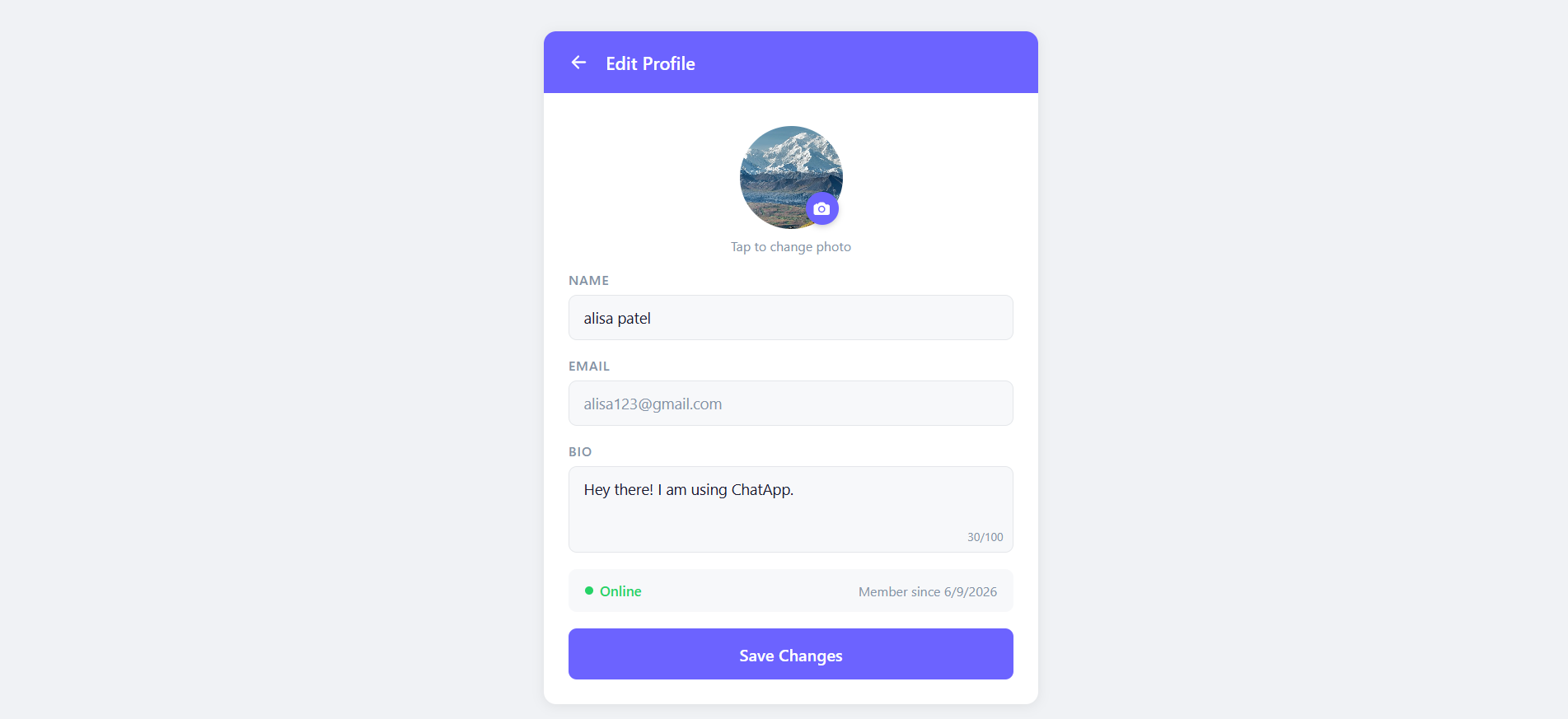
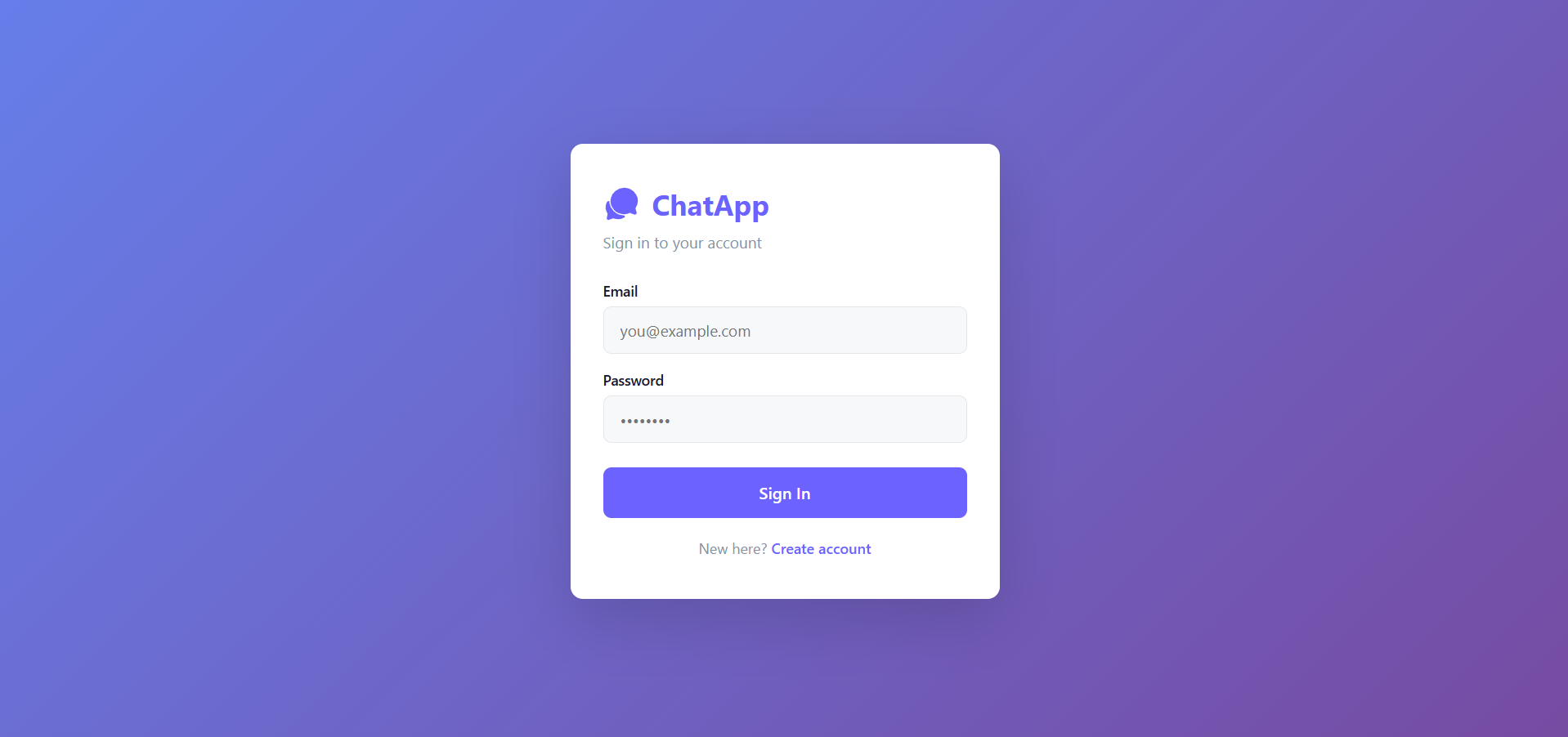
- Onboarding: Users create an account by providing a name, email, password, and an optional avatar. The backend securely hashes the password and generates an auth token.
- Discovery & Connection: Upon logging in, users can search for other registered users via a search bar and immediately initiate a one-on-one chat.
- Communication Flow: When a user types, a socket event broadcasts their typing status. Upon sending, the message is stored in MongoDB and instantly pushed to the receiver’s screen via a persistent WebSocket connection.
- Group Dynamics: A user can create a group by selecting multiple peers. The creator becomes the Admin and has exclusive rights to modify group details or manage the member list.
- Privacy Control: If a user is being bothered, they can click the “Block” button. The backend intercepts any future messages from the blocked user, silently dropping them so the receiver is not disturbed, while the sender remains unaware (WhatsApp’s silent block mechanism).
Technology Used
- Frontend Environment: React.js, Vite
- Frontend State & Routing: Zustand (Global State Management), React Router DOM
- Backend Runtime & Framework:Node.js, Express.js
- Database & ODM: MongoDB, Mongoose
- Real-Time Communication: Socket.IO
- Security & Auth: JSON Web Tokens (JWT), bcryptjs
- File Handling & Cloud Storage: Multer and Cloudinary (
multer-storage-cloudinary) for direct, optimized cloud storage. - Styling: Vanilla CSS (CSS Modules for component-scoped styling)
Why This Project Is Useful
This project is highly useful because it solves the complex challenge of real-time, event-driven web communication. From a technical perspective, it demonstrates a deep understanding of full-stack architecture, persistent database design, and real-time socket connections. It handles edge cases like state synchronization across multiple clients, secure file storage, and complex UI updates, making it an excellent showcase of advanced software engineering and modern web development skills.
Deployment and Environment Setup
- Environment Variables Setup:
- backend/.env
- PORT: 3000
- MONGO_URI: mongodb_url_string
- JWT_SECRET: your_jwt_secret_key_here (if needed)
- frontend/.env
- VITE_API_URL: backend_url
- backend/.env
- Deployment Overview:
- Render or Railway for backend hosting
- Vercel or Netlify for frontend hosting
- MongoDB Atlas for the database
- Backend Deployment:
- Push your code to GitHub.
- Go to Render.com or Railway.app.
- Create a new Web Service and connect your GitHub repository.
- Choose “backend/” as the root directory.
- Add the following environment variables on Render:
- PORT=10000
- MONGO_URI=your MongoDB Atlas URI
- JWT_SECRET=your JWT secret
- Start command: npm start (Ensure your backend/package.json includes “start”: “node server.js”)
- After deployment, note your backend URL, e.g. https://your-backend-name.onrender.com
- Frontend Deployment:
- Go to Vercel.com or Netlify.com.
- Create a new project and connect the GitHub repo.
- Select the “frontend/” folder as root.
- In environment variables, set:
- VITE_API_URL=https://your-backend-domain.com/api (or REACT_APP_API_URL if using CRA)
- Deploy.
- MongoDB Atlas Setup:
- Go to https://cloud.mongodb.com
- Create a free cluster.
- Add your current IP address in Network Access.
- Create a database user and password.
- Copy the connection string and replace username, password, and database name in MONGO_URI in backend/.env
Download Source Code
Project Setup Instructions
Note: This project is for educational purposes only. Not for commercial sale.


