
Project Overview
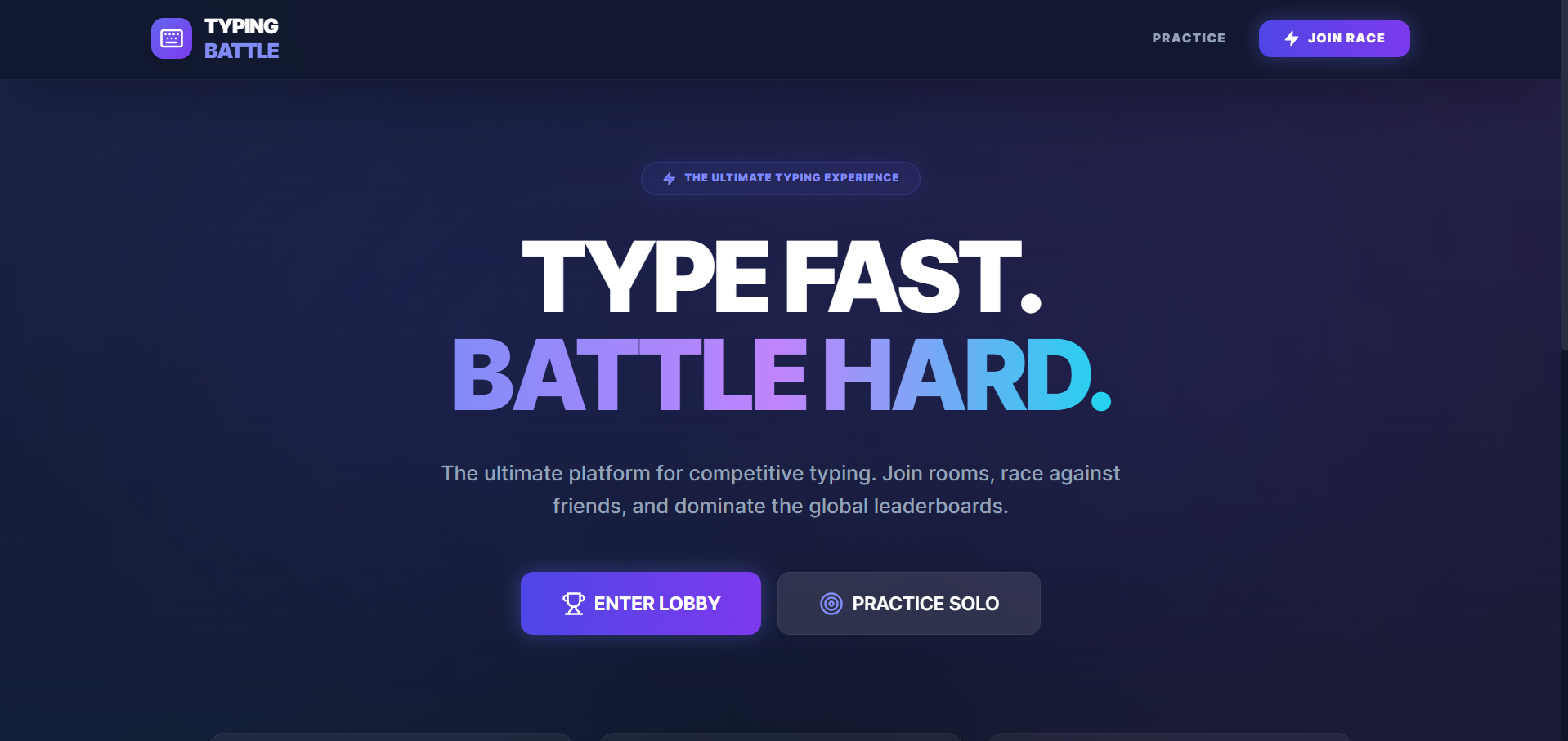
Typing Battle is a full-stack multiplayer typing game platform built using the MERN Stack and Socket.IO. The application allows multiple players to compete against each other in real-time typing races with live synchronization and interactive gameplay.
Players can join typing rooms, race against opponents, and improve their typing speed and accuracy through competitive challenges. The platform features a premium glassmorphism UI, live progress tracking, audio effects, and performance grading systems to create an engaging typing battle experience.
Screenshots
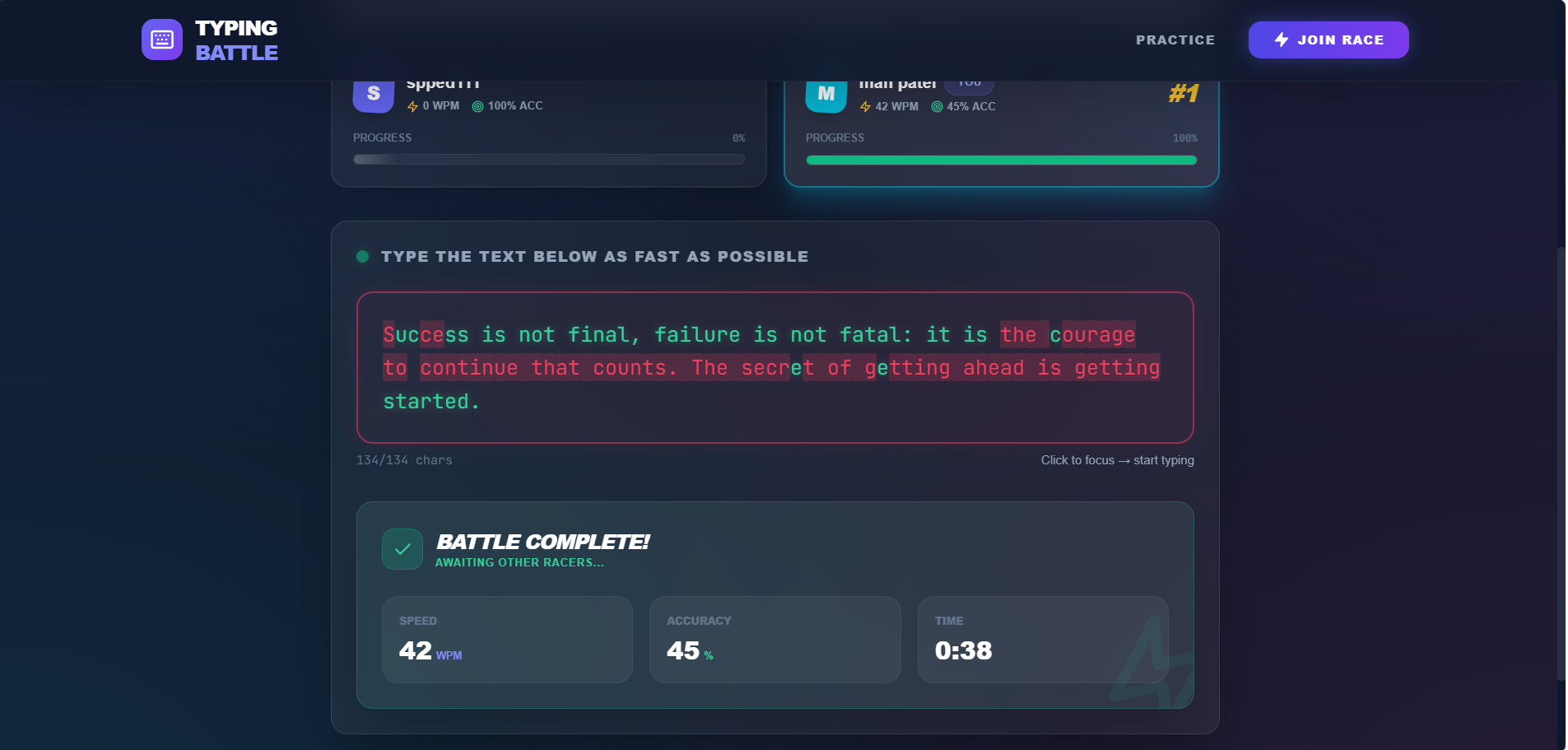
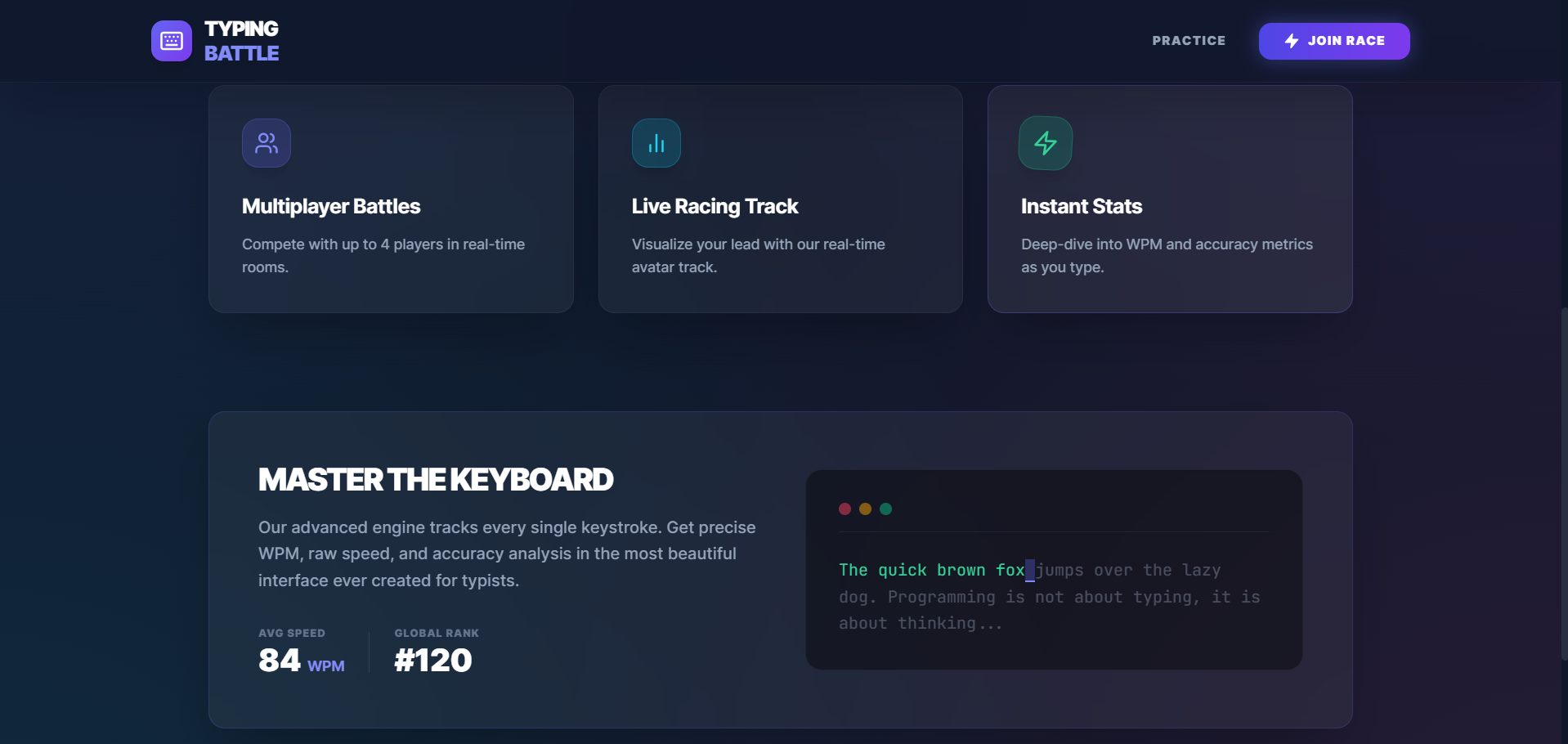
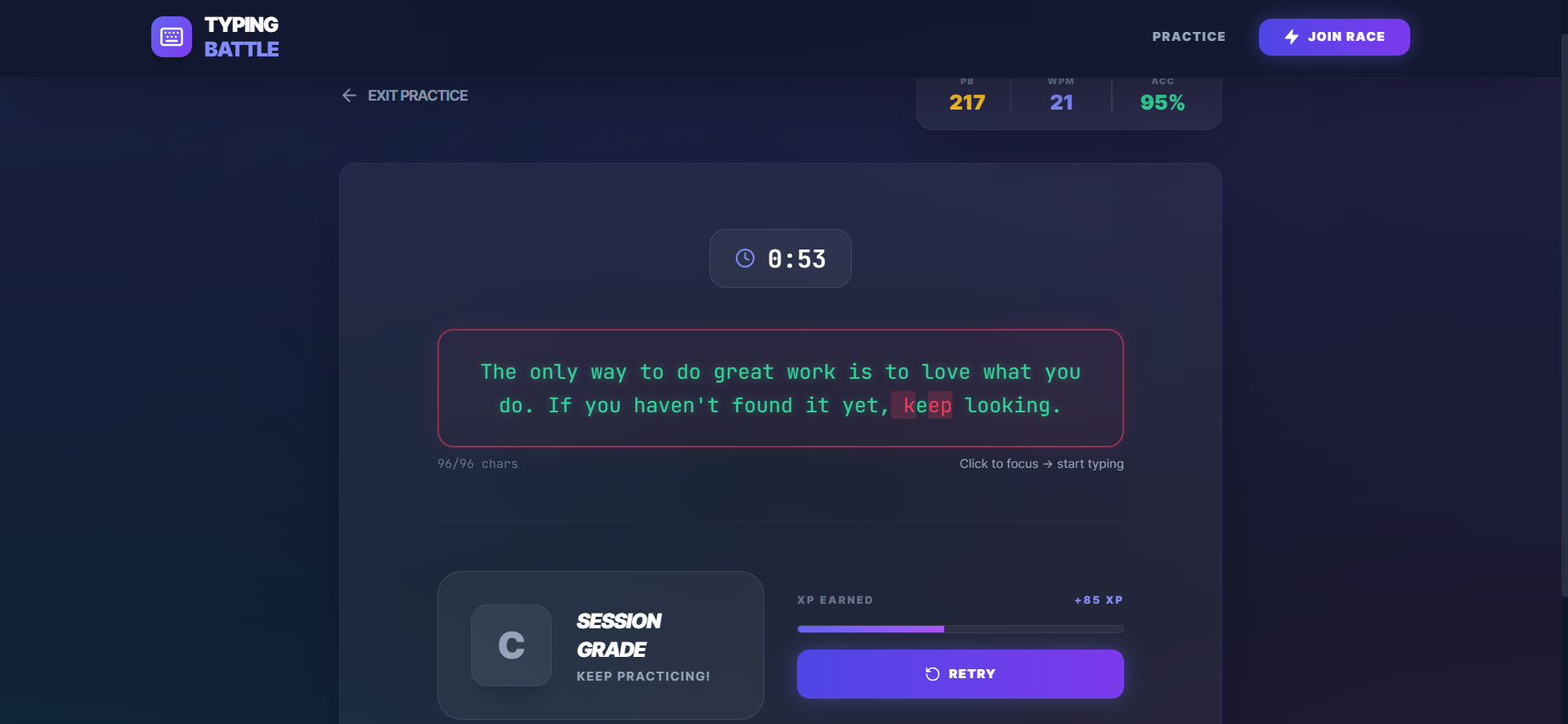
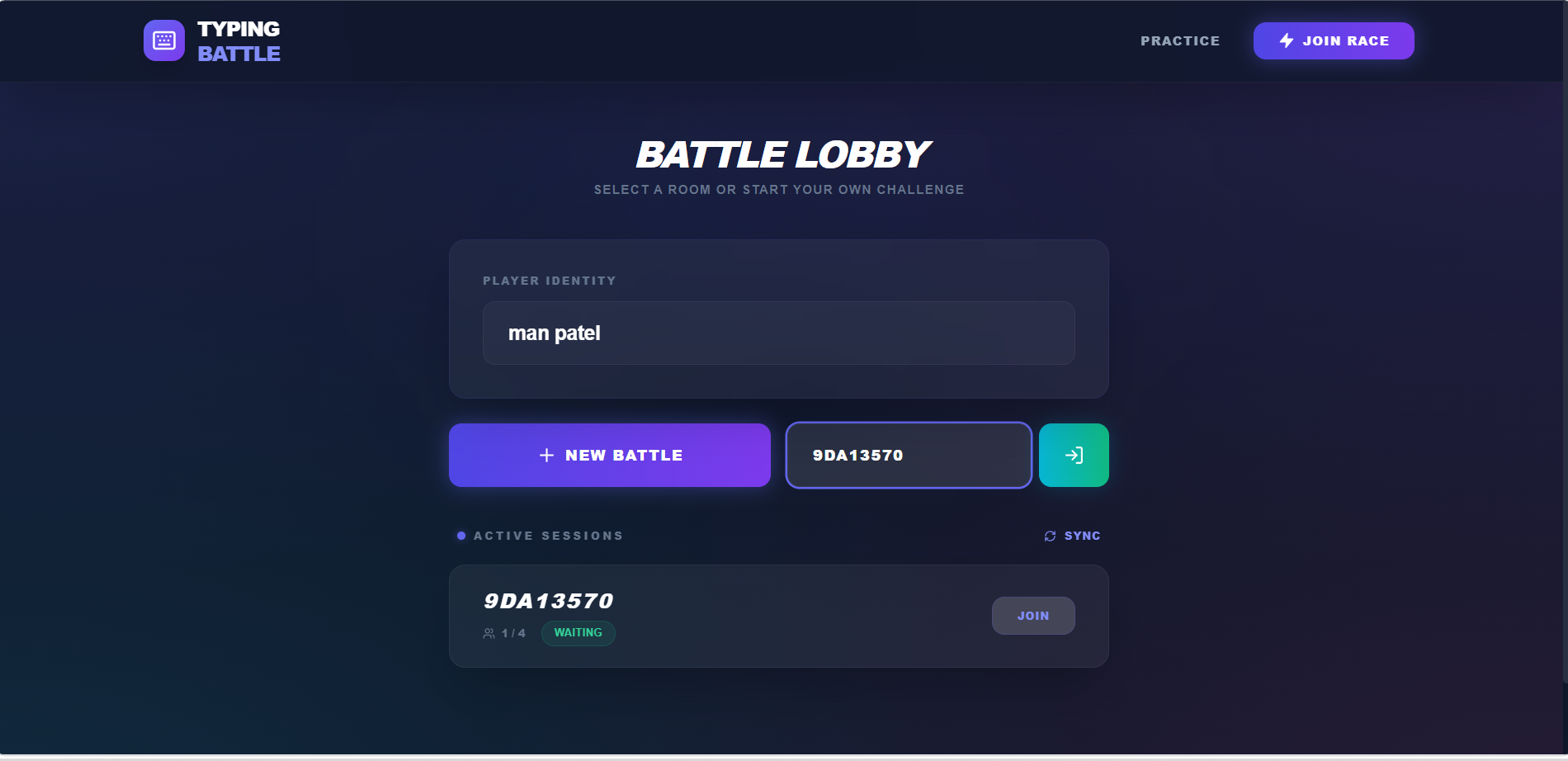
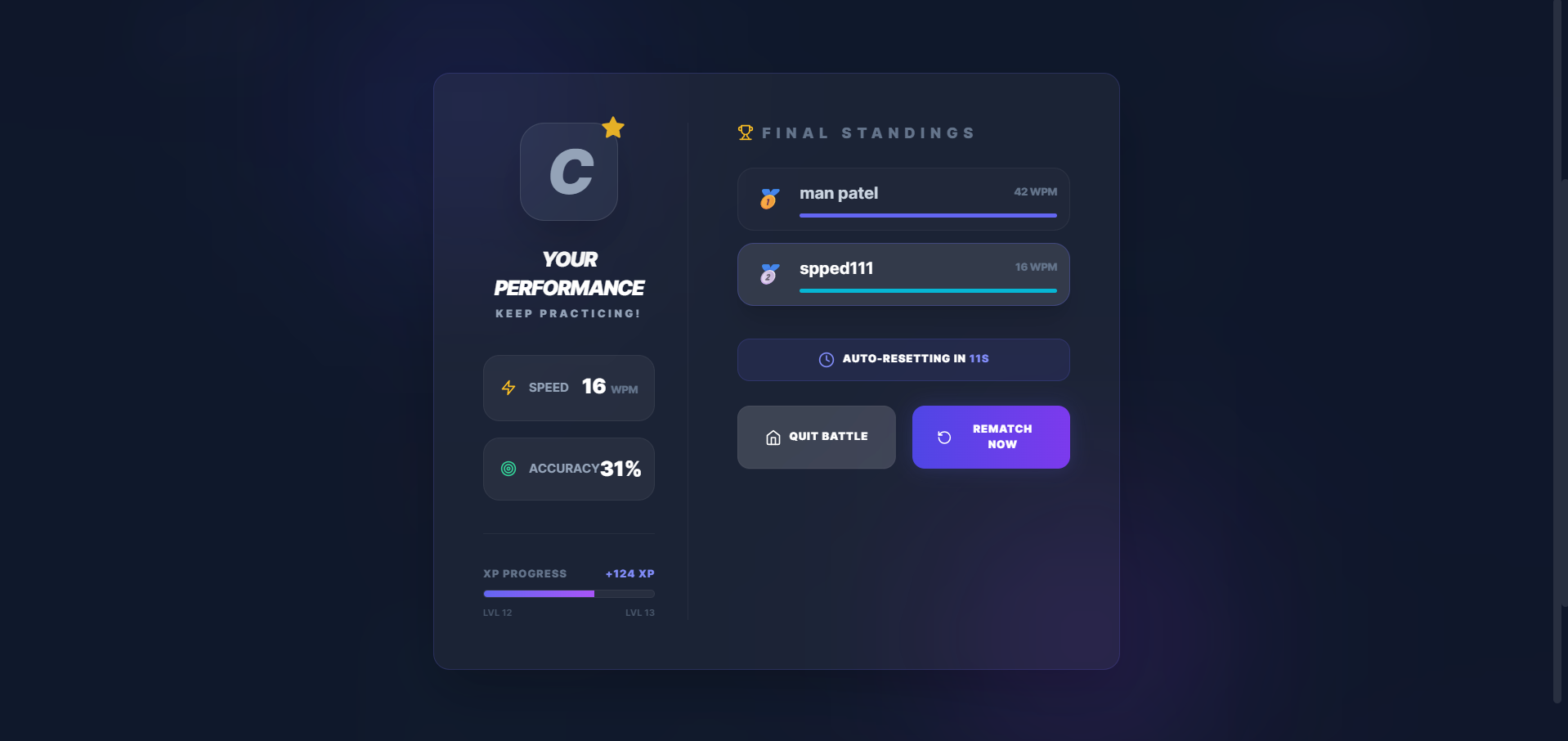
Key Features
- Real-time multiplayer typing races
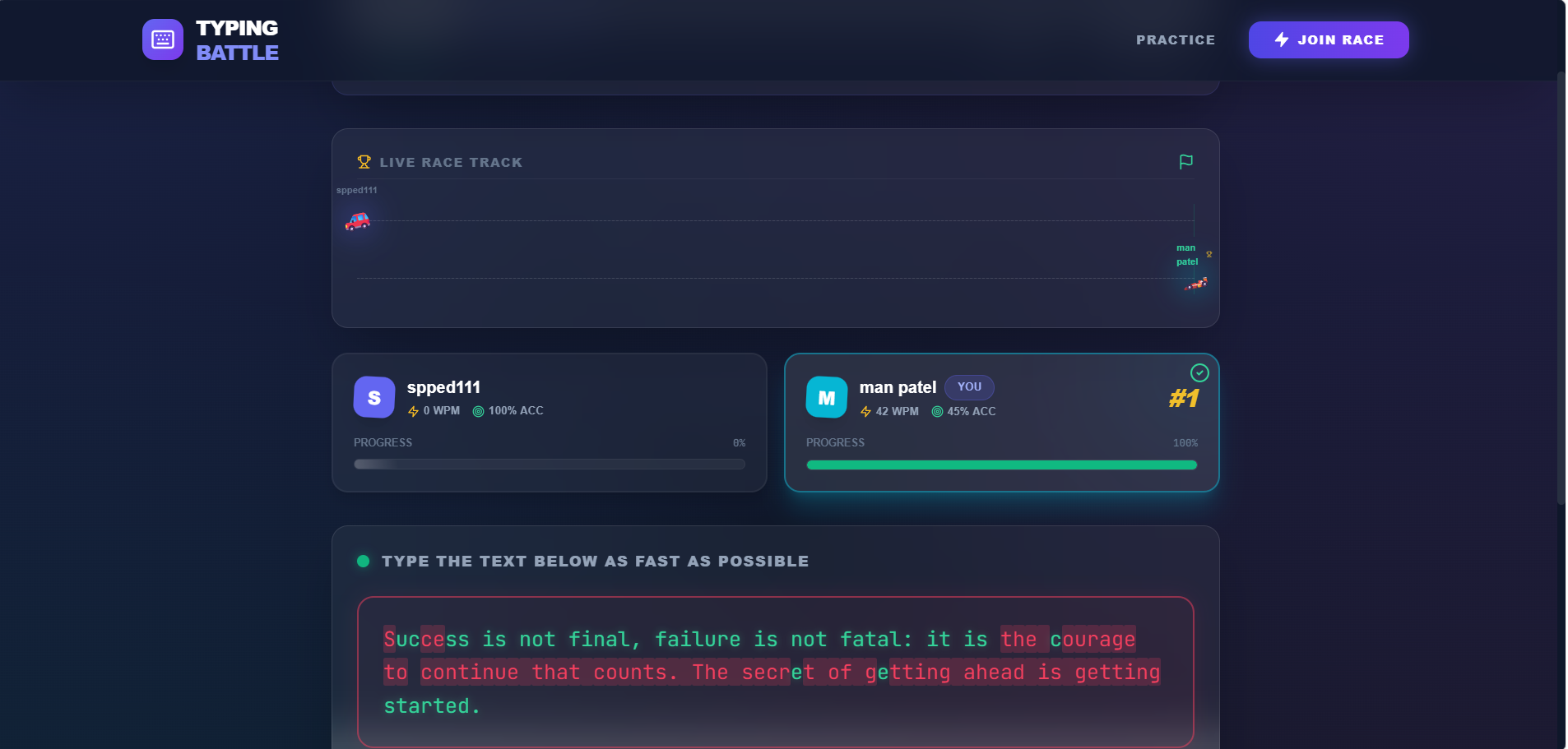
- Live race progress visualization
- WPM and an accuracy-based grading system
- Real-time audio effects and countdown sounds
- XP and level progression system
- Automatic rematch and room reset
- Smart room protection system
- Modern dark-mode glass morphism UI
- Responsive design for all devices
Functionality
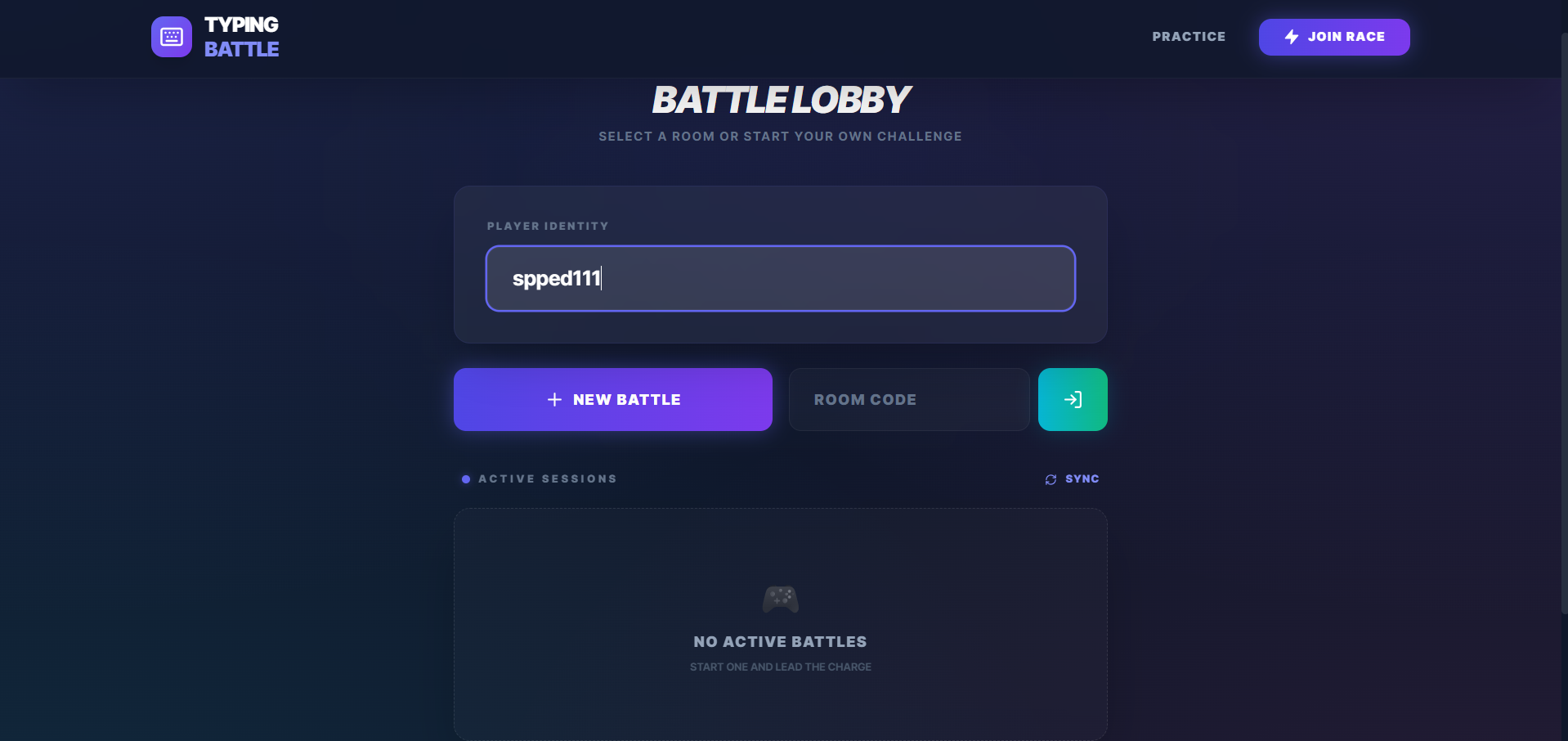
- User Lobby
- Users enter their username
- Players can:
- Practice solo
- Join multiplayer race rooms
- Room Creation & Joining
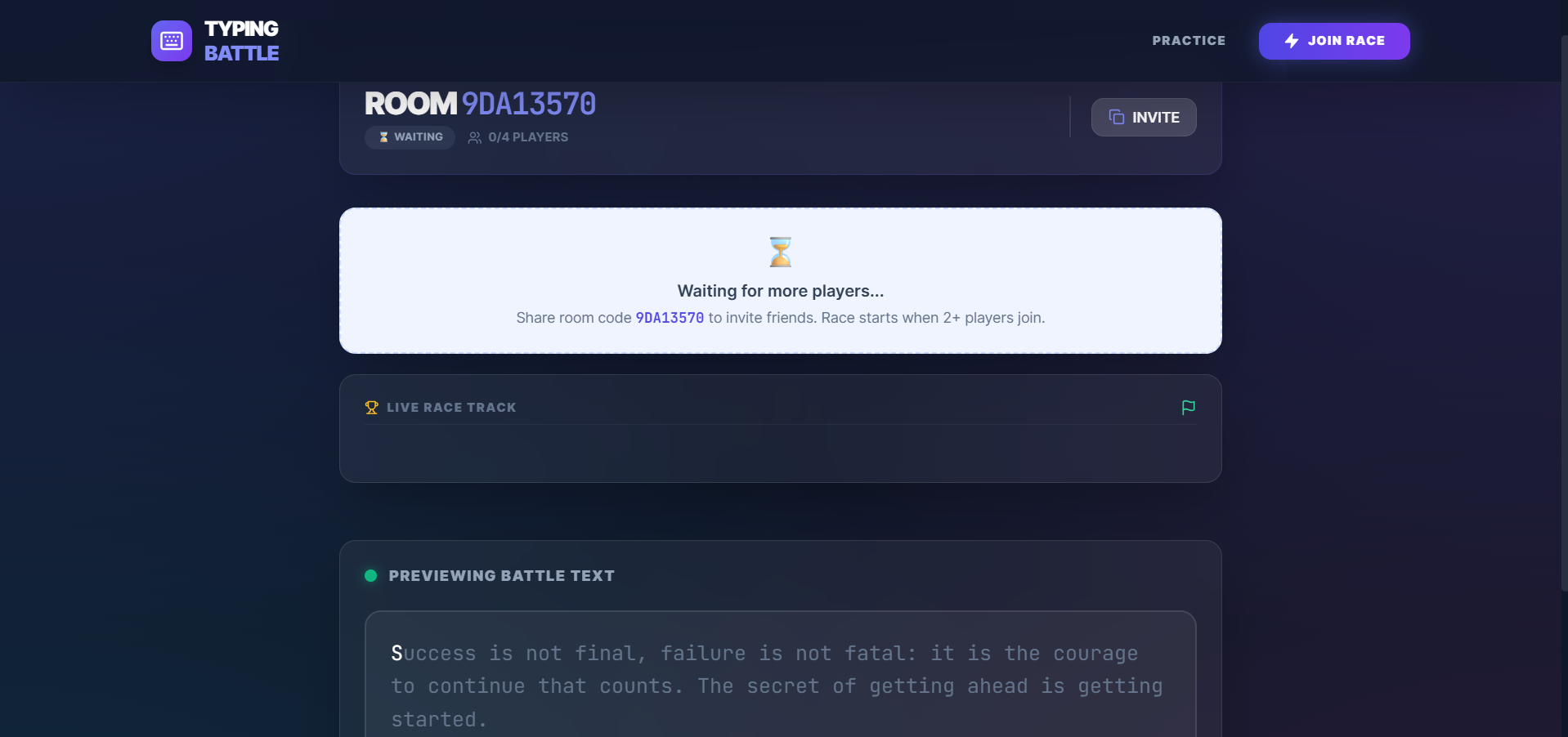
- Server creates unique Room IDs
- Random typing paragraphs are selected automatically
- Multiple players can join the same race room
- Real-Time Synchronization
- As players type, progress updates instantly
- Socket.IO synchronizes player positions in real time
- Backend manages player states safely using MongoDB atomic updates
- Typing Race
- A synchronized countdown starts the race
- Players type the paragraph as fast and accurately as possible
- Live progress bars/racing visuals display player positions
- Result & Grading System
- System calculates:
- Words Per Minute (WPM)
- Accuracy percentage
- Performance grades:
- S Tier
- A Tier
- B Tier
- C Tier
- XP points and levels are updated after each race
- System calculates:
- Auto Reset & Persistence
- Race rooms reset automatically after matches
- Personal best scores are stored locally
- Server manages room states dynamically
Technology Used
- Frontend
- React
- Vite
- Tailwind CSS
- lucide-react
- Backend
- Node.js
- Express.js
- Database
- MongoDB
- Mongoose
- Real-Time Communication
- Socket.IO
- Audio & UI
- Web Audio API
Why This Project Is Useful
- Helps users improve:
- Typing speed
- Typing accuracy
- Focus and reaction time
- Makes typing practice:
- Competitive
- Interactive
- Fun and engaging
- Useful for learning:
- Real-time communication
- Multiplayer synchronization
- MERN stack architecture
- Socket-based applications
- Performance tracking systems
- Excellent project for:
- Portfolio showcase
- Real-world multiplayer application development
- Advanced frontend and backend practice
Deployment and Environment Setup
- Environment Variables Setup:
- backend/.env
- PORT: 5000
- MONGO_URI: mongodb_url_string
- JWT_SECRET: your_jwt_secret_key_here (if needed)
- frontend/.env
- VITE_API_URL: backend_url
- backend/.env
- Deployment Overview:
- Render or Railway for backend hosting
- Vercel or Netlify for frontend hosting
- MongoDB Atlas for the database
- Backend Deployment:
- Push your code to GitHub.
- Go to Render.com or Railway.app.
- Create a new Web Service and connect your GitHub repository.
- Choose “backend/” as the root directory.
- Add the following environment variables on Render:
- PORT=10000
- MONGO_URI=your MongoDB Atlas URI
- JWT_SECRET=your JWT secret
- Start command: npm start (Ensure your backend/package.json includes “start”: “node server.js”)
- After deployment, note your backend URL, e.g. https://your-backend-name.onrender.com
- Frontend Deployment:
- Go to Vercel.com or Netlify.com.
- Create a new project and connect the GitHub repo.
- Select the “frontend/” folder as root.
- In environment variables, set:
- VITE_API_URL=https://your-backend-domain.com/api (or REACT_APP_API_URL if using CRA)
- Deploy.
- MongoDB Atlas Setup:
- Go to https://cloud.mongodb.com
- Create a free cluster.
- Add your current IP address in Network Access.
- Create a database user and password.
- Copy the connection string and replace username, password, and database name in MONGO_URI in backend/.env
Download Source Code
Project Setup Instructions
Note: This project is for educational purposes only. Not for commercial sale.


