
Project Overview
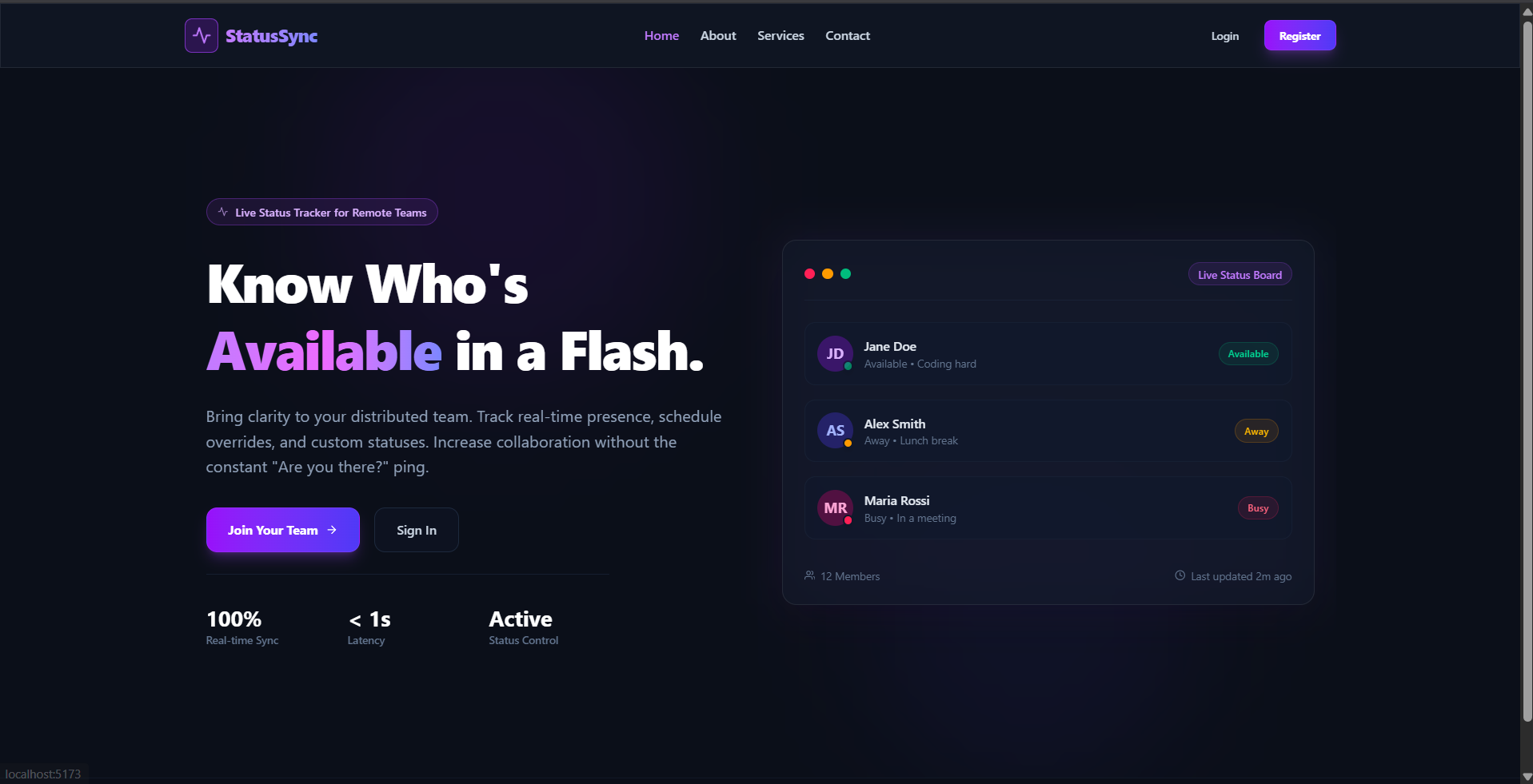
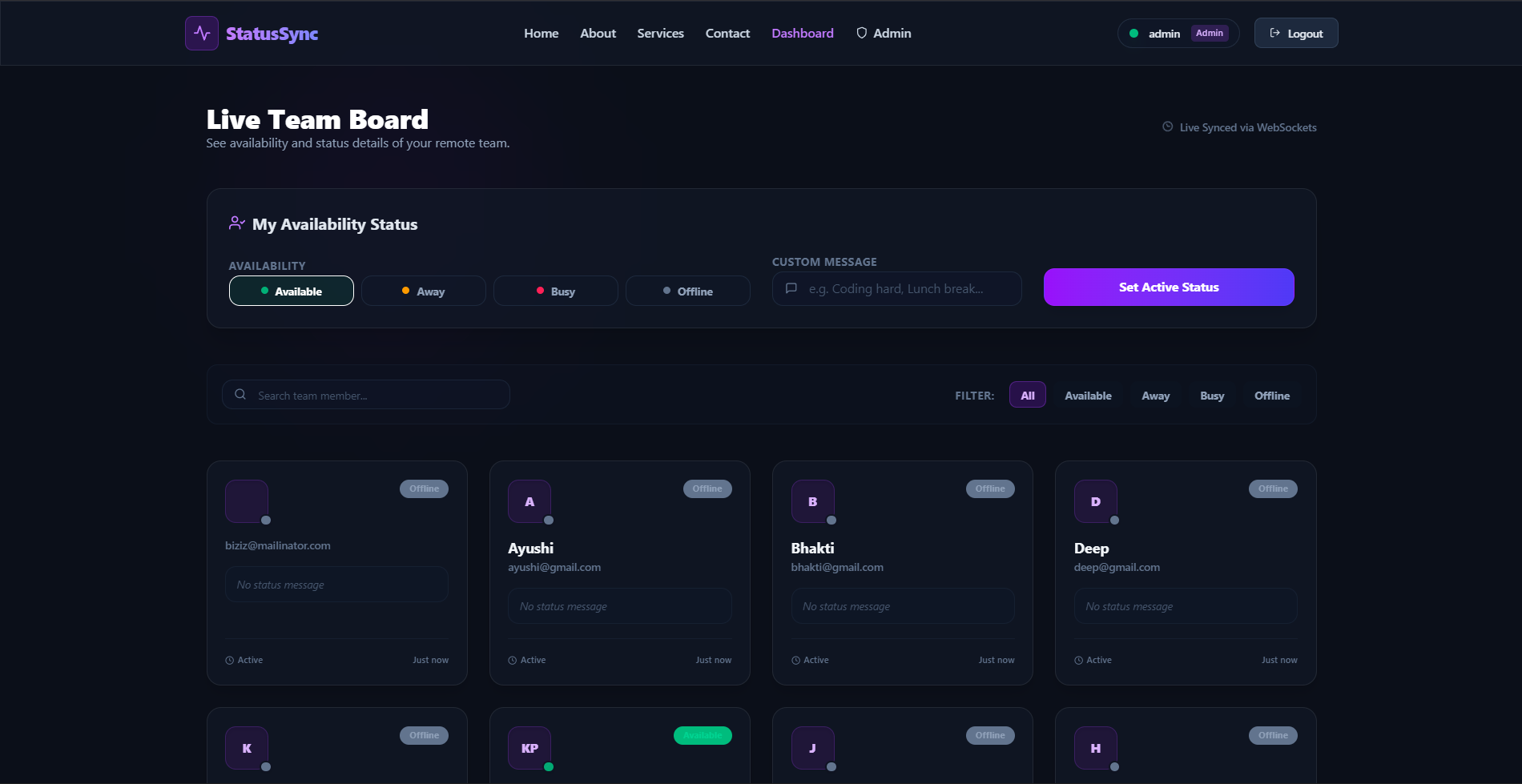
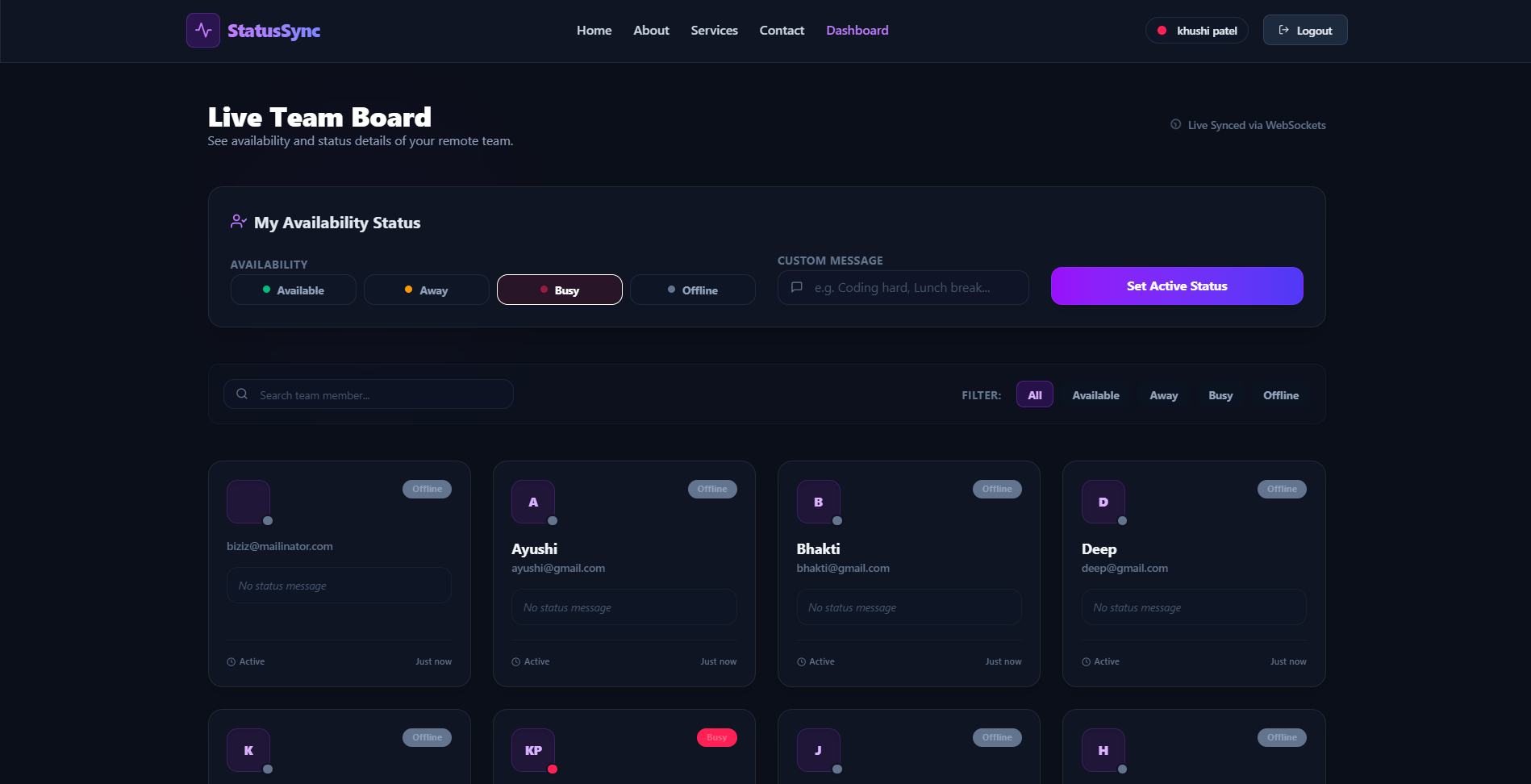
StatusSync is a premium, real-time MERN stack team availability dashboard that enables remote organizations to seamlessly track presence, set active states (Available, Away, Busy, Offline), and update custom status messages to foster transparent, lightweight collaboration.
Screenshots
Key Features
- Real-time Socket.io presence updates
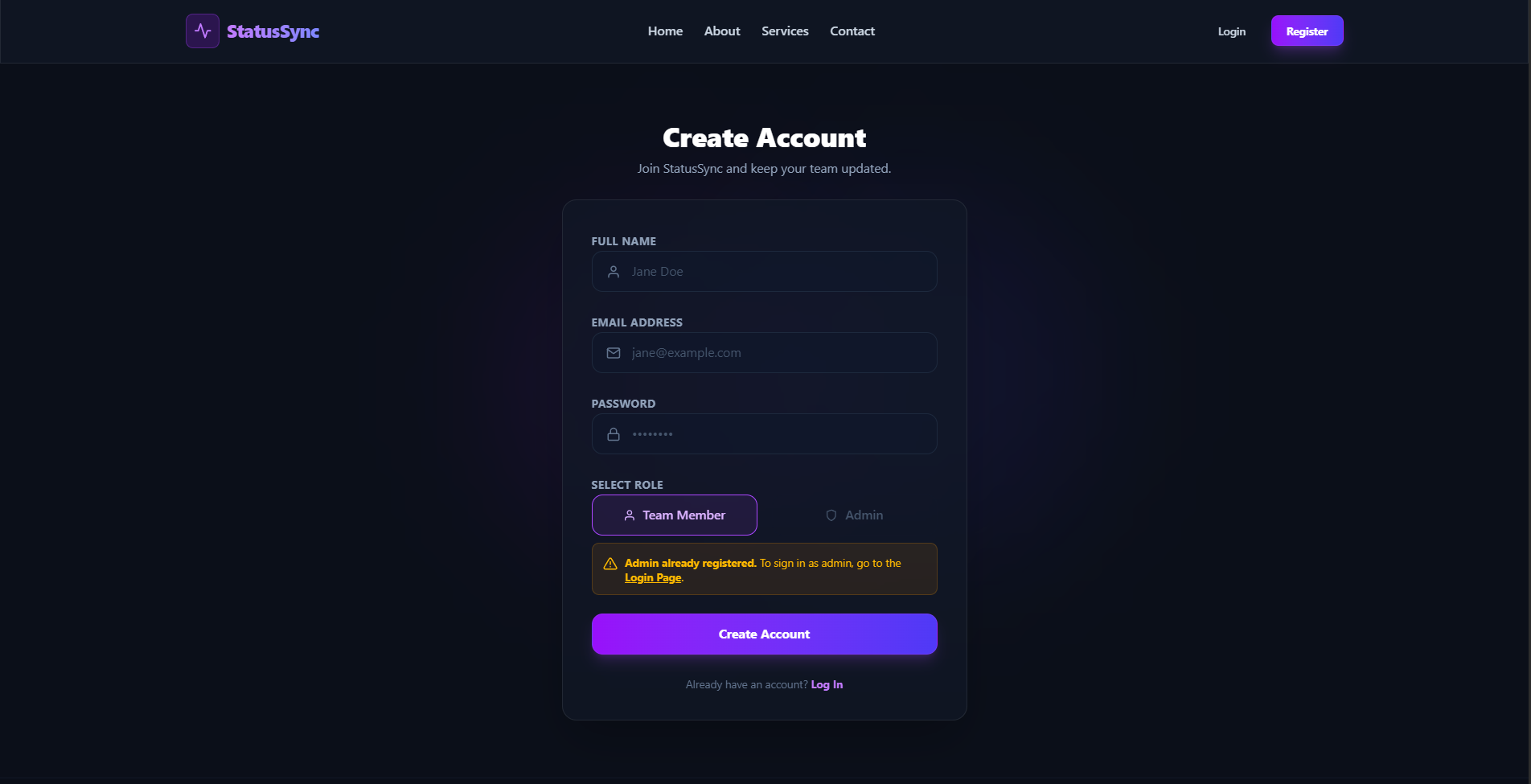
- Single-admin registration security lock
- Multi-tab connection tracking
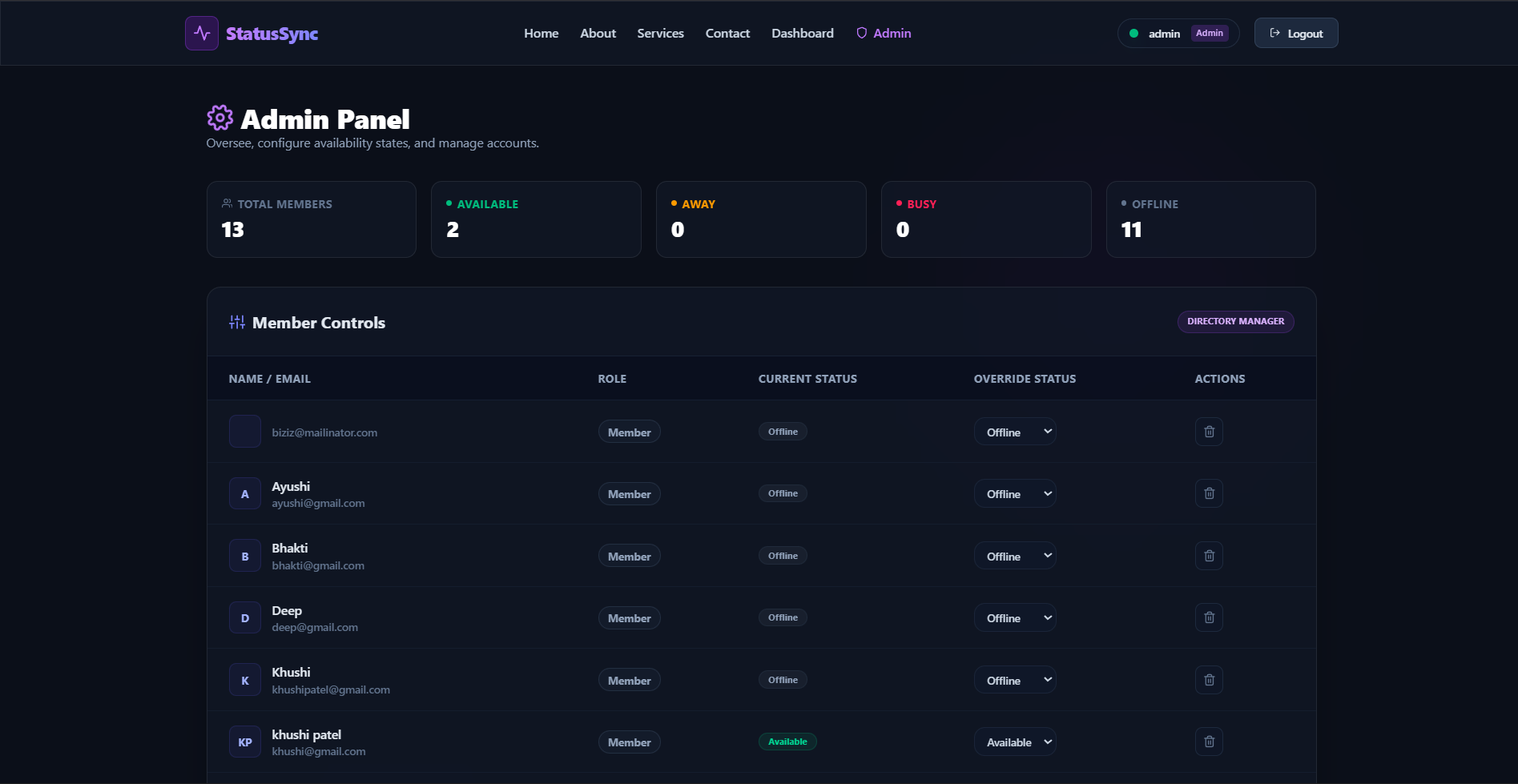
- Admin control center with overrides
- Guest access to public info pages.
Functionaliy
- Public visitor routing for guest pages
- Dynamic status picker with custom activity messages
- Automatic presence transition to available on login
- Auto-offline toggling on complete tab closures
- Secure role changes and profile deletion by admin.
Technology Used
- Frontend: React, Tailwind CSS v4, React Router DOM, Socket.io Client, Axios, React Hot Toast, React Icons.
- Backend: Node.js, Express,Socket.io.
- Database: MongoDB.
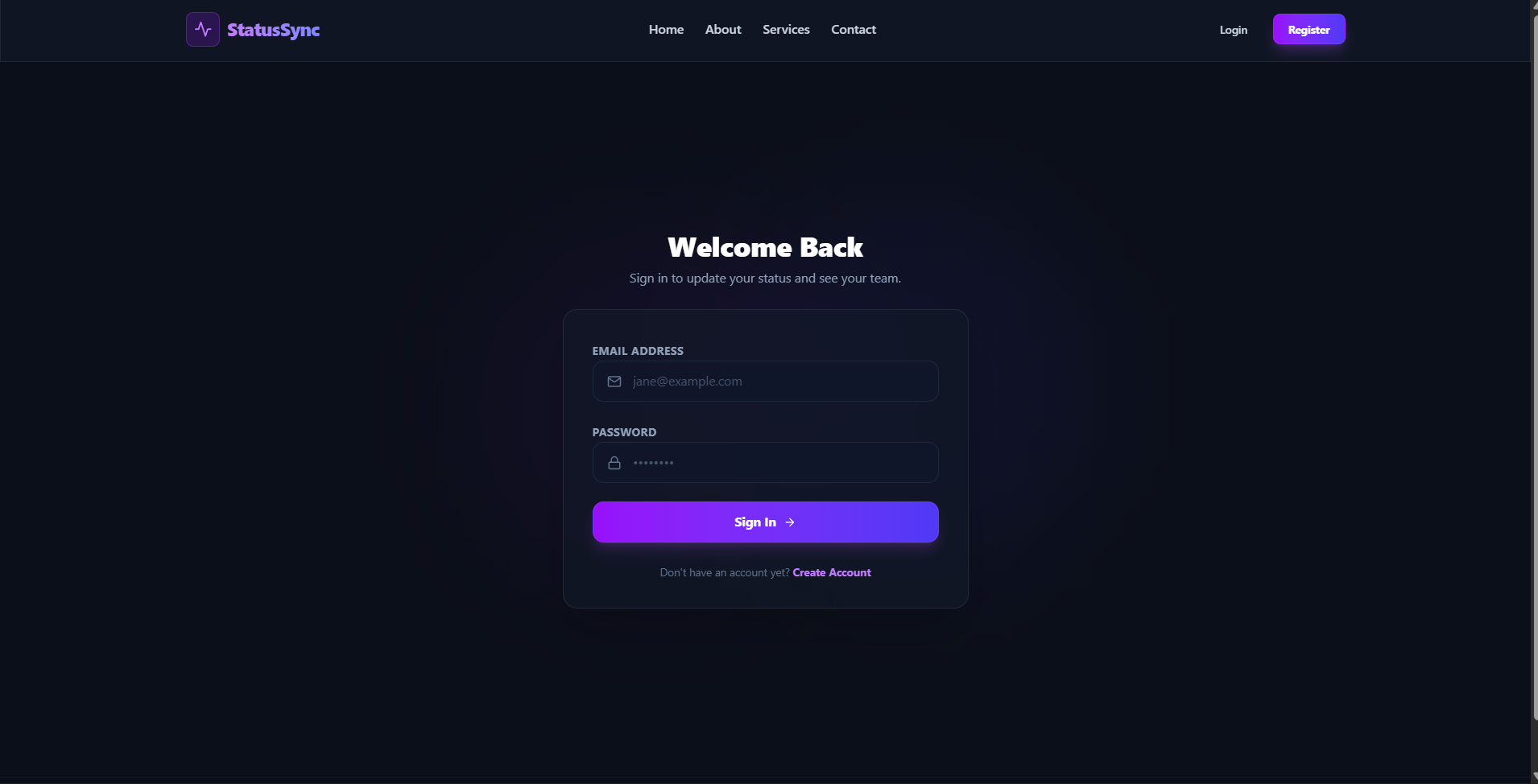
- Authentication: JSON Web Tokens (JWT) for secure, stateless authentication.
Why This Project Is Useful
- Fosters asynchronous remote team collaboration
- Eliminates constant “Are you there?” check pings
- Protects user focus boundaries transparently
- Prevents duplicate administrative credentials securely
- Delivers instant updates with zero-latency synchronization.
Deployment and Environment Setup
- Environment Variables Setup:
- backend/.env
- PORT: 3000
- MONGO_URI: mongodb_url_string
- JWT_SECRET: your_jwt_secret_key_here (if needed)
- frontend/.env
- VITE_API_URL: backend_url
- backend/.env
- Deployment Overview:
- Render or Railway for backend hosting
- Vercel or Netlify for frontend hosting
- MongoDB Atlas for the database
- Backend Deployment:
- Push your code to GitHub.
- Go to Render.com or Railway.app.
- Create a new Web Service and connect your GitHub repository.
- Choose “backend/” as the root directory.
- Add the following environment variables on Render:
- PORT=10000
- MONGO_URI=your MongoDB Atlas URI
- JWT_SECRET=your JWT secret
- Start command: npm start (Ensure your backend/package.json includes “start”: “node server.js”)
- After deployment, note your backend URL, e.g. https://your-backend-name.onrender.com
- Frontend Deployment:
- Go to Vercel.com or Netlify.com.
- Create a new project and connect the GitHub repo.
- Select the “frontend/” folder as root.
- In environment variables, set:
- VITE_API_URL=https://your-backend-domain.com/api (or REACT_APP_API_URL if using CRA)
- Deploy.
- MongoDB Atlas Setup:
- Go to https://cloud.mongodb.com
- Create a free cluster.
- Add your current IP address in Network Access.
- Create a database user and password.
- Copy the connection string and replace username, password, and database name in MONGO_URI in backend/.env
Download Source Code
Project Setup Instructions
Note: This project is for educational purposes only. Not for commercial sale.


