
Project Overview
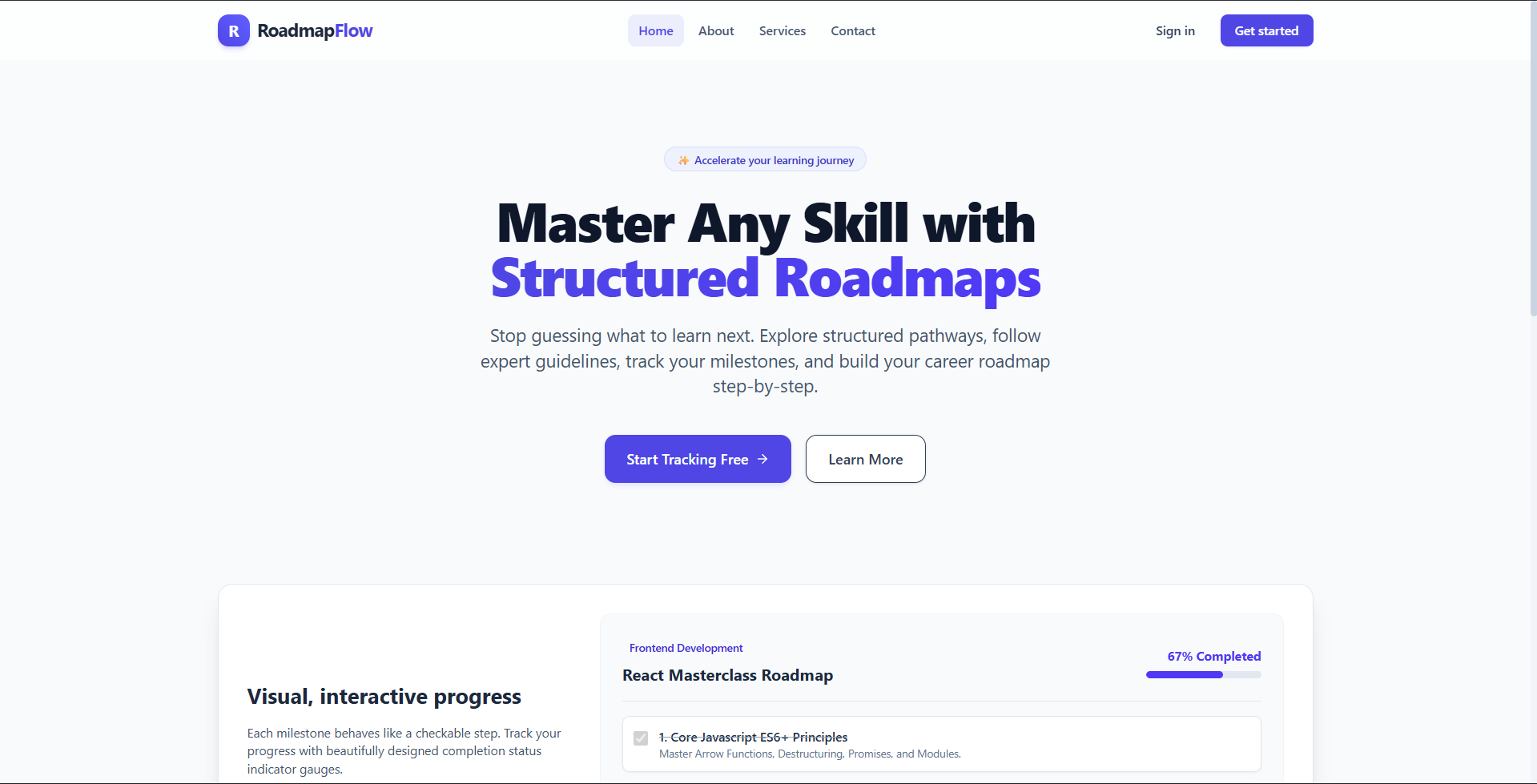
Roadmap Planner is a comprehensive, interactive web application designed to help users discover, create, customize, and track educational or professional learning roadmaps. It provides a visual and step-by-step structure to master various subjects or skills, enabling users to organize milestones, track their ongoing progress, and reference curated resources for every learning stage.
Screenshots
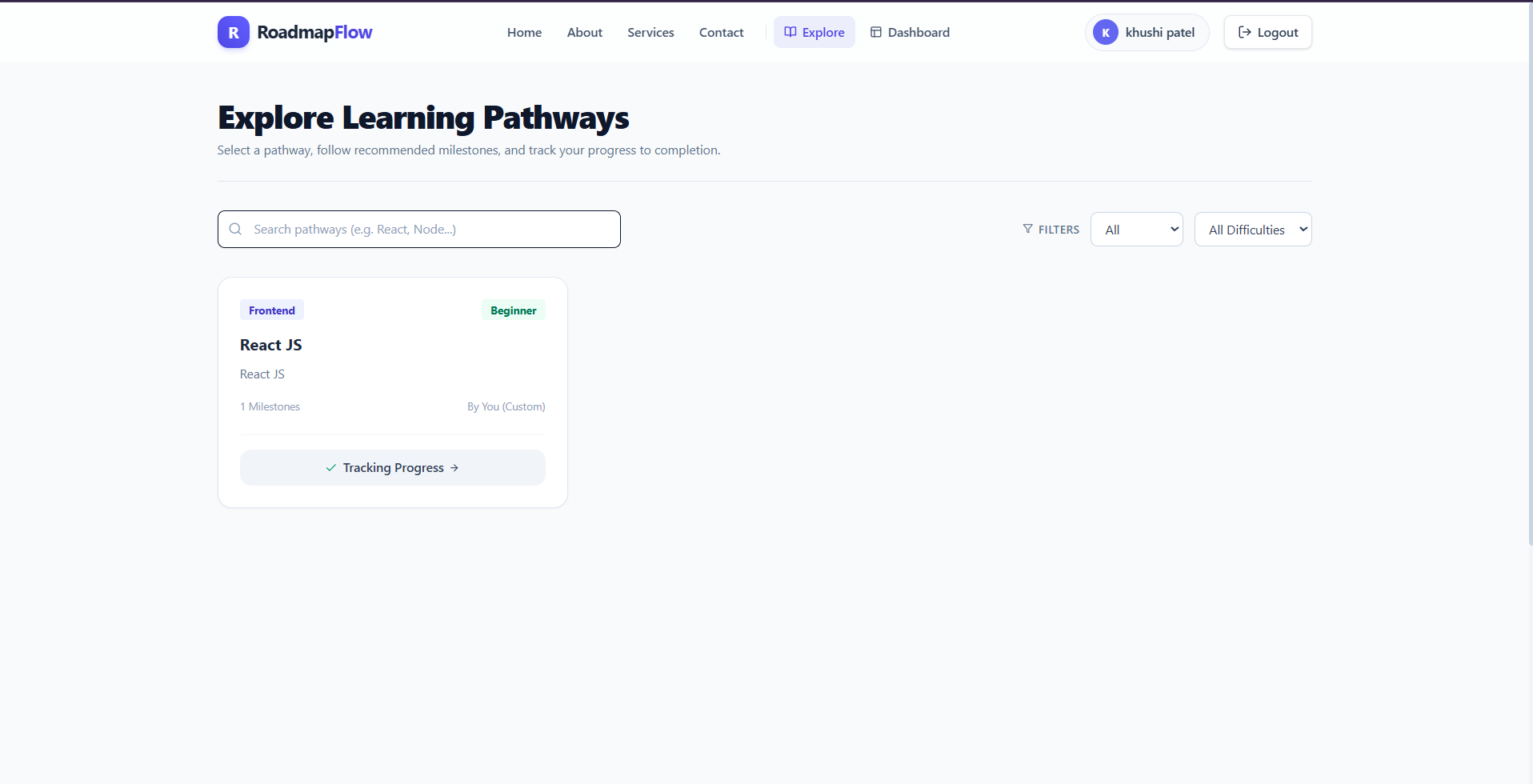
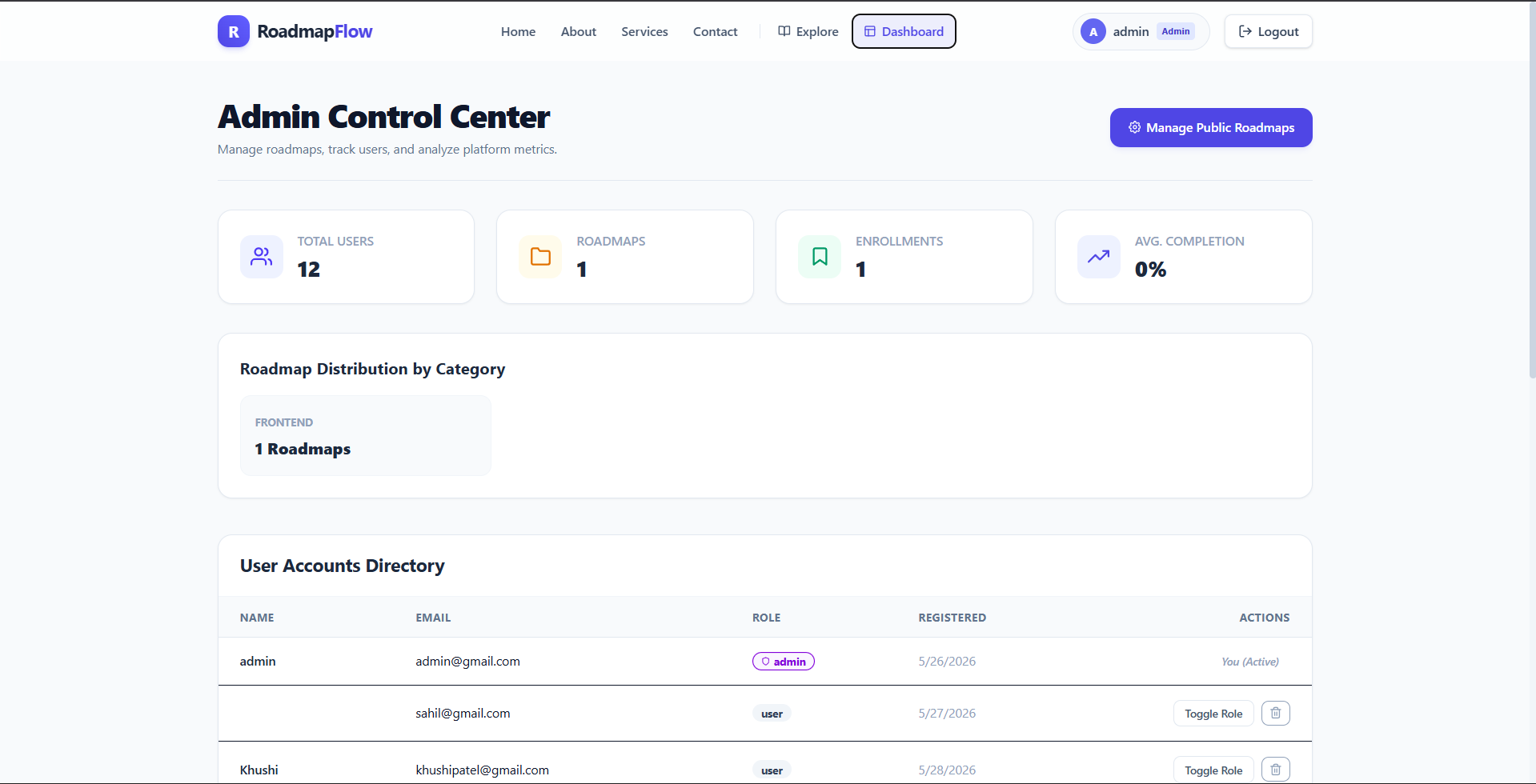
Key Features
- Custom Roadmap Creator: Users can design custom roadmaps with difficulty levels and categories.
- Interactive Milestone Tracker: Visualise progress and check off completed stages.
- Curated Resource Links: Attach learning resource links directly to milestones.
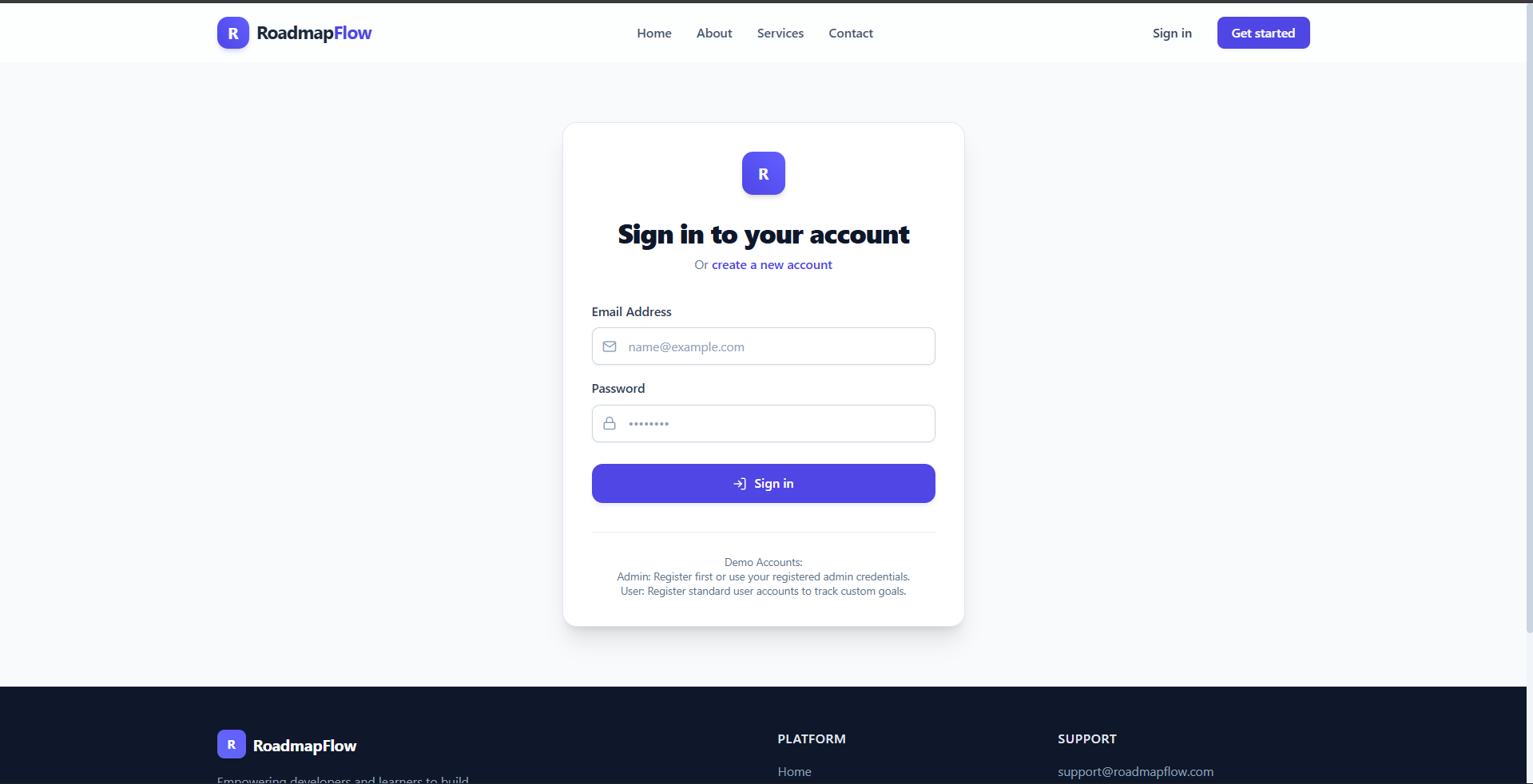
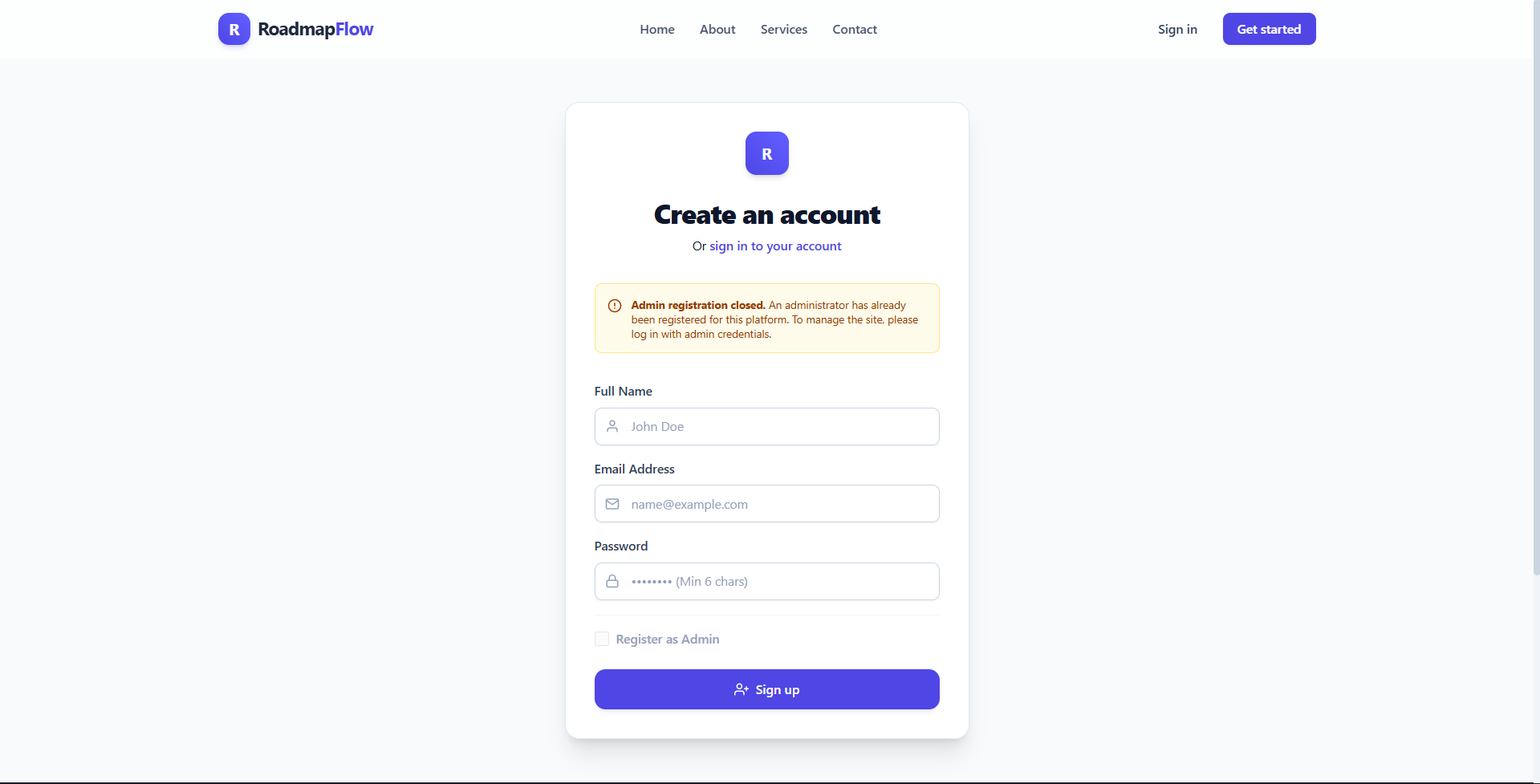
- User Authentication: Secure sign-up, sign-in, and profile-based progress tracking.
- Public Discovery Feed: Browse and clone learning roadmaps created by other members of the community.
Functionaliy
- Dynamic Roadmap Construction: Easily add, edit, or delete milestones and nested resource links.
- Real-Time Progress Persistence: Mark tasks as completed to auto-update progress percentage in the database.
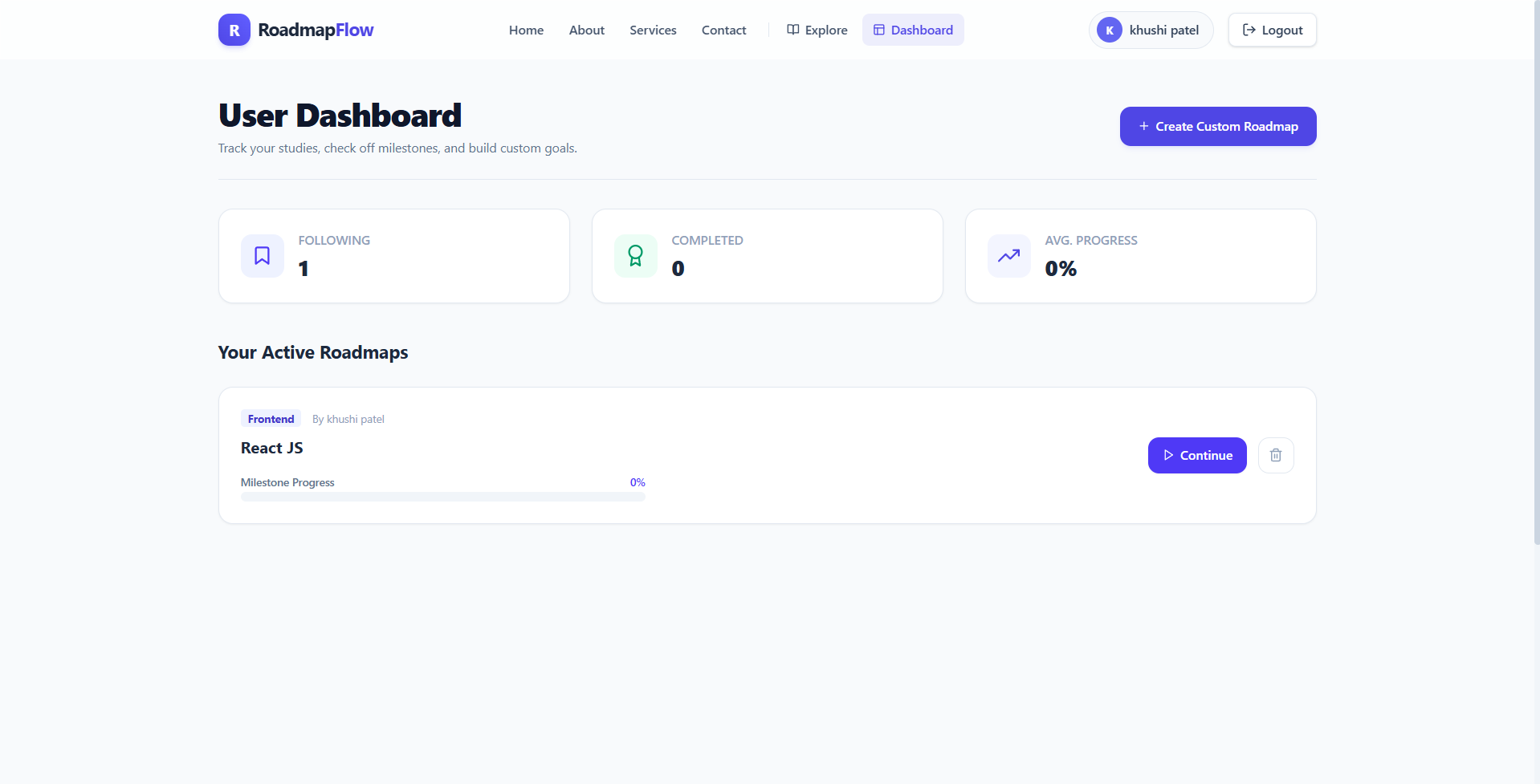
- Account-Bound Roadmaps: Manage personal, completed, or in-progress roadmaps via user dashboard.
- Roadmap Classification: Filter and search roadmaps by categories like Beginner, Intermediate, or Advanced.
- Resource Referencing: Instantly redirect to reference URLs linked to specific milestones.
Technology Used
- Frontend
- React (v19)
- Vite
- Tailwind CSS (v4)
- React Icons
- React Router DOM
- React Hot Toast
- Backend
- Node.js
- Express.js (v5)
- MongoDB
- Mongoose
- JWT (JsonWebToken)
- Bcryptjs
- Cors
- Dotenv
Why This Project Is Useful
- Structured Learning Paths: Simplifies complex subjects into manageable, sequential milestones.
- Progress Accountability: Keeps learners motivated by displaying tangible progress indicators.
- Resource Centralization: Consolidates all educational links and documentation in one single location.
- Community Collaboration: Enables knowledge sharing through a shared roadmap repository.
- High Customizability: Tailors learning paths specifically to an individual’s unique pace and goals.
Deployment and Environment Setup
- Environment Variables Setup:
- backend/.env
- PORT: 3000
- MONGO_URI: mongodb_url_string
- JWT_SECRET: your_jwt_secret_key_here (if needed)
- frontend/.env
- VITE_API_URL: backend_url
- backend/.env
- Deployment Overview:
- Render or Railway for backend hosting
- Vercel or Netlify for frontend hosting
- MongoDB Atlas for the database
- Backend Deployment:
- Push your code to GitHub.
- Go to Render.com or Railway.app.
- Create a new Web Service and connect your GitHub repository.
- Choose “backend/” as the root directory.
- Add the following environment variables on Render:
- PORT=10000
- MONGO_URI=your MongoDB Atlas URI
- JWT_SECRET=your JWT secret
- Start command: npm start (Ensure your backend/package.json includes “start”: “node server.js”)
- After deployment, note your backend URL, e.g. https://your-backend-name.onrender.com
- Frontend Deployment:
- Go to Vercel.com or Netlify.com.
- Create a new project and connect the GitHub repo.
- Select the “frontend/” folder as root.
- In environment variables, set:
- VITE_API_URL=https://your-backend-domain.com/api (or REACT_APP_API_URL if using CRA)
- Deploy.
- MongoDB Atlas Setup:
- Go to https://cloud.mongodb.com
- Create a free cluster.
- Add your current IP address in Network Access.
- Create a database user and password.
- Copy the connection string and replace username, password, and database name in MONGO_URI in backend/.env
Download Source Code
Project Setup Instructions
Note: This project is for educational purposes only. Not for commercial sale.


