
Project Overview
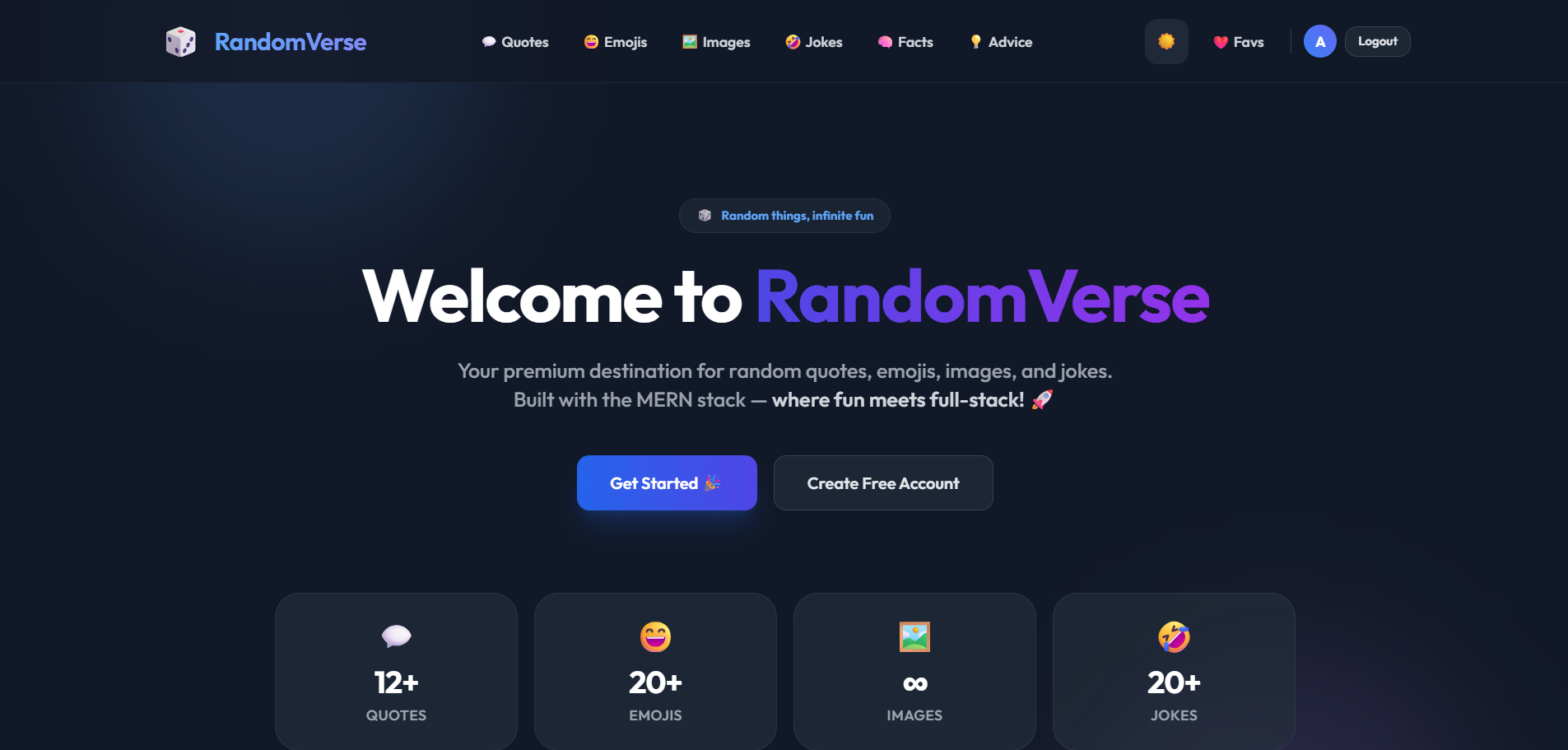
RandomVerse is a modern full-stack web application built using the MERN Stack – MongoDB, Express.js, React, and Node.js.
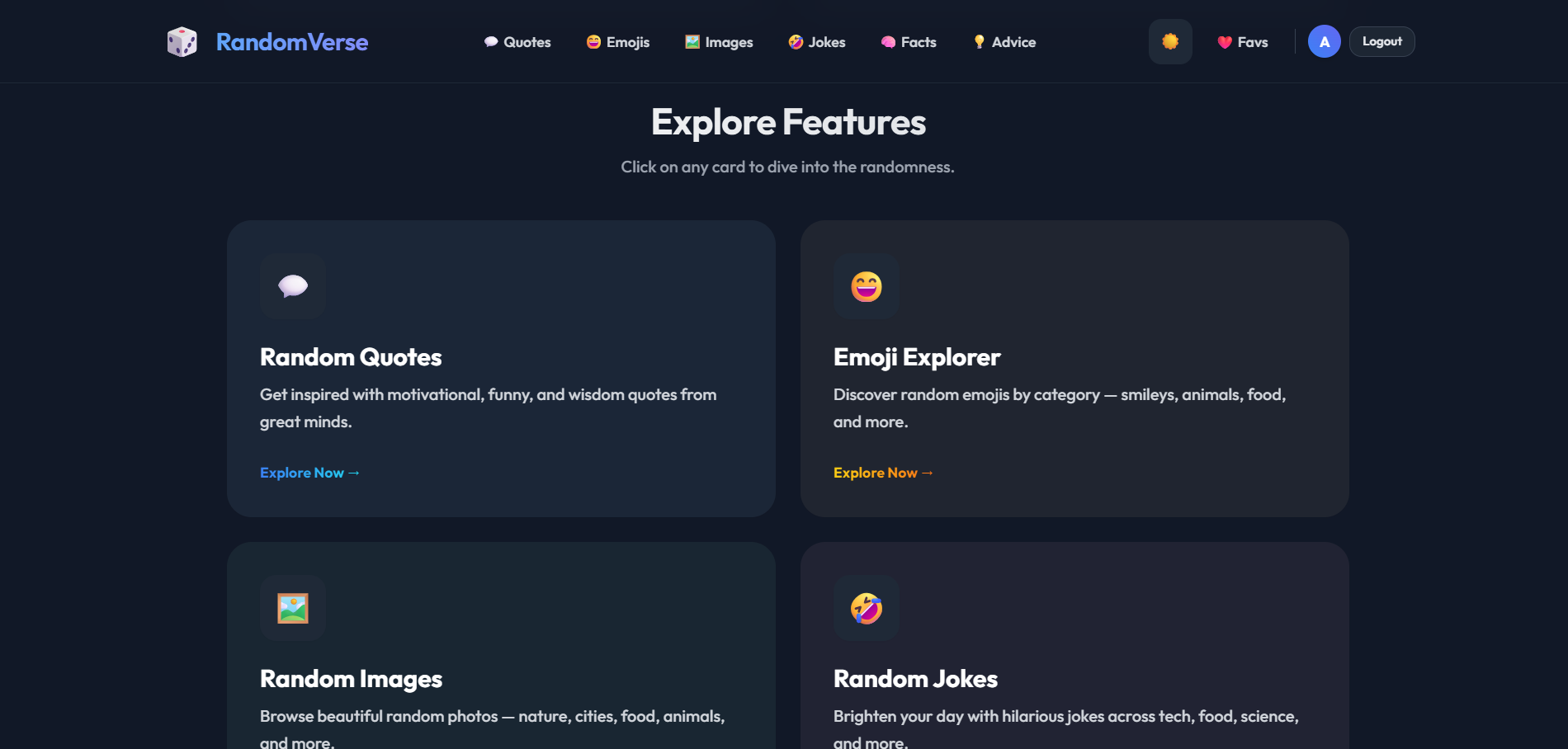
The platform is designed to provide users with interactive random content such as quotes, jokes, facts, emojis, and images through a clean and responsive interface. It features secure authentication, personalized favorites management, theme switching, and modern UI effects.
Users can browse different types of content, save favorites to their personal account, and enjoy a fast and engaging experience powered by real-time API integration and optimized frontend performance.
Screenshots
Key Features
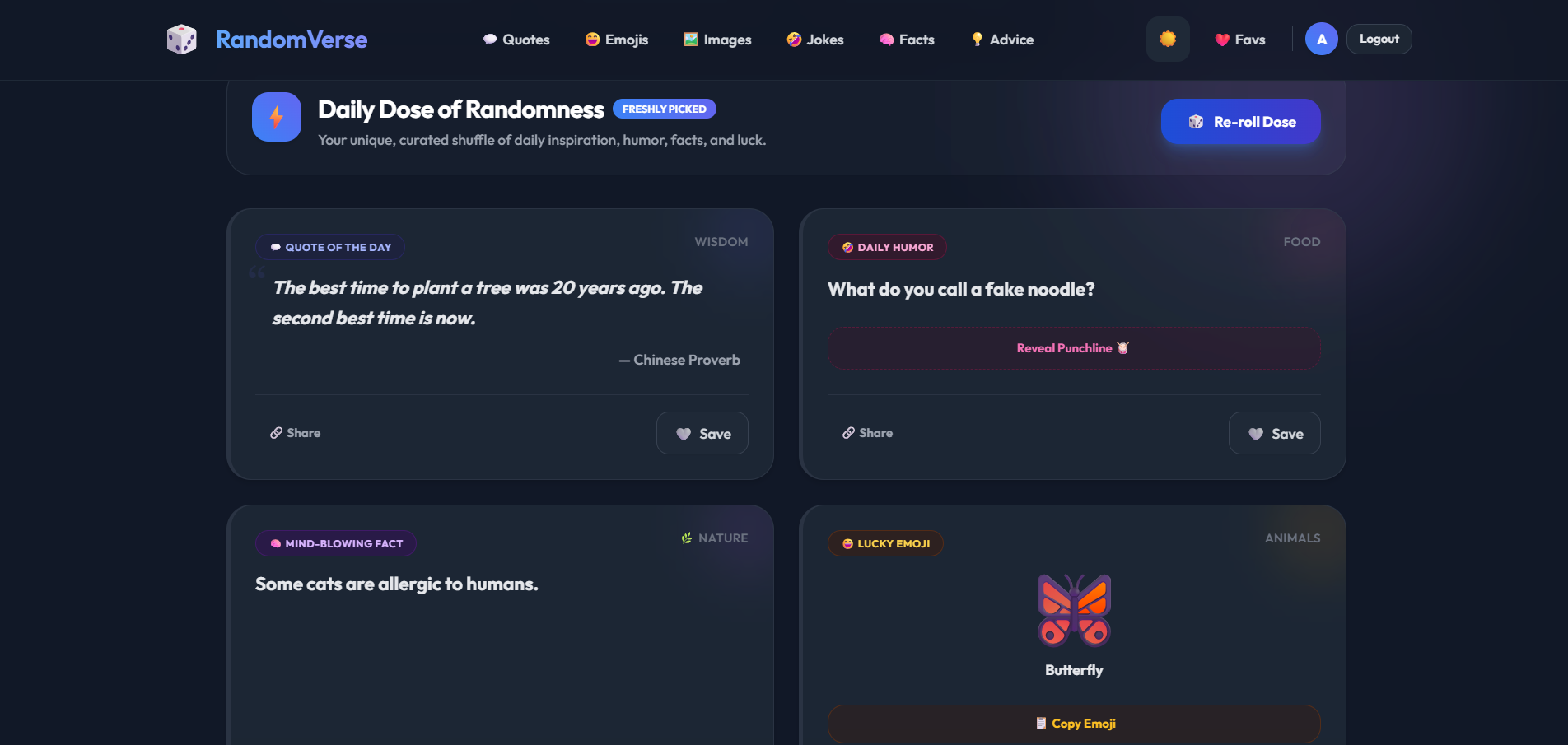
- Dashboard displaying:
- Quotes
- Jokes
- Facts
- Emojis
- Interactive content refresh system
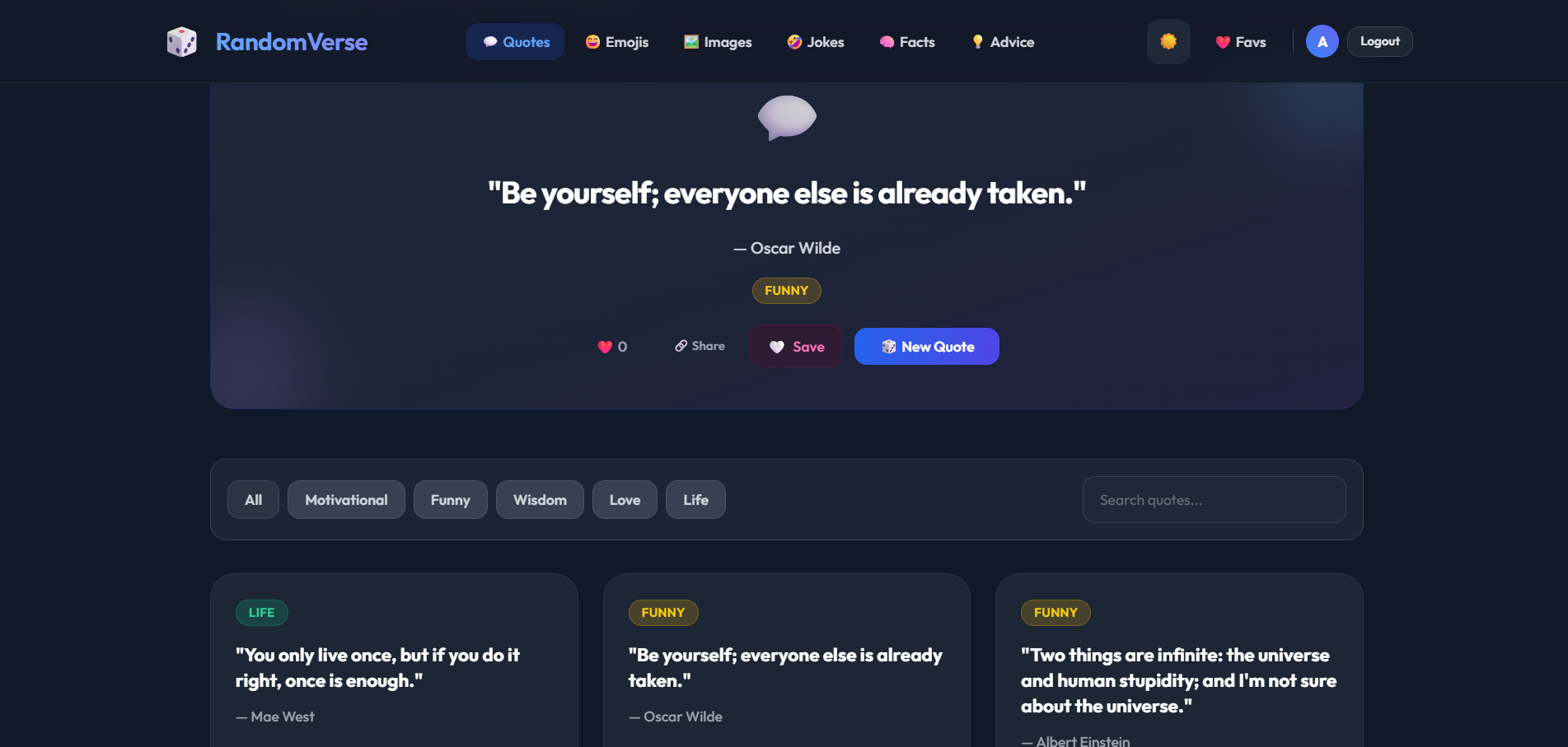
- Quotes explorer with:
Likes
Sharing
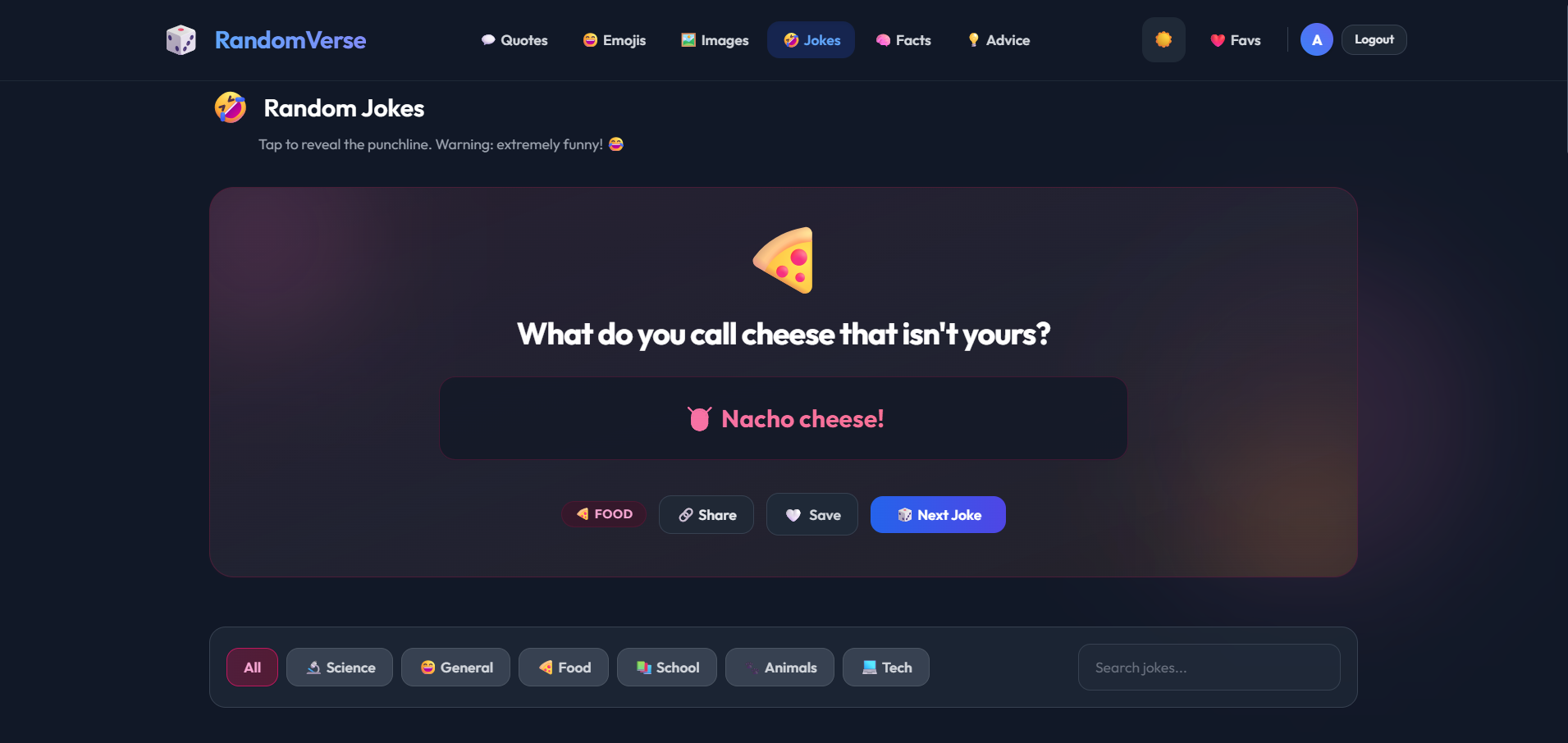
Bookmarking - Joke explorer with animated punchline reveal
- Emoji explorer with clipboard copy functionality
- Dynamic image explorer with API-based image loading
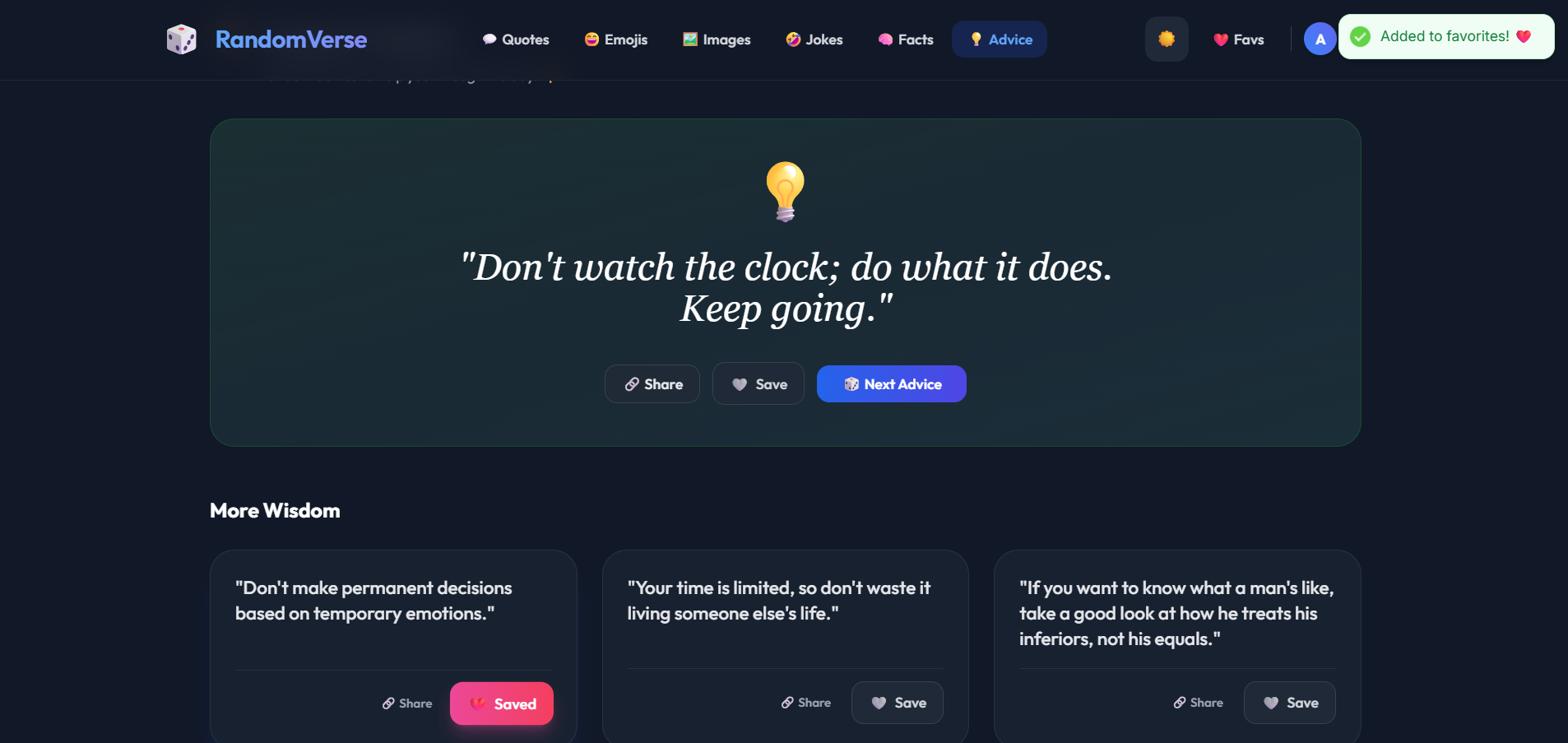
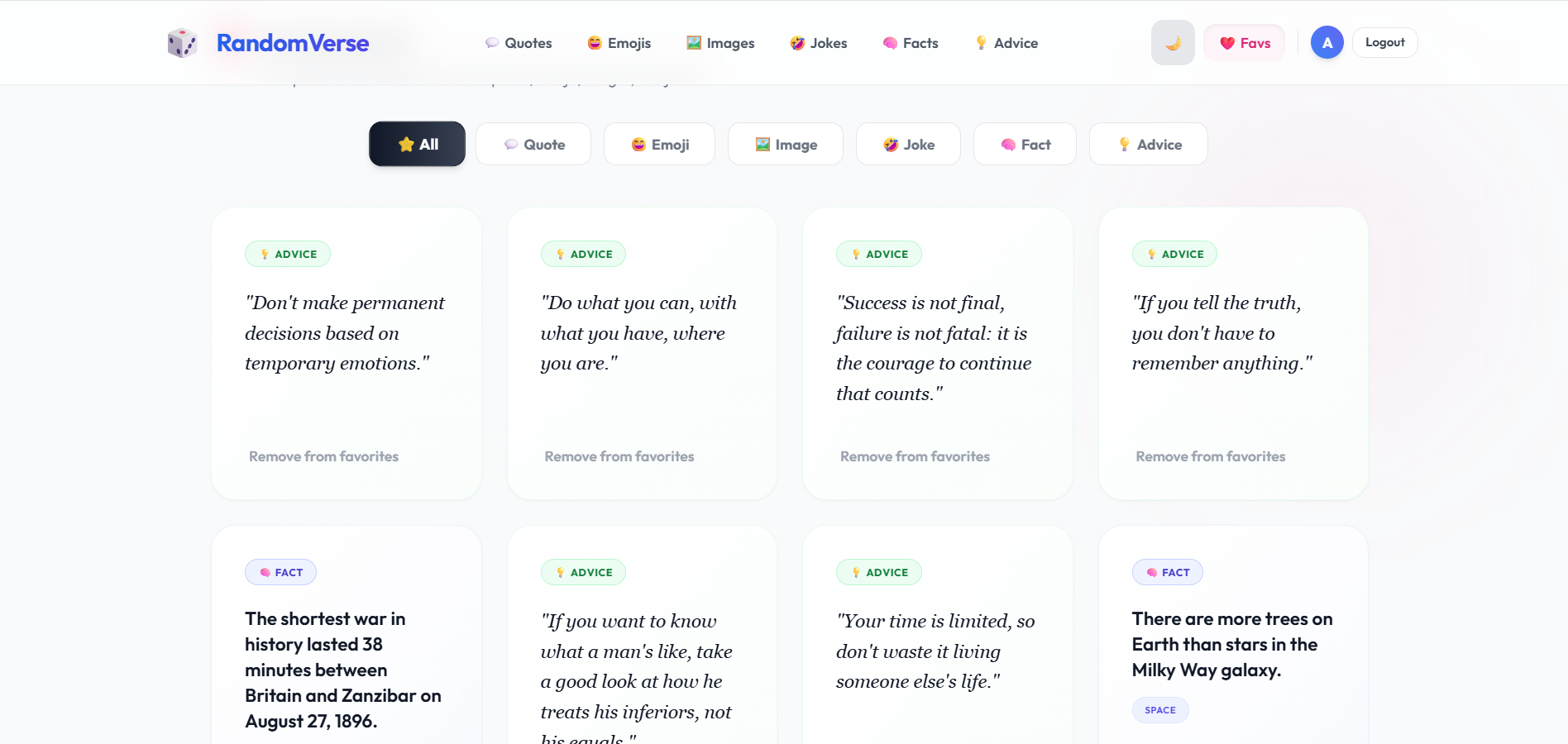
- Favorites system for logged-in users
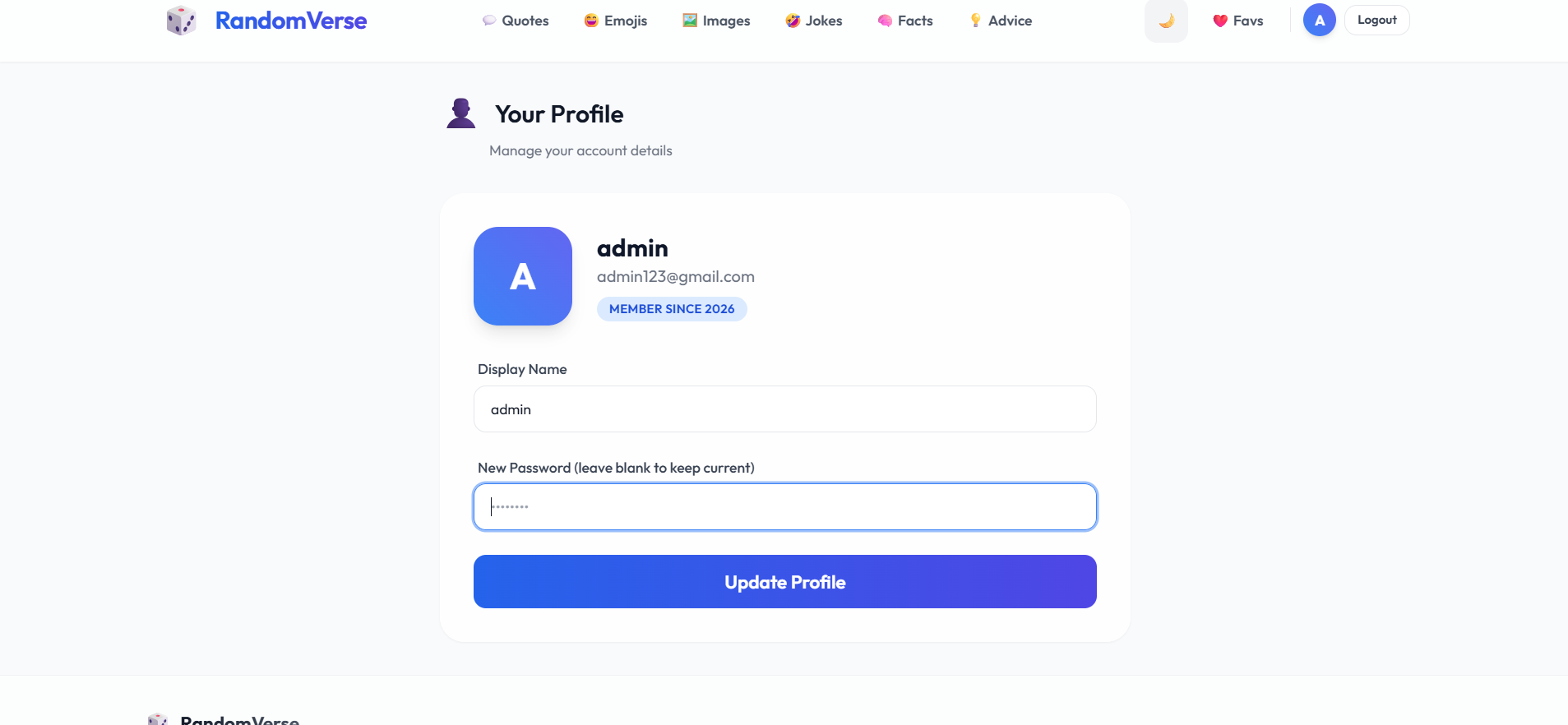
- Secure JWT authentication and password encryption
- Dark mode and light mode support
- Glassmorphism-based modern UI design
- Responsive layout for desktop and mobile devices
Functionaliy
- User Authentication
- Users can register and log in securely
- JWT tokens manage authentication sessions
- Passwords are encrypted using bcryptjs
- Dashboard System
- The homepage fetches:
- Quotes
- Jokes
- Facts
- Emojis
- Multiple APIs are called simultaneously for faster loading
- Users can refresh content dynamically
- Quotes Module
- Users can browse random motivational quotes
- Quotes can be:
- Liked
- Shared
- Saved to favorites
- Jokes Module
- Joke setup is displayed first
- Punchline appears after user interaction
- Smooth animations improve user experience
- Facts & Emoji Module
- Users can view interesting facts
- Emojis can be copied directly to clipboard
- Search and filtering options improve accessibility
- Images Module
- Dynamic images are fetched from external APIs
- Category-based image filtering is supported
- High-resolution images are displayed responsively
- Favorites System
- Logged-in users can save:
- Quotes
- Jokes
- Facts
- Emojis
- Favorites are stored securely in MongoDB
- Users can access saved content anytime from their dashboard
- Theme & UI System
- Users can switch between dark mode and light mode
- Smooth transitions and glassmorphism effects enhance UI quality
- Responsive layout adapts to different screen sizes
Technology Used
- Frontend
- React
- Vite
- Tailwind CSS
- React Router v6
- Axios
- React Hot Toast
- Backend
- Node.js
- Express.js
- Database
- MongoDB
- Mongoose
- Authentication & Security
- JWT Authentication
- bcryptjs
- CORS Protection
- APIs & Utilities
- Random Quotes API
- Image APIs (Unsplash/Picsum)
- Morgan Logger
Why This Project Is Useful
- This project demonstrates modern full-stack web development concepts and serves as an excellent portfolio-level application.
- It helps in understanding:
- MERN stack architecture
- Secure authentication systems
- REST API integration
- Responsive UI development
- State management and React routing
- Database relationship handling
- Performance optimization techniques
- The application also provides users with engaging and interactive content in a single platform.
Deployment and Environment Setup
- Environment Variables Setup:
- backend/.env
- PORT: 3000
- MONGO_URI: mongodb_url_string
- JWT_SECRET: your_jwt_secret_key_here (if needed)
- frontend/.env
- VITE_API_URL: backend_url
- backend/.env
- Deployment Overview:
- Render or Railway for backend hosting
- Vercel or Netlify for frontend hosting
- MongoDB Atlas for the database
- Backend Deployment:
- Push your code to GitHub.
- Go to Render.com or Railway.app.
- Create a new Web Service and connect your GitHub repository.
- Choose “backend/” as the root directory.
- Add the following environment variables on Render:
- PORT=10000
- MONGO_URI=your MongoDB Atlas URI
- JWT_SECRET=your JWT secret
- Start command: npm start (Ensure your backend/package.json includes “start”: “node server.js”)
- After deployment, note your backend URL, e.g. https://your-backend-name.onrender.com
- Frontend Deployment:
- Go to Vercel.com or Netlify.com.
- Create a new project and connect the GitHub repo.
- Select the “frontend/” folder as root.
- In environment variables, set:
- VITE_API_URL=https://your-backend-domain.com/api (or REACT_APP_API_URL if using CRA)
- Deploy.
- MongoDB Atlas Setup:
- Go to https://cloud.mongodb.com
- Create a free cluster.
- Add your current IP address in Network Access.
- Create a database user and password.
- Copy the connection string and replace username, password, and database name in MONGO_URI in backend/.env
Download Source Code
Project Setup Instructions
Note: This project is for educational purposes only. Not for commercial sale.


