
Project Overview
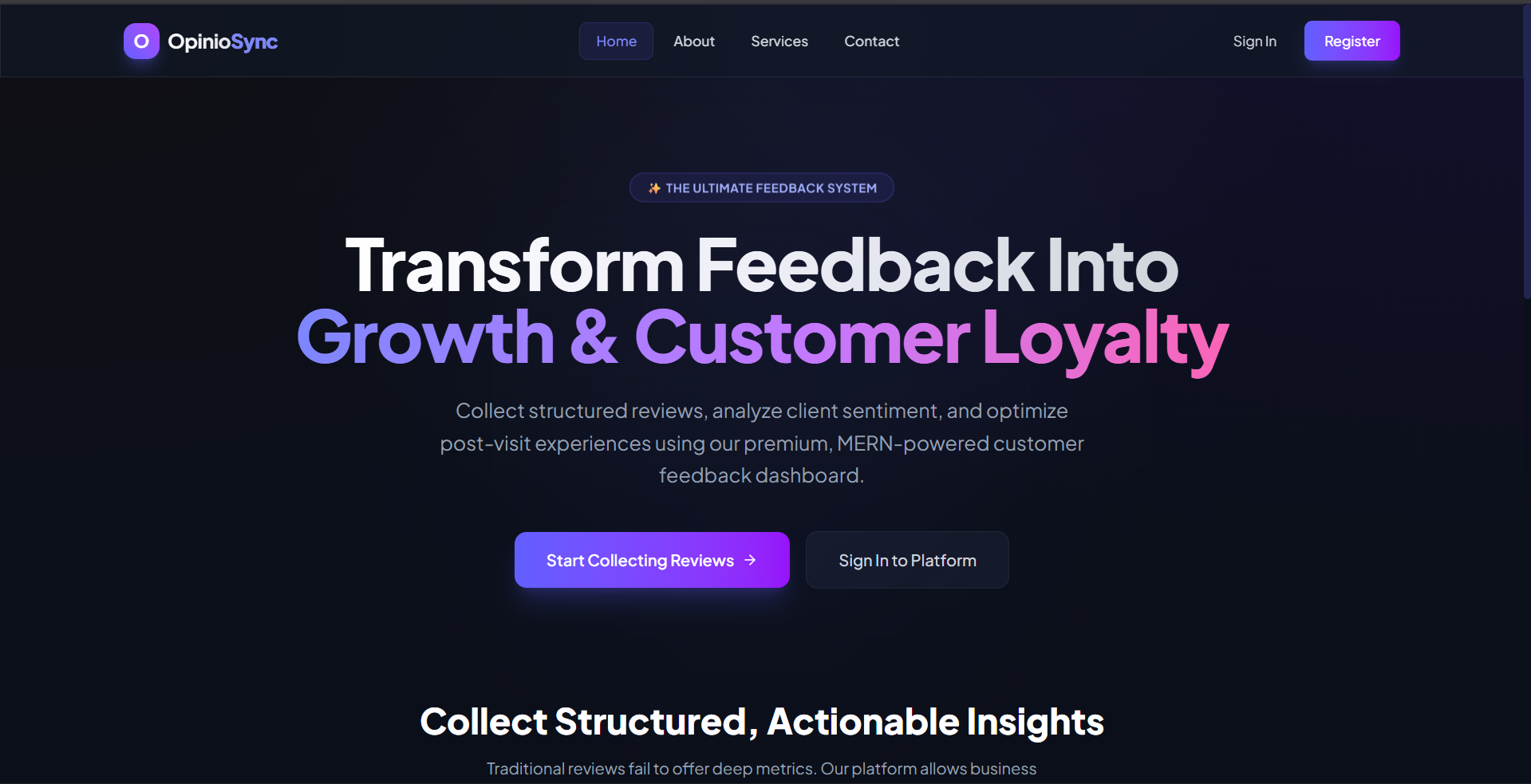
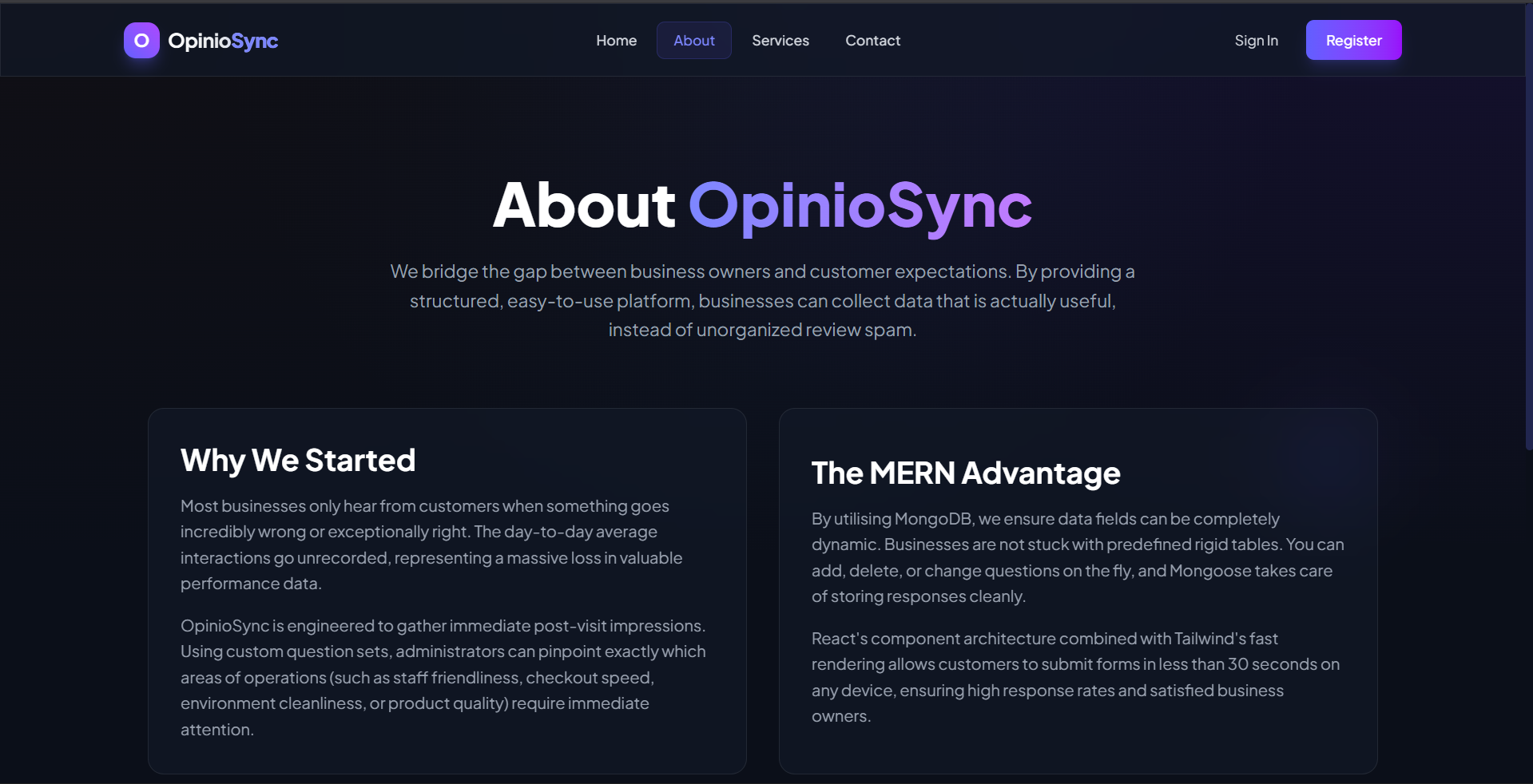
Feedback Collector is a comprehensive full-stack web application designed to help businesses and organizations easily create custom feedback forms, collect structured responses from users, and analyze submission data. The platform provides a secure environment for gathering customer opinions, identifying trends, and making data-driven improvements.
Screenshots
Key Features
- Role-Based Access Control allowing secure segregation between administrators/creators and general users/respondents.
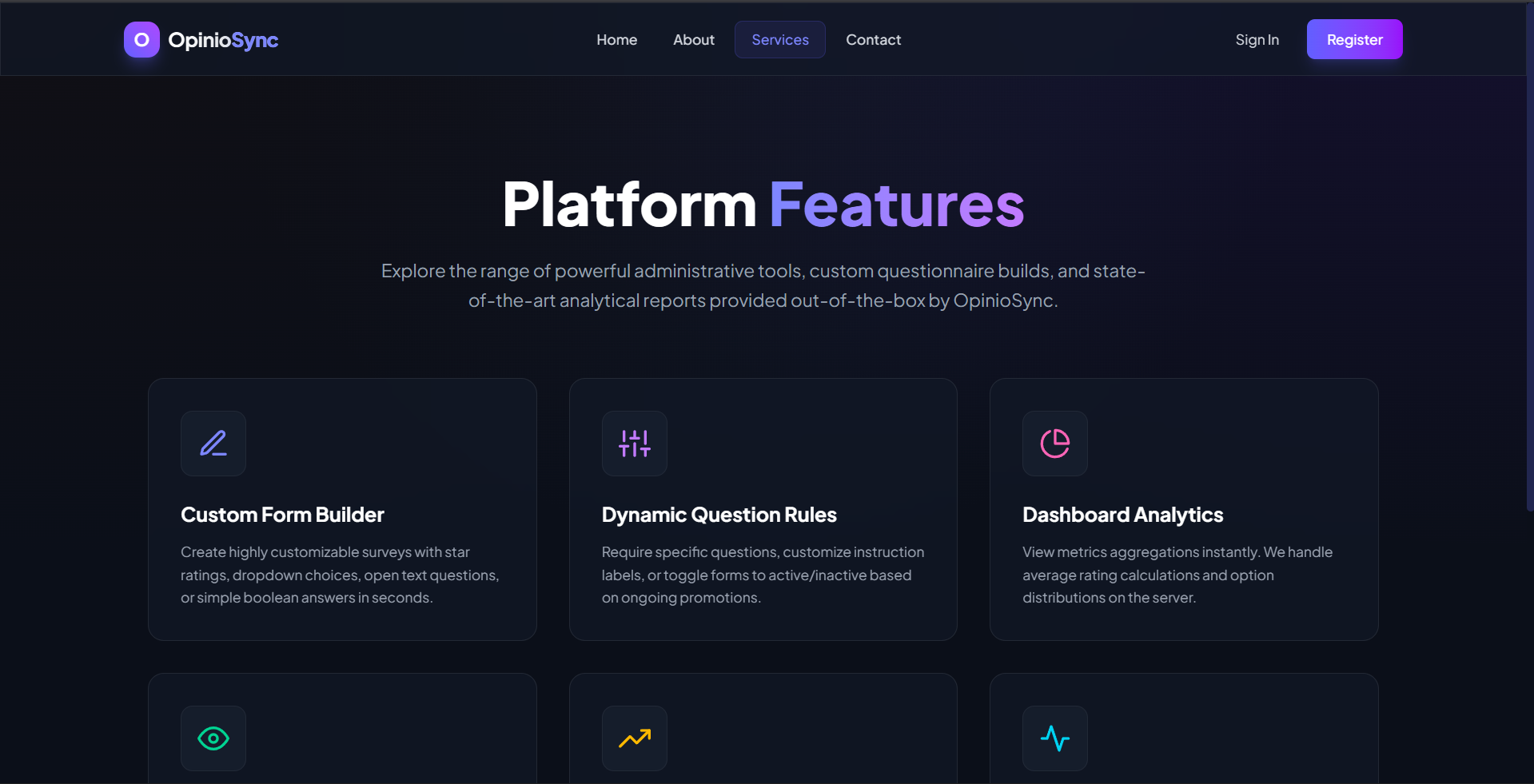
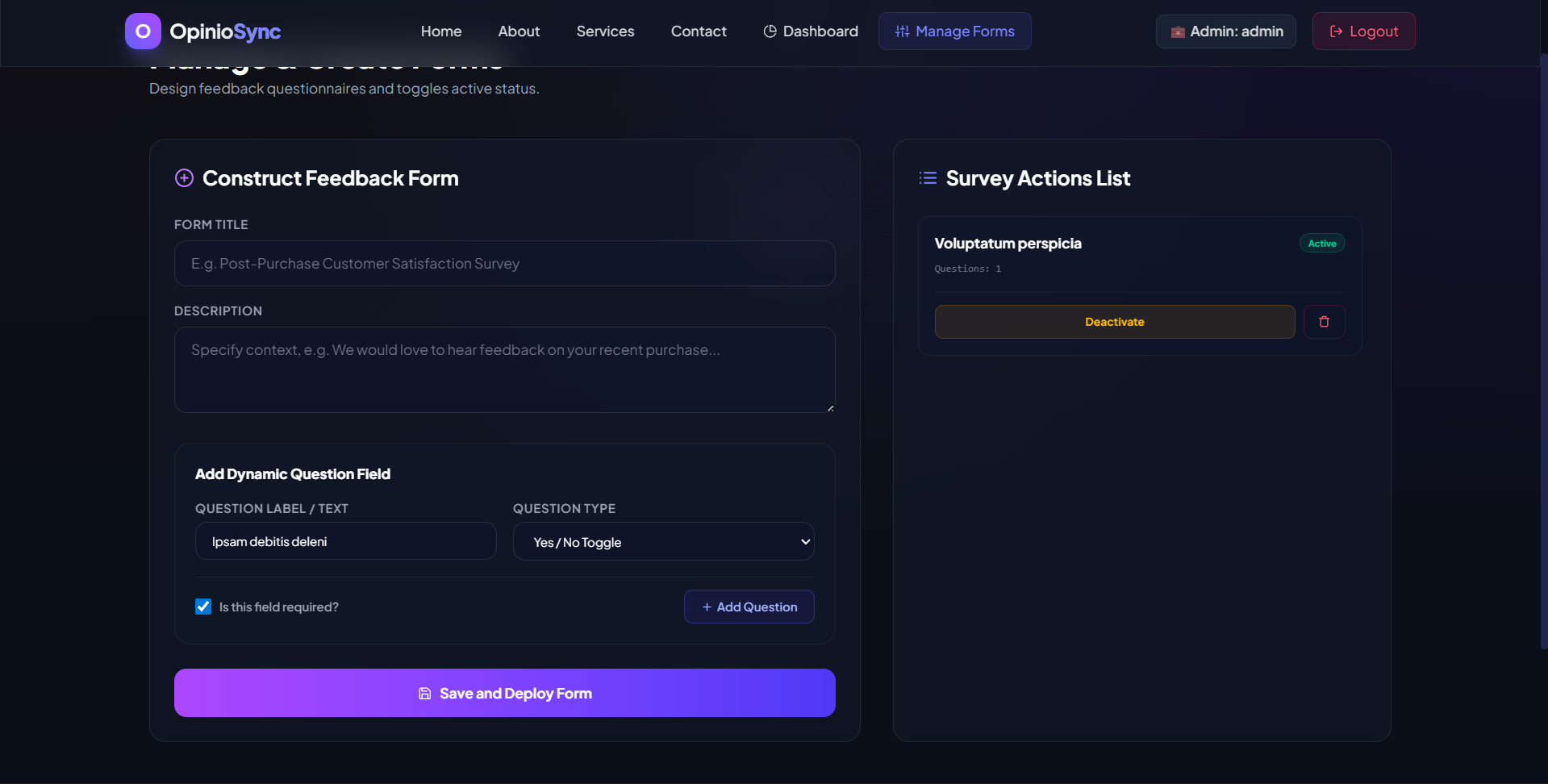
- Dynamic Form Builder that lets admins create, configure, customize, and manage multi-type questions dynamically.
- Real-Time Interactive Analytics Dashboard with visual charts, completion rates, and average ratings for quick insights.
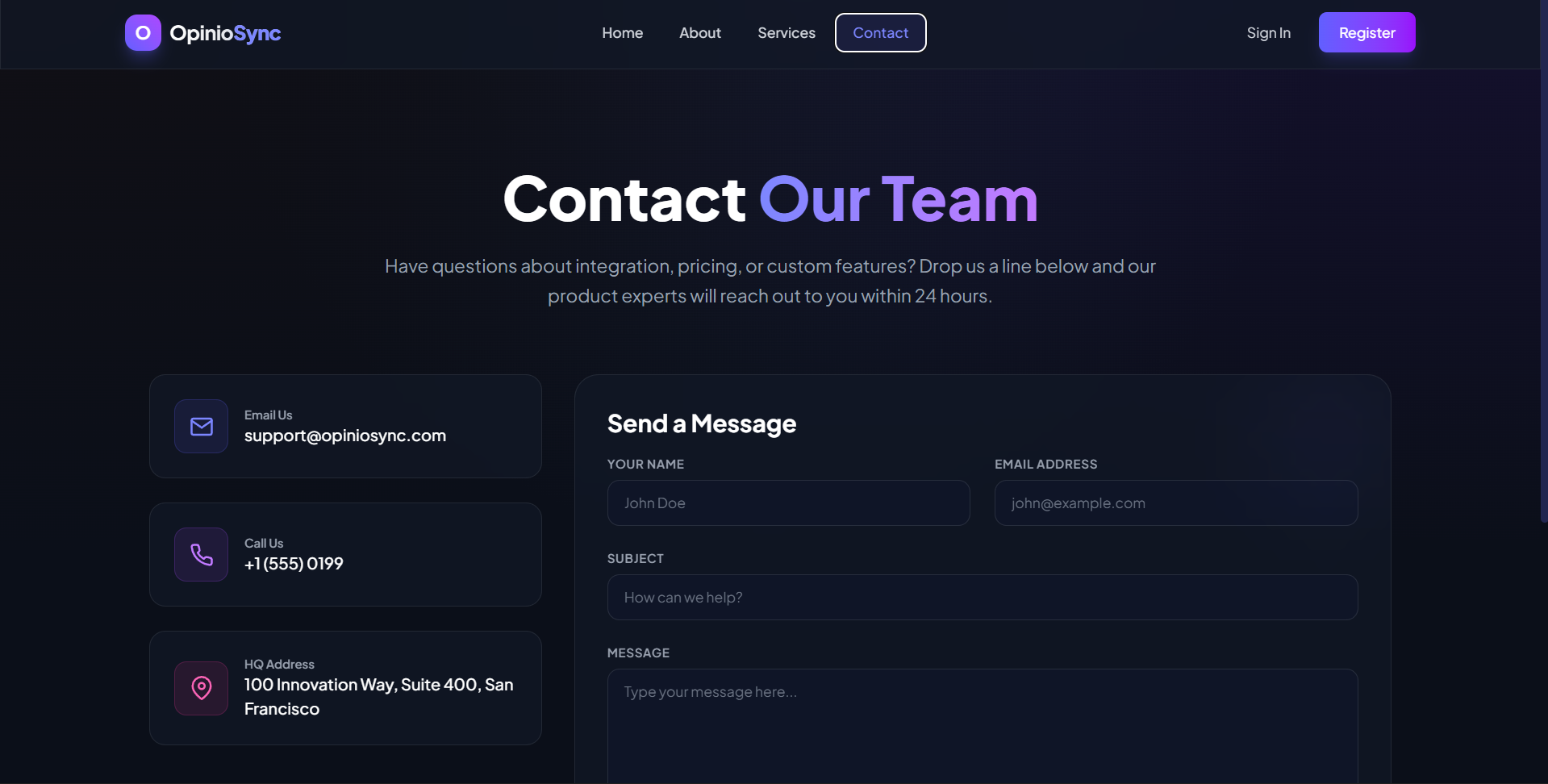
- Responsive and Sleek Dark-Themed UI designed with React and TailwindCSS for a highly engaging user experience.
- Robust REST API backend with JSON Web Token (JWT) authentication and persistent MongoDB data storage.
Functionaliy
- Administrators can create, edit, activate, or deactivate custom feedback forms containing multiple custom questions.
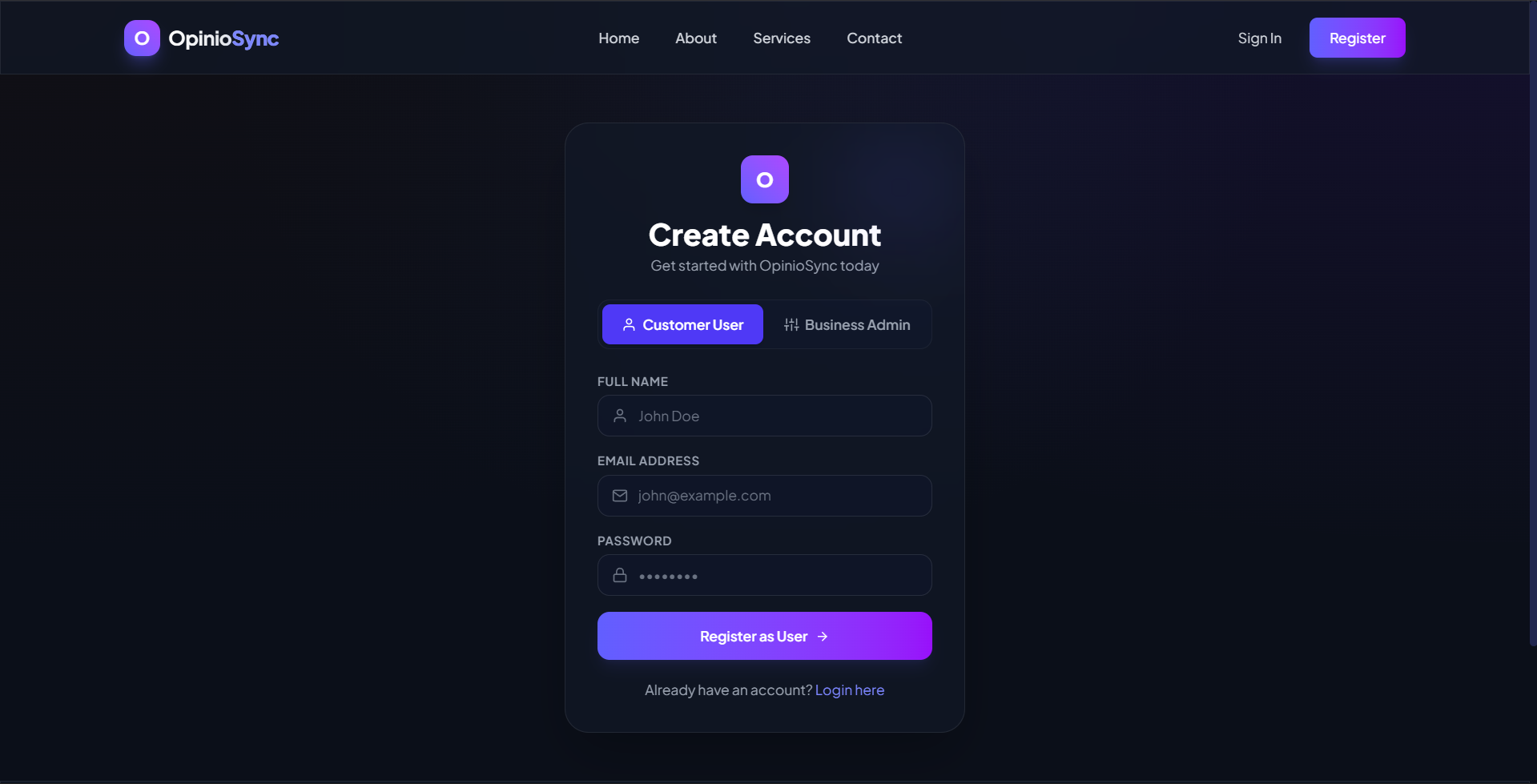
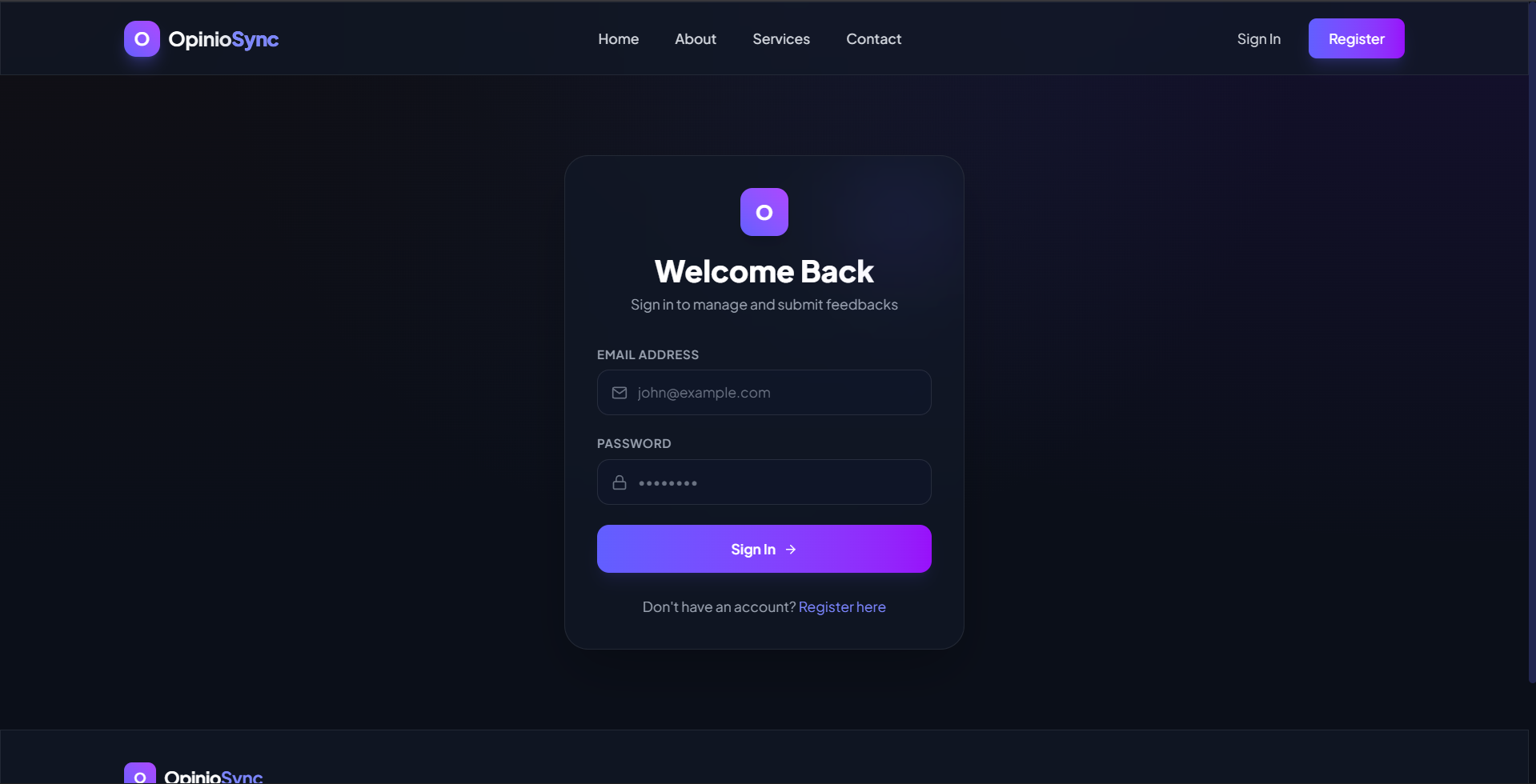
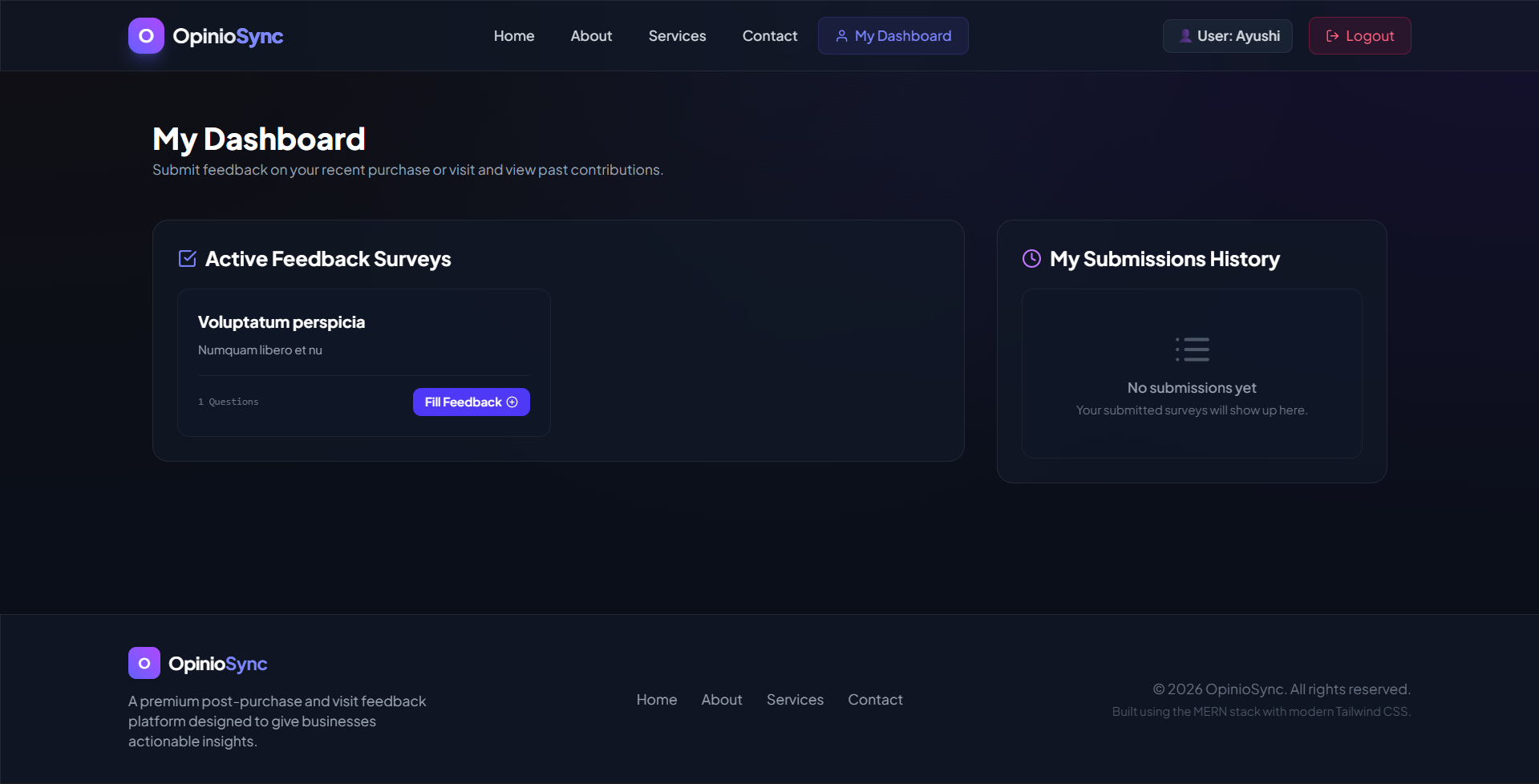
- Users can securely register, log in, browse active feedback forms, and submit their responses.
- The backend validates submissions and records answers in MongoDB with links to specific forms and users.
- Admins can view comprehensive analytics, total submissions, question-by-question metrics, and individual text responses.
- Users can view a dashboard of feedback forms they have submitted and track their history of contributions.
Technology Used
- Backend:
- Node.js
- Express.j
- JSON Web Tokens (JWT)
- bcryptjs
- Frontend:
- React.js (Vite)
- React Router DOM
- Tailwind CSS & PostCSS
- React Icons
- React Hot Toast
- Database:
- MongoDB & Mongoose
Why This Project Is Useful
- The Feedback Collector is highly useful because it automates and simplifies the feedback collection process for businesses of all sizes.
- Instead of using generic paper forms or expensive external services, organizations can build custom-tailored forms matching their exact questions.
- The built-in real-time analytics convert raw submissions into actionable insights instantly, enabling businesses to improve user satisfaction, identify customer pain points, and make informed operational decisions.
Deployment and Environment Setup
- Environment Variables Setup:
- backend/.env
- PORT: 3000
- MONGO_URI: mongodb_url_string
- JWT_SECRET: your_jwt_secret_key_here (if needed)
- frontend/.env
- VITE_API_URL: backend_url
- backend/.env
- Deployment Overview:
- Render or Railway for backend hosting
- Vercel or Netlify for frontend hosting
- MongoDB Atlas for the database
- Backend Deployment:
- Push your code to GitHub.
- Go to Render.com or Railway.app.
- Create a new Web Service and connect your GitHub repository.
- Choose “backend/” as the root directory.
- Add the following environment variables on Render:
- PORT=10000
- MONGO_URI=your MongoDB Atlas URI
- JWT_SECRET=your JWT secret
- Start command: npm start (Ensure your backend/package.json includes “start”: “node server.js”)
- After deployment, note your backend URL, e.g. https://your-backend-name.onrender.com
- Frontend Deployment:
- Go to Vercel.com or Netlify.com.
- Create a new project and connect the GitHub repo.
- Select the “frontend/” folder as root.
- In environment variables, set:
- VITE_API_URL=https://your-backend-domain.com/api (or REACT_APP_API_URL if using CRA)
- Deploy.
- MongoDB Atlas Setup:
- Go to https://cloud.mongodb.com
- Create a free cluster.
- Add your current IP address in Network Access.
- Create a database user and password.
- Copy the connection string and replace username, password, and database name in MONGO_URI in backend/.env
Download Source Code
Project Setup Instructions
Note: This project is for educational purposes only. Not for commercial sale.


