
Project Overview
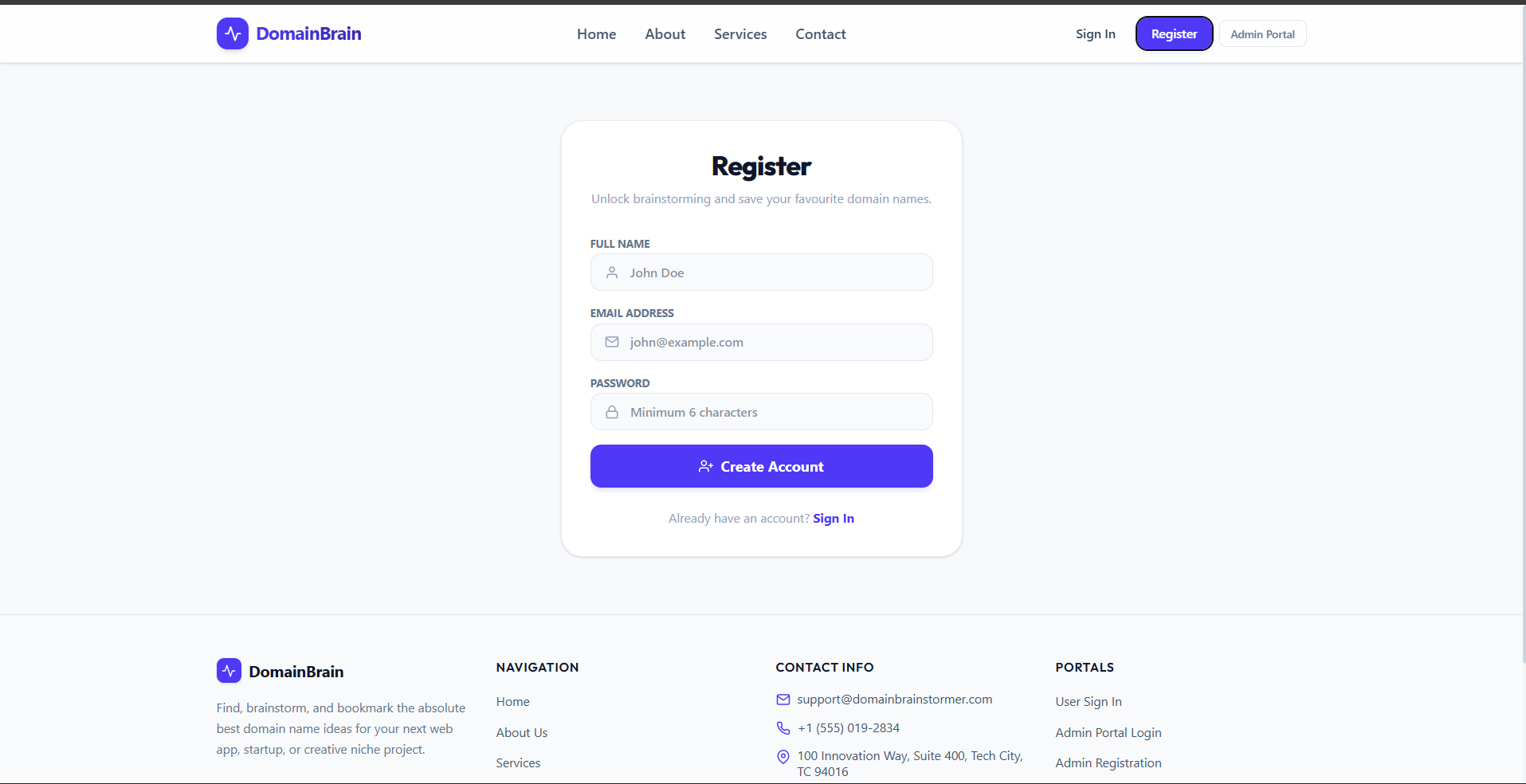
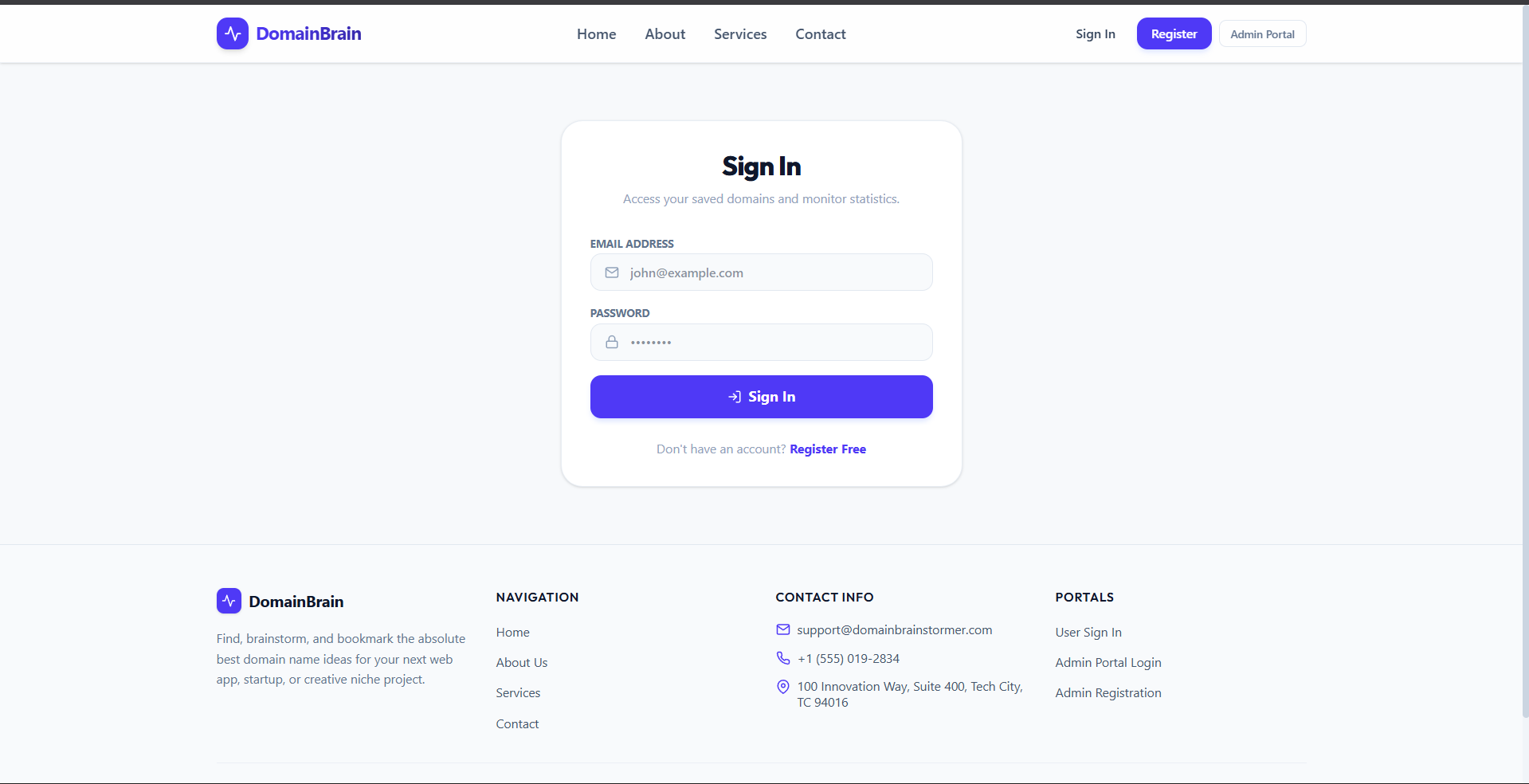
DomainBrain is a premium MERN stack application designed to help creators, builders, and entrepreneurs brainstorm catchy, brandable, and industry-tailored domain name ideas. It features a complete user authentication system, role-based dashboards (User and Admin), search restrictions, and dynamic configuration capabilities.
Screenshots
Key Features
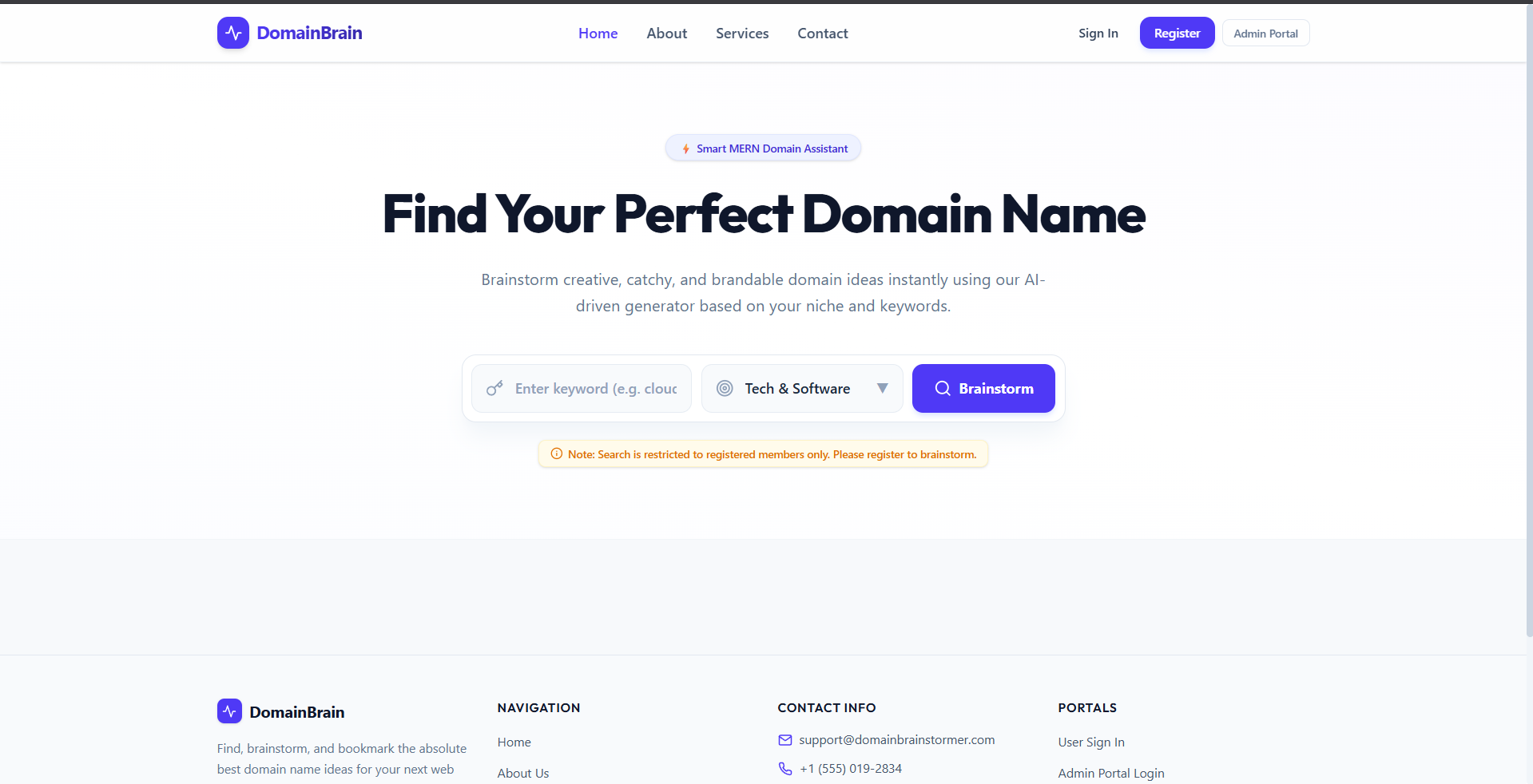
- Guest search control allows admins to toggle public access or prompt registration for the domain search engine.
- Premium domain generator creates highly brandable, catchy, and industry-tailored niche domain ideas instantly.
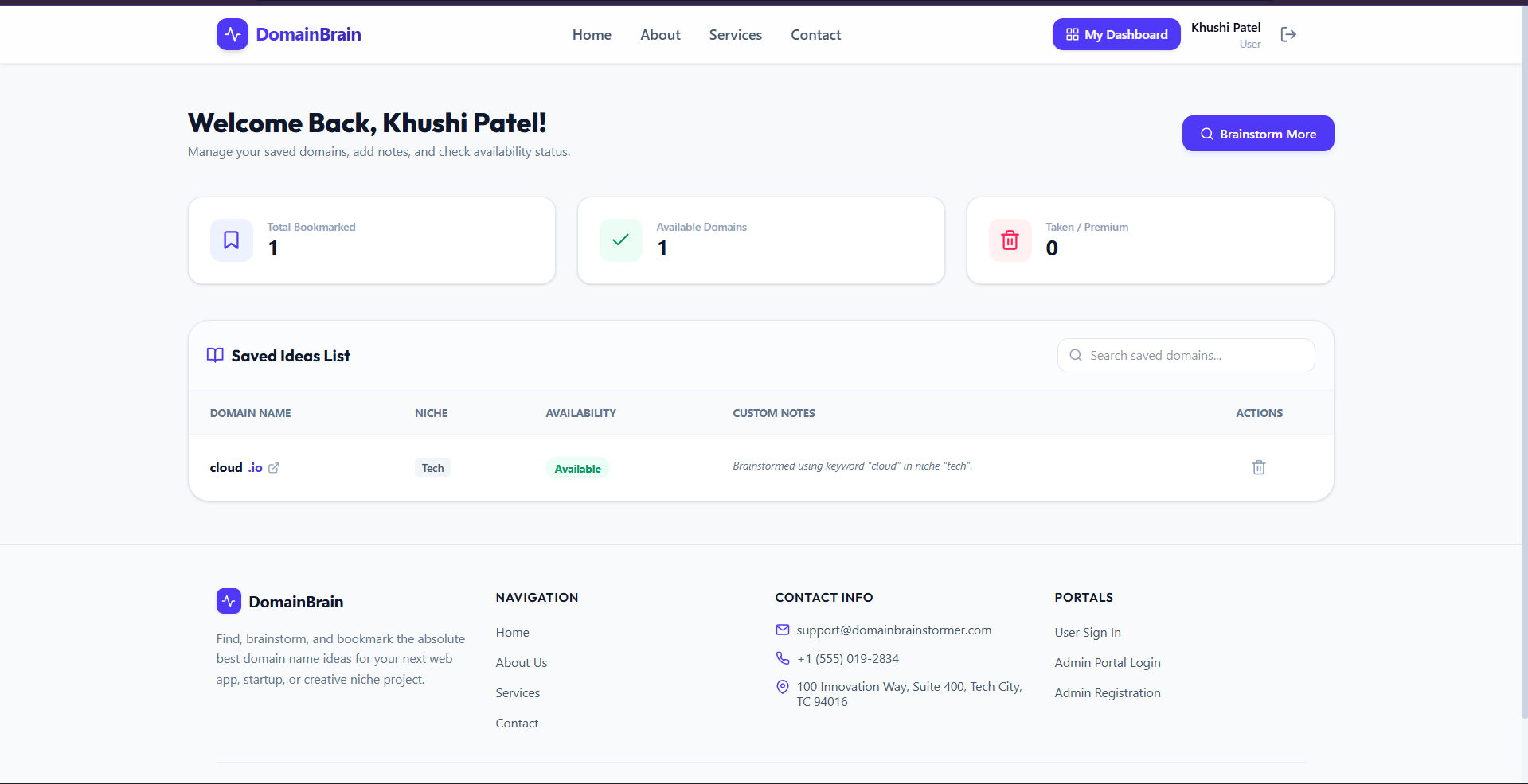
- User personal dashboard facilitates saving domain names, managing bookmark collections, and tracking search histories.
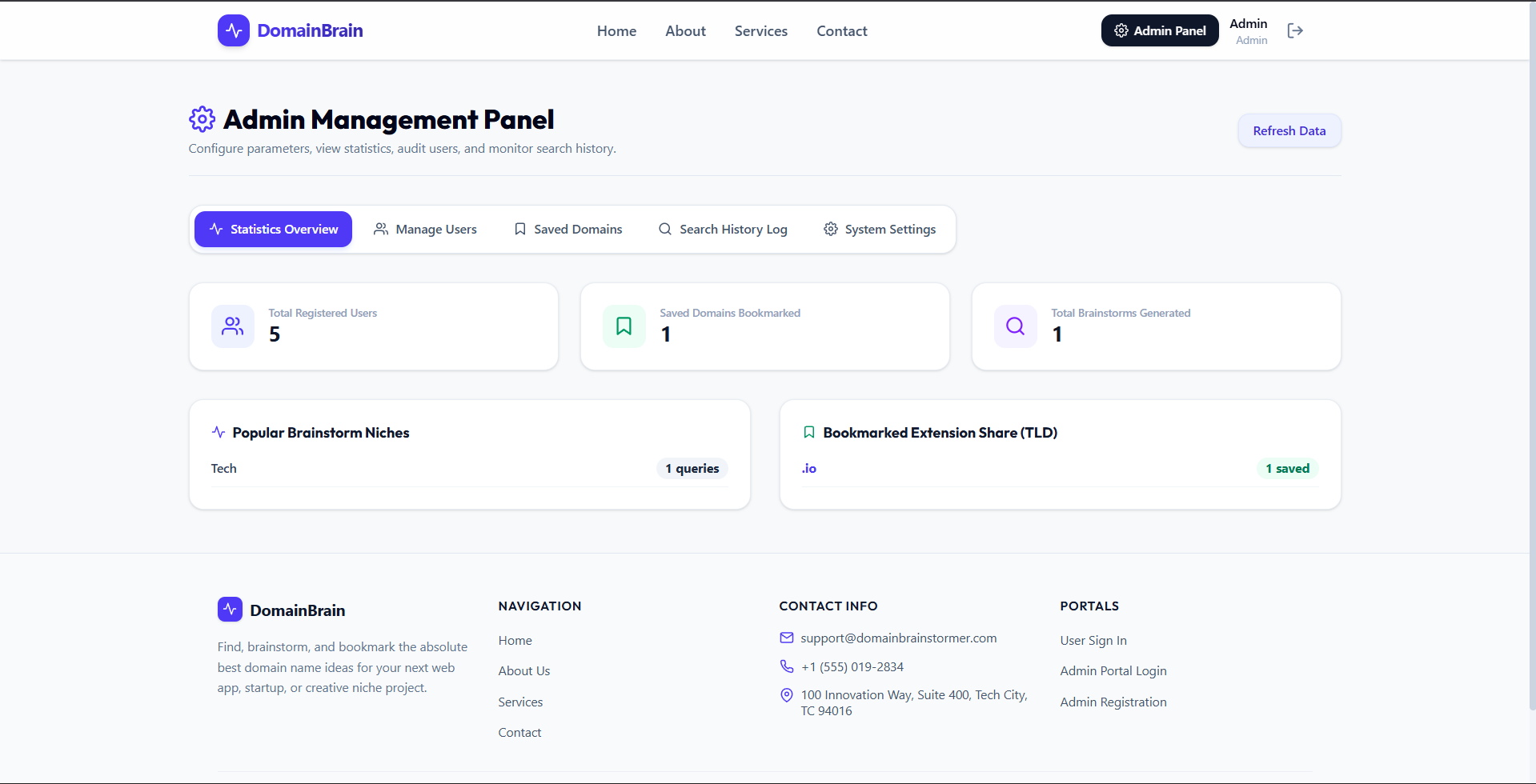
- Comprehensive admin panel offers real-time statistics, user management, global saved domains list, and audit logs.
- Adaptive settings management lets administrators customize core website sections like About, Services, and Contact details.
Functionaliy
- Brainstorming system generates customized domain recommendations based on user-input keywords and selected industry categories.
- Saved domains list enables users to store favorite domains, write inline notes, and check live WHOIS availability.
- Admin stats tracker displays aggregate data on user accounts, niche popularity, search volume, and domain extensions.
- Audit log registry records search terms, niche selections, timestamps, client IP addresses, and user profiles.
- One-time admin signup safeguards the platform by restricting administrator registration to the first sign-up attempt
Technology Used
- Frontend: React, Vite, Tailwind CSS v4, React Icons, React Hot Toast
- Backend: Node.js, Express.js
- Database: MongoDB (Mongoose ODM)
- Authentication: JSON Web Tokens (JWT) & BcryptJS password hashing
- Theme: Sleek Glassmorphism styling with Outfit & Plus Jakarta Sans typography
Why This Project Is Useful
- Accelerates the branding process by instantly providing customized, industry-specific, and memorable domain name suggestions.
- Enhances developer workflows through a clean, modern MERN-stack boilerplate equipped with roles and configuration panels.
- Simplifies portfolio management by letting entrepreneurs save, filter, and annotate their prospective domain options.
- Empowers administrators with full control over access rules, user behavior logs, and dynamic web content modification.
- Maximizes user engagement using glassmorphism styling, responsive layouts, and intuitive interface micro-animations.
Deployment and Environment Setup
- Environment Variables Setup:
- backend/.env
- PORT: 3000
- MONGO_URI: mongodb_url_string
- JWT_SECRET: your_jwt_secret_key_here (if needed)
- frontend/.env
- VITE_API_URL: backend_url
- backend/.env
- Deployment Overview:
- Render or Railway for backend hosting
- Vercel or Netlify for frontend hosting
- MongoDB Atlas for the database
- Backend Deployment:
- Push your code to GitHub.
- Go to Render.com or Railway.app.
- Create a new Web Service and connect your GitHub repository.
- Choose “backend/” as the root directory.
- Add the following environment variables on Render:
- PORT=10000
- MONGO_URI=your MongoDB Atlas URI
- JWT_SECRET=your JWT secret
- Start command: npm start (Ensure your backend/package.json includes “start”: “node server.js”)
- After deployment, note your backend URL, e.g. https://your-backend-name.onrender.com
- Frontend Deployment:
- Go to Vercel.com or Netlify.com.
- Create a new project and connect the GitHub repo.
- Select the “frontend/” folder as root.
- In environment variables, set:
- VITE_API_URL=https://your-backend-domain.com/api (or REACT_APP_API_URL if using CRA)
- Deploy.
- MongoDB Atlas Setup:
- Go to https://cloud.mongodb.com
- Create a free cluster.
- Add your current IP address in Network Access.
- Create a database user and password.
- Copy the connection string and replace username, password, and database name in MONGO_URI in backend/.env
Download Source Code
Project Setup Instructions
Note: This project is for educational purposes only. Not for commercial sale.


