
Project Overview
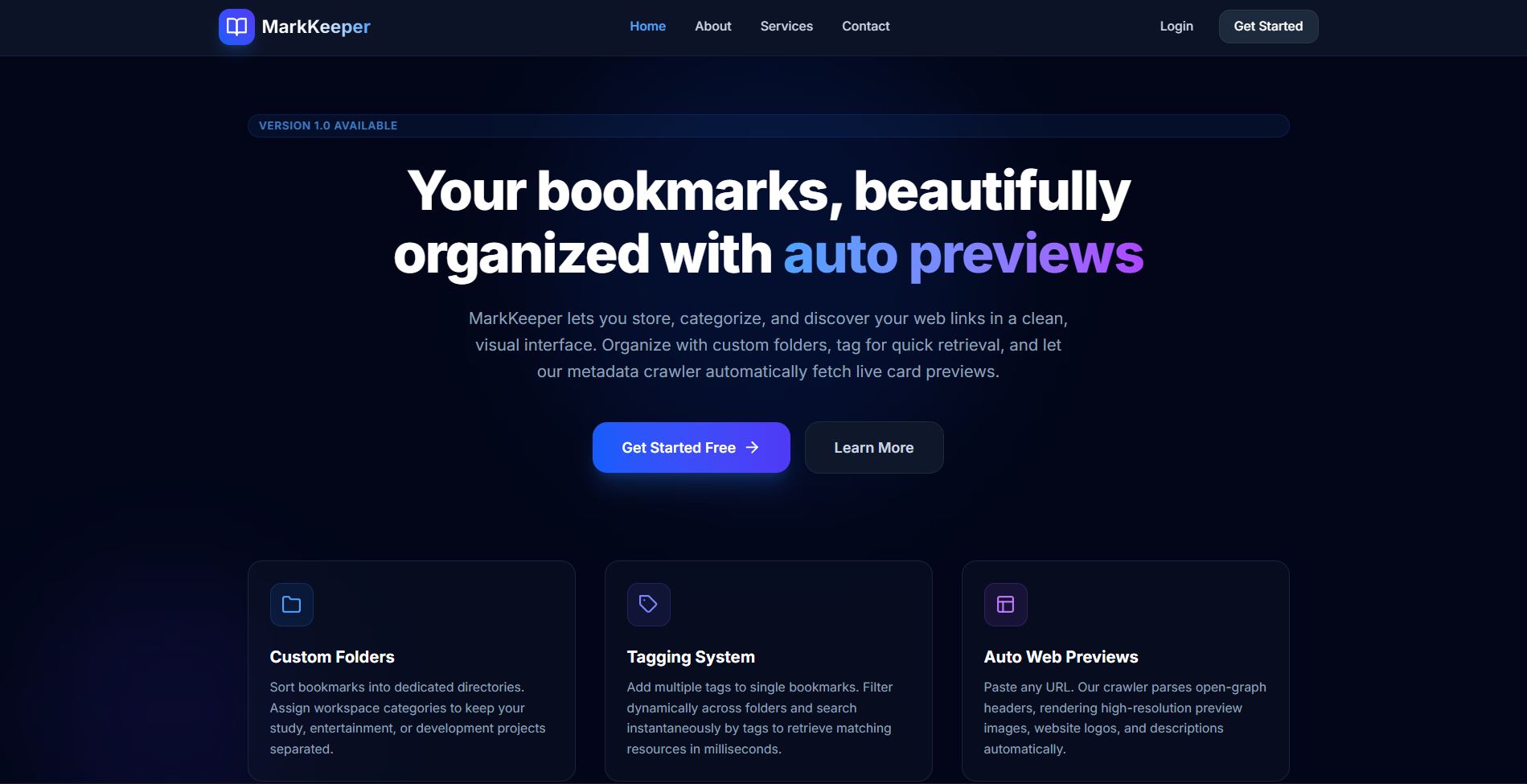
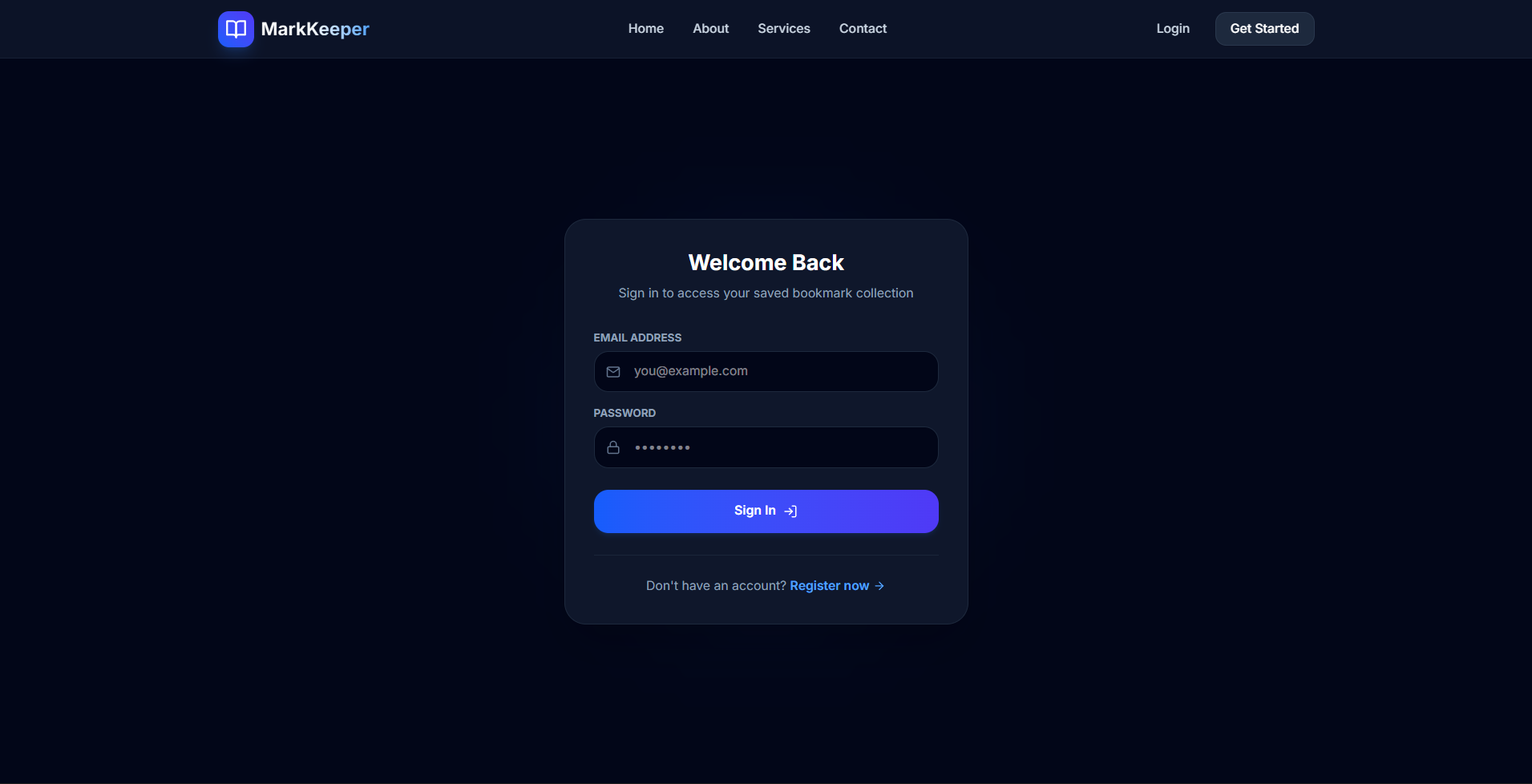
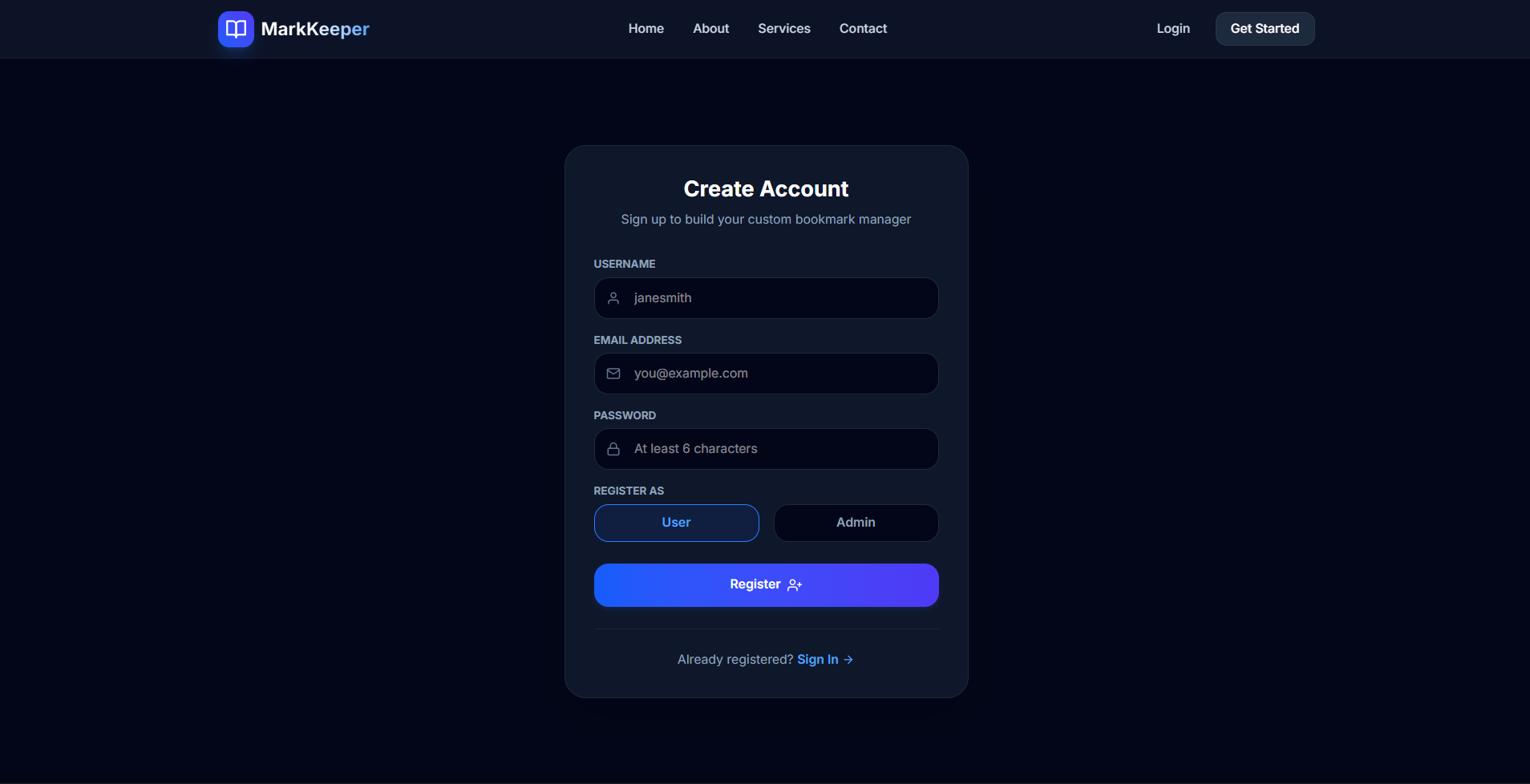
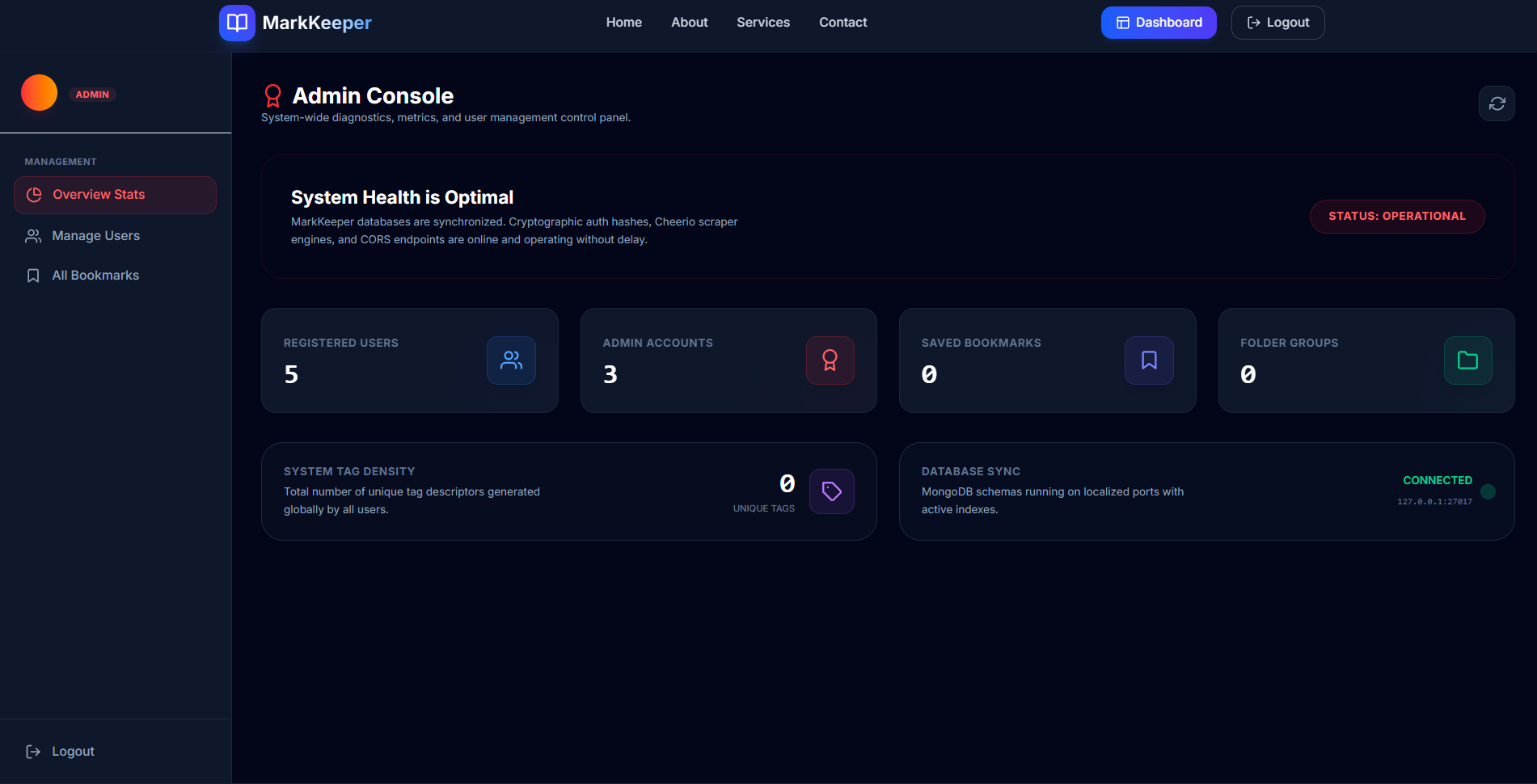
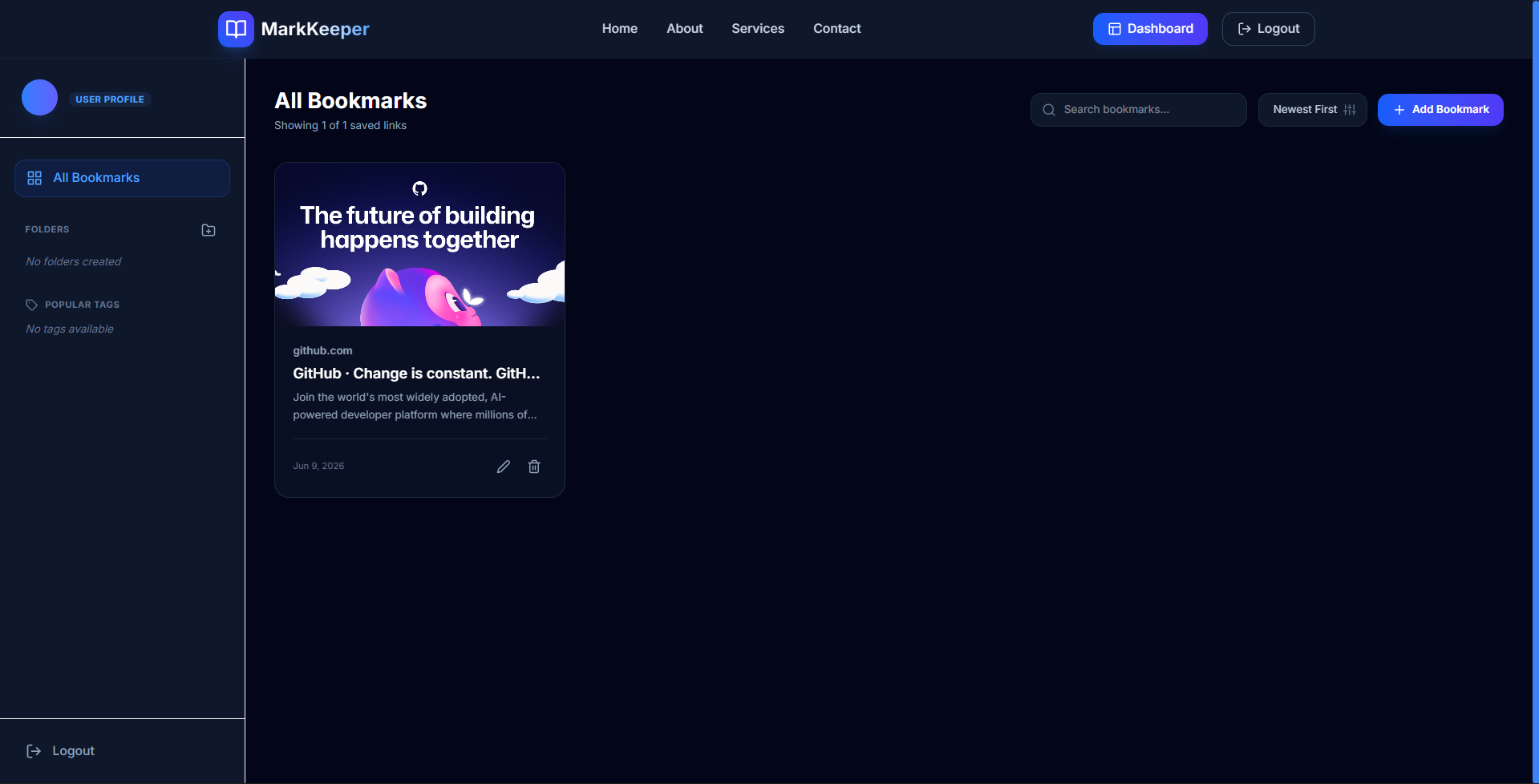
MarkKeeper is a visual MERN-stack web bookmark manager designed to organize saved links. It features dual User and Admin modules, public-facing information routes (Home, About, Services, Contact), and authenticated dashboards. To preserve system integrity, it implements a single-administrator registration constraint that blocks multiple admins.
Screenshots
Key Features
- Single-Admin Registry Guard: Restricts admin registration to only once, showing a message on second attempts and forcing direct login.
- Auto metadata scraper: Uses Cheerio to extract Open Graph images, website titles, and description banners from target URLs.
- Folder-based organization: Allows users to categorize bookmarks into custom folders with unique naming checks per account.
- Dynamic tag cloud: Tags bookmarks with labels and displays them in interactive sidebar chip filters for fast search results.
- Unified Admin Panel: Grants administrators stats monitoring, user lists moderation, and global bookmark removal authority.
Functionaliy
- Public Page Browsing: Visitors can access Home, About, Services, and Contact details without credentials.
- Auth-Guarded Workspace: Unlocks bookmark CRUD, folder management, and tag filtering immediately after registration/login.
- Live Autofill on Input Blur: Triggers backend scraping when the user finishes typing a URL to pre-fill the form fields.
- MERN Database Syncing: Integrates Mongoose schemas, compound indexes, and password hashing to synchronize data in real-time.
- Cascading User Deletion: Allows admins to delete standard user accounts, automatically purging their bookmarks and folders.
Technology Used
- Backend:
- Node.js
- Express.js
- MongoDB (Mongoose)
- JWT (JSON Web Tokens)
- Bcryptjs
- Cheerio
- Frontend:
- React (Vite)
- Tailwind CSS v4
- React Router v6
- React Hot Toast
- React Icons
- Axios
Why This Project Is Useful
- Visual Bookmark Gallery: Replaces tedious plain text browser bookmark lists with premium graphic preview cards.
- Fast Dynamic Searching: Locates saved bookmarks in milliseconds by combining search bars, folder tabs, and tag clouds.
- Better Workspace Focus: Categorizes bookmarks cleanly, keeping work, developer docs, and entertainment links separate.
- Private Link Protection: Secures collections via state-of-the-art JWT session tokens and bcrypt password encryption.
- Simple Server Administration: Enables hosts to manage registered users and moderate database storage space easily.
Deployment and Environment Setup
- Environment Variables Setup:
- backend/.env
- PORT: 3000
- MONGO_URI: mongodb_url_string
- JWT_SECRET: your_jwt_secret_key_here (if needed)
- frontend/.env
- VITE_API_URL: backend_url
- backend/.env
- Deployment Overview:
- Render or Railway for backend hosting
- Vercel or Netlify for frontend hosting
- MongoDB Atlas for the database
- Backend Deployment:
- Push your code to GitHub.
- Go to Render.com or Railway.app.
- Create a new Web Service and connect your GitHub repository.
- Choose “backend/” as the root directory.
- Add the following environment variables on Render:
- PORT=10000
- MONGO_URI=your MongoDB Atlas URI
- JWT_SECRET=your JWT secret
- Start command: npm start (Ensure your backend/package.json includes “start”: “node server.js”)
- After deployment, note your backend URL, e.g. https://your-backend-name.onrender.com
- Frontend Deployment:
- Go to Vercel.com or Netlify.com.
- Create a new project and connect the GitHub repo.
- Select the “frontend/” folder as root.
- In environment variables, set:
- VITE_API_URL=https://your-backend-domain.com/api (or REACT_APP_API_URL if using CRA)
- Deploy.
- MongoDB Atlas Setup:
- Go to https://cloud.mongodb.com
- Create a free cluster.
- Add your current IP address in Network Access.
- Create a database user and password.
- Copy the connection string and replace username, password, and database name in MONGO_URI in backend/.env
Download Source Code
Project Setup Instructions
Note: This project is for educational purposes only. Not for commercial sale.


