Project Overview
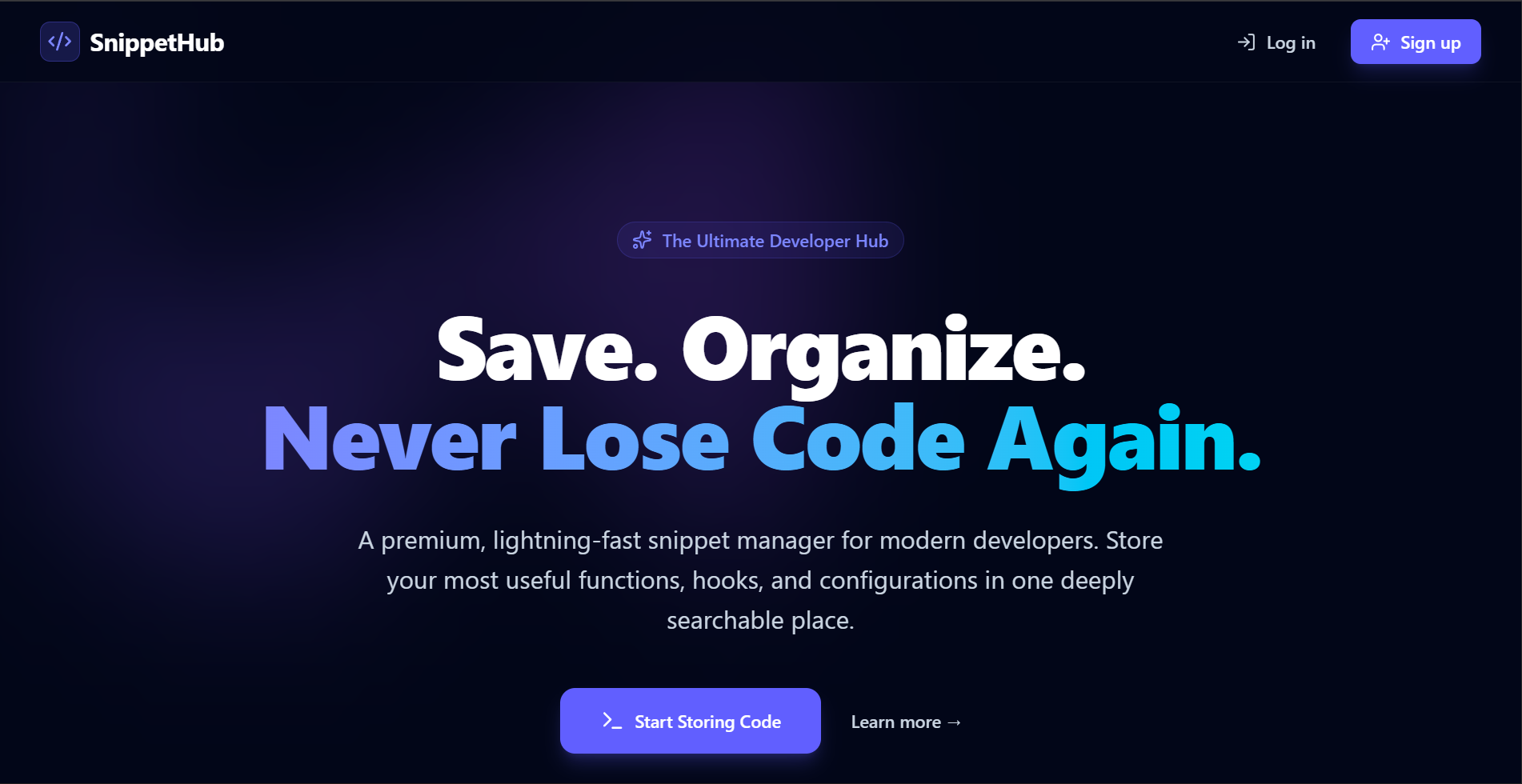
The Code Snippet Manager (SnippetHub) is a centralized, cloud-based platform designed for developers to securely store, organize, and instantly retrieve their most valuable pieces of code. Built with a modern aesthetic, it serves as a personalized library where developers can keep track of configurations, complex algorithms, utility functions, and reusable UI components. By providing an intuitive interface and robust backend storage, the application eliminates the need for developers to search through old projects or rely on scattered local files to find code they’ve written before.
Screenshots
Key Features
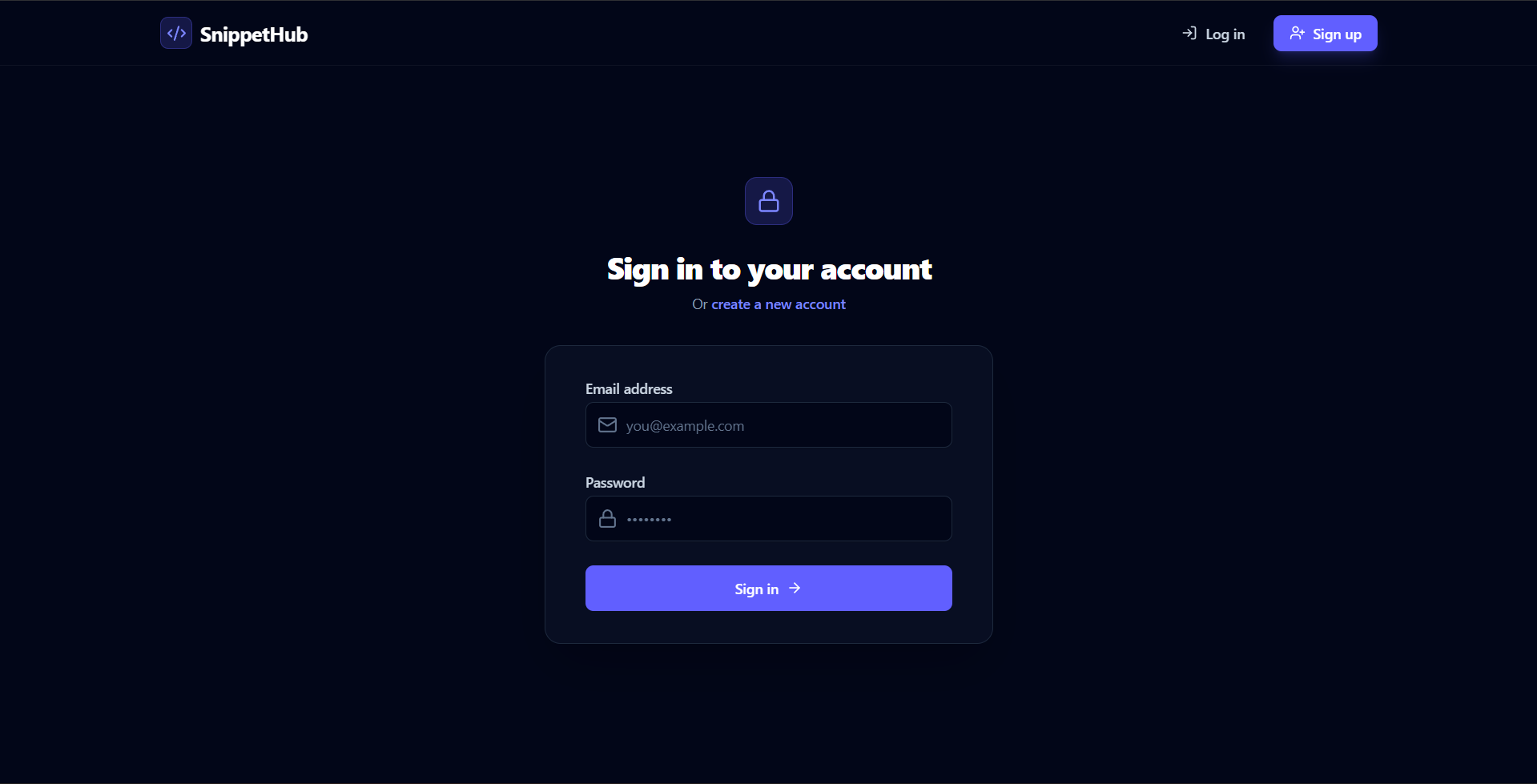
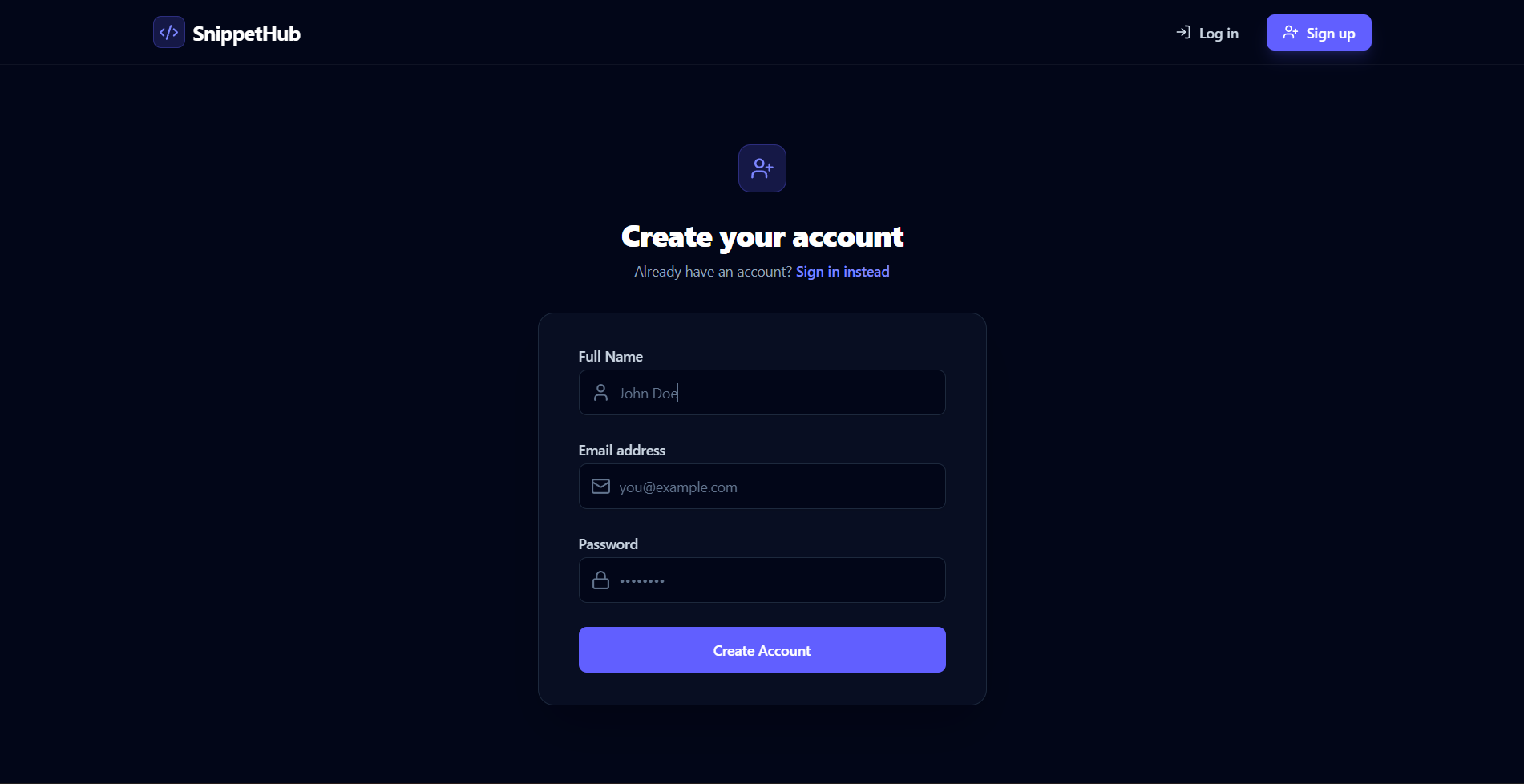
- User Authentication: Secure registration and login system ensuring that snippets are kept private and accessible only to their creator.
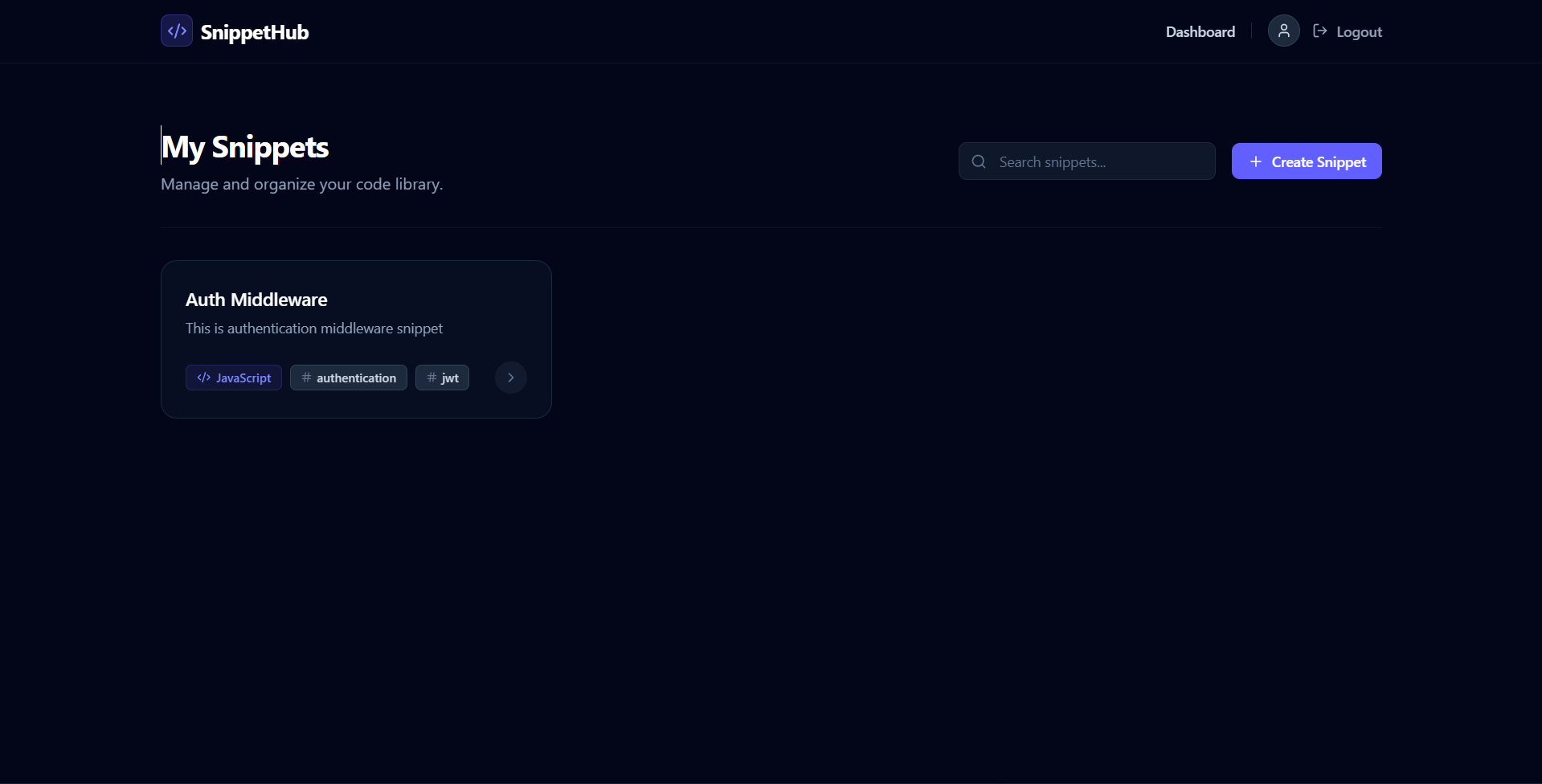
- Snippet Dashboard: A clean, responsive grid layout displaying all saved snippets, allowing users to browse their code library at a glance.
- Search Capabilities: Live search functionality to quickly filter snippets by title or associated tags.
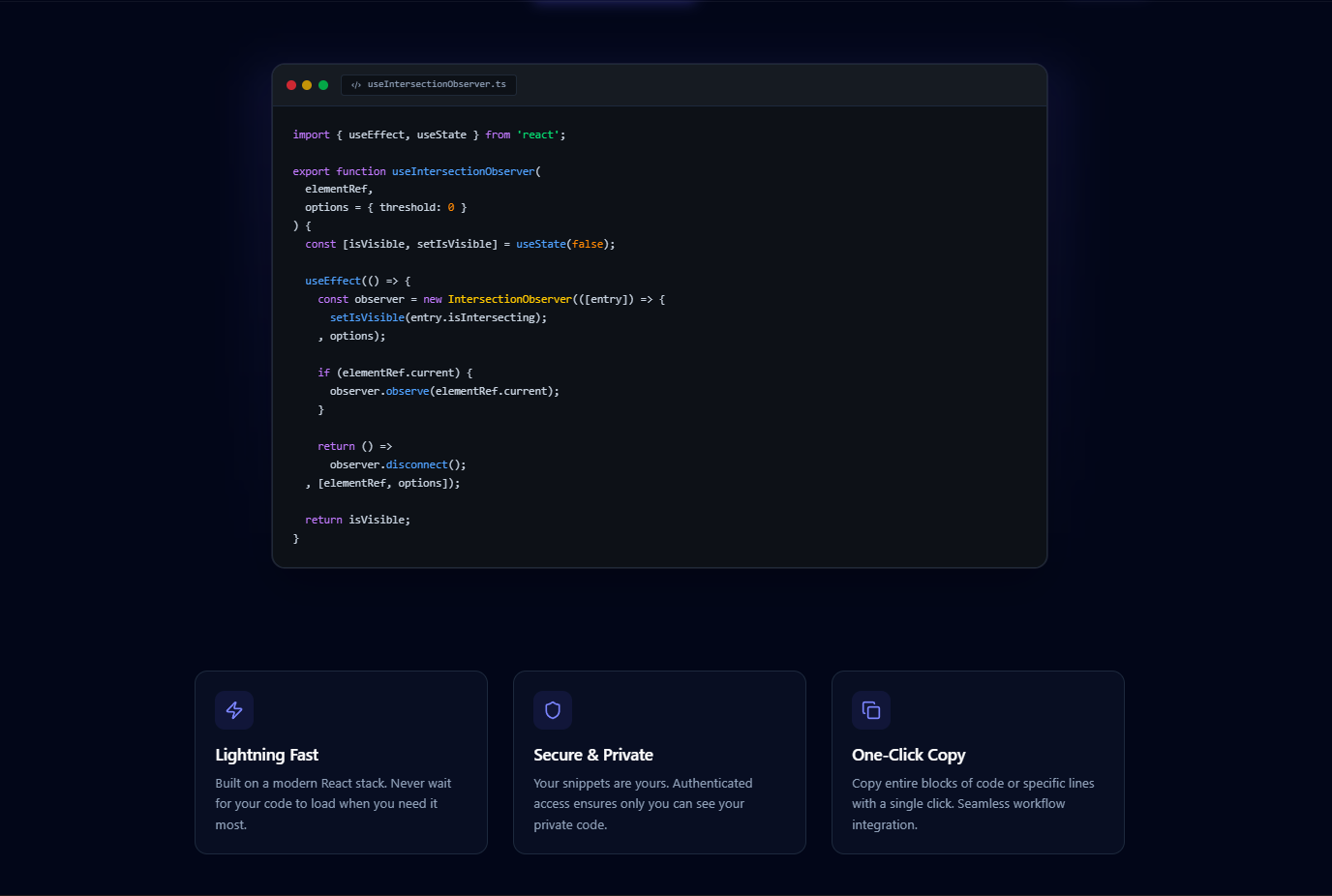
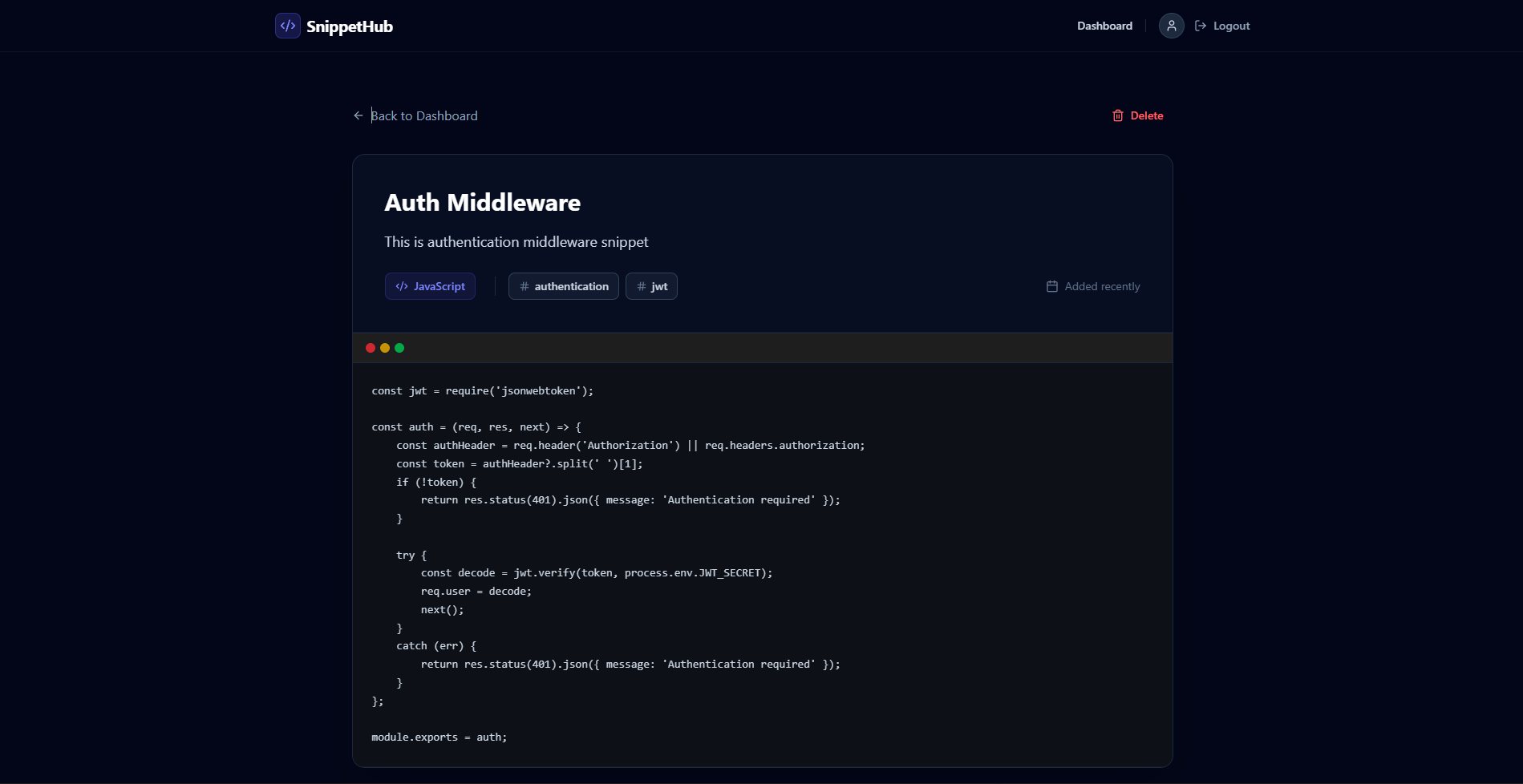
- Syntax Highlighting & Formatting: Snippets are displayed in a beautifully styled, mock code-editor interface, making the code easy to read and understand.
- Language & Tag Organization: Every snippet can be categorized by programming language and custom tags (e.g.,
react,api,hooks) for effortless organization. - One-Click Copy: A dedicated copy button allows developers to instantly copy a snippet to their clipboard, streamlining their workflow.
- CRUD Operations: Full capability to Create new snippets, Read snippet details, and Delete outdated snippets safely.
Functionality
- Landing Page: Introduces the application’s value proposition with a modern, glassmorphic design.
- Account Management: Users can sign up for a new account or log in to an existing one. Sessions are managed securely via JWT (JSON Web Tokens).
- Dashboard: The main control center where users see all their saved work. If no snippets exist, an inviting empty state encourages the user to create their first one.
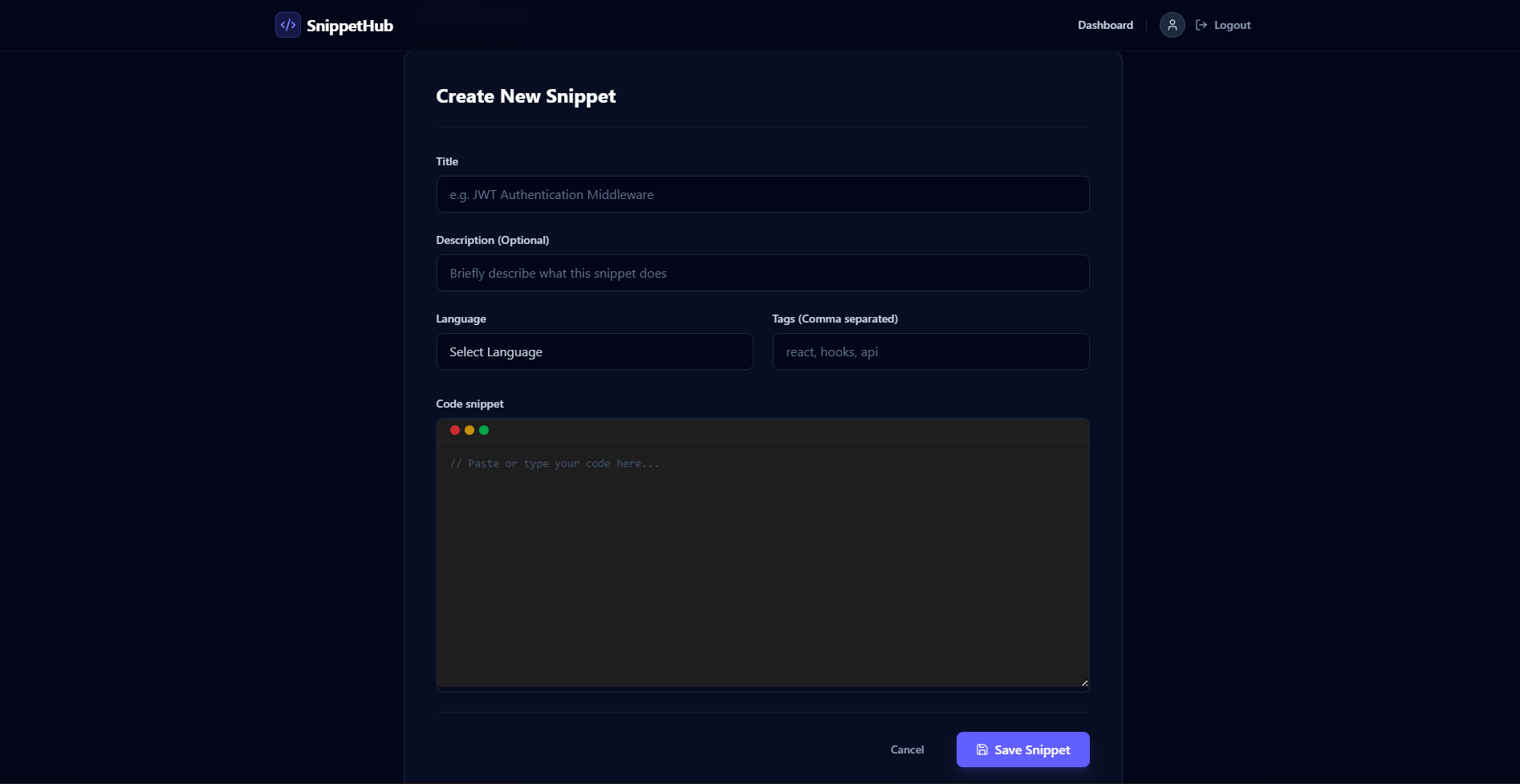
- Creation Flow: A user-friendly form that accepts a title, an optional description, the programming language, comma-separated tags, and the raw code block.
- Detail View: Clicking on a snippet from the dashboard opens its dedicated page, displaying the full code, associated metadata, the one-click copy tool, and deletion controls.
Technology Used
- Frontend:
- React.js (v19): Core library for building the dynamic user interface.
- Vite: Next-generation frontend tooling for an extremely fast development server and optimized build process.
- Tailwind CSS (v4): Utility-first CSS framework used to construct the custom, premium Dark Mode design and responsive layouts.
- React Router Dom: For seamless, client-side routing and navigation between pages without reloading.
- Axios: For making HTTP requests to the backend API, featuring interceptors to automatically handle authentication headers.
- Lucide React: For clean, scalable, and modern SVG icons.
- React Hot Toast: For providing elegant, non-intrusive success and error notifications.
- Backend:
- Node.js & Express.js: The runtime environment and web framework handling API requests and routing.
- MongoDB & Mongoose: A NoSQL database and Object Data Modeling (ODM) library used to store User and Snippet data flexibly.
- JSON Web Tokens (JWT): Used for securely transmitting information between the client and server as a JSON object, specifically for auth state.
- Bcrypt.js: For securely hashing user passwords before storing them in the database.
Why This Project Is Useful
- Boosts Productivity: Developers spend a significant amount of time rewriting boilerplate code or searching Google/StackOverflow for solutions they’ve already solved in the past. This project acts as a “second brain,” providing instant access to proven solutions.
- Improves Code Consistency: By referencing a personal library of vetted snippets, developers can ensure they are using consistent patterns and best practices across different projects.
- Reduces Context Switching: Having a dedicated, lightning-fast tool for code retrieval means developers don’t have to break their flow state to open other heavy markdown organizers or dig through old Git repositories.
- Learning and Growth: For junior developers or those learning a new language, the act of documenting and categorizing code helps reinforce learning and creates a valuable reference guide for the future.
Deployment and Environment Setup
- Environment Variables Setup:
- backend/.env
- PORT: 5000
- MONGO_URI: mongodb_url_string
- JWT_SECRET: your_jwt_secret_key_here (if needed)
- frontend/.env
- VITE_API_URL: backend_url
- backend/.env
- Deployment Overview:
- Render or Railway for backend hosting
- Vercel or Netlify for frontend hosting
- MongoDB Atlas for the database
- Backend Deployment:
- Push your code to GitHub.
- Go to Render.com or Railway.app.
- Create a new Web Service and connect your GitHub repository.
- Choose “backend/” as the root directory.
- Add the following environment variables on Render:
- PORT=10000
- MONGO_URI=your MongoDB Atlas URI
- JWT_SECRET=your JWT secret
- Start command: npm start (Ensure your backend/package.json includes “start”: “node server.js”)
- After deployment, note your backend URL, e.g. https://your-backend-name.onrender.com
- Frontend Deployment:
- Go to Vercel.com or Netlify.com.
- Create a new project and connect the GitHub repo.
- Select the “frontend/” folder as root.
- In environment variables, set:
- VITE_API_URL=https://your-backend-domain.com/api (or REACT_APP_API_URL if using CRA)
- Deploy.
- MongoDB Atlas Setup:
- Go to https://cloud.mongodb.com
- Create a free cluster.
- Add your current IP address in Network Access.
- Create a database user and password.
- Copy the connection string and replace username, password, and database name in MONGO_URI in backend/.env
Download Source Code
Project Setup Instructions
Note: This project is for educational purposes only. Not for commercial sale.