Project Overview
This project is a Full-Stack Bug Tracking System designed to help software development teams manage, track, and resolve system issues and bugs efficiently. It serves as a centralized platform where users with different responsibilities can report problems, assign them to team members, update progress, and coordinate toward a resolution.
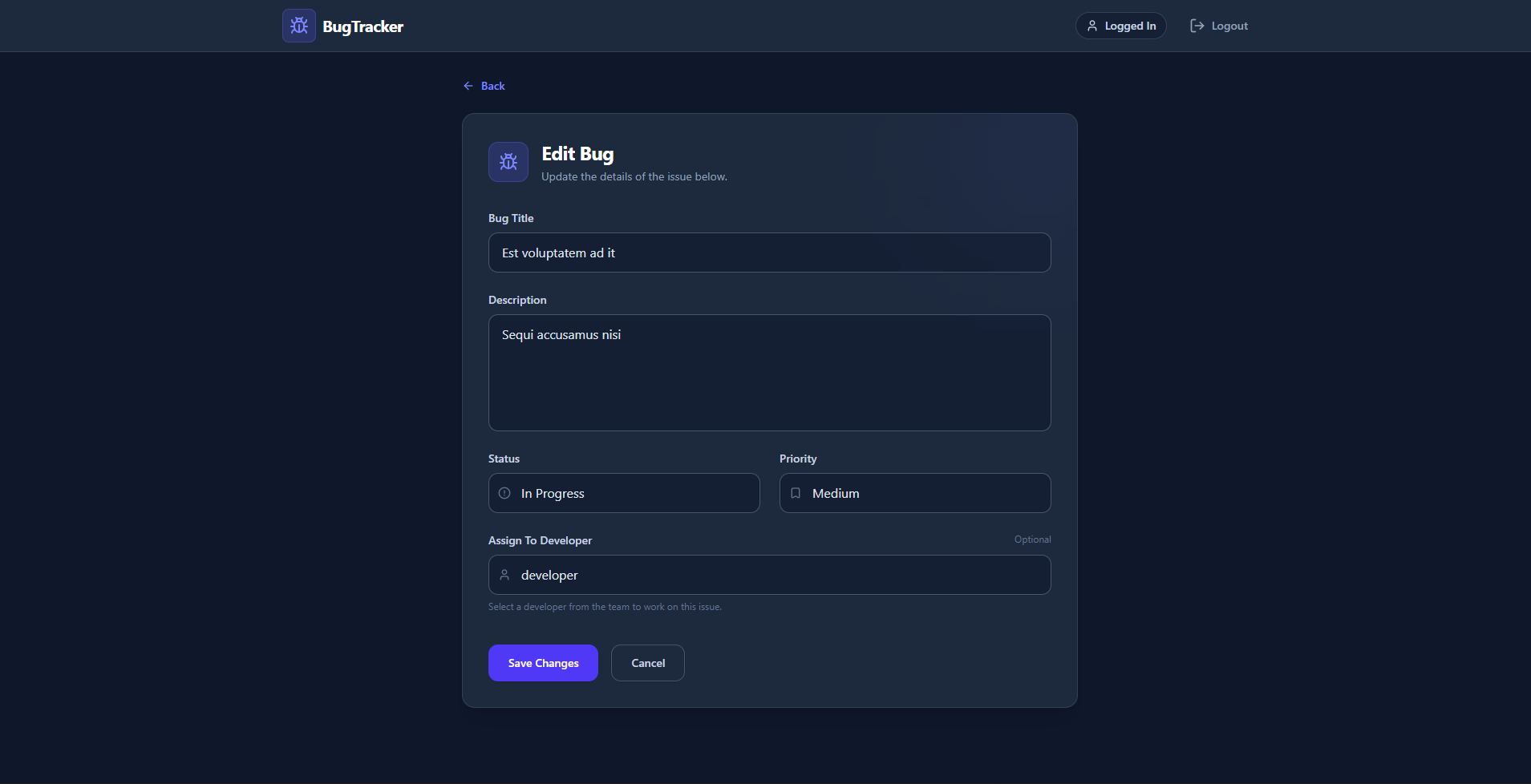
Screenshots
Key Features
- Centralized Issue Tracking: A unified, single source of truth for all software bugs, preventing issues from being lost in emails or spreadsheets.
- Role-Based Access Control (RBAC): The system supports different user personas (Developer, Tester, Project Manager), allowing teams to structure their workflows securely.
- Priority Management System: A built-in classification system to ensure critical vulnerabilities are highlighted over minor cosmetic issues.
- Lifecycle Tracking: A structured pipeline system that monitors exactly where a bug is in the development process.
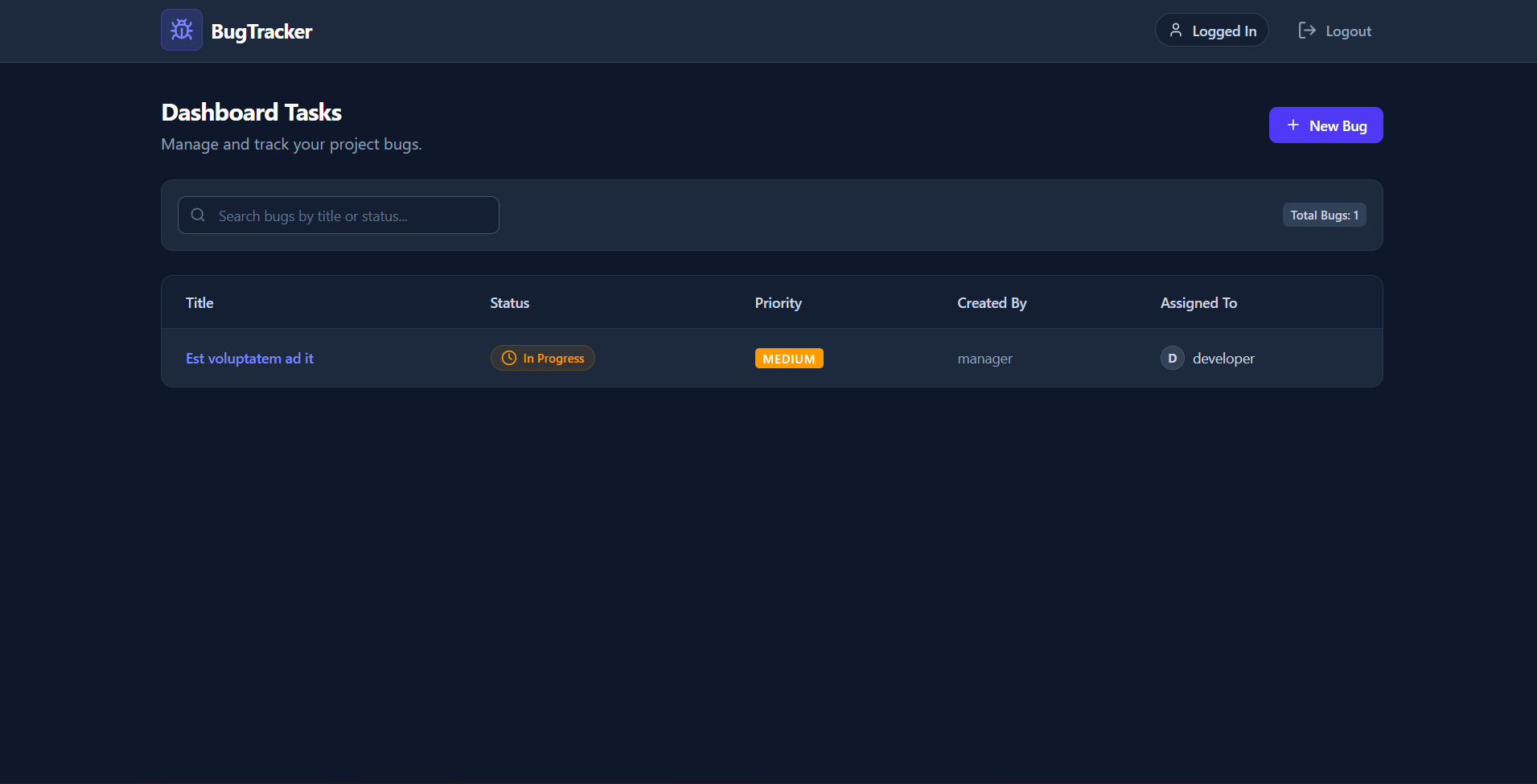
- Interactive Dashboard: A modern, responsive user interface that provides an at-a-glance overview of project health and pending tasks.
- Secure Architecture: Robust backend security utilizing encrypted passwords and stateless token-based authentication.
Functionality
- Account Management:
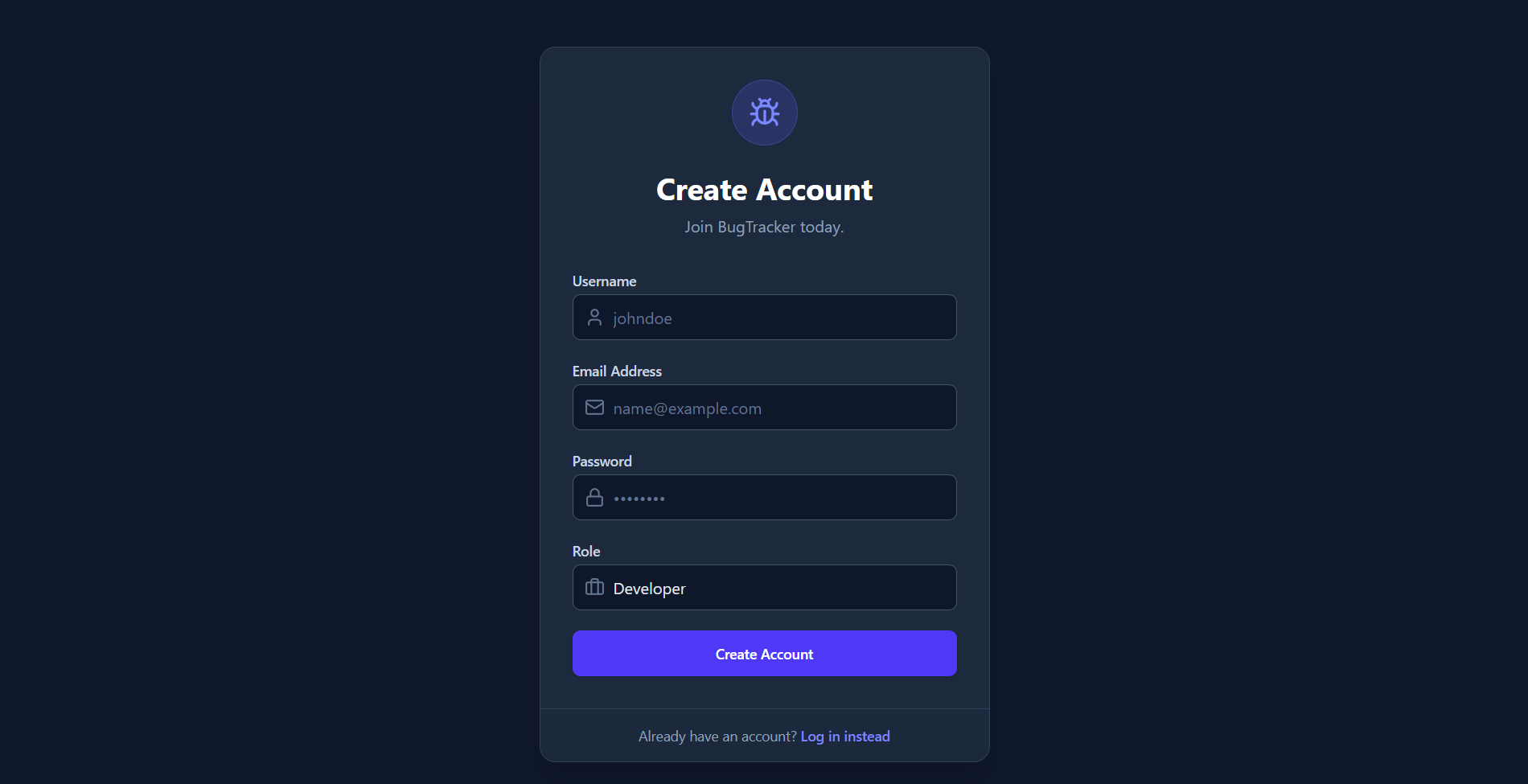
- Users can register for a new account by providing a username, email, password, and selecting a role.
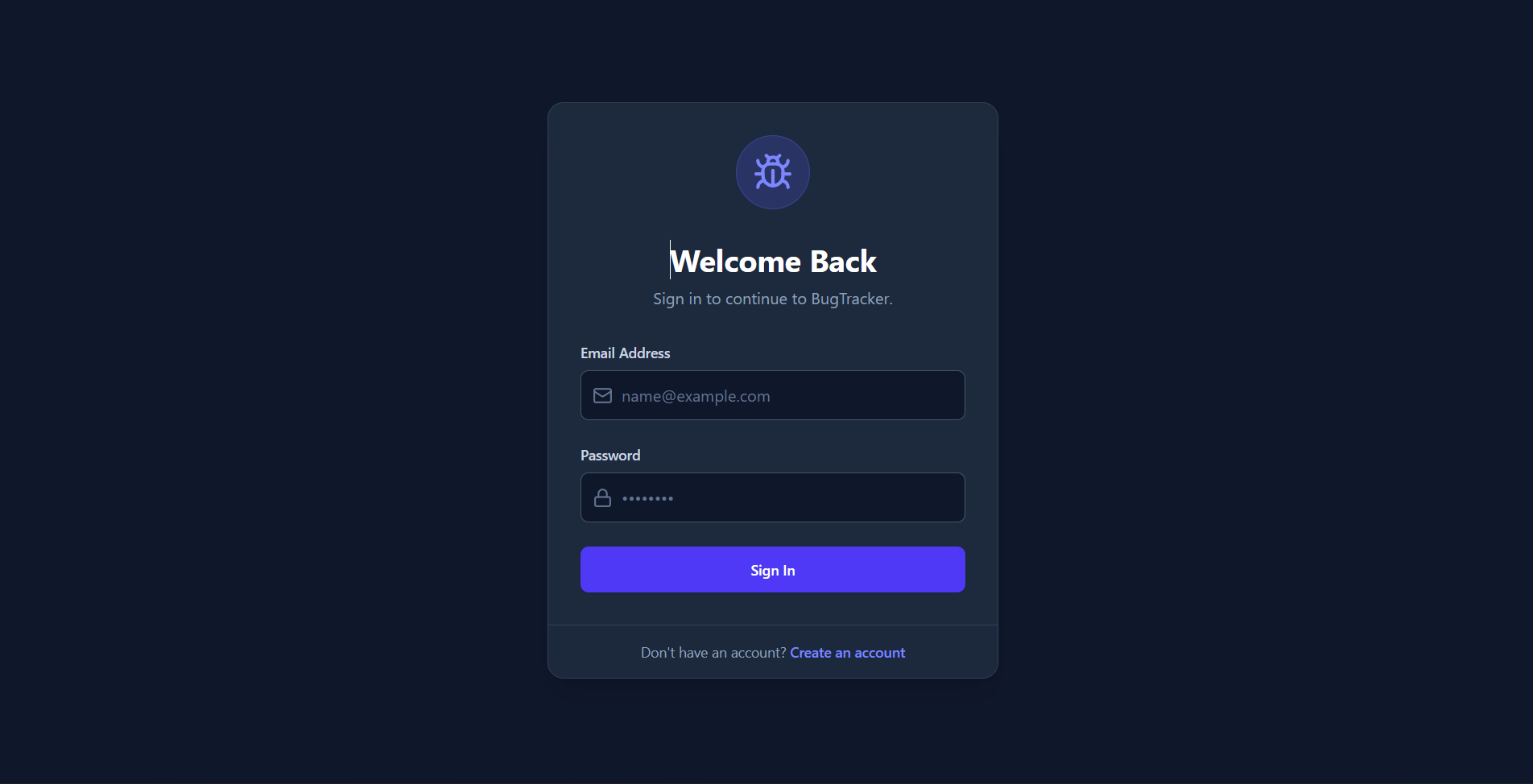
- Users can securely log in to receive an active JWT (JSON Web Token) session.
- Bug Logging (Creation):
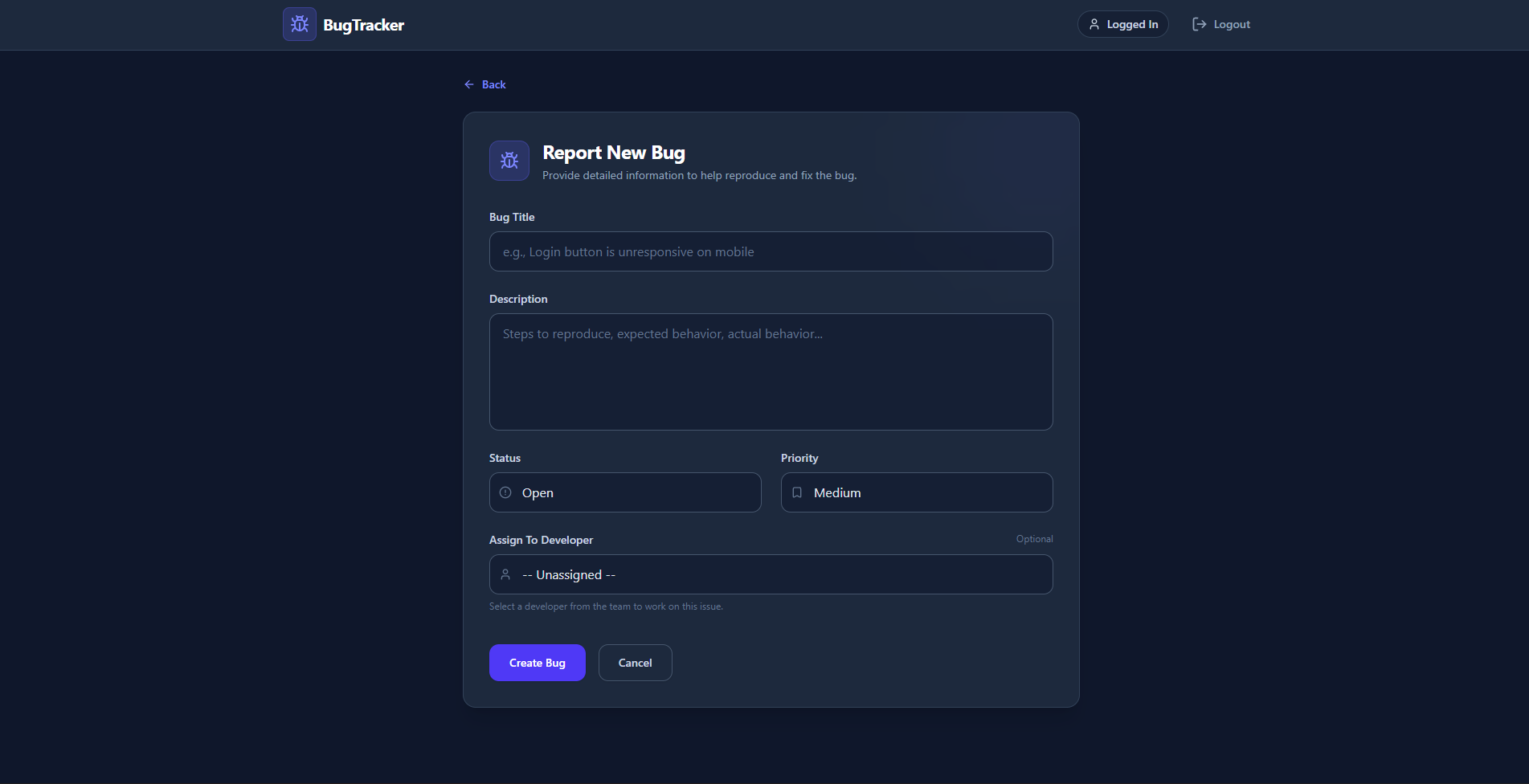
- Users can submit a new bug via a dedicated form (specifying the title, descriptive details, and priority).
- Bug Assignment:
- Bugs can be explicitly assigned to specific registered users (linking MongoDB Object IDs) so everyone knows who is responsible for the fix.
- Status Updating:
- Users can modify a bug’s state as work progresses, moving it through predefined stages:
Open➔In Progress➔Fixed➔Closed.
- Users can modify a bug’s state as work progresses, moving it through predefined stages:
- Priority Modification:
- Users can adjust the urgency of a bug (
Low,Medium,High) at any time if its impact changes.
- Users can adjust the urgency of a bug (
- Data Retrieval & Viewing:
- The system retrieves and displays a comprehensive list of all bugs on the main dashboard.
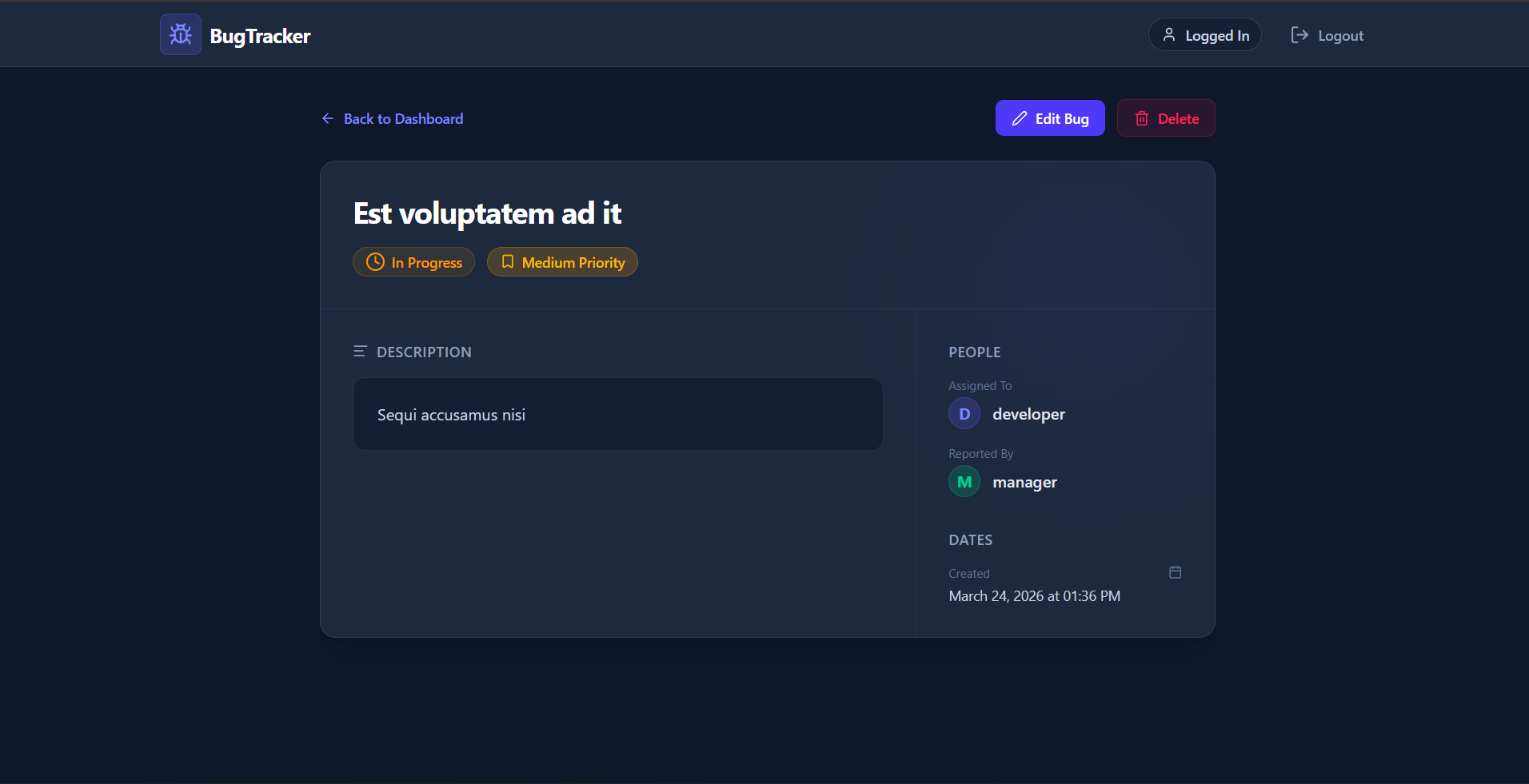
- Users can click into an individual bug to view granular details, including who originally reported it and who is working on it.
Technology Used
- Frontend:
- Core: React (v19), React Router DOM, Vite
- Styling: Tailwind CSS (for modern, responsive UI), Lucide React (for icons)
- Utilities: Axios (for API requests), React Hot Toast (for interactive notifications)
- Backend:
- Core: Node.js with Express.js (handling REST API routes)
- Database: MongoDB with Mongoose (data modeling for Users and Bugs)
- Security: bcryptjs (for password hashing), jsonwebtoken (for stateless API authentication), CORS, and dotenv for environment variable management.
Why This Project Is Useful
- A Bug Tracker is essential for any structured development environment. This project is useful because it:
- Prevents Chaos: It stops bugs from being lost in chat messages or emails by providing a single source of truth for all known issues.
- Improves Accountability: By clearly showing who reported a bug and who is assigned to fix it, team members know exactly what they are responsible for.
- Enhances Productivity: Priority tags and real-time status updates help developers focus their immediate attention where it’s needed most, resulting in faster and smoother software releases.
Deployment and Environment Setup
- Environment Variables Setup:
- backend/.env
- PORT: 5000
- MONGO_URI: mongodb_url_string
- JWT_SECRET: your_jwt_secret_key_here (if needed)
- frontend/.env
- VITE_API_URL: backend_url
- backend/.env
- Deployment Overview:
- Render or Railway for backend hosting
- Vercel or Netlify for frontend hosting
- MongoDB Atlas for the database
- Backend Deployment:
- Push your code to GitHub.
- Go to Render.com or Railway.app.
- Create a new Web Service and connect your GitHub repository.
- Choose “backend/” as the root directory.
- Add the following environment variables on Render:
- PORT=10000
- MONGO_URI=your MongoDB Atlas URI
- JWT_SECRET=your JWT secret
- Start command: npm start (Ensure your backend/package.json includes “start”: “node server.js”)
- After deployment, note your backend URL, e.g. https://your-backend-name.onrender.com
- Frontend Deployment:
- Go to Vercel.com or Netlify.com.
- Create a new project and connect the GitHub repo.
- Select the “frontend/” folder as root.
- In environment variables, set:
- VITE_API_URL=https://your-backend-domain.com/api (or REACT_APP_API_URL if using CRA)
- Deploy.
- MongoDB Atlas Setup:
- Go to https://cloud.mongodb.com
- Create a free cluster.
- Add your current IP address in Network Access.
- Create a database user and password.
- Copy the connection string and replace username, password, and database name in MONGO_URI in backend/.env
Download Source Code
Project Setup Instructions
Note: This project is for educational purposes only. Not for commercial sale.