
Project Overview
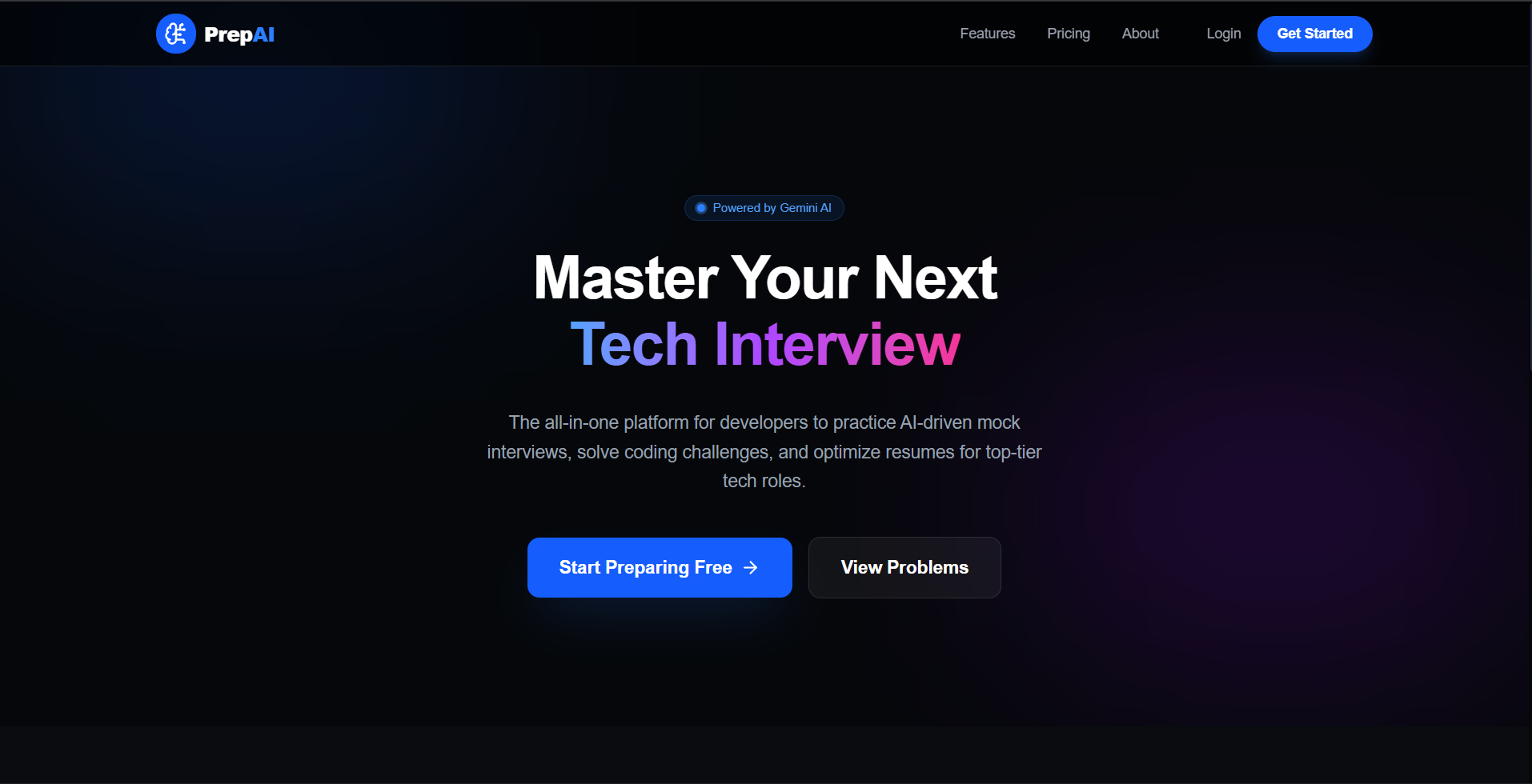
PrepAI is a premium, full-stack, intelligence-driven preparation suite designed to help software engineer candidates excel in highly competitive technical recruitment processes. By integrating professional AI tools directly into a cohesive student dashboard, PrepAI provides real-time evaluations across the three core pillars of technical recruiting: resume filtering (ATS), algorithmic coding lab assessments, and live verbal mock technical interviews.
Screenshots
Key Features
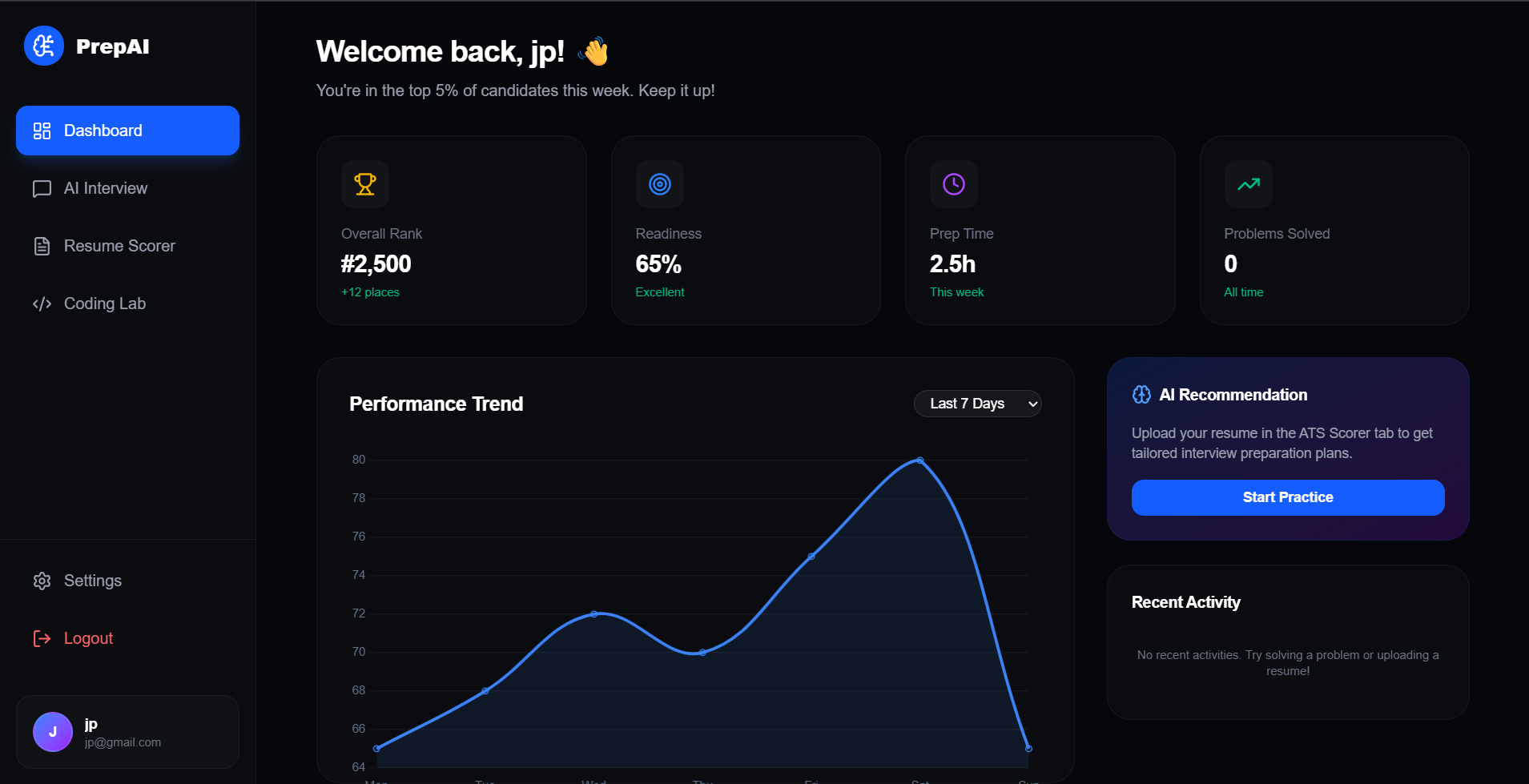
- Interactive Student Prep Dashboard
- Aggregate Performance Gauge: A visual ring showing the candidate’s dynamic readiness score.
- 7-Day Performance Trend Chart: A sleek, custom-designed line graph mapping progress over the week.
- Dynamic AI Recommendation Banner: A glowing advice card pointing out the candidate’s optimal next study step.
- Chronological Recent Activity Log: An automated chronological list displaying the user’s recent scores, interview completions, and coding submissions.
- Algorithmic Coding Lab
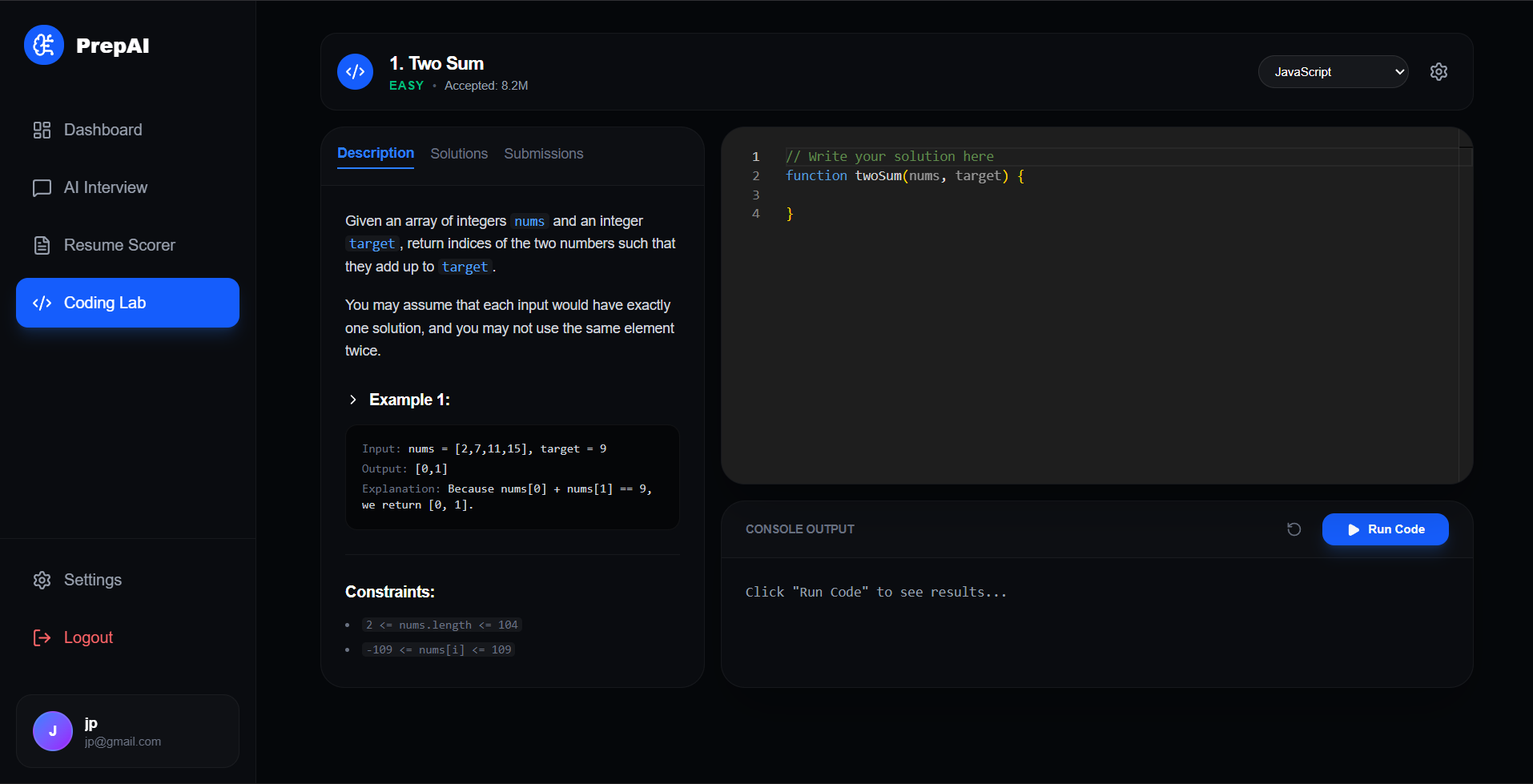
- Monaco Code Console: An embedded editor matching professional development environments, supporting JavaScript, Python, C++, and Java.
- Live Output Stream Panel: A terminal emulator printing compiler diagnostics, test case verification results, and execution statuses.
- AI Technical Mock Interviewer
- ** Sarah (AI Interviewer)**: A simulated recruiter who acts as a Google Engineer conducting professional technical and architectural mock interviews.
- Real-Time Transcript Dialogue: A chat log tracking questions, candidate answers, and contextual feedback.
- Hardware Controller Toggles: Graphical controls to toggle camera and microphone feeds.
- ATS Resume Scorer
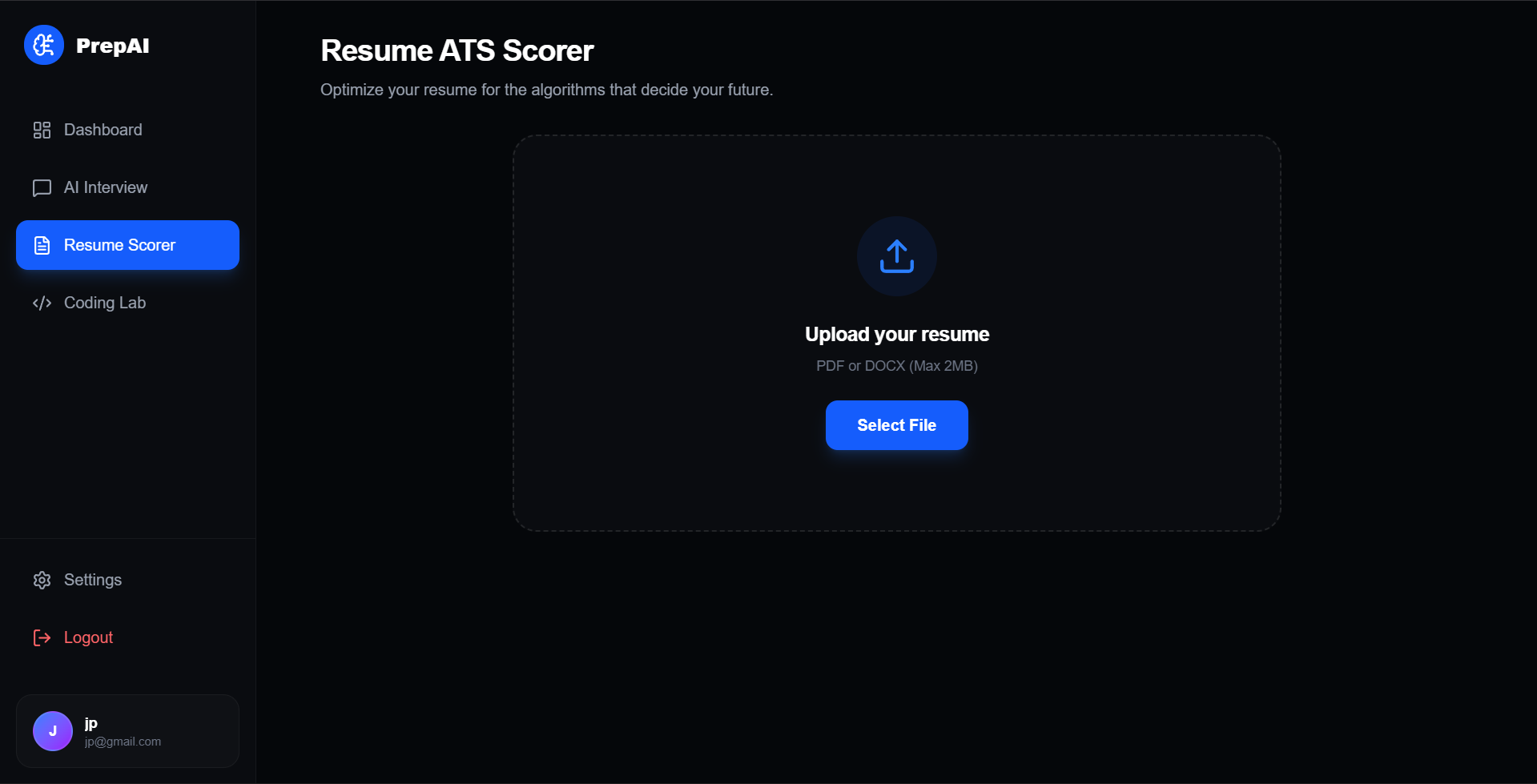
- Drag-and-Drop File Uploader: A clean, dashed drop-zone supporting PDF and DOCX uploads under 2MB.
- ATS Parameter Metrics: Dynamic score indicators evaluating Structure, Keywords, and Impact.
- Gap Analysis & Skill Recommendations: Targeted lists of critical missing skills and actionable suggestions.
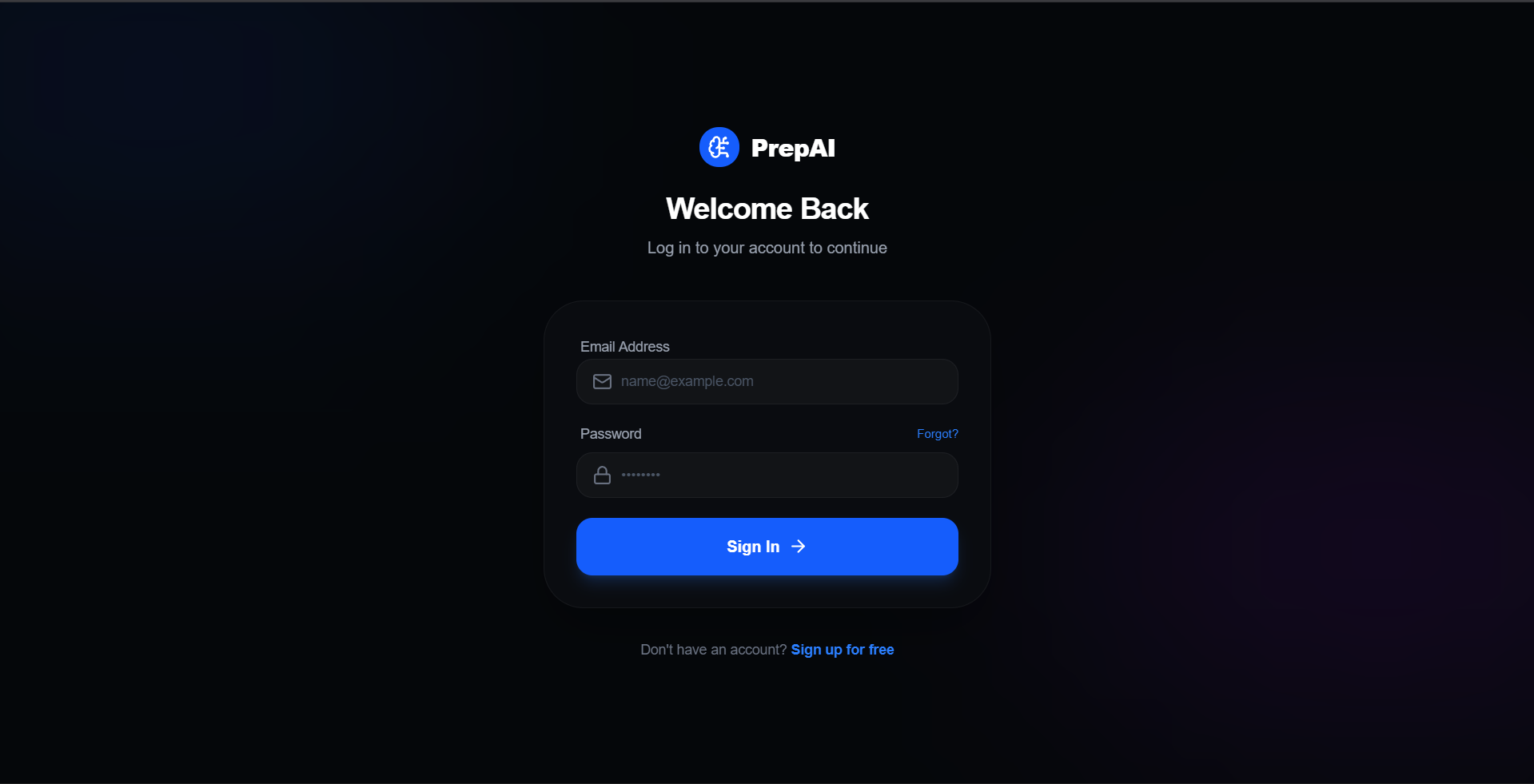
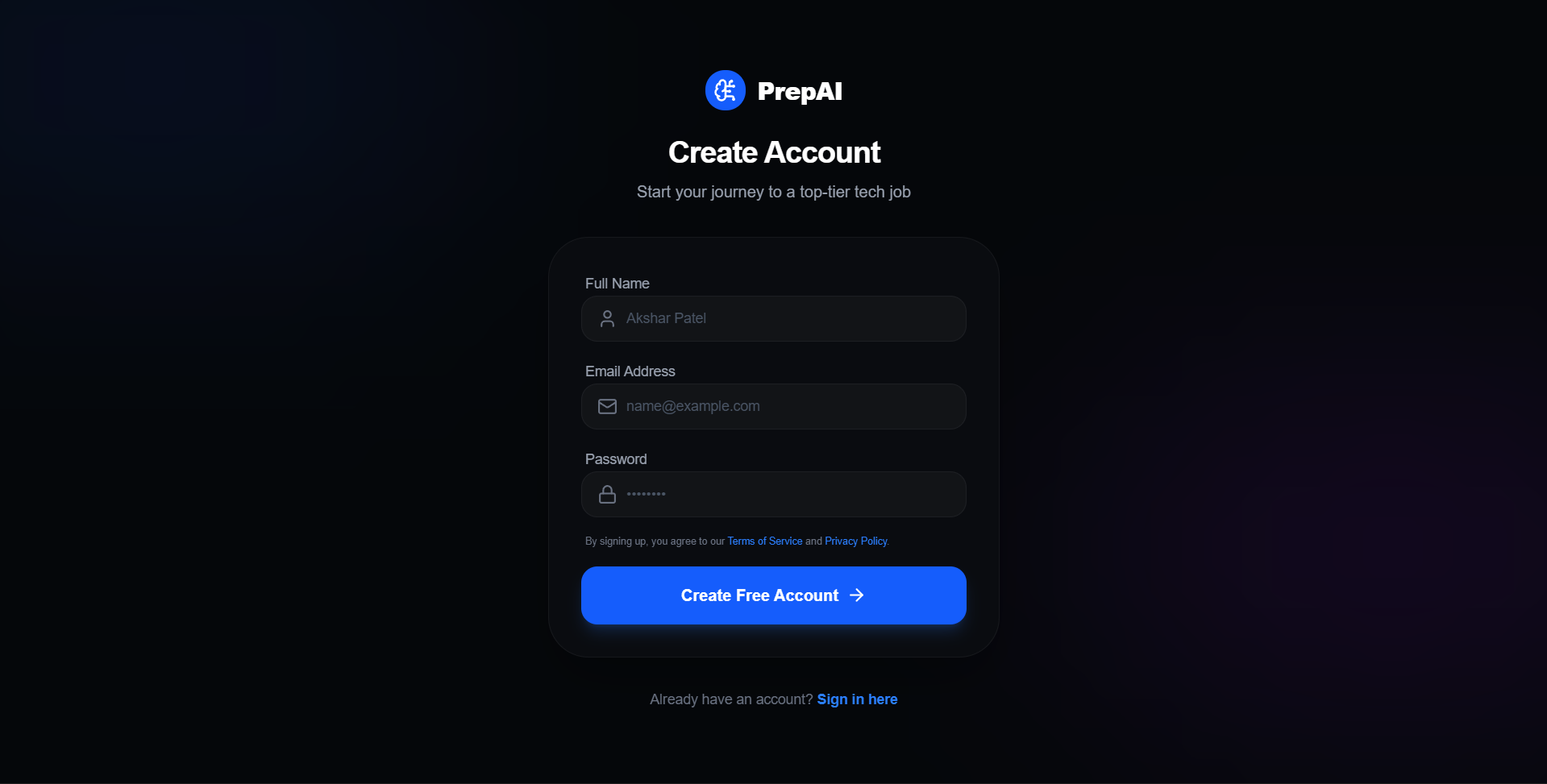
- Secure Session Authentication Gate
- Protected Routing Barrier: Gates the Dashboard, Interview, Resume, and Coding Lab behind an authentication wall.
- Hashed Database Storage: Fully secures passwords inside MongoDB.
Functionaliy
- Sandboxed JS Code Evaluation
- Node.js VM Invocation: When a user clicks “Run Code”, their JavaScript code is sent to the backend
/api/coding/runendpoint. The server executes it inside a secure virtual machine sandbox (vmmodule). - Timeouts & Safety: Enforces a strict
1000msexecution timeout to neutralize infinite loops. - Automated Test Assertions: Evaluates the code against target parameters for the Two Sum problem, checking returned structures, handling runtime errors, and logging results in MongoDB.
- Node.js VM Invocation: When a user clicks “Run Code”, their JavaScript code is sent to the backend
- Document Processing & ATS Scoring
- Memory Buffer Ingestion: File uploads are captured via
multermemory storage. - PDF Text Extraction: The raw PDF buffer is parsed using
pdf-parse, translating layouts into text strings. - Gemini ATS Analysis: The text is sent to Gemini with a structured prompt. Gemini returns a strict JSON object mapping structural, keyword, and impact feedback.
- Keyword Fallback Matching: If the Gemini API key is missing, a local parser scans the text for key software engineering terms and calculates matching ratios to construct realistic feedback.
- Memory Buffer Ingestion: File uploads are captured via
- Conversational AI Chat Flow
- Conversational Memory: The mock interview page sends the full transcript array to the backend
/api/interview/chatroute. - Gemini Prompt Injection: Injects instructions directing Gemini to act as “Sarah,” an interviewer at Google, maintaining professional interview questions while keeping responses under 3 sentences.
- Rule-Based Fallback Dialogues: If the Gemini API is offline, a state-aware conversation loop steps through logical questions about React rendering, system design, and security.
- DB Session Logs: Every conversation is stored in the
InterviewMongoDB schema under the active user’s ID.
- Conversational Memory: The mock interview page sends the full transcript array to the backend
- Dynamic Dashboard Aggregation
- Mongoose Pipelines: When a user opens the dashboard, the backend triggers database queries across the
Coding,Interview, andResumecollections. - Dynamic Score Math:
- Readiness Score: Calculated dynamically based on resume scores, coding completions, and mock interview attempts.
- Overall Rank: Shifts dynamically based on the readiness score and solved counts.
- Prep Time: Calculated based on the candidate’s actual interaction history (e.g., 30 minutes per interview, 15 minutes per coding submission).
- Mongoose Pipelines: When a user opens the dashboard, the backend triggers database queries across the
- Secure Cookies Session Management
- HttpOnly JWT Delivery: When logging in or registering, a signature JSON Web Token is signed with a 30-day expiration and attached to a secure
HttpOnlycookie. - CSRF & XSS Mitigation: The
HttpOnlycookie parameter prevents client-side scripts from reading the token, keeping user sessions secure. - Authentication Middleware: The
protectmiddleware interceptor extracts and verifies the cookie token on every restricted API call before authorizing database access.
- HttpOnly JWT Delivery: When logging in or registering, a signature JSON Web Token is signed with a 30-day expiration and attached to a secure
Technology Used
- Frontend: React 19 & Vite, Vanilla CSS & Tailwind v4
- Backend: Node.js & Express, MongoDB & Mongoose
- Authentication: JWT
- AI Integration: Google Gemini 1.5 Flash API
- File Processing: multer & pdf-parser
Why This Project Is Useful
- Beats the ATS Filter: It analyzes your resume against industry-standard keywords and structures, ensuring your application successfully passes automated applicant filters (ATS) to reach human recruiters.
- Bridges Technical Skills and Communication: Unlike typical coding sites, it combines dynamic coding challenges with professional AI mock interviews, preparing you to both write clean algorithms and verbally defend your design choices.
- Provides Secure, Instant Code Feedback: Runs your code safely on the server inside a secure virtual machine sandbox, testing your logic against real assertion cases with helpful compiler output.
- Offers Realistic AI Recruiting Practice: Simulates a live Google recruiter (“Sarah”) utilizing Google Gemini, challenging your software architecture knowledge in a low-pressure environment.
- Provides a Data-Driven Study Plan: Aggregates all your performance stats and dynamic trends onto a single dashboard, showing you exactly what topics to study next based on your actual performance data.
Deployment and Environment Setup
- Environment Variables Setup:
- backend/.env
- PORT: 3000
- MONGO_URI: mongodb_url_string
- JWT_SECRET: your_jwt_secret_key_here (if needed)
- frontend/.env
- VITE_API_URL: backend_url
- backend/.env
- Deployment Overview:
- Render or Railway for backend hosting
- Vercel or Netlify for frontend hosting
- MongoDB Atlas for the database
- Backend Deployment:
- Push your code to GitHub.
- Go to Render.com or Railway.app.
- Create a new Web Service and connect your GitHub repository.
- Choose “backend/” as the root directory.
- Add the following environment variables on Render:
- PORT=10000
- MONGO_URI=your MongoDB Atlas URI
- JWT_SECRET=your JWT secret
- Start command: npm start (Ensure your backend/package.json includes “start”: “node server.js”)
- After deployment, note your backend URL, e.g. https://your-backend-name.onrender.com
- Frontend Deployment:
- Go to Vercel.com or Netlify.com.
- Create a new project and connect the GitHub repo.
- Select the “frontend/” folder as root.
- In environment variables, set:
- VITE_API_URL=https://your-backend-domain.com/api (or REACT_APP_API_URL if using CRA)
- Deploy.
- MongoDB Atlas Setup:
- Go to https://cloud.mongodb.com
- Create a free cluster.
- Add your current IP address in Network Access.
- Create a database user and password.
- Copy the connection string and replace username, password, and database name in MONGO_URI in backend/.env
Download Source Code
Project Setup Instructions
Note: This project is for educational purposes only. Not for commercial sale.


