Project Overview
Smart Time Management Suite is a modern, interactive web application built using HTML, CSS, and JavaScript that combines three essential time-based tools – Clock, Stopwatch, and Timer – into a single elegant interface.
It provides a clean, minimal, and responsive UI with smooth animations and automatic real-time updates, making it ideal for both practical use and demonstrating time-based JavaScript logic.
Screenshots


Key Features
- Digital Clock: Displays current time with live updates every second.
- Automatic Date: Shows the current date dynamically in a user-friendly format.
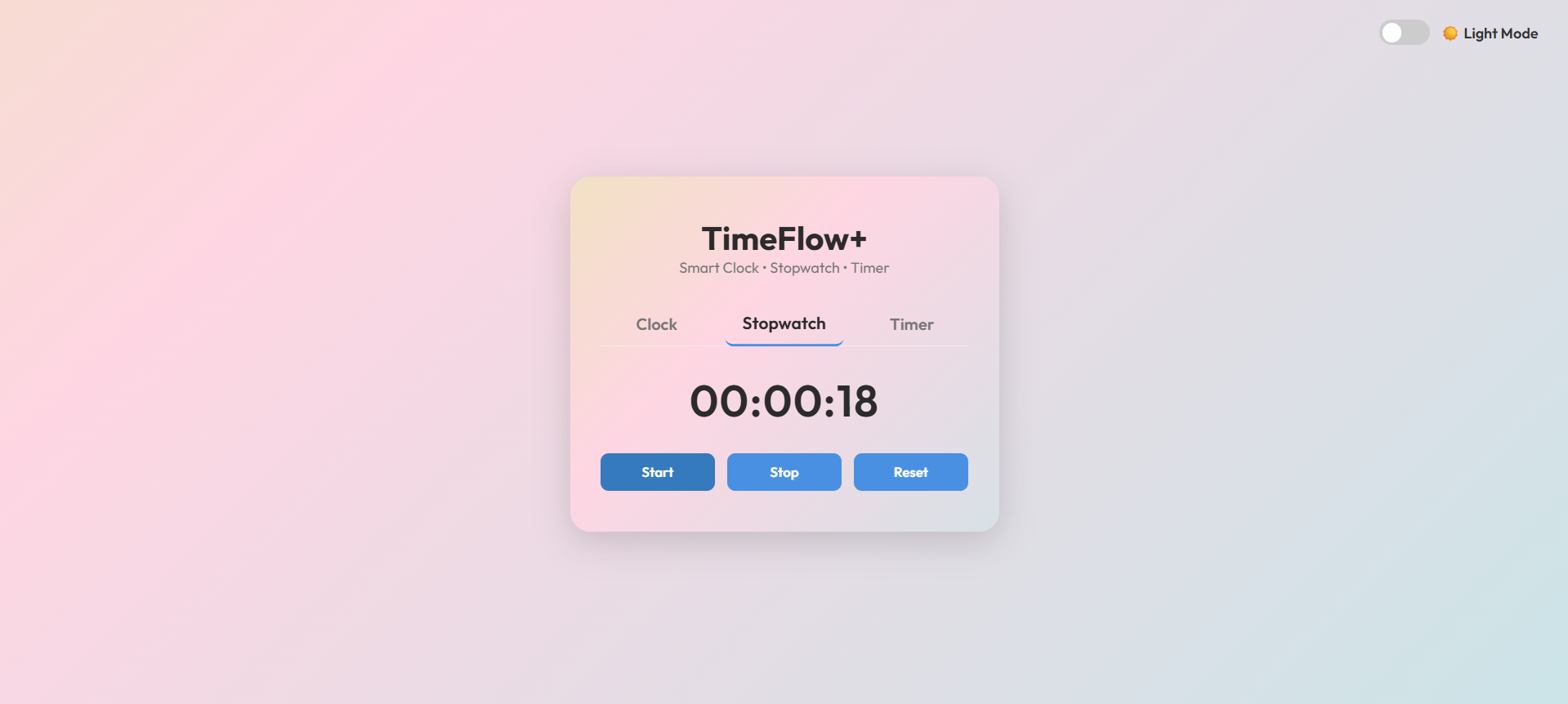
- Stopwatch: Start, stop, and reset with accurate millisecond tracking.
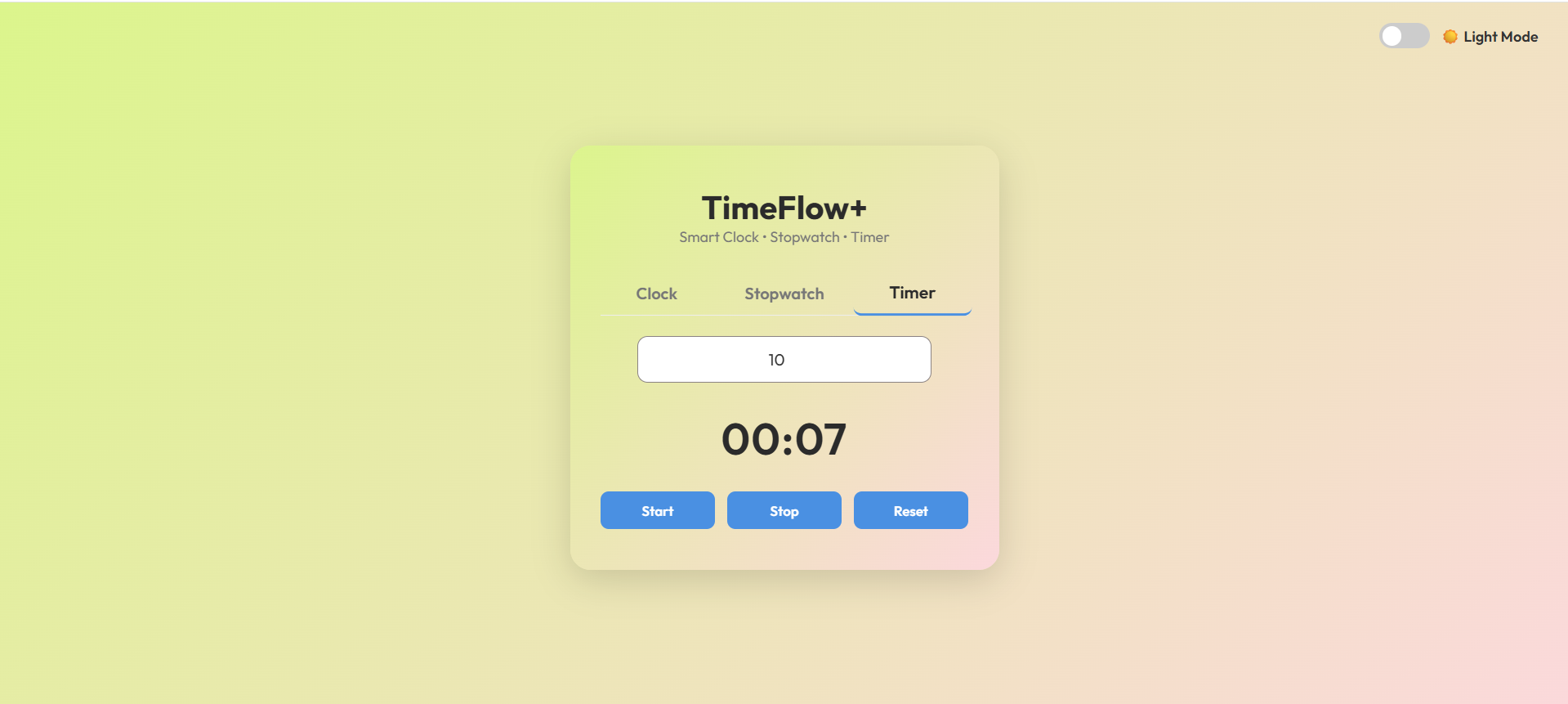
- Timer: User can set a countdown in seconds – supports start, stop, and reset.
- Negative Protection: Timer input automatically prevents negative numbers.
- Responsive UI: Works smoothly on desktop and mobile devices.
- Animated Gradient Background: Adds visual appeal through a subtle color animation.
Functionality
- Clock
- Uses the Date() object to fetch the current system time.
- Updates the display every second using setInterval().
- Automatically shows formatted date with weekday, day, month, and year.
- Stopwatch
- Tracks elapsed time using Date.now().
- Allows Start, Stop, and Reset.
- Displays hours, minutes, and seconds accurately.
- Maintains state – resumes from the stopped position instead of resetting.
- Timer
- User inputs countdown seconds.
- Displays countdown in MM:SS format.
- Supports Start, Stop, and Reset.
- Prevents negative values in input and stops automatically at 0.
- Maintains the paused state and resumes properly.
Technology Used
- HTML5: Structure of the app
- CSS3: Styling, gradient background, transitions, and responsive layout
- JavaScript (ES6): Core logic for time updates, stopwatch, and timer
- Google Fonts (Outfit): Modern typography for clean readability
Why This Project Is Useful
This project is a great demonstration of JavaScript’s real-time capabilities — such as working with dates, timers, and intervals – while maintaining a user-friendly interface.
It can serve as:
- A practice project for beginners learning DOM manipulation and setInterval.
- A portfolio project to showcase front-end development and UI design skills.
- A productivity tool for time tracking and management.
Download Source Code
Project Setup Instructions
Note: This project is for educational purposes only. Not for commercial sale.