Project Overview
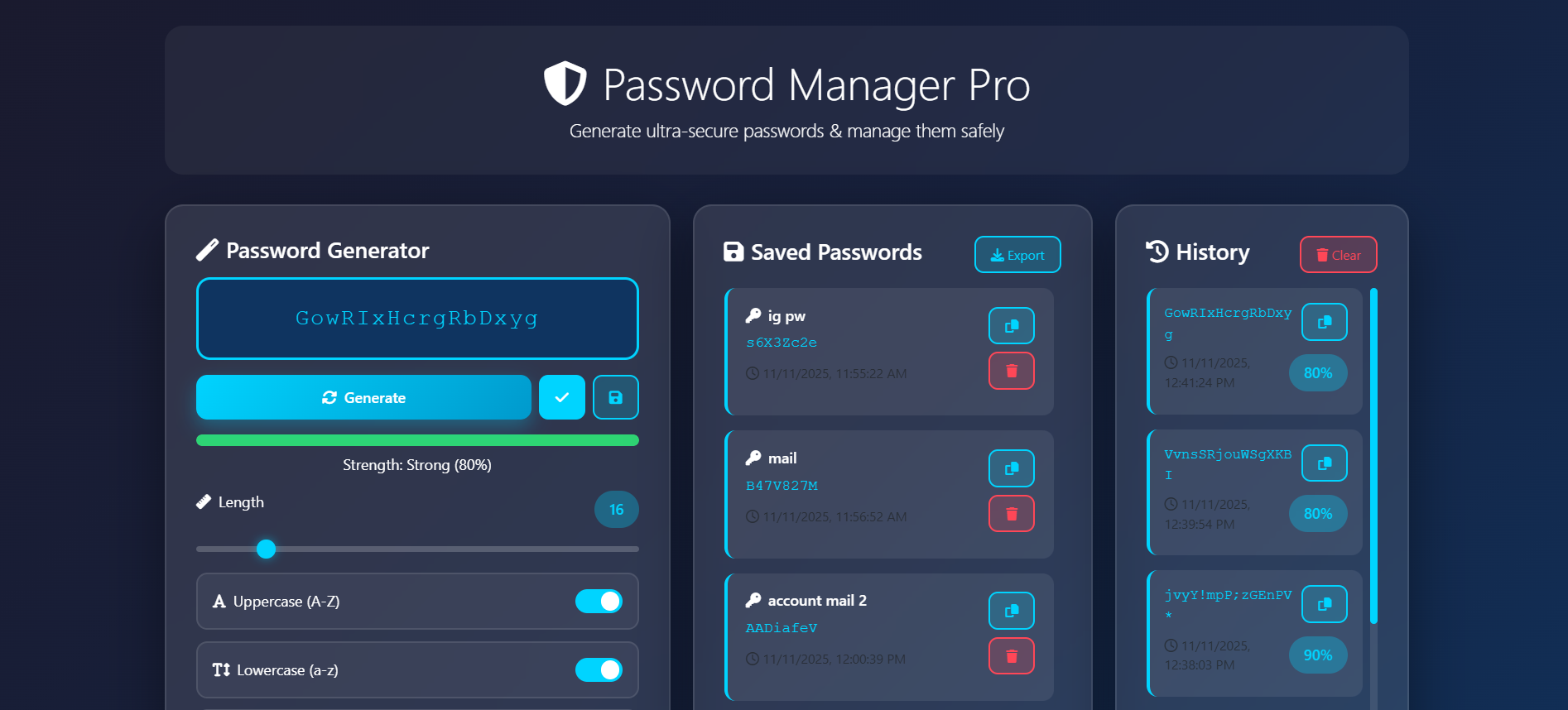
Password Manager Pro is a web-based application that allows users to generate, manage, and store secure passwords locally. It helps users create strong passwords, check their strength, and keep them safely saved in the browser using local storage.
Screenshots
Key Features
- Generate strong and customizable passwords.
- Adjustable password length using a slider.
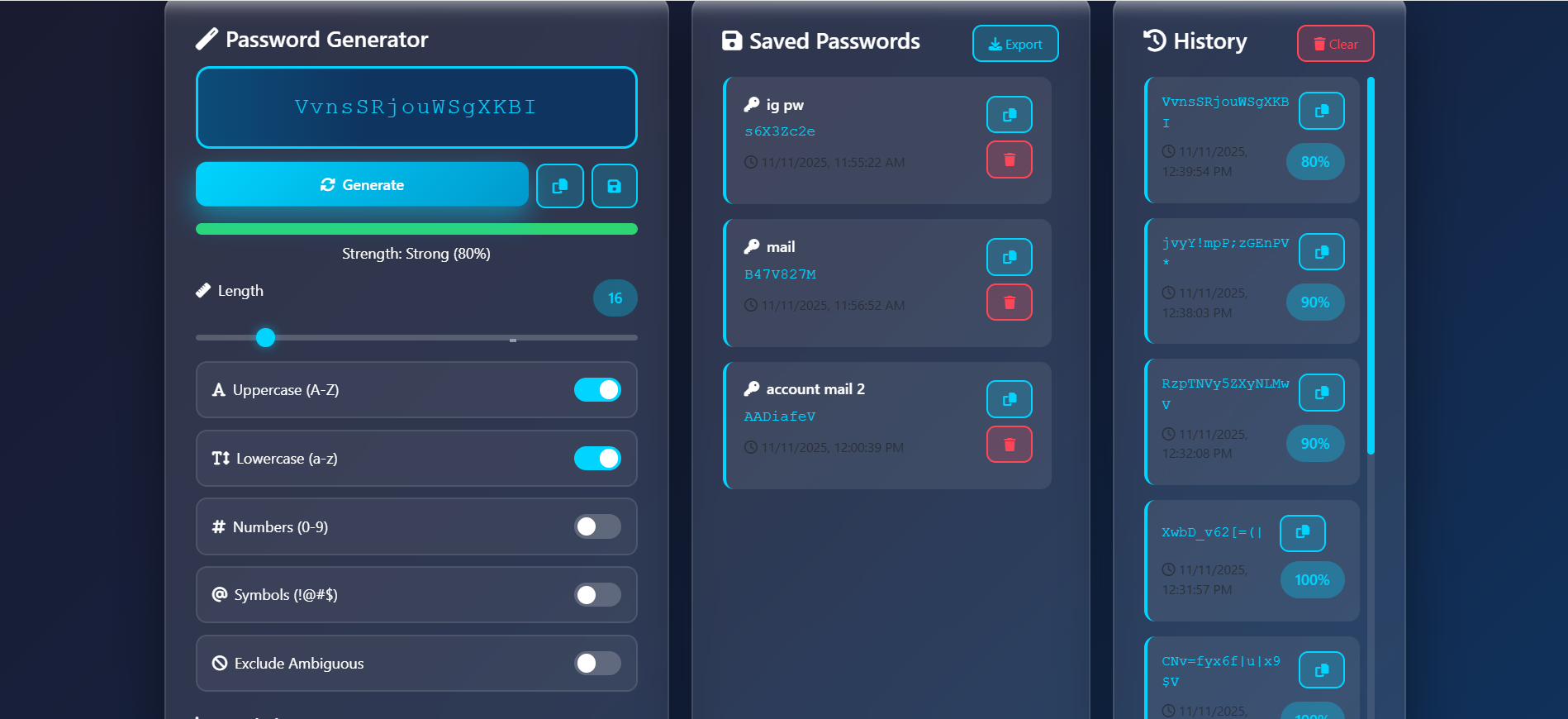
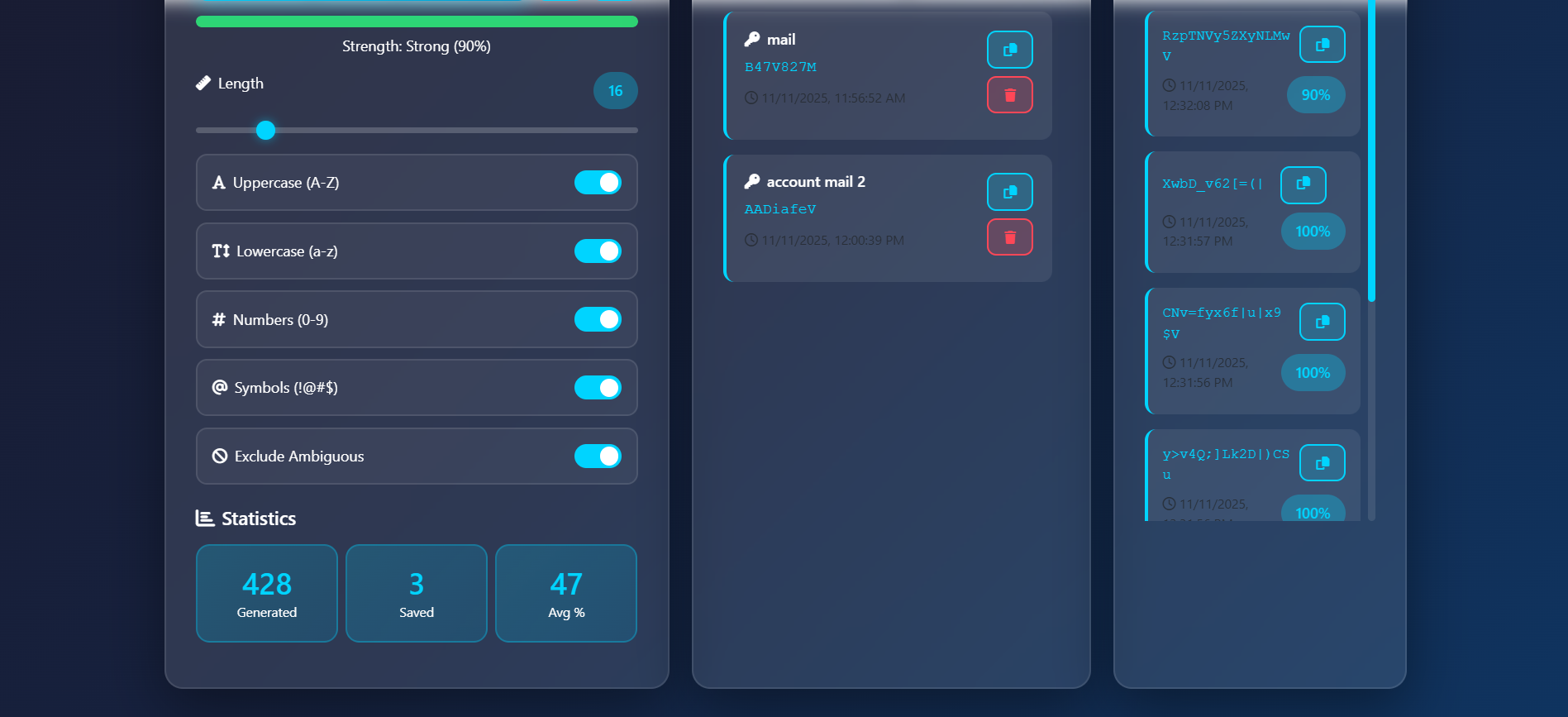
- Options to include/exclude uppercase, lowercase, numbers, and symbols.
- Password strength indicator (Weak, Medium, Strong).
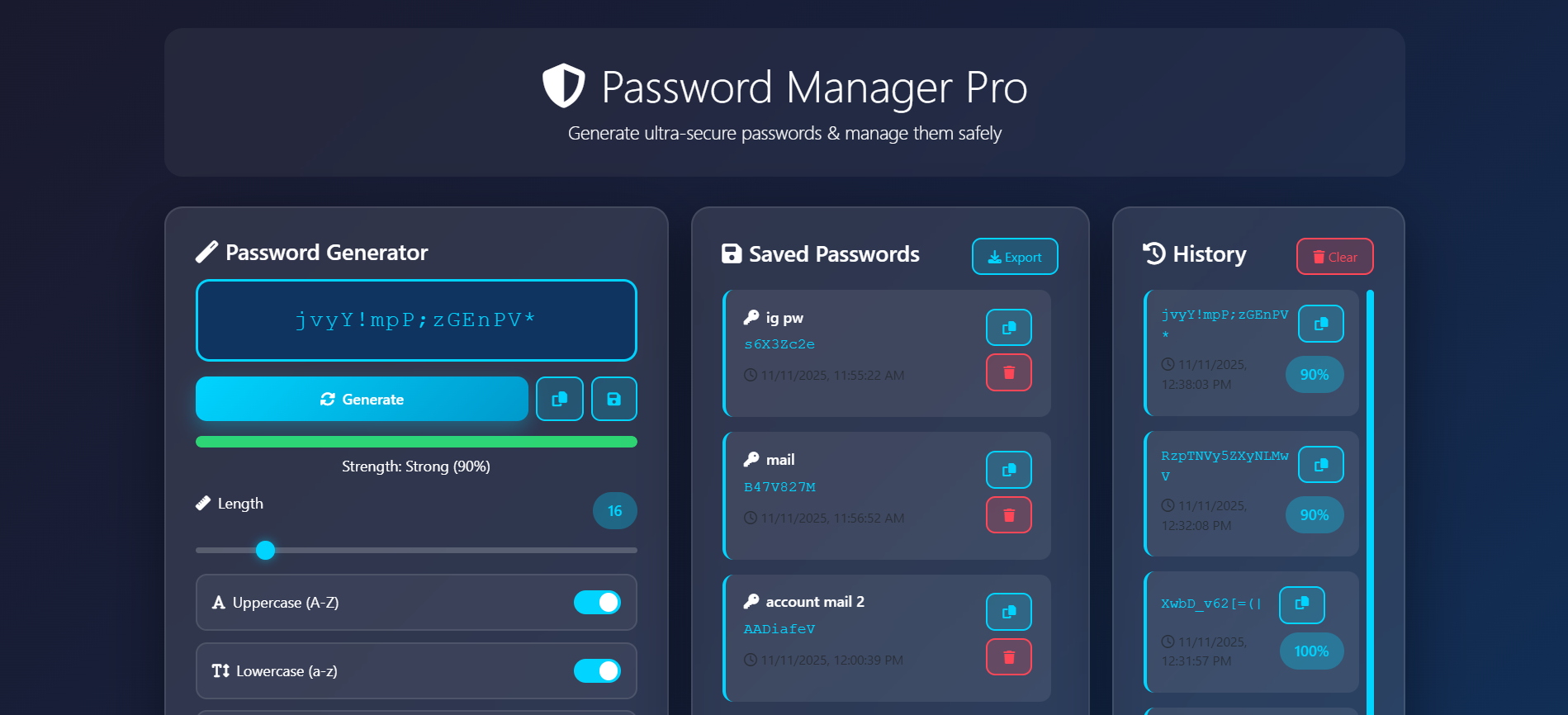
- Save generated passwords with names for easy reference.
- Copy, delete, and export saved passwords.
- Password generation history with timestamps.
- Persistent data storage using browser localStorage.
Functionality
- Users can generate a password by selecting options such as length, character type, and excluding ambiguous characters.
- Password strength is calculated and displayed dynamically.
- Generated passwords can be copied, saved, and exported.
- Saved passwords and history are stored locally in the browser and can be managed easily.
Technology Used
- HTML5: Used to build the structure and layout of web pages.
- CSS3 & Bootstrap 5: Utilized for responsive design, styling, and efficient layout management.
- JavaScript (ES6): Adds interactivity and dynamic features to the website.
- Font Awesome: Provides scalable and customizable icons for enhanced UI visuals.
Why This Project Is Useful
This project provides a simple and secure way for users to manage their passwords without relying on external tools or cloud services. It enhances password security practices and saves time by generating and organizing passwords in one place.
Download Source Code
Project Setup Instructions
Note: This project is for educational purposes only. Not for commercial sale.