Project Overview
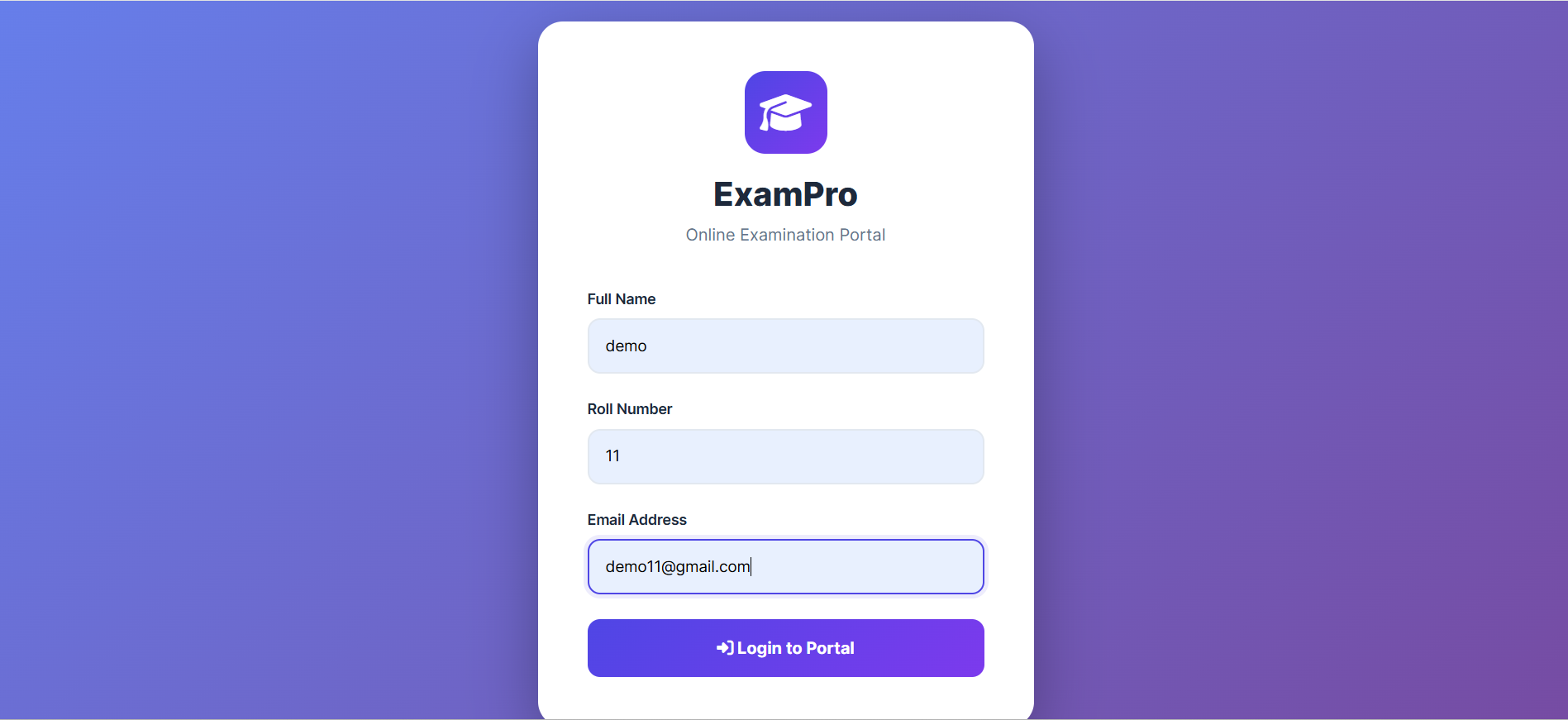
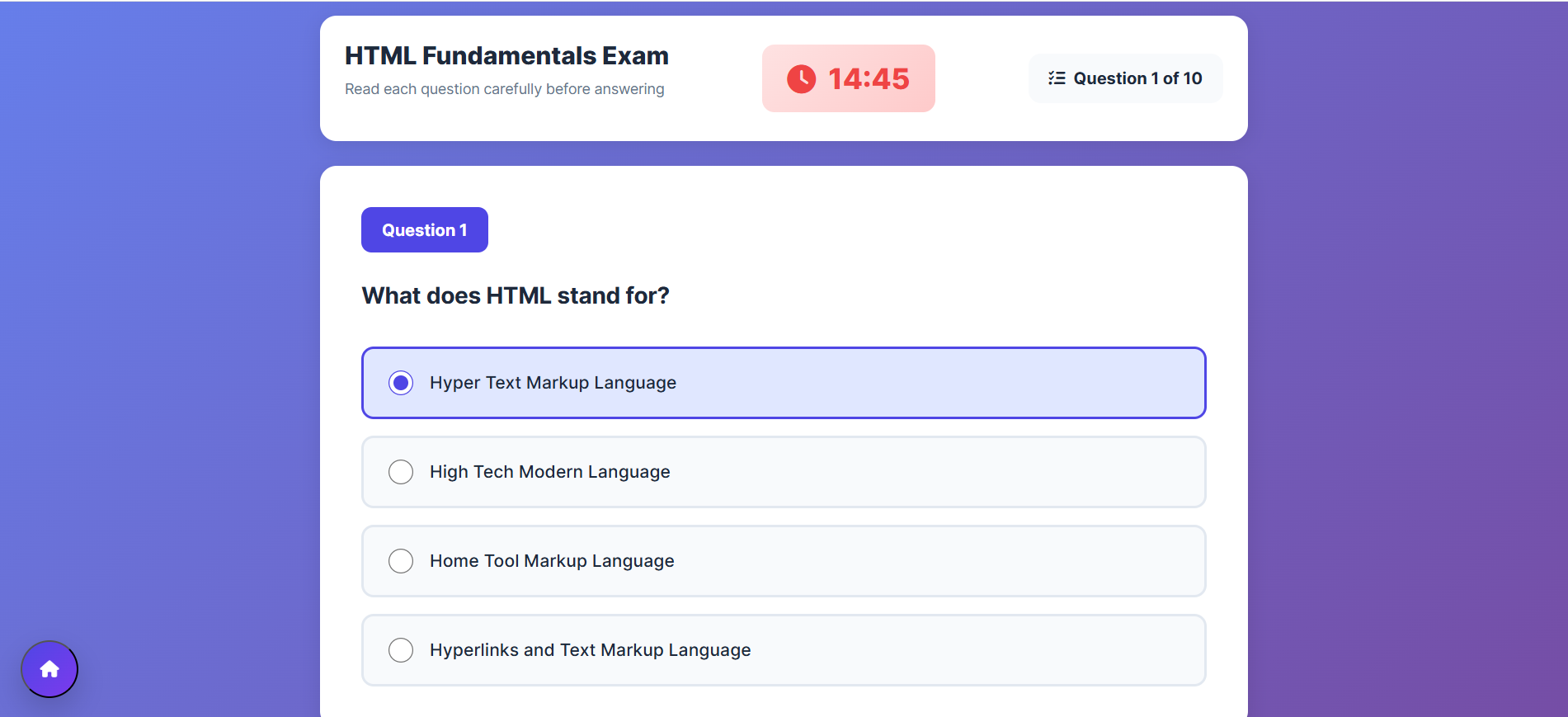
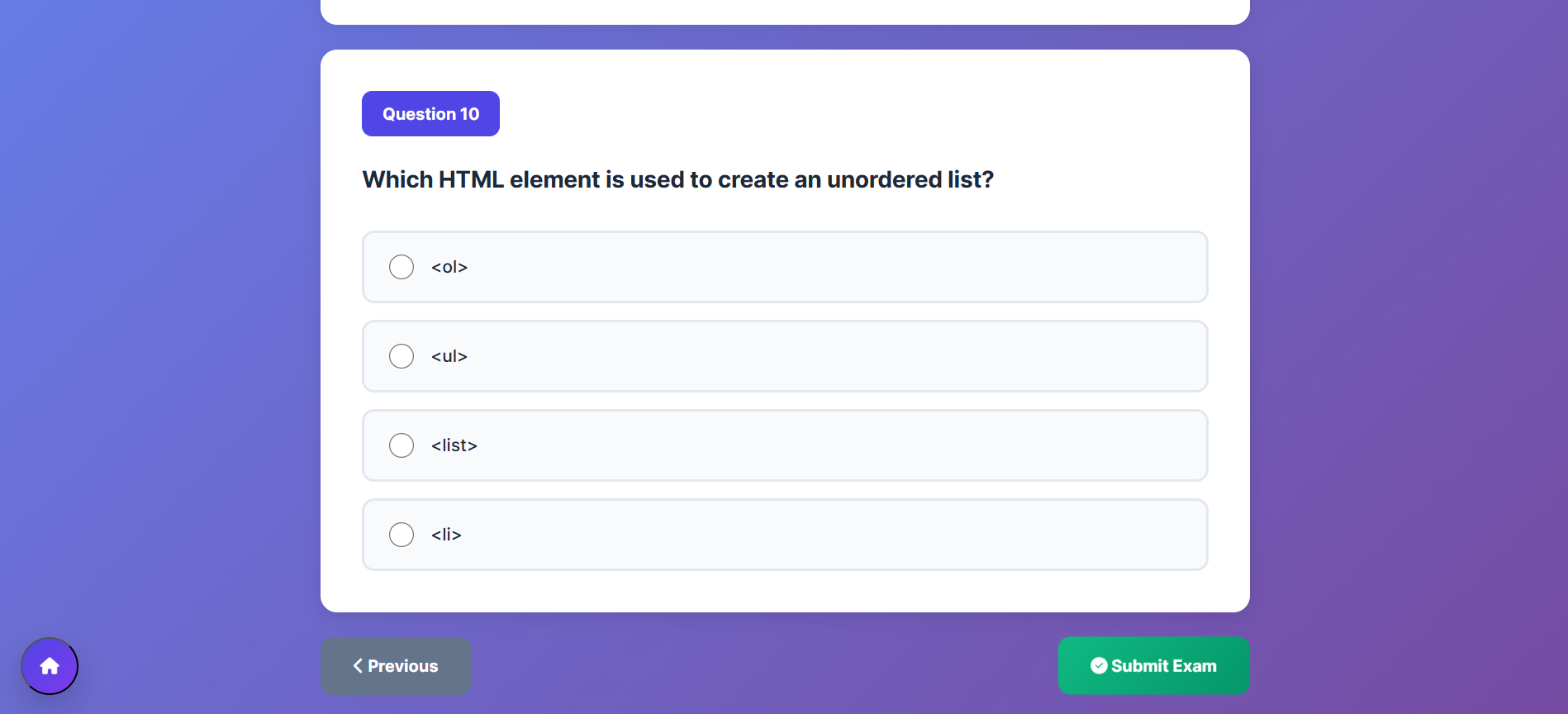
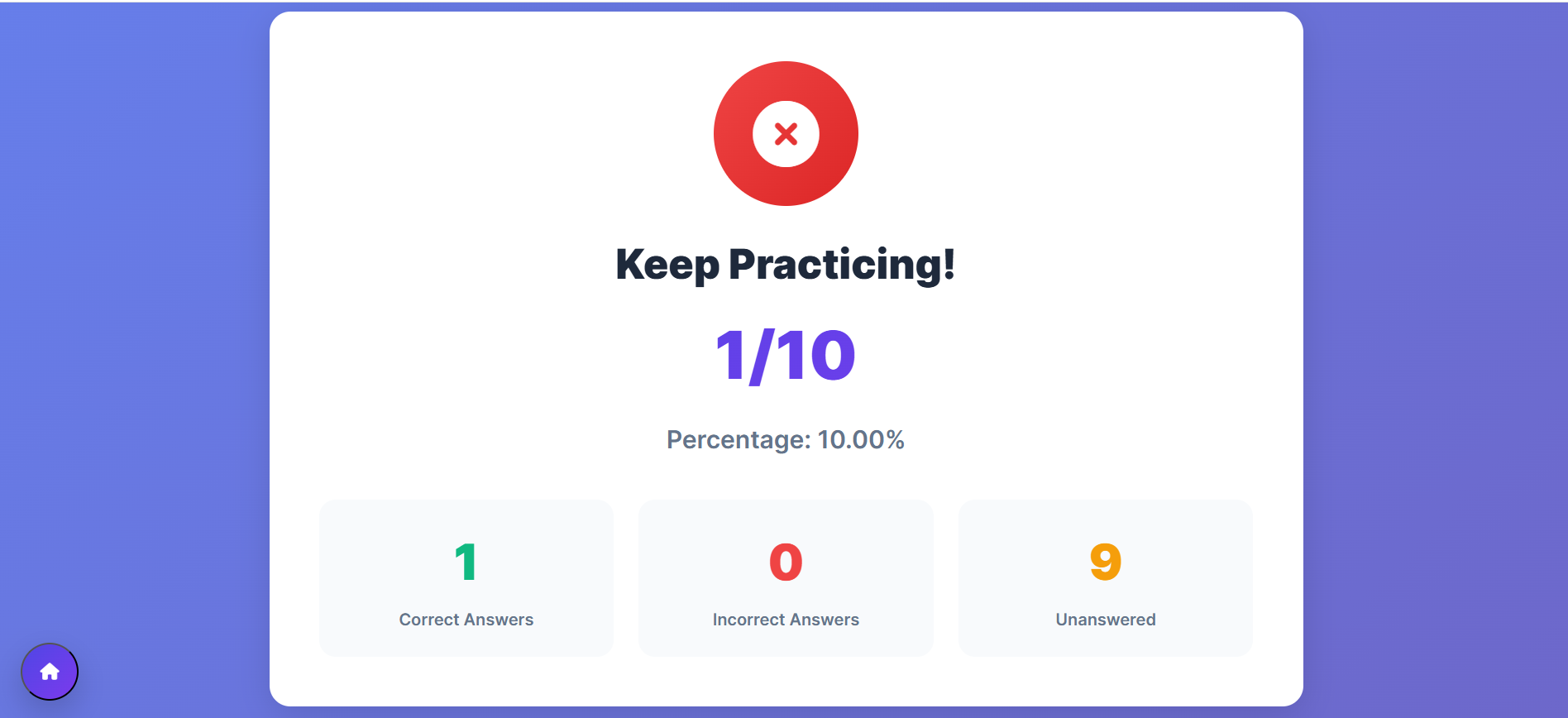
This project is a web-based examination system that allows users to log in, attempt subject-wise multiple-choice quizzes, view their score, and review their answers. The system includes a dashboard, timer, question navigation, and secure logout functionality. It is built using basic web technologies and provides a smooth exam-like experience.
Screenshots



Key Features
- User login and authentication
- Subject-wise quizzes (HTML, CSS, JavaScript, Bootstrap)
- Each subject contains 10 questions
- Timer for each exam
- Next and Previous question navigation
- Automatic score calculation
- Review answers after completing the exam
- Dashboard to select subjects
- Logout and session reset
- Fully responsive UI
Functionality
- User enters login details to access the dashboard
- User selects a subject to start the quiz
- System shows one question at a time with multiple options
- Timer starts automatically when exam begins
- User can move to next or previous questions
- After finishing, the score is calculated automatically
- User can review all their answers and correct options
- User can return to the dashboard or log out anytime
Technology Used
- HTML
- CSS
- JavaScript
- Bootstrap
- VS Code (optional)
Why This Project Is Useful
This project helps students practice MCQs in a structured environment similar to real exams. It also demonstrates essential concepts of DOM manipulation, event handling, state management, and UI workflow for beginners learning web development. Teachers or developers can also extend it into a full examination platform.
Download Source Code
Project Setup Instructions
Note: This project is for educational purposes only. Not for commercial sale.