
Project Overview
The MERN To-Do List App is a simple yet powerful full-stack web application built with MongoDB, Express.js, React, and Node.js.
It allows users to create, edit, delete, and manage daily tasks efficiently with an intuitive and modern interface styled using TailwindCSS v4.1.
All tasks are stored in a local MongoDB database, making it a fully functional CRUD-based productivity application.
Screenshots
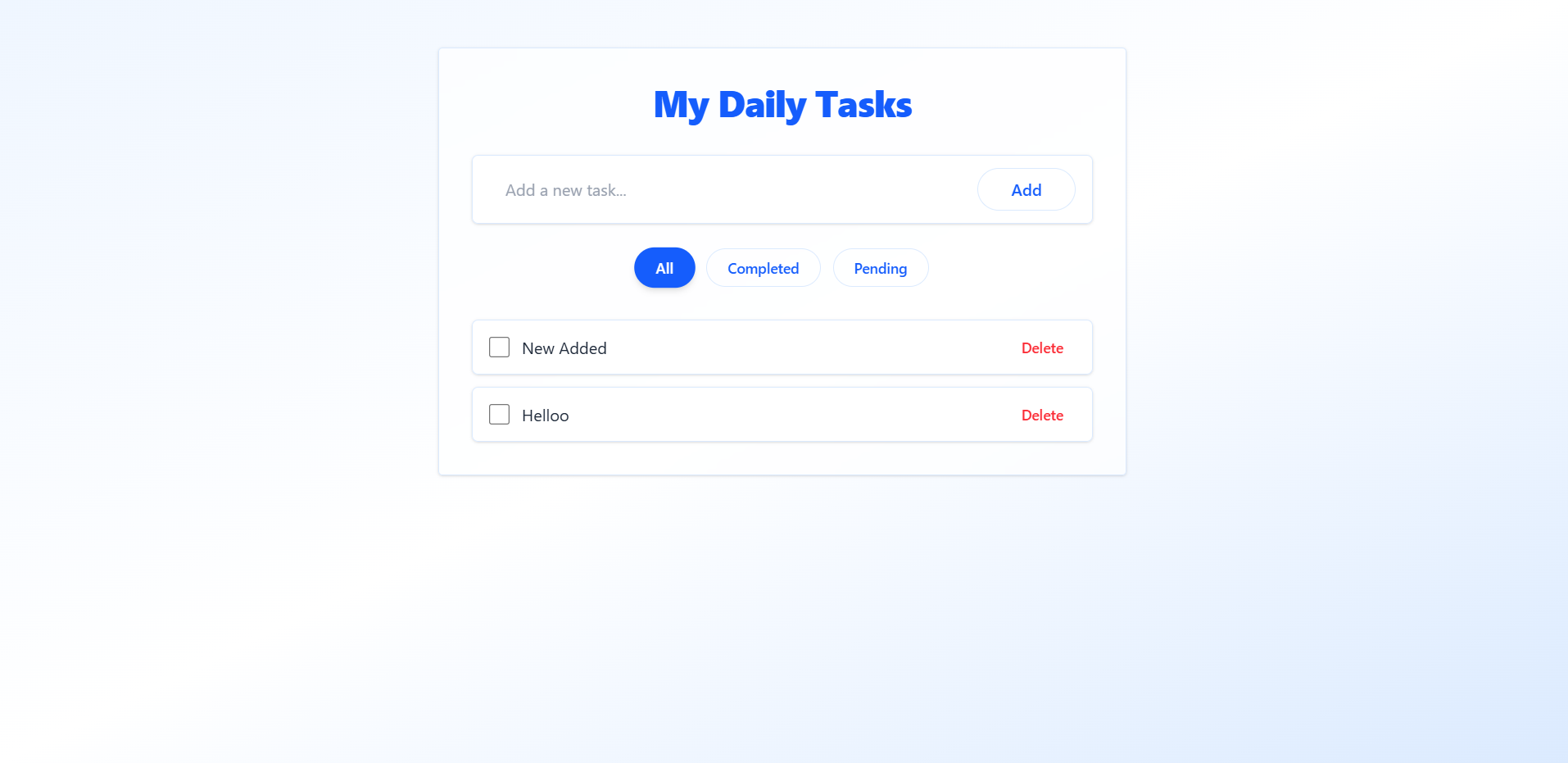
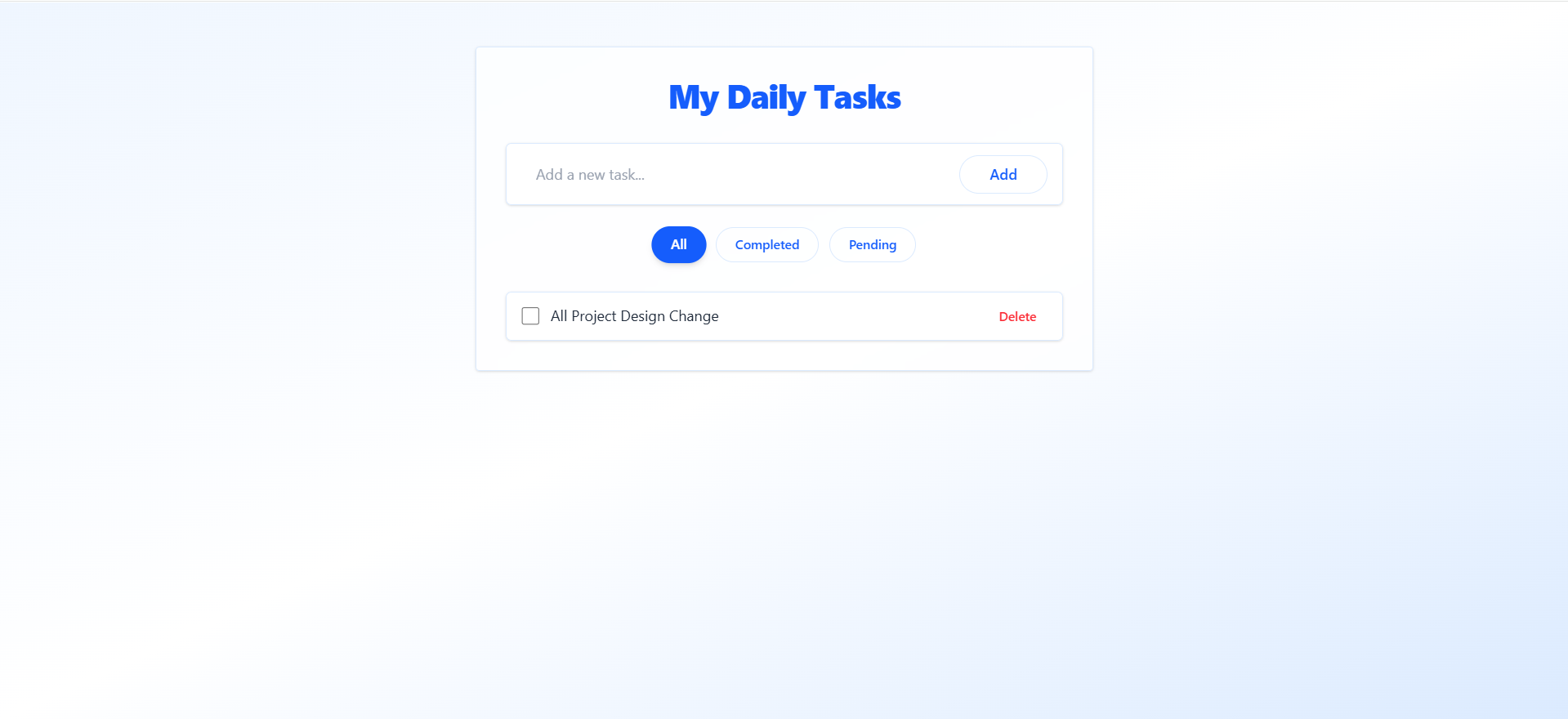
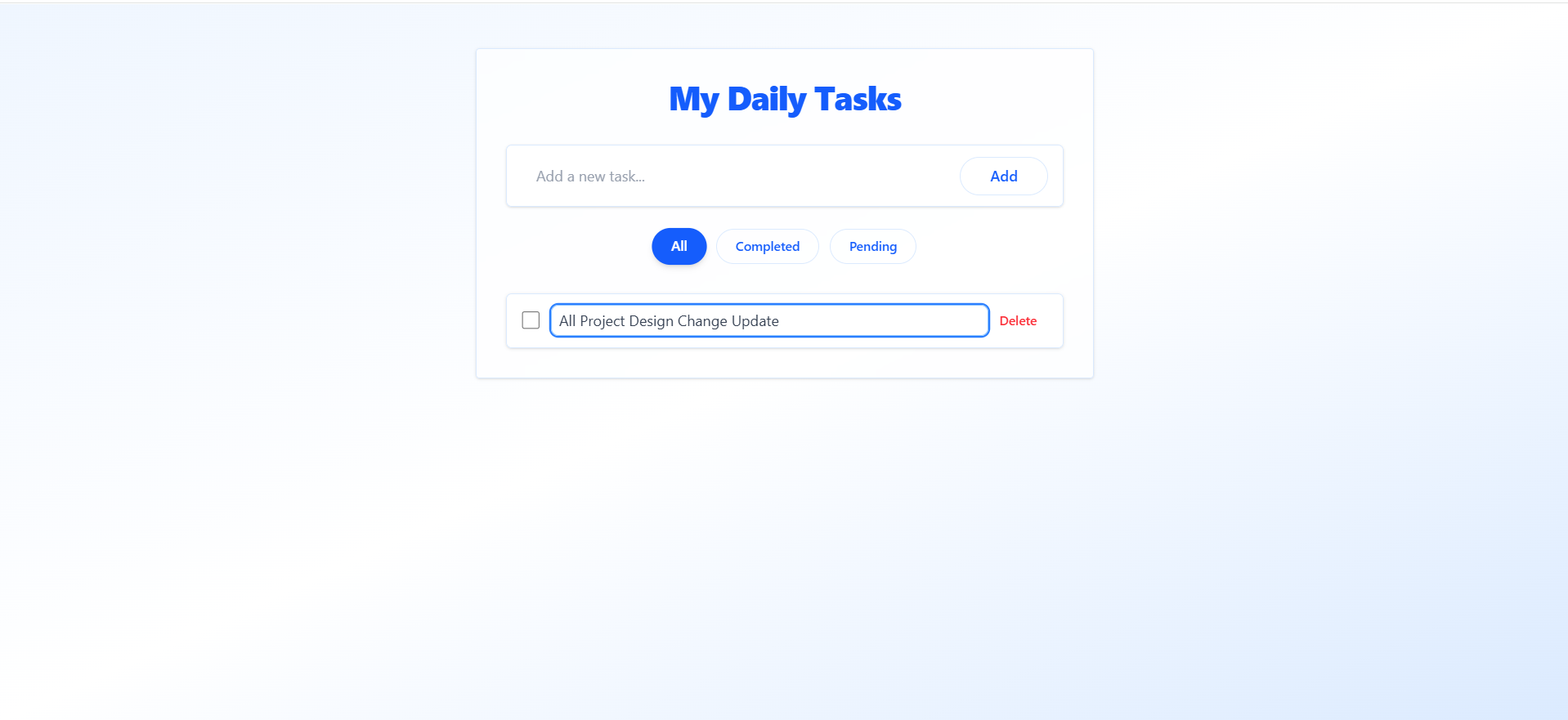
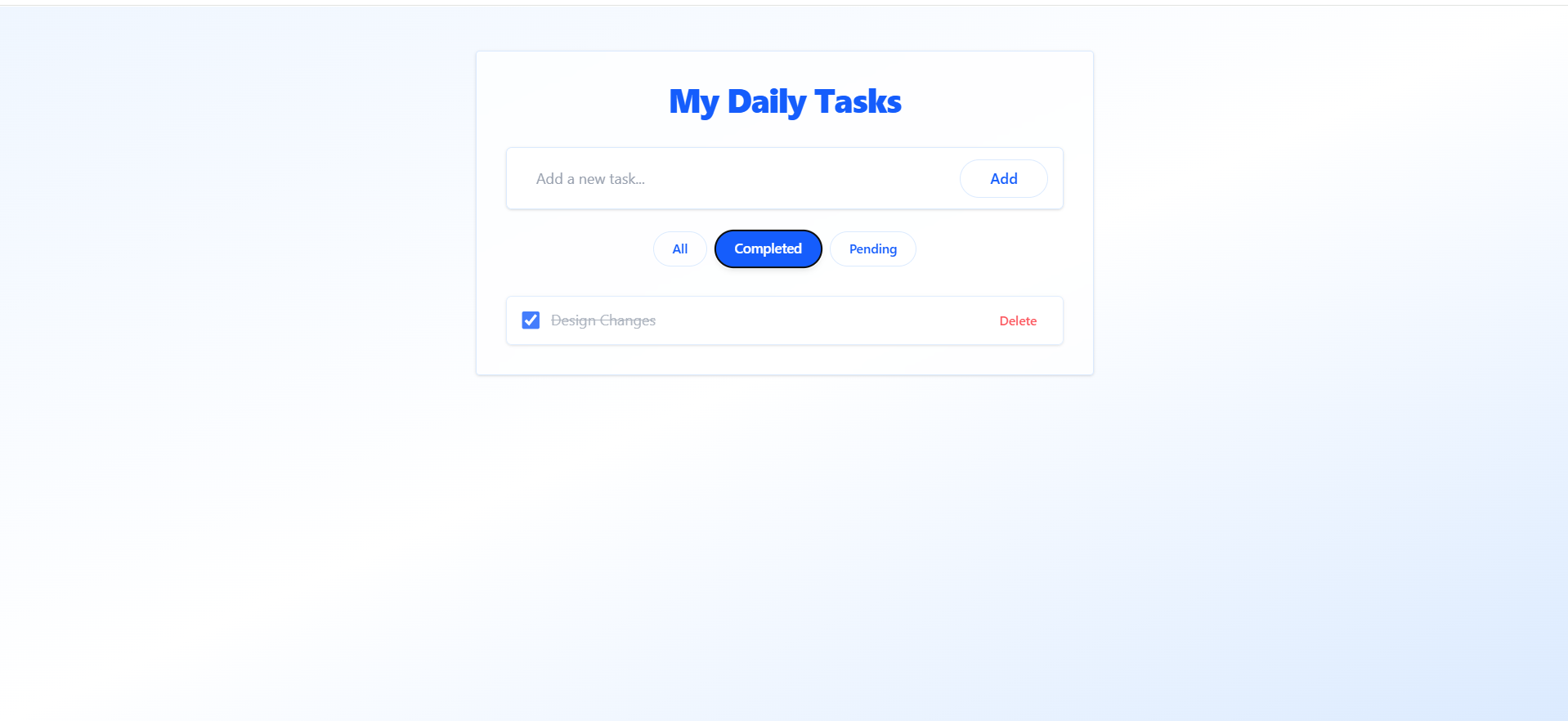
Key Features
- Add Task: Quickly create a new to-do item with a title.
- Edit Task: Double-click a task to rename or update it instantly.
- Delete Task: Remove unwanted tasks with a single click.
- Mark Complete / Pending: Toggle between completed and pending states.
- Filter Tasks: View tasks based on their status — All, Completed, or Pending.
- Responsive Design: Fully responsive and clean UI using TailwindCSS v4.1.
- Real-Time Updates: All actions instantly reflect in the task list without page reloads.
- Local MongoDB Integration: Uses local database for persistent data storage.
- Smooth UX: Includes transitions, focus effects, and visual feedback for actions.
Functionality
- Add To-Do: Users can enter a new task title and submit it to add a new record to MongoDB.
- Edit To-Do: Double-clicking a task enables inline editing and auto-saves when focus is lost.
- Delete To-Do: Tasks can be permanently removed from the database with a delete button.
- Mark Complete: Checkbox toggles task completion status (updates the database).
- Filter View: Three filters (All, Completed, Pending) adjust the displayed list dynamically.
Technology Used
- Frontend:
- React.js – Builds dynamic and interactive user interfaces
- Axios – Handles seamless API communication
- React Router DOM – Manages page navigation and protected routing
- Tailwind CSS – Provides modern, responsive, and utility-first styling
- Backend:
- Node.js + Express.js – Manages server-side logic and RESTful API endpoints
- MongoDB + Mongoose – Stores data and defines schema models efficiently
- CORS + dotenv – Enables cross-origin requests and environment configuration
Why This Project Is Useful
- Practical MERN Learning: Demonstrates full-stack CRUD operations — ideal for understanding the entire MERN workflow.
- Resume-Ready Project: Small, clean, and production-structured — great for GitHub or interviews.
- Daily Use App: Functional as a real productivity tool to manage tasks.
- Modern UI/UX: Shows skills in clean design and front-end polish.
- Extendable Foundation: Can easily evolve into an advanced project (e.g., with authentication, user accounts, reminders, or due dates).
Deployment and Environment Setup
- Environment Variables Setup:
- backend/.env
- PORT: 3000
- MONGO_URI: mongodb_url_string
- JWT_SECRET: your_jwt_secret_key_here (if needed)
- frontend/.env
- VITE_API_URL: backend_url
- backend/.env
- Deployment Overview:
- Render or Railway for backend hosting
- Vercel or Netlify for frontend hosting
- MongoDB Atlas for the database
- Backend Deployment:
- Push your code to GitHub.
- Go to Render.com or Railway.app.
- Create a new Web Service and connect your GitHub repository.
- Choose “backend/” as the root directory.
- Add the following environment variables on Render:
- PORT=10000
- MONGO_URI=your MongoDB Atlas URI
- JWT_SECRET=your JWT secret
- Start command: npm start (Ensure your backend/package.json includes “start”: “node server.js”)
- After deployment, note your backend URL, e.g. https://your-backend-name.onrender.com
- Frontend Deployment:
- Go to Vercel.com or Netlify.com.
- Create a new project and connect the GitHub repo.
- Select the “frontend/” folder as root.
- In environment variables, set:
- VITE_API_URL=https://your-backend-domain.com/api (or REACT_APP_API_URL if using CRA)
- Deploy.
- MongoDB Atlas Setup:
- Go to https://cloud.mongodb.com
- Create a free cluster.
- Add your current IP address in Network Access.
- Create a database user and password.
- Copy the connection string and replace username, password, and database name in MONGO_URI in backend/.env
Download Source Code
Project Setup Instructions
Note: This project is for educational purposes only. Not for commercial sale.


