
Project Overview
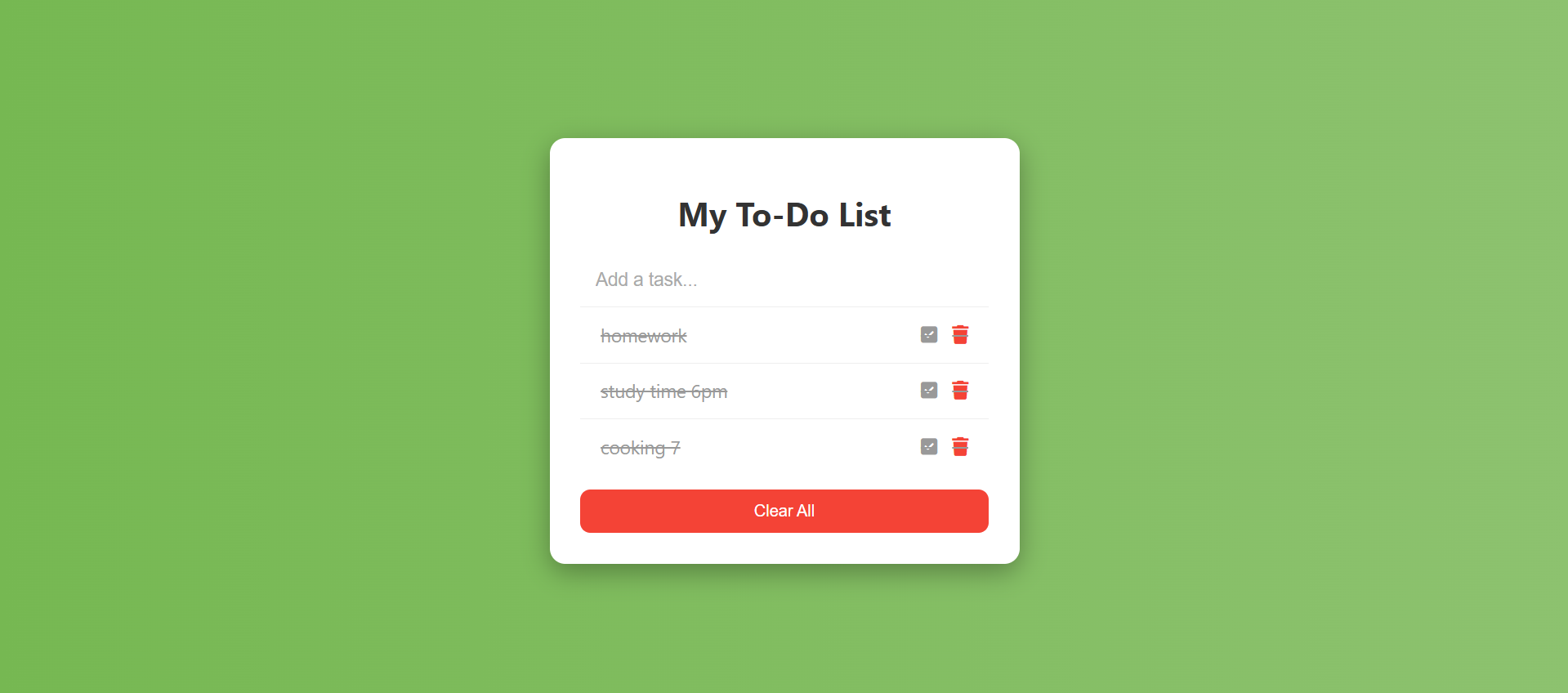
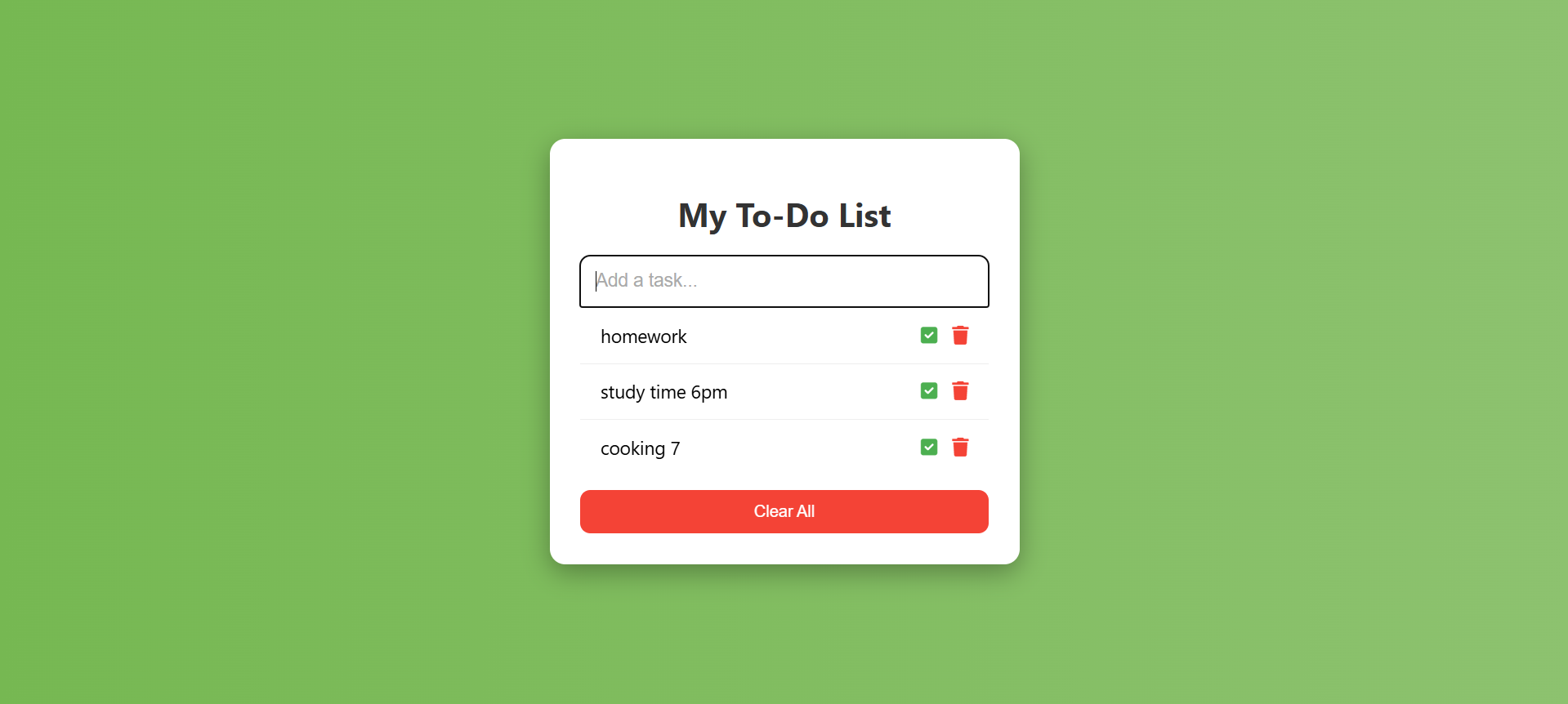
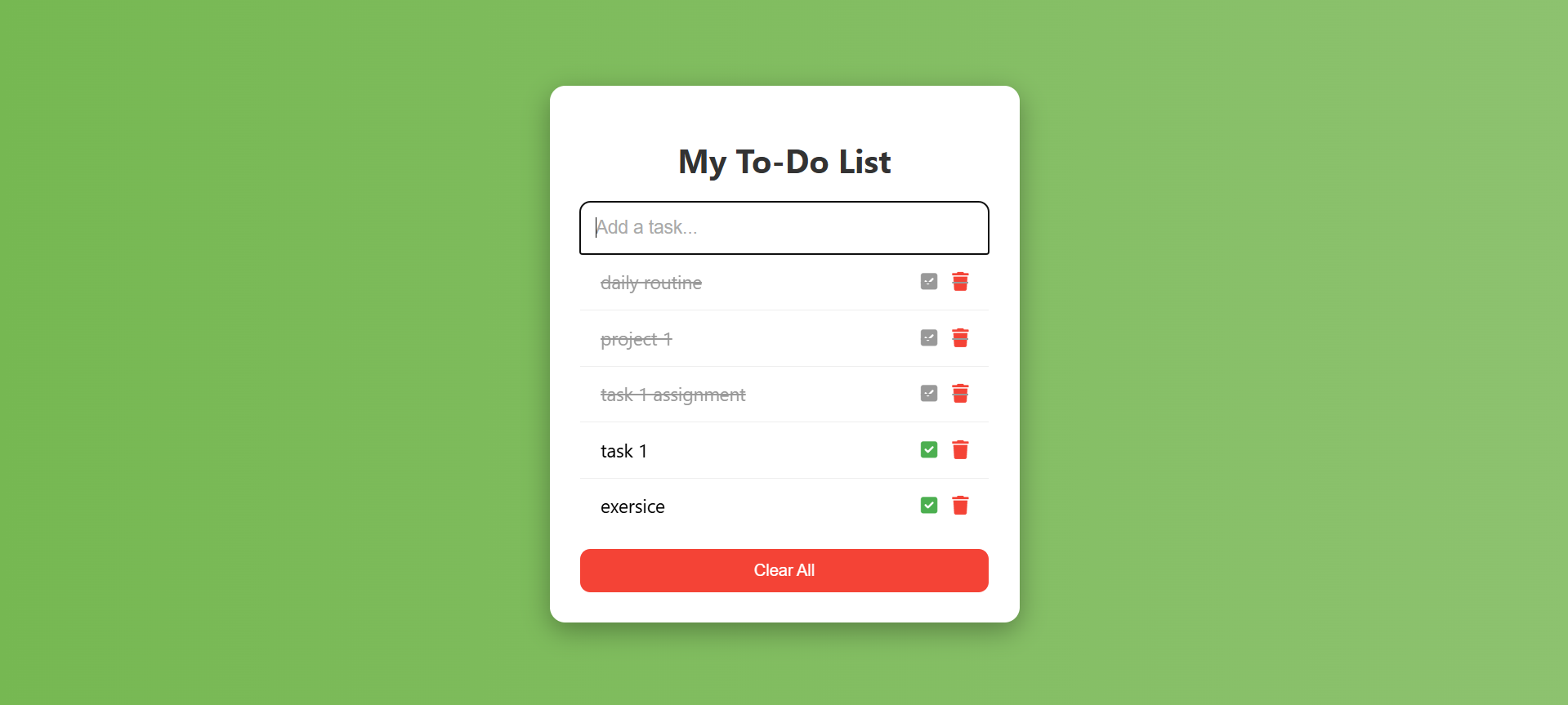
The To-Do List is a web application designed to help users efficiently manage their daily tasks. Users can add, edit, delete, and mark tasks as complete, making it easy to organize their work and improve productivity. The app provides a clean, interactive interface for smooth task management.
Screenshots
Key Features
- Add Tasks: Users can enter new tasks and immediately see them listed.
- Edit Tasks: Modify existing tasks if changes are needed.
- Delete Tasks: Remove tasks that are completed or no longer needed.
- Mark as Complete: Highlight finished tasks visually (e.g., strike-through).
- Responsive Design: Works on desktops, tablets, and mobile devices.
Functionality
- Task Input: Users type a task in the input field and click “Add” to include it in the list.
- Task Editing: Clicking an “Edit” button allows users to update the task text.
- Task Completion: Clicking a checkbox or complete button marks the task as done.
- Task Deletion: Clicking the delete button removes the task from the list.
- Dynamic UI Updates: All actions immediately reflect on the interface without reloading the page.
Technology Used
- HTML: Structure of the app (input fields, buttons, list items).
- CSS: Styling and layout design.
- JavaScript Handling task logic, state management, and dynamic updates.
Why Use This Project ?
- Boost Productivity: Helps users keep track of tasks efficiently.
- Practical Learning: Improves understanding of DOM manipulation, event handling, and state management.
- Interactive and Responsive: Gives experience in creating smooth, user-friendly web apps.
Keywords: responsive To-Do List template, free HTML bootstrap project, front-end project for students.
Download Source Code
Project Setup Instructions
Note: This project is for educational purposes only. Not for commercial sale.


