
Project Overview
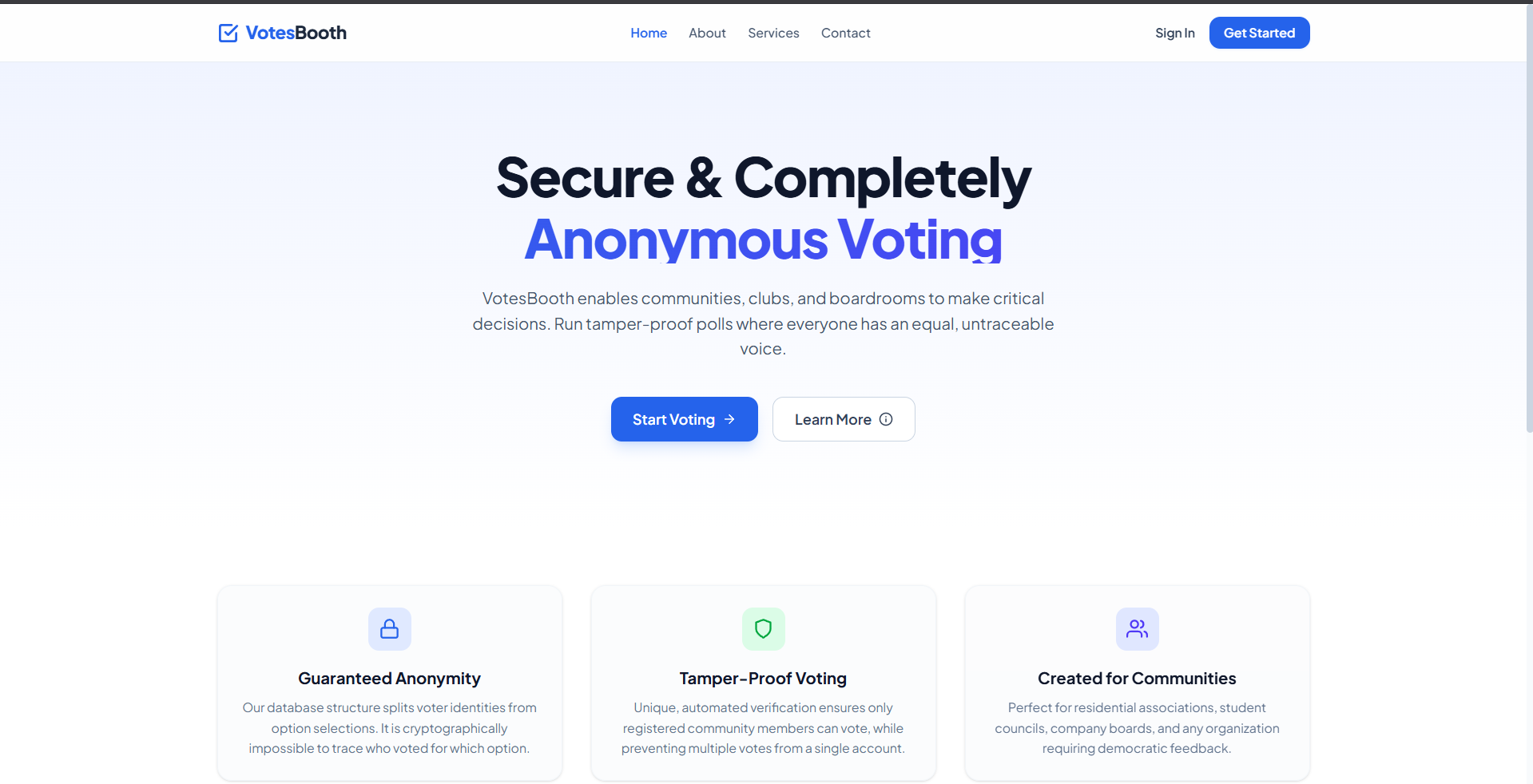
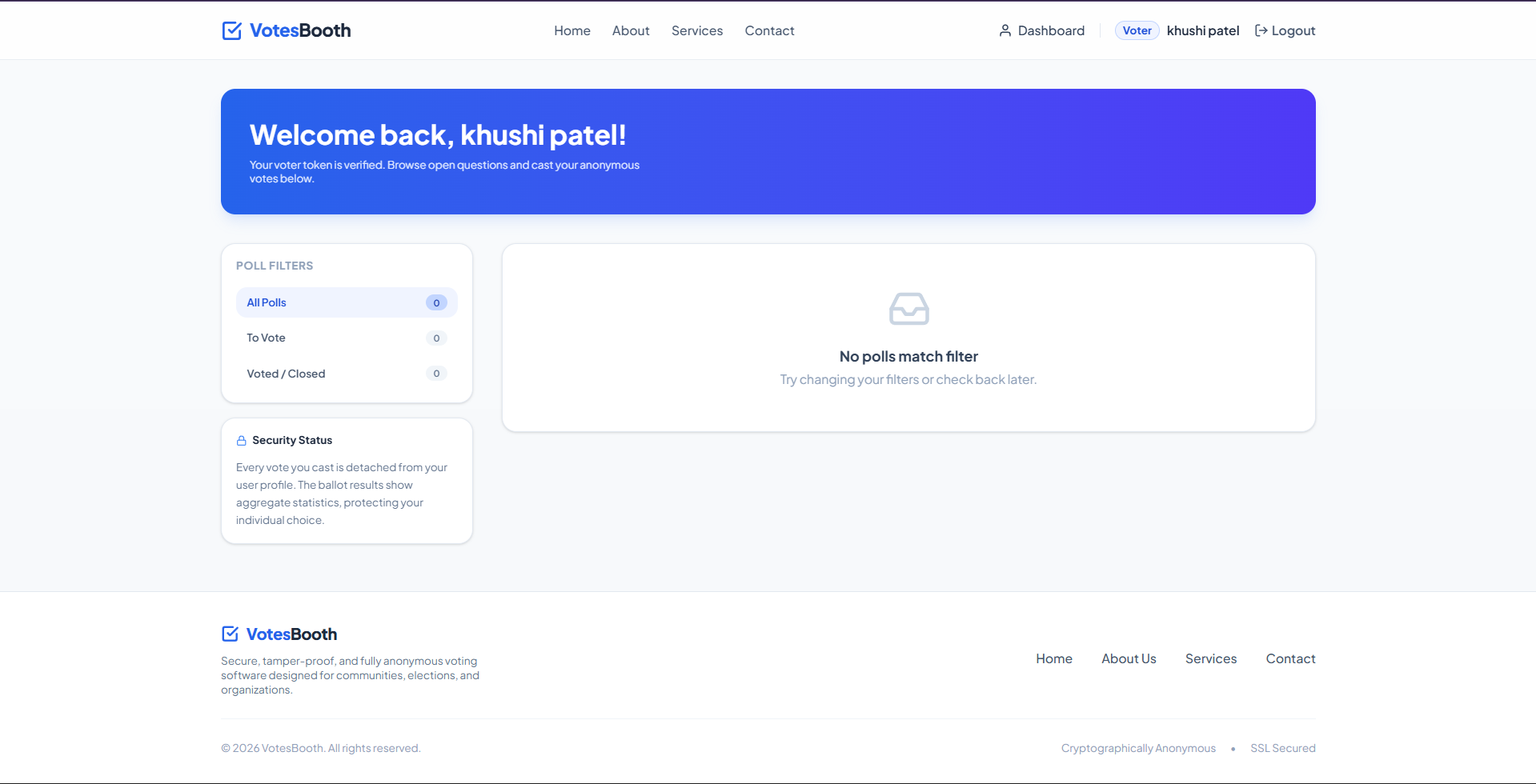
VotesBooth is a modern, light-themed, secure web application designed to host completely anonymous and tamper-proof elections, surveys, and polls for communities, clubs, and organizations.
Screenshots
Key Features
- Cryptographic Anonymity: Divides voter identities from option selections in database schemas to prevent linking users to their votes.
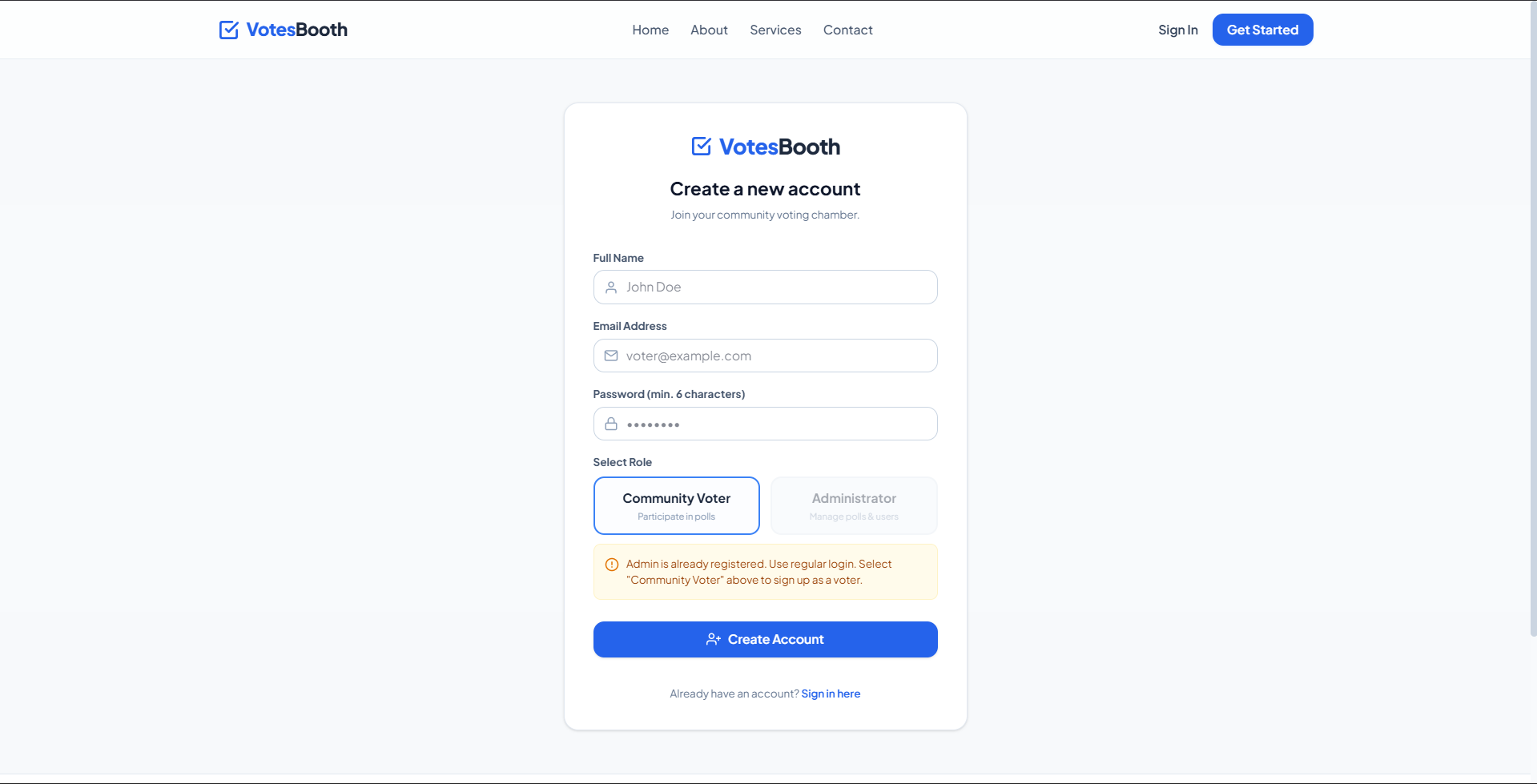
- Single-Admin Limit: Frontend and backend restriction blocking additional admin registrations to keep management locked.
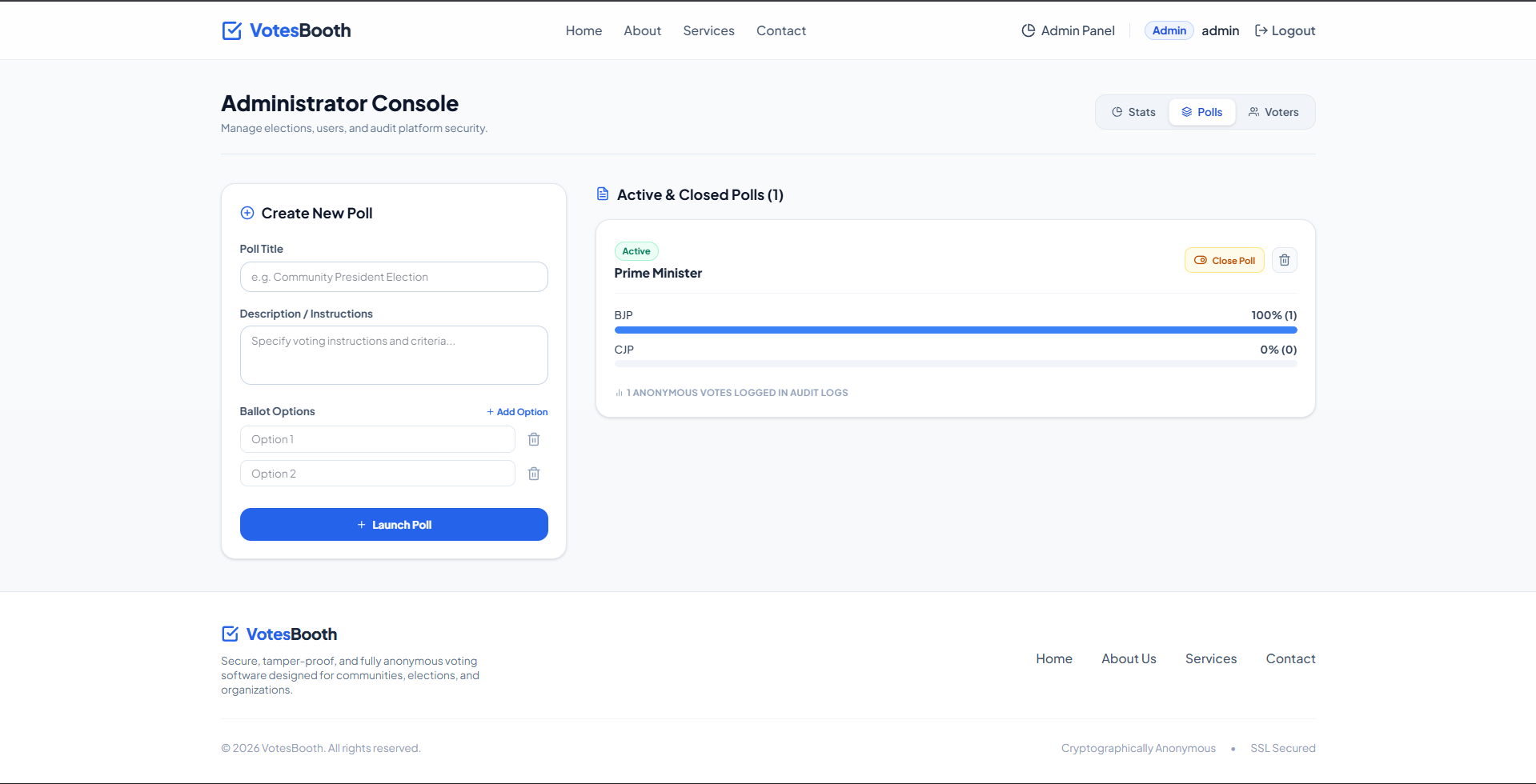
- Dynamic Progress Bars: Live percentage updates and bar charts showing results instantly for completed or voted polls.
- Visitor Page Access: Public visitors can explore home, about, services, and contact details without needing a logged-in account.
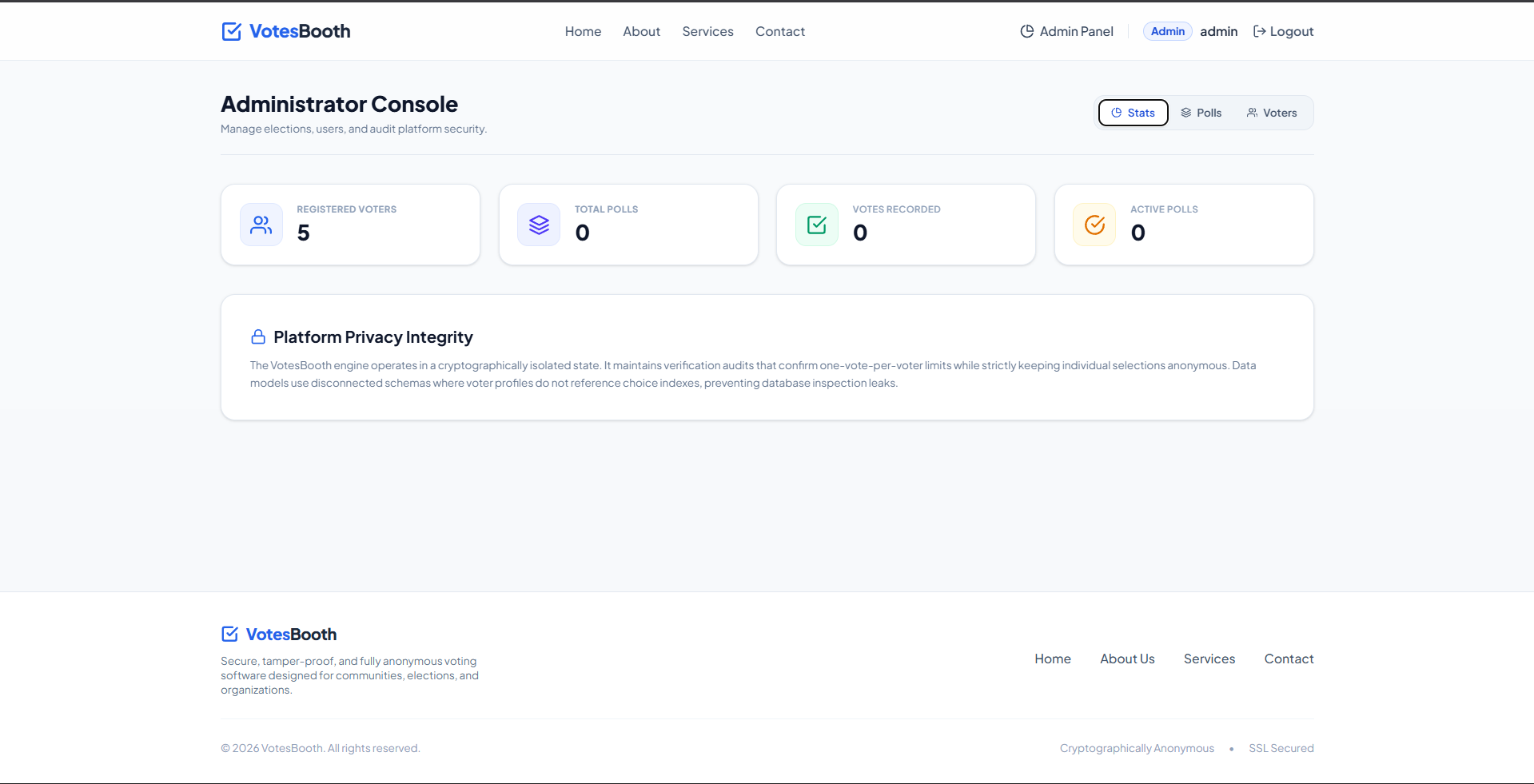
- Interactive Admin Panel: Command center for launching polls, deleting voter records, closing elections, and viewing statistics.
Functionaliy
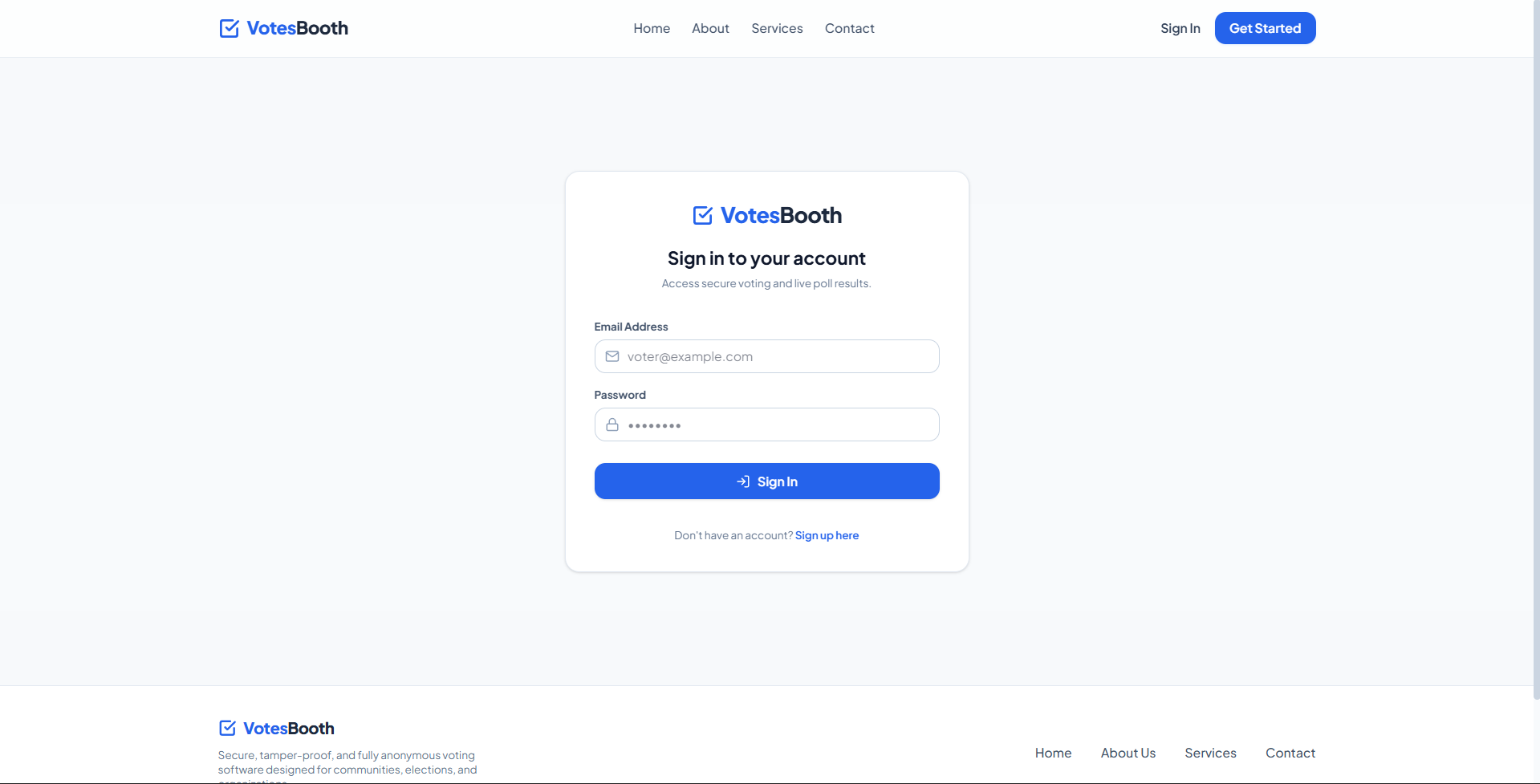
- Voter authentication and registration with token session storage to guard dashboard routes from guest access.
- Real-time voting input that registers voter participant IDs and increments poll options in single transactions.
- Dynamic dashboard view switcher showing vote options to new voters and detailed summaries to users who already voted.
- Global hot toasts indicating registration locks, validation errors, and submission status updates across components.
- User profile audits showing voter registration logs and complete management panels to remove inactive profiles.
Technology Used
- Frontend: React, Tailwind CSS v4, React Router, React Hot Toast, React Icons
- Backend: Node.js, Express, MongoDB (Mongoose), JSON Web Tokens (JWT), bcryptjs, CORS
Why This Project Is Useful
- Empowers democratic governance inside housing associations, clubs, boardrooms, and academic student council cabinets.
- Protects user privacy during controversial elections by eliminating traceable links to specific ballot responses.
- Eliminates election fraud by restricting access to authenticated group members and enforcing a strict single-vote cap.
- Streamlines boardroom decision-making by replacing messy paper ballots with instant, audit-ready digital charts.
- Enhances user experience with a responsive light-theme configuration, fast load times, and intuitive responsive navigation.
Deployment and Environment Setup
- Environment Variables Setup:
- backend/.env
- PORT: 3000
- MONGO_URI: mongodb_url_string
- JWT_SECRET: your_jwt_secret_key_here (if needed)
- frontend/.env
- VITE_API_URL: backend_url
- backend/.env
- Deployment Overview:
- Render or Railway for backend hosting
- Vercel or Netlify for frontend hosting
- MongoDB Atlas for the database
- Backend Deployment:
- Push your code to GitHub.
- Go to Render.com or Railway.app.
- Create a new Web Service and connect your GitHub repository.
- Choose “backend/” as the root directory.
- Add the following environment variables on Render:
- PORT=10000
- MONGO_URI=your MongoDB Atlas URI
- JWT_SECRET=your JWT secret
- Start command: npm start (Ensure your backend/package.json includes “start”: “node server.js”)
- After deployment, note your backend URL, e.g. https://your-backend-name.onrender.com
- Frontend Deployment:
- Go to Vercel.com or Netlify.com.
- Create a new project and connect the GitHub repo.
- Select the “frontend/” folder as root.
- In environment variables, set:
- VITE_API_URL=https://your-backend-domain.com/api (or REACT_APP_API_URL if using CRA)
- Deploy.
- MongoDB Atlas Setup:
- Go to https://cloud.mongodb.com
- Create a free cluster.
- Add your current IP address in Network Access.
- Create a database user and password.
- Copy the connection string and replace username, password, and database name in MONGO_URI in backend/.env
Download Source Code
Project Setup Instructions
Note: This project is for educational purposes only. Not for commercial sale.


