
Project Overview
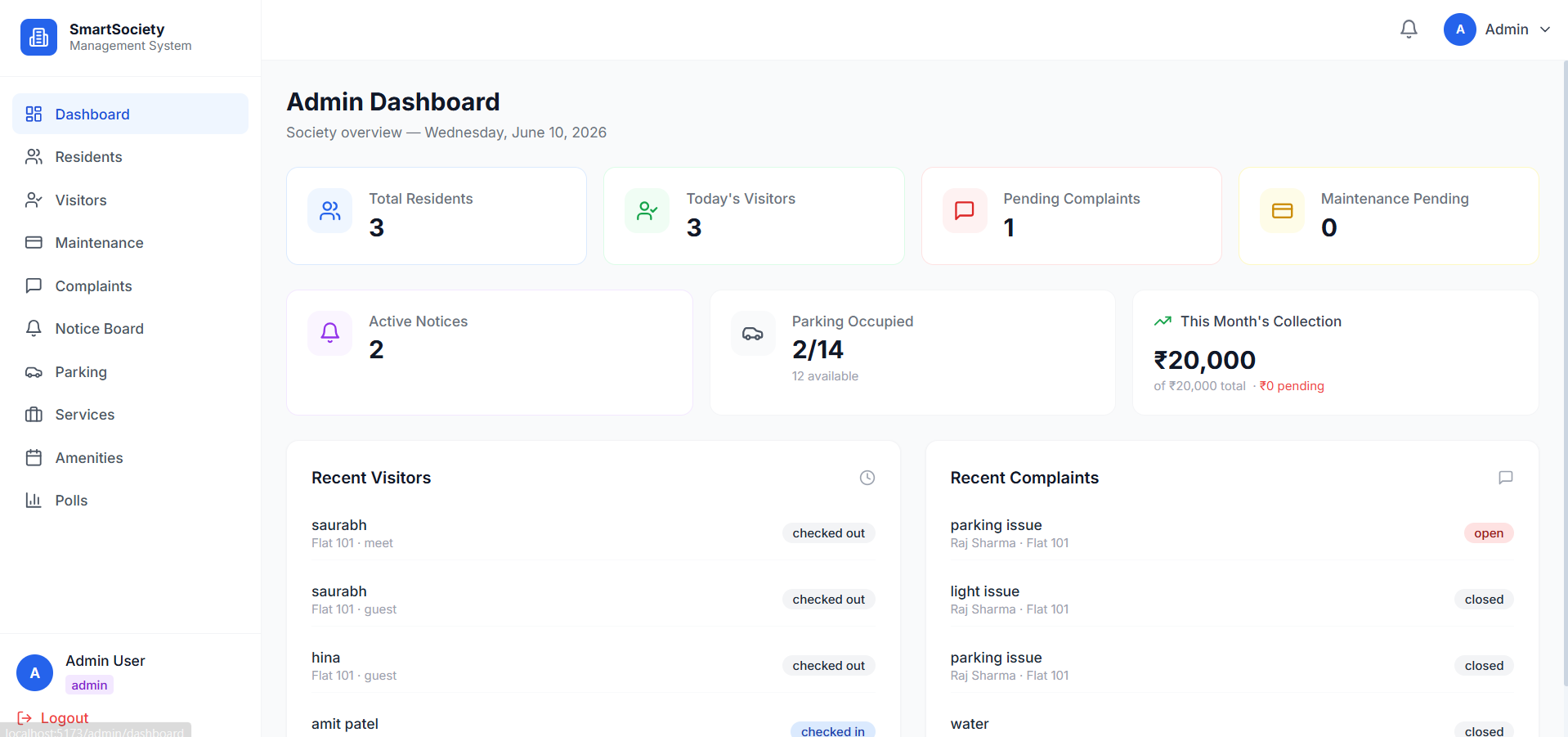
Smart Society Management System is a full-stack web application built to simplify and digitalize the daily operations of residential societies and gated communities. The platform provides a centralized system for managing residents, maintenance payments, visitor entries, parking allocations, amenities bookings, complaints, and community activities.
The system connects administrators, residents, and security staff through role-based dashboards, ensuring efficient communication, enhanced security, and transparent society management.
Screenshots
Key Features
- Role-Based Access Control (Admin, Resident, Security)
- Digital Maintenance Billing & Online Payments
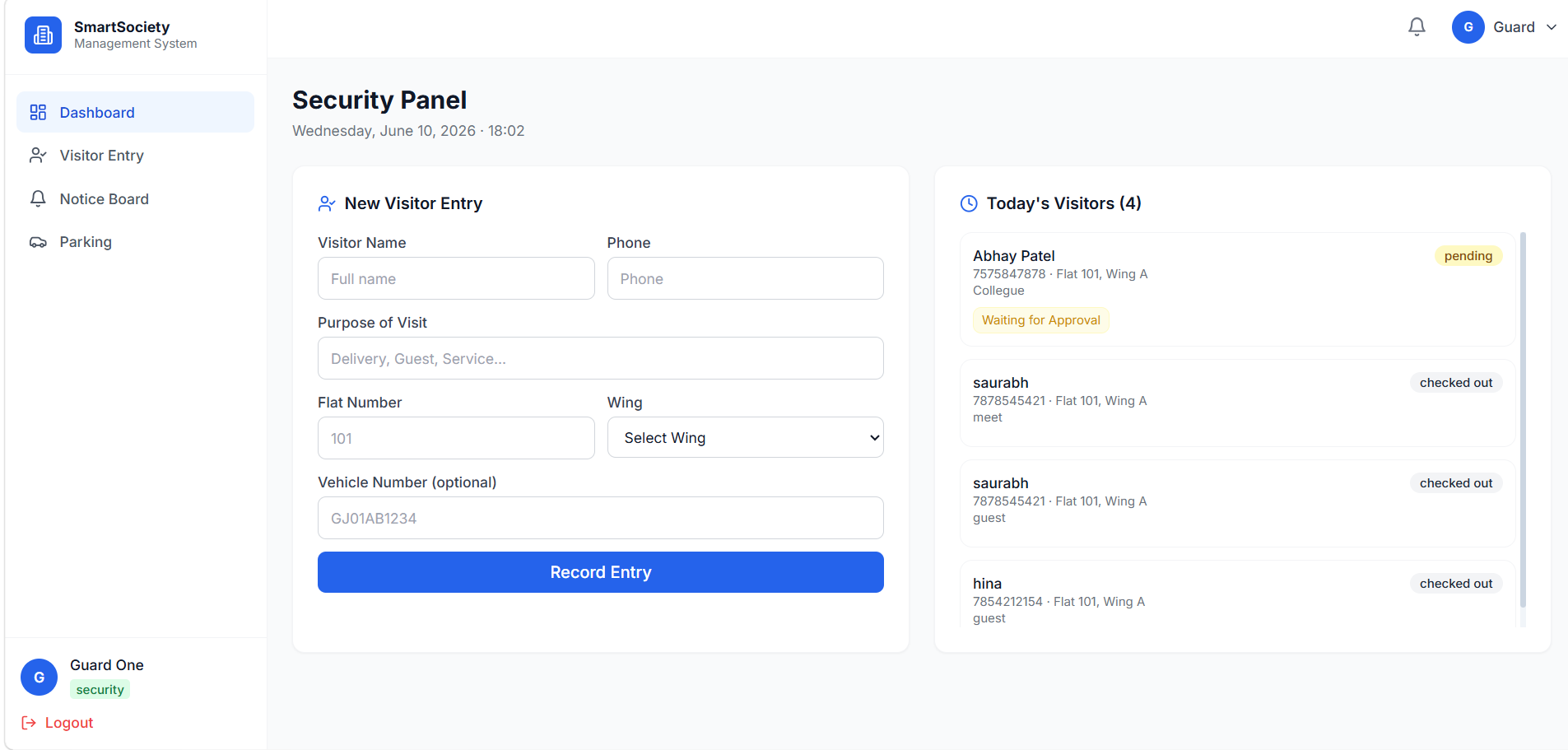
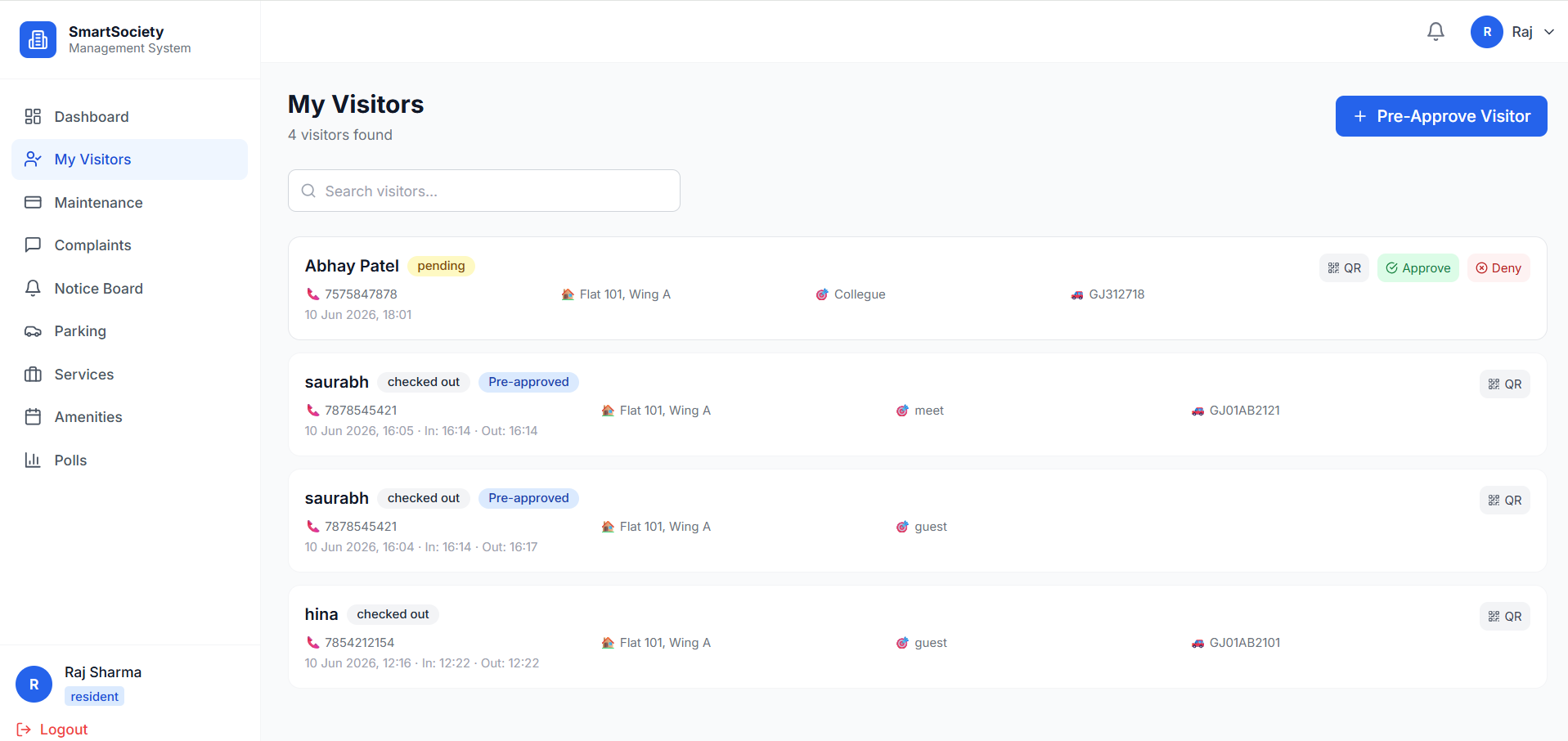
- Smart Visitor Management System
- Real-Time Visitor Notifications
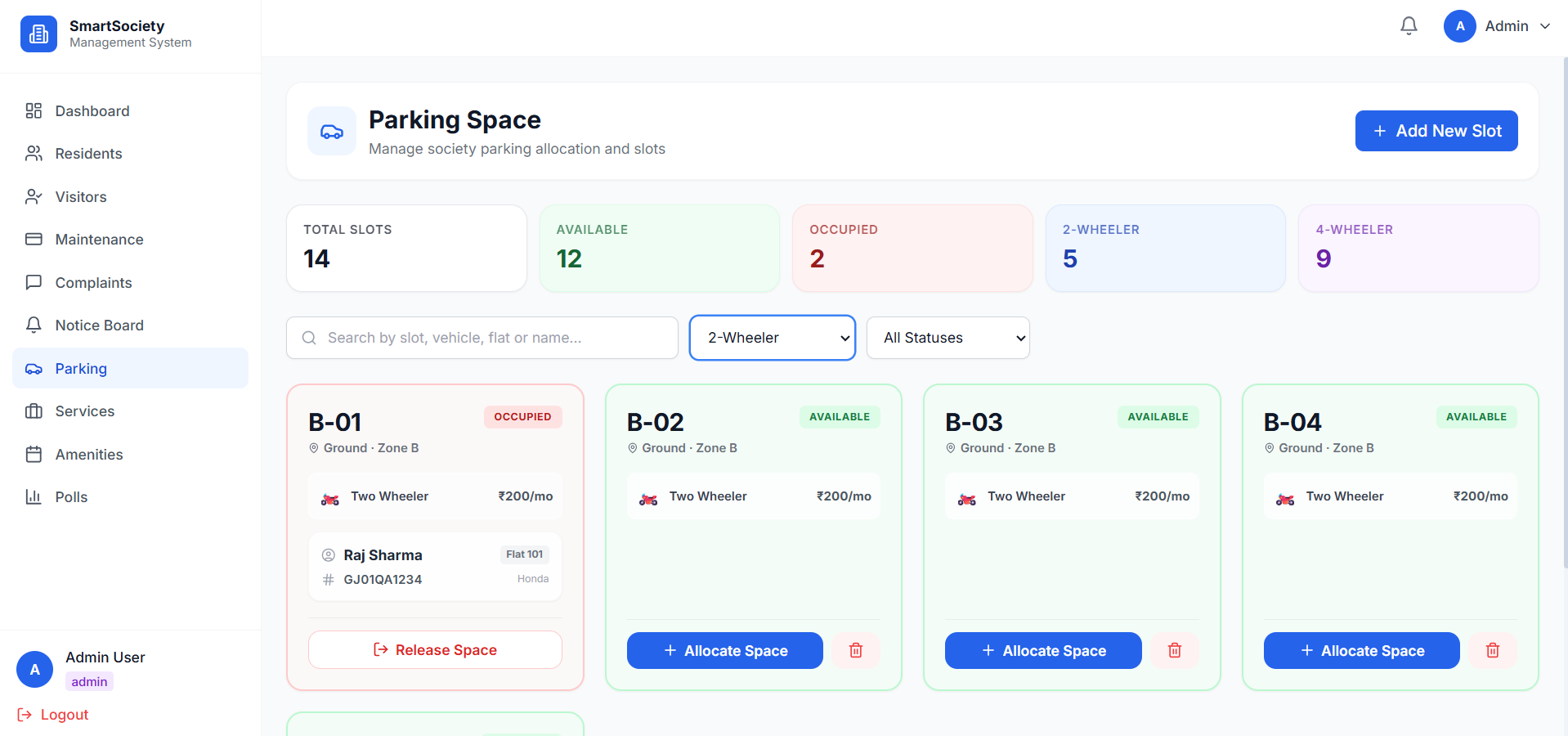
- Parking Space Management
- Community Polls & Voting System
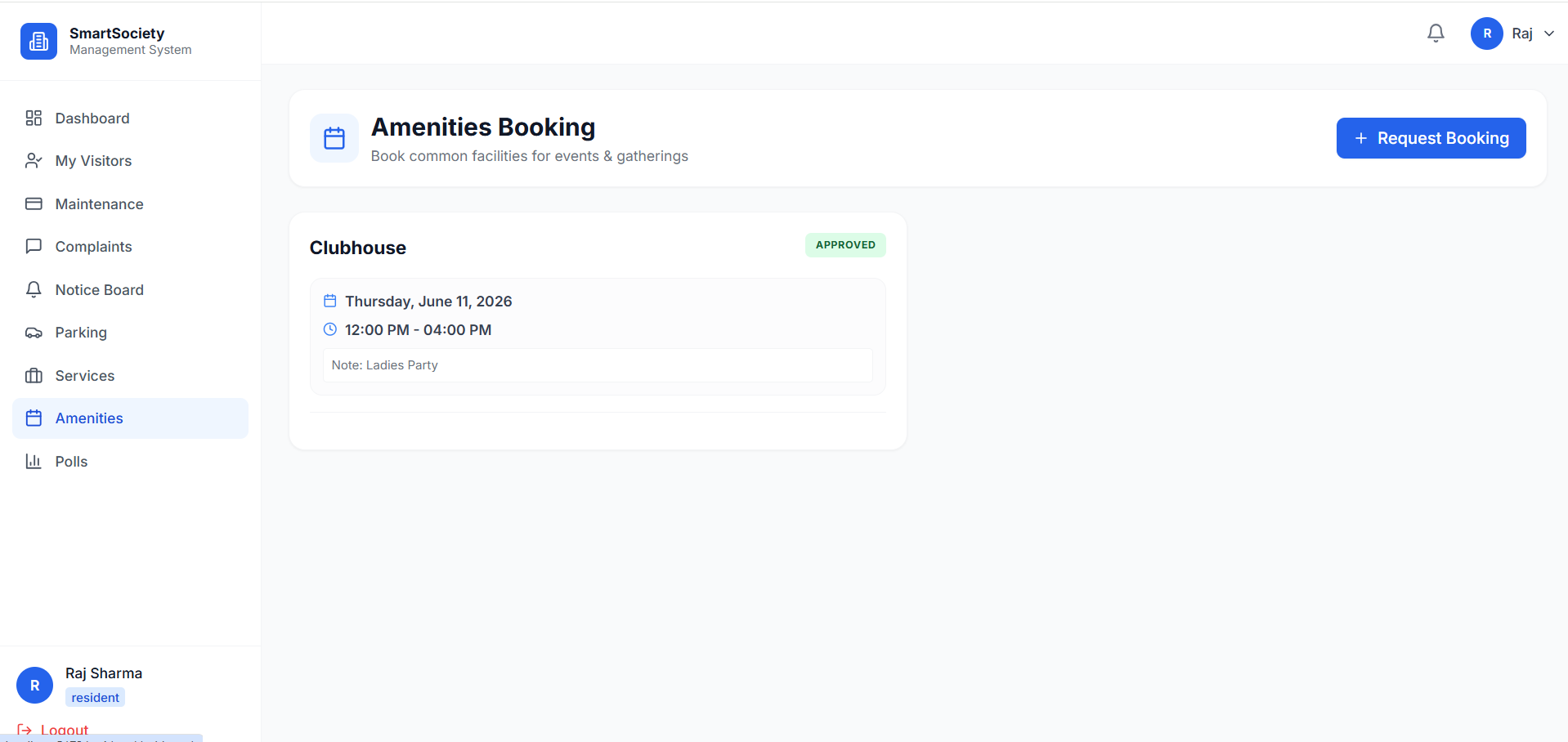
- Amenities Booking Management
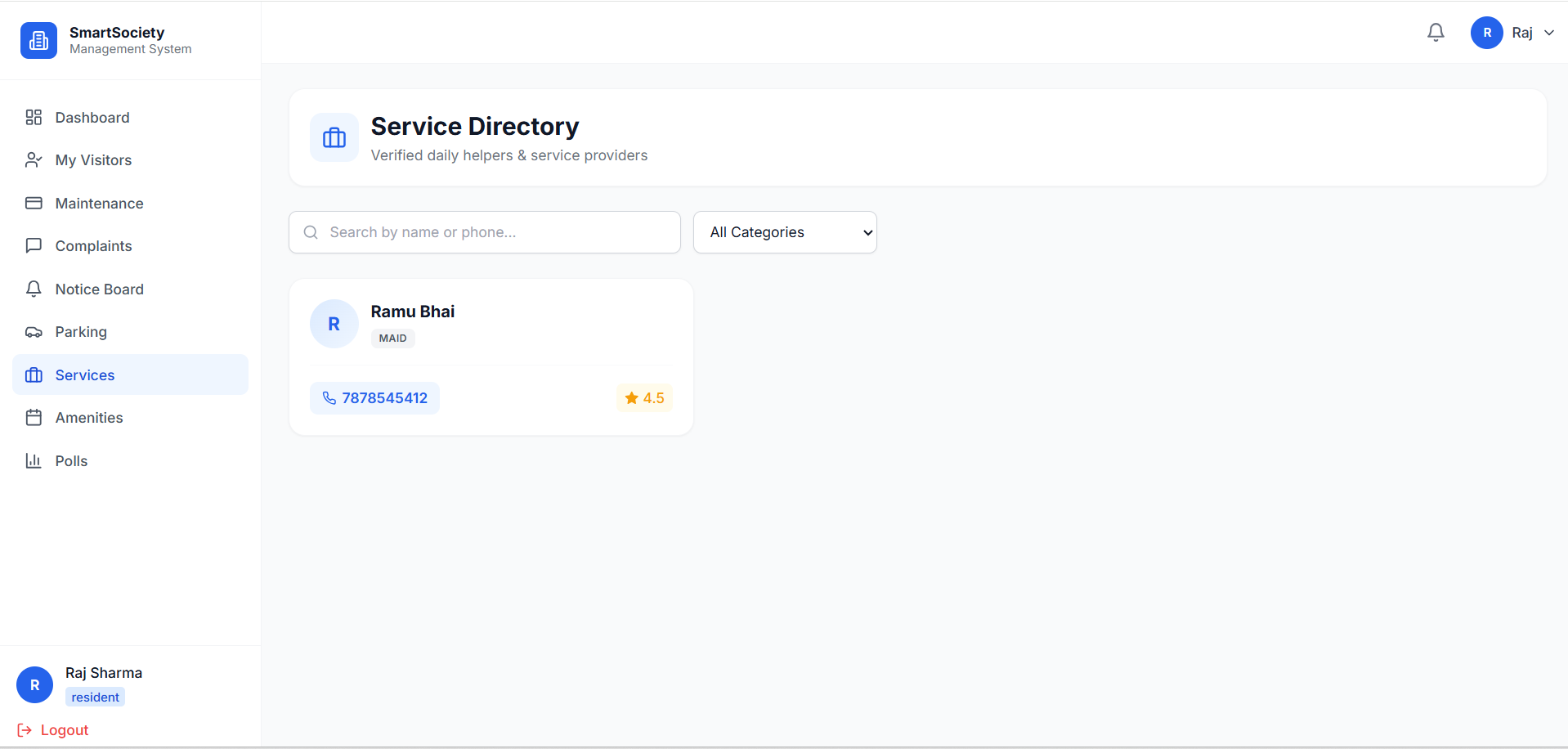
- Service Provider Directory
- Complaint Management System
- Digital Notice Board
- Real-Time Notifications
- Responsive User Interface
Functionaliy
- Admin Module
- The Admin manages the overall society operations and can:
- Add and manage residents
- Generate maintenance bills
- Manage parking allocations
- Approve or reject amenity bookings
- Create community polls
- Publish notices and announcements
- Manage service providers
- Monitor complaints and resolutions
- Resident Module
- Residents can:
- View and pay maintenance bills
- Track payment history
- Book society amenities
- Register expected visitors
- View parking information
- Participate in community polls
- Access notices and announcements
- Submit and track complaints
- Contact verified service providers
- Security Module
- Security staff can:
- Record visitor entries
- Manage delivery personnel logs
- Verify resident visitor requests
- Monitor vehicle entries
- Check parking allocations
- Maintain visitor records
- When a visitor is registered, the system instantly sends a notification to the concerned resident through Socket.IO.
- Maintenance & Payment System
- Monthly maintenance bills are generated automatically
- Residents can pay dues online through Cashfree
- Payment records are stored securely
- Payment status is updated automatically
- Amenities Booking System
- Residents can request bookings for:
- Clubhouse
- Party Plot
- Community Hall
- Swimming Pool
- Admins can approve or reject requests based on availability.
- Polls & Community Voting
- Admins create society polls
- Residents cast votes digitally
- Results are tracked and displayed in real time
- Ensures transparent community decision-making
Technology Used
- Frontend
- React
- Vite
- Tailwind CSS
- lucide-react
- Backend
- Node.js
- Express.js
- Database
- MongoDB
- Mongoose
- Authentication & Security
- JWT Authentication
- bcrypt.js
- Protected Routes
- Role-Based Authorization
- Real-Time Communication
- Socket.IO
- Payment Integration
- Cashfree Payment Gateway
Why This Project Is Useful
Traditional society management often depends on manual registers, physical notices, and cash transactions, which can lead to inefficiencies and communication gaps.
This platform provides:
- Centralized society management
- Improved resident security
- Transparent maintenance collection
- Faster communication between residents and management
- Easy booking of society facilities
- Digital complaint tracking
- Better visitor monitoring and record keeping
It is an excellent project for demonstrating real-world full-stack application development with multiple user roles and real-time features.
Deployment and Environment Setup
- Environment Variables Setup:
- backend/.env
- PORT: 3000
- MONGO_URI: mongodb_url_string
- JWT_SECRET: your_jwt_secret_key_here (if needed)
- frontend/.env
- VITE_API_URL: backend_url
- backend/.env
- Deployment Overview:
- Render or Railway for backend hosting
- Vercel or Netlify for frontend hosting
- MongoDB Atlas for the database
- Backend Deployment:
- Push your code to GitHub.
- Go to Render.com or Railway.app.
- Create a new Web Service and connect your GitHub repository.
- Choose “backend/” as the root directory.
- Add the following environment variables on Render:
- PORT=10000
- MONGO_URI=your MongoDB Atlas URI
- JWT_SECRET=your JWT secret
- Start command: npm start (Ensure your backend/package.json includes “start”: “node server.js”)
- After deployment, note your backend URL, e.g. https://your-backend-name.onrender.com
- Frontend Deployment:
- Go to Vercel.com or Netlify.com.
- Create a new project and connect the GitHub repo.
- Select the “frontend/” folder as root.
- In environment variables, set:
- VITE_API_URL=https://your-backend-domain.com/api (or REACT_APP_API_URL if using CRA)
- Deploy.
- MongoDB Atlas Setup:
- Go to https://cloud.mongodb.com
- Create a free cluster.
- Add your current IP address in Network Access.
- Create a database user and password.
- Copy the connection string and replace username, password, and database name in MONGO_URI in backend/.env
Download Source Code
Project Setup Instructions
Note: This project is for educational purposes only. Not for commercial sale.


