
Project Overview
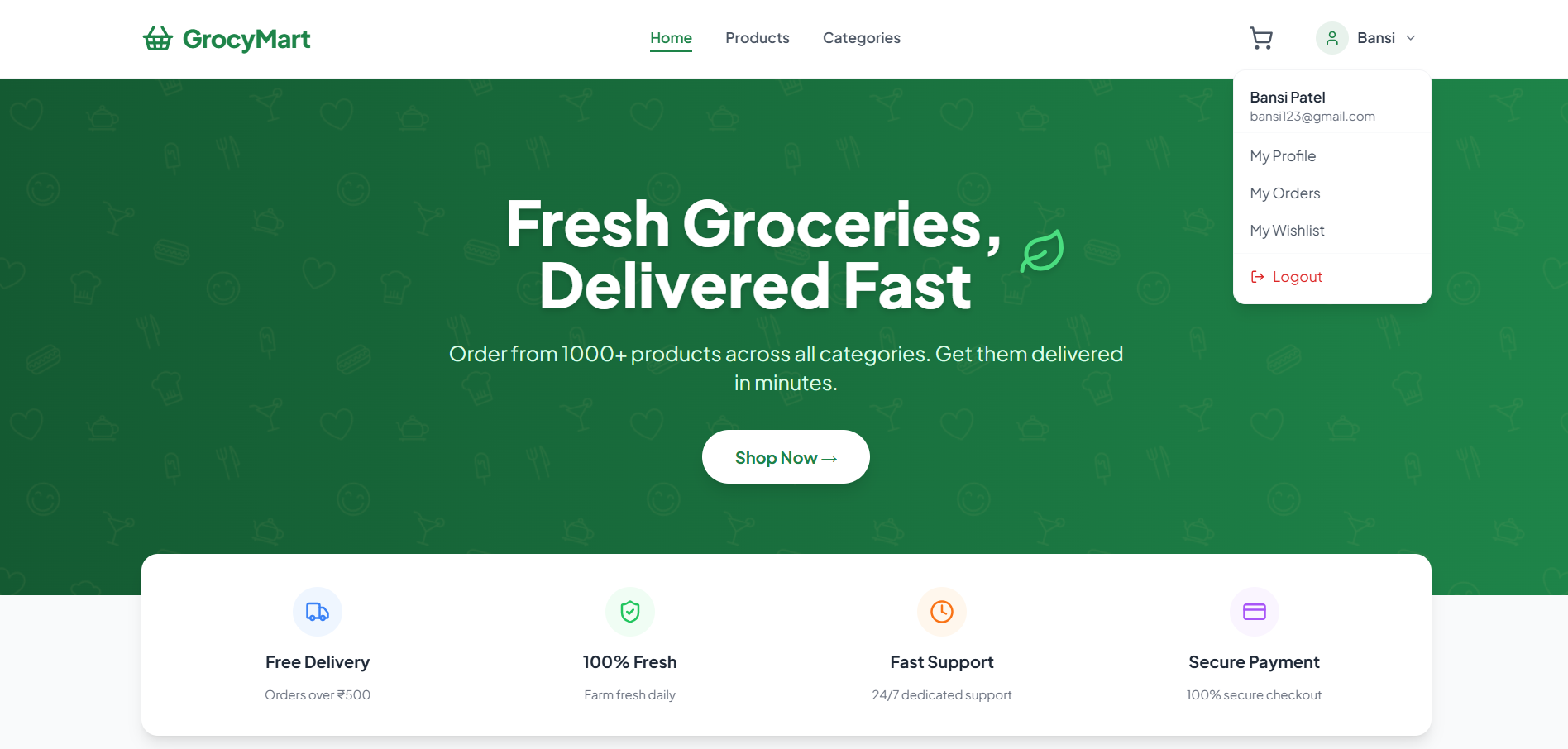
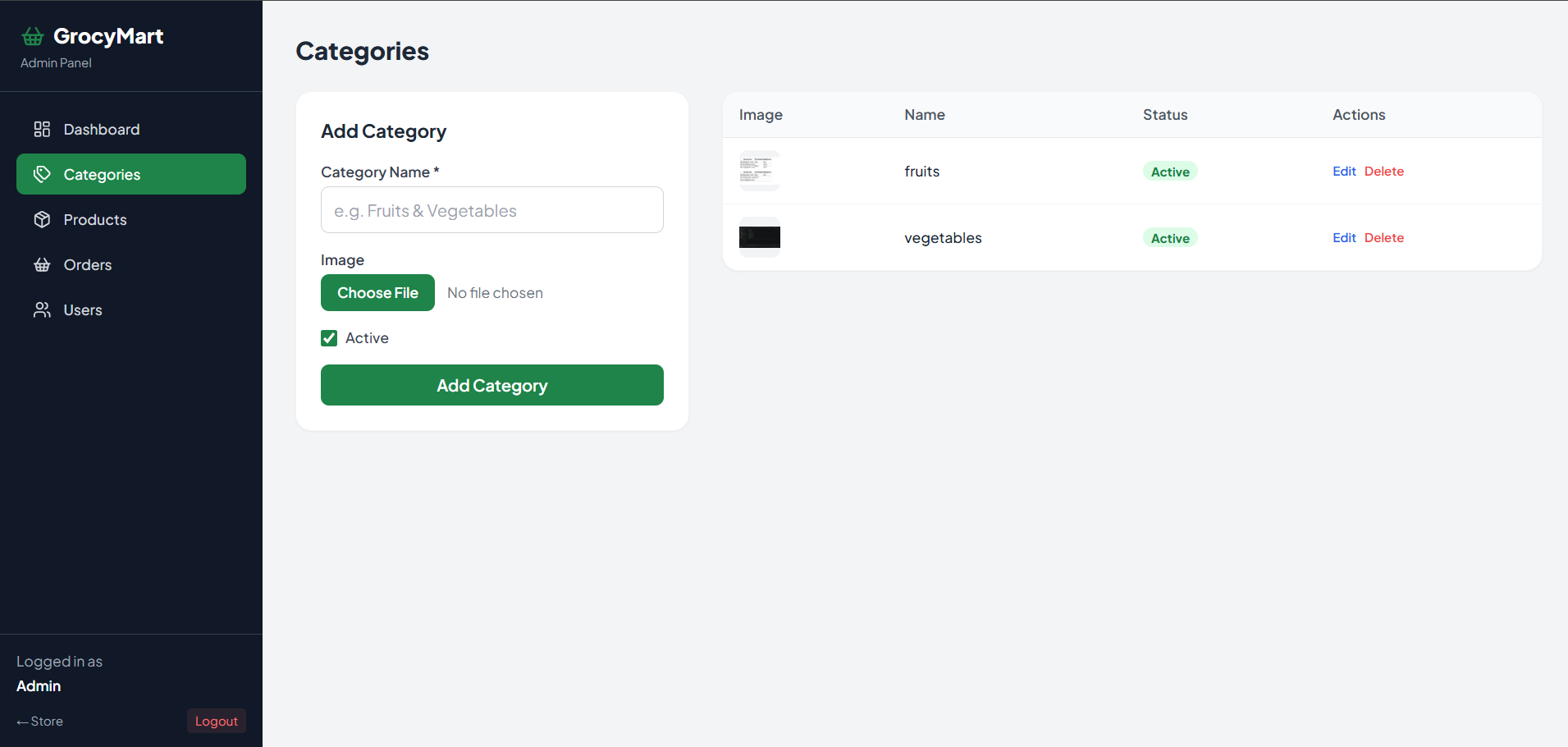
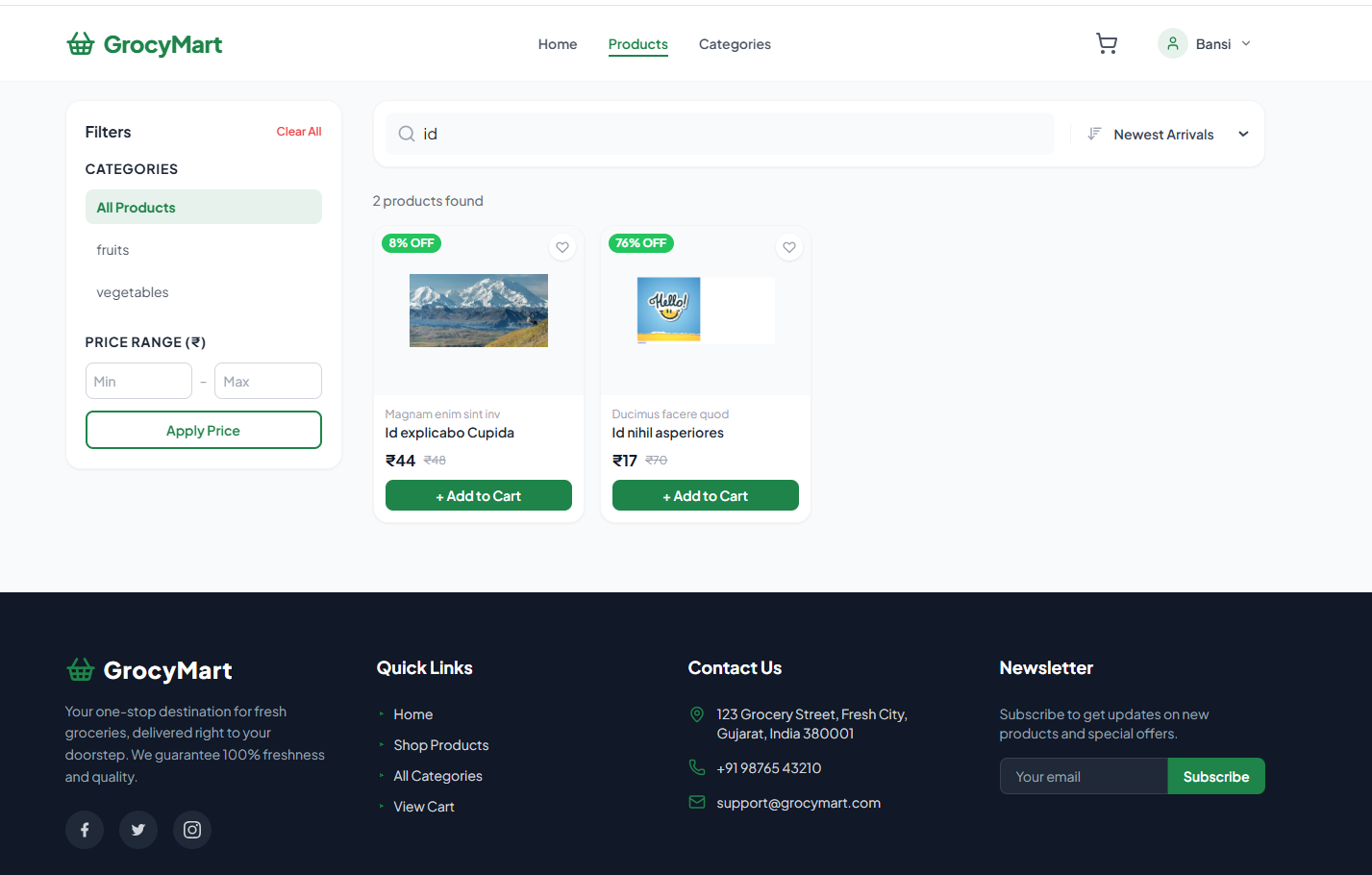
GrocyMart is a modern, responsive, full-stack e-commerce web application designed specifically for online grocery shopping. It features a beautifully designed user storefront for customers to seamlessly browse, filter, and purchase groceries, alongside a powerful, secure Admin Panel for store owners to manage products, track orders, and view real-time sales analytics.
Screenshots
Key Features
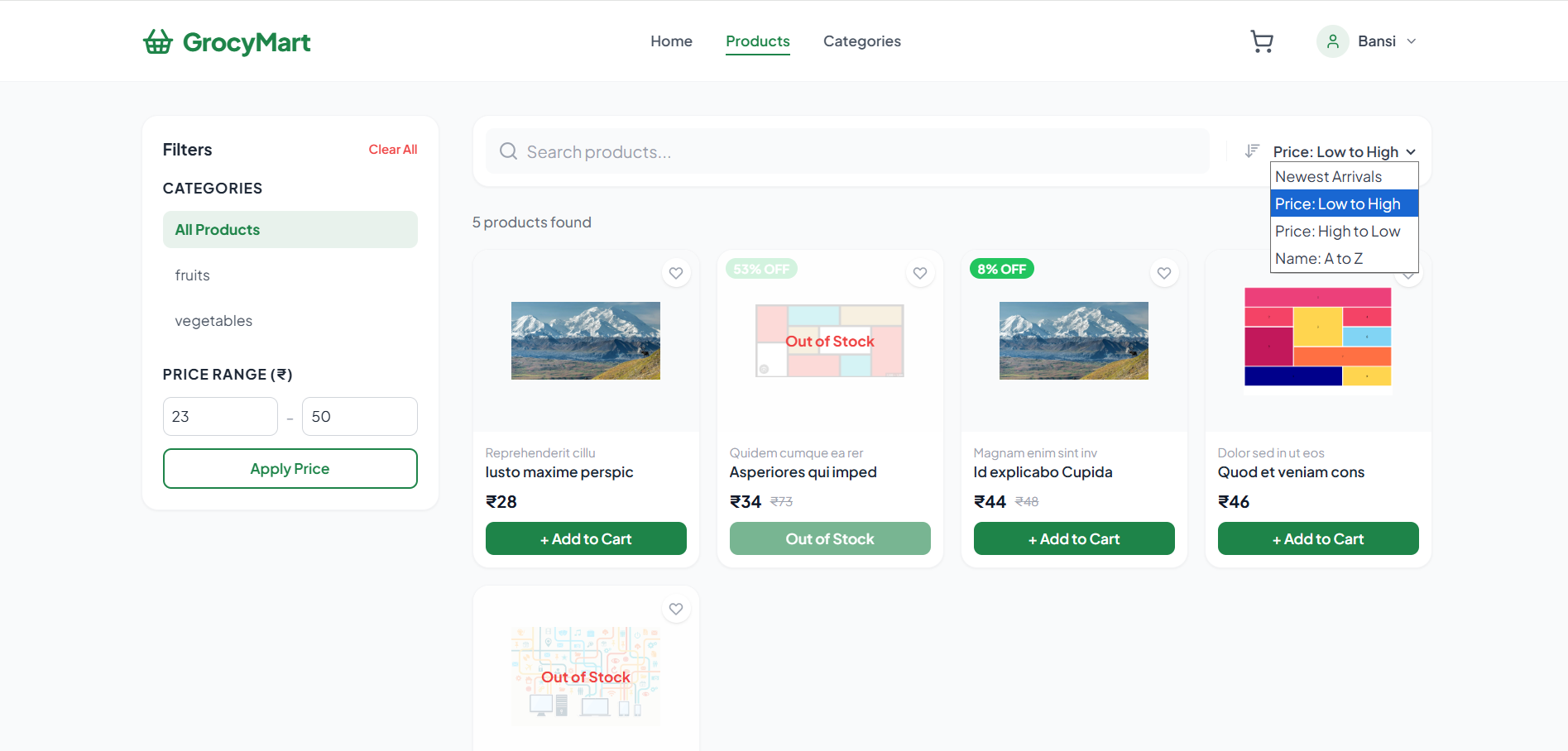
- Advanced Product Filtering: A dynamic sidebar with live search, category selection, price range sliders, and robust sorting options (Newest, Price Low/High, A-Z).
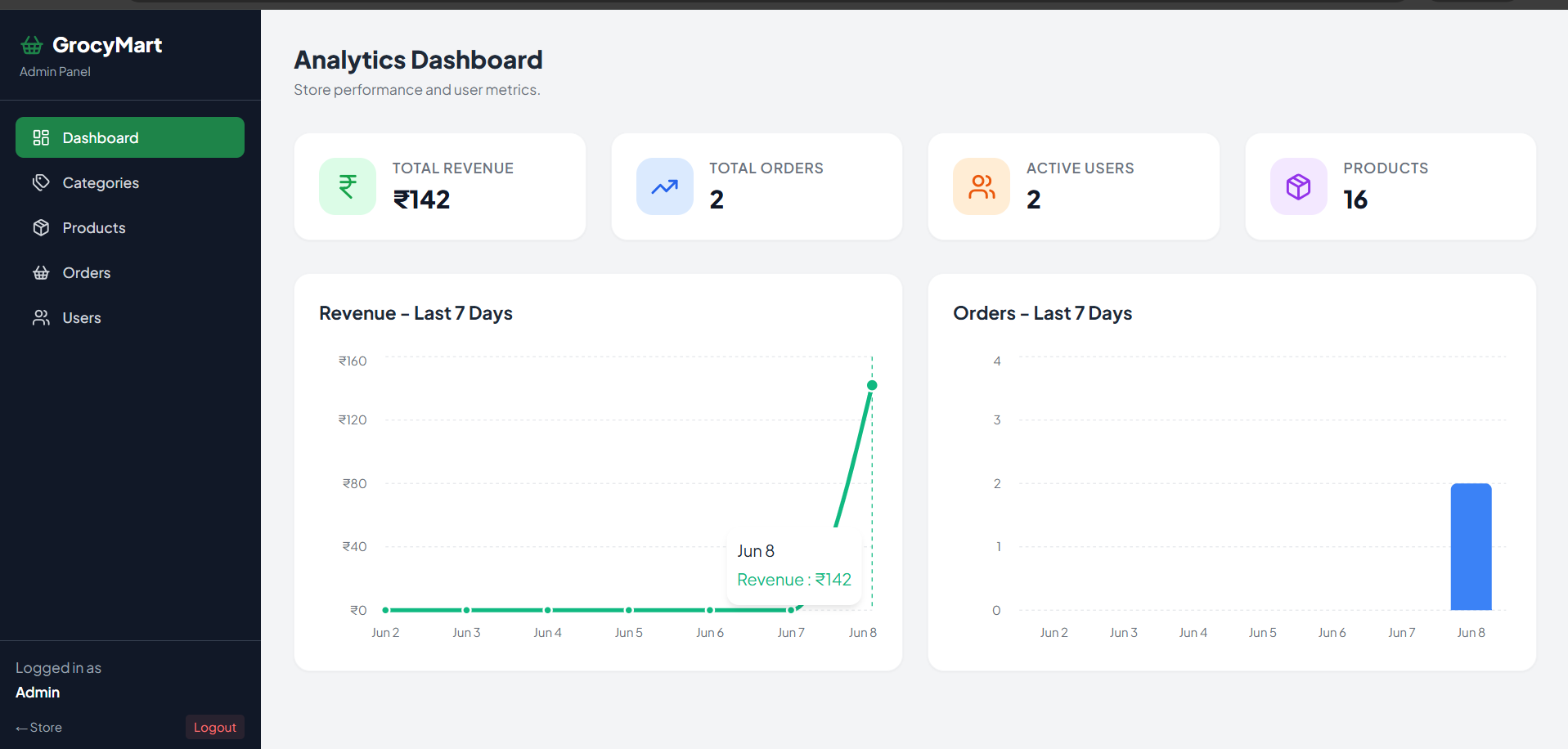
- Comprehensive Admin Dashboard: A secure backend interface featuring interactive data visualizations (Line & Bar charts via Recharts) tracking Total Revenue, Daily Sales, and active users.
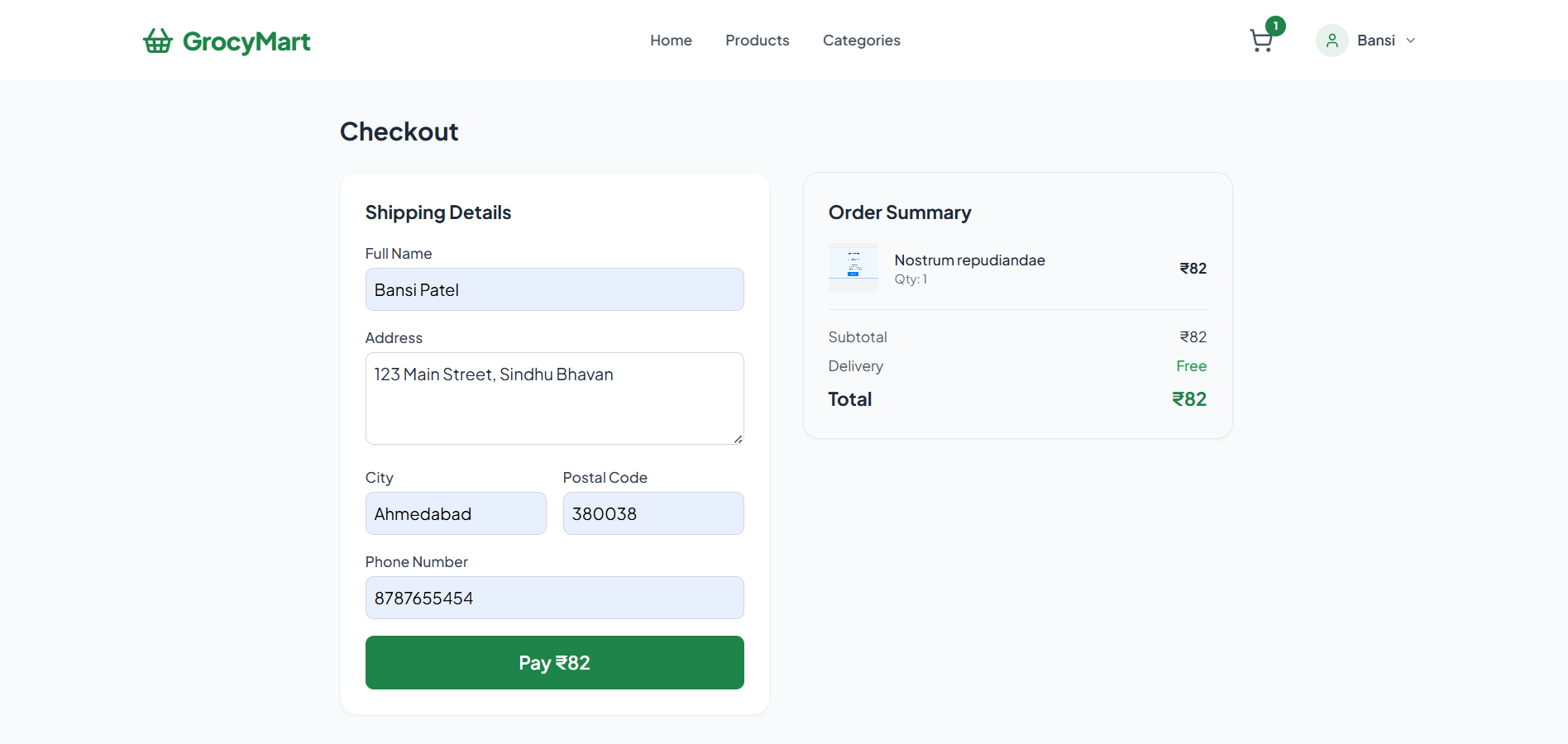
- Smart Cart & Checkout System: A persistent shopping cart linked to user accounts, complete with a streamlined checkout process and saved multiple delivery addresses.
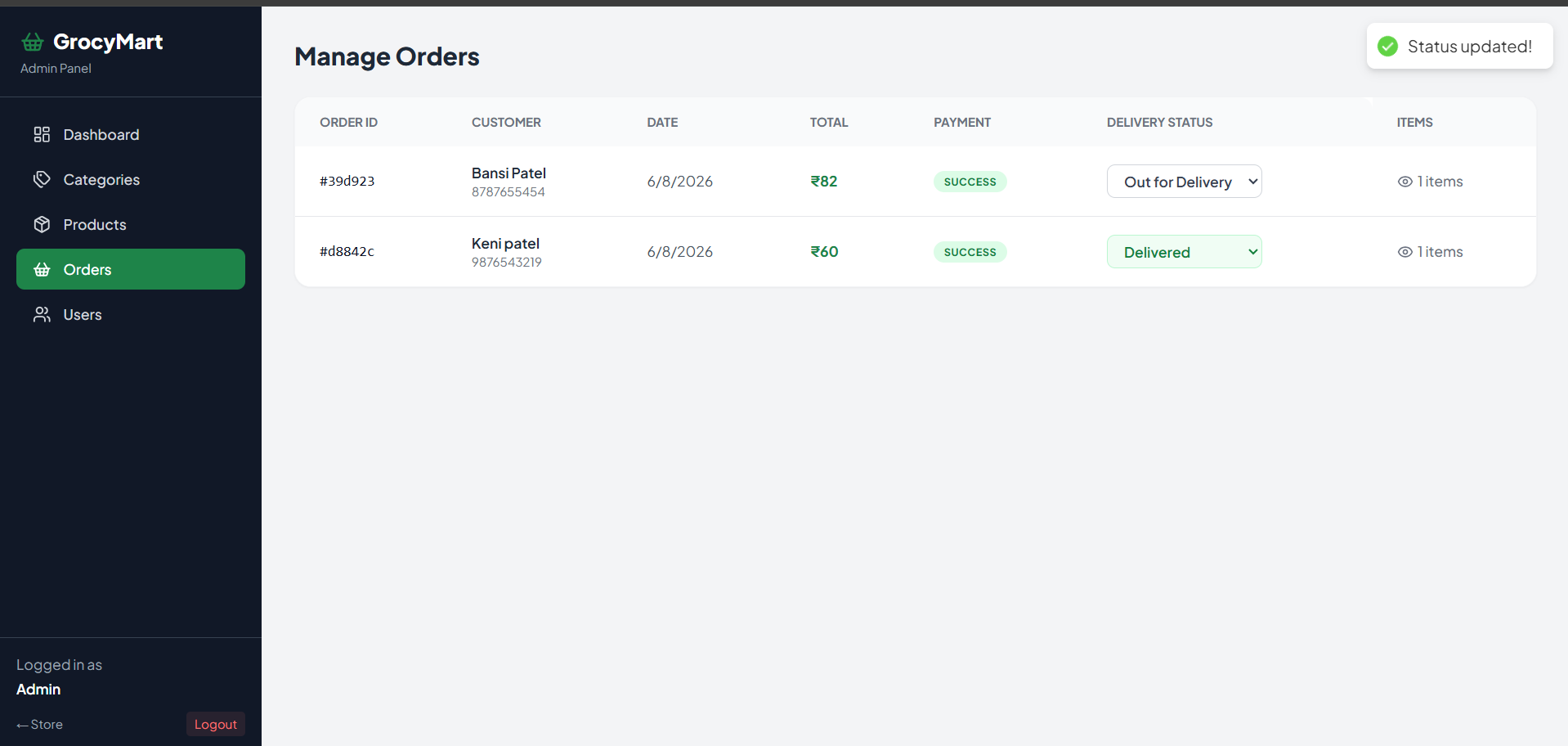
- Order History & Tracking: Users can view their past orders and track current delivery statuses (Placed ➔ Processing ➔ Out for Delivery ➔ Delivered).
- Fully Responsive UI/UX: A mobile-first design utilizing Tailwind CSS, featuring collapsible hamburger menus, mobile drawer sidebars, and swipeable data tables ensuring perfect usability across desktop, tablet, and mobile devices.
Functionaliy
- User Side: Secure Registration/Login, Profile Management, Wishlist creation, Add to Cart, dynamic checkout with saved addresses, and visual order tracking.
- Admin Side: Role-based access control, CRUD operations for infinite Products and Categories, modifying user roles, updating customer order statuses, and viewing aggregated financial analytics on the dashboard
Technology Used
- Frontend:React.js (v18), Vite, Tailwind CSS, Framer Motion (for animations), Lucide React (for icons), Recharts (for data visualization).
- Backend:Node.js, Express.js.
- Database: MongoDB with Mongoose ORM.
- Authentication & Security: JSON Web Tokens (JWT), bcryptjs (for password hashing).
- API & State Management: Axios, React Context API.
- File Uploads: Multer (for handling product images).
Why This Project Is Useful
GrocyMart bridges the gap between local grocery stores and digital consumers. For customers, it offers an intuitive, frictionless shopping experience that saves time. For business owners, it provides a centralized, automated system to manage inventory, track financial growth, and process customer orders without needing third-party marketplace fees. It serves as a perfect scalable template for any modern retail business.
Deployment and Environment Setup
- Environment Variables Setup:
- backend/.env
- PORT: 3000
- MONGO_URI: mongodb_url_string
- JWT_SECRET: your_jwt_secret_key_here (if needed)
- frontend/.env
- VITE_API_URL: backend_url
- backend/.env
- Deployment Overview:
- Render or Railway for backend hosting
- Vercel or Netlify for frontend hosting
- MongoDB Atlas for the database
- Backend Deployment:
- Push your code to GitHub.
- Go to Render.com or Railway.app.
- Create a new Web Service and connect your GitHub repository.
- Choose “backend/” as the root directory.
- Add the following environment variables on Render:
- PORT=10000
- MONGO_URI=your MongoDB Atlas URI
- JWT_SECRET=your JWT secret
- Start command: npm start (Ensure your backend/package.json includes “start”: “node server.js”)
- After deployment, note your backend URL, e.g. https://your-backend-name.onrender.com
- Frontend Deployment:
- Go to Vercel.com or Netlify.com.
- Create a new project and connect the GitHub repo.
- Select the “frontend/” folder as root.
- In environment variables, set:
- VITE_API_URL=https://your-backend-domain.com/api (or REACT_APP_API_URL if using CRA)
- Deploy.
- MongoDB Atlas Setup:
- Go to https://cloud.mongodb.com
- Create a free cluster.
- Add your current IP address in Network Access.
- Create a database user and password.
- Copy the connection string and replace username, password, and database name in MONGO_URI in backend/.env
Download Source Code
Project Setup Instructions
Note: This project is for educational purposes only. Not for commercial sale.


