
Project Overview
StreakCraft is a premium MERN stack web application designed to help developers track, gamify, and visualize their daily consistency across GitHub commits, LeetCode problem solving, and custom learning targets using a responsive, glassmorphic dark-mode dashboard.
Screenshots
Key Features
- Single-Admin Enforcement: Restricts registration so only one admin account can be registered in the system.
- Public and Private Routes: Protects developer dashboards and profiles while keeping marketing pages publicly accessible.
- Interactive Goal Tracking: Supports GitHub sync simulation, LeetCode progress, and custom educational targets.
- Activity Contribution Grid: Renders a GitHub-like pixel grid representing the history of daily completed habits.
- High-Fidelity Glassmorphic Theme: Built with Tailwind CSS v4 in dark mode with responsive widgets.
Functionaliy
- Secure user registration and login with bcryptjs password hashing and JWT authorization token delivery.
- Automatic streak recalculation that tracks current consecutive days and record-breaking longest streaks.
- Mock API integration allowing quick synchronization simulations of GitHub commits and LeetCode problems.
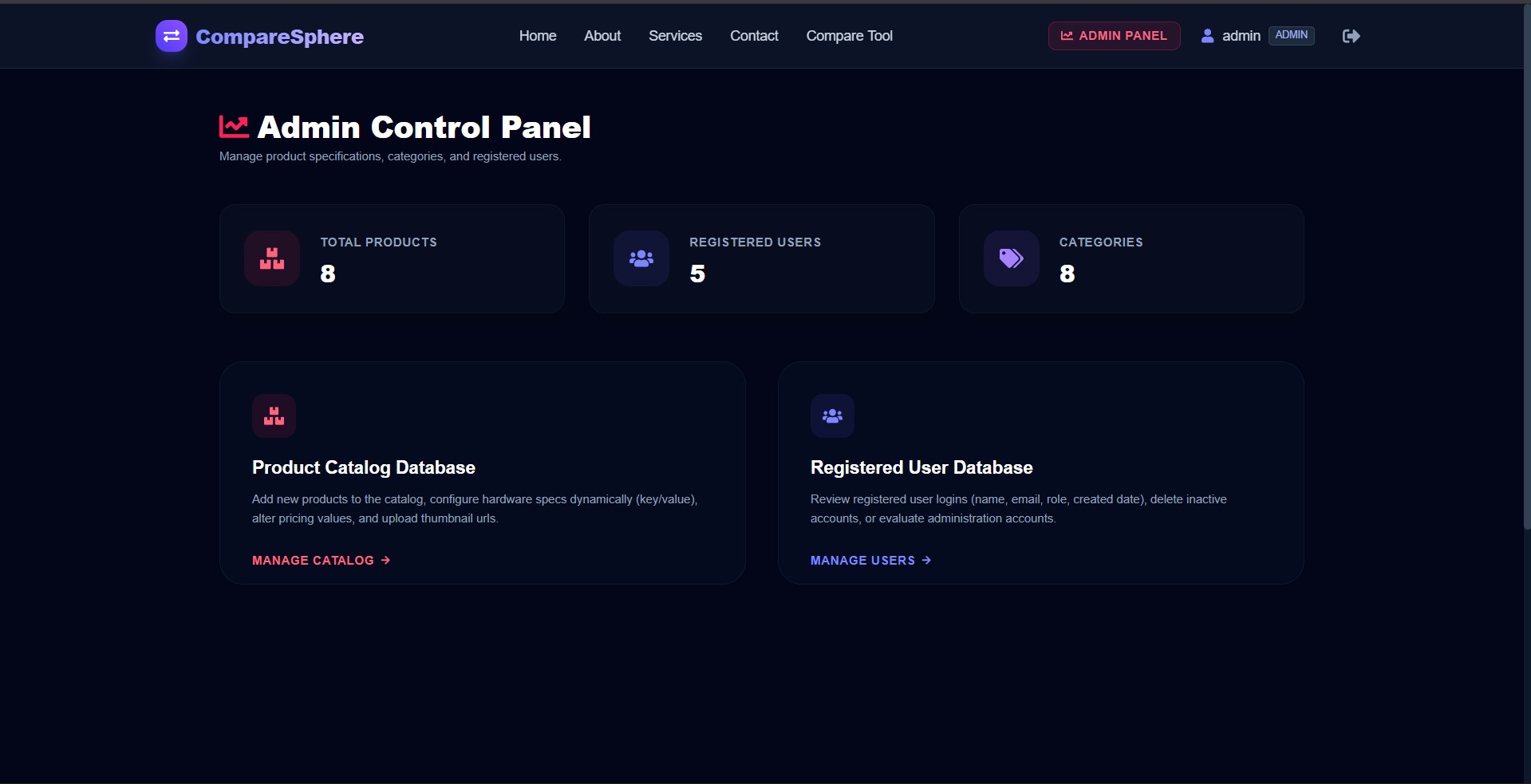
- System-wide audits for admin to review aggregate metrics, inspect users list, and delete accounts.
- Custom profile updates to change display names, passwords, and GitHub/LeetCode external user handles.
Technology Used
- Frontend: React (Vite), Tailwind CSS v4, React Hot Toast, React Icons, Axios
- Backend:Node.js, Express.js.
- Database: MongoDB.
- Authentication: JSON Web Tokens (JWT) for secure, stateless authentication.
Why This Project Is Useful
- Instills daily discipline and accountability by showing clear visual indications of developer habits.
- Gamifies coding challenges and learning processes through streaks to boost daily user engagement.
- Provides a clean consolidated workspace where developers track multiple metrics inside one platform.
- Ensures absolute system control for administrators who monitor, audit, and safeguard platform data.
- Accelerates study routines by letting developers map custom study milestones beside automated feeds.
Deployment and Environment Setup
- Environment Variables Setup:
- backend/.env
- PORT: 3000
- MONGO_URI: mongodb_url_string
- JWT_SECRET: your_jwt_secret_key_here (if needed)
- frontend/.env
- VITE_API_URL: backend_url
- backend/.env
- Deployment Overview:
- Render or Railway for backend hosting
- Vercel or Netlify for frontend hosting
- MongoDB Atlas for the database
- Backend Deployment:
- Push your code to GitHub.
- Go to Render.com or Railway.app.
- Create a new Web Service and connect your GitHub repository.
- Choose “backend/” as the root directory.
- Add the following environment variables on Render:
- PORT=10000
- MONGO_URI=your MongoDB Atlas URI
- JWT_SECRET=your JWT secret
- Start command: npm start (Ensure your backend/package.json includes “start”: “node server.js”)
- After deployment, note your backend URL, e.g. https://your-backend-name.onrender.com
- Frontend Deployment:
- Go to Vercel.com or Netlify.com.
- Create a new project and connect the GitHub repo.
- Select the “frontend/” folder as root.
- In environment variables, set:
- VITE_API_URL=https://your-backend-domain.com/api (or REACT_APP_API_URL if using CRA)
- Deploy.
- MongoDB Atlas Setup:
- Go to https://cloud.mongodb.com
- Create a free cluster.
- Add your current IP address in Network Access.
- Create a database user and password.
- Copy the connection string and replace username, password, and database name in MONGO_URI in backend/.env
Download Source Code
Project Setup Instructions
Note: This project is for educational purposes only. Not for commercial sale.


