
Project Overview
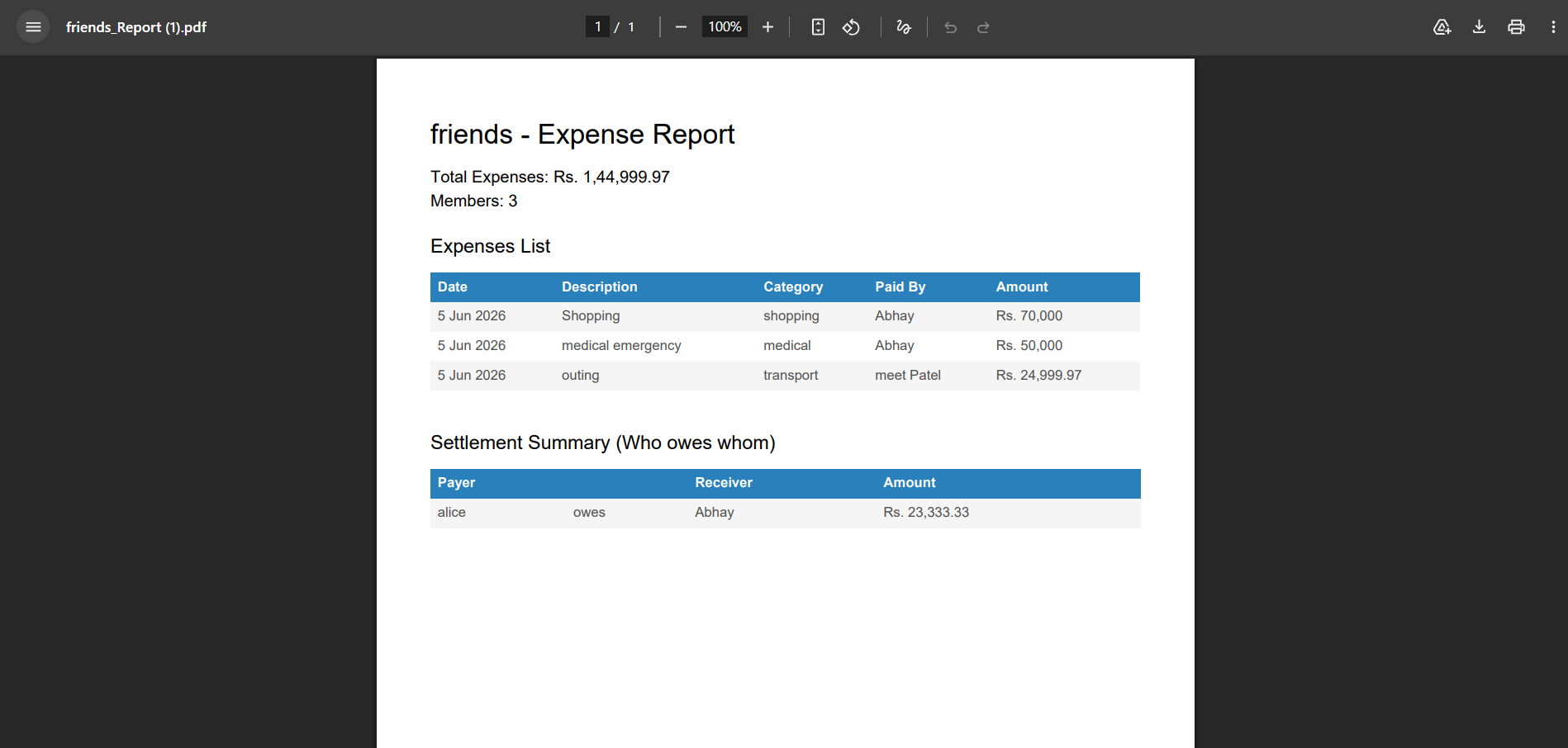
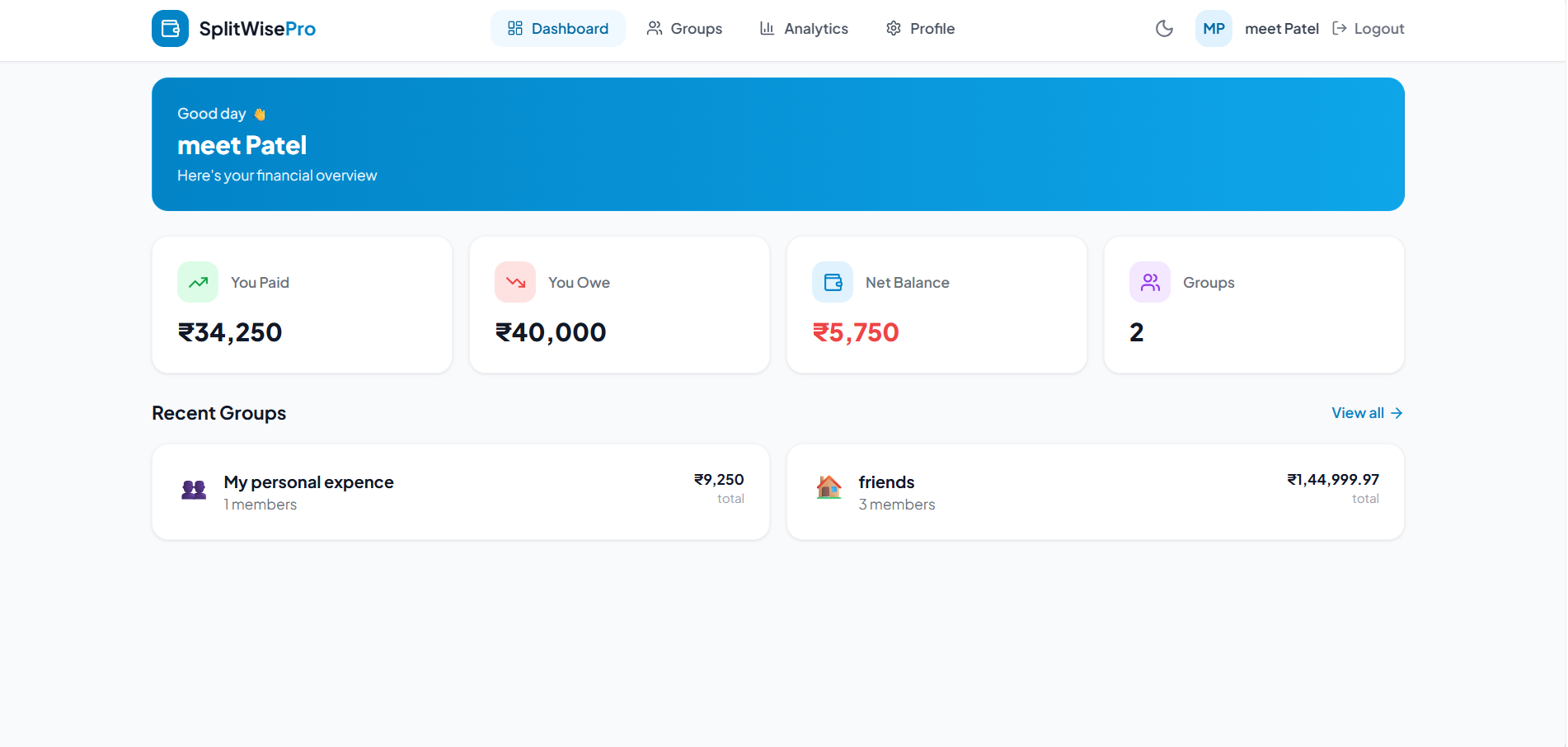
Smart Expense Splitter is a full-stack, comprehensive financial management web application designed to simplify the process of tracking, splitting, and settling shared expenses among friends, roommates, and travel groups. It eliminates the awkwardness of asking for money back by providing a transparent, automated platform where users can create groups, log expenses, instantly calculate optimal balances (“Who Owes Whom”), and securely settle debts online via Cashfree Payment Gateway integration or offline tracking.
Screenshots
Key Features
- Role-Based Access Control: Secure JWT authentication tailored for different user types (Customers and Garage Owners).
- Intelligent Booking System: Customers can search for garages and book specific time slots, with built-in conflict prevention to avoid double bookings.
- Real-Time Tracking: Customers have access to a history timeline to track the real-time status of their service requests.
- Comprehensive Garage Dashboard: Garage owners have a dashboard displaying essential statistics, including revenue, total bookings, and today’s appointments.
- Streamlined Status Flow: Garages can efficiently manage bookings through a logical status progression (pending → confirmed → in-progress → completed).
- Customizable Garage Profiles: Garages can set up detailed profiles outlining their specific services, pricing, working hours, and operational days.
- Feedback Mechanism: Customers can cancel bookings if needed and leave reviews for garages after a service is completed.
- Modern User Interface: A clean, responsive UI built with Tailwind CSS for optimal user experience across devices.
Functionaliy
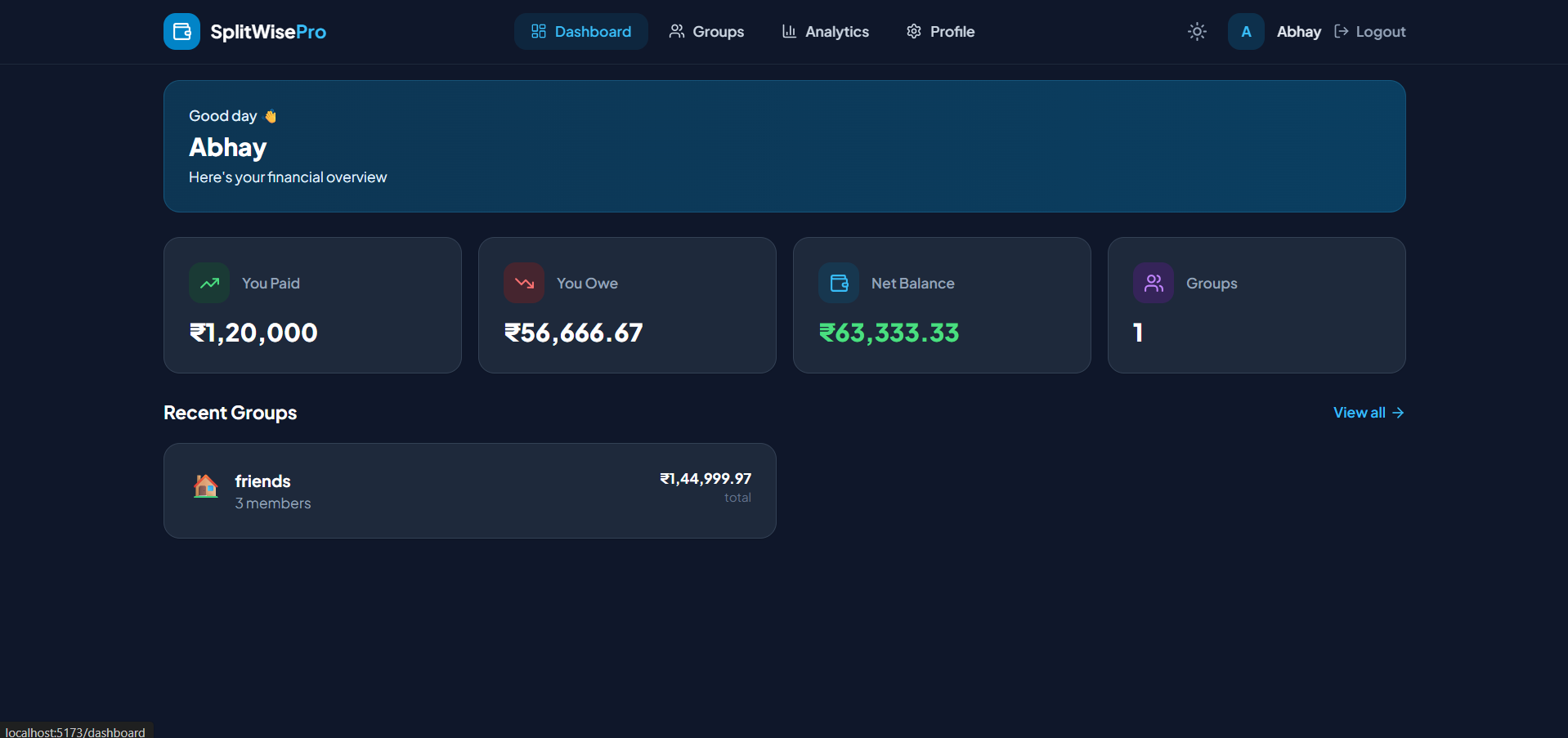
- User Onboarding: Users register and log in to a secure dashboard. They can update their profile with a UPI ID for direct payments.
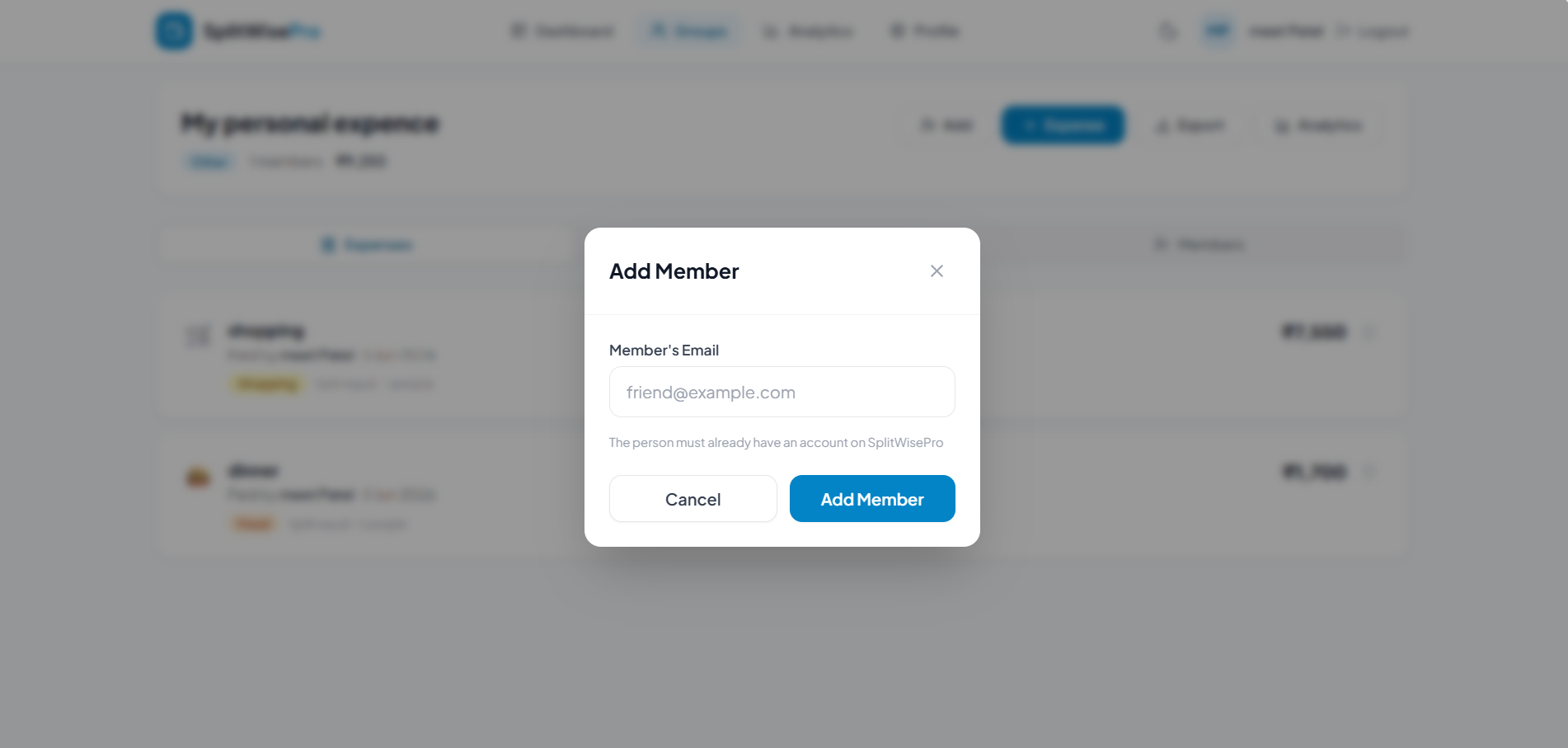
- Group Management: Users create groups (e.g., “Goa Trip”, “Roommates”) and invite registered friends via their email addresses.
- Expense Logging: Any member can add an expense, inputting the total amount, description, category (Food, Travel, etc.), and specifying who paid.
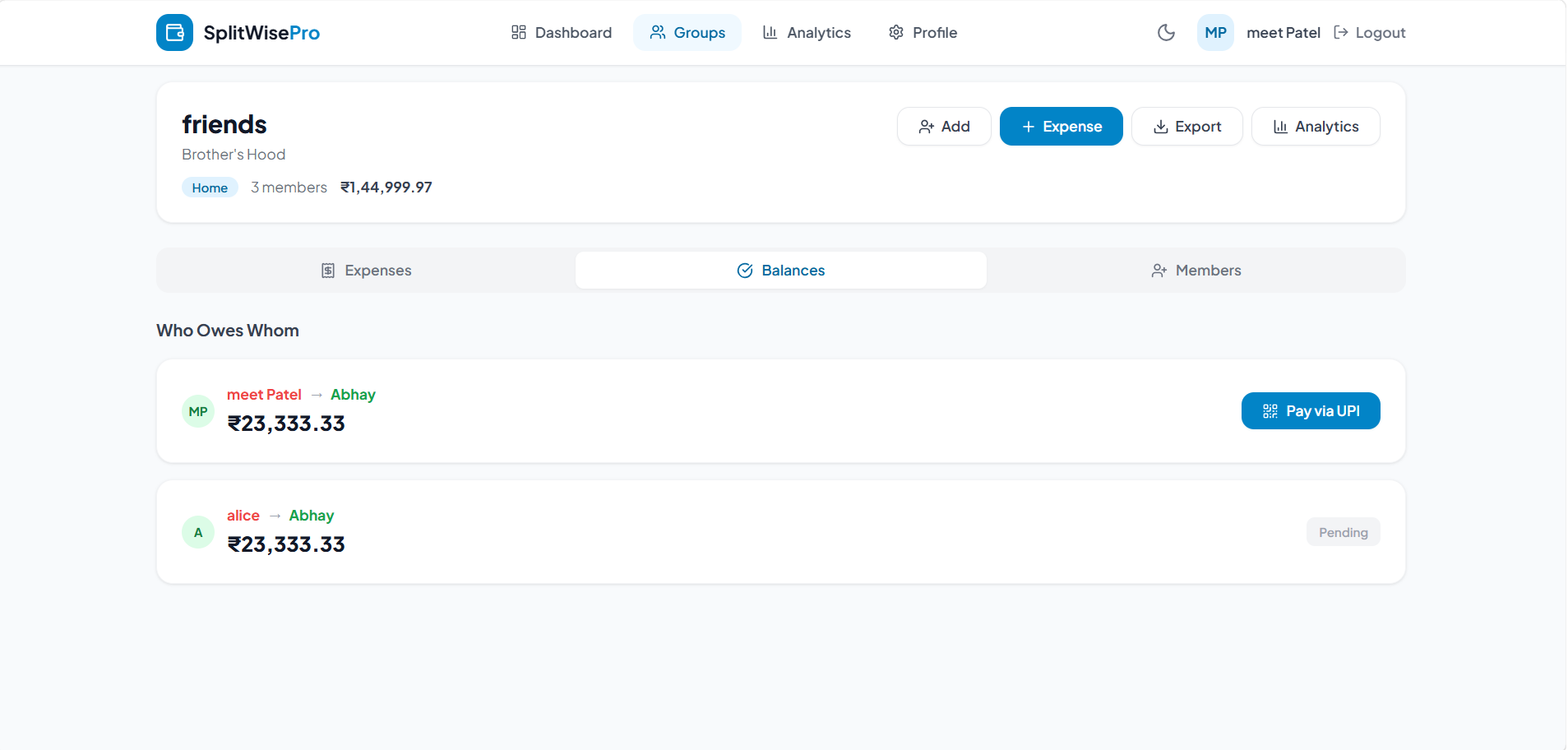
- Dynamic Calculation: The backend instantly calculates the splits, updating the “Balances” tab to show exactly who owes money to whom.
- Settlement Process:
- A debtor clicks “Pay via UPI/Cashfree”.
- The user completes the payment via the Cashfree gateway.
- Upon success, the system automatically creates a “Payment” expense entry and adjusts the balances, instantly clearing the debt from the dashboard.
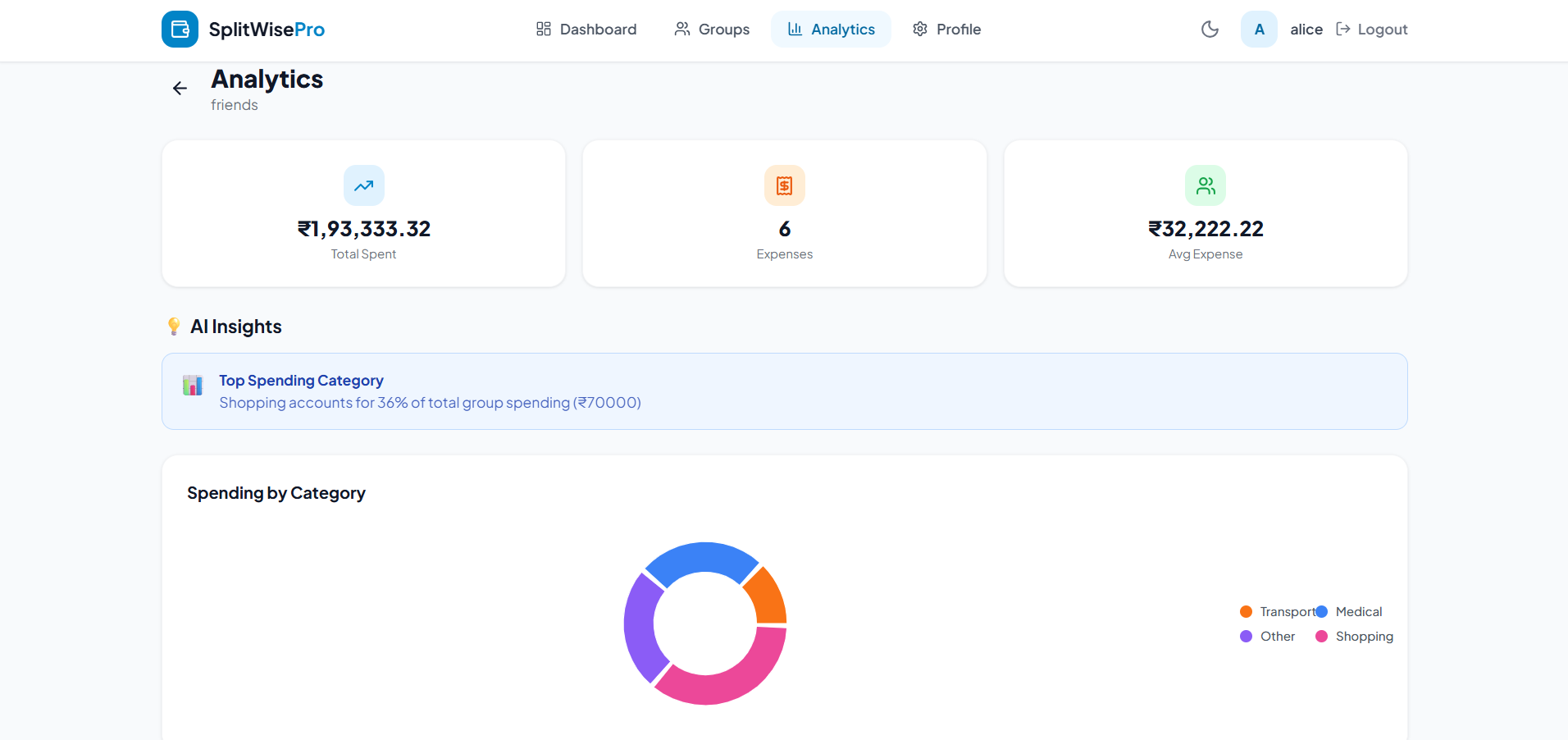
- Reporting: Users can download a comprehensive PDF report of the group or view their personal spending analytics on the dashboard.
Technology Used
- Frontend:React.js, Tailwind CSS (for modern, responsive styling), Lucide React (for iconography), jsPDF (for report generation).
- Backend:Node.js, Express.js.
- Database: MongoDB with Mongoose (NoSQL Database for fast and flexible data handling).
- Authentication: JSON Web Tokens (JWT) for secure user sessions and password hashing using bcrypt.
- Integrations: Cashfree Payments API (for processing transactions), Nodemailer (for automated email reminders).
Why This Project Is Useful
- Managing shared finances manually using notebooks or messaging apps often leads to confusion, mathematical errors, and strained relationships due to unpaid debts. This project solves these real-world problems by acting as a neutral, automated ledger. It is highly useful for college students sharing apartment rent, friends going on group trips, or colleagues organizing events. The addition of an integrated payment gateway ensures that settling up is instantaneous and frictionless
Deployment and Environment Setup
- Environment Variables Setup:
- backend/.env
- PORT: 3000
- MONGO_URI: mongodb_url_string
- JWT_SECRET: your_jwt_secret_key_here (if needed)
- frontend/.env
- VITE_API_URL: backend_url
- backend/.env
- Deployment Overview:
- Render or Railway for backend hosting
- Vercel or Netlify for frontend hosting
- MongoDB Atlas for the database
- Backend Deployment:
- Push your code to GitHub.
- Go to Render.com or Railway.app.
- Create a new Web Service and connect your GitHub repository.
- Choose “backend/” as the root directory.
- Add the following environment variables on Render:
- PORT=10000
- MONGO_URI=your MongoDB Atlas URI
- JWT_SECRET=your JWT secret
- Start command: npm start (Ensure your backend/package.json includes “start”: “node server.js”)
- After deployment, note your backend URL, e.g. https://your-backend-name.onrender.com
- Frontend Deployment:
- Go to Vercel.com or Netlify.com.
- Create a new project and connect the GitHub repo.
- Select the “frontend/” folder as root.
- In environment variables, set:
- VITE_API_URL=https://your-backend-domain.com/api (or REACT_APP_API_URL if using CRA)
- Deploy.
- MongoDB Atlas Setup:
- Go to https://cloud.mongodb.com
- Create a free cluster.
- Add your current IP address in Network Access.
- Create a database user and password.
- Copy the connection string and replace username, password, and database name in MONGO_URI in backend/.env
Download Source Code
Project Setup Instructions
Note: This project is for educational purposes only. Not for commercial sale.


