
Project Overview
PlayerFinder is a full-stack gaming community platform built using the MERN Stack. The application helps gamers find teammates based on the games they play and their skill levels. Users can connect with other players, send play requests, chat in real time, and share reviews after gaming sessions.
The platform creates a reliable gaming community by helping players discover compatible teammates and build trusted gaming connections.
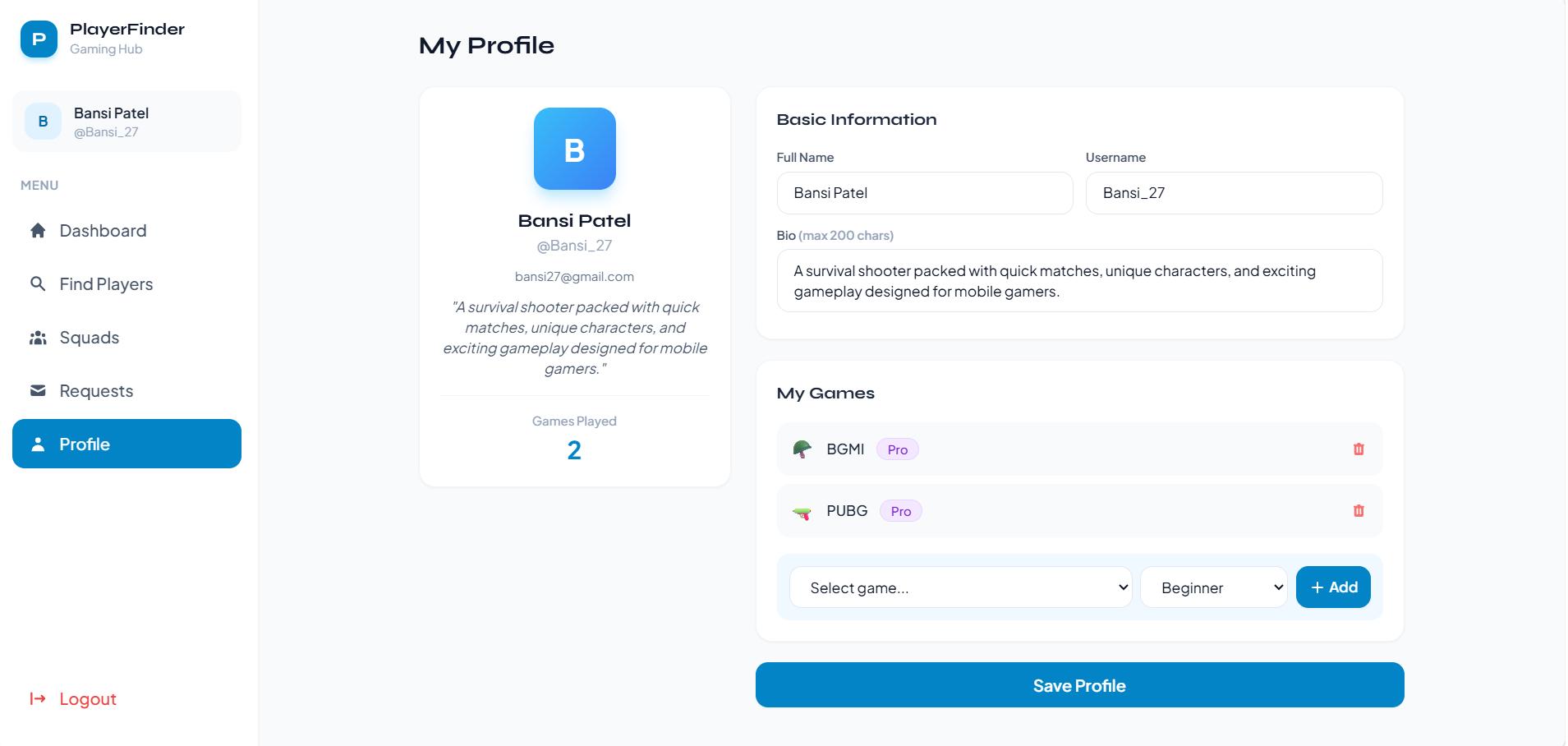
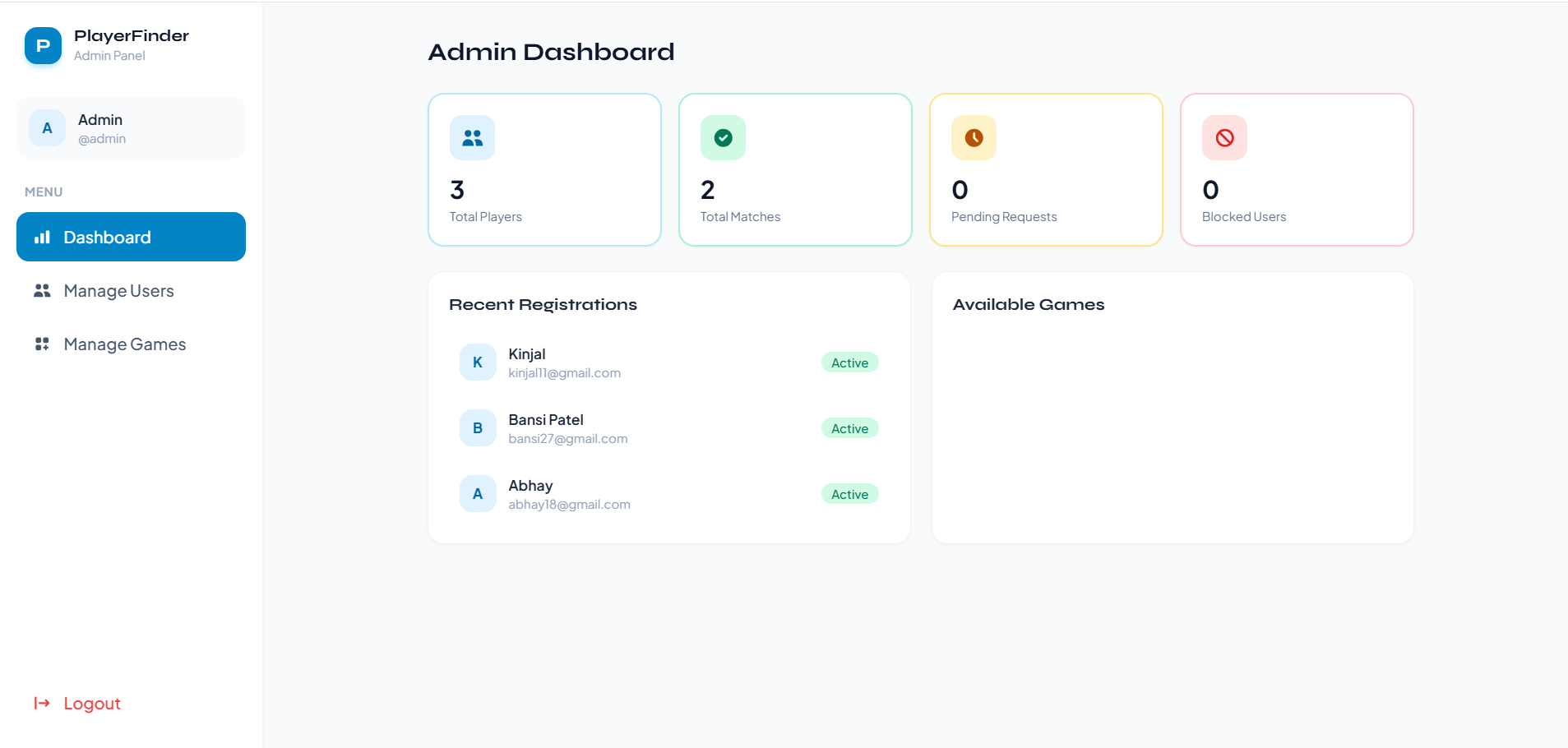
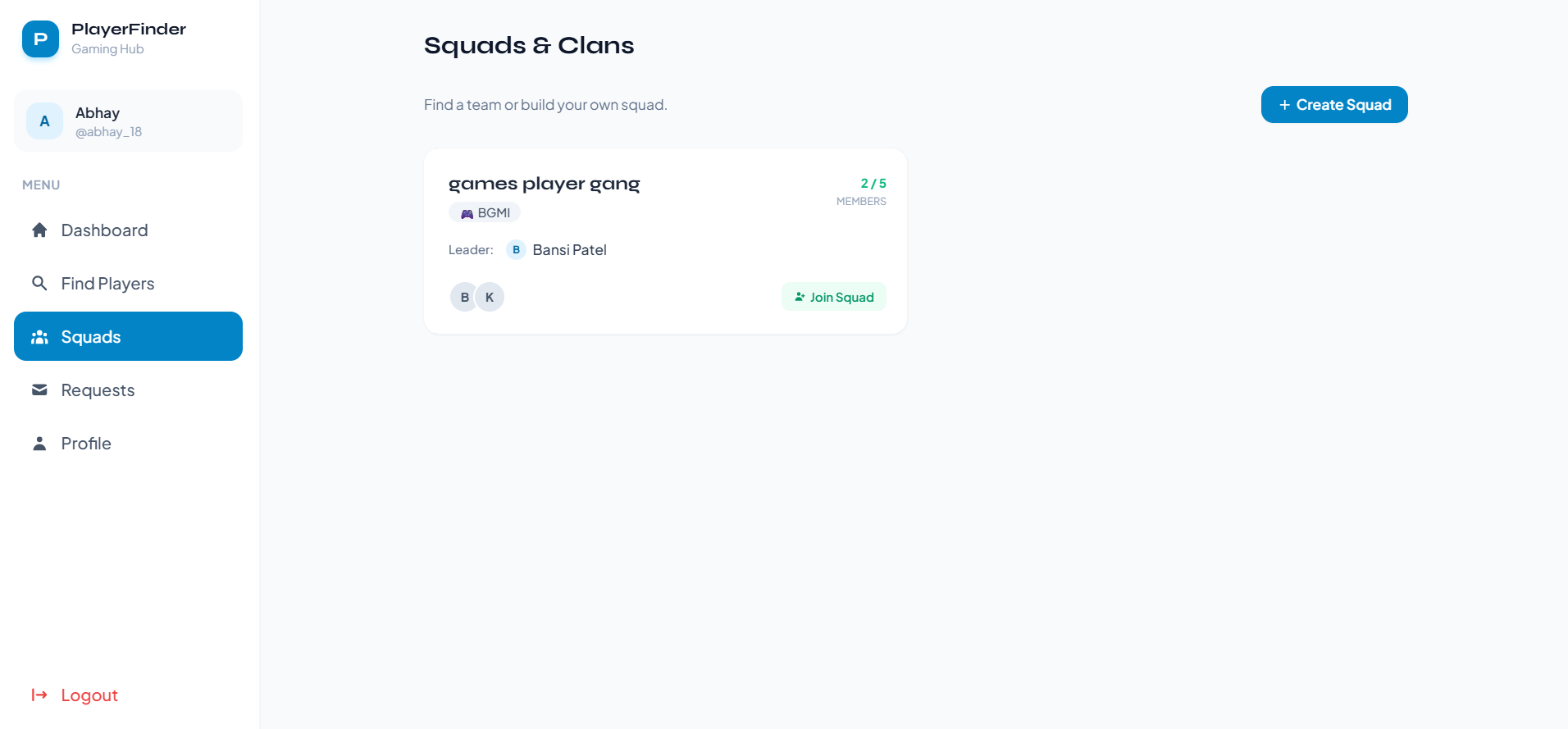
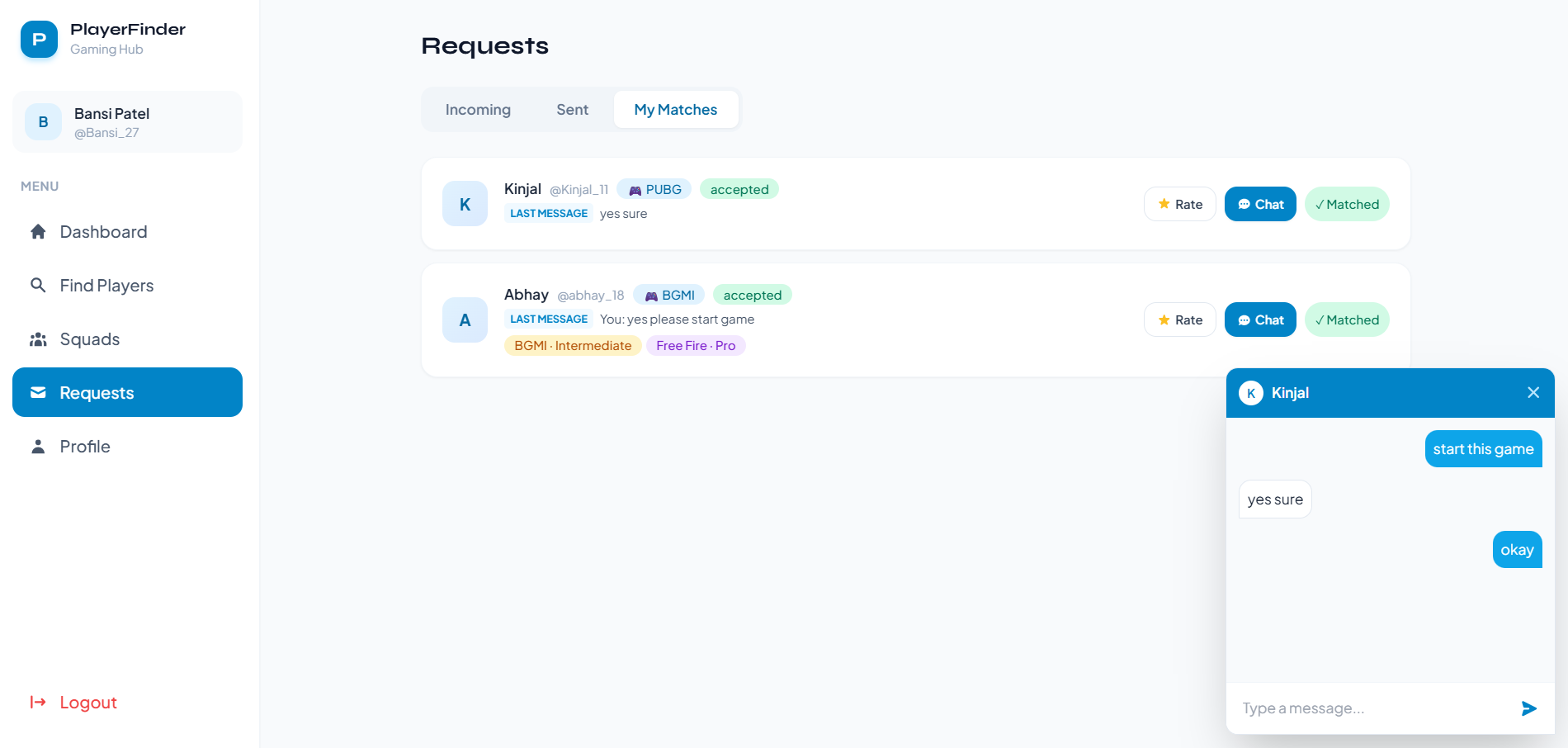
Screenshots
Key Features
- User Registration and Login
- Player Profile Management
- Game & Skill Level Selection
- Player Search and Matchmaking
- Play Request System
- Real-Time Chat
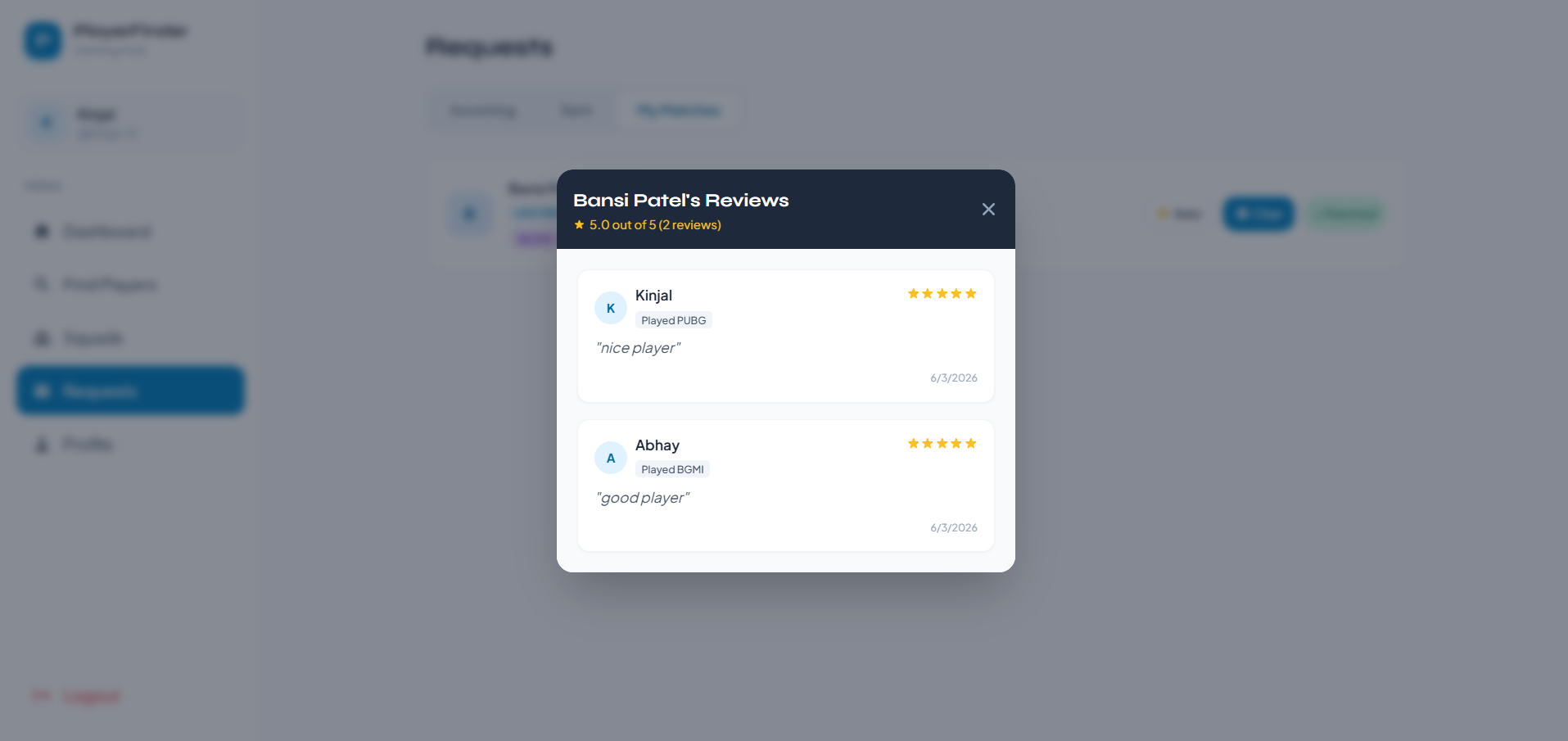
- Rating & Review System
- Live Notifications
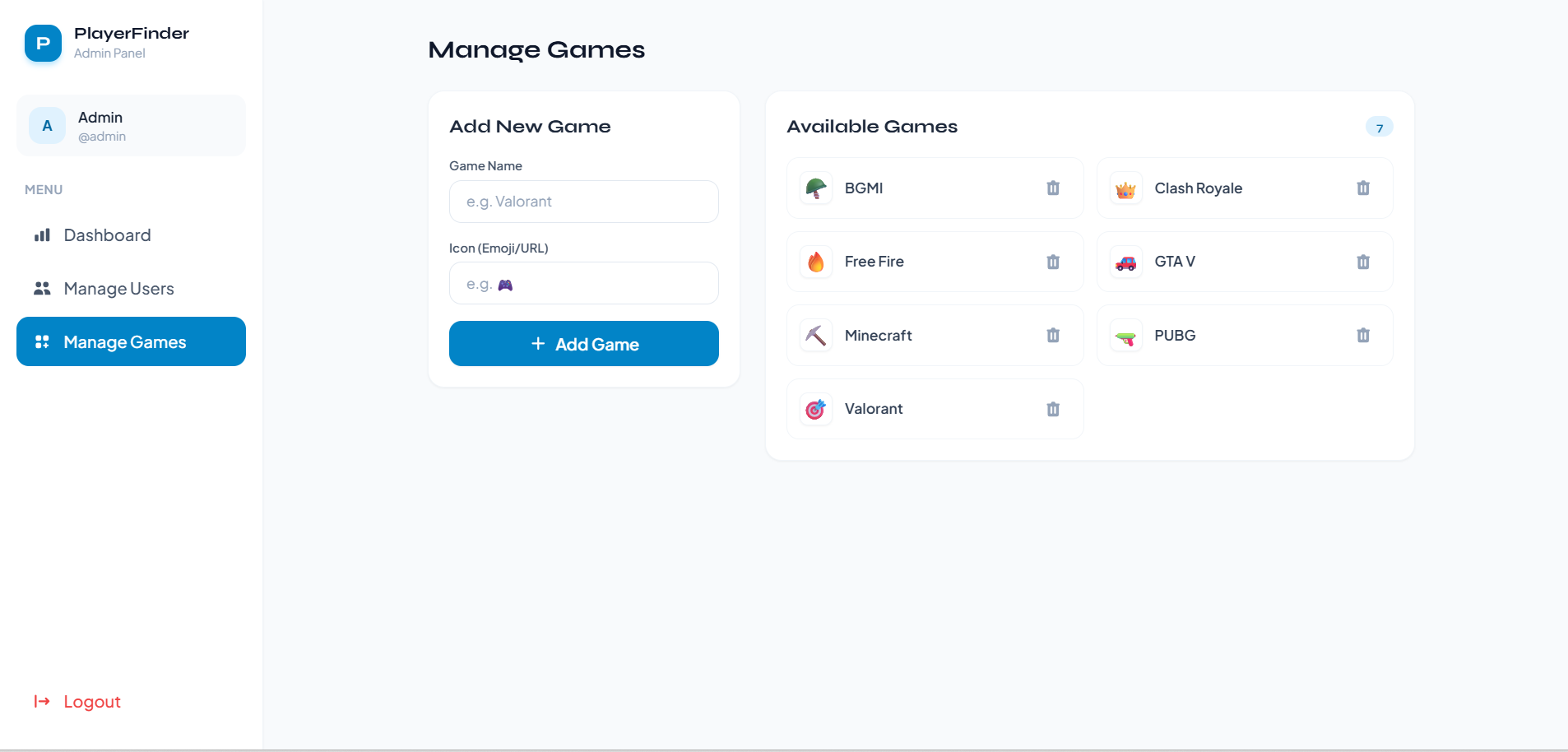
- Admin Dashboard
- Dark Mode Support
- Responsive Design
Functionaliy
- User Profiles
- Users can create accounts and log in securely.
- Players can add games they play and specify their skill levels.
- Profile information helps improve matchmaking accuracy.
- Matchmaking System
- Users can search players based on:
- Game
- Skill Level
- Matching players can be viewed through the Find Players section.
- Play Requests
- Players can send play requests to other users.
- Requests can be accepted or rejected.
- Accepted requests create a match connection.
- Real-Time Chat
- Matched players can communicate through a private chat system.
- Messages are delivered instantly using Socket.IO.
- Rating & Reviews
- After gaming sessions, players can:
- Give star ratings
- Leave written reviews
- Reviews appear on user profiles and help build trust within the community.
- Notifications
- Users receive live notifications for:
- New play requests
- Accepted requests
- Incoming messages
- Admin Dashboard
- Admins can:
Technology Used
- Frontend:
- React
- Vite
- Tailwind CSS
- React Router DOM
- Axios
- React Hot Toast
- Backend:
- Node.js
- Express.js
- MongoDB
- Mongoose
- JWT Authentication
- bcryptjs
- Socket.IO
Why This Project Is Useful
- Helps gamers find teammates with similar interests and skill levels
- Improves team coordination through real-time communication
- Creates a trusted gaming community using ratings and reviews
- Reduces dependency on random matchmaking systems
- Demonstrates real-world social networking and real-time application development
Deployment and Environment Setup
- Environment Variables Setup:
- backend/.env
- PORT: 3000
- MONGO_URI: mongodb_url_string
- JWT_SECRET: your_jwt_secret_key_here (if needed)
- frontend/.env
- VITE_API_URL: backend_url
- backend/.env
- Deployment Overview:
- Render or Railway for backend hosting
- Vercel or Netlify for frontend hosting
- MongoDB Atlas for the database
- Backend Deployment:
- Push your code to GitHub.
- Go to Render.com or Railway.app.
- Create a new Web Service and connect your GitHub repository.
- Choose “backend/” as the root directory.
- Add the following environment variables on Render:
- PORT=10000
- MONGO_URI=your MongoDB Atlas URI
- JWT_SECRET=your JWT secret
- Start command: npm start (Ensure your backend/package.json includes “start”: “node server.js”)
- After deployment, note your backend URL, e.g. https://your-backend-name.onrender.com
- Frontend Deployment:
- Go to Vercel.com or Netlify.com.
- Create a new project and connect the GitHub repo.
- Select the “frontend/” folder as root.
- In environment variables, set:
- VITE_API_URL=https://your-backend-domain.com/api (or REACT_APP_API_URL if using CRA)
- Deploy.
- MongoDB Atlas Setup:
- Go to https://cloud.mongodb.com
- Create a free cluster.
- Add your current IP address in Network Access.
- Create a database user and password.
- Copy the connection string and replace username, password, and database name in MONGO_URI in backend/.env
Download Source Code
Project Setup Instructions
Note: This project is for educational purposes only. Not for commercial sale.


