
Project Overview
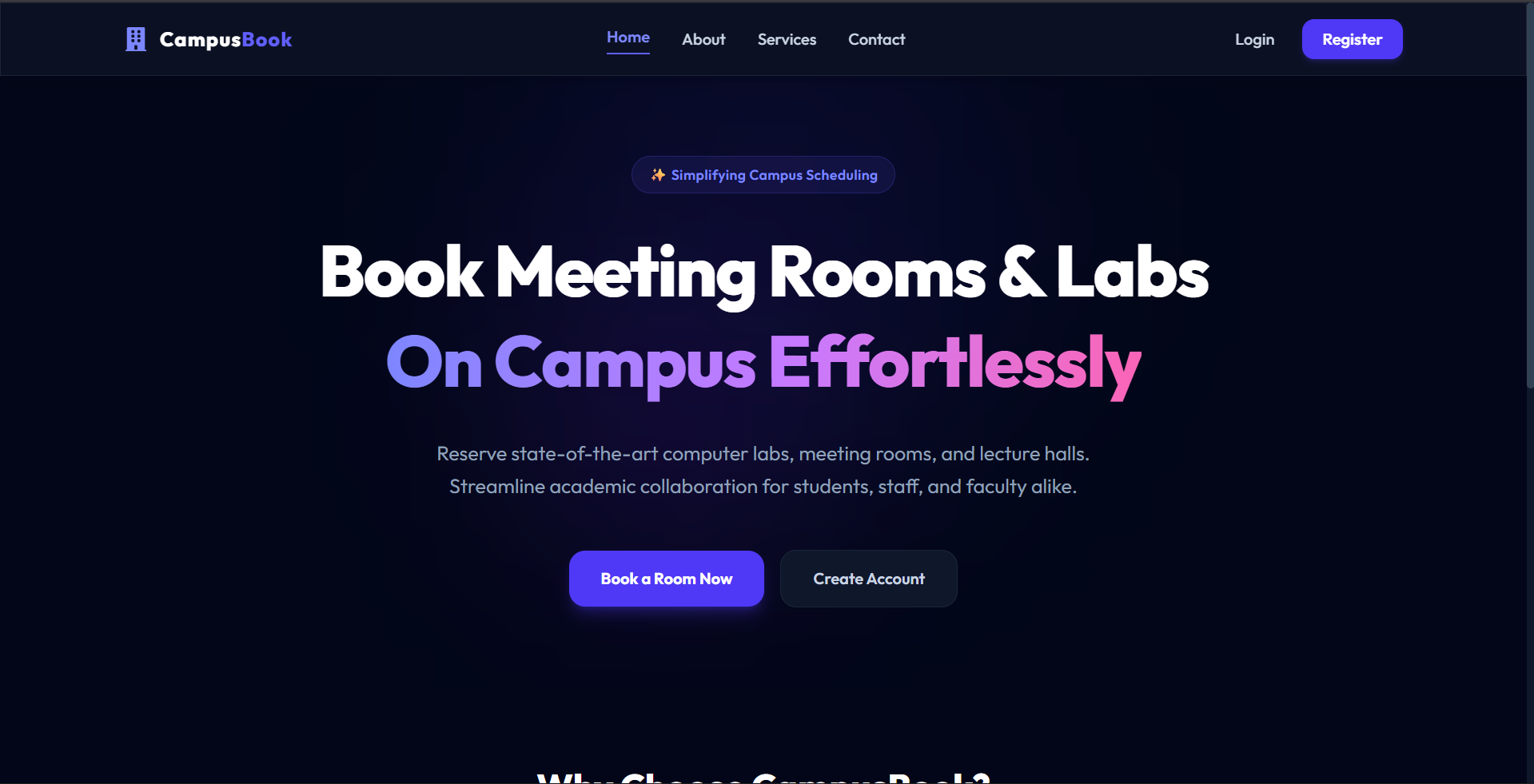
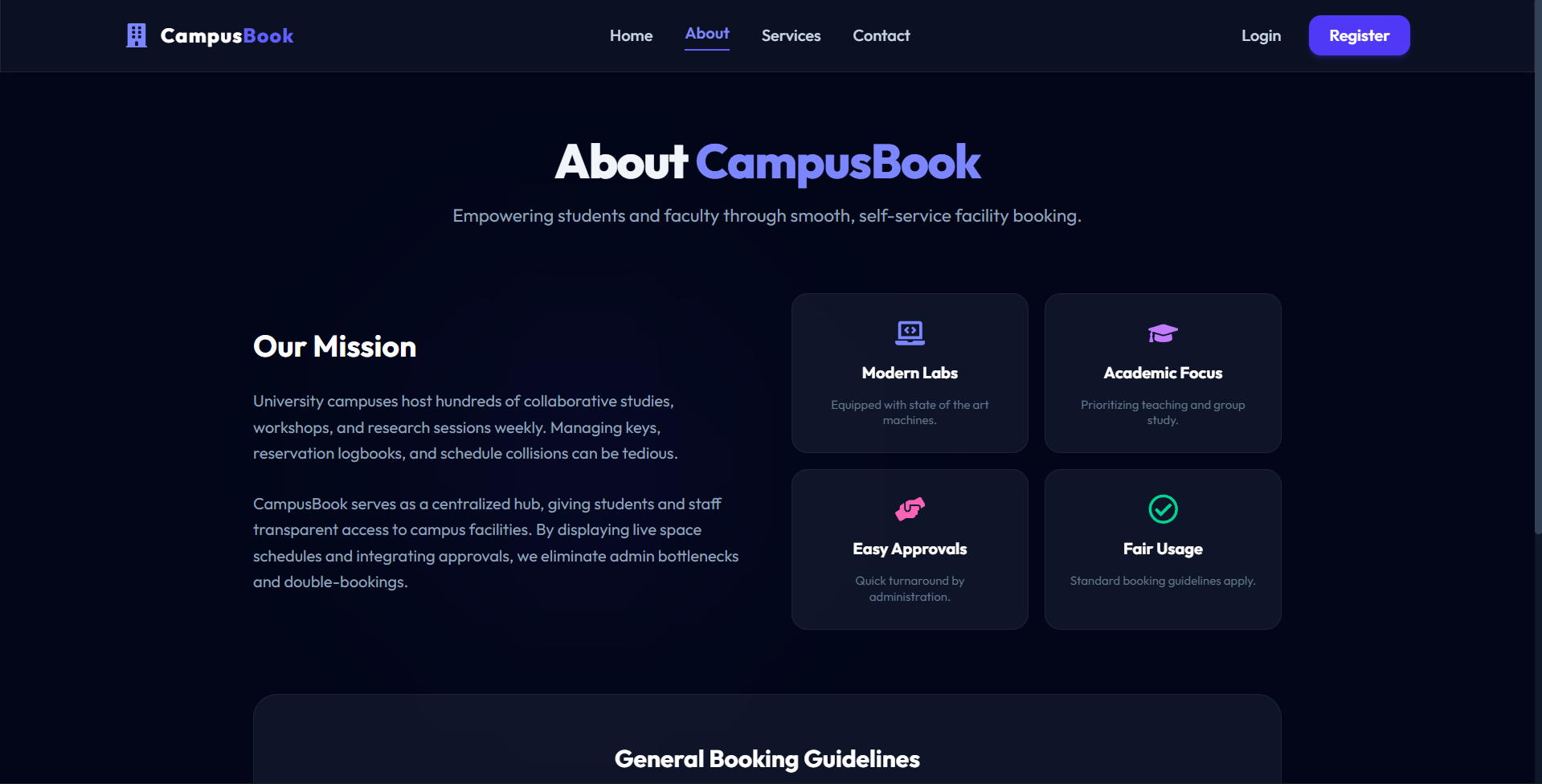
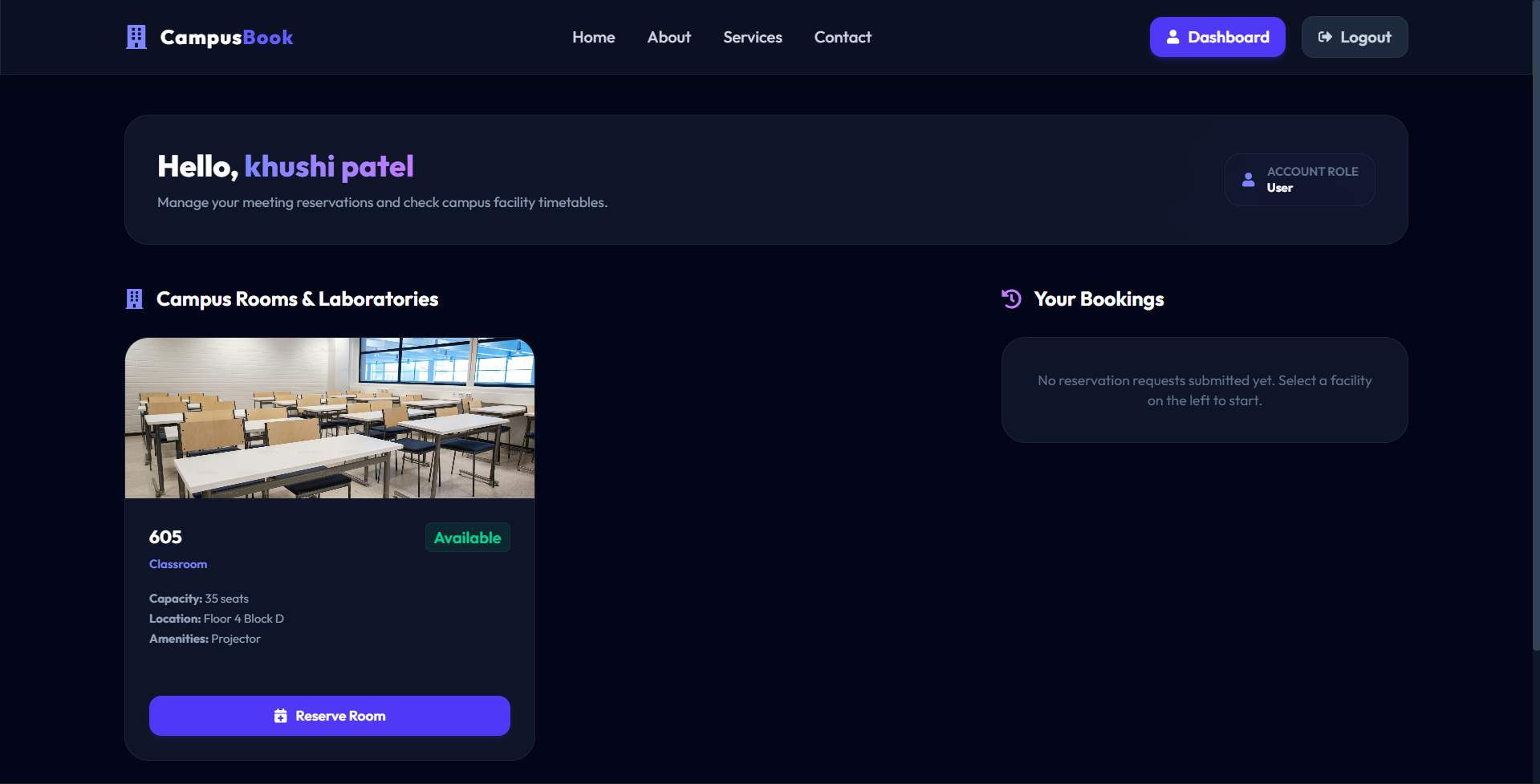
The Campus Room Booking System is a modern, secure, and visually premium MERN-stack web application built to streamline the reservation of meeting rooms, classrooms, and computer laboratories on campus. It separates access into anonymous visitors, registered students/staff, and administrators, ensuring high resource utility and clean organizational coordination.
Screenshots
Key Features
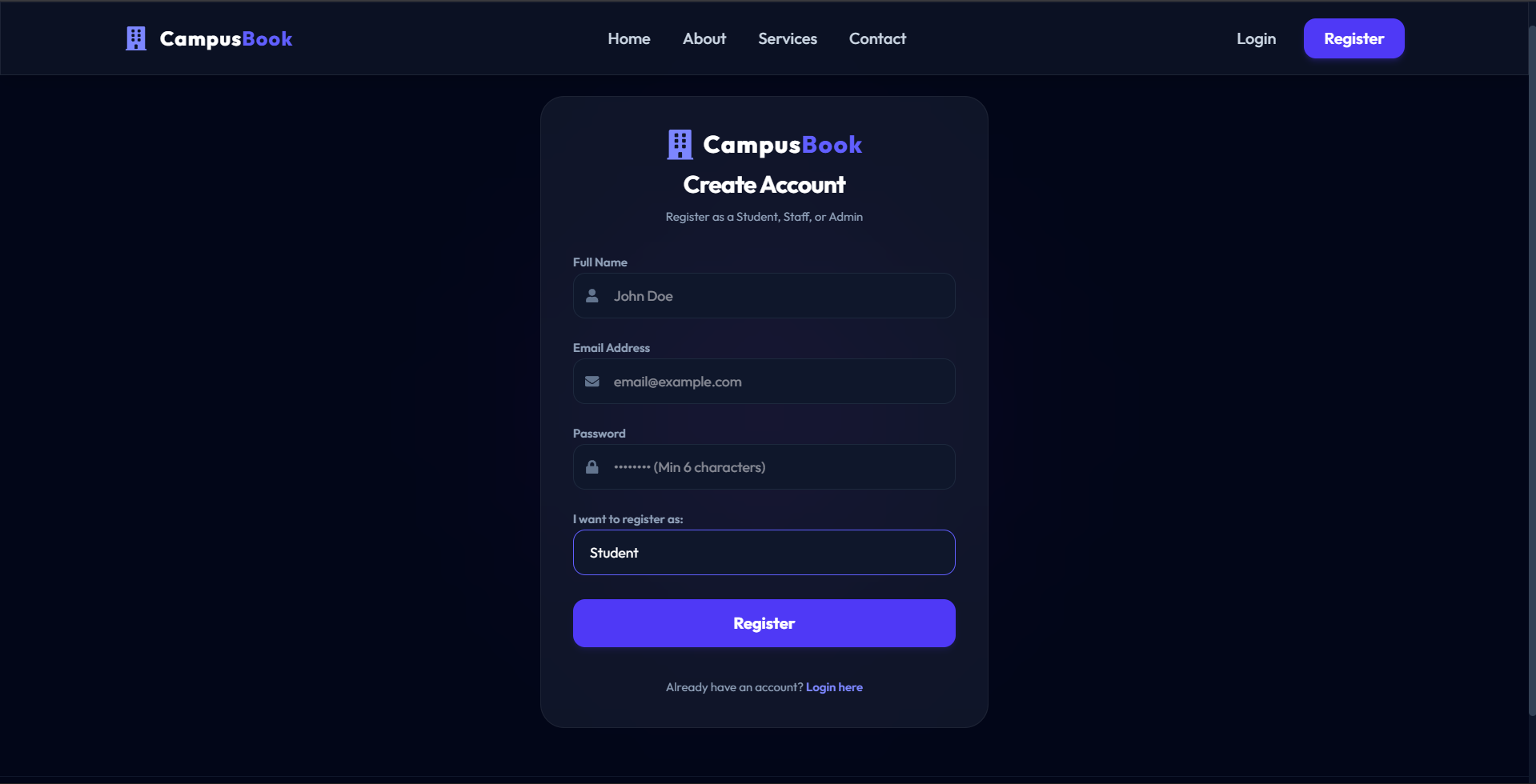
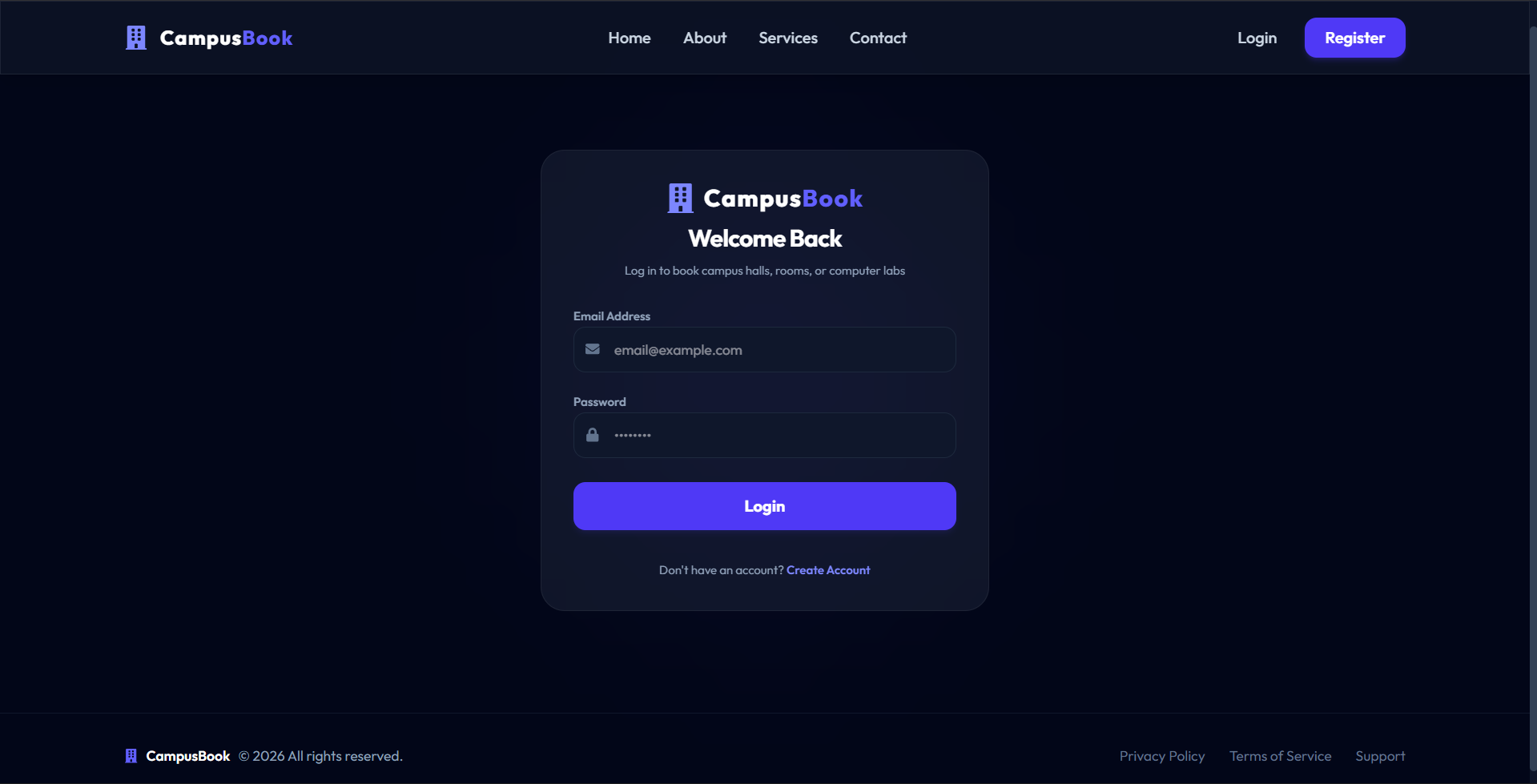
- Role-based Authentication with JWT
- Dynamic Single-Admin Registration Constraint
- Real-time Reservation Timeslot Overlap Detection
- Fully Responsive Premium Glassmorphism Interface
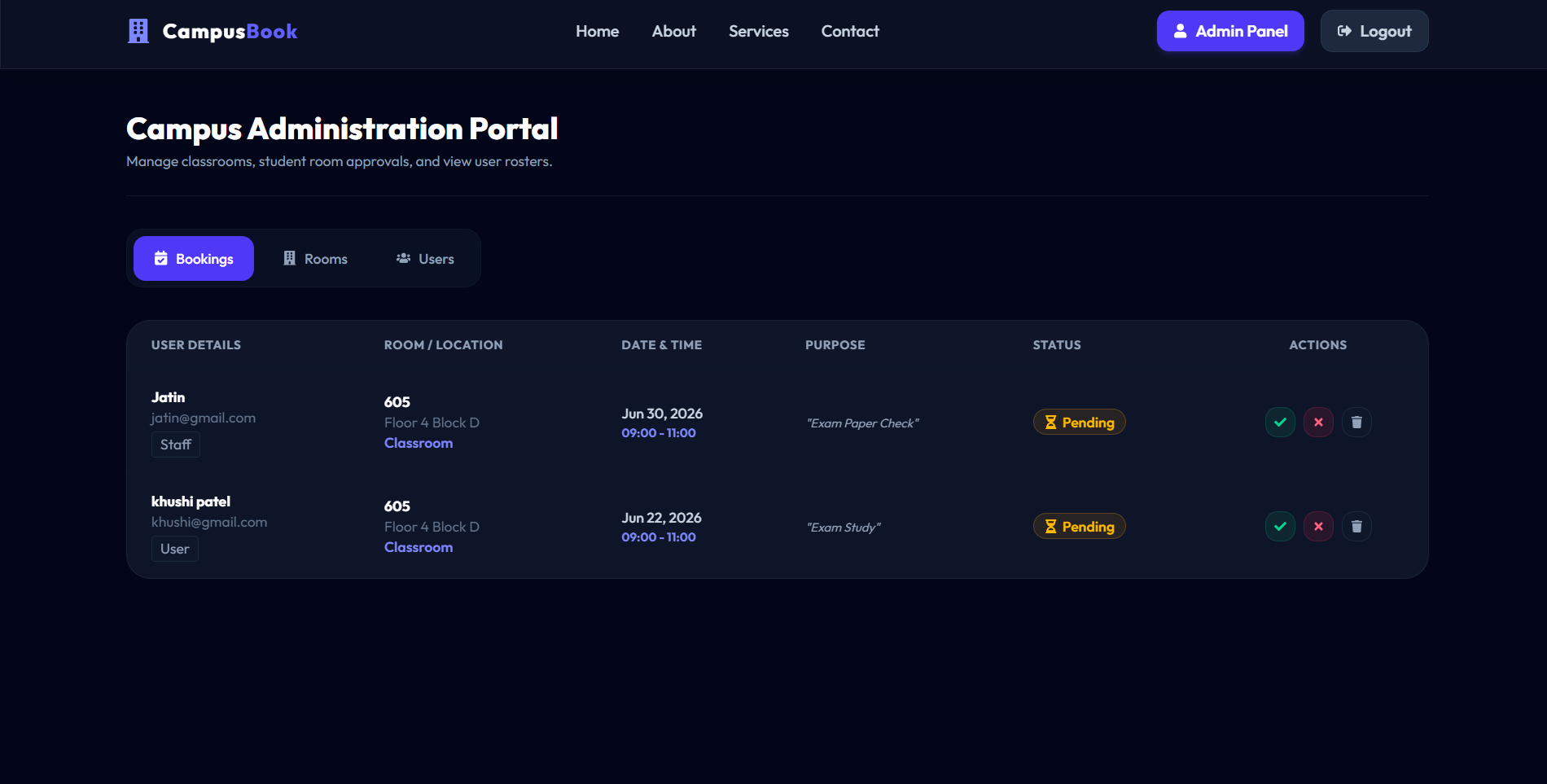
- Administrative Roster and Room Inventory CRUD Controls.
Functionaliy
- Public browsing of home, about, services, and support contact details
- Interactive reservation calendar booking modal on student/staff dashboard
- Immediate booking cancellation for users with pending status reservations
- Instant administrator approval and rejection tools for queue management
- Complete database seeding utility for quick test credentials deployment
Technology Used
- Frontend:
- React (Vite)
- Tailwind CSS v4
- React Icons
- React Hot Toast
- Axios
- Backend:
- Node.js
- Express.js
- MongoDB
- Mongoose
- JWT (JSON Web Tokens)
- BcryptJS
Why This Project Is Useful
- Eliminates manual classroom booking logs and scheduling communication delays
- Resolves timeslot collisions and room double-bookings automatically via code
- Enforces strict administrative oversight over sensitive campus facility resources
- Provides clear and transparent reservation status logs to student bodies
- Simplifies facility maintenance planning with instant room status locks
Deployment and Environment Setup
- Environment Variables Setup:
- backend/.env
- PORT: 3000
- MONGO_URI: mongodb_url_string
- JWT_SECRET: your_jwt_secret_key_here (if needed)
- frontend/.env
- VITE_API_URL: backend_url
- backend/.env
- Deployment Overview:
- Render or Railway for backend hosting
- Vercel or Netlify for frontend hosting
- MongoDB Atlas for the database
- Backend Deployment:
- Push your code to GitHub.
- Go to Render.com or Railway.app.
- Create a new Web Service and connect your GitHub repository.
- Choose “backend/” as the root directory.
- Add the following environment variables on Render:
- PORT=10000
- MONGO_URI=your MongoDB Atlas URI
- JWT_SECRET=your JWT secret
- Start command: npm start (Ensure your backend/package.json includes “start”: “node server.js”)
- After deployment, note your backend URL, e.g. https://your-backend-name.onrender.com
- Frontend Deployment:
- Go to Vercel.com or Netlify.com.
- Create a new project and connect the GitHub repo.
- Select the “frontend/” folder as root.
- In environment variables, set:
- VITE_API_URL=https://your-backend-domain.com/api (or REACT_APP_API_URL if using CRA)
- Deploy.
- MongoDB Atlas Setup:
- Go to https://cloud.mongodb.com
- Create a free cluster.
- Add your current IP address in Network Access.
- Create a database user and password.
- Copy the connection string and replace username, password, and database name in MONGO_URI in backend/.env
Download Source Code
Project Setup Instructions
Note: This project is for educational purposes only. Not for commercial sale.


