Project Overview
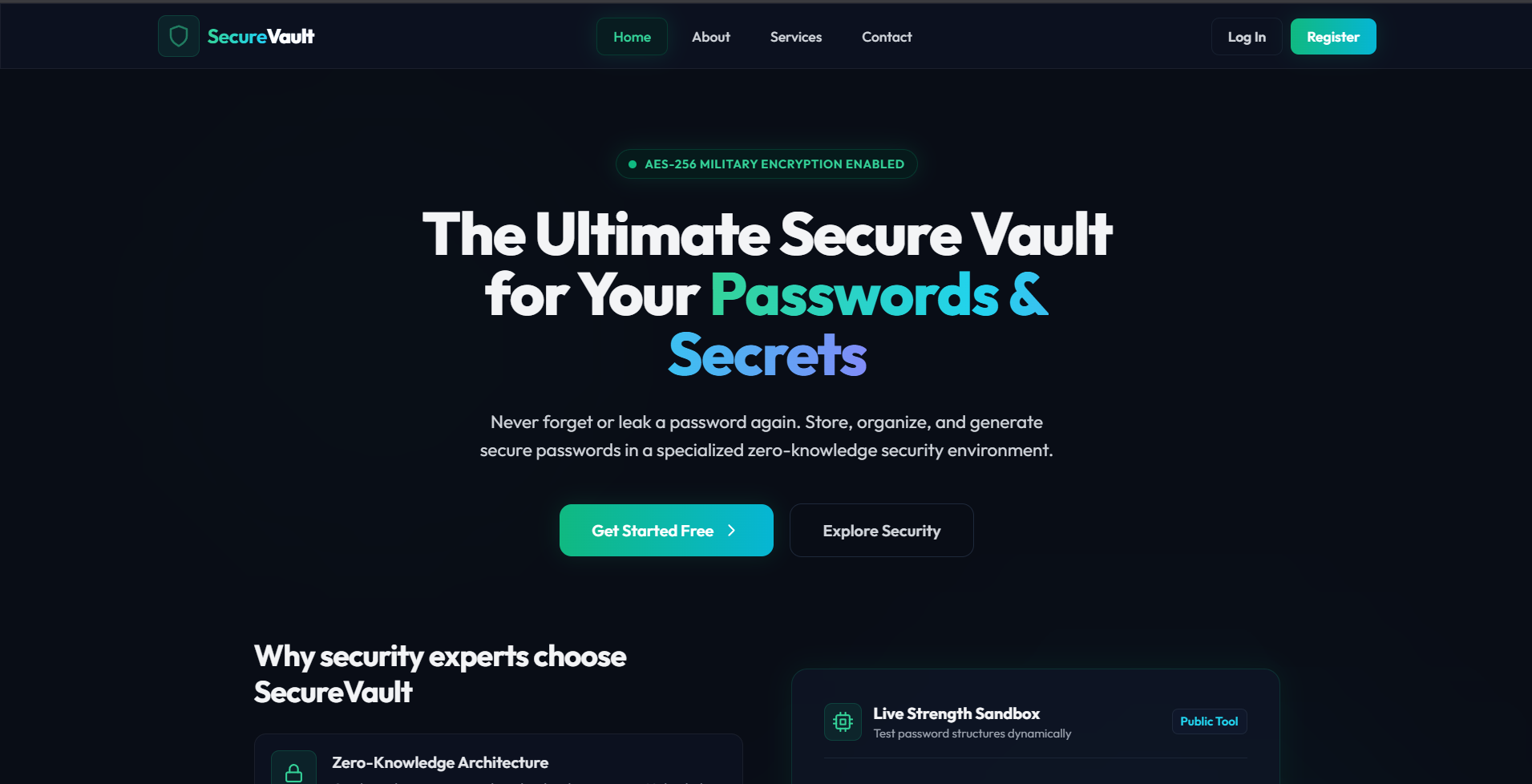
Secure Vault is a secure, full-stack web application designed to act as a centralized, highly protected digital safe for sensitive credentials. It allows users to securely store, organize, generate, and manage usernames, passwords, URLs, and secrets under different categories. Built with a modern, glassmorphic user interface and robust backend security protocols, Secure Vault aims to simplify credential management while adhering to top-tier security standards like encrypted session handling and password hashing.
Screenshots
Key Features
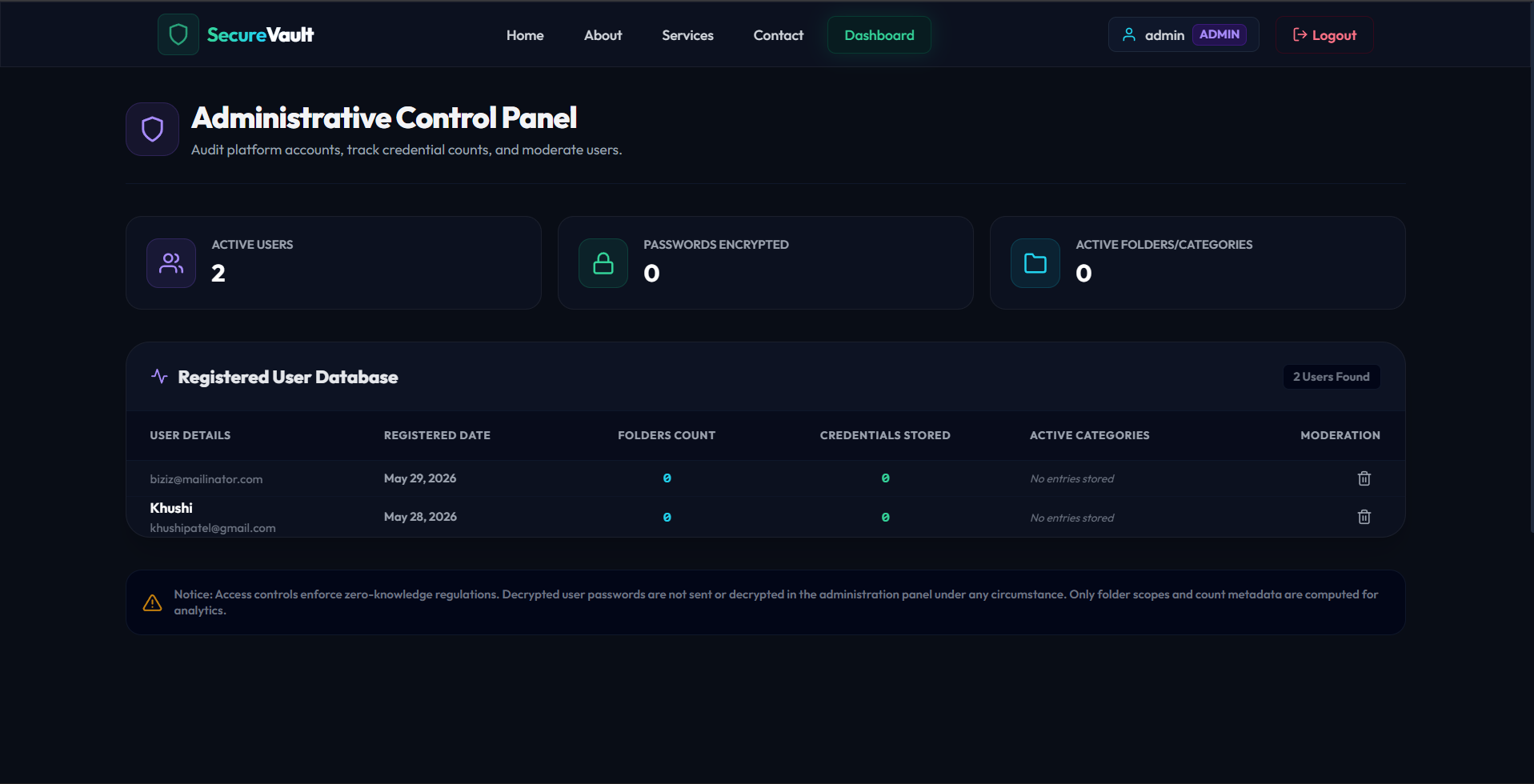
- Role-Based Access Control (RBAC): Distinct roles and separate workspaces/dashboards for general Users and system Admins.
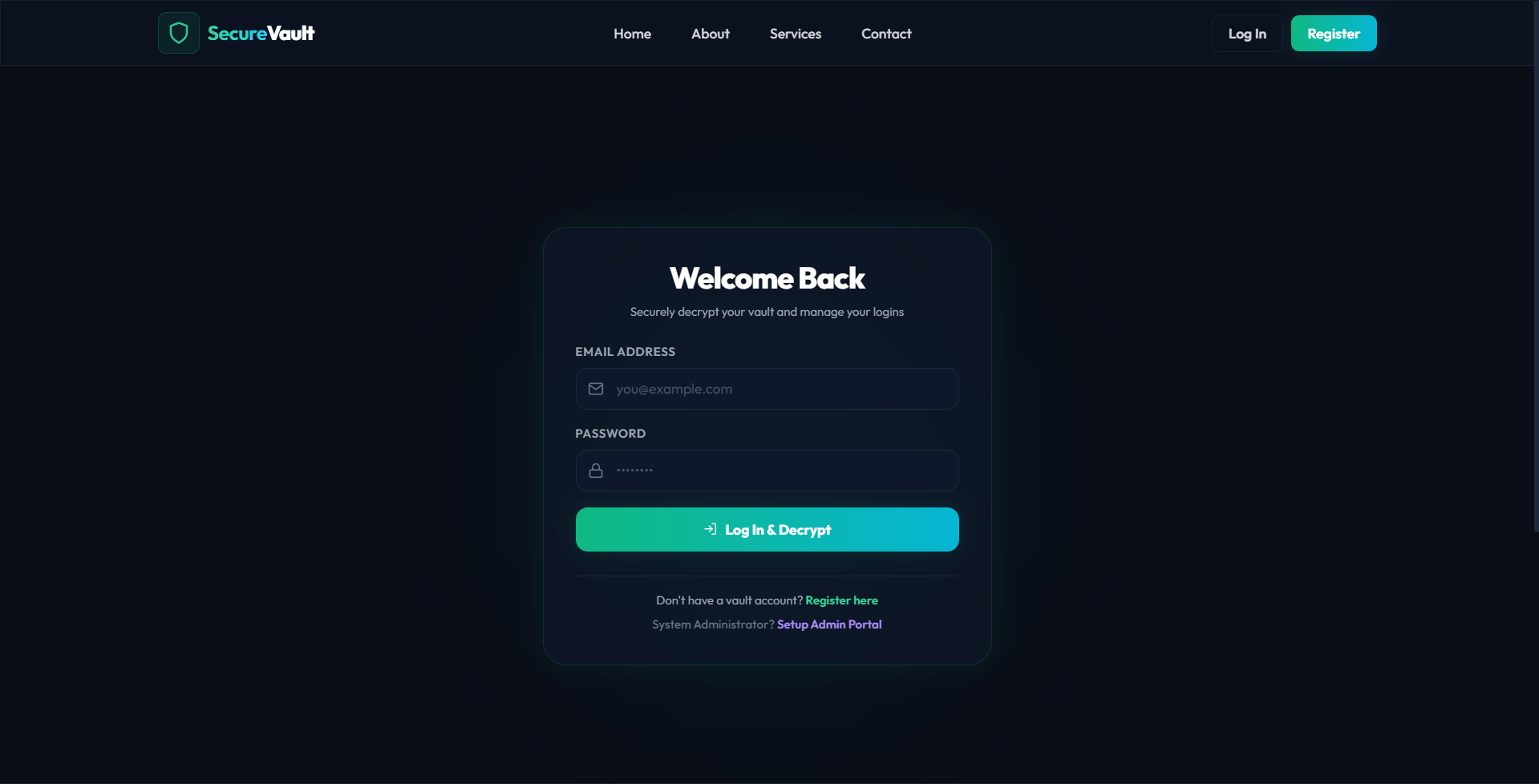
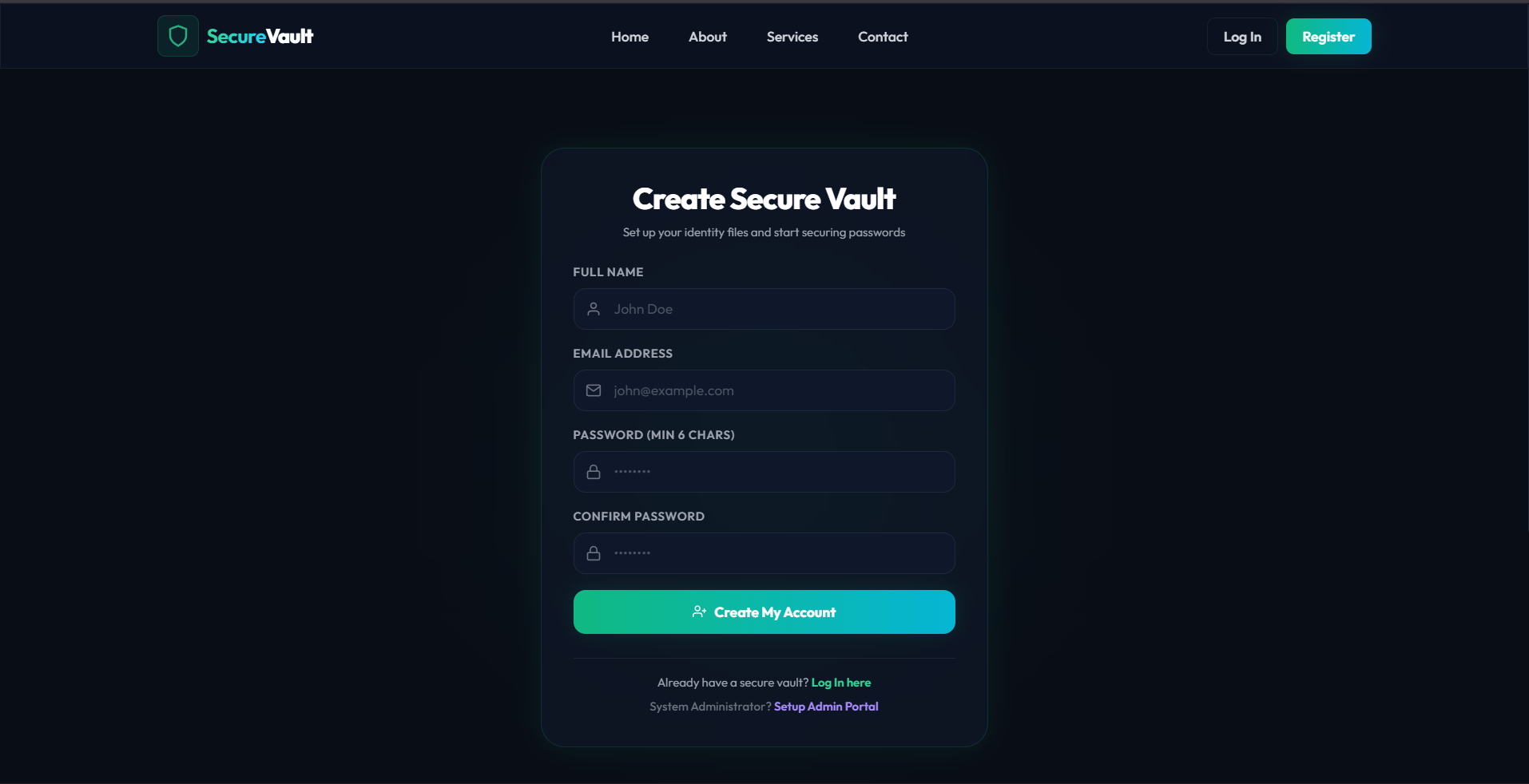
- Secure Authentication: High-security login and sign-up flows using hashed master passwords.
- Modern Glassmorphism UI: An extremely premium, modern, dark-themed responsive design featuring smooth gradients, glowing components, blur backdrops, and subtle micro-animations.
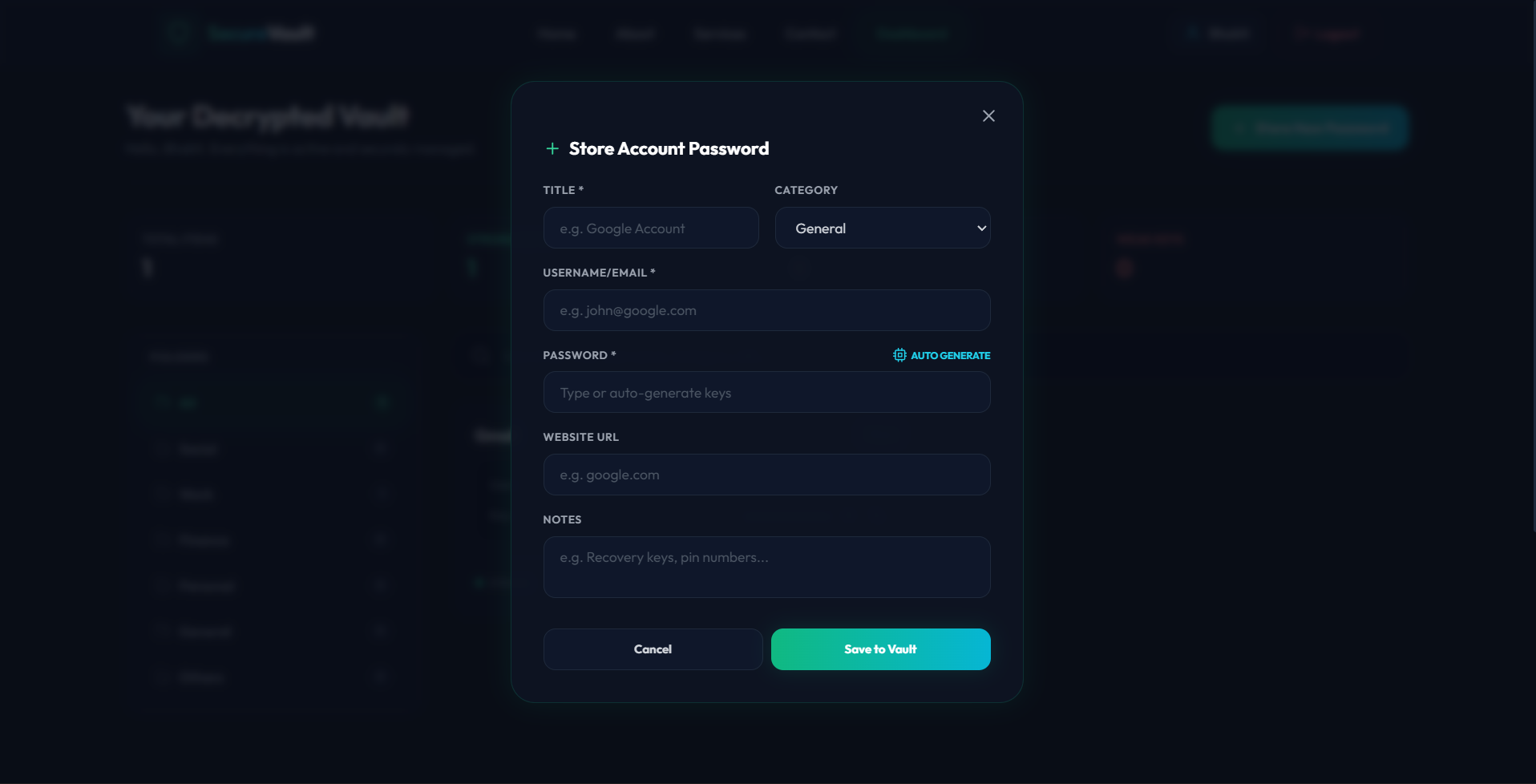
- Robust Password Generator: Built-in dynamic password generator allowing users to create highly secure passwords with adjustable length and character types (uppercase, lowercase, numbers, symbols).
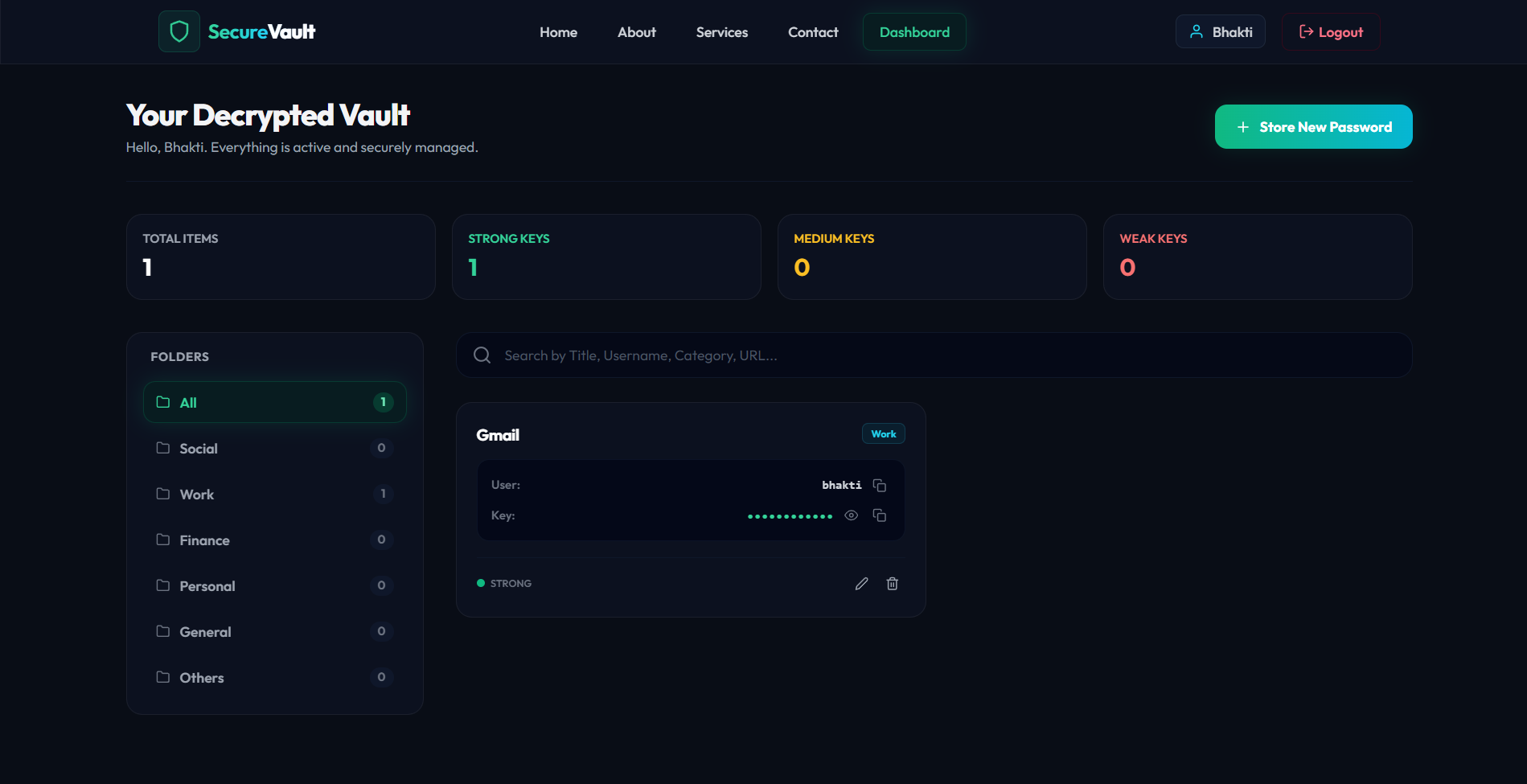
- Dynamic Categorization: Classify credentials into standard groups such as Social Media, Work, Financial, Personal, and Others for neat organization.
- Live Analytics & Statistics: Dashboards provide instant graphical/visual overviews of total stored credentials, weak vs. strong passwords, and active session health.
- Quick Copy Clipboard Utility: Copy usernames and passwords with a single click directly from the credential cards.
- Search & Filter Engine: Real-time client-side search and category filtering to retrieve credentials in milliseconds.
- Real-time Notifications: Polished, responsive user feedback alerts powered by React Hot Toast.
Functionaliy
- User Registration & Authentication: Secure enrollment for standard users and admins. Master passwords are securely hashed using bcrypt prior to database storage.
- JWT Session Protection: Protected REST API endpoints configured using custom JSON Web Token middleware ensuring secure session verification.
- Credential CRUD Management: Fully featured Create, Read, Update, and Delete operations for passwords, URLs, and notes.
- Admin Supervision Console: Admins have exclusive access to a dedicated dashboard monitoring total system users, database usage statistics, system-wide credentials, and recent login logs.
- Sensitive Data Masking: Toggle visual password visibility on and off within cards to protect against over-the-shoulder snooping.
Technology Used
- Backend:
- Node.js: Extensible runtime environment.
- Express.js: Lightweight routing and middleware framework defining modular RESTful APIs (
authRoutes,credentialRoutes,adminRoutes). - JSON Web Tokens (JWT): Token-based authentication for state-free secure connection between frontend and backend.
- bcryptjs: High-entropy salted password hashing algorithm.
- Frontend:
- React.js (Vite): Core framework used for high-performance single-page app rendering.
- React Router DOM: Client-side routing with specialized route guards (
ProtectedRoute,AdminRoute). - Tailwind CSS & PostCSS: Custom CSS utility engine driving the gorgeous modern dark-mode UI, glassmorphic panels, and glowing outlines.
- Lucide React & React Icons: Extensive vector iconography pack for modern design aesthetics.
- React Hot Toast: Interactive, lightweight, and customizable toast notification library.
- Database:
- MongoDB & Mongoose: NoSQL document database used with Mongoose ODM (Object Document Mapper) to model robust schemas (
User,Credential,Admin).
- MongoDB & Mongoose: NoSQL document database used with Mongoose ODM (Object Document Mapper) to model robust schemas (
Why This Project Is Useful
- Prevents Password Fatigue & Reuse: Eliminates the need to memorize dozens of passwords. Users only need to remember one secure master password to access all accounts.
- Mitigates Cyber Threats: Encourages users to adopt long, randomized, complex passwords generated by the secure vault rather than reusing weak, easily guessable words.
- Encrypted Security Out-of-the-box: Passwords are never stored in raw text format, which dramatically reduces the risk of password compromise during a server breach.
- Boosts Productivity: Eliminates the friction of password resets and searching through handwritten notebooks by keeping everything searchable and copiable in one place.
- Role Separation: Ideal for team or institutional deployment where system administrators require centralized system statistics, audit controls, and overview capabilities without directly violating individual user privacy.
Deployment and Environment Setup
- Environment Variables Setup:
- backend/.env
- PORT: 3000
- MONGO_URI: mongodb_url_string
- JWT_SECRET: your_jwt_secret_key_here (if needed)
- frontend/.env
- VITE_API_URL: backend_url
- backend/.env
- Deployment Overview:
- Render or Railway for backend hosting
- Vercel or Netlify for frontend hosting
- MongoDB Atlas for the database
- Backend Deployment:
- Push your code to GitHub.
- Go to Render.com or Railway.app.
- Create a new Web Service and connect your GitHub repository.
- Choose “backend/” as the root directory.
- Add the following environment variables on Render:
- PORT=10000
- MONGO_URI=your MongoDB Atlas URI
- JWT_SECRET=your JWT secret
- Start command: npm start (Ensure your backend/package.json includes “start”: “node server.js”)
- After deployment, note your backend URL, e.g. https://your-backend-name.onrender.com
- Frontend Deployment:
- Go to Vercel.com or Netlify.com.
- Create a new project and connect the GitHub repo.
- Select the “frontend/” folder as root.
- In environment variables, set:
- VITE_API_URL=https://your-backend-domain.com/api (or REACT_APP_API_URL if using CRA)
- Deploy.
- MongoDB Atlas Setup:
- Go to https://cloud.mongodb.com
- Create a free cluster.
- Add your current IP address in Network Access.
- Create a database user and password.
- Copy the connection string and replace username, password, and database name in MONGO_URI in backend/.env
Download Source Code
Project Setup Instructions
Note: This project is for educational purposes only. Not for commercial sale.