Project Overview
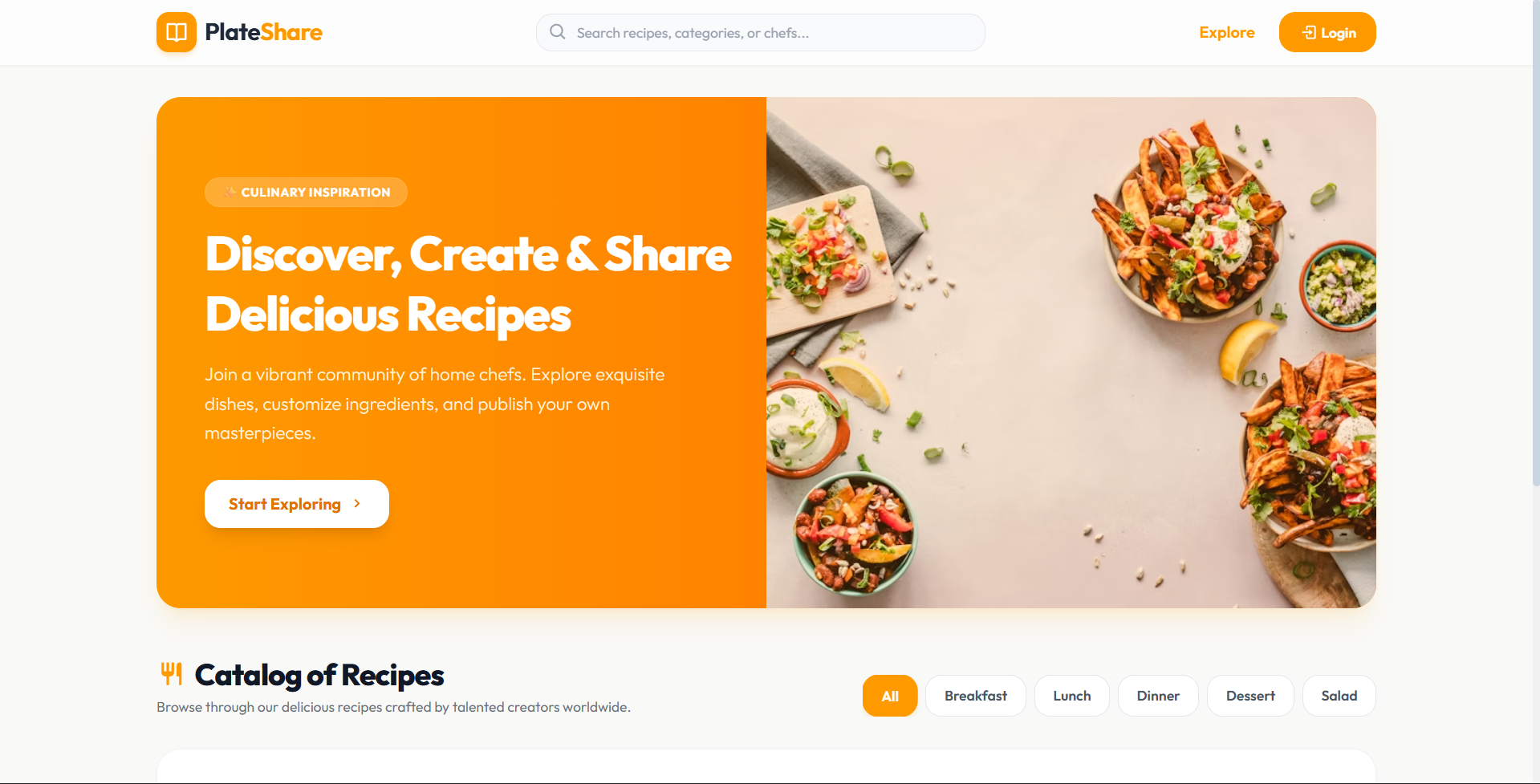
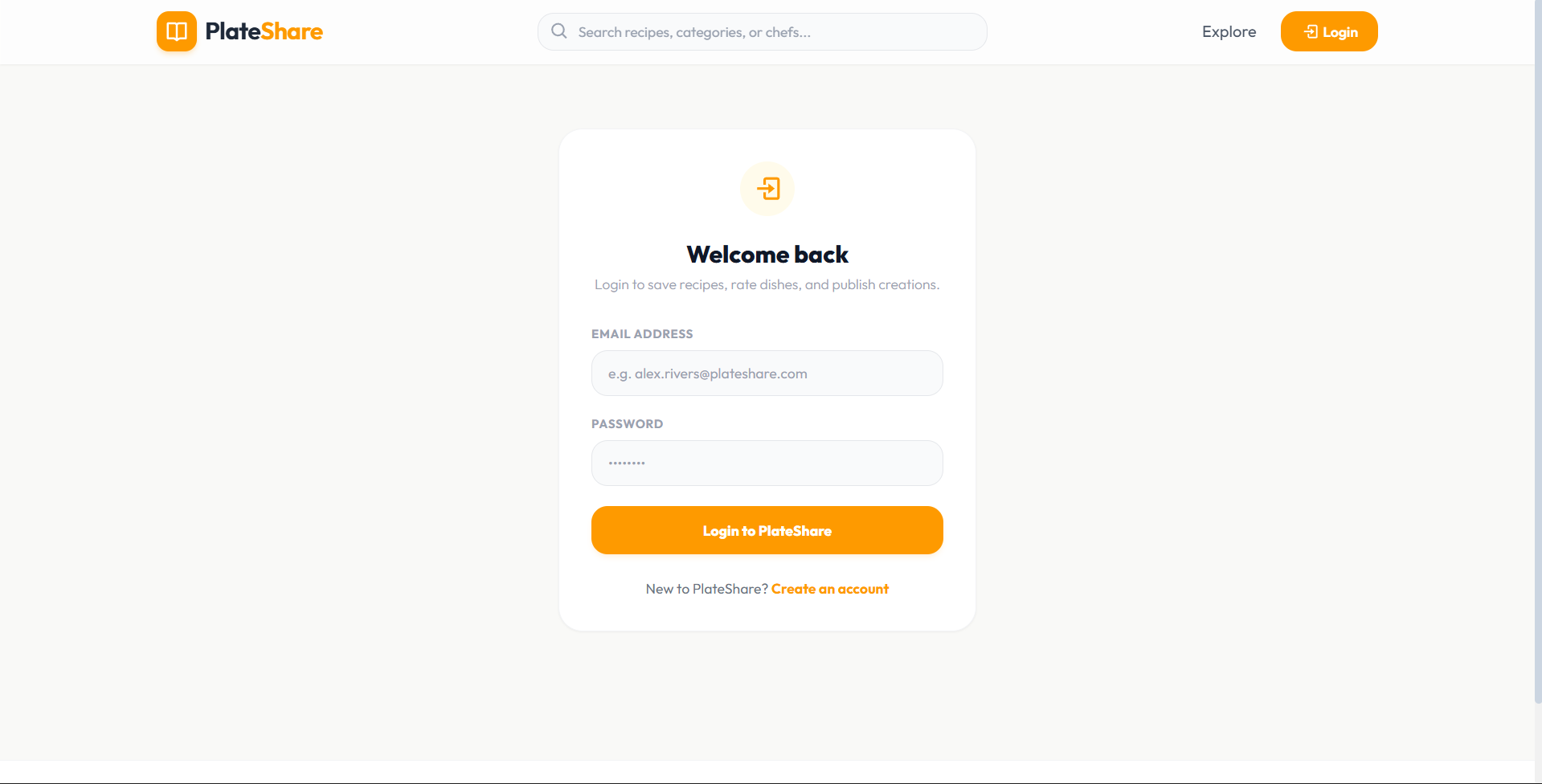
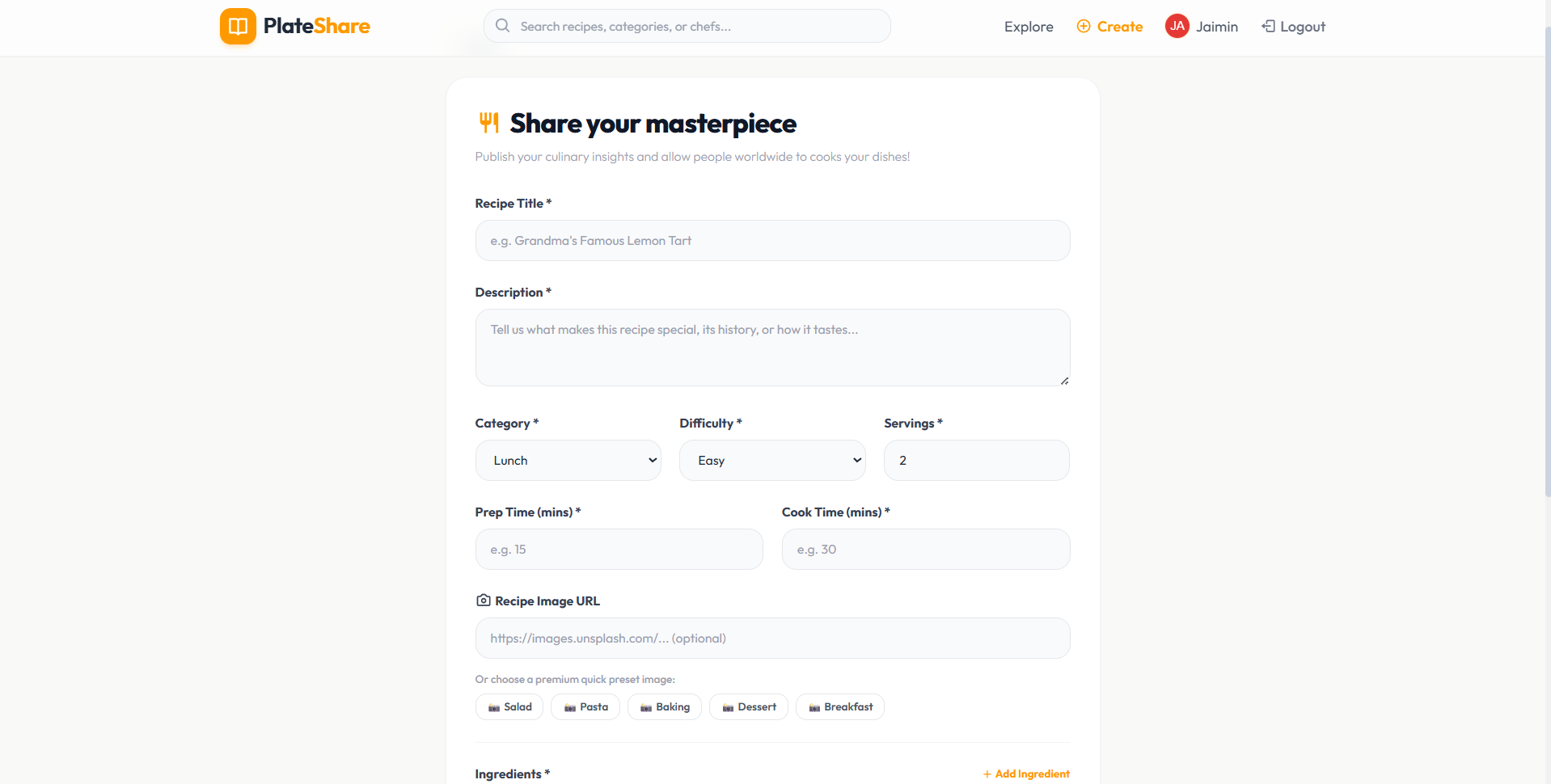
PlateShare is a state-of-the-art, responsive, and visually stunning MERN stack web application built for culinary enthusiasts to discover, save, and share delicious recipes. It connects home cooks worldwide, transforming cooking into an interactive, structured, and social experience.
Designed with modern UI/UX aesthetics in a tailored light theme, PlateShare combines local filesystem file storage (via Multer), dynamic cooking checklists, interactive review threads, and a secure administration control panel to offer a premium platform.
Screenshots
Key Features
- Dynamic Cooking Assistant
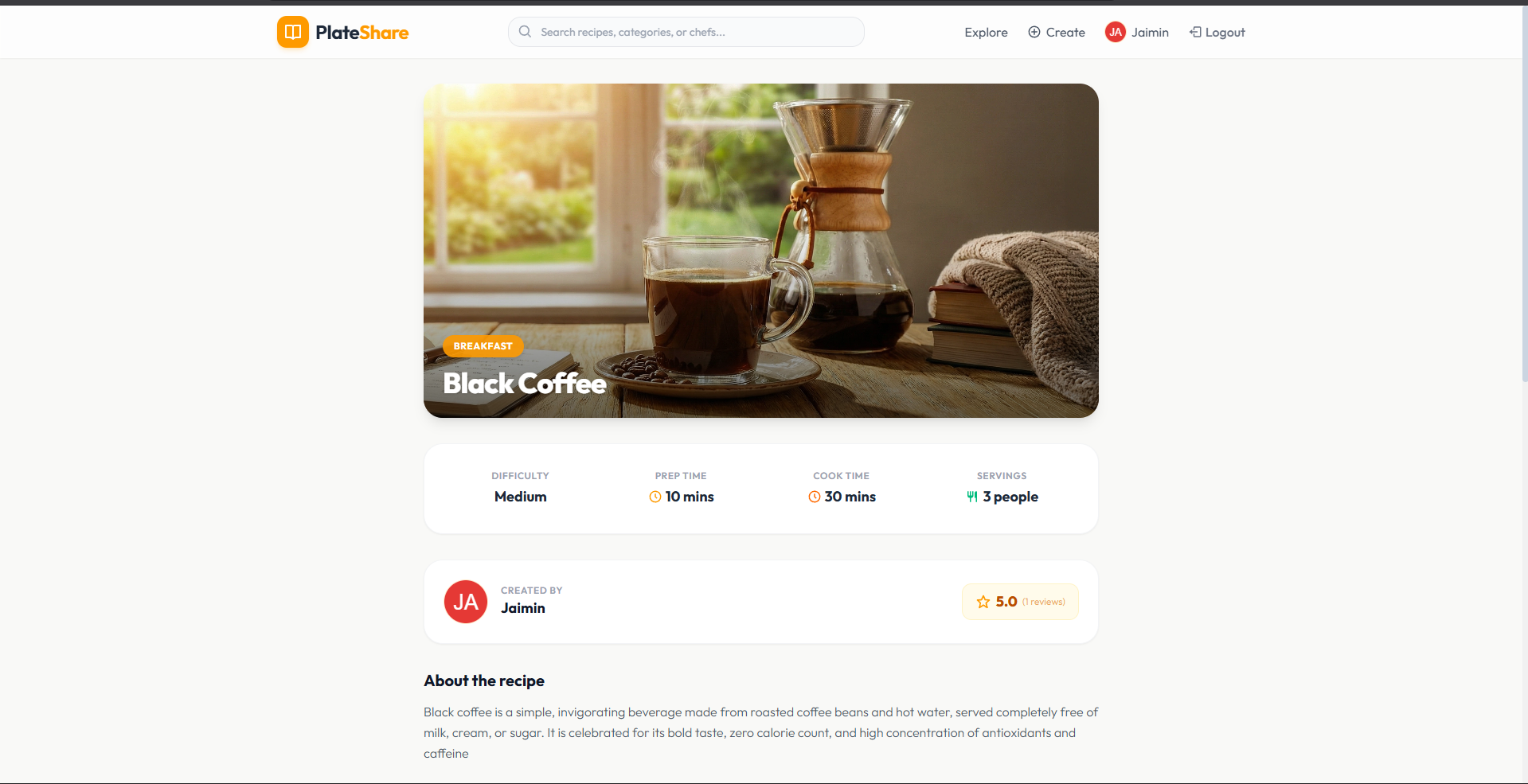
- Interactive Ingredients Checklists: Home chefs can tap or click ingredients on the details view to check/strike them off as they prep, keeping the kitchen counter organized.
- Interactive Cook Instructions: Tracks step-by-step cooking progress using checkable circles to prevent losing place between mixing and baking.
- Smart Recipe Discovery & Curation
- Live Search Engine: Dynamic real-time filter searching recipes by Title, Category, Description, or Chef name.
- Category Tabs: Instant, styled sorting tabs (Breakfast, Lunch, Dinner, Dessert, Salad) to quickly find the perfect meal.
- Personalized Bookmarks: One-click bookmark toggle to save recipes to a personal favorites folder.
- Foodie Dashboards
- Chef Profile: Dynamic user profile displaying created recipe stats, saved collections count, and an inline-editable bio description.
- Discussion Forums: Nested community comment threads and 1-to-5 star rating aggregates to gather culinary feedback.
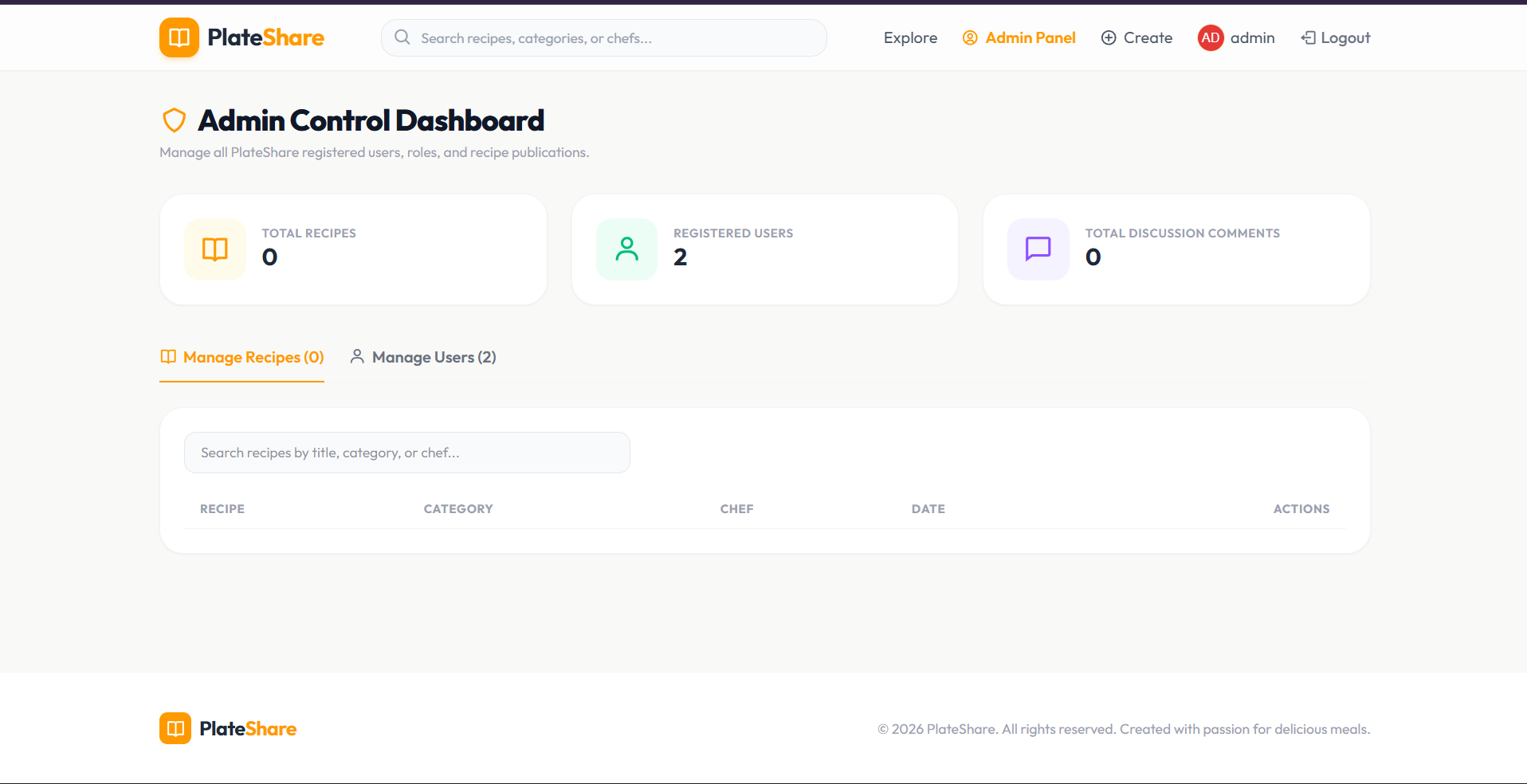
- Admin Control Center (
/admin)- Core Analytics: Quick dashboard metrics tracking total uploaded recipes, registered users, and discussion comments.
- User Manager: Full directory list supporting user deletions and administrator privilege swaps (
admin<->user). - Recipe Manager: Central catalog table supporting instant recipe deletions to preserve quality control.
Functionality
- Authentication & Admin Registration Guard
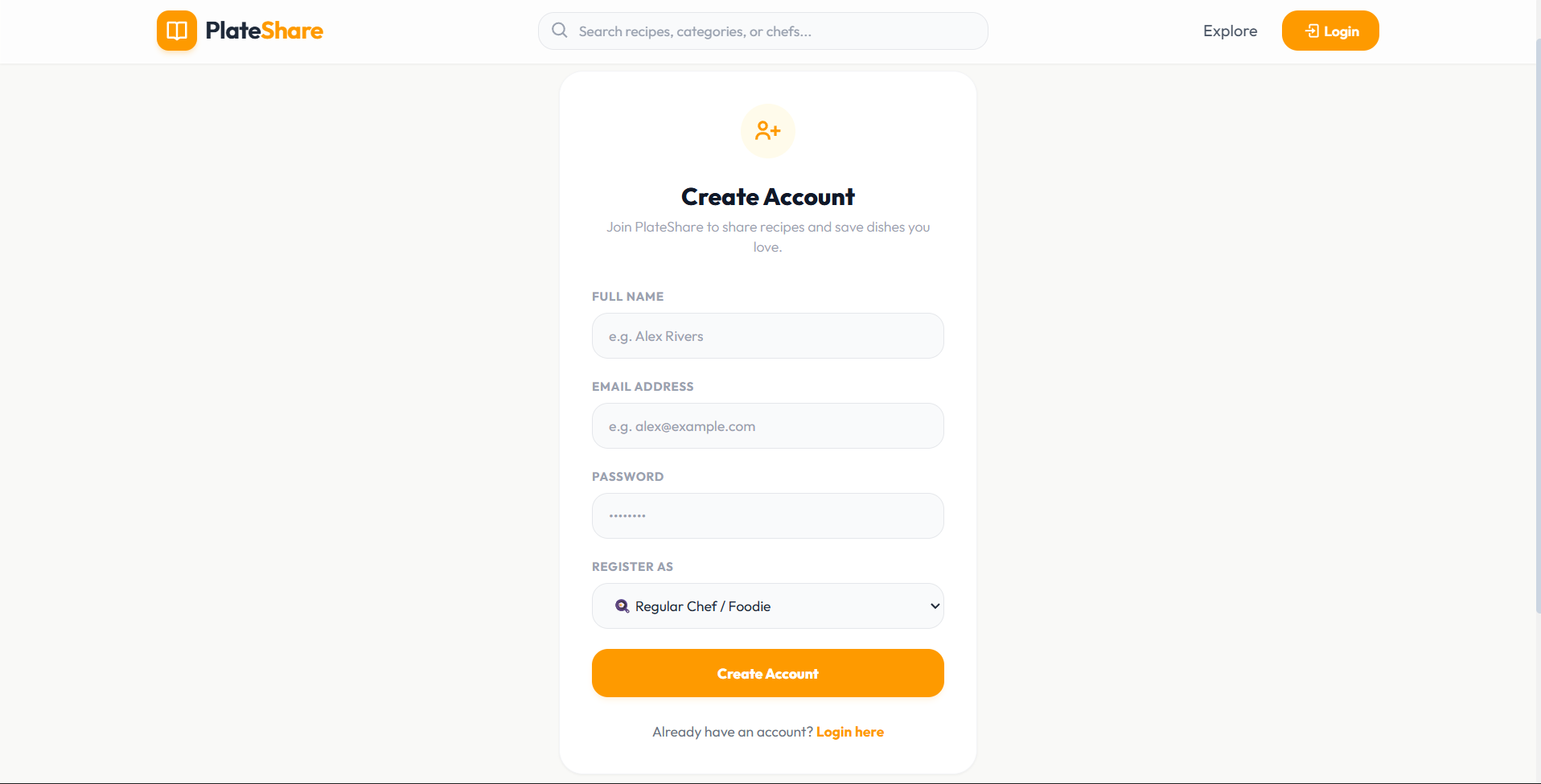
- JWT Hashing: Registers and logs users in using password encryption (bcryptjs) and session token validation (jsonwebtoken).
- One-Time Administrator Rule: Ensures platform integrity. An administrator account can be created exactly once. Any subsequent attempts to register a user with the role
"admin"are blocked by the backend, raising the warning “Admin already exists”.
- Multipart Image Uploads
- Uses Multer to parse incoming recipe cover images, saving them uniquely in a local filesystem folder (
/uploads) and generating full URL links dynamically.
- Uses Multer to parse incoming recipe cover images, saving them uniquely in a local filesystem folder (
Technology Used
- Frontend:
- Vite + React.js: Lightweight, high-performance compilation and virtual DOM rendering.
- TailwindCSS (v4): Tailored, modern responsive utilities, glassmorphism filters, and smooth card transition triggers.
- React Icons (Bi/Pi): Highly cohesive, professional icon systems.
- React Hot Toast: Fluid, beautiful micro-notification alerts for feedback.
- React Router DOM: Client-side single-page routing without page reloads.
- Backend:
- Node.js & Express.js: Asynchronous API server architecture.
- MongoDB & Mongoose: NoSQL document store with strict schema definitions, hooks, and relationships.
- jsonwebtoken (JWT): Secure stateless authorization headers.
- bcryptjs: One-way salt hashing for passwords.
- Multer: Multi-part form stream parser for recipe cover images.
Why This Project Is Useful
- Structured Learning & Preparation: Standard cooking sites display long static lists that are easy to lose track of. PlateShare’s interactive checklists turn reading a recipe into an interactive, checkable list, decreasing errors in the kitchen.
- Platform Moderation & Quality Control: The built-in secure Admin Panel provides administrators with instant tools to regulate recipe publications and manage user privileges, maintaining a high-quality community space.
- Optimized for Portfolios & Scale: It represents a production-ready template of a full MERN architecture, incorporating local filesystem file upload management, relational mapping databases, custom password hashing hooks, and JWT auth guards.
Deployment and Environment Setup
- Environment Variables Setup:
- backend/.env
- PORT: 3000
- MONGO_URI: mongodb_url_string
- JWT_SECRET: your_jwt_secret_key_here (if needed)
- frontend/.env
- VITE_API_URL: backend_url
- backend/.env
- Deployment Overview:
- Render or Railway for backend hosting
- Vercel or Netlify for frontend hosting
- MongoDB Atlas for the database
- Backend Deployment:
- Push your code to GitHub.
- Go to Render.com or Railway.app.
- Create a new Web Service and connect your GitHub repository.
- Choose “backend/” as the root directory.
- Add the following environment variables on Render:
- PORT=10000
- MONGO_URI=your MongoDB Atlas URI
- JWT_SECRET=your JWT secret
- Start command: npm start (Ensure your backend/package.json includes “start”: “node server.js”)
- After deployment, note your backend URL, e.g. https://your-backend-name.onrender.com
- Frontend Deployment:
- Go to Vercel.com or Netlify.com.
- Create a new project and connect the GitHub repo.
- Select the “frontend/” folder as root.
- In environment variables, set:
- VITE_API_URL=https://your-backend-domain.com/api (or REACT_APP_API_URL if using CRA)
- Deploy.
- MongoDB Atlas Setup:
- Go to https://cloud.mongodb.com
- Create a free cluster.
- Add your current IP address in Network Access.
- Create a database user and password.
- Copy the connection string and replace username, password, and database name in MONGO_URI in backend/.env
Download Source Code
Project Setup Instructions
Note: This project is for educational purposes only. Not for commercial sale.