
Project Overview
WordSearch Quest is a modern full-stack educational gaming platform built using the MERN Stack – MongoDB, Express.js, React, and Node.js.
The application transforms the traditional word search puzzle into a highly interactive and gamified learning experience. It combines modern UI themes, real-time gameplay mechanics, spell-based power-ups, leaderboards, daily challenges, and custom puzzle creation tools.
The platform is designed to improve vocabulary, pattern recognition, and cognitive skills while providing a competitive multiplayer-style experience with responsive gameplay across all devices.
Screenshots
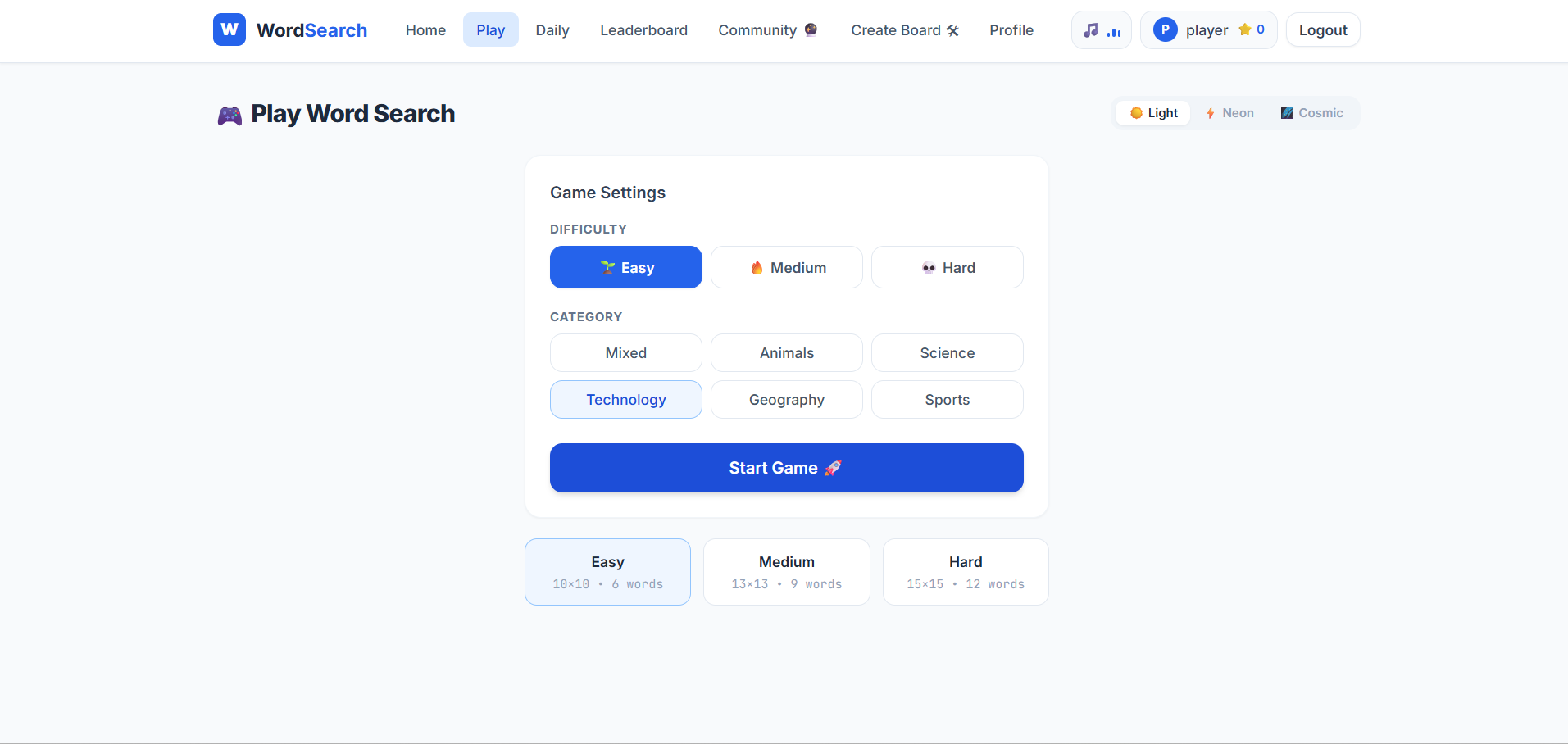
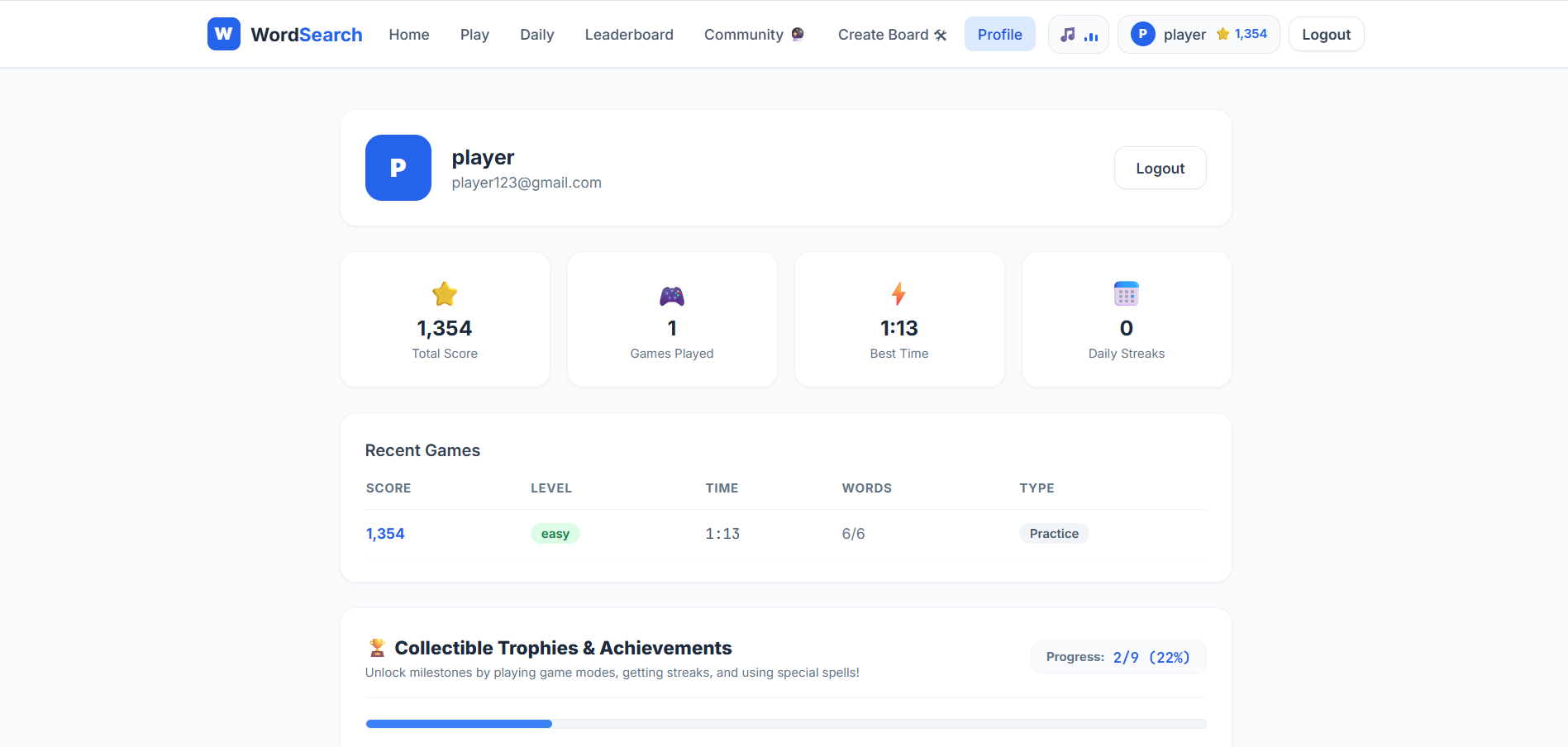
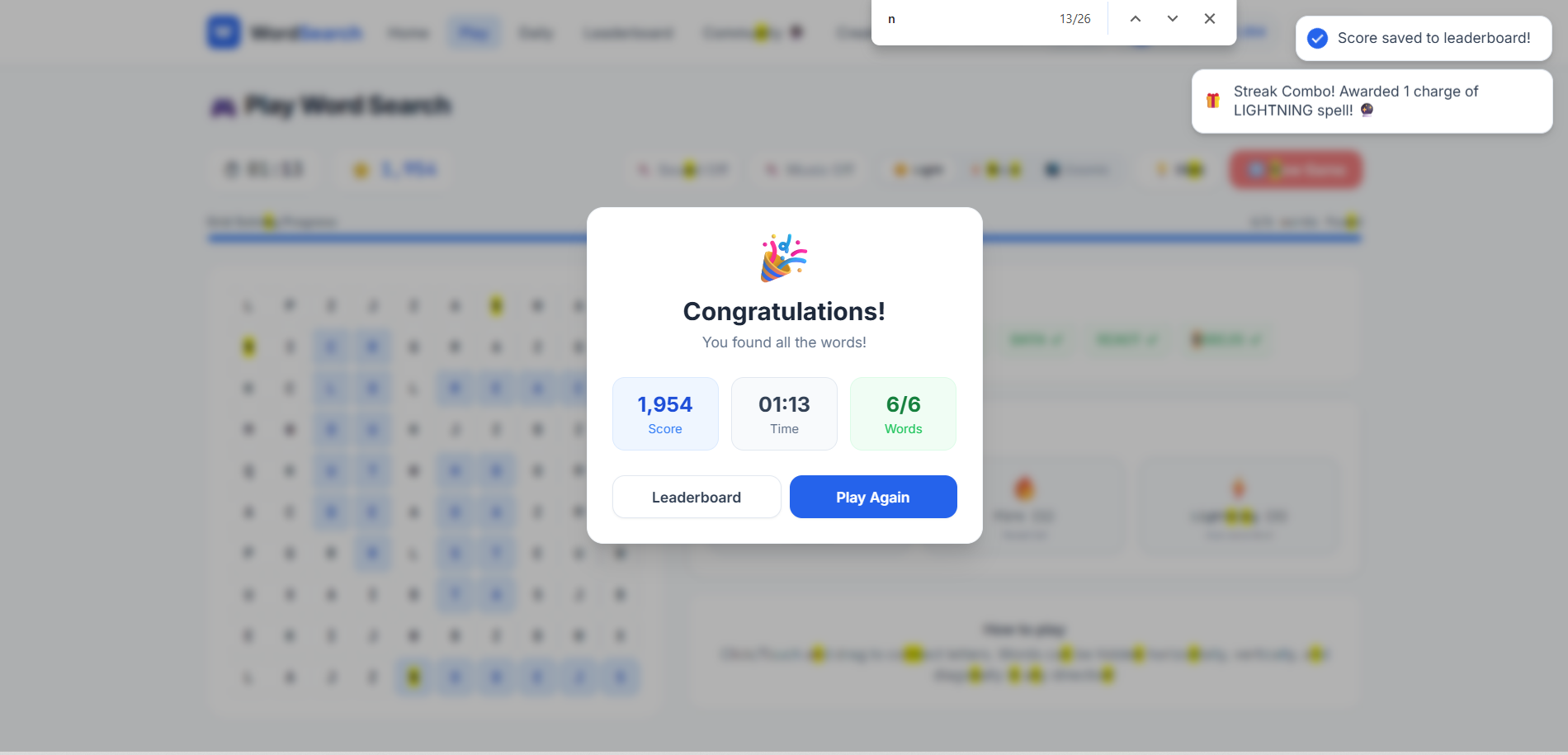
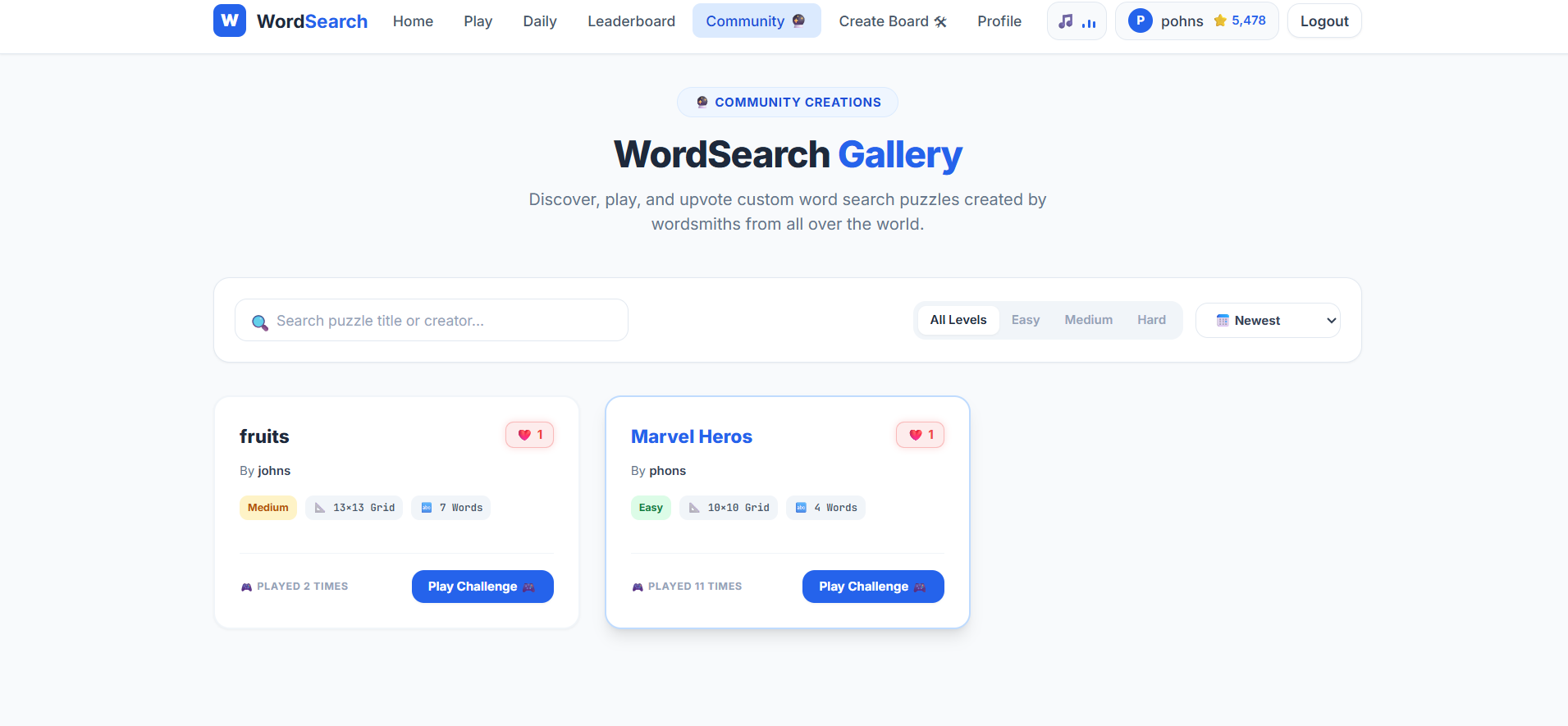
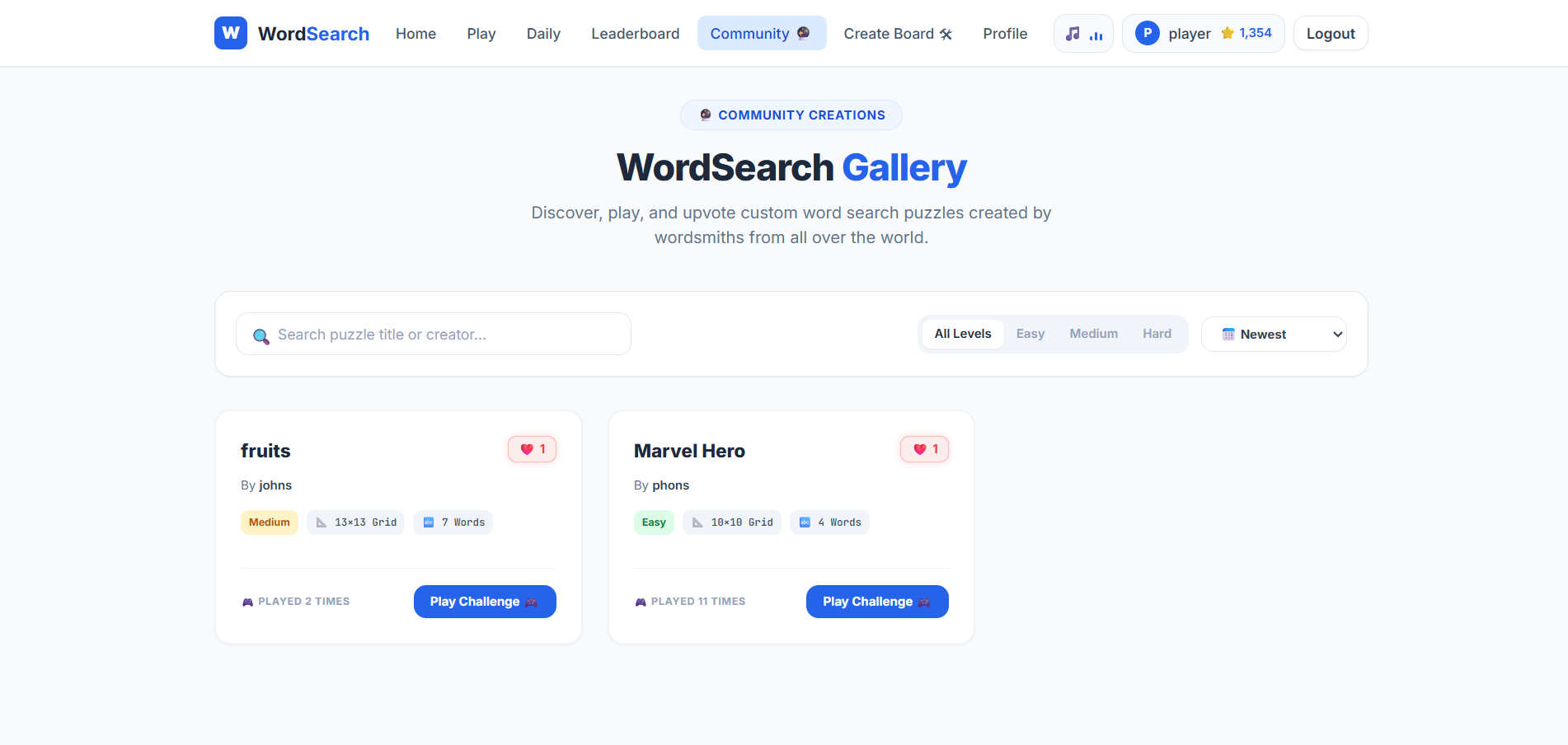
Key Features
- Dynamic Theme Engine
- Multiple UI themes including:
- Classic Light Mode
- Cyberpunk Neon Mode
- Cosmic Nebula Mode
- Smooth transitions and responsive layouts
- Dynamic Audio System
- Uses the Web Audio API for synthesized:
- Background music
- Sound effects
- No large audio file dependency
- Independent controls for music and effects
- Spellbook Power-Ups
- Includes special gameplay abilities:
- Frost Spell:
- Freezes timer temporarily
- Fire Spell:
- Reveals starting position of a hidden word
- Lightning Spell:
- Automatically solves a random word and gives bonus points
- Combo Match Streaks
- Tracks consecutive successful word matches
- Rewards fast solving speed
- Combo streak bonuses unlock additional spell charges
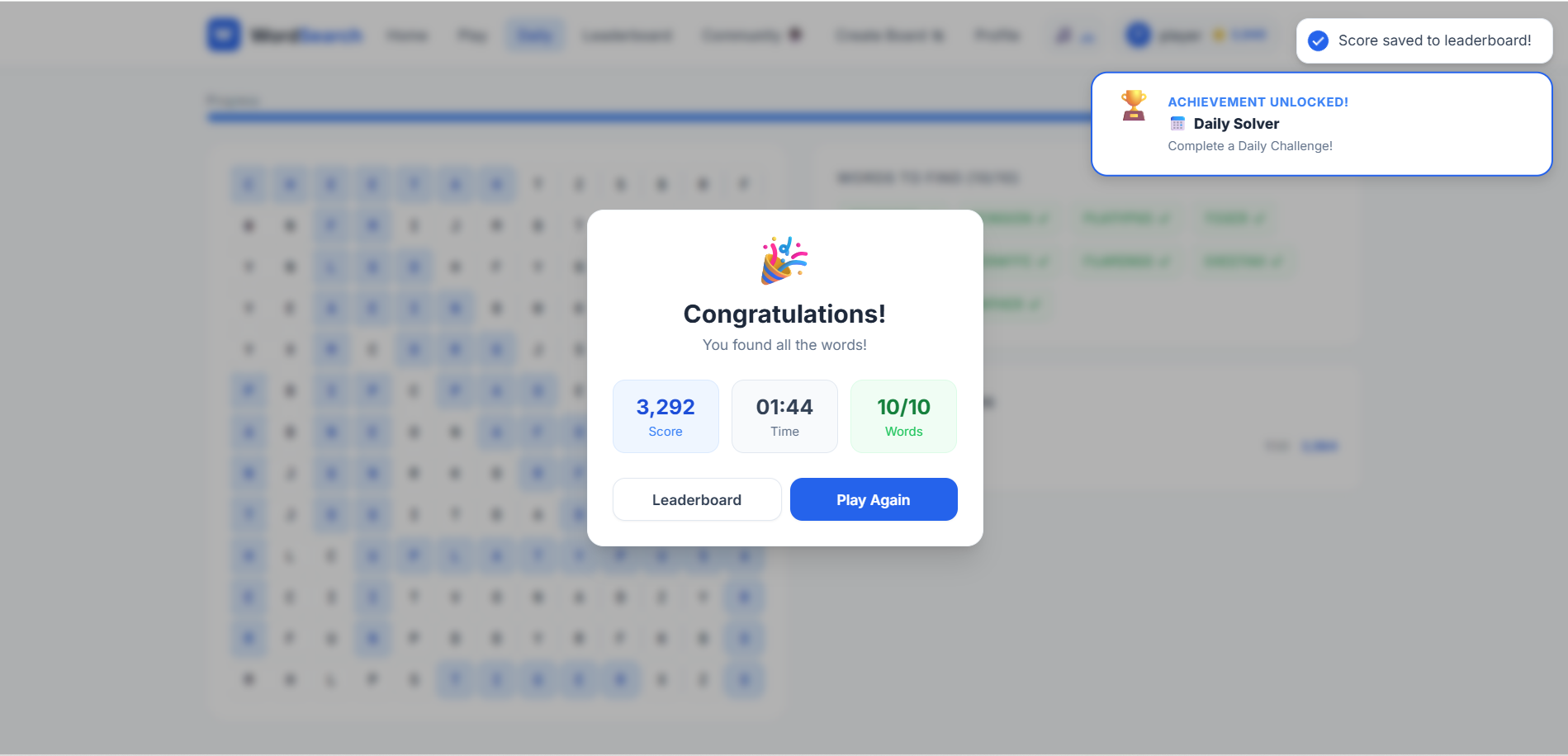
- Daily Challenge System
- Generates one synchronized puzzle globally each day
- Prevents duplicate challenge attempts using secure backend validation
- Supports multi-user systems securely
- Community Puzzle Maker
- Users can create custom word search puzzles
- Shareable puzzle links for classrooms and friends
- Puzzle editing restricted to board owners only
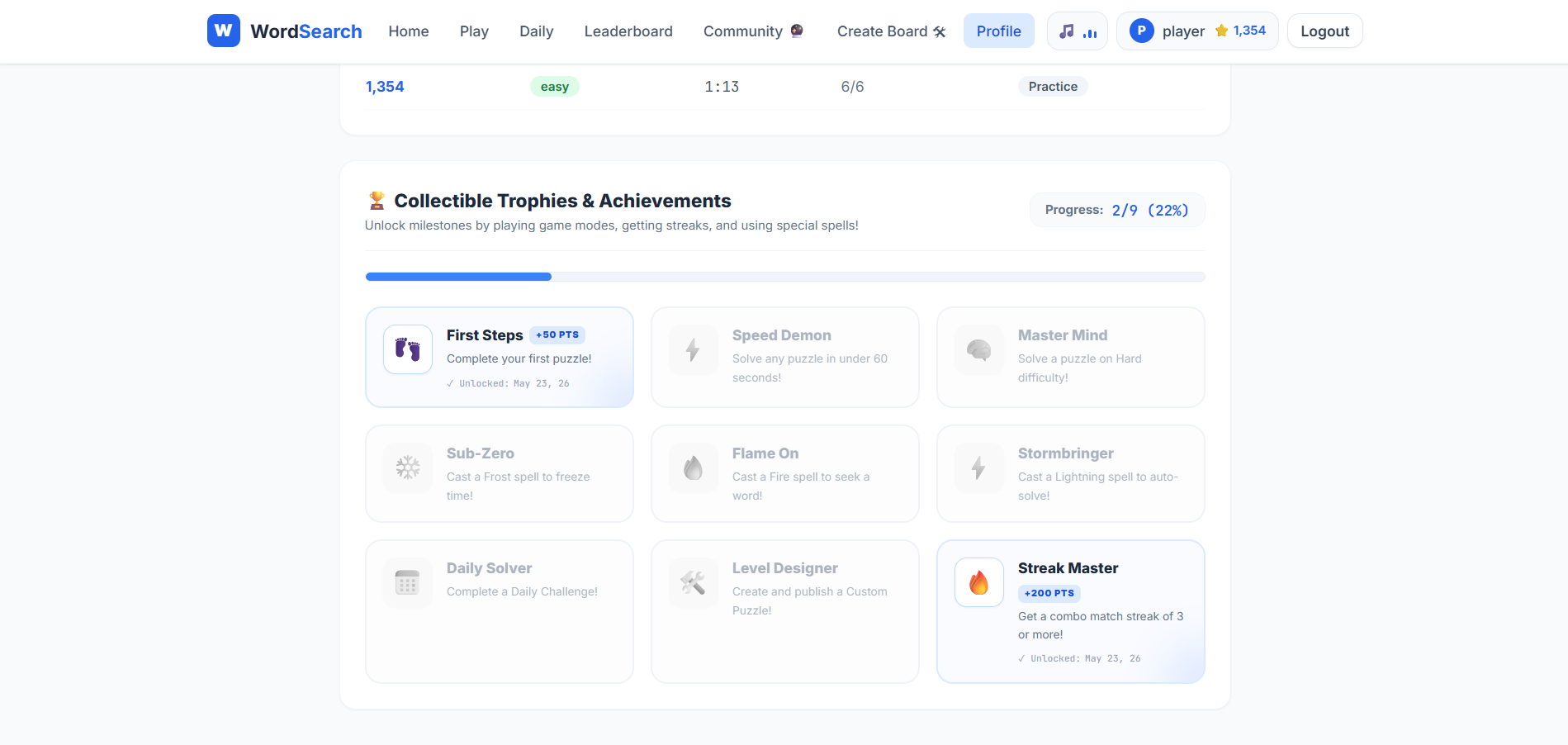
- Achievements & Trophies
- Unlockable achievements based on:
- Game completion
- Timer milestones
- Spell usage
- Puzzle creation
- Real-time animated notifications and celebration sounds
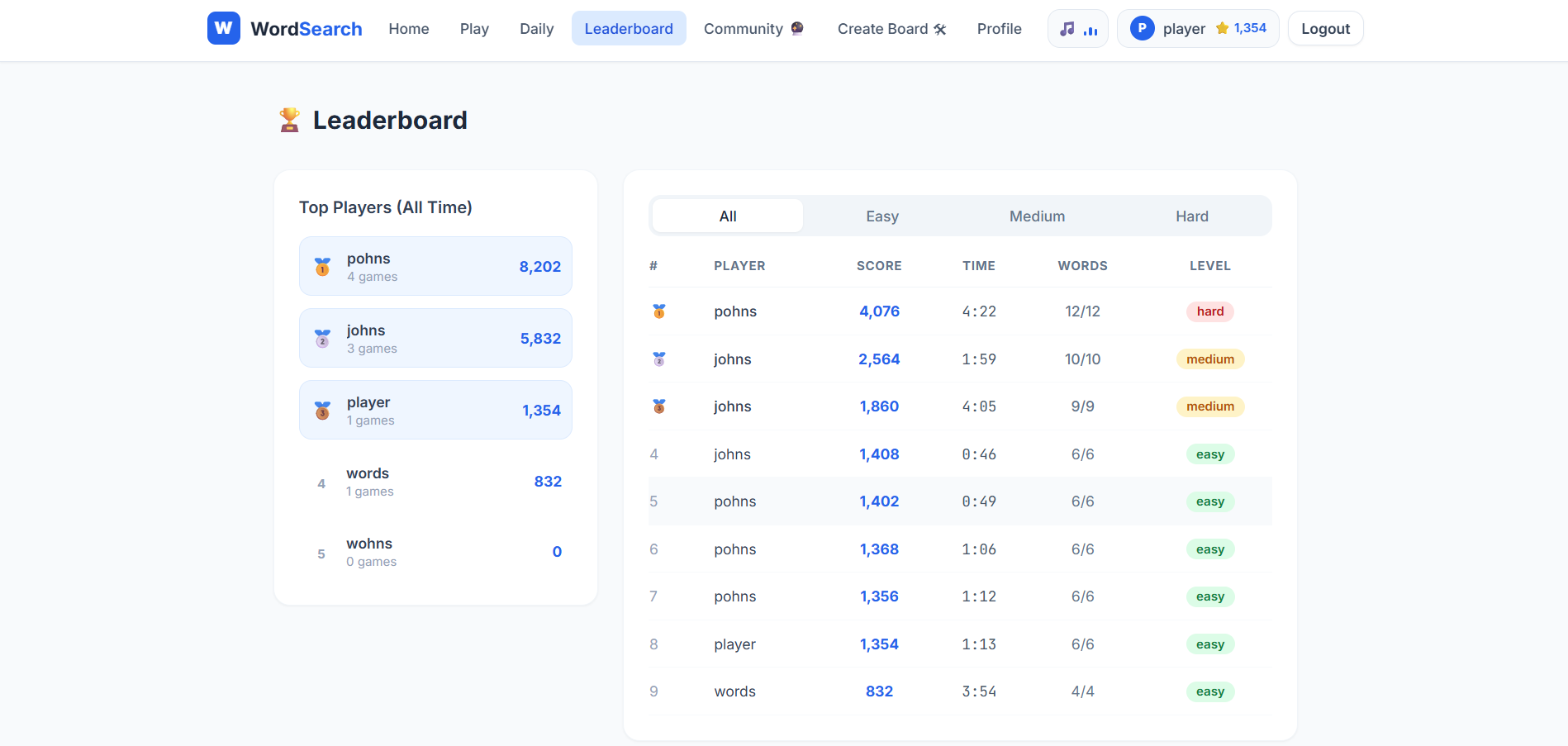
- Leaderboards & Statistics
- Global leaderboard system
- Tracks:
- Scores
- Best solve times
- Games played
- Achievement progress
- Personalized profile dashboard
Functionaliy
- User Access
- Users can:
- Register securely
- Log in
- Play as guests
- JWT tokens handle secure sessions
- Puzzle Generation
- Backend dynamically generates puzzles based on difficulty:
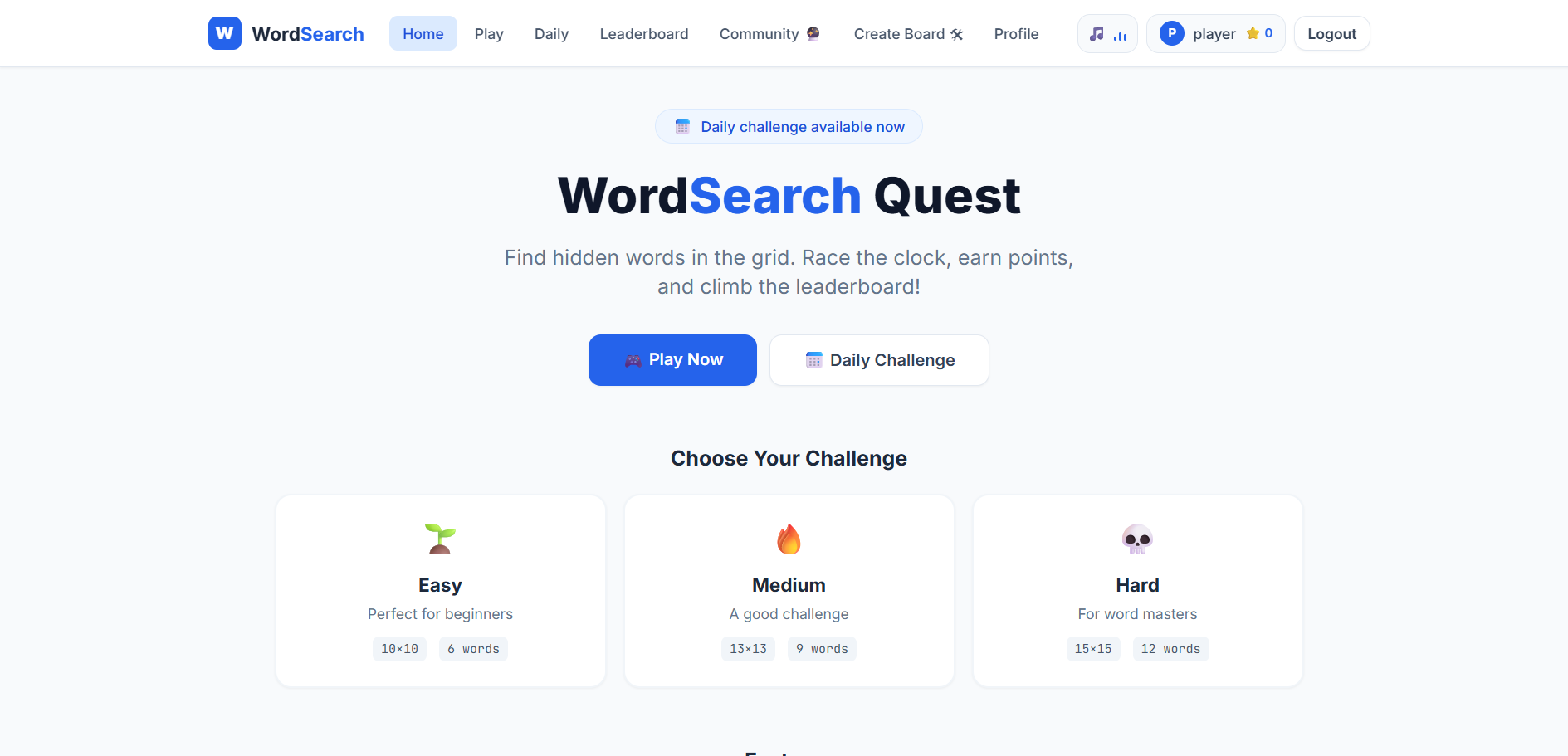
- Easy → 10×10 grid
- Medium → 13×13 grid
- Hard → 15×15 grid
- Hard mode supports:
- Diagonal words
- Reverse word placement
- Gameplay Mechanics
- Players drag across letters to select words
- Correct selections:
- Highlight words
- Trigger sound effects
- Increase combo streaks
- Spell power-ups can be activated during gameplay
- Daily Challenge & Multiplayer Logic
- One daily challenge puzzle is shared globally
- Backend validates attempts to avoid duplicate completions
- Scores update in real time on leaderboards
- Community Puzzle Management
- Users create and publish custom puzzles
- Puzzle data is stored securely in MongoDB
- Only puzzle owners can modify their boards
- Data Synchronization
- After game completion:
- Scores are verified
- Statistics are updated
- Leaderboards refresh automatically
- Achievement progress is saved to user profiles
Technology Used
- Frontend
- React
- Zustand
- Tailwind CSS
- React Router 6
- Web Audio API
- Backend
- Node.js
- Express.js
- Database
- MongoDB
- Mongoose
- Authentication & Security
- JWT Authentication
- bcrypt.js
Why This Project Is Useful
- This project combines education, gaming, and full-stack development into a single platform. It helps users improve:
- Vocabulary recall
- Pattern recognition
- Visual processing speed
- Cognitive problem-solving skills
- It is also useful for:
- Teachers creating educational puzzles
- Students practicing vocabulary interactively
- Developers learning advanced MERN stack architecture
- The project demonstrates:
- Real-time game mechanics
- Secure authentication
- Complex state management
- Database-driven leaderboard systems
- Performance optimization using lightweight audio generation
Deployment and Environment Setup
- Environment Variables Setup:
- backend/.env
- PORT: 3000
- MONGO_URI: mongodb_url_string
- JWT_SECRET: your_jwt_secret_key_here (if needed)
- frontend/.env
- VITE_API_URL: backend_url
- backend/.env
- Deployment Overview:
- Render or Railway for backend hosting
- Vercel or Netlify for frontend hosting
- MongoDB Atlas for the database
- Backend Deployment:
- Push your code to GitHub.
- Go to Render.com or Railway.app.
- Create a new Web Service and connect your GitHub repository.
- Choose “backend/” as the root directory.
- Add the following environment variables on Render:
- PORT=10000
- MONGO_URI=your MongoDB Atlas URI
- JWT_SECRET=your JWT secret
- Start command: npm start (Ensure your backend/package.json includes “start”: “node server.js”)
- After deployment, note your backend URL, e.g. https://your-backend-name.onrender.com
- Frontend Deployment:
- Go to Vercel.com or Netlify.com.
- Create a new project and connect the GitHub repo.
- Select the “frontend/” folder as root.
- In environment variables, set:
- VITE_API_URL=https://your-backend-domain.com/api (or REACT_APP_API_URL if using CRA)
- Deploy.
- MongoDB Atlas Setup:
- Go to https://cloud.mongodb.com
- Create a free cluster.
- Add your current IP address in Network Access.
- Create a database user and password.
- Copy the connection string and replace username, password, and database name in MONGO_URI in backend/.env
Download Source Code
Project Setup Instructions
Note: This project is for educational purposes only. Not for commercial sale.


