
Project Overview
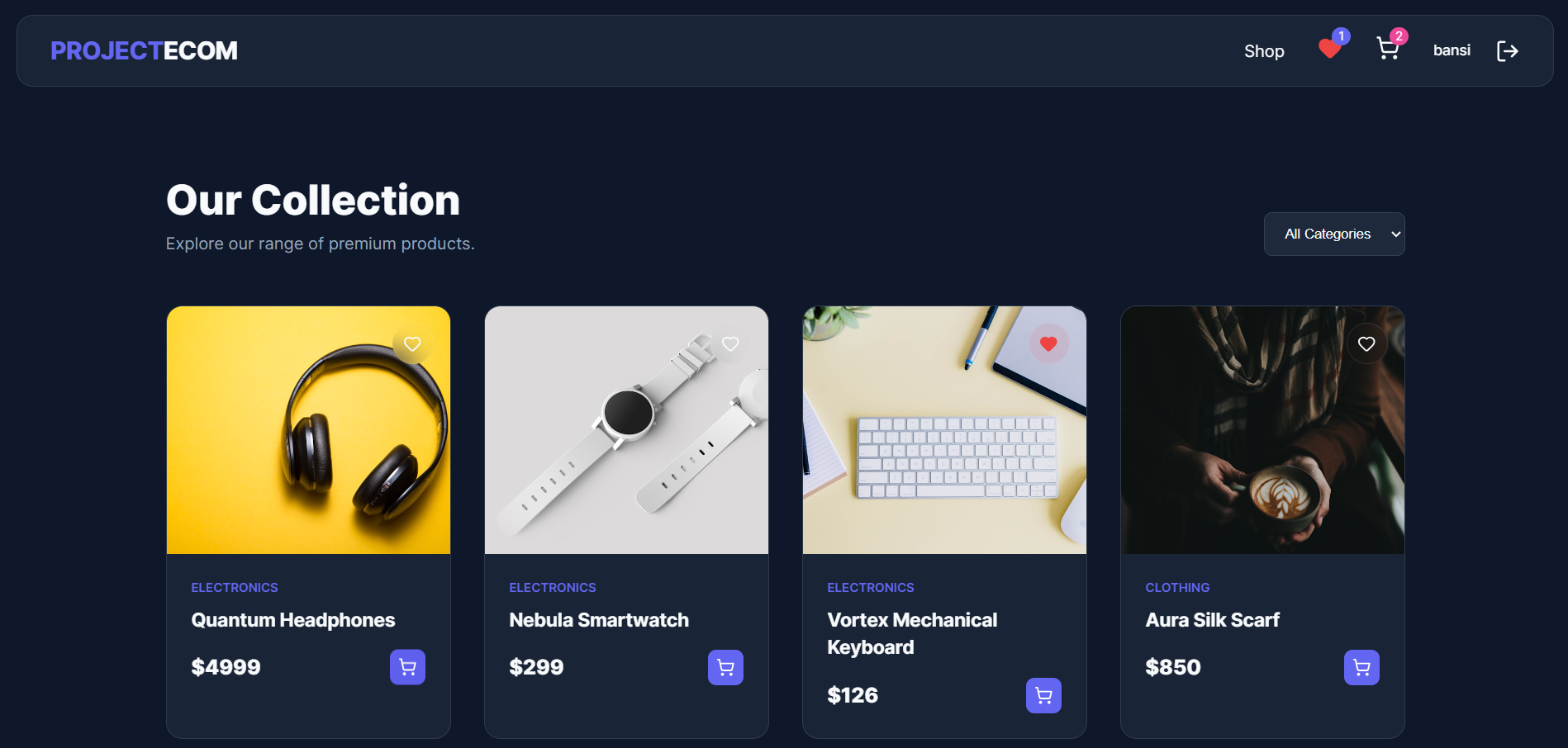
This project is a full-stack E-commerce website built using the MERN stack — MongoDB, Express.js, React, and Node.js. It allows users to browse products, view details, and perform actions like adding items to the cart. The project includes both frontend (React) and backend (API + database), making it a complete real-world application.
Screenshots
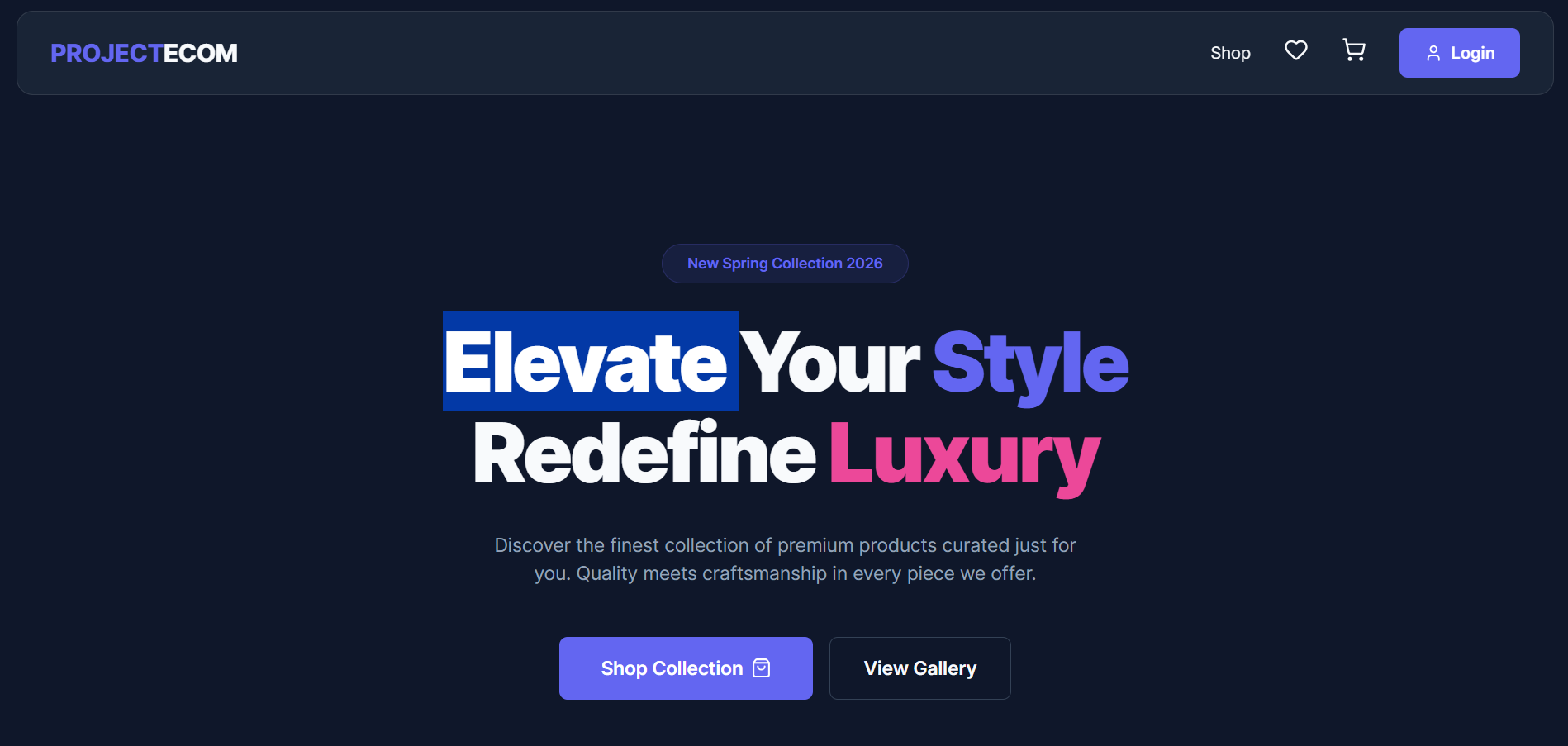
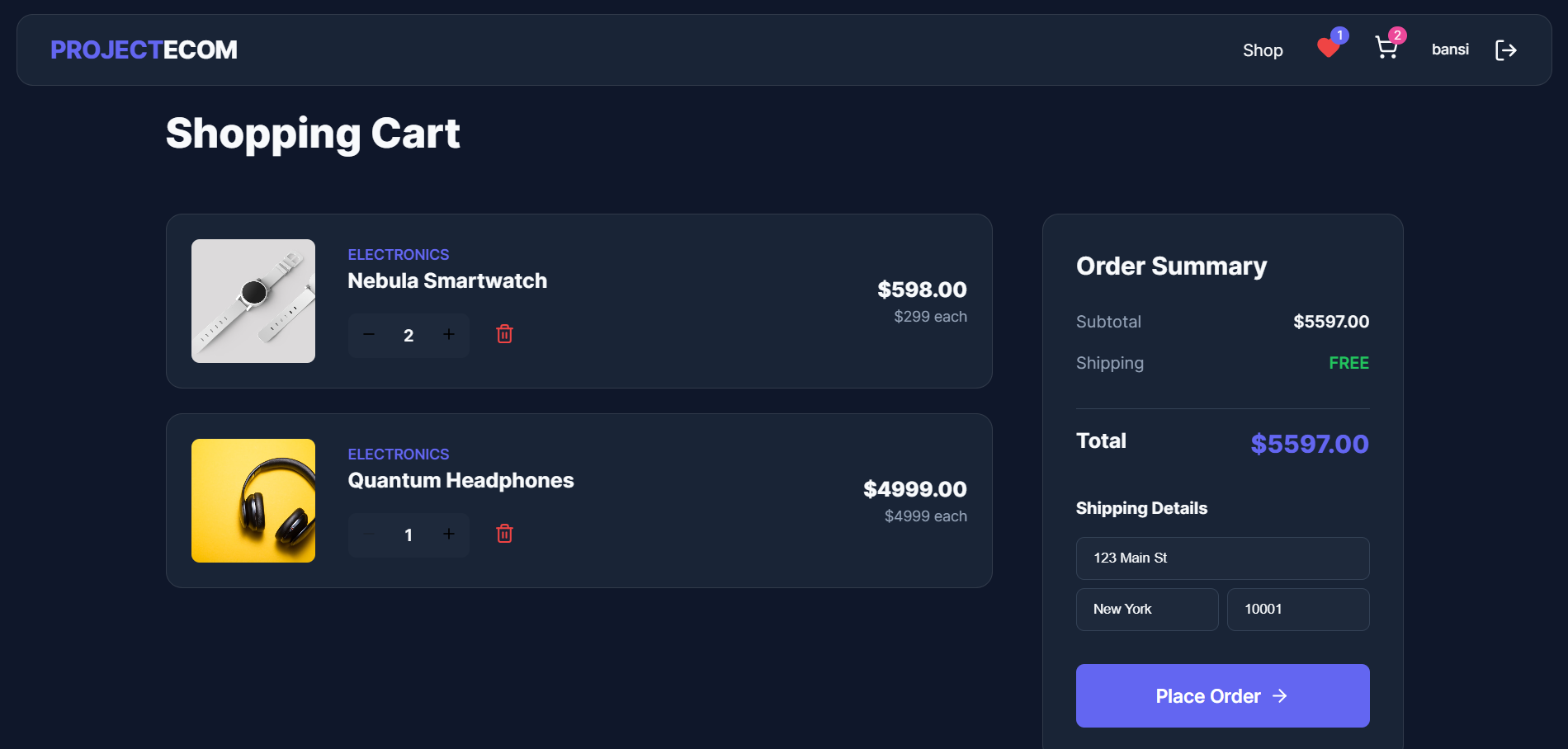
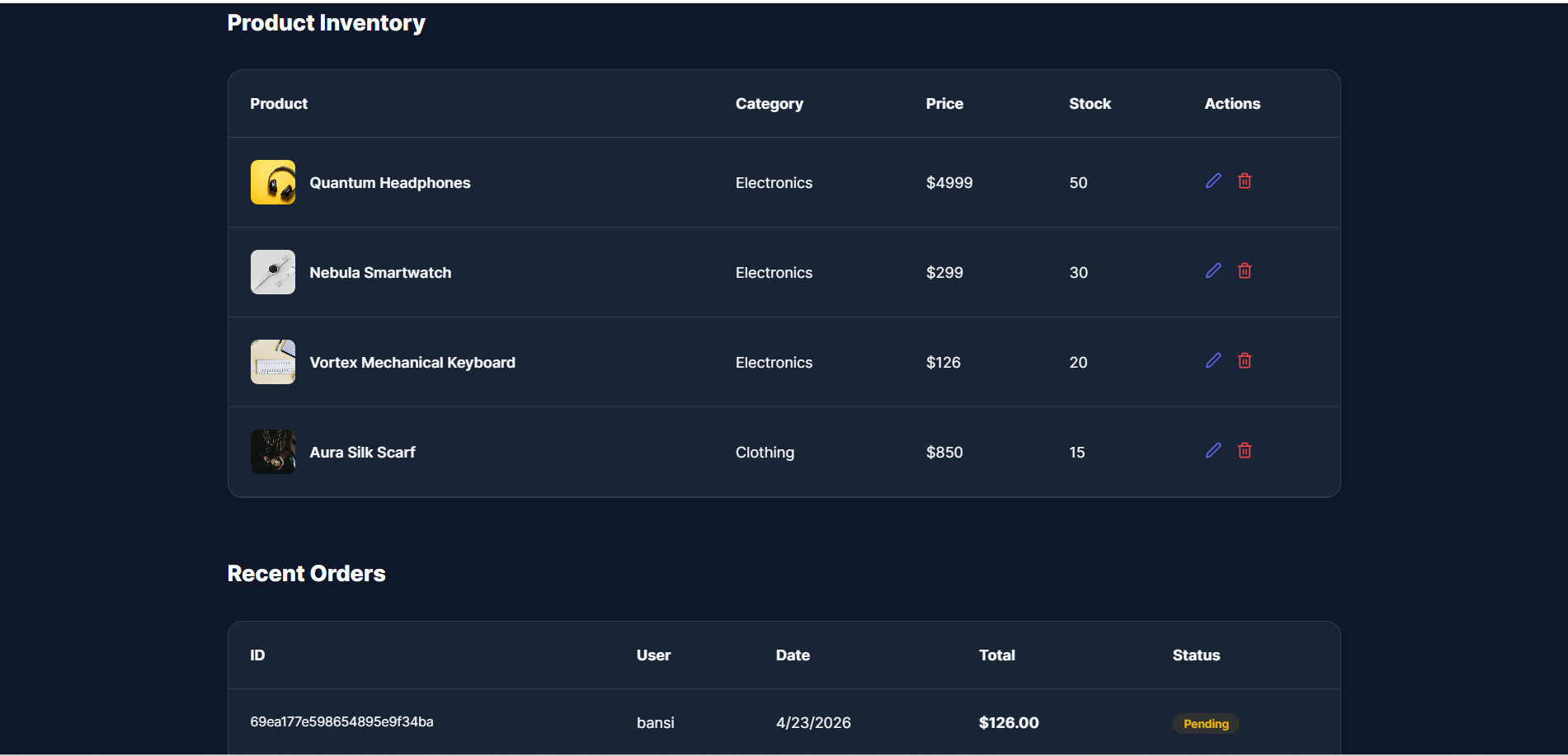
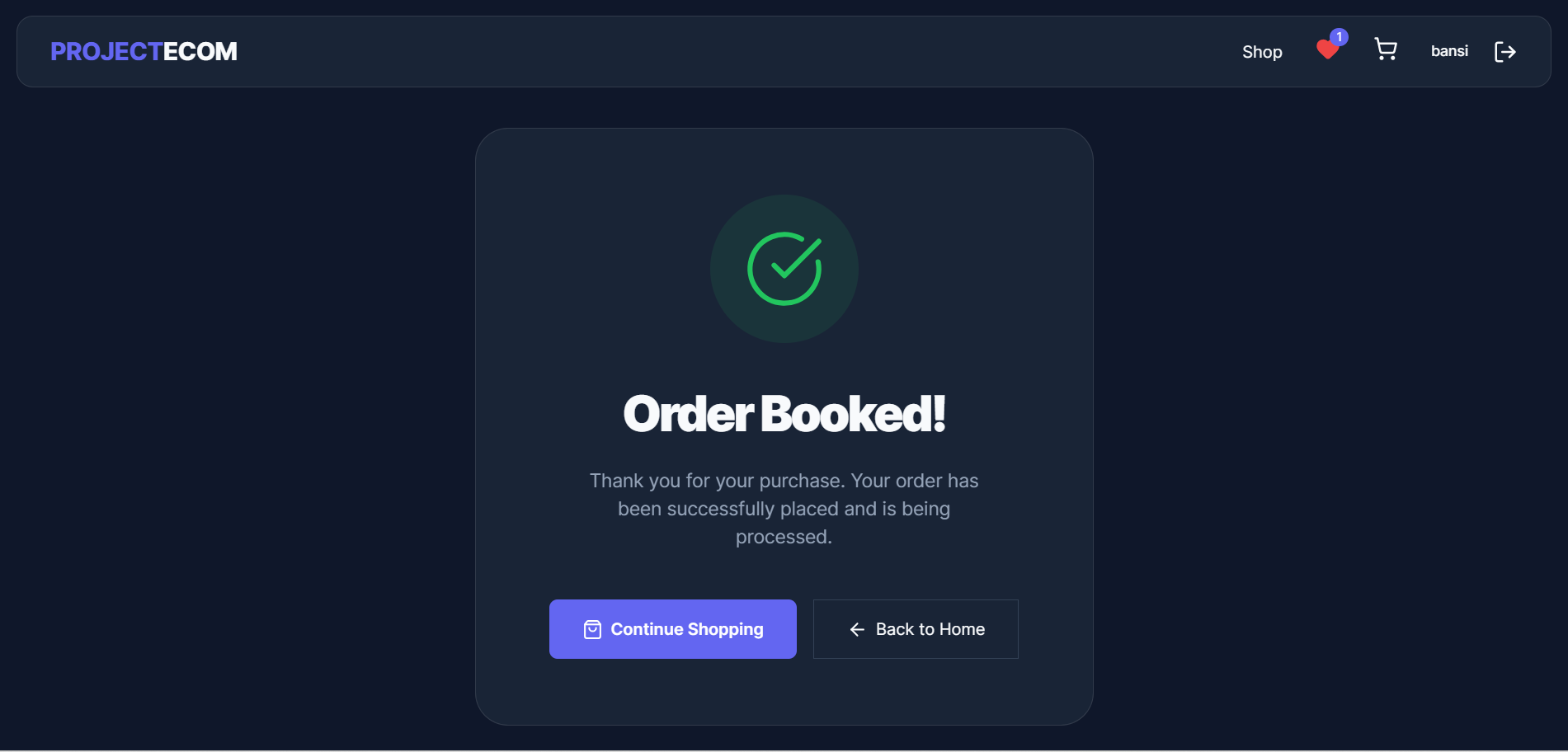
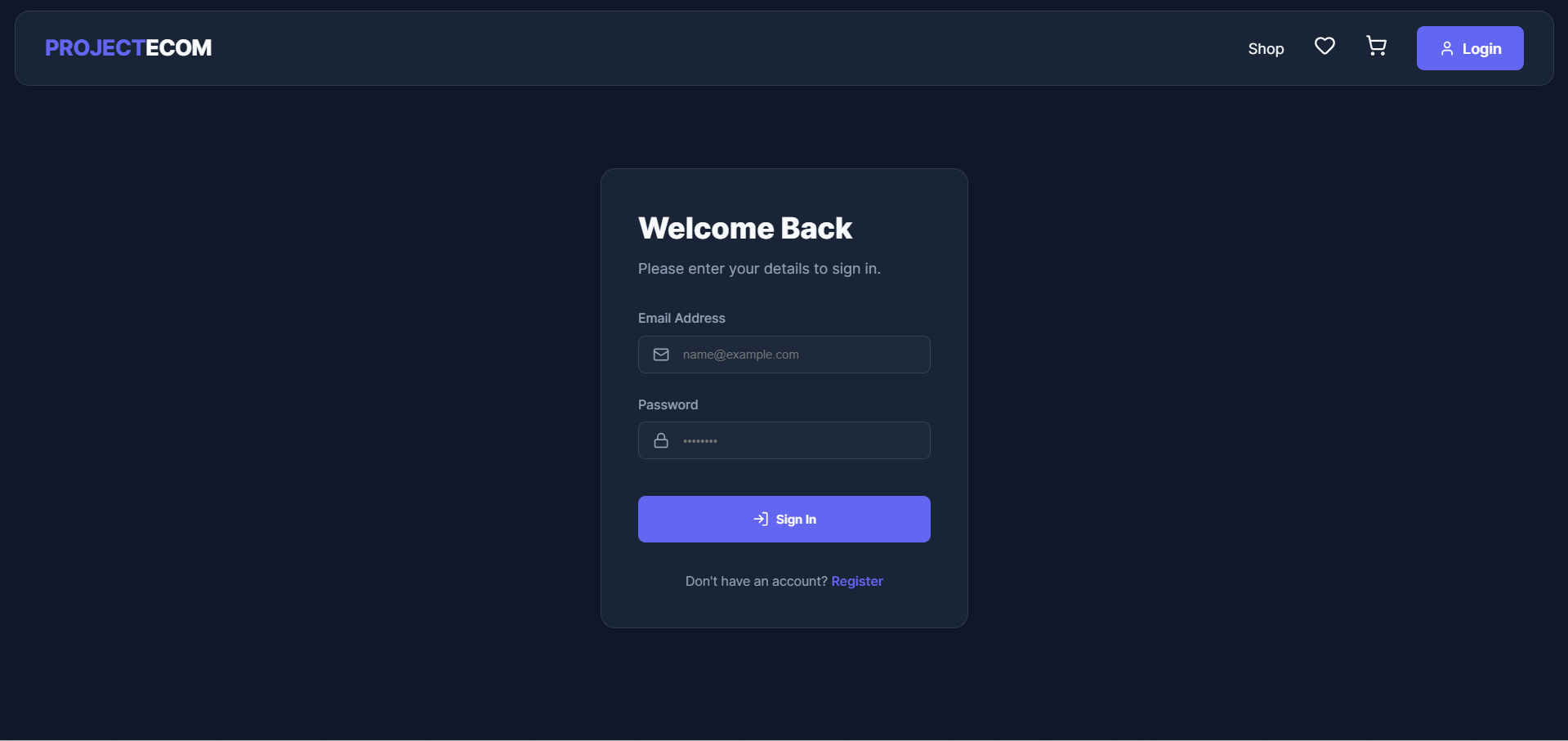
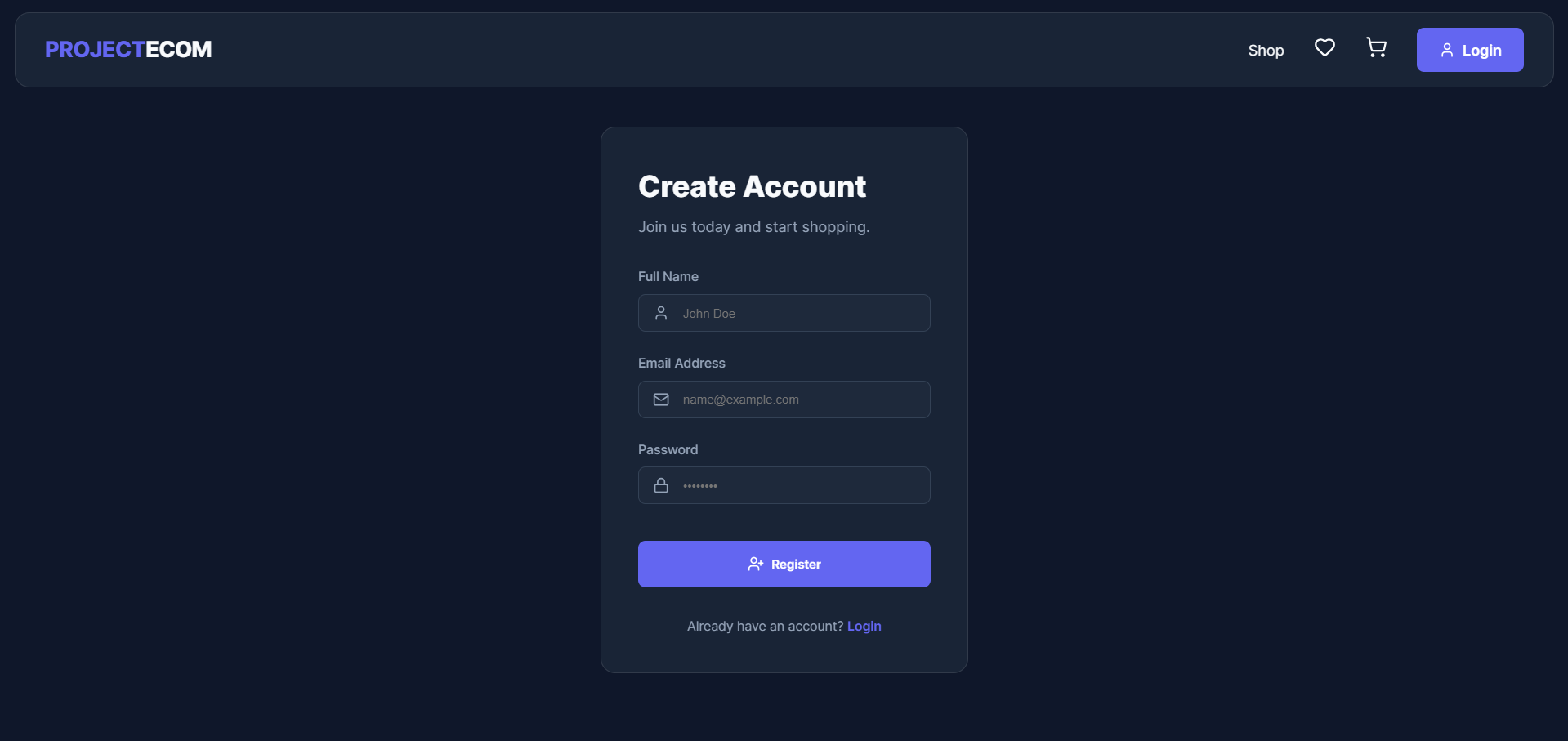
Key Features
- User-friendly UI for product browsing
- Product listing and details page
- Add to Cart functionality
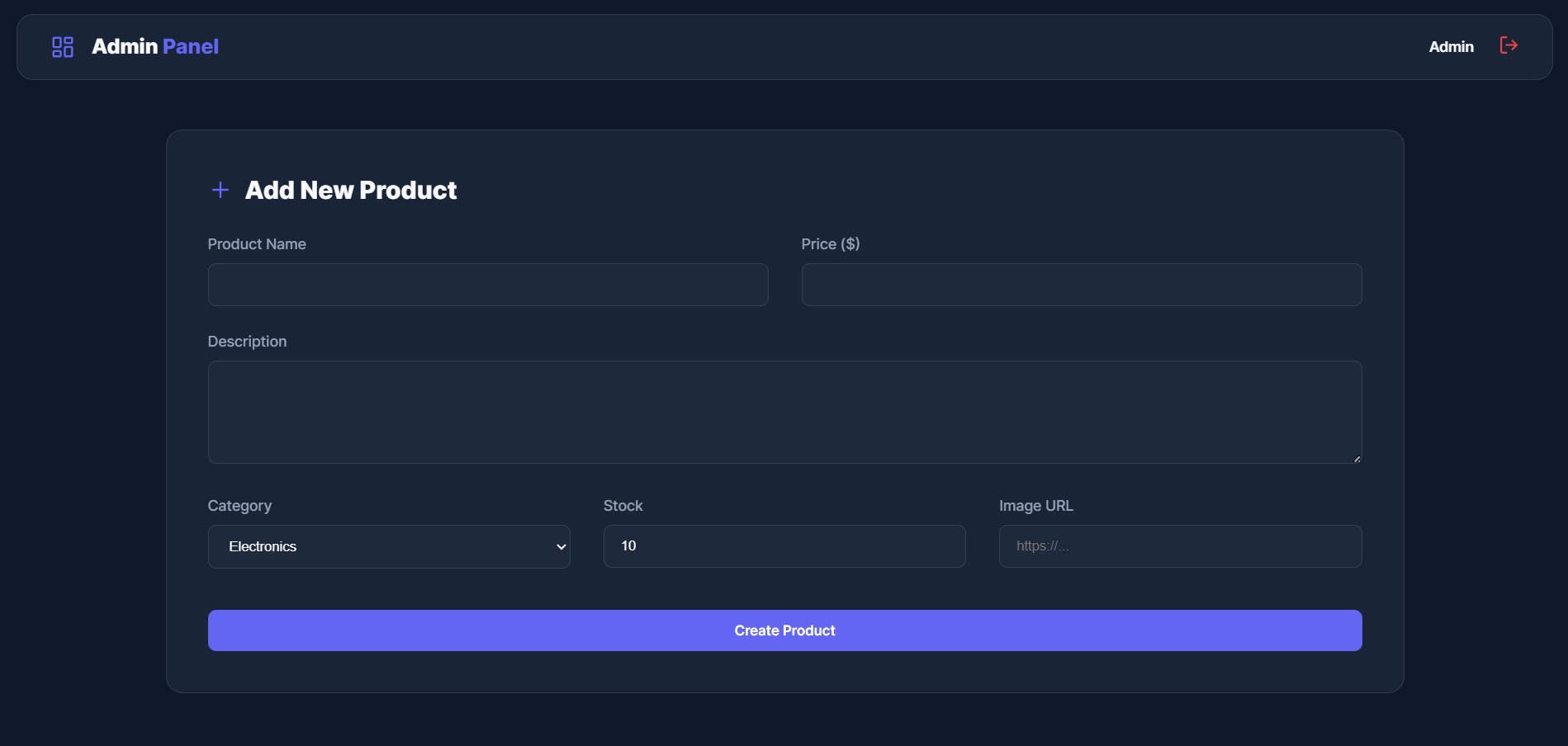
- Backend API for product management
- Database integration for storing products
- Responsive design
- Full-stack (frontend + backend) structure
- REST API integration
Functionality
- Website loads and shows product list
- Frontend sends request to backend API
- Backend fetches data from MongoDB
- Products are displayed on UI
- User can view product details
- User can add items to cart
- Backend handles product data (create, read, update, delete)
- Frontend and backend communicate using APIs
- Application runs smoothly with Node.js server
Technology Used
- React (Frontend UI)
- Node.js (Server environment)
- Express.js (API handling)
- MongoDB (Database)
- Mongoose (Database modeling)
- Axios (API calls)
- Tailwind CSS or CSS (for styling)
Why This Project Is Useful
- Helps understand full-stack development (MERN)
- Good project for portfolio and interviews
- Demonstrates real-world concepts like:
- API development
- Database connection
- Frontend-backend integration
- Useful for learning:
- CRUD operations
- State management
- REST APIs
Deployment and Environment Setup
- Environment Variables Setup:
- backend/.env
- PORT: 5000
- MONGO_URI: mongodb_url_string
- JWT_SECRET: your_jwt_secret_key_here (if needed)
- frontend/.env
- VITE_API_URL: backend_url
- backend/.env
- Deployment Overview:
- Render or Railway for backend hosting
- Vercel or Netlify for frontend hosting
- MongoDB Atlas for the database
- Backend Deployment:
- Push your code to GitHub.
- Go to Render.com or Railway.app.
- Create a new Web Service and connect your GitHub repository.
- Choose “backend/” as the root directory.
- Add the following environment variables on Render:
- PORT=10000
- MONGO_URI=your MongoDB Atlas URI
- JWT_SECRET=your JWT secret
- Start command: npm start (Ensure your backend/package.json includes “start”: “node server.js”)
- After deployment, note your backend URL, e.g. https://your-backend-name.onrender.com
- Frontend Deployment:
- Go to Vercel.com or Netlify.com.
- Create a new project and connect the GitHub repo.
- Select the “frontend/” folder as root.
- In environment variables, set:
- VITE_API_URL=https://your-backend-domain.com/api (or REACT_APP_API_URL if using CRA)
- Deploy.
- MongoDB Atlas Setup:
- Go to https://cloud.mongodb.com
- Create a free cluster.
- Add your current IP address in Network Access.
- Create a database user and password.
- Copy the connection string and replace username, password, and database name in MONGO_URI in backend/.env
Download Source Code
Project Setup Instructions
Note: This project is for educational purposes only. Not for commercial sale.


