
Project Overview
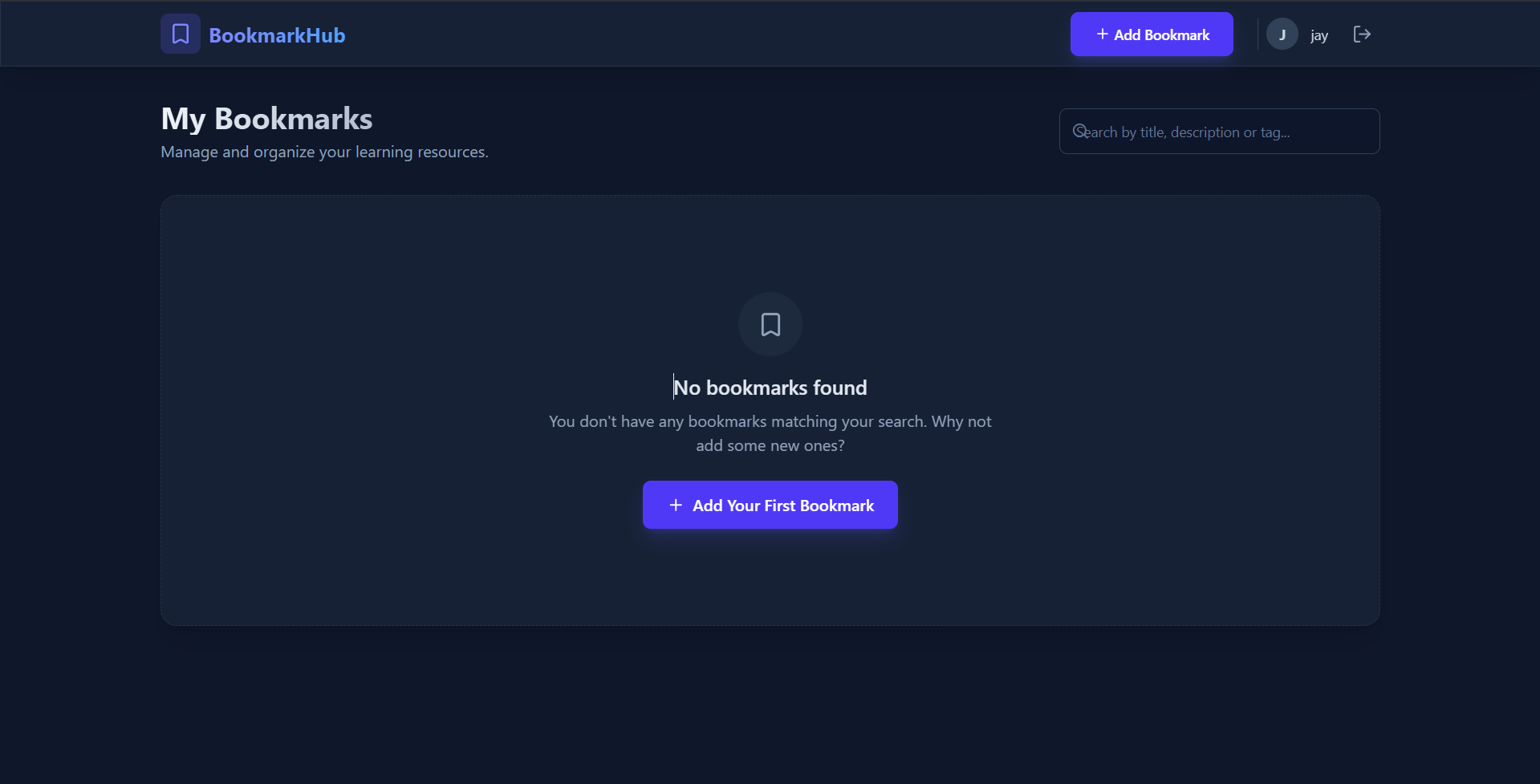
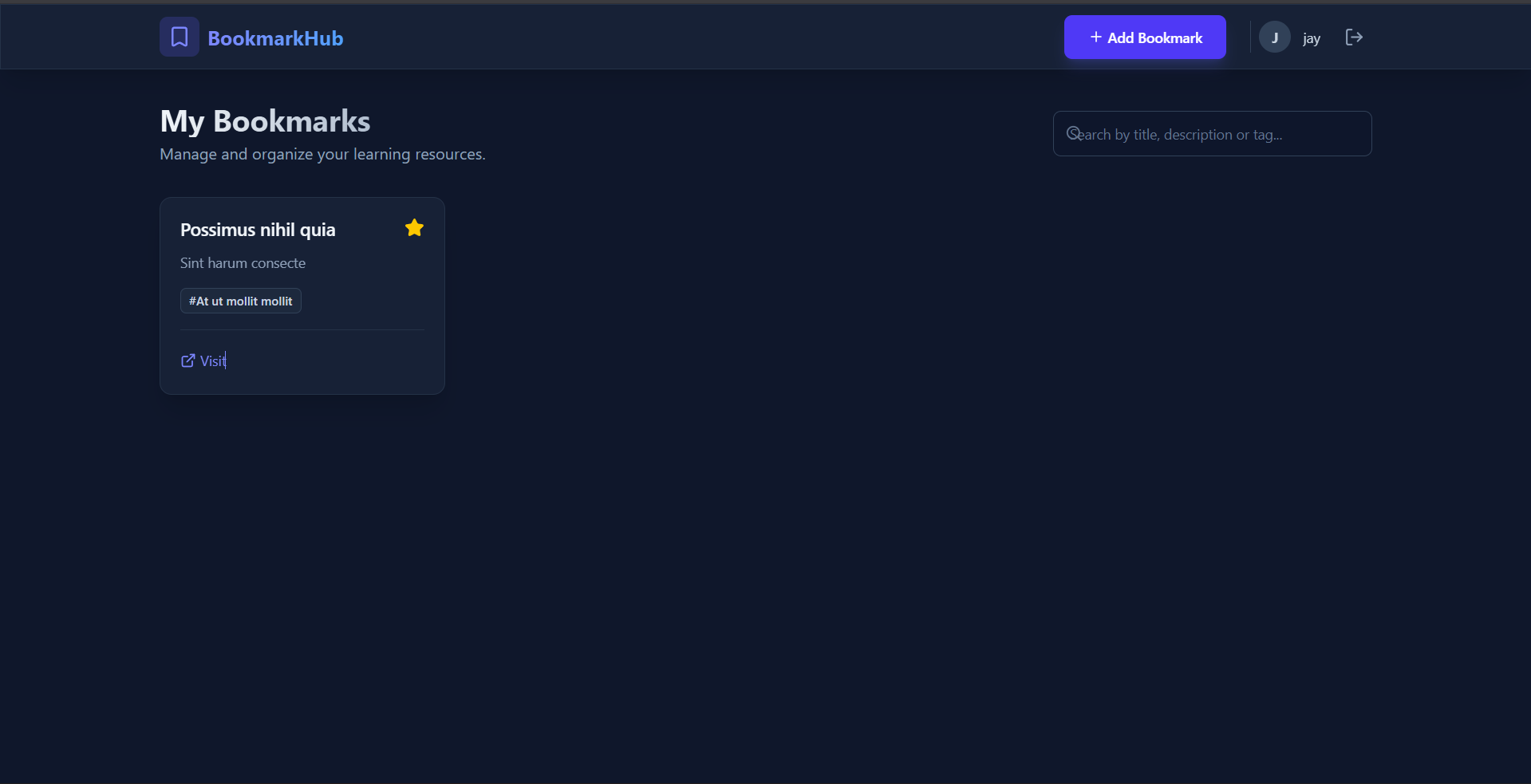
Bookmark Manager is a full-stack web application designed to help users securely store, organize, and manage their web links and online resources. It provides a personalized dashboard where users can curate their reading lists, favorite important links, and easily retrieve them later using a powerful search functionality.
Screenshots
Key Features
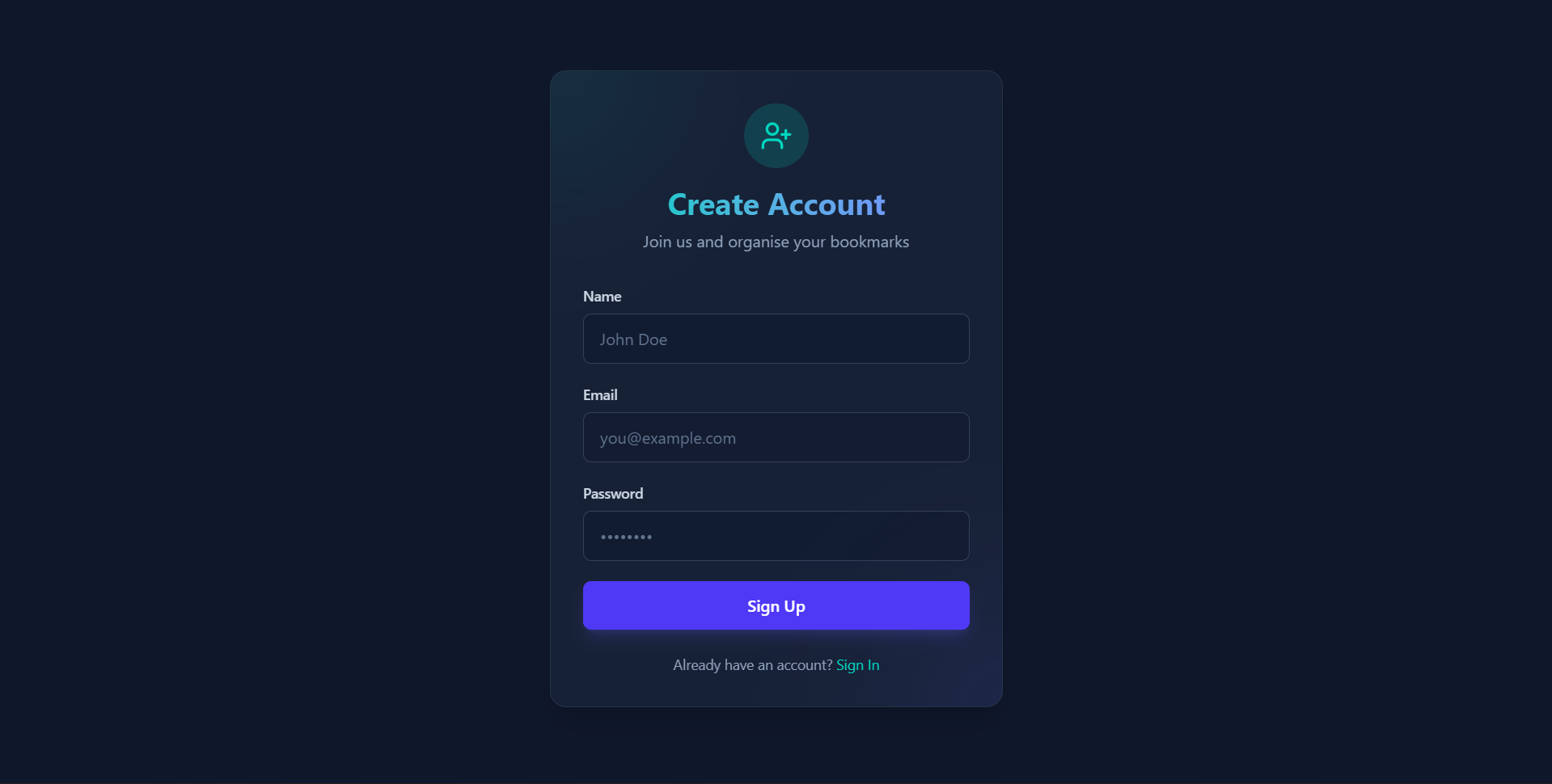
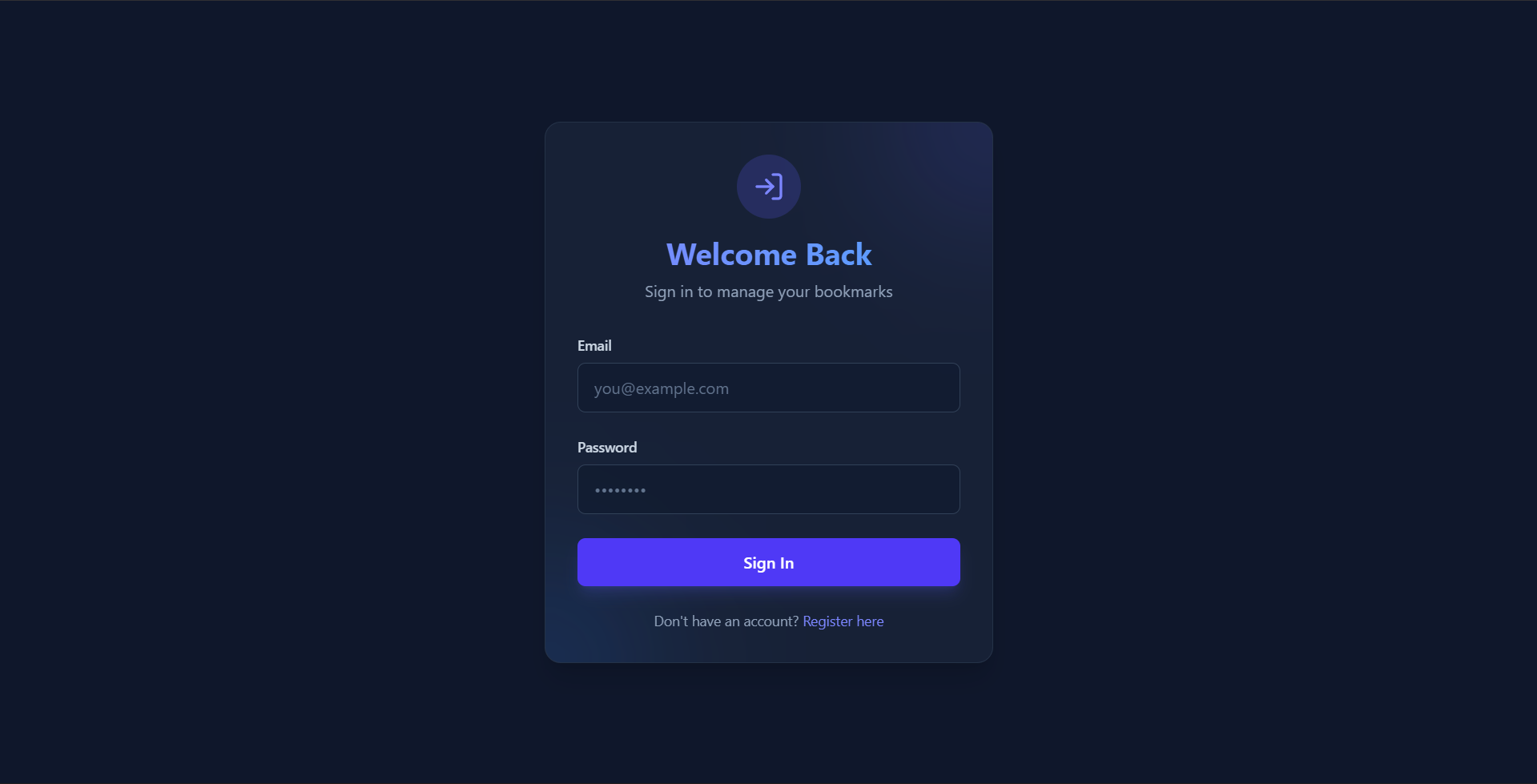
- User Authentication: Secure registration and login system with encrypted credentials and session management.
- Personalized Dashboard: Each user gets an independent workspace to manage their own bookmarks securely.
- Bookmark Organization: Create, read, update, and delete (CRUD) bookmarks.
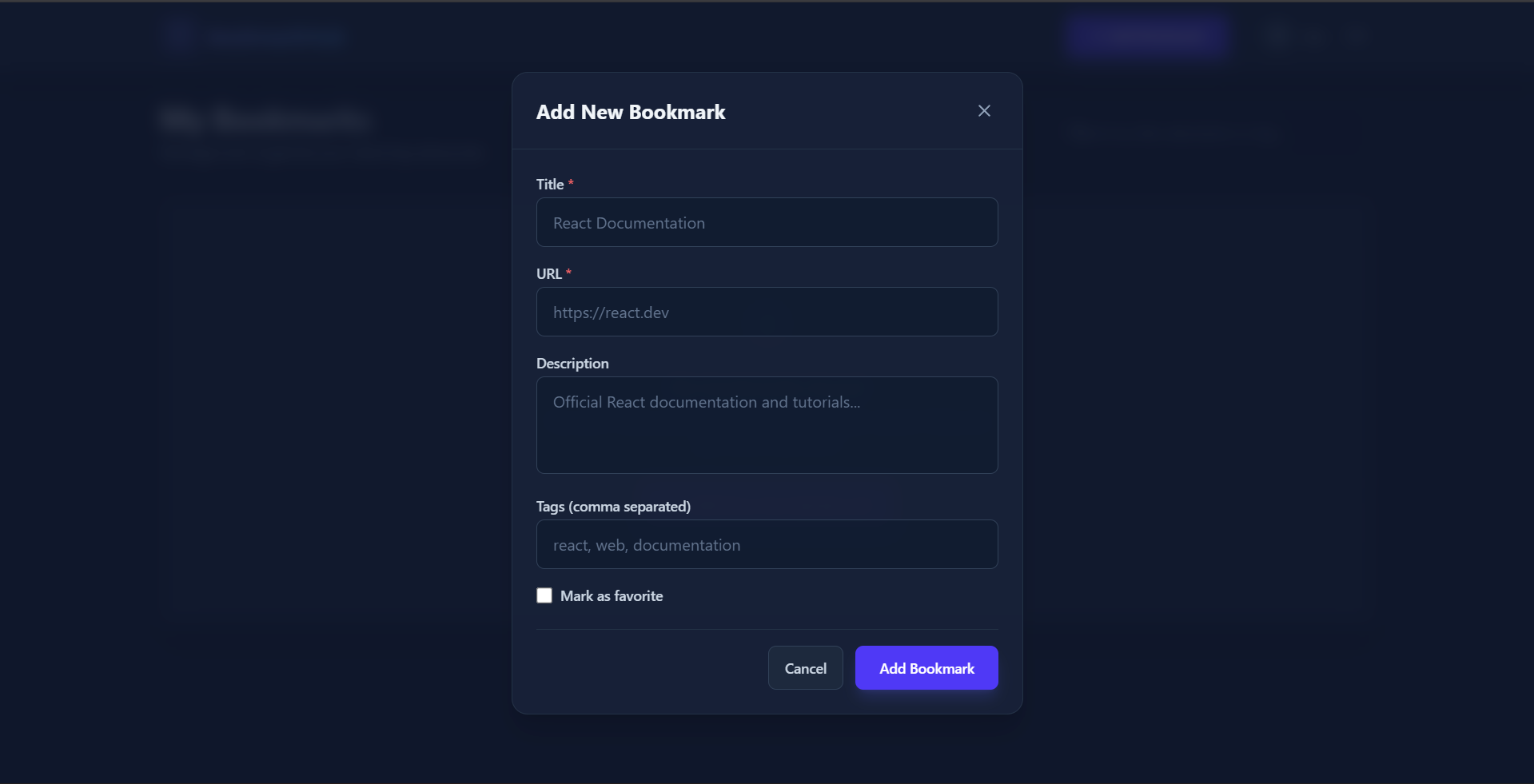
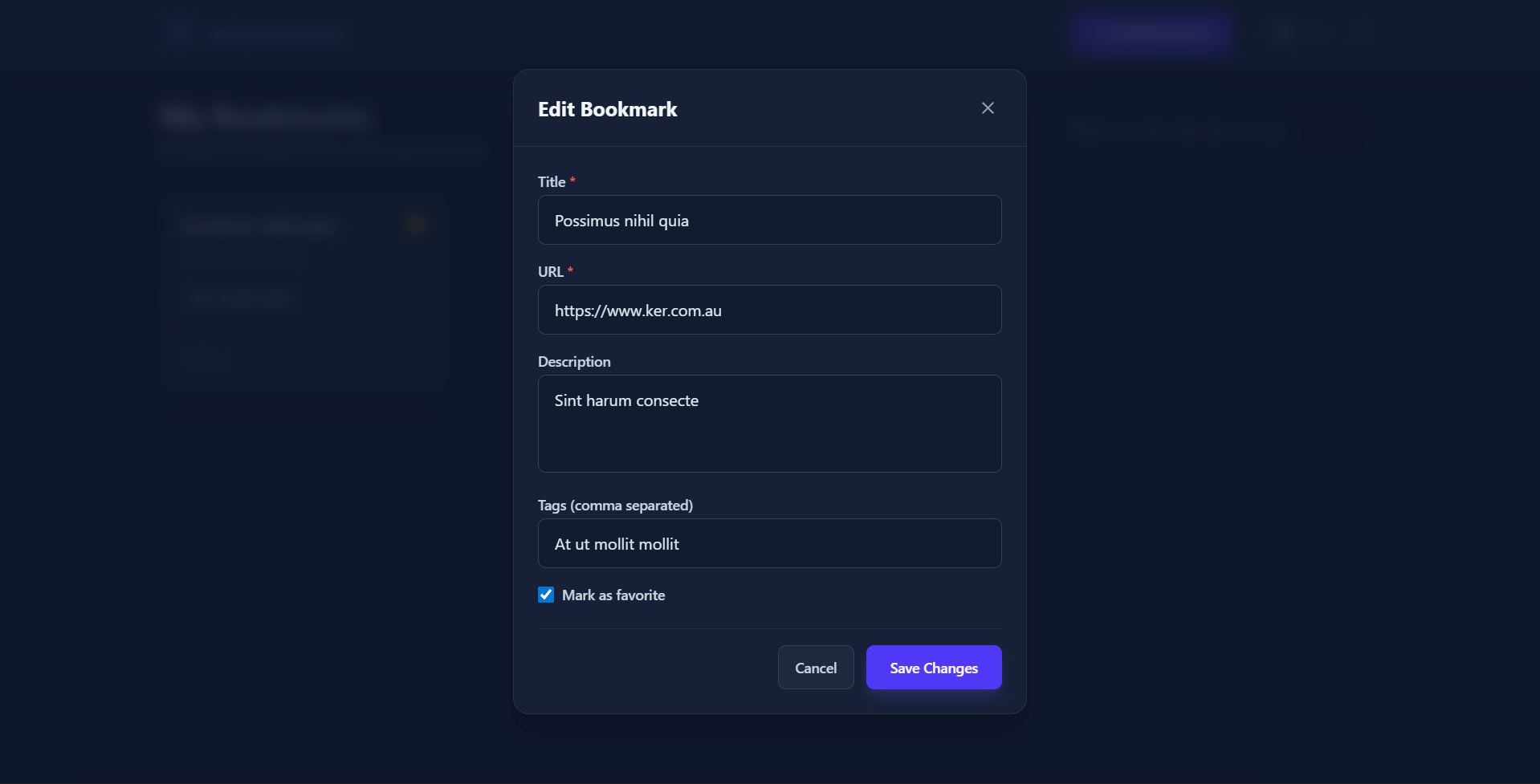
- Rich Metadata: Bookmarks support essential details such as Title, URL, Description, and Tags.
- Favorites System: Users can toggle a “favorite” status on specific bookmarks to quickly access high-priority links.
- Robust Searching: Real-time client-side search functionality to filter bookmarks by title, description, or specific tags.
- Modern UI/UX: A sleek, dark-themed responsive interface, providing an excellent user experience across devices with interactive components and smooth toast notifications.
Functionality
- Auth Flow: Users must create an account or log in to access the platform. Authentication state is managed via secure JSON Web Tokens (JWT).
- Dashboard Management: Once authenticated, users are presented with a grid layout of their saved bookmarks.
- Adding/Editing Bookmarks: A user-friendly modal form allows users to submit or update bookmark details without navigating away from the dashboard page.
- Instant Filtering: As the user types in the search bar, the list of bookmarks instantly updates to reflect any matching title, description, or tag content.
Technology Used
- Frotnend:
- React 19: Building the interactive user interface.
- Vite: High-performance frontend build tool.
- Tailwind CSS 4: Utility-first framework for rapid, custom styling and dark mode implementation.
- React Router DOM: Handling client-side routing between Login, Register, and Dashboard pages.
- Axios: For making asynchronous HTTP requests to the backend API.
- Lucide React: Supplying beautiful, consistent SVG icons.
- React Hot Toast: Providing elegant toast notifications for success and error states.
- Backend:
- Node.js & Express (v5): Powering the RESTful server environment.
- MongoDB & Mongoose: Storing flexible schema data (users and bookmarks).
- JSON Web Tokens (JWT): Ensuring secure, stateless API authentication.
- bcryptjs: Securing user passwords through cryptographic hashing.
- CORS & Dotenv: Managing environment variables and cross-origin resource sharing securely.
Why This Project Is Useful
- In an age of information overload, individuals often struggle to keep track of useful articles, tutorials, tools, or resources they discover online. Browser-based bookmarks can become cluttered and are often tied to specific devices or ecosystems.
- This Bookmark Manager solves this problem by providing a cloud-based, centralized hub.
- The use of custom tags and search functionality prevents links from getting lost in a massive list, while the clean, minimalist dark UI ensures the user can focus entirely on their content without distractions.
- It acts as a personal knowledge base that can be accessed from any device with an internet connection.
Deployment and Environment Setup
- Environment Variables Setup:
- backend/.env
- PORT: 3000
- MONGO_URI: mongodb_url_string
- JWT_SECRET: your_jwt_secret_key_here (if needed)
- frontend/.env
- VITE_API_URL: backend_url
- backend/.env
- Deployment Overview:
- Render or Railway for backend hosting
- Vercel or Netlify for frontend hosting
- MongoDB Atlas for the database
- Backend Deployment:
- Push your code to GitHub.
- Go to Render.com or Railway.app.
- Create a new Web Service and connect your GitHub repository.
- Choose “backend/” as the root directory.
- Add the following environment variables on Render:
- PORT=10000
- MONGO_URI=your MongoDB Atlas URI
- JWT_SECRET=your JWT secret
- Start command: npm start (Ensure your backend/package.json includes “start”: “node server.js”)
- After deployment, note your backend URL, e.g. https://your-backend-name.onrender.com
- Frontend Deployment:
- Go to Vercel.com or Netlify.com.
- Create a new project and connect the GitHub repo.
- Select the “frontend/” folder as root.
- In environment variables, set:
- VITE_API_URL=https://your-backend-domain.com/api (or REACT_APP_API_URL if using CRA)
- Deploy.
- MongoDB Atlas Setup:
- Go to https://cloud.mongodb.com
- Create a free cluster.
- Add your current IP address in Network Access.
- Create a database user and password.
- Copy the connection string and replace username, password, and database name in MONGO_URI in backend/.env
Download Source Code
Project Setup Instructions
Note: This project is for educational purposes only. Not for commercial sale.


