
Project Overview
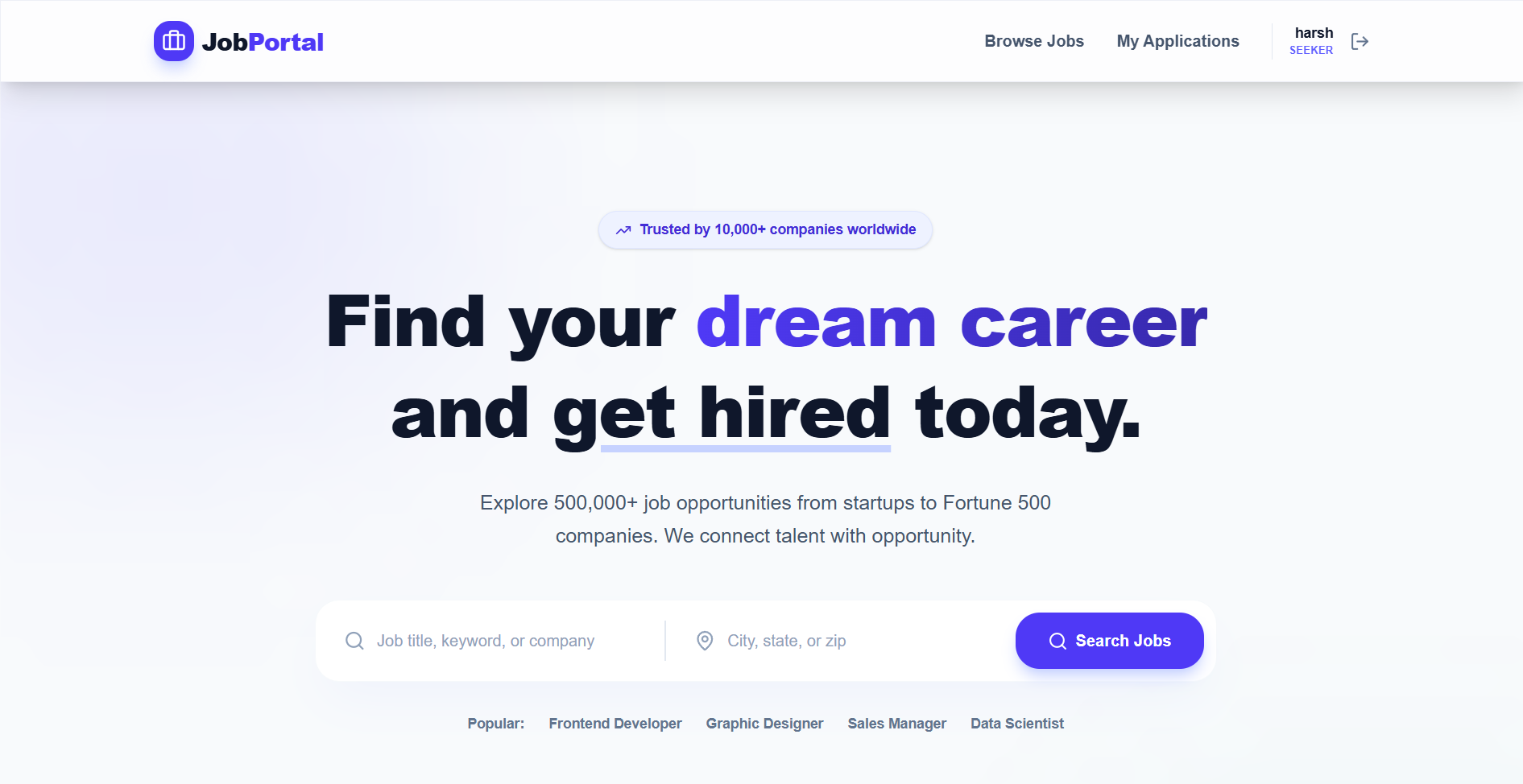
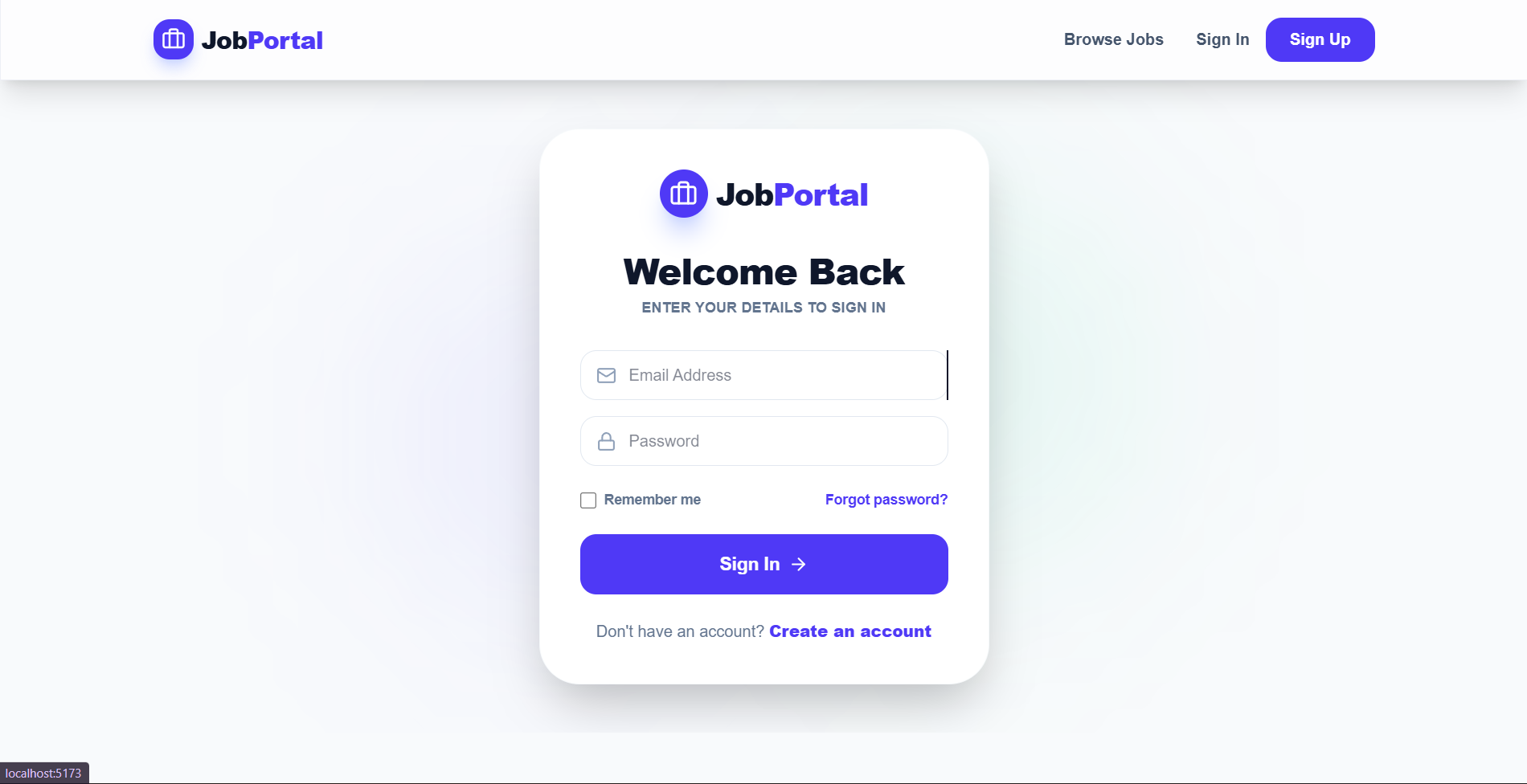
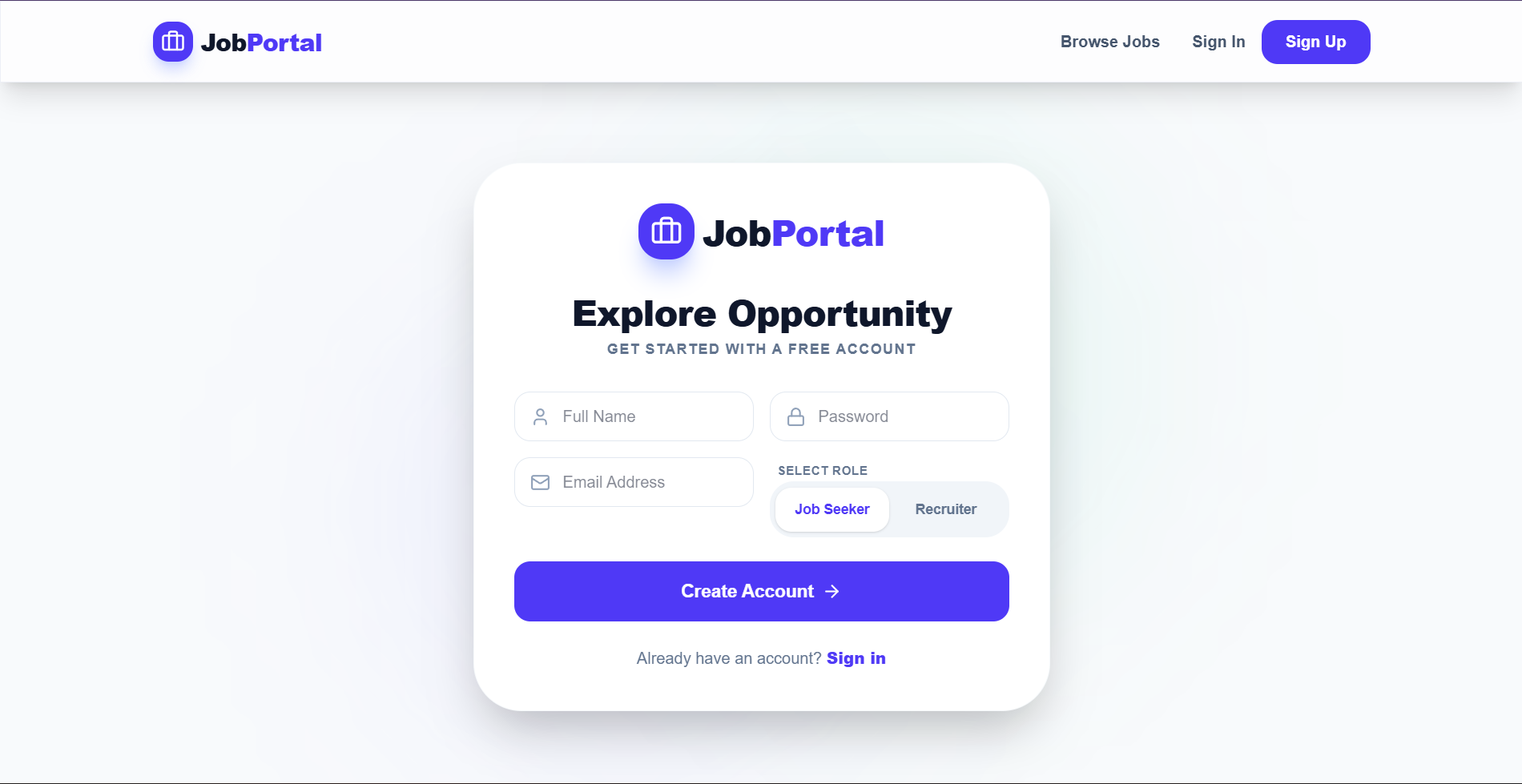
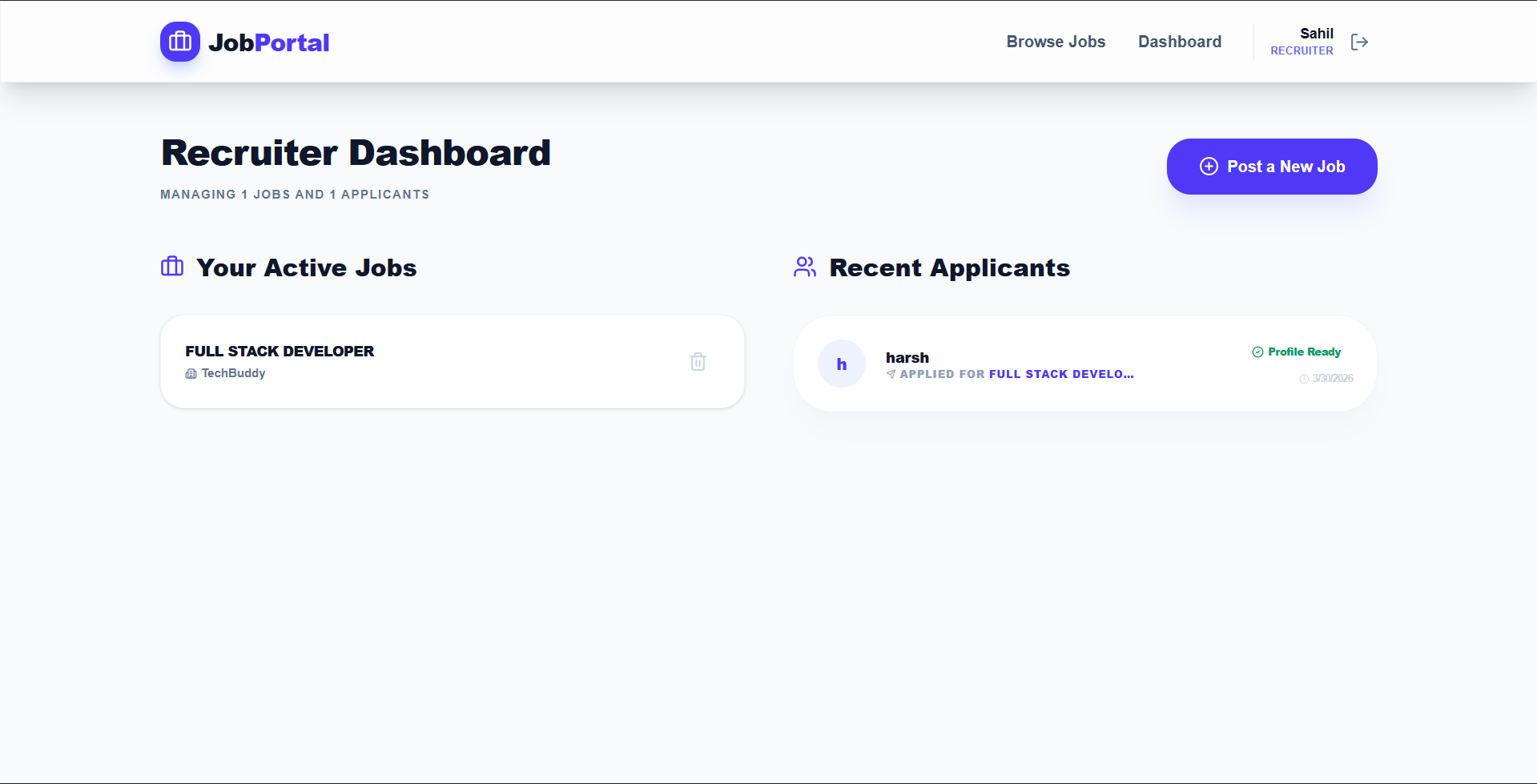
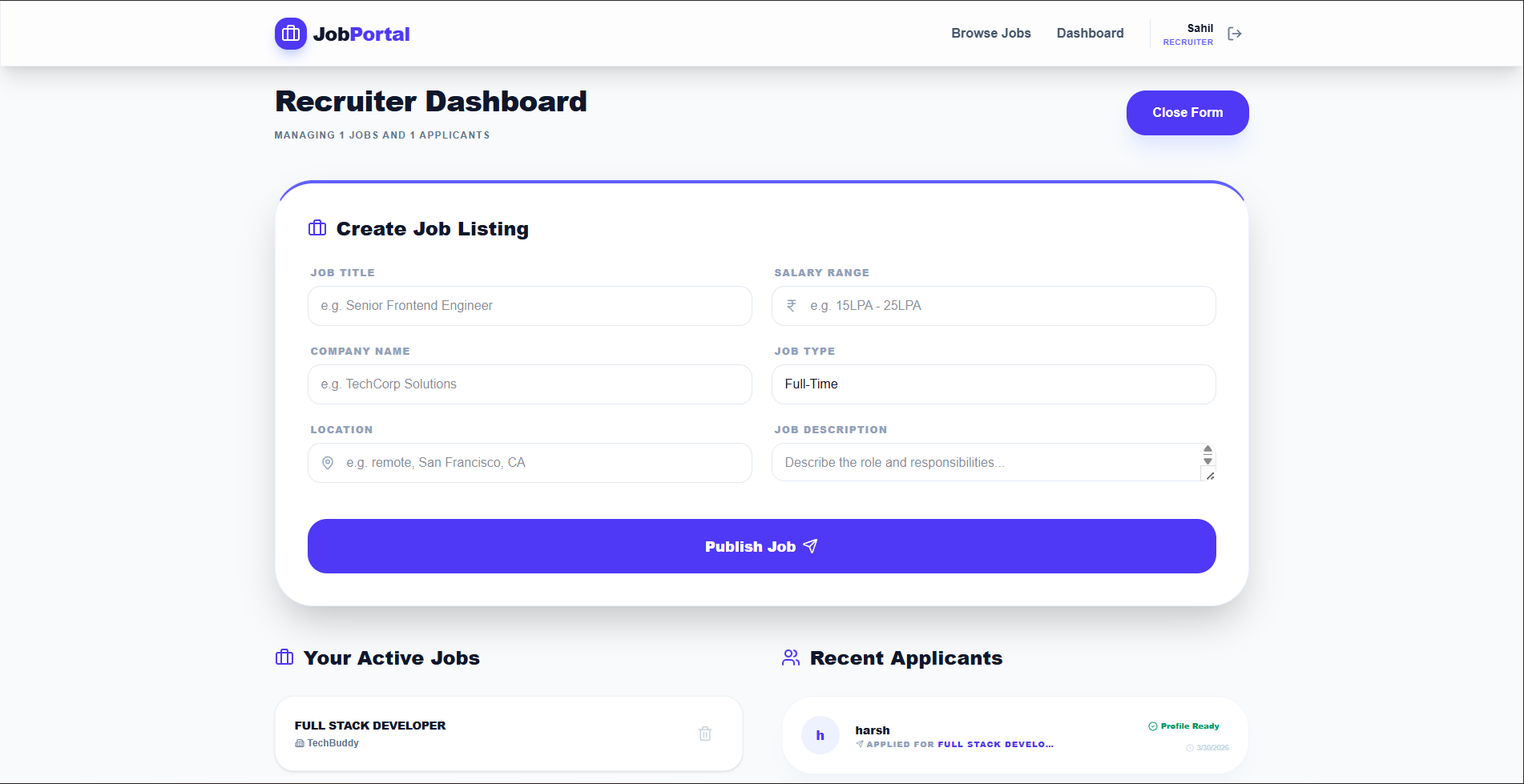
The Job Portal is a full-stack platform that simplifies the modern hiring process. It provides two distinct interfaces: one for Job Seekers to discover and apply for matching opportunities, and another for Recruiters to post listings and manage incoming applications efficiently. The design utilizes a modern “Glassmorphism” aesthetic with vibrant gradients and smooth animations.
Screenshots
Key Features
- Dual-Role Ecosystem: Tailored dashboards and workflows for both Job Seekers and Recruiters.
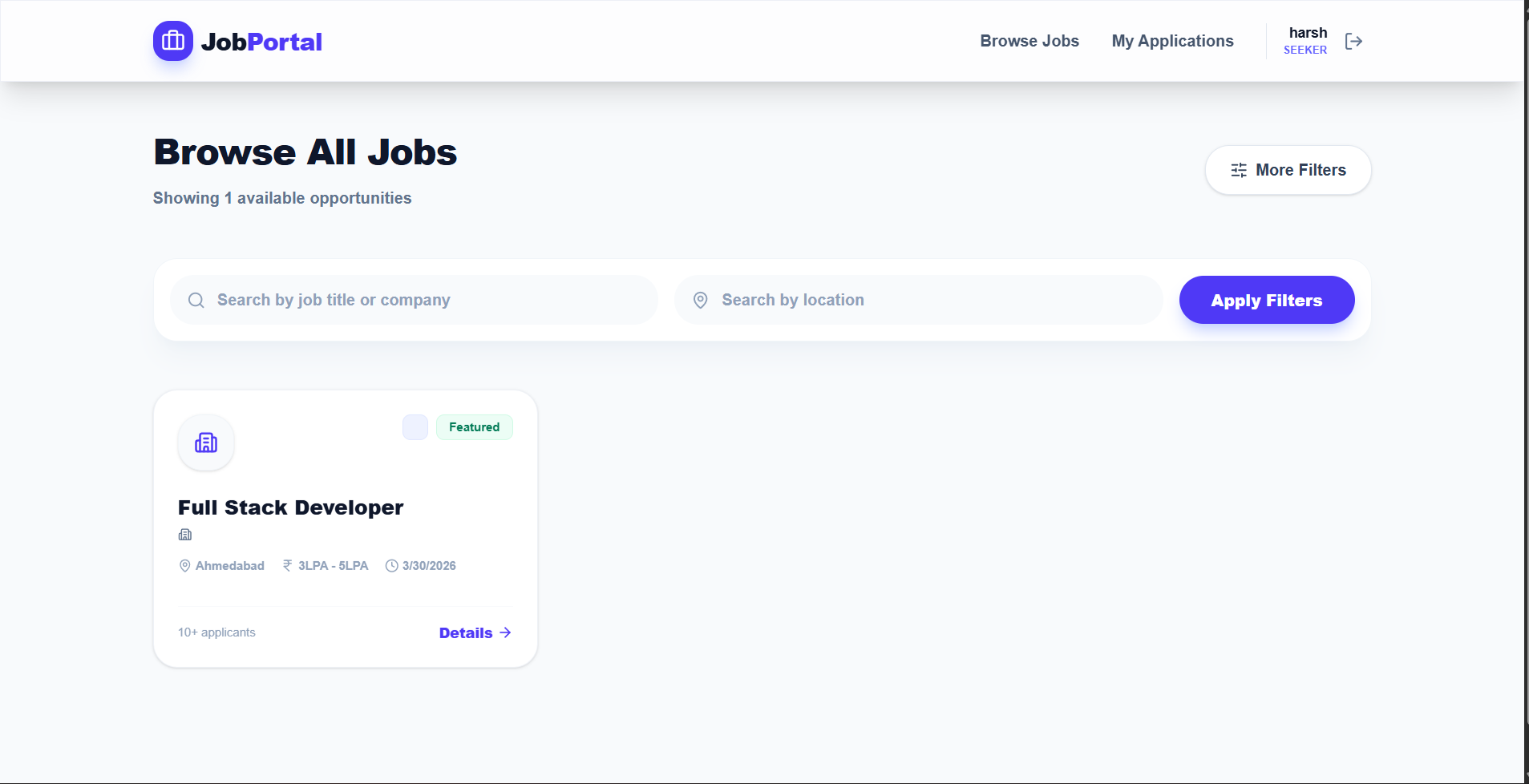
- Dynamic Job Engine: Real-time filtering and search capabilities for discovering opportunities.
- Premium UI/UX: Implemented with Tailwind CSS v4 and Framer Motion for a state-of-the-art interactive feel.
- Glassmorphic Component: High-end visual design using translucent layers and subtle micro-animations.
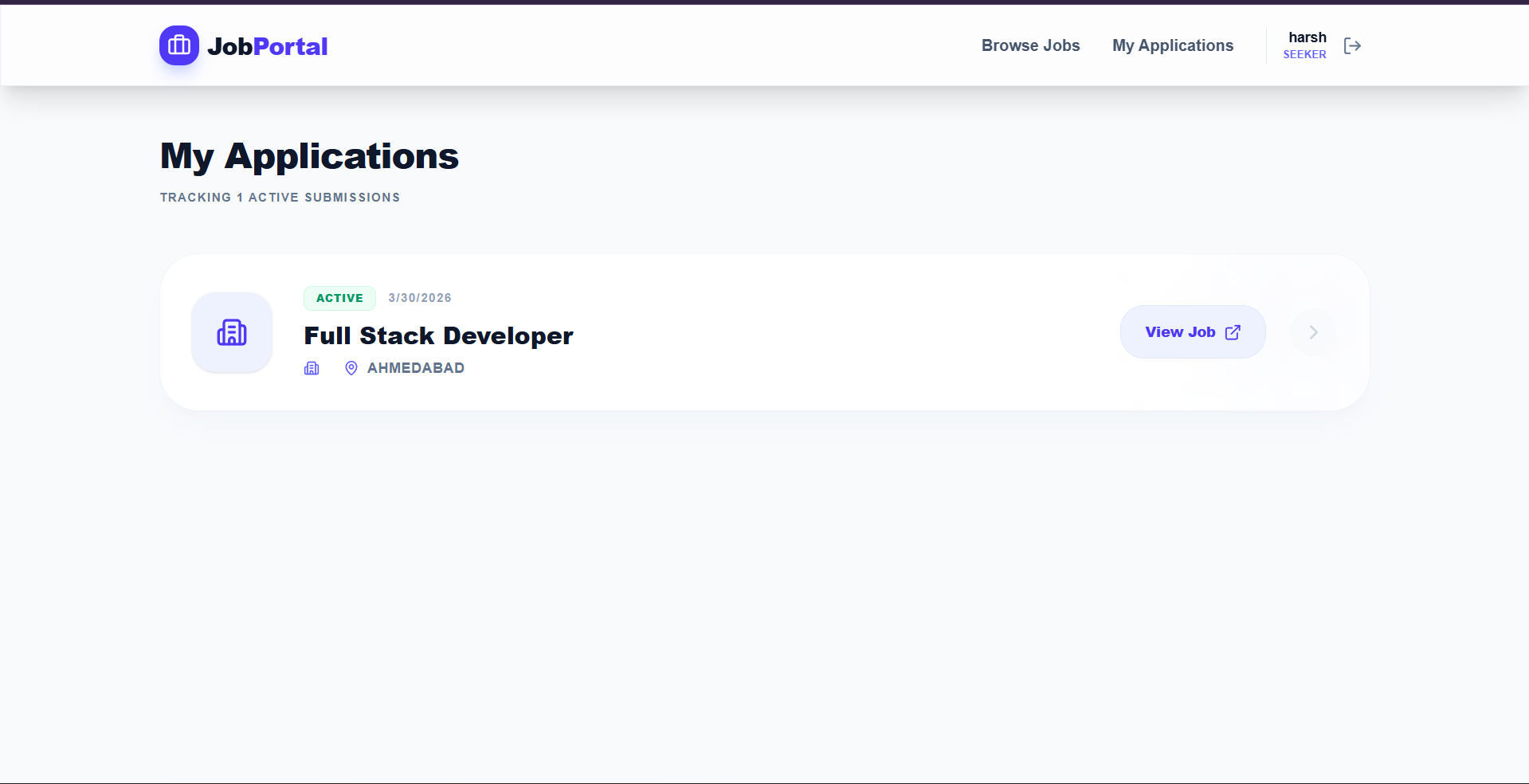
- Application Tracking: Real-time status updates and history for job seekers.
- Recruiter Analytics: Dashboard for tracking job performance and applicant conversion.
Functionality
- Smart Registration: Multi-role signup (Job Seeker or Recruiter) with automatic database profile generation.
- Secure Sessions: JWT-based authentication ensures that each user has a private, protected environment.
- Data Integrity: Passwords are encrypted using Bcrypt, and API endpoints are guarded with a centralized authentication middleware.
- Discovery Hub: A fast, searchable list of all active job listings with real-time status indicators.
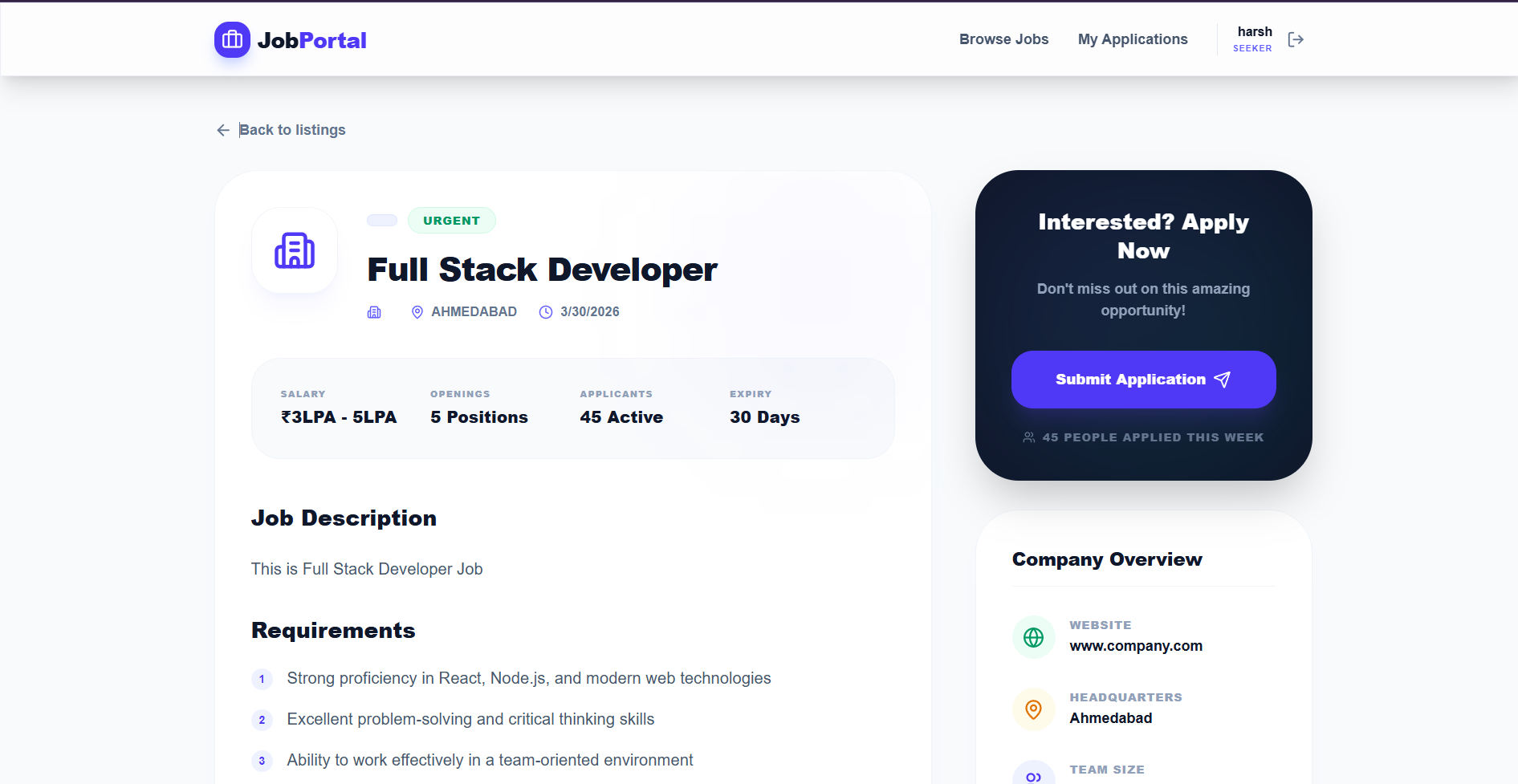
- Detailed Insights: In-depth job descriptions, including salary range, company details, and location.
- One-Click Application: Streamlined submission process that instantly connects a seeker to a job opportunity.
- Personal Dashboard: A dedicated space to track all active job applications and their current status.
Technology Used
- Frontend:
- React 19: Leveraging the latest concurrent rendering features.
- Vite: Ultra-fast development server and build tool.
- Tailwind CSS v4: Next-gen styling engine for high-performance CSS.
- Framer Motion: Smooth, declarative animations and transitions.
- Lucide React: Premium iconography for a clean, modern interface.
- Axios: Robust HTTP client with centralized interceptors for security.
- Backend:
- Node.js & Express: High-performance architecture for API management.
- MongoDB & Mongoose: Flexible NoSQL database for scalable data storage.
- JWT (JSON Web Tokens): Secure, stateless authentication system.
- Bcrypt.js: Industry-standard password hashing for maximum security.
Why This Project Is Useful
- Efficiency: Automates the manual overhead of job searching and applicant tracking.
- Accessibility: Responsive design ensures both seekers and recruiters can manage their goals on any device.
- Engagement: The premium design and micro-interactions keep users engaged, reducing bounce rates and increasing listing views.
- Security: Multi-role authentication ensures that sensitive recruiter data and seeker profiles remain private and protected.
Deployment and Environment Setup
- Environment Variables Setup:
- backend/.env
- PORT: 3000
- MONGO_URI: mongodb_url_string
- JWT_SECRET: your_jwt_secret_key_here (if needed)
- frontend/.env
- VITE_API_URL: backend_url
- backend/.env
- Deployment Overview:
- Render or Railway for backend hosting
- Vercel or Netlify for frontend hosting
- MongoDB Atlas for the database
- Backend Deployment:
- Push your code to GitHub.
- Go to Render.com or Railway.app.
- Create a new Web Service and connect your GitHub repository.
- Choose “backend/” as the root directory.
- Add the following environment variables on Render:
- PORT=10000
- MONGO_URI=your MongoDB Atlas URI
- JWT_SECRET=your JWT secret
- Start command: npm start (Ensure your backend/package.json includes “start”: “node server.js”)
- After deployment, note your backend URL, e.g. https://your-backend-name.onrender.com
- Frontend Deployment:
- Go to Vercel.com or Netlify.com.
- Create a new project and connect the GitHub repo.
- Select the “frontend/” folder as root.
- In environment variables, set:
- VITE_API_URL=https://your-backend-domain.com/api (or REACT_APP_API_URL if using CRA)
- Deploy.
- MongoDB Atlas Setup:
- Go to https://cloud.mongodb.com
- Create a free cluster.
- Add your current IP address in Network Access.
- Create a database user and password.
- Copy the connection string and replace username, password, and database name in MONGO_URI in backend/.env
Download Source Code
Project Setup Instructions
Note: This project is for educational purposes only. Not for commercial sale.


