
Project Overview
OneLink serves as a centralized hub for a user’s digital identity. It moves beyond basic link lists by offering a sophisticated “Executive” aesthetic, focusing on clean layouts, refined typography, and smooth interactions. It is designed to be the ultimate first impression for anyone clicking a link in a social media profile.
Screenshots
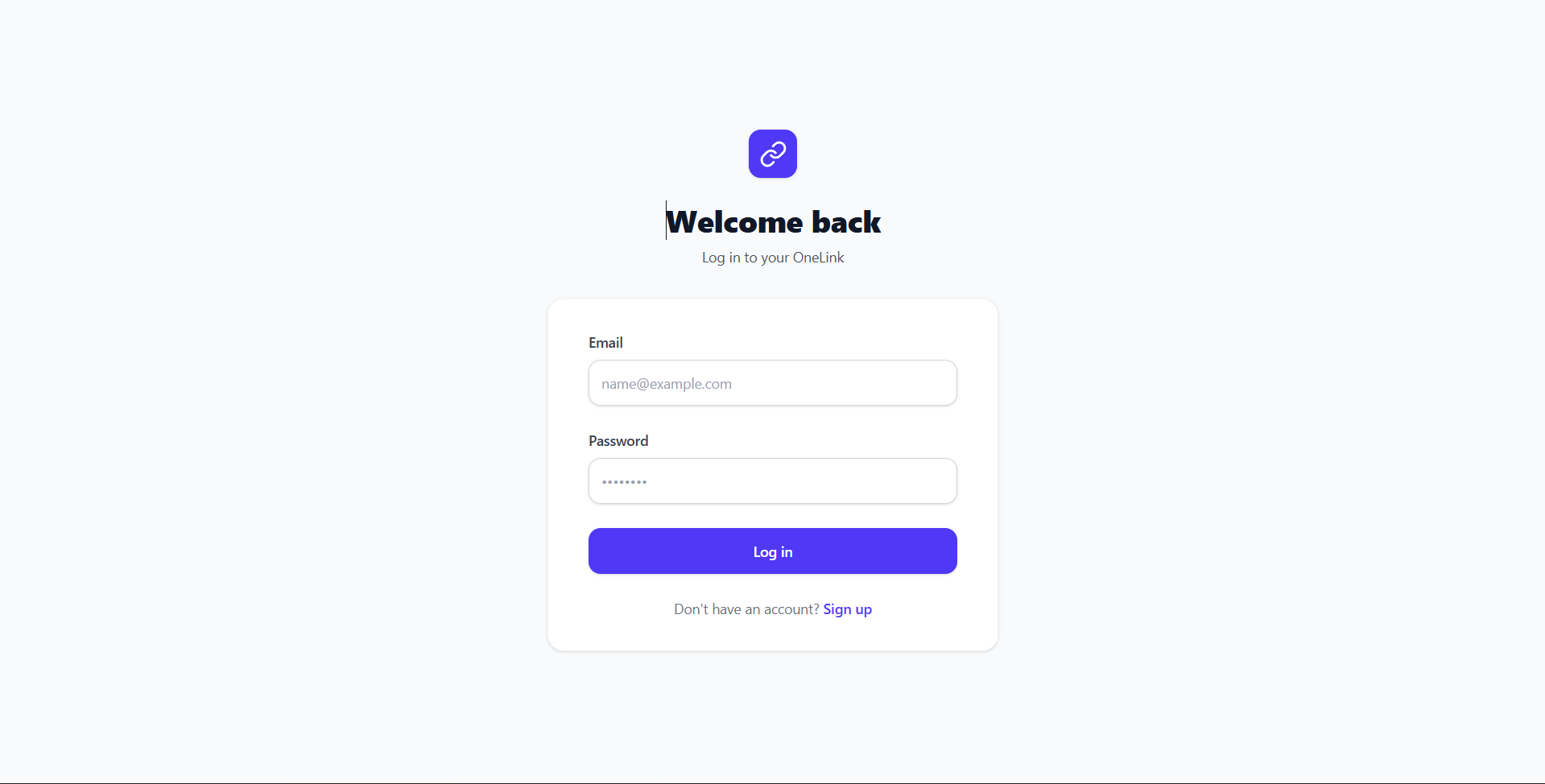
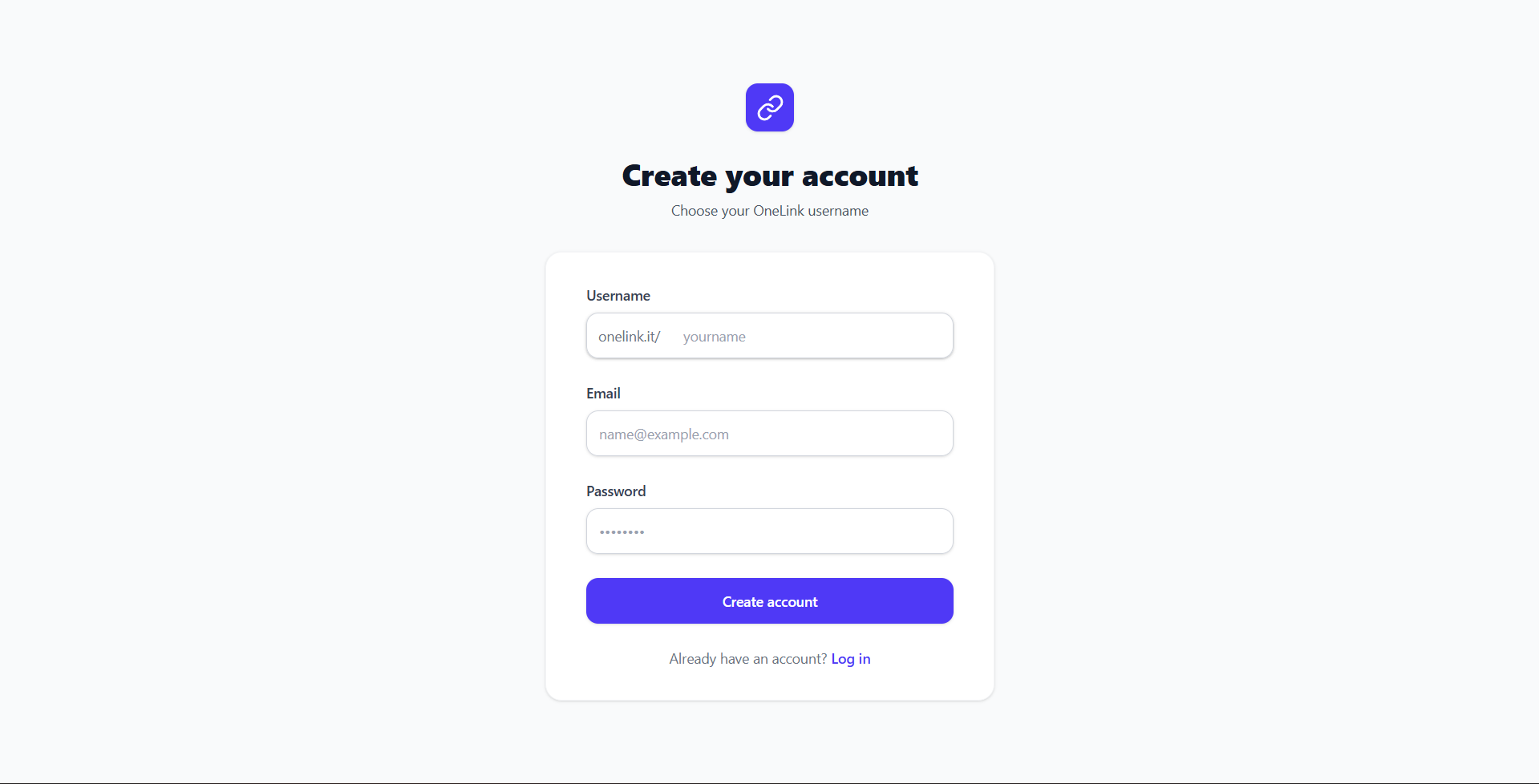
Key Features
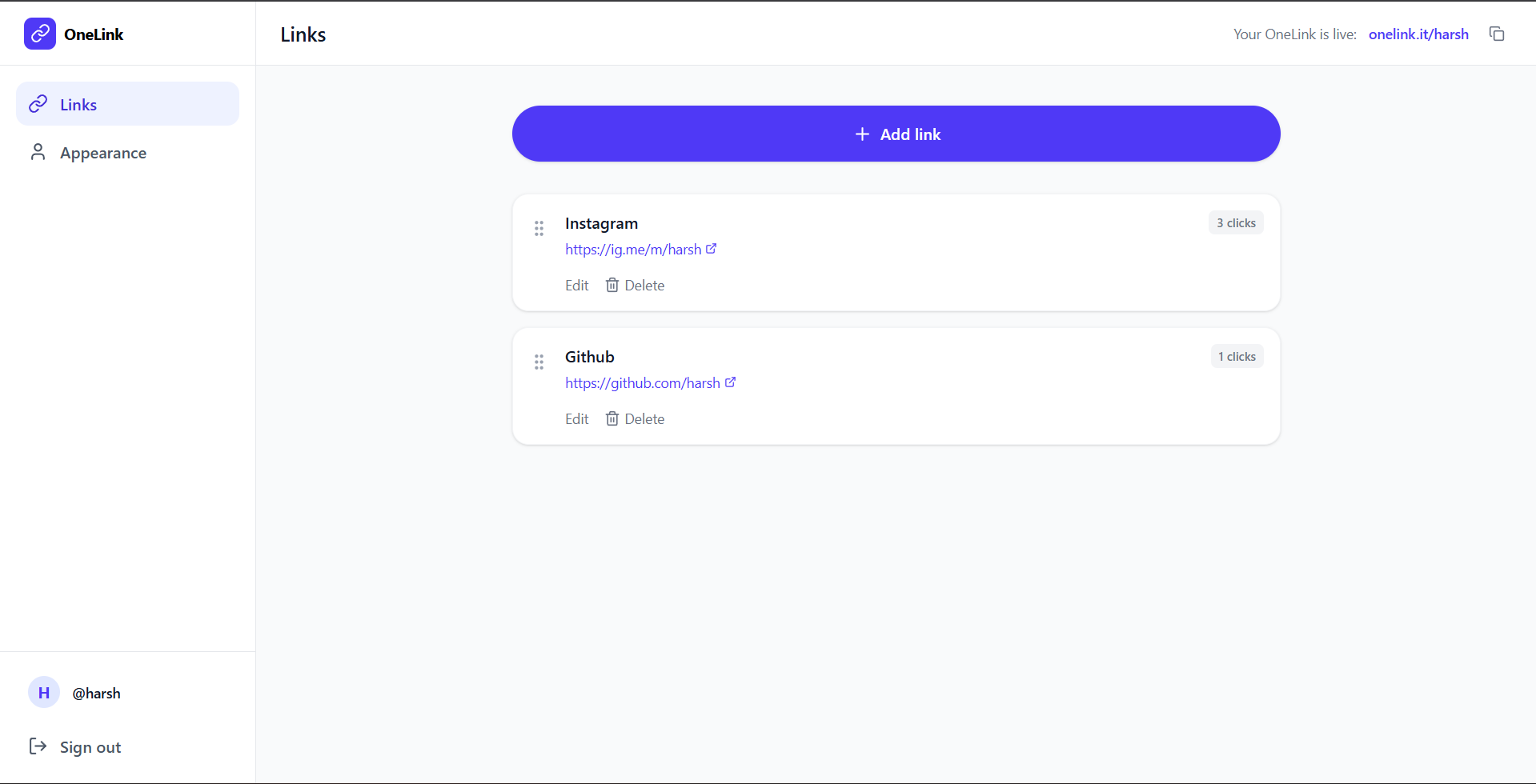
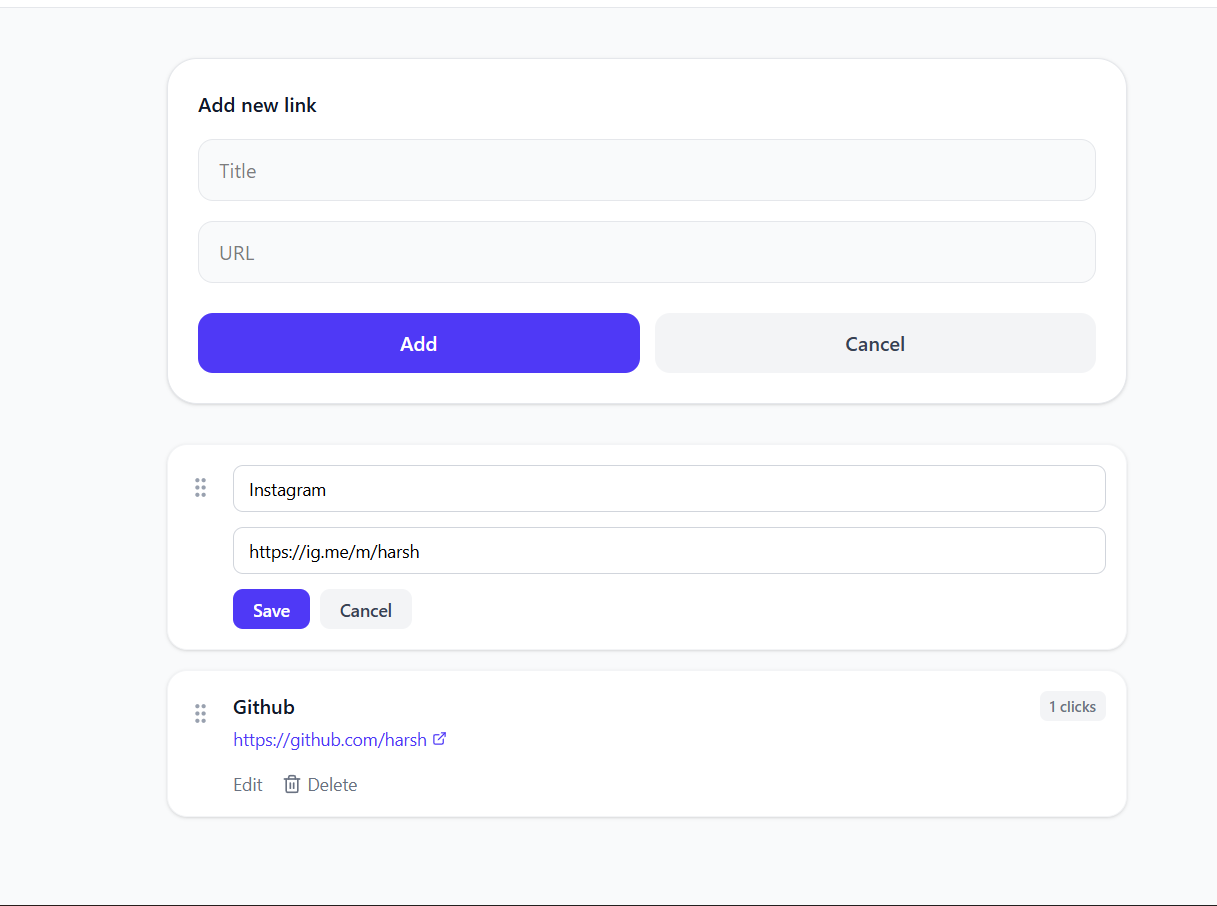
- Dynamic Link Management: Add, edit, and delete an unlimited number of links with real-time updates.
- Interactive Drag-and-Drop: Effortlessly reorder your links using an intuitive drag-and-drop interface.
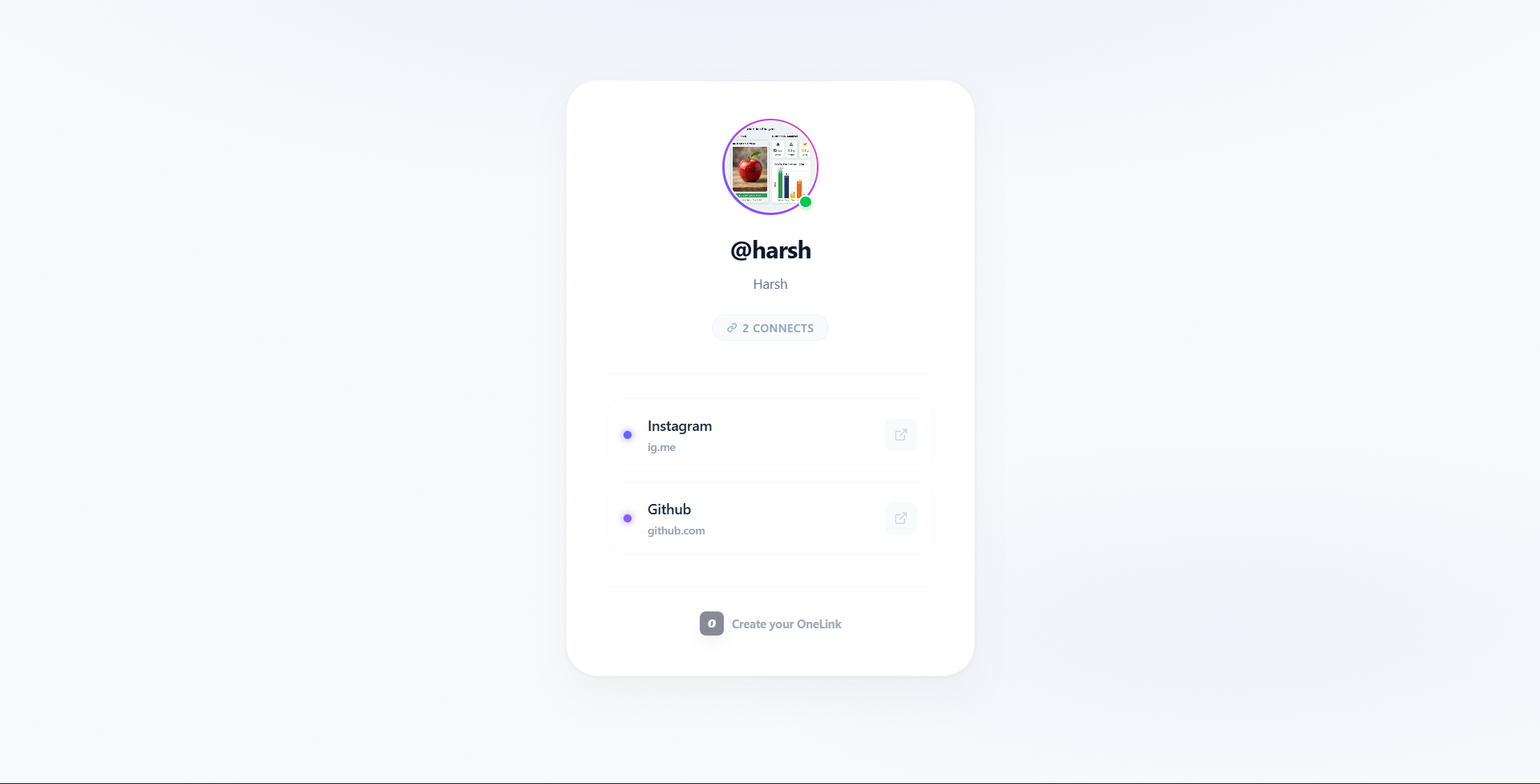
- Public Digital Business Card: A dedicated shareable URL (e.g.,
/public-profile) that presents your brand in a professional “Executive” theme. - Secure Authentication: Full user signup and login system with encrypted credentials and session management.
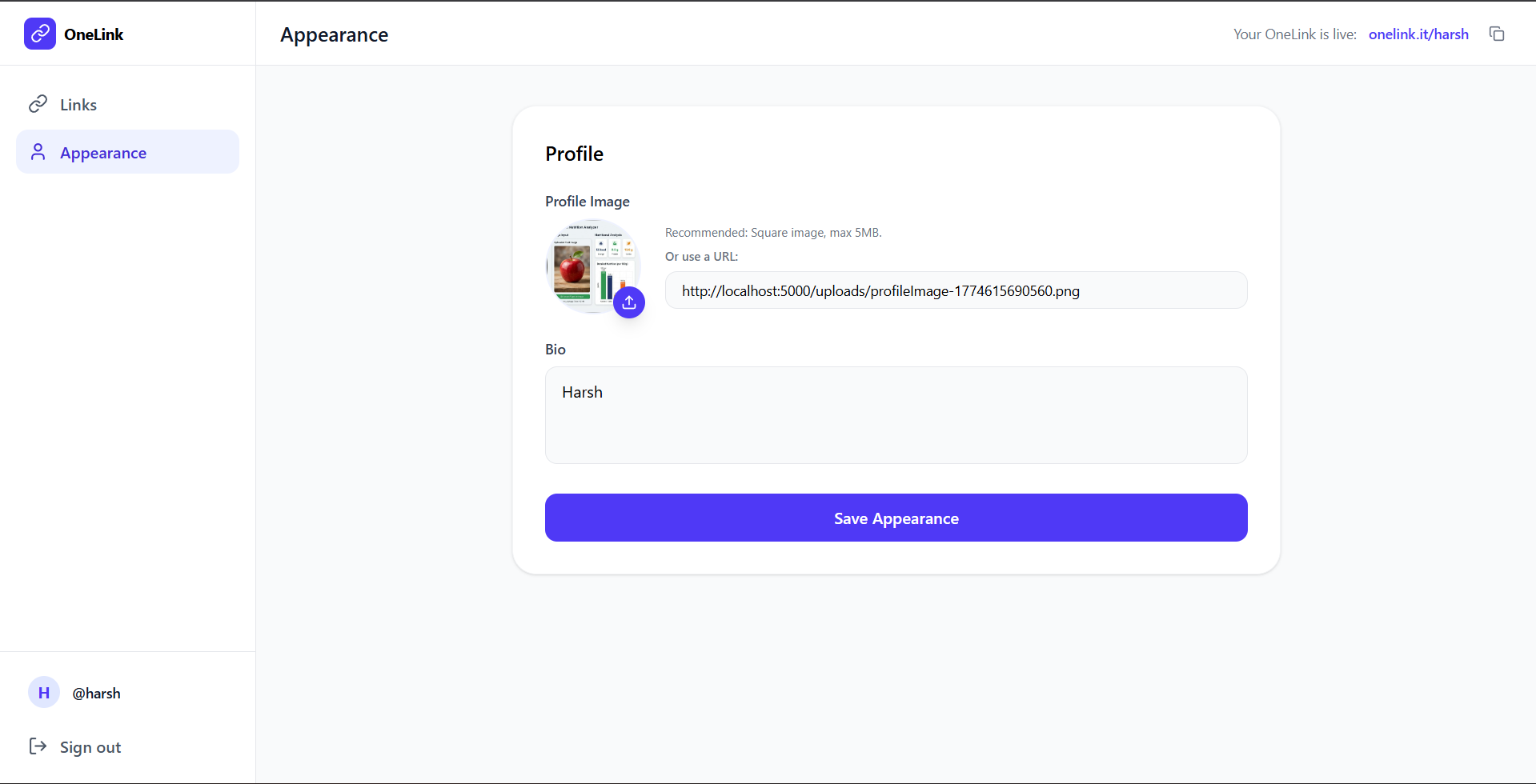
- Profile Personalization: Upload profile imagery and craft a compelling bio to personalize your landing page.
- Mobile-First Responsive Design: Optimized for seamless viewing on smartphones, tablets, and desktops.
Functionality
- Dashboard: A private workspace for users to manage their links, monitor their profile, and adjust settings.
- Link Sorting Engine: Powered by
@dnd-kit, allowing for precise control over the hierarchy of content. - RESTful API: A robust backend that handles data persistence, authentication, and file uploads.
- Real-time Feedback: Integrated notifications (React Hot Toast) for account actions and errors.
- Executive UI System: A custom-themed frontend focusing on light-mode sophistication and professional branding.
Technology Used
- Frontend:
- React.js: Builds the user interface and component structure using a modern, reactive approach.
- Axios: Handles API communication between the frontend and the backend efficiently.
- React Router DOM: Manages client-side routing, enabling seamless page navigation without reloads.
- Tailwind CSS 4: Provides a utility-first design system for building a premium, responsive “Executive” UI.
- dnd-kit: Implements advanced drag-and-drop functionality for intuitive link reordering.
- Lucide React: Supplies a consistent and professional set of icons for the interface.
- Backend:
- Node.js & Express.js: Powers the server setup, middleware management, and API routing.
- jsonwebtoken (JWT): Implements secure, token-based authentication for user sessions.
- bcrypt.js: Provides robust password encryption and hashing to ensure user security.
- dotenv: Manages sensitive environment variables like database URIs and secret keys safely.
- Multer: Facilitates image and file uploads for profile picture personalization.
- Database:
- MongoDB (Mongoose): Stores user profiles, link collections, and platform metadata in a flexible NoSQL format.
Why This Project Is Useful
- Bypasses Platform Limits: Solves the “single link” restriction on platforms like Instagram and TikTok by providing one link that leads to everything.
- Professional Branding: Replaces cluttered, generic link pages with a sleek, executive-style card that enhances credibility and professional image.
- Centralized Management: Update your portfolio, contact info, or social handles in one dashboard—no need to change the “bio link” on every platform individually.
- Frictionless Access: Provides a fast-loading, mobile-optimized experience that ensures followers can find exactly what they need in seconds.
Deployment and Environment Setup
- Environment Variables Setup:
- backend/.env
- PORT: 3000
- MONGO_URI: mongodb_url_string
- JWT_SECRET: your_jwt_secret_key_here (if needed)
- frontend/.env
- VITE_API_URL: backend_url
- backend/.env
- Deployment Overview:
- Render or Railway for backend hosting
- Vercel or Netlify for frontend hosting
- MongoDB Atlas for the database
- Backend Deployment:
- Push your code to GitHub.
- Go to Render.com or Railway.app.
- Create a new Web Service and connect your GitHub repository.
- Choose “backend/” as the root directory.
- Add the following environment variables on Render:
- PORT=10000
- MONGO_URI=your MongoDB Atlas URI
- JWT_SECRET=your JWT secret
- Start command: npm start (Ensure your backend/package.json includes “start”: “node server.js”)
- After deployment, note your backend URL, e.g. https://your-backend-name.onrender.com
- Frontend Deployment:
- Go to Vercel.com or Netlify.com.
- Create a new project and connect the GitHub repo.
- Select the “frontend/” folder as root.
- In environment variables, set:
- VITE_API_URL=https://your-backend-domain.com/api (or REACT_APP_API_URL if using CRA)
- Deploy.
- MongoDB Atlas Setup:
- Go to https://cloud.mongodb.com
- Create a free cluster.
- Add your current IP address in Network Access.
- Create a database user and password.
- Copy the connection string and replace username, password, and database name in MONGO_URI in backend/.env
Download Source Code
Project Setup Instructions
Note: This project is for educational purposes only. Not for commercial sale.


