
Project Overview
The Voting System is a professional MERN-stack application designed to modernize traditional voting through a secure, transparent, and user-friendly digital platform. It features a robust Role-Based Access Control (RBAC) system, ensuring a clear division between administrative management and voter participation.
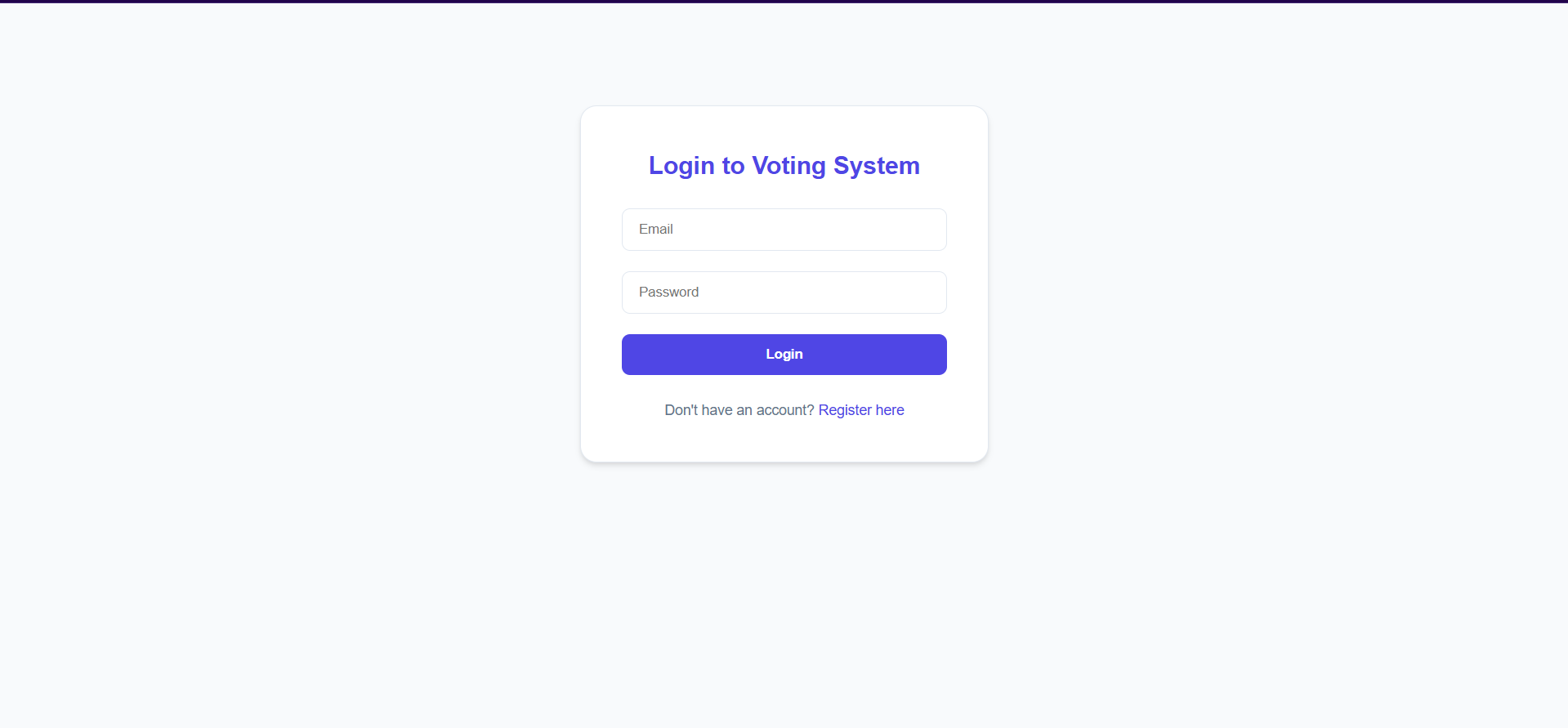
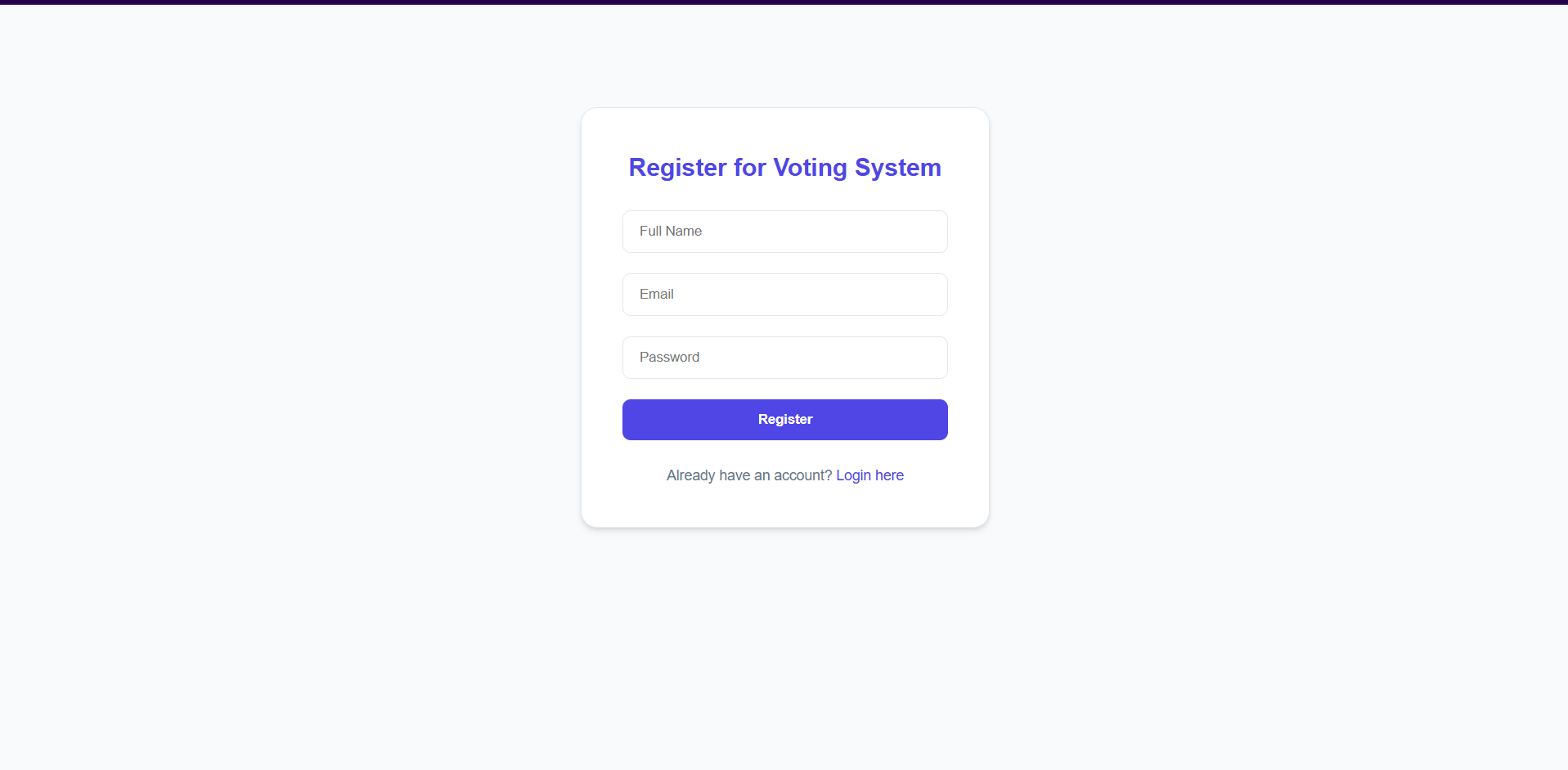
Screenshots
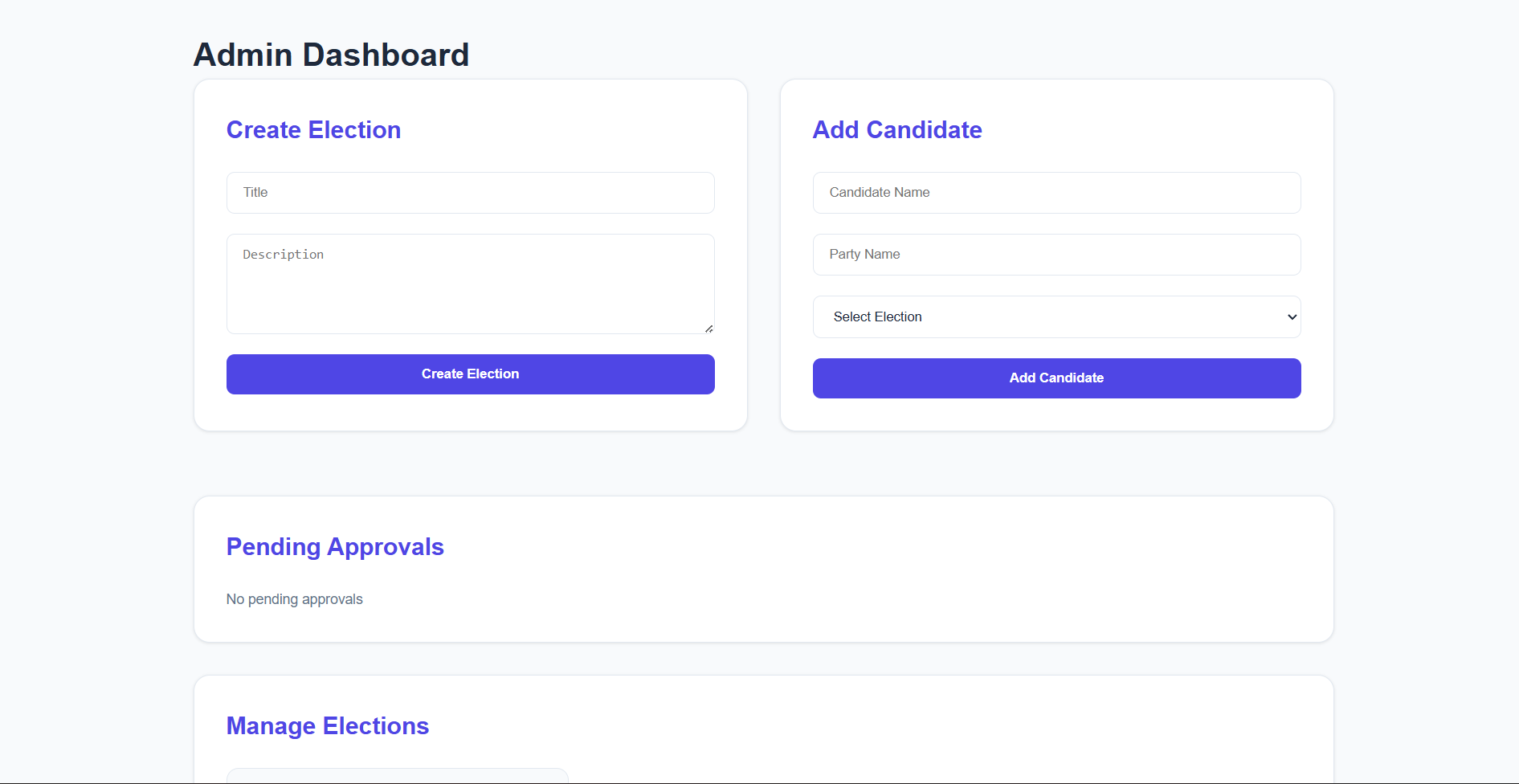
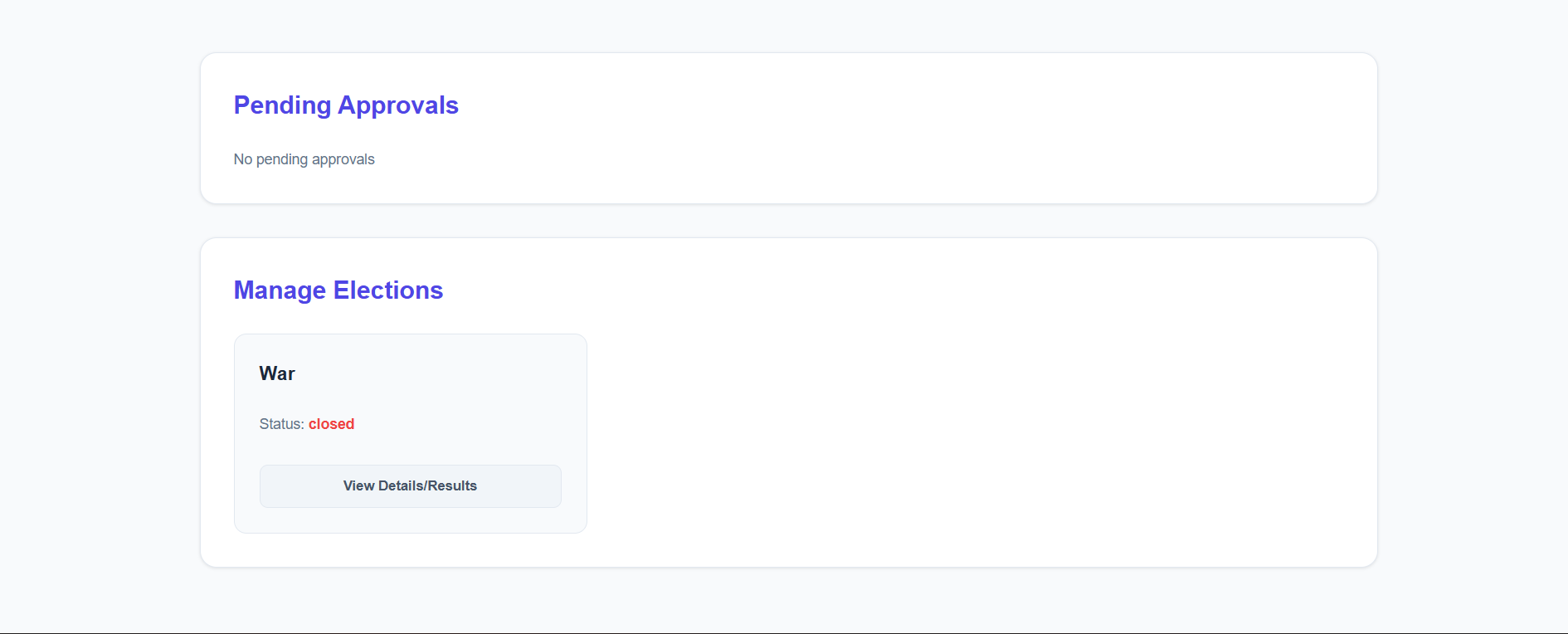
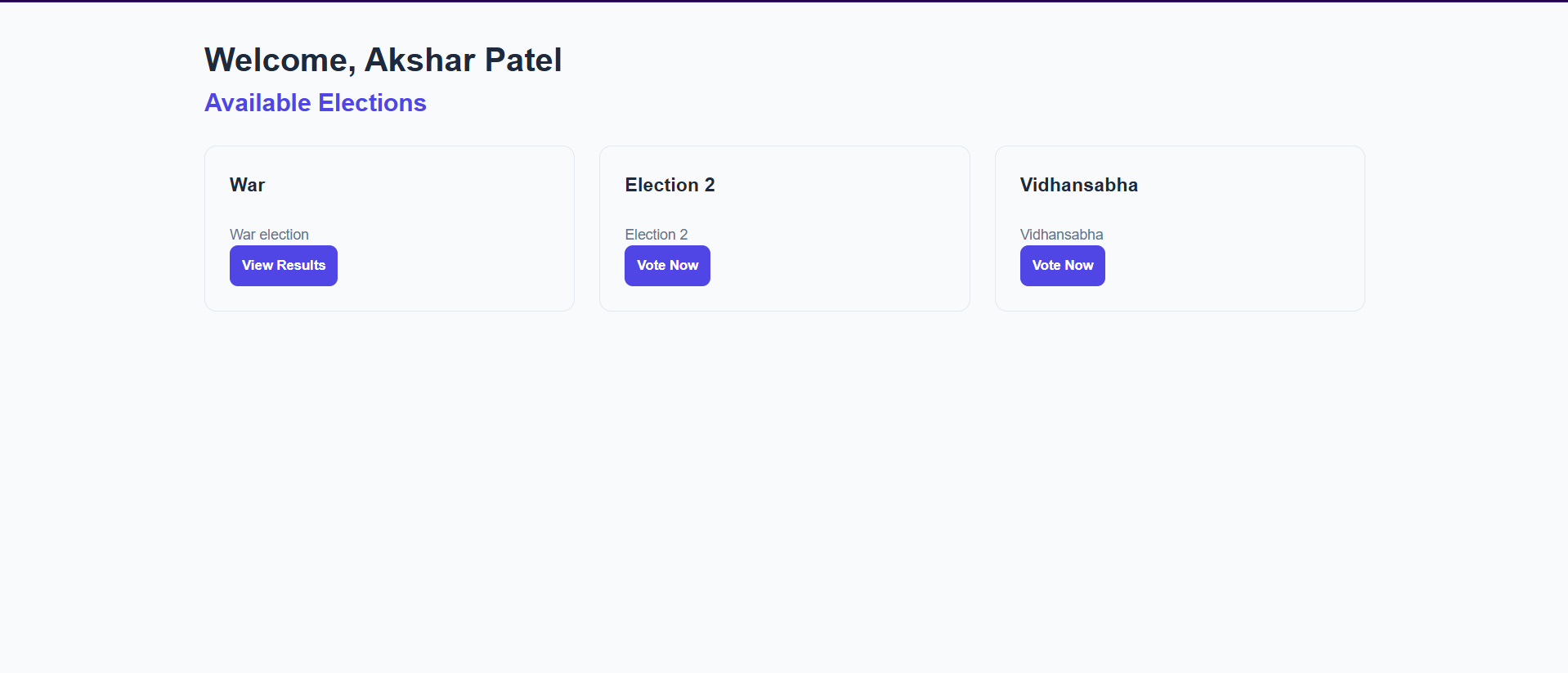
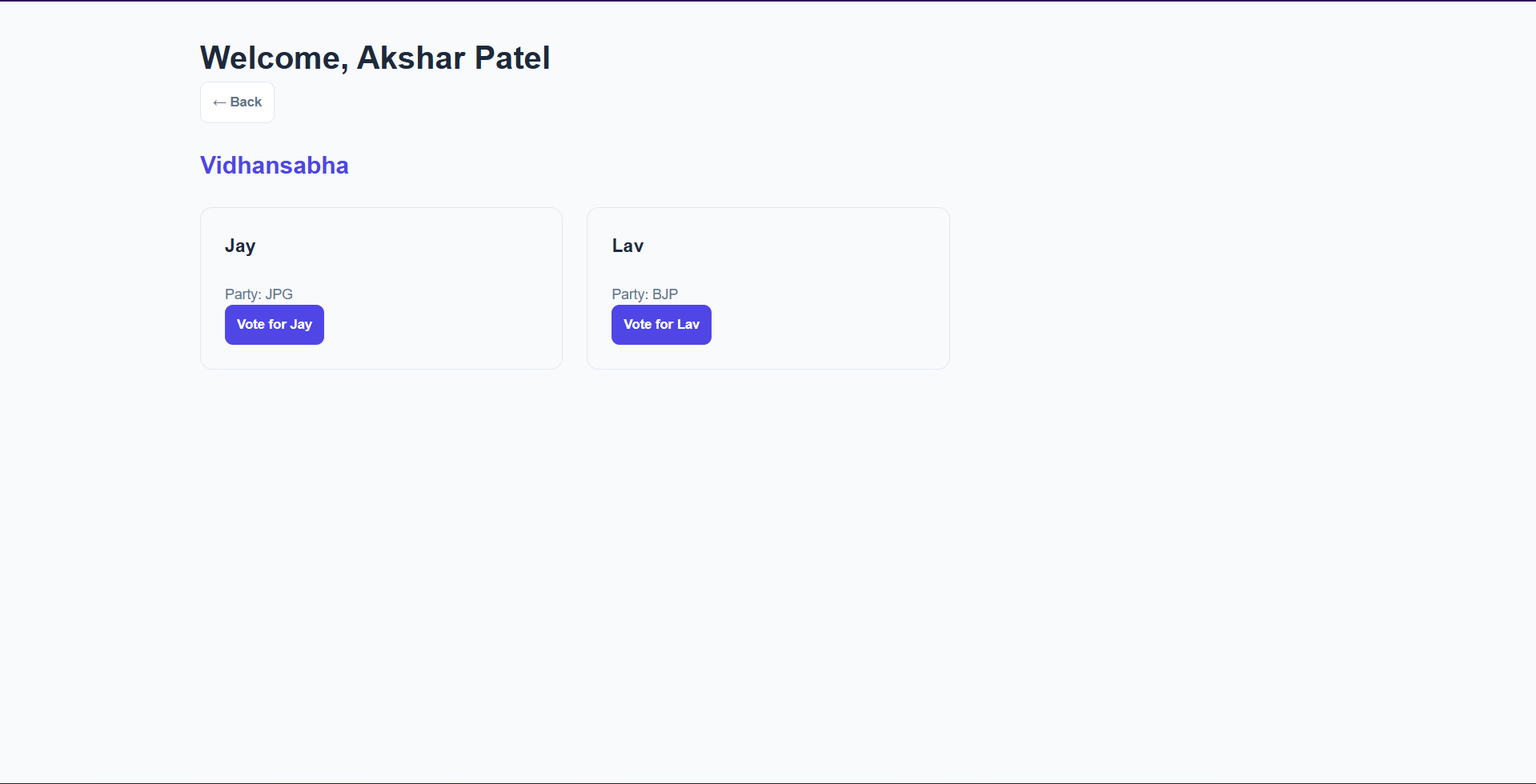
Key Features
- Voter Verification (Manual Approval): Admins must manually approve every registered user before they can cast a vote, preventing unauthorized participation.
- One-Vote Security: The system strictly enforces a “one vote per user per election” rule using database-level checks.
- Dynamic Election Lifecycle: Elections can be moved through different states: Pending (drafting), Active (voting open), and Closed (results ready).
- Candidate Drill-down: Admins can view detailed results and candidate performance for any election in a sleek, interactive overlay.
- Premium Light Theme: A clean, accessible light-mode palette with subtle animations and professional shadows.
Functionality
- ADMIN
- Manage Elections: Create new voting events with titles and descriptions.
- Candidate Setup: Add candidates and their party affiliations to specific elections.
- Approval Queue: Monitor a list of new registrants and approve their accounts.
- Real-time Oversight: Monitor vote tallies as they happen.
- USER
- Secure Auth: Register and login with secure, encrypted sessions.
- Election Portal: Browse ongoing and upcoming elections.
- Interactive Ballot: Cast a vote for a preferred candidate once approved.
- Result Transparency: View final winners and vote breakdowns for concluded elections.
Technology Used
- Frontend: React.js (Vite), Axios, React Router, and Premium Vanilla CSS.
- Backend: Node.js & Express.js.
- Database: MongoDB with Mongoose ODM.
- Security: JSON Web Tokens (JWT) for authentication and Bcrypt.js for industry-standard password hashing.
- Configuration: Dotenv for secure environment variable management.
Why This Project Is Useful
- Security Over Simplification: Unlike basic polls, this system uses a multi-layered security approach (JWT + Admin Approval + DB Constraints) to prevent fraudulent activity.
- Scalability: The modular MERN architecture allows the system to handle increasing numbers of voters and concurrent elections efficiently.
- Trust & Transparency: By providing real-time results and a clear election status, it builds high levels of trust among participants.
- Accessibility: Being a web-based responsive application, it allows for high participation rates as voters can access the system from any device.
Deployment and Environment Setup
- Environment Variables Setup:
- backend/.env
- PORT: 5000
- MONGO_URI: mongodb_url_string
- JWT_SECRET: your_jwt_secret_key_here (if needed)
- frontend/.env
- VITE_API_URL: backend_url
- backend/.env
- Deployment Overview:
- Render or Railway for backend hosting
- Vercel or Netlify for frontend hosting
- MongoDB Atlas for the database
- Backend Deployment:
- Push your code to GitHub.
- Go to Render.com or Railway.app.
- Create a new Web Service and connect your GitHub repository.
- Choose “backend/” as the root directory.
- Add the following environment variables on Render:
- PORT=10000
- MONGO_URI=your MongoDB Atlas URI
- JWT_SECRET=your JWT secret
- Start command: npm start (Ensure your backend/package.json includes “start”: “node server.js”)
- After deployment, note your backend URL, e.g. https://your-backend-name.onrender.com
- Frontend Deployment:
- Go to Vercel.com or Netlify.com.
- Create a new project and connect the GitHub repo.
- Select the “frontend/” folder as root.
- In environment variables, set:
- VITE_API_URL=https://your-backend-domain.com/api (or REACT_APP_API_URL if using CRA)
- Deploy.
- MongoDB Atlas Setup:
- Go to https://cloud.mongodb.com
- Create a free cluster.
- Add your current IP address in Network Access.
- Create a database user and password.
- Copy the connection string and replace username, password, and database name in MONGO_URI in backend/.env
Download Source Code
Project Setup Instructions
Note: This project is for educational purposes only. Not for commercial sale.


