
Project Overview
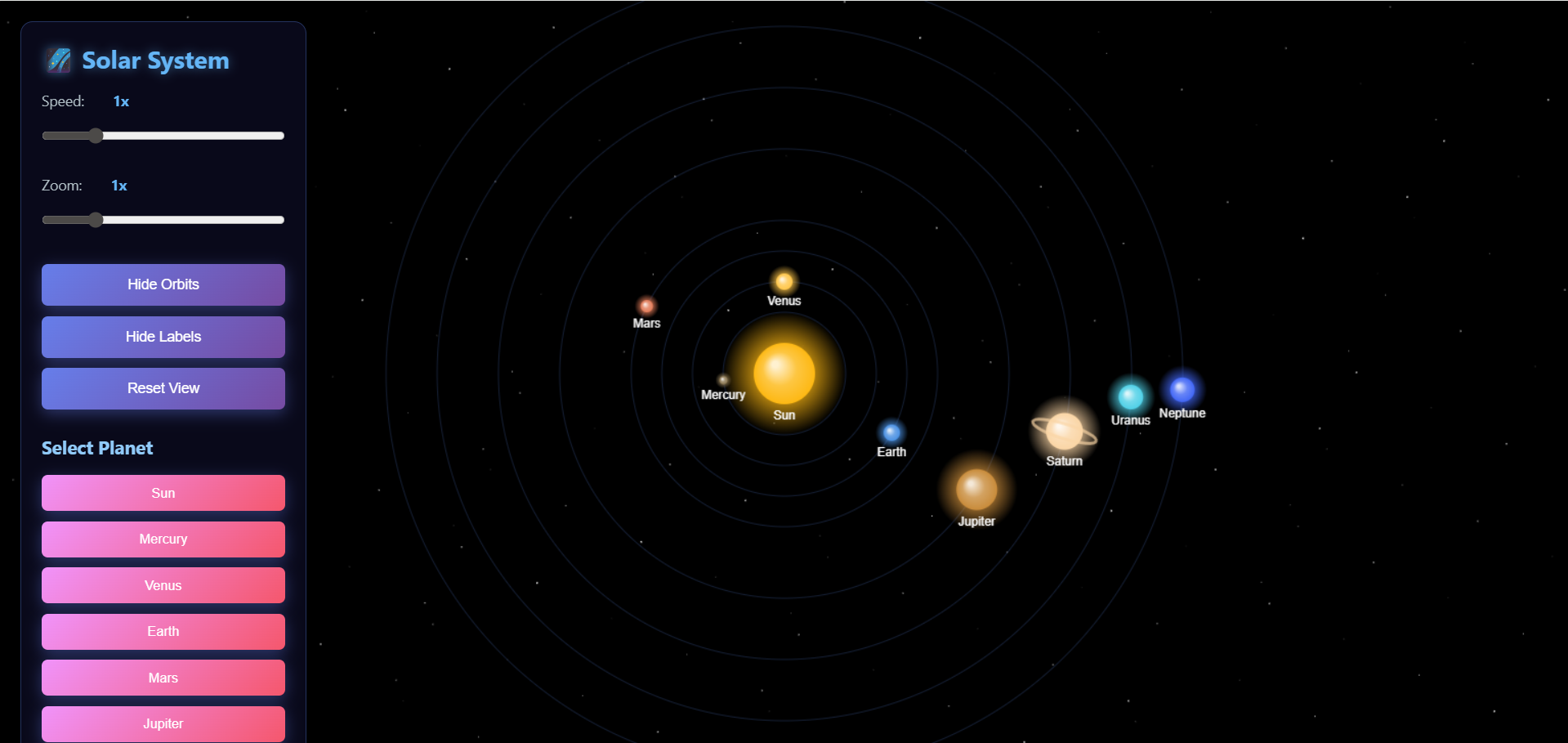
The 3D Solar System Explorer is an interactive web-based simulation built using HTML5 Canvas and JavaScript.
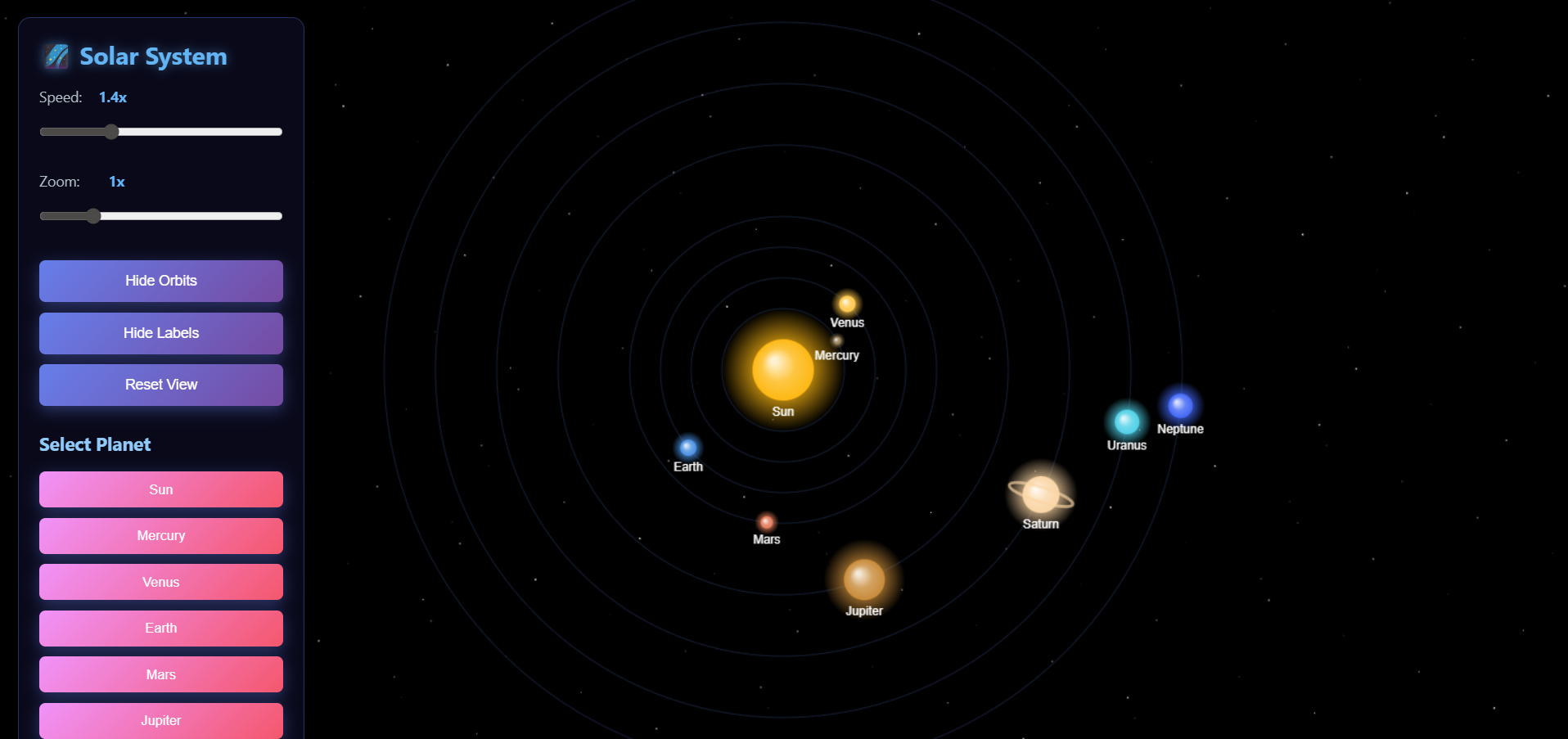
It visualizes the solar system with animated planetary orbits, zooming, dragging, information panels, and smooth UI controls.
The project demonstrates how planets move around the Sun using trigonometric motion and real-time rendering.
Screenshots

Key Features
Realistic Solar System Animation
- Each planet orbits the Sun with its defined speed.
- Custom radius, distance, color, and glow effects.
- Saturn includes animated rings.
Interactive Camera Controls
- Drag to move the view.
- Zoom in/out using the mouse wheel or slider.
Control Panel
- Adjust simulation speed.
- Adjust zoom level.
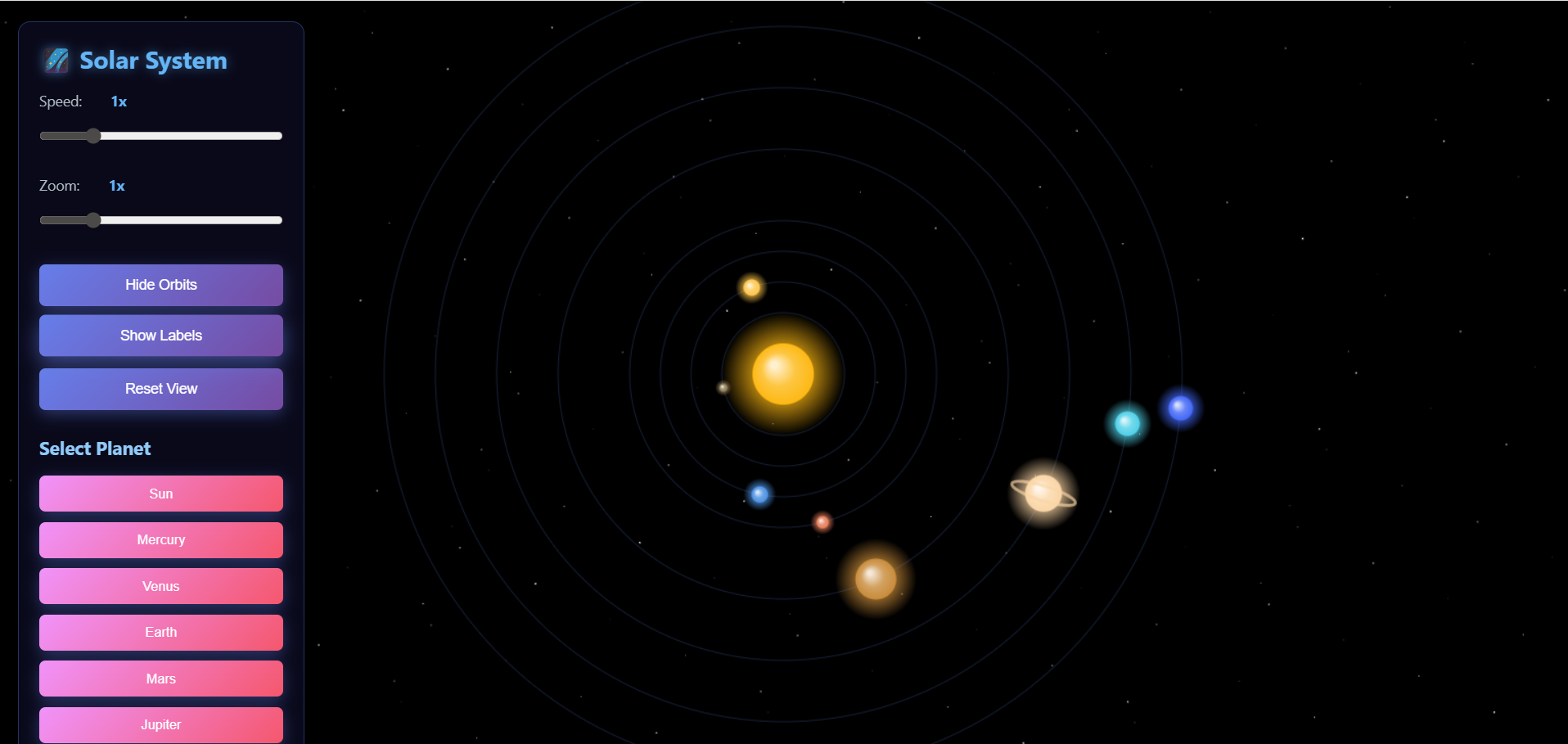
- Toggle planet labels.
- Toggle orbit paths.
- Reset the camera view.
Planet Information Panel
- Displays important details such as planet type, diameter, mass, orbital period, and number of moons.
- Opens when a user selects any planet from the control panel.
Clean and Modern UI
- Glassmorphism-style UI design.
- Smooth animation rendering using
requestAnimationFrame. - Organized layout for easy navigation.
Functionality
Canvas and Rendering
- The canvas automatically resizes to window dimensions.
- Background stars are drawn using small random points.
- All planets are rendered in real-time inside an animation loop.
Planet Motion
- Each planet has predefined properties:
- name, radius, distance, speed, color, and information object.
- The orbit position is calculated as:
- x = centerX + cos(angle) * distance
- y = centerY + sin(angle) * distance
- Speed slider affects how fast the planets revolve.
Camera System
- Allows panning the solar system by dragging the mouse.
- Zooming changes scale for planets, orbits, and labels.
User Interface Controls
- Speed control adjusts revolution time.
- Zoom control changes the size of planets and orbits.
- Orbit and label toggles control visual elements.
- Reset button restores default camera and hides info panel.
Planet Information System
- Each planet has a button.
- Clicking the button opens a panel containing:
- Planet type
- Diameter
- Mass
- Orbital period
- Number of moons
- Selected planet is highlighted in the canvas.
Technology Used
- HTML5
- CSS3
- JavaScript ES6
Why This Project Is Useful
- Provides an interactive visualization to understand how planets orbit the Sun.
- Demonstrates strong knowledge of JavaScript animations and Canvas API.
- Shows practical implementation of mathematical concepts like circular motion using
sinandcos. - Good project for frontend portfolios, computer graphics assignments, and JavaScript practice.
- No external libraries are used, proving core JavaScript skills.
Download Source Code
Project Setup Instructions
Note: This project is for educational purposes only. Not for commercial sale.


