
Project Overview
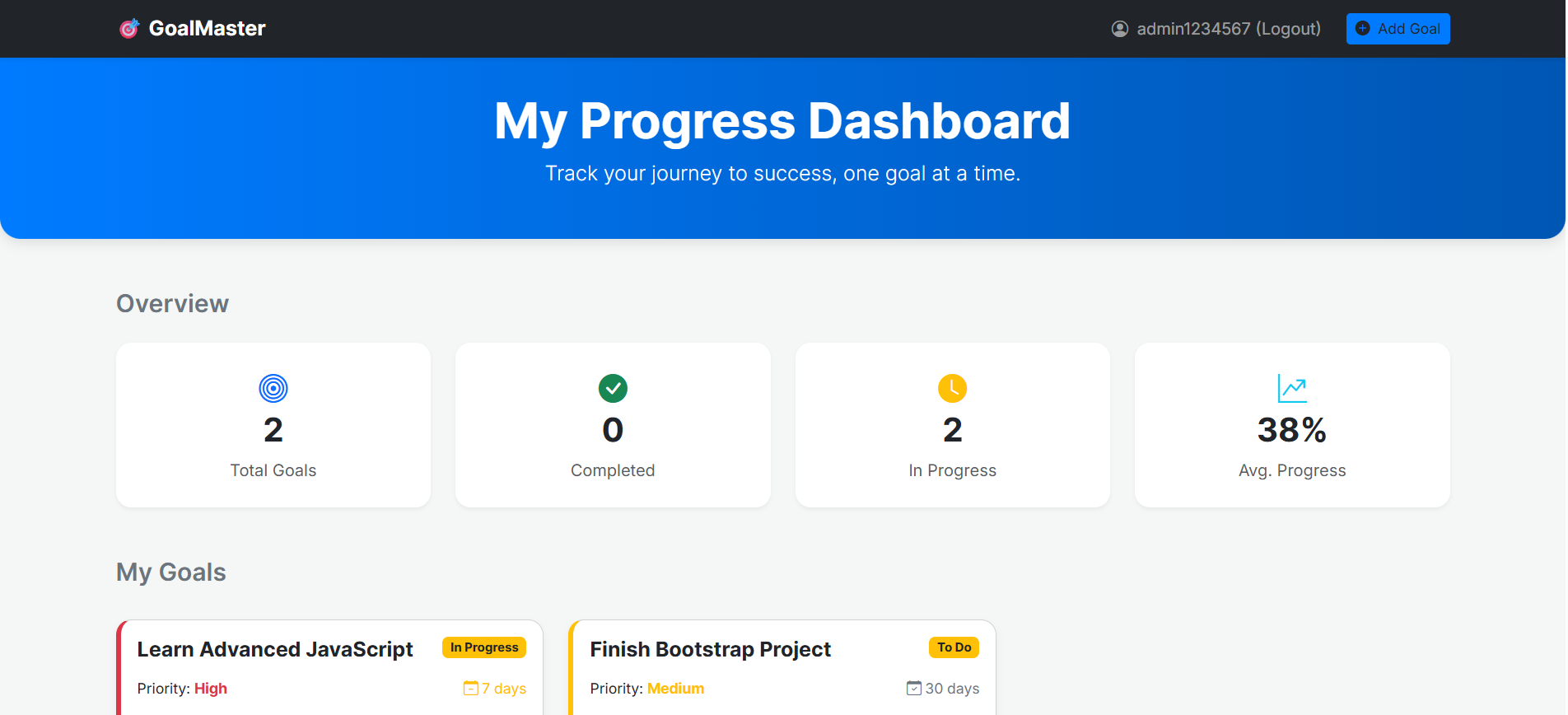
The Advanced Goal Tracker Dashboard is a full-featured web application that enables users to set personal goals, update progress, manage priorities, and visualize statistics in a clean dashboard UI.
The system includes a complete login and registration module built using localStorage, eliminating the need for a backend.
The application is responsive, user-friendly, and suitable for academic submissions and portfolio projects.
Screenshots


Key Features
1. User Authentication
- Users can register and log in using localStorage-based authentication.
- Passwords are stored using a simple encoded format.
- Once logged in, the dashboard becomes accessible.
- Logout clears the active user session.
2. Goal Management
- Users can create new goals.
- Each goal can be edited or updated.
- Users can delete unwanted goals.
- Each goal includes title, target, progress, due date, and priority.
- Goals are stored separately for each user using a unique key.
3. Dashboard Statistics
The application automatically generates useful analytics:
- Total number of goals
- Number of completed goals
- Goals that are still in progress
- Overall progress percentage across all goals
4. Responsive Interface
- Designed using Bootstrap 5 for a clean and adaptable layout.
- Fully responsive on mobile, tablet, and desktop devices.
- Smooth card layout and user-friendly interactions.
5. Local Storage Integration
All user data and goals are stored in the browser using localStorage:
- Registered users
- Logged-in user session
- User-specific goals
Functionality
1. Registration & Login System
- Users can create accounts with a username and password.
- Login validates user credentials.
- Passwords are saved in an encoded format using base64.
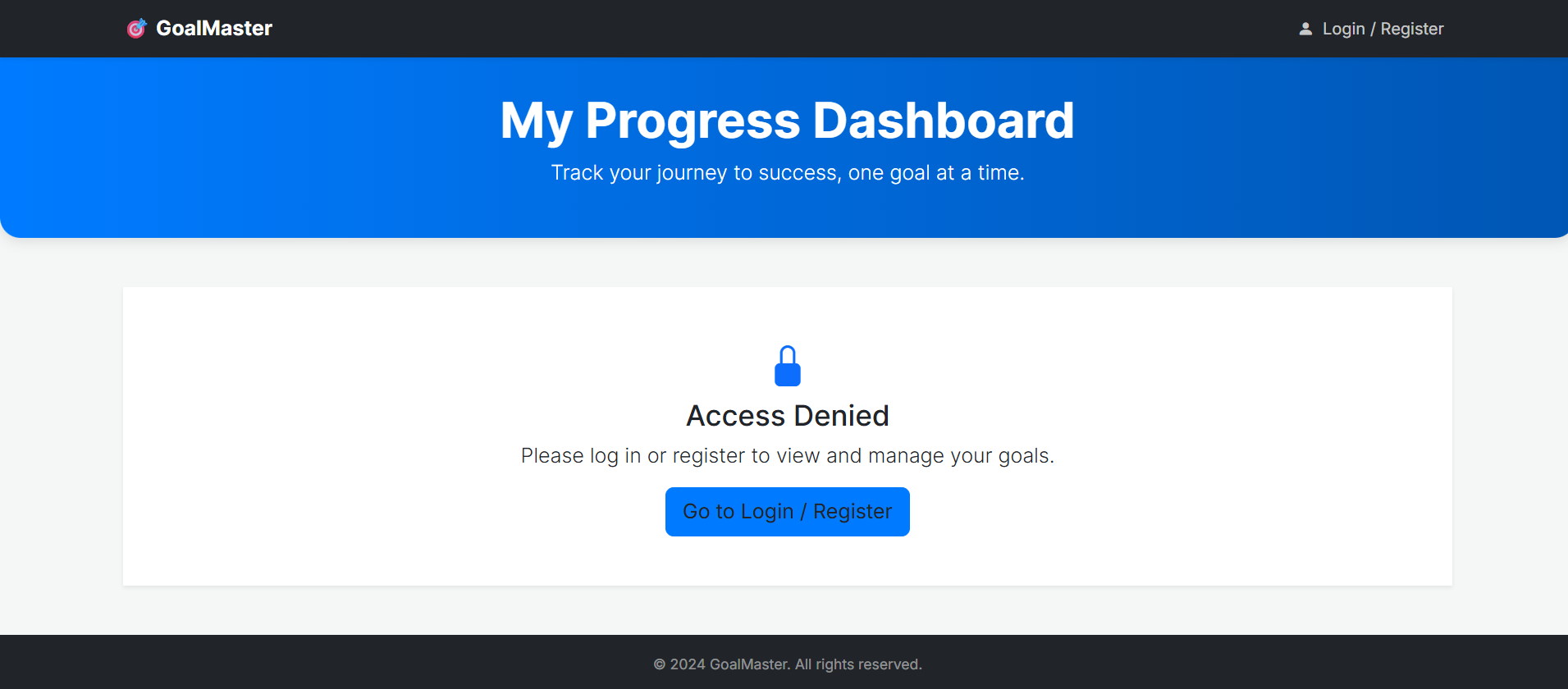
- The application shows or hides the dashboard depending on login state.
2. Adding Goals
Each goal created by the user contains:
- Goal title
- Target value
- Current progress value
- Priority level (Low, Medium, High)
- Due date
- Percentage progress automatically calculated
3. Editing Goals
- Clicking the edit button opens a modal with pre-filled data.
- Users can update any field including title, progress, and priority.
- Data is updated in localStorage instantly.
4. Deleting Goals
- The delete button removes the selected goal.
- The dashboard refreshes automatically to reflect the change.
5. Dashboard Data & Statistics
The system visually displays:
- Total goals created by the user
- Completed goals (100% progress)
- Goals still in progress
- Average progress across all goals
These statistics update automatically whenever goals are added, edited, or deleted.
6. Priority Color Coding
- High priority goals display a red border.
- Medium priority goals use a yellow border.
- Low priority goals use a teal or green border.
7. Responsive Layout
- Grid-based card layout adjusts to screen size.
- The Add Goal button remains easily accessible on all devices.
- Clean spacing, rounded corners, and a modern design improve readability.
Technology Used
- HTML5 for structure and content
- CSS3 for styling and layout
- Bootstrap 5 for responsive design and UI components
- Bootstrap Icons for iconography
- JavaScript (ES6) for all interactive and logical functionality
- localStorage for persistent data storage
Why This Project Is Useful
- Helps users track and manage personal or academic goals effectively.
- Demonstrates CRUD operations using JavaScript.
- Serves as a practical example of localStorage-based authentication.
- Contains a real-world dashboard design suitable for portfolios.
- Ideal for academic projects requiring functional UI and logic.
Download Source Code
Project Setup Instructions
Note: This project is for educational purposes only. Not for commercial sale.


