
Project Overview
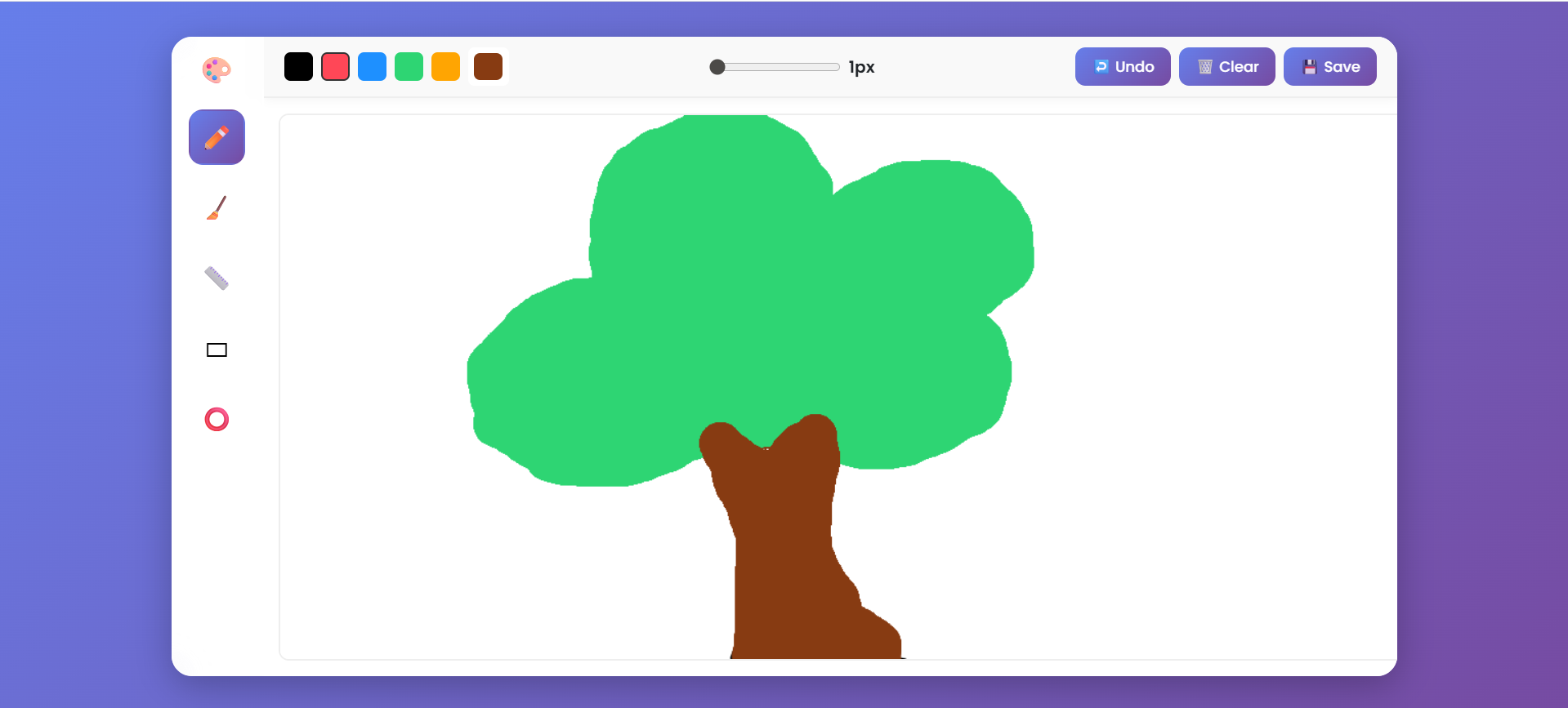
Drawing Studio Pro is a browser-based digital drawing application that allows users to create, edit, and save artwork easily. The app provides a clean interface with essential drawing tools such as pen, eraser, shapes, and color selection, making it suitable for beginners and creative users alike.
Screenshots


Key Features
- Multiple drawing tools: Pen, Eraser, Line, Rectangle, and Circle
- Adjustable brush size and color palette
- Undo and clear canvas options
- Save drawings as image files
- Responsive and modern user interface built with Bootstrap
- Real-time brush size and color indicator
Functionality
- Users can select a drawing tool and color.
- Adjust brush size using the slider.
- Draw freely on the canvas using the mouse.
- Use the undo button to revert the last action.
- Clear the entire canvas with a single click.
- Save the artwork as a PNG image directly from the app.
Technology Used
- HTML5: Used to create semantic and well-structured web content.
- CSS3: Handles styling, layout, and responsiveness across all devices.
- Bootstrap 5: Provides modern, responsive UI components for faster development.
- JavaScript (ES6): Adds dynamic interactivity and functional behavior to the site.
Why Use This Project ?
Drawing Studio Pro helps users quickly sketch ideas, practice digital art, or annotate images without the need for heavy software. It demonstrates the use of HTML5 Canvas API with JavaScript for interactive drawing and offers a professional yet minimal design.
Download Source Code
Project Setup Instructions
Note: This project is for educational purposes only. Not for commercial sale.


