
Project Overview
The Expense Tracker is a full-stack web application built using the MERN stack (MongoDB, Express.js, React, Node.js) that allows users to efficiently manage and visualize their expenses.
Users can add, edit, delete, and filter their daily transactions, categorize expenses, and track spending patterns through interactive charts. The clean, modern UI ensures a smooth and intuitive user experience, helping users stay on top of their finances with clarity and control.
Screenshots
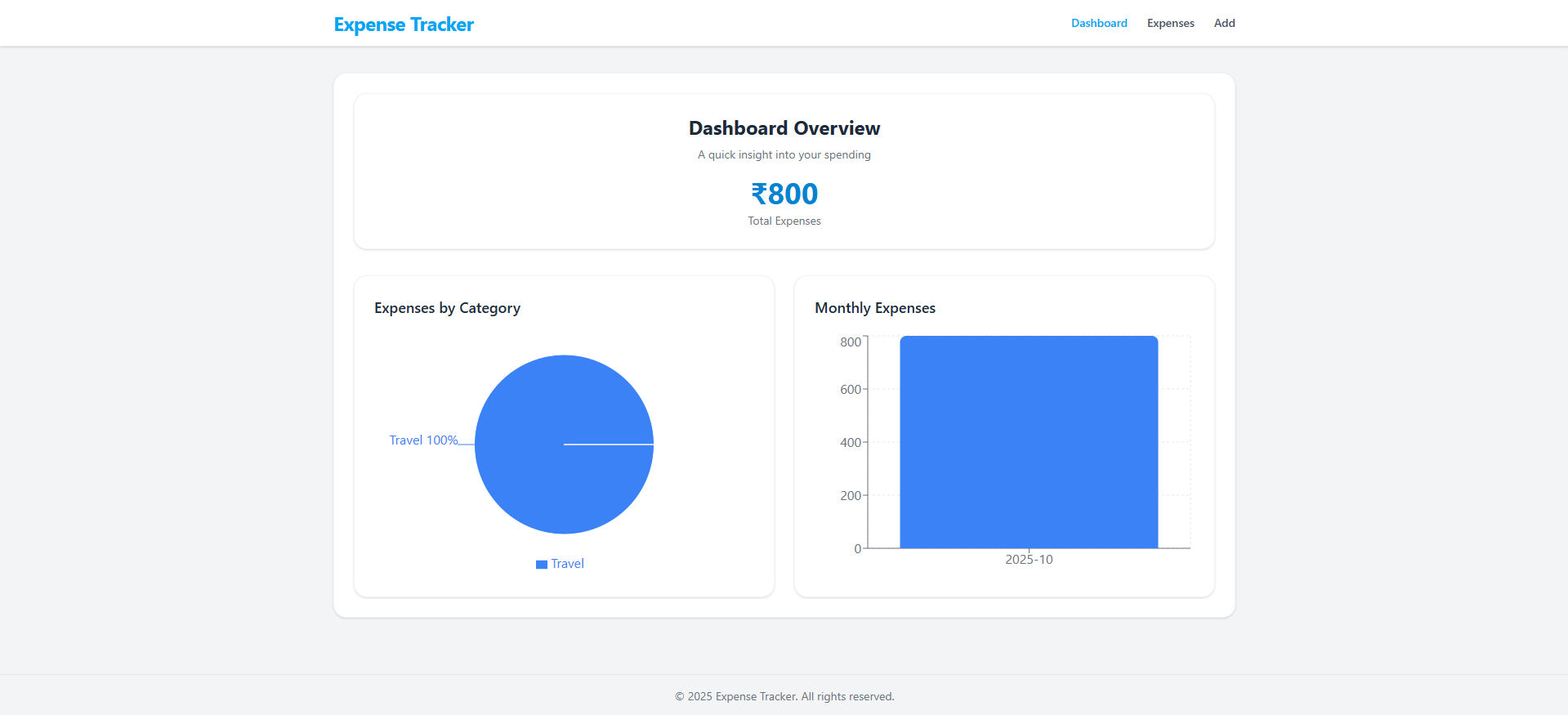
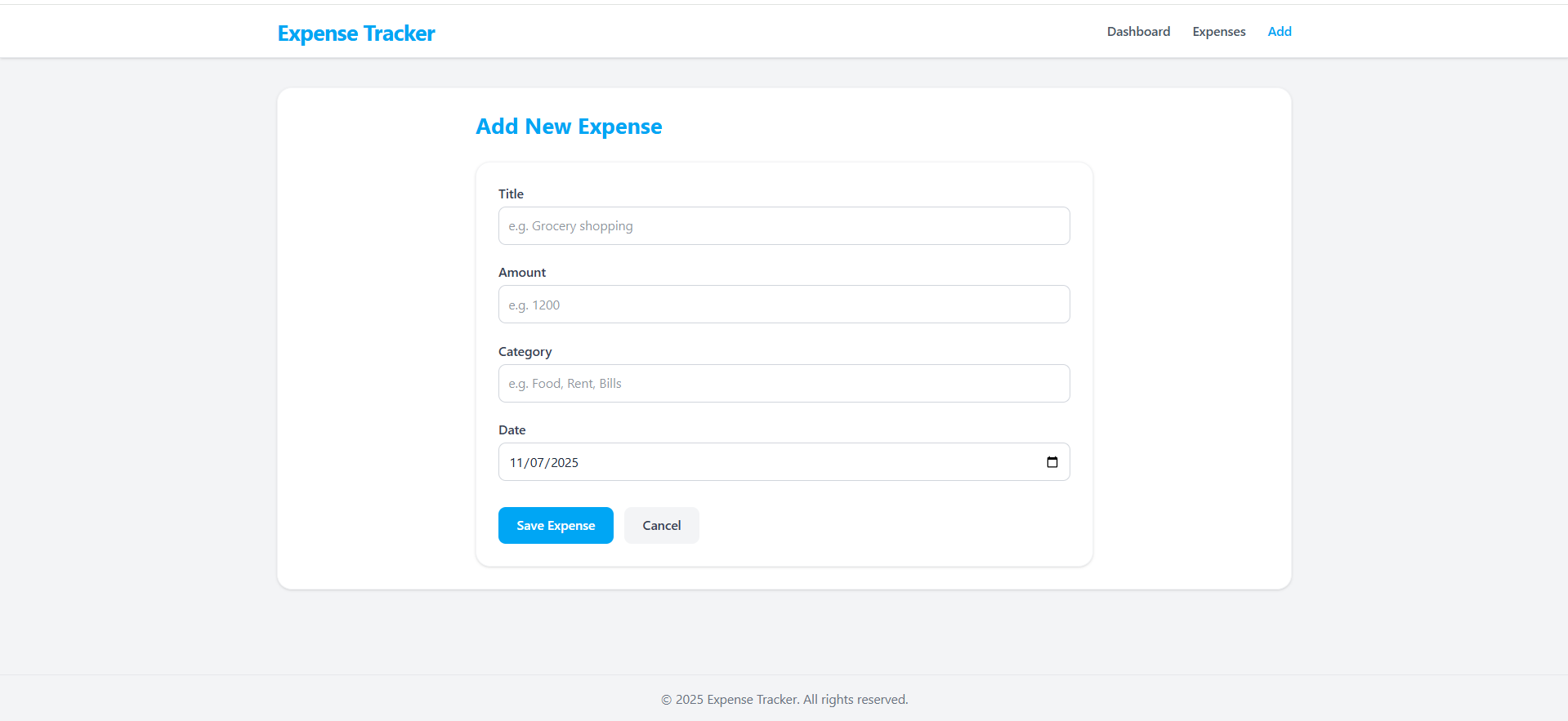
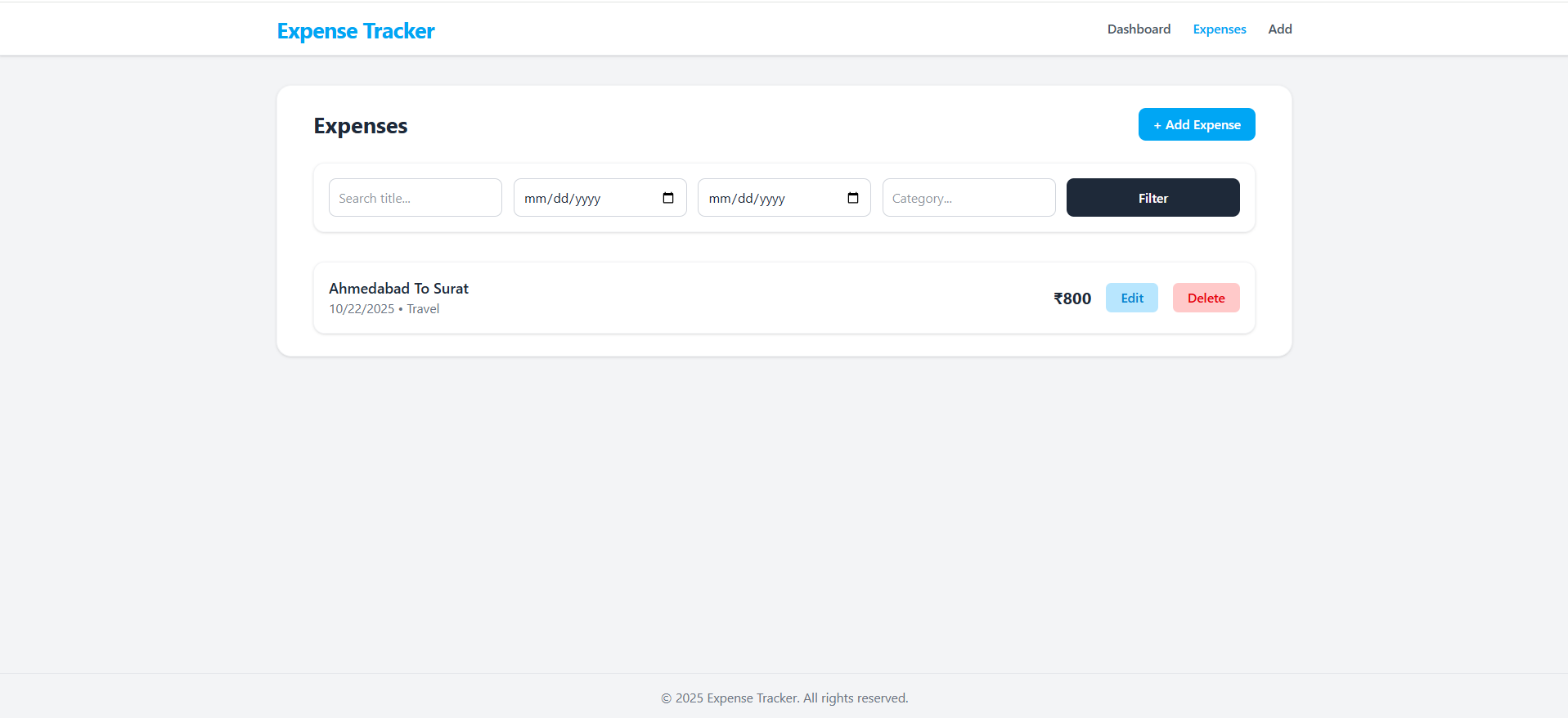
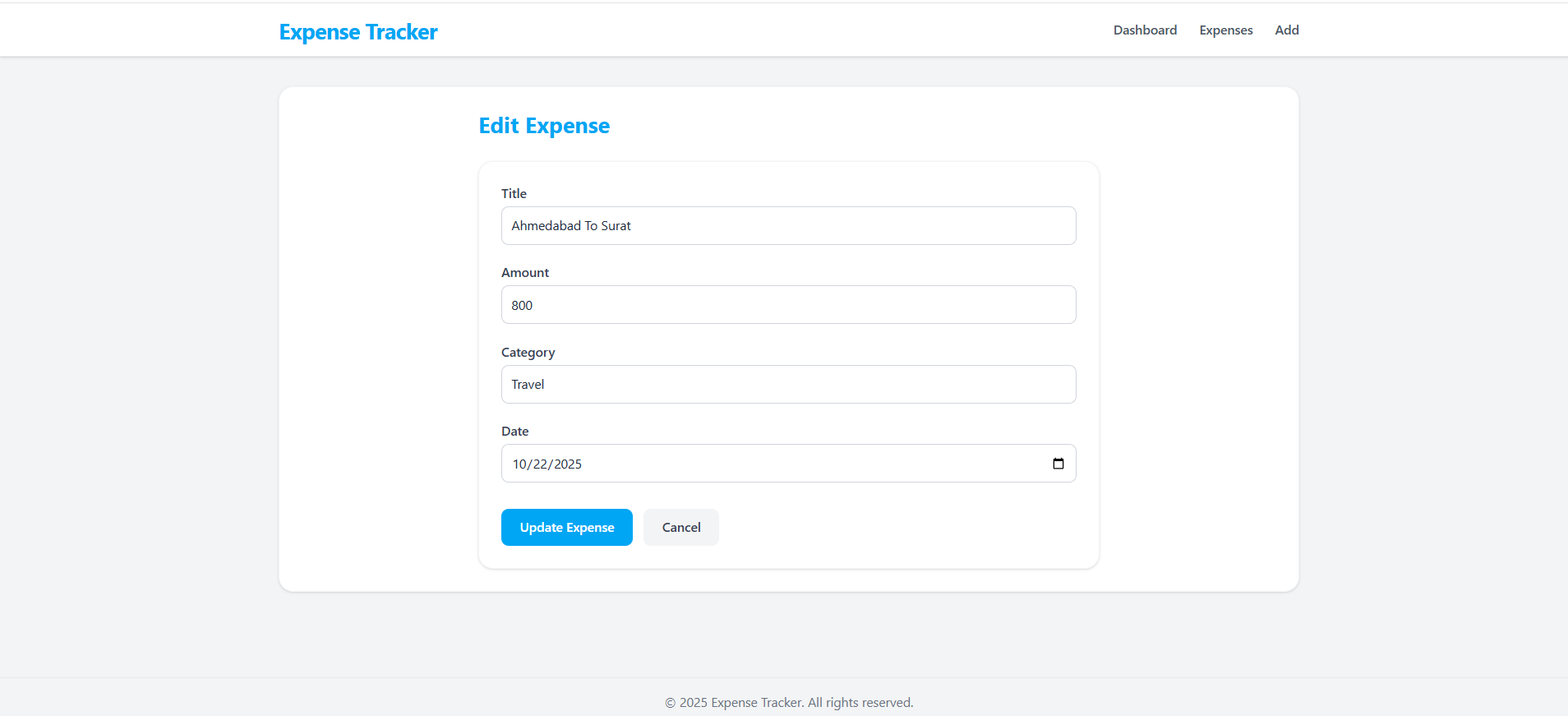
Key Features
- Modern & Minimal UI: Built with TailwindCSS v4.1 for a clean, responsive, and elegant interface.
- Real-time CRUD Operations: Instant updates on expense data using Axios and REST APIs.
- Data Visualization: Recharts integration for intuitive Pie and Bar charts.
- Smart Filtering: Quickly find expenses by keyword, date, or category.
- Aggregated Insights: Automatic calculations for category totals and monthly summaries.
- Persistent Storage: All expense data is saved in MongoDB (local database).
- Optimized Performance: Fast React app setup using Vite.
Functionality
- Add / Edit / Delete Expenses: Perform complete CRUD operations for expense management.
- Search & Filter: Filter expenses by date range, category, and keyword search.
- Dashboard Analytics:
- View total spending summary.
- Visualize category-wise expenses (Pie Chart).
- View monthly expense trends (Bar Chart).
- Responsive Design: Fully responsive layout that works seamlessly across devices.
- Data Storage: All data is stored securely in a local MongoDB database.
- Instant Updates: All changes reflect dynamically without page reloads.
Technology Used
- Frontend
- React.js (Vite): For building fast, component-based UI.
- Tailwind CSS v4.1: For modern, responsive, and utility-first styling.
- Axios: For API communication between frontend and backend.
- React Router DOM: For seamless page navigation and route protection.
- Recharts: For data visualization (Pie and Bar charts).
- Backend
- Node.js + Express.js: Server-side logic and REST API endpoints.
- MongoDB (Local): Database for storing expense records.
- Mongoose: For schema modeling and database interaction.
Why This Project Is Useful
- Personal Finance Management: Helps users understand spending habits and maintain financial discipline.
- Visual Insights: Graphs and summaries make it easier to identify trends and overspending areas.
- Practical MERN Example: Great reference project for learning full-stack development, CRUD operations, and API integration.
- Portfolio-Ready: Showcases strong UI/UX skills, React architecture, and full-stack logic.
- Self-Hosted: Runs locally – no dependency on external APIs or seed data.
Deployment and Environment Setup
- Environment Variables Setup:
- backend/.env
- PORT: 3000
- MONGO_URI: mongodb_url_string
- JWT_SECRET: your_jwt_secret_key_here (if needed)
- frontend/.env
- VITE_API_URL: backend_url
- backend/.env
- Deployment Overview:
- Render or Railway for backend hosting
- Vercel or Netlify for frontend hosting
- MongoDB Atlas for the database
- Backend Deployment:
- Push your code to GitHub.
- Go to Render.com or Railway.app.
- Create a new Web Service and connect your GitHub repository.
- Choose “backend/” as the root directory.
- Add the following environment variables on Render:
- PORT=10000
- MONGO_URI=your MongoDB Atlas URI
- JWT_SECRET=your JWT secret
- Start command: npm start (Ensure your backend/package.json includes “start”: “node server.js”)
- After deployment, note your backend URL, e.g. https://your-backend-name.onrender.com
- Frontend Deployment:
- Go to Vercel.com or Netlify.com.
- Create a new project and connect the GitHub repo.
- Select the “frontend/” folder as root.
- In environment variables, set:
- VITE_API_URL=https://your-backend-domain.com/api (or REACT_APP_API_URL if using CRA)
- Deploy.
- MongoDB Atlas Setup:
- Go to https://cloud.mongodb.com
- Create a free cluster.
- Add your current IP address in Network Access.
- Create a database user and password.
- Copy the connection string and replace username, password, and database name in MONGO_URI in backend/.env
Download Source Code
Project Setup Instructions
Note: This project is for educational purposes only. Not for commercial sale.


